
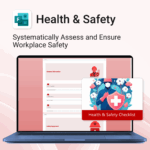


Health & Safety for MS Forms
$29.95
Renovate with confidence — built for project managers, homeowners, and builders alike.
-
- Manage budgets, teams, tasks, and timelines all in MS Project.
- Built-in flow from design to demolition to final inspection.
- Perfect for homeowners, contractors, and renovation planners.
- Customizable for any property type or scope.
Plan, coordinate, and execute your renovation project with ease
Property Renovation for MS Project is an all-in-one template designed to help you manage every stage of a renovation—from design planning to final touches—with confidence and clarity.
Easy to import and includes the following:
| License Type | Professional/Freelancer (1 User), Business (Up to 25 Users) |
|---|
 ChatGPT
 OneNote
 FREE
FREE MS Project
 MS Forms
 MS Lists
 Outlook
 Excel
Excel Bonus
Bonus Copilot
 MS Teams
 Power BI
Related Products
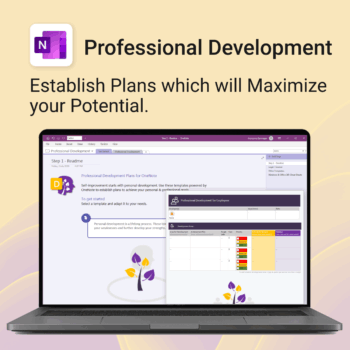
Grow with confidence. Track your progress. Achieve your goals.
- Start fast with guided templates and expert structure
- Track skills, goals, and leadership development in one place
- Adaptable for individuals, teams, or HR managers
- Simple enough for beginners, powerful enough for pros
- Always accessible inside OneNote on any device
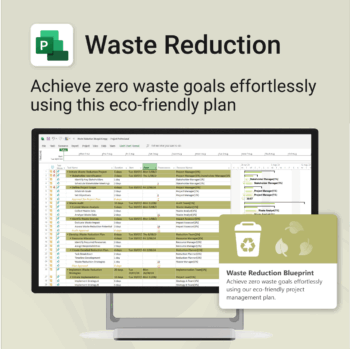
Turn sustainability from a goal into a system — built in MS Project.
-
- Designed for eco-focused teams and initiatives.
- Visualizes every phase of your waste reduction plan.
- Fully editable in MS Project — no need to start from scratch.
- Perfect for compliance, green certifications, and internal audits.
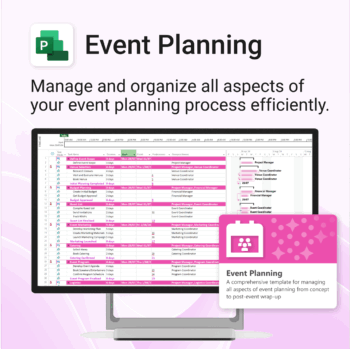
Manage &organize all aspects of your event planning.
-
- Crystal-clear timelines — no clutter, no chaos.
- Built for MS Project — plan every detail with ease.
- Drag, drop, done — effortless task tracking.
- Syncs anywhere — stay on top from any device.
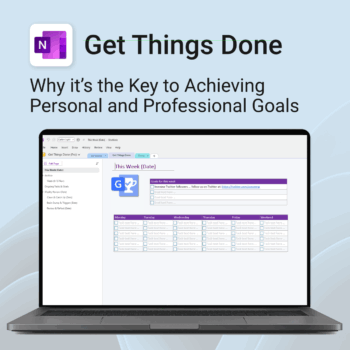
Get Things Done — right inside OneNote. Capture, organise and review with a clear weekly rhythm.
- GTD in OneNote: Inboxes, Projects, Next Actions, and a Weekly Review that sticks.
- Structured yet flexible: Brain dump & triggers, project pages, and “This Week” focus.
- Fast setup: One-click notebook + quick-start guide — be productive in minutes.
- Works where you work: OneNote on Windows, Mac & Web — great with Teams/SharePoint.
Perfect for personal and professional life — students, freelancers, and busy teams in Microsoft 365.
Join thousands of OneNote users who’ve built consistent weekly planning habits with GTD.
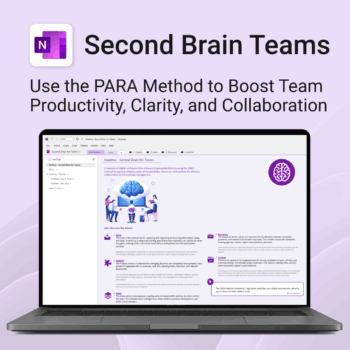
Boost productivity. Simplify collaboration.
-
- Capture tasks, notes & info instantly — no context switching
- Organize everything by PARA — Projects, Areas, Resources, Archive
- Get more done — shared workspaces drive team clarity
- Keep knowledge accessible — from onboarding to SOPs
- Work from anywhere — synced and secure inside OneNote
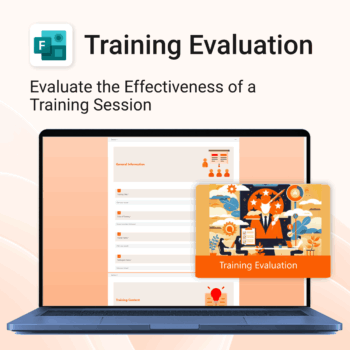
Top 5 Benefits:
- Instant 1-click MS Forms import
- Track trainer performance and content quality
- Collect overall satisfaction and improvement ideas
- Polished layout for professional delivery
- Re-usable for ongoing internal training programs
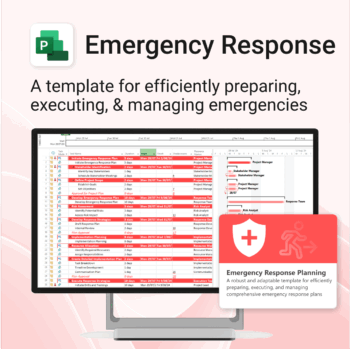
Be prepared when it matters most — structure your emergency response with confidence.
-
- Designed for real-world crisis response — not just planning theory.
- Built for MS Project — with zero setup hassle.
- Everything from scenarios to drills included in one place.
- Clear roles, resources, and timelines for stress-free execution.
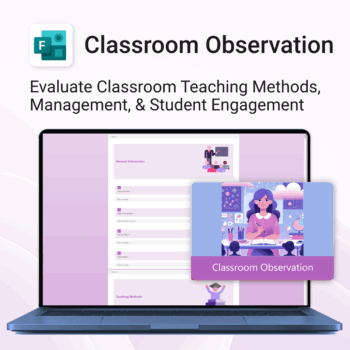
Empower teaching excellence. Save time & improve classroom insights.
-
- 1-click setup and deploy for school-wide use
- Structured evaluation sections for consistency
- Capture feedback across classroom behavior, engagement & teaching style
- Designed to meet both compliance and growth goals
- Beautifully presented feedback reports
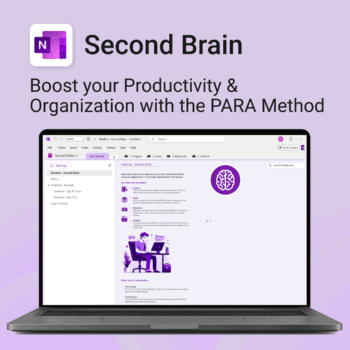
Master your life with OneNote + PARA — Projects, Areas, Resources & Archive in one trusted system.
- One system in OneNote: Capture, organise and execute tasks, notes and goals with the PARA method.
- Ready-to-use templates: Projects, Areas, Resources & Archive with trackers, planners and guides.
- Fast setup: One-click notebook + quick-start guide — get productive in minutes.
- Works where you work: OneNote on Windows, Mac & Web — great with Teams/SharePoint.
Perfect for individuals who live in Microsoft 365 and want clarity, control and focus.
Trusted by 10,000+ professionals worldwide to stay organised and deliver on time.
Unlock every Auscomp Microsoft 365 Template — OnePass to hundreds of ready-made tools for work, school & life.
- 100 + OneNote templates for productivity, planning & projects.
- MS 365 suite bonus: MS Project, Forms, Lists, Outlook &; Excel tools included.
- AI resources built-in: Copilot &; ChatGPT Playbooks + AI Dashboards &Agents.
- Always up to date: New templates &updates added all year — yours instantly.
Perfect for professionals, students & teams who live in Microsoft 365 and want ready-to-use structure.
Join 8 000 + members who simplified their work & life with the All Access Pass — your 365 system for everything.
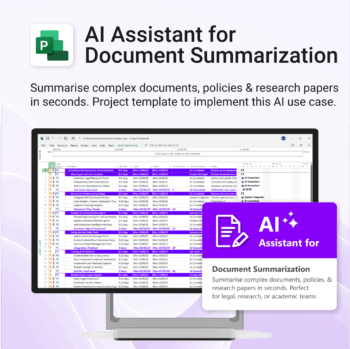
Plan and implement document AI with confidence and clarity.
-
- Purpose-built for AI summarisation rollouts in regulated or high-volume settings.
- Streamlines planning, testing, and integration phases.
- Includes roles, dependencies, and milestones out of the box.
- Works seamlessly with Microsoft Project — just import and go.
- Adaptable to any organisation size or document load.
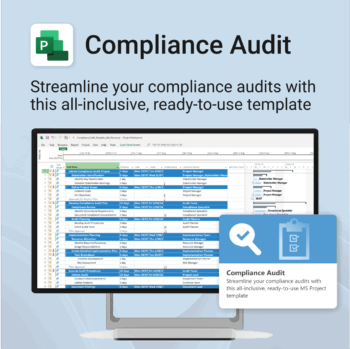


Make audit readiness part of your project workflow — not a last-minute scramble.
-
- Everything structured — from audit scope to implementation follow-up.
- Built for Microsoft Project — no steep learning curve.
- Ensures clear documentation and accountability across your audit team.
- Perfect for internal, external, and compliance-driven audits.