
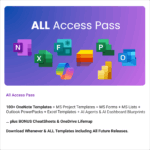

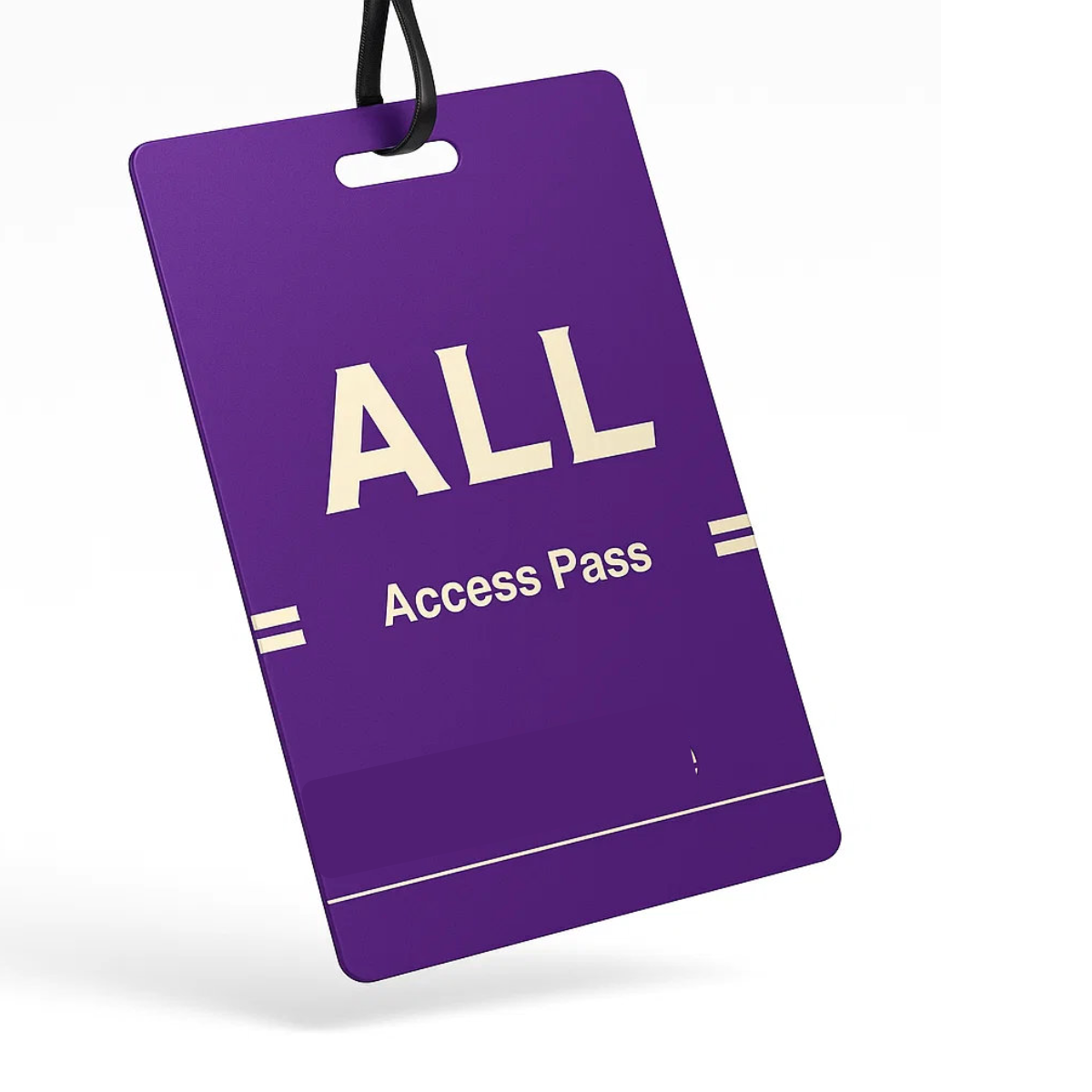

All Access Pass
$99.00 / year
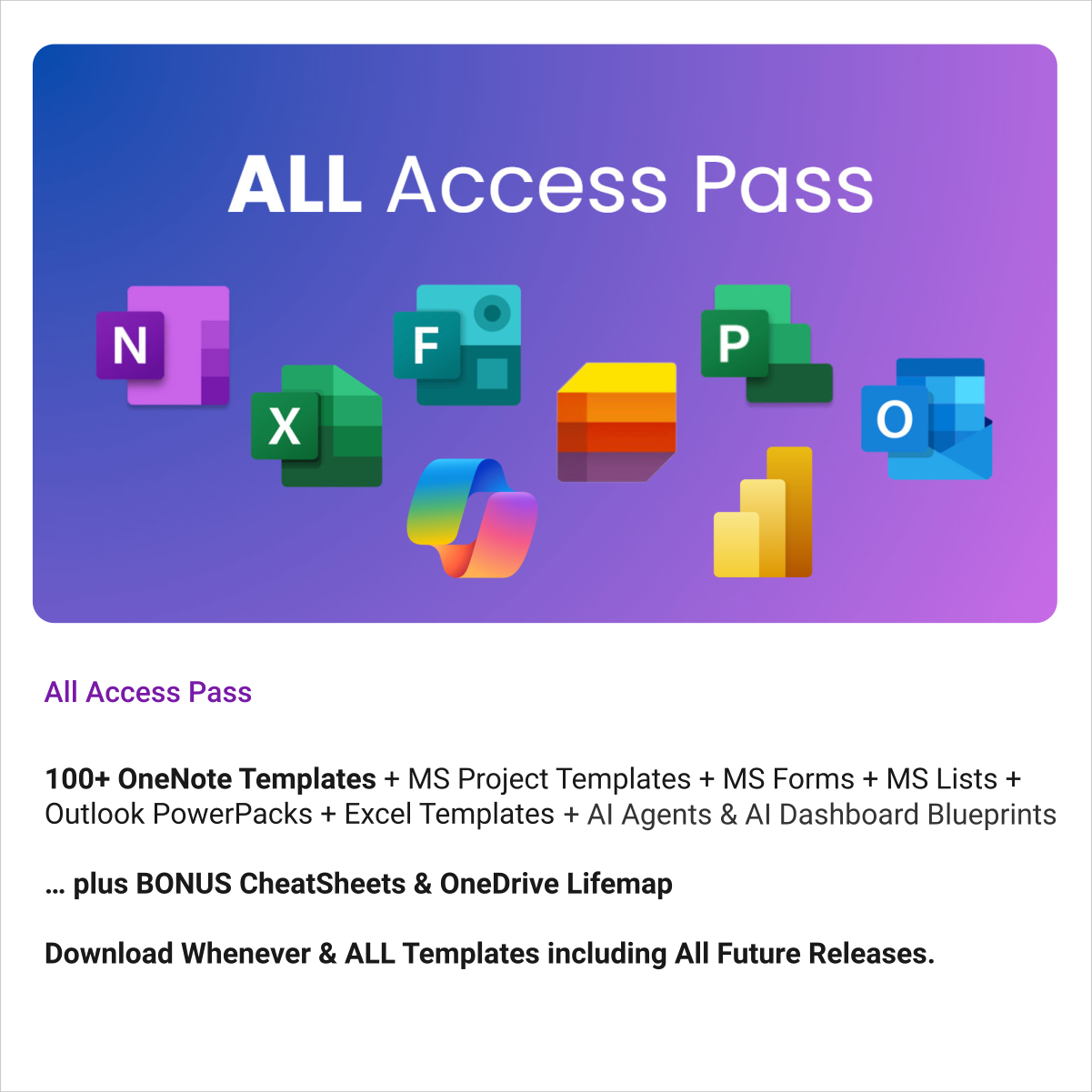
Unlock every Auscomp Microsoft 365 Template — OnePass to hundreds of ready-made tools for work, school & life.
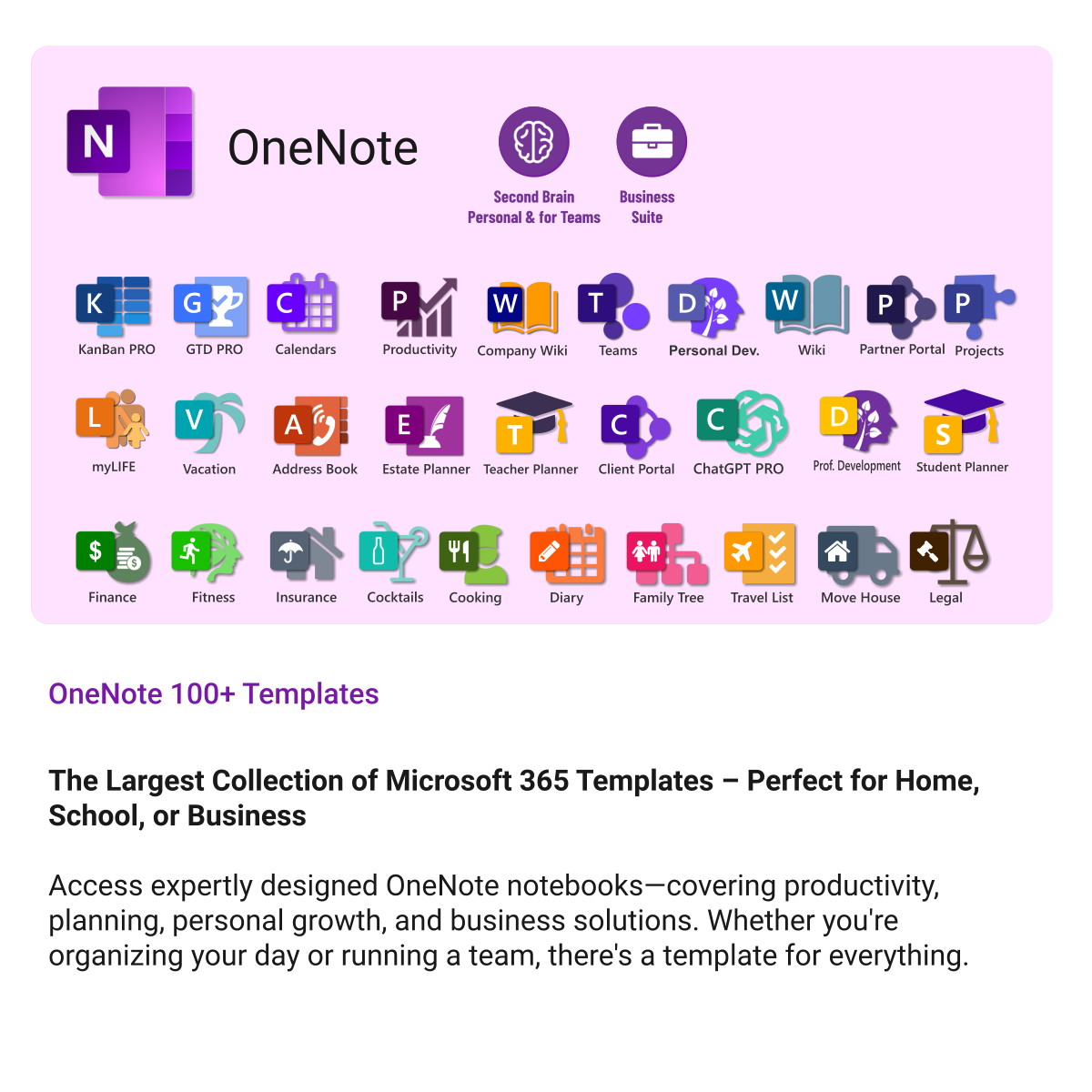
- 100 + OneNote templates for productivity, planning & projects.
- MS 365 suite bonus: MS Project, Forms, Lists, Outlook &; Excel tools included.
- AI resources built-in: Copilot &; ChatGPT Playbooks + AI Dashboards &Agents.
- Always up to date: New templates &updates added all year — yours instantly.
Perfect for professionals, students & teams who live in Microsoft 365 and want ready-to-use structure.
Join 8 000 + members who simplified their work & life with the All Access Pass — your 365 system for everything.
All Access Pass — Unlimited Access to Every Auscomp Microsoft 365 Template
Get instant access to the entire Auscomp collection of productivity templates and AI resources for Microsoft 365. One subscription unlocks everything you need to plan, organize and succeed across work, school and life.
What’s included in your pass
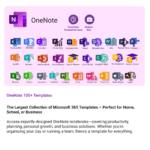
- 100 + OneNote Templates — projects, planning, GTD, CRM, business suites & more
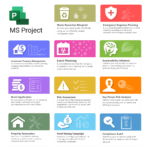
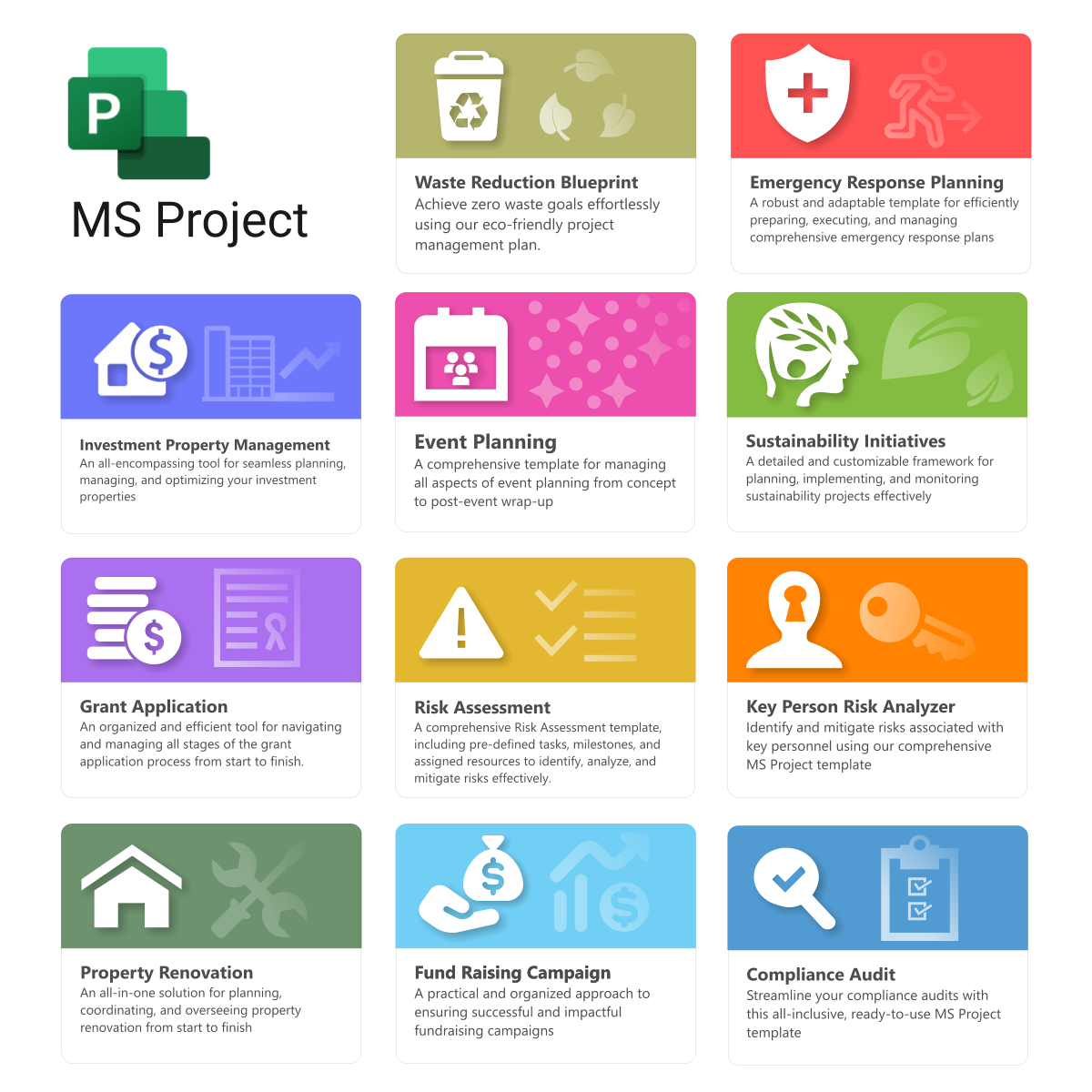
- MS Project — 11 project templates for planning & tracking
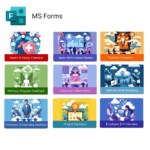
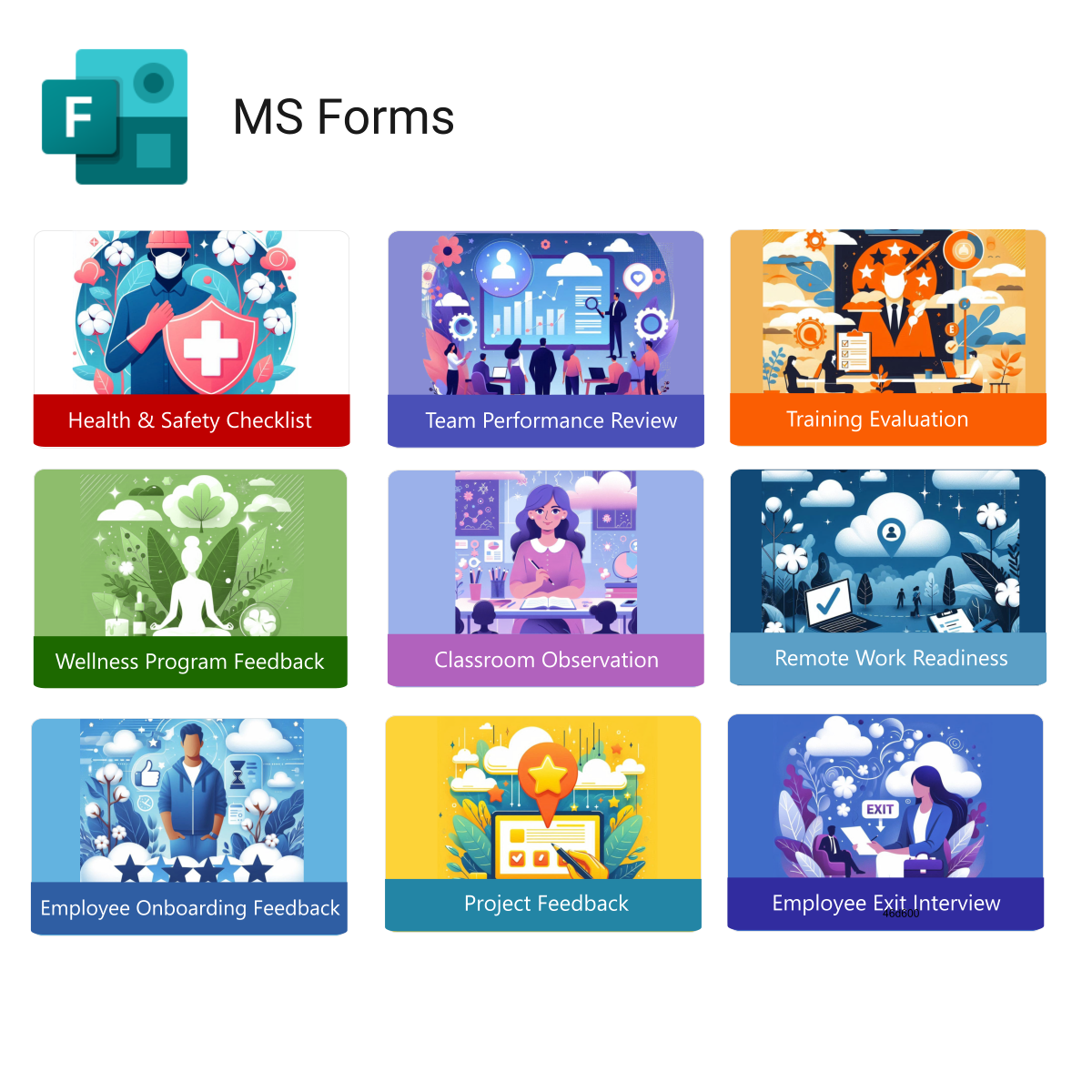
- MS Forms — 9 ready-made survey and feedback templates
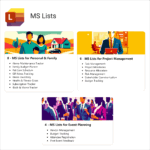
- MS Lists — 18 structured list templates for task & data tracking
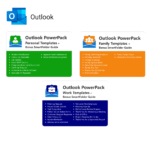
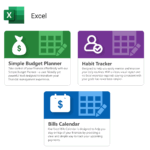
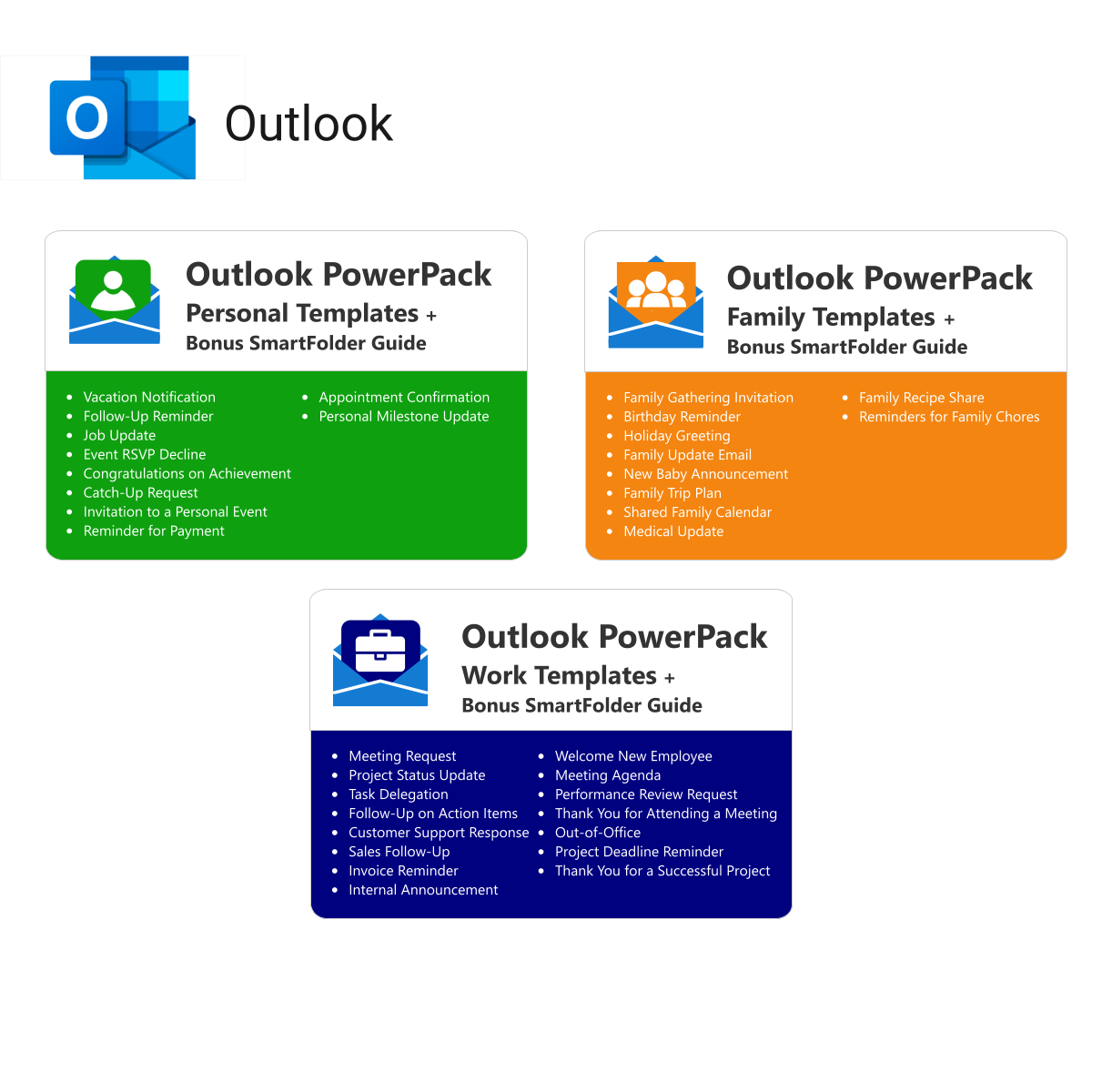
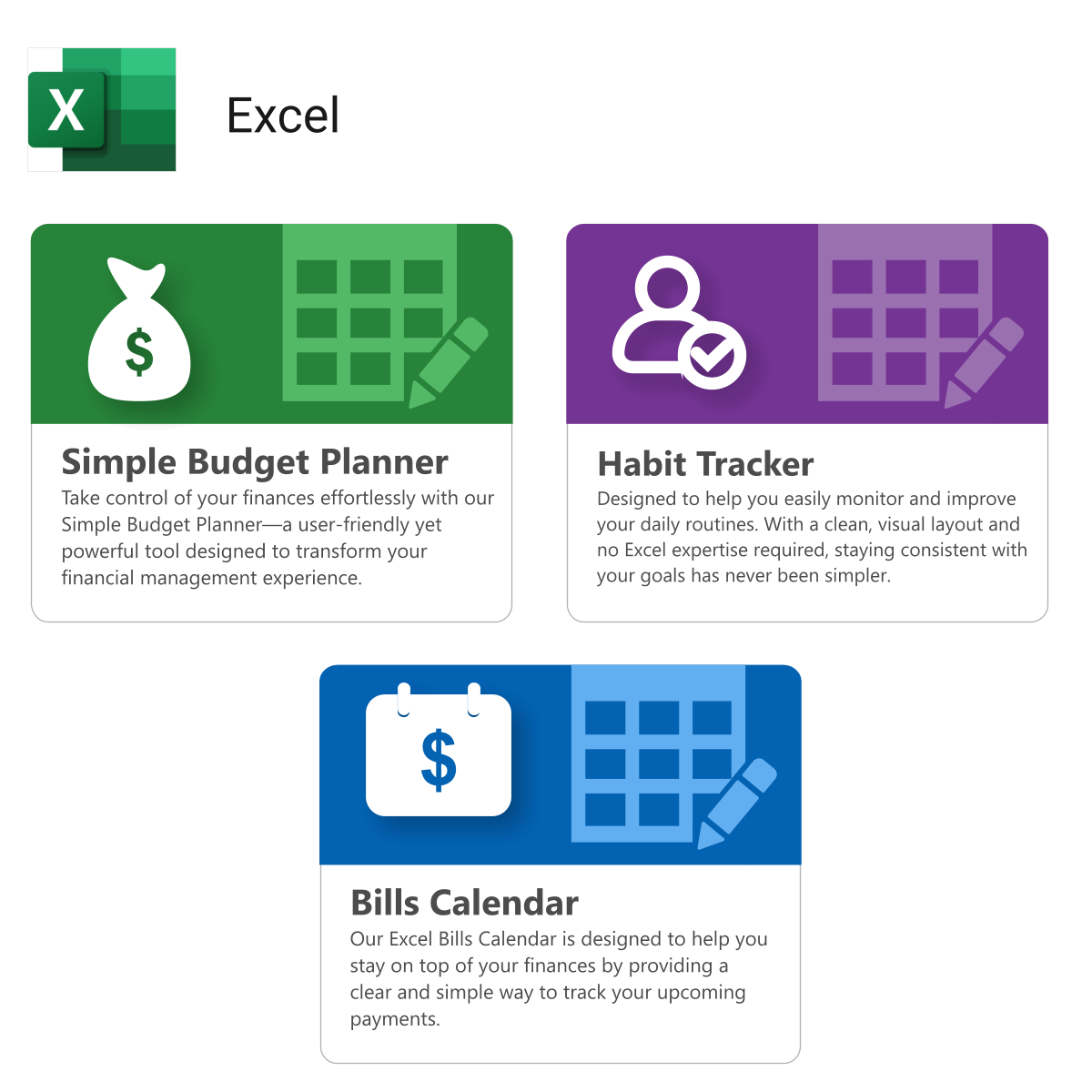
- Outlook & Excel — 3 Power Packs & 3 data templates
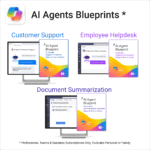
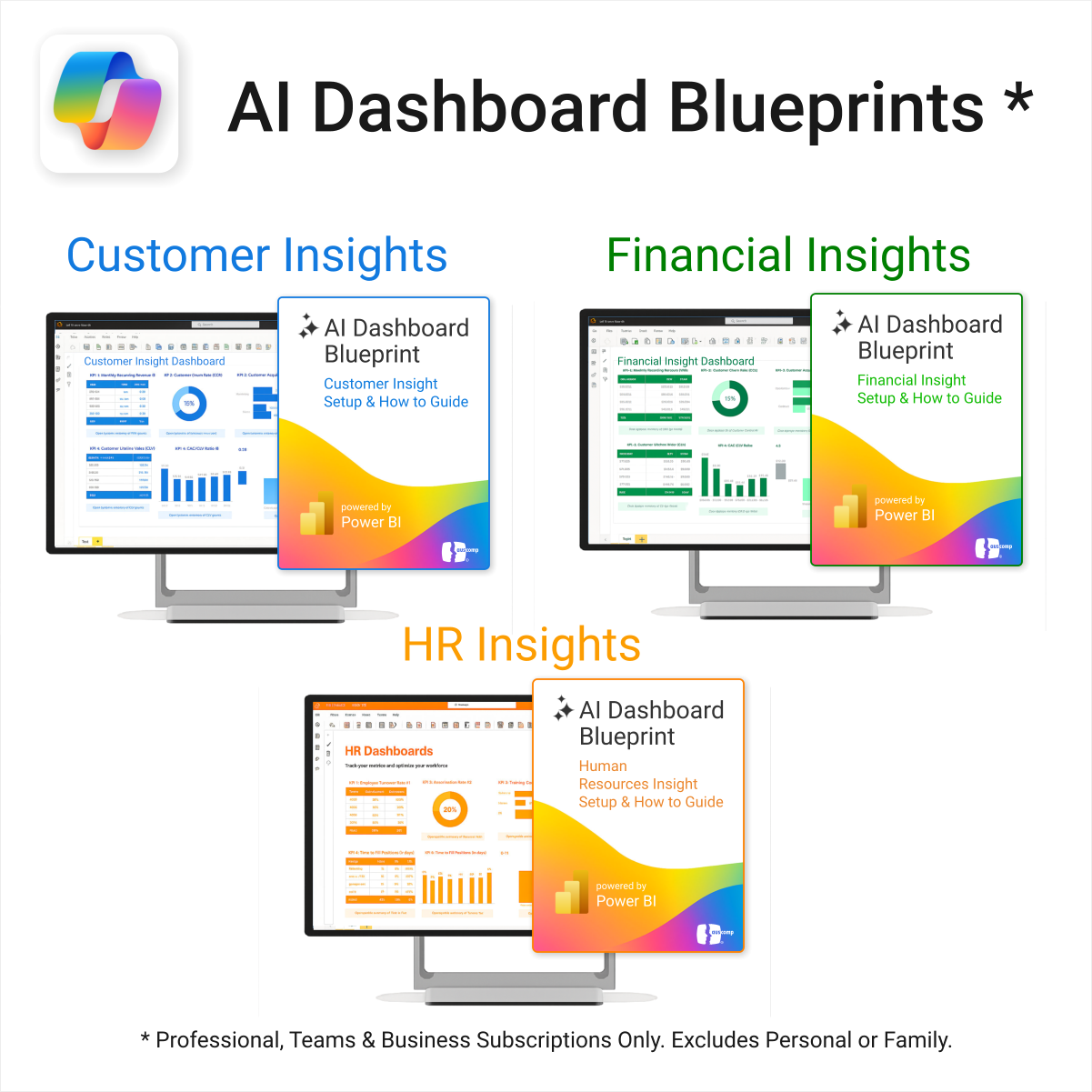
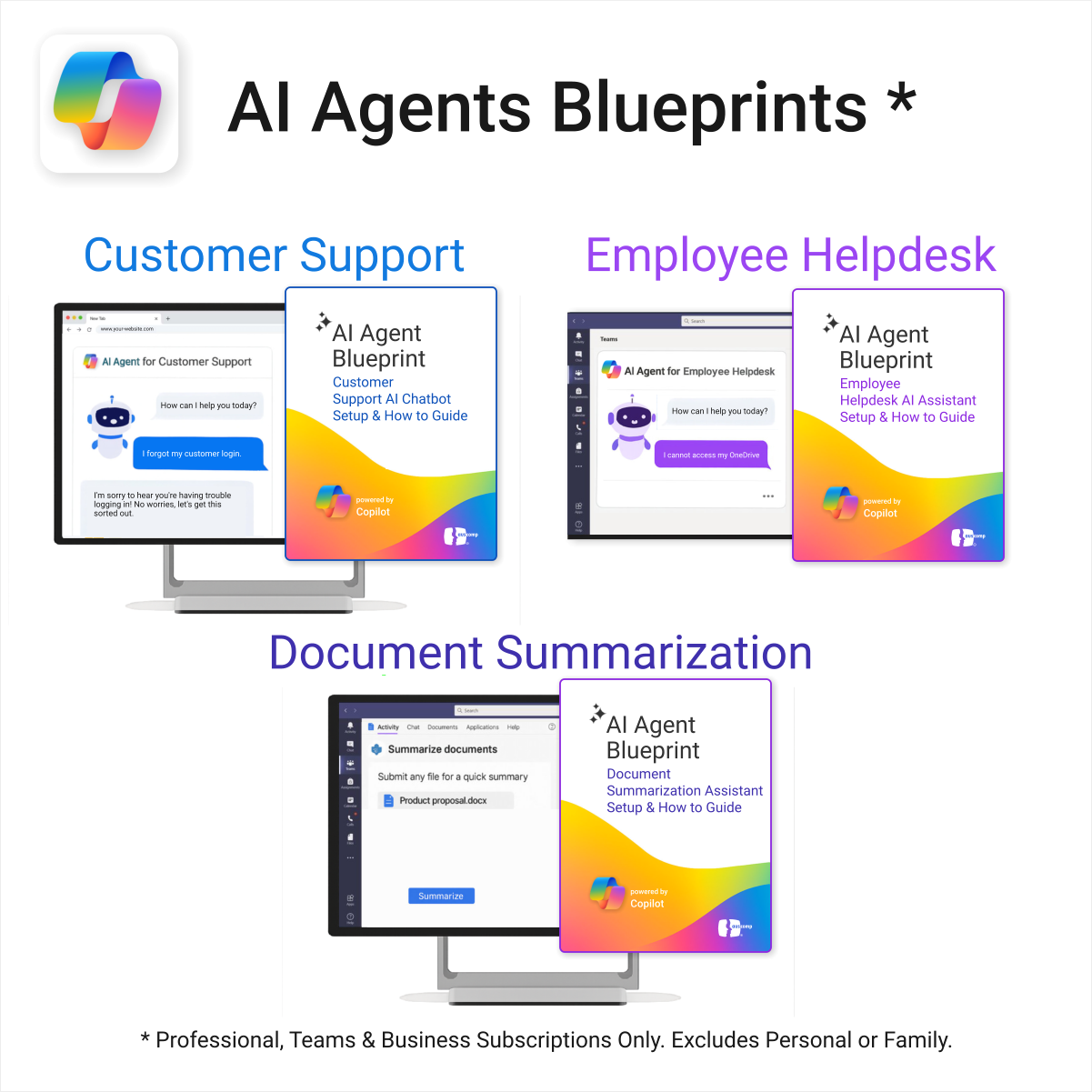
- AI Dashboards & Agents — 6 blueprints to integrate Copilot & ChatGPT workflows
- AI Prompt Library — 10 expert Playbooks (5 Copilot + 5 ChatGPT)
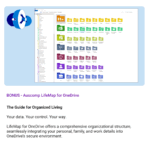
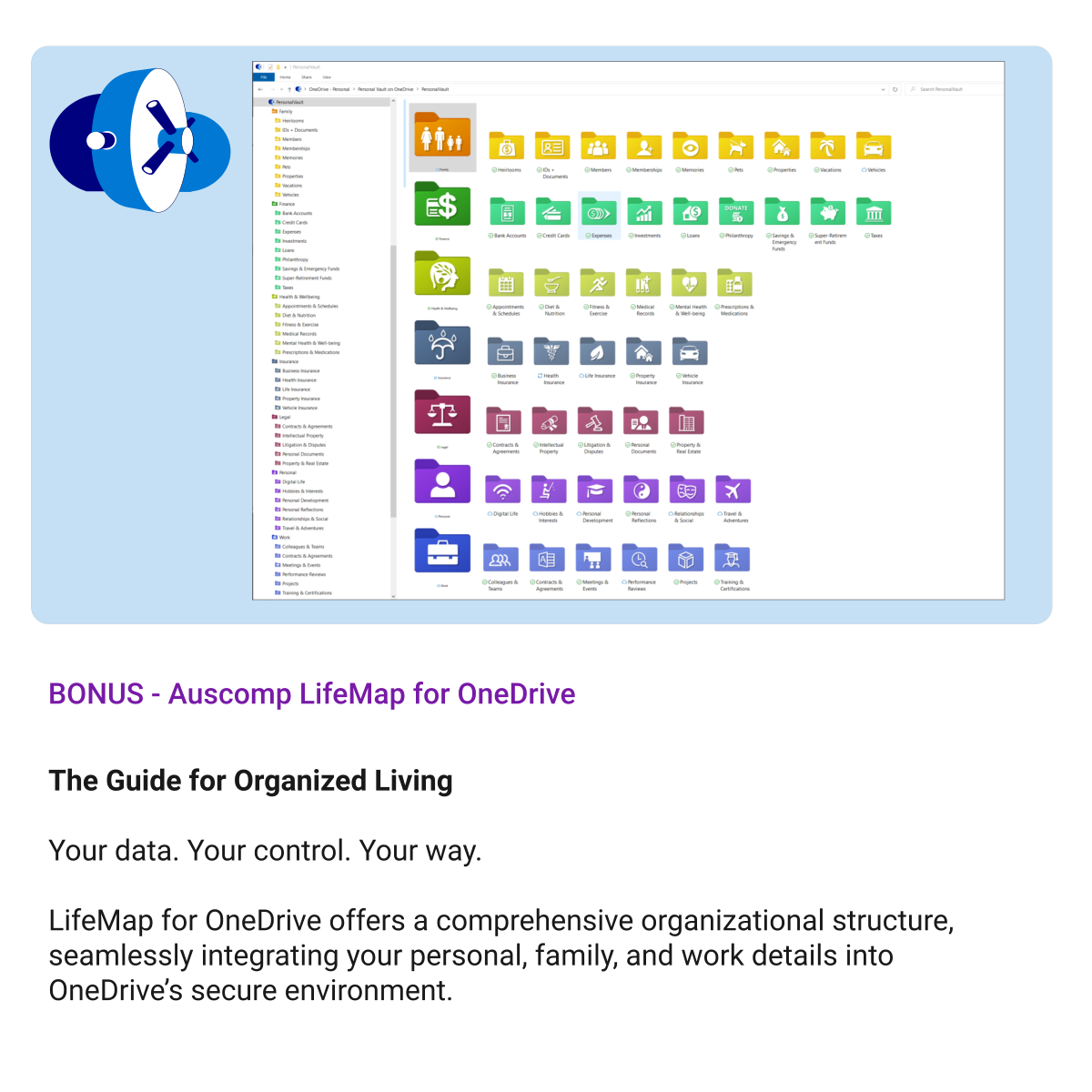
- OneDrive LifeMap — plan life goals & projects visually
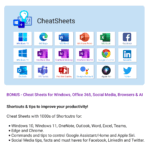
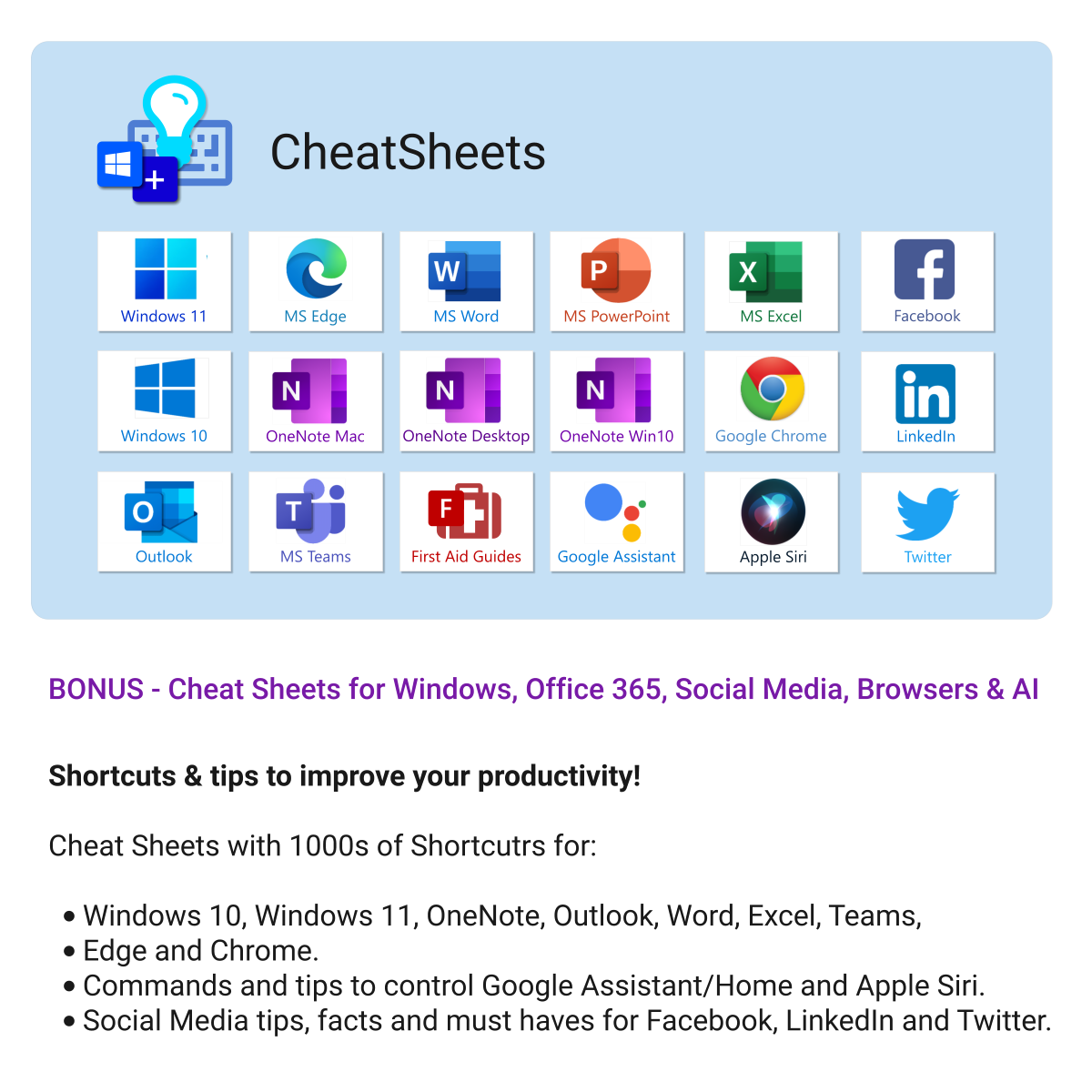
- 18 CheatSheets — covering Microsoft 365, Windows & Edge essentials
- All Future Releases — included automatically while your pass is active
Why it’s worth it
- Save hundreds vs buying individual templates
- Lifetime skills boost — learn Microsoft tools through real templates
- New AI resources added quarterly at no extra cost
- Perfect for individuals, teams & educators
Compatibility
- Microsoft 365 apps: OneNote, Project, Forms, Lists, Outlook & Excel
- Works on Windows, Mac & Web
- Integrates with Teams & SharePoint for collaboration
What customers say
The All Access Pass completely changed how I work — so many templates in one place and constantly updated.
I use these templates daily for everything from project planning to family organisation. Incredible value.
There’s a template for every workflow. Feels like having a digital assistant inside OneNote & Microsoft 365.
Our team runs entirely on these templates now — huge boost to collaboration and clarity.
Cheat Sheets, Forms, Lists, Projects — I keep discovering new tools every week.
After buying three templates individually, the Pass was a no-brainer — it already paid for itself.
I love that it’s all built around Microsoft tools I already use — no extra apps or subscriptions.
Fantastic resource. Every template feels polished and ready to use right away.
FAQs
How do I access everything after purchase?
After checkout, you’ll receive a secure download link to the All Access Hub where you can open or download any template instantly.
Do I get future templates automatically?
Yes — every new release during your active subscription is added to your hub automatically at no extra cost.
Can I use the templates for work and personal projects?
Absolutely. Your licence covers personal and internal business use across all Microsoft 365 apps you own.
How often is content updated?
We add new templates and AI resources quarterly and update existing ones for latest Microsoft 365 features.
 ChatGPT
 OneNote
 FREE
FREE MS Project
 MS Forms
 MS Lists
 Outlook
 Excel
Excel Bonus
Bonus Copilot
 MS Teams
 Power BI
Related Products
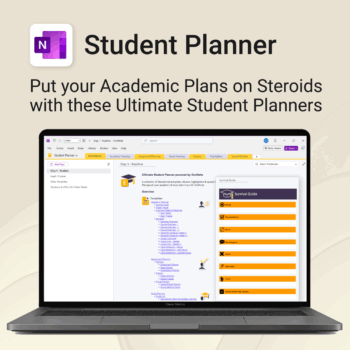
Stay ahead, reduce stress & plan smarter.
-
- Everything in one digital place — no paper clutter
- Boost focus and grades with structured planning
- Perfect for school, college, or university
- Adaptable for any subject or semester
- Instantly accessible across all your devices
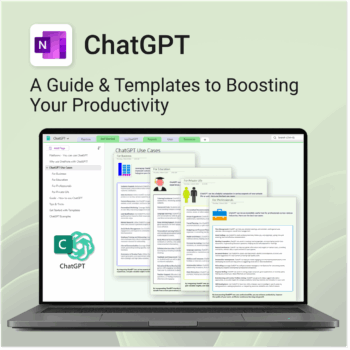
Be more productive. Save time & master AI.
-
- Master ChatGPT with structured use cases and tutorials.
- Get started faster using done-for-you templates and prompts.
- Track, log, and organize your ChatGPT ideas across projects.
- Save hours with reusable formats for every role and tone.
- Compatible with all devices — desktop, tablet & mobile.
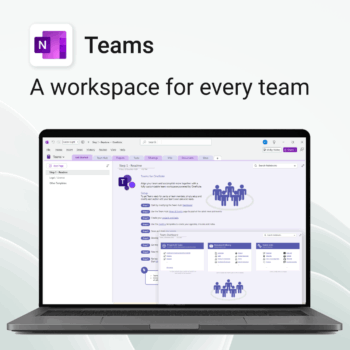
Empower collaboration. Simplify execution.
-
- Everything in one place — wiki, projects, docs & tasks
- Templates for every key workflow from meetings to retrospectives
- Fast onboarding with intuitive layouts
- Improves team visibility and alignment
- Secure, searchable & fully integrated with Microsoft 365
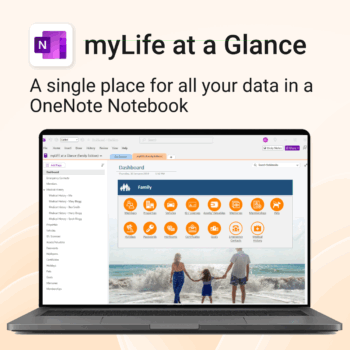
Take control of your family’s information. Stay prepared and organized.
-
- All-in-one family dashboard — know where everything is
- Be emergency ready — from medical history to contacts
- Perfect for travel, school, caregiving & estate planning
- Private & secure — powered by Microsoft OneNote
- No subscription needed — lifetime value
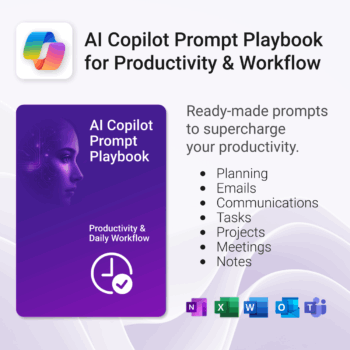
Get 30 proven Copilot prompts designed to supercharge productivity inside Microsoft 365.
-
- Covers daily planning, email, meetings, task tracking, productivity, and knowledge workflows.
- No guesswork — just copy, paste, and run inside Copilot.
- Includes example outputs and app-specific usage tips.
- Perfect for individuals, teams, and managers.
- Based on real-world Microsoft 365 use cases.
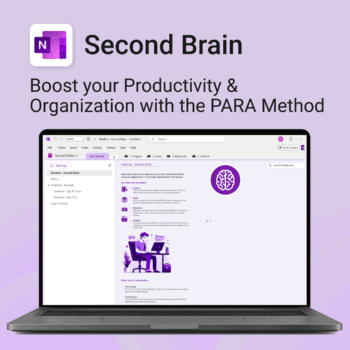
Master your life with OneNote + PARA — Projects, Areas, Resources & Archive in one trusted system.
- One system in OneNote: Capture, organise and execute tasks, notes and goals with the PARA method.
- Ready-to-use templates: Projects, Areas, Resources & Archive with trackers, planners and guides.
- Fast setup: One-click notebook + quick-start guide — get productive in minutes.
- Works where you work: OneNote on Windows, Mac & Web — great with Teams/SharePoint.
Perfect for individuals who live in Microsoft 365 and want clarity, control and focus.
Trusted by 10,000+ professionals worldwide to stay organised and deliver on time.
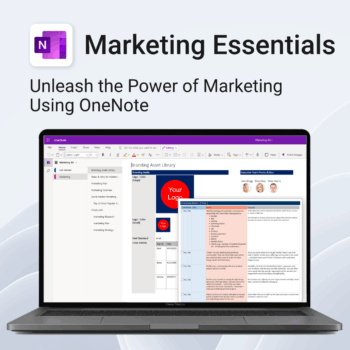
Be more strategic. Stay organized. Grow faster.
-
- Centralize your branding & strategy in one place
- Plan & execute campaigns with ready-made checklists
- Visualize your marketing schedule across platforms
- Perfect for solopreneurs, startups & small teams
- No new apps — just OneNote
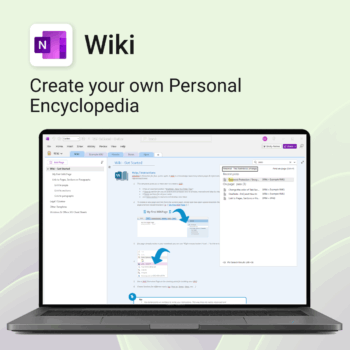
Create your own knowledge hub — organise SOPs, FAQs, guides & notes right inside OneNote.
- OneNote Wiki system: Capture and link knowledge, manuals, and FAQs in a searchable format.
- Fast setup: One-click notebook + examples ready to customise for your team.
- Secure & private: Built on Microsoft 365 — share internally or use solo.
- Find anything instantly: Full-text embedded search across your pages and topics.
Perfect for teams, consultants, or anyone who needs an organised place for notes and documentation.
Used by professionals and teams worldwide to centralise knowledge and make information searchable in OneNote.
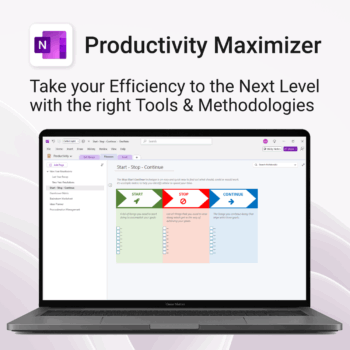
Boost clarity. Break through mental clutter.
-
- Structure your goals and eliminate procrastination
- All-in-one toolkit inside OneNote
- Designed for both personal and professional growth
- Use powerful planners and templates to stay focused
- Works across devices – always accessible
The complete Microsoft 365 toolkit for small business owners, freelancers & teams — manage tasks, budgets, and projects with ease.
- 5-in-1 bundle: OneNote, Outlook, MS Lists & Excel templates to organize work, money, and goals.
- Run your business smarter: manage clients, projects, and budgets all within Microsoft 365.
- Includes: Second Brain, Kanban Task Board, Budget Planner, Habit Tracker, Bills Calendar & more.
- Fully compatible: works with Microsoft 365 on desktop, web & mobile.
- Get 5 proven business tools for one low bundle price.
Trusted by entrepreneurs and small teams worldwide to streamline workflows, save time, and boost productivity.
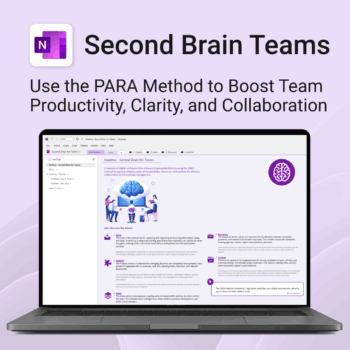
Boost productivity. Simplify collaboration.
-
- Capture tasks, notes & info instantly — no context switching
- Organize everything by PARA — Projects, Areas, Resources, Archive
- Get more done — shared workspaces drive team clarity
- Keep knowledge accessible — from onboarding to SOPs
- Work from anywhere — synced and secure inside OneNote
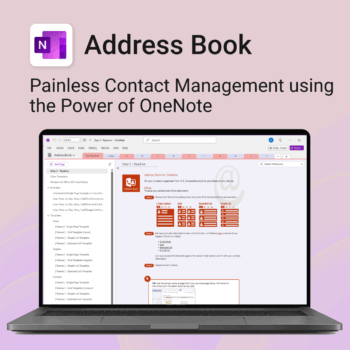


Be more organized. Keep every contact close at hand.
-
- Search contacts instantly — by name, email, phone or notes
- Color-coded layouts for faster scanning
- No new apps — use inside OneNote
- Sort and group with A-Z index tabs
- Flexible layouts that match your needs