
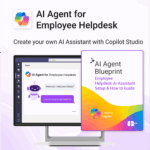


AI Agent for Employee Helpdesk powered by Copilot
$39.95
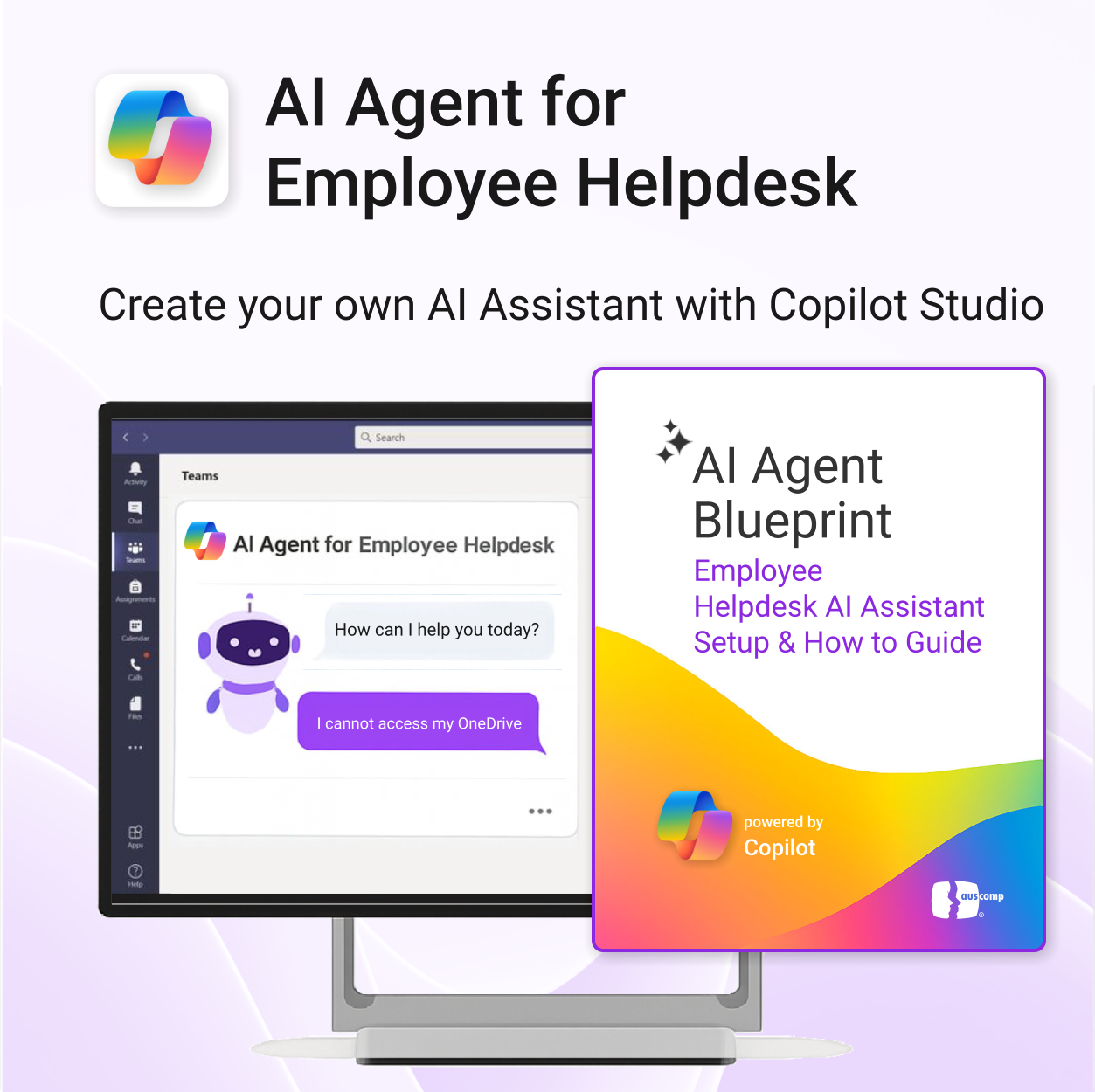
Launch your own AI-powered employee assistant in Microsoft Teams or SharePoint — no dev team required.
-
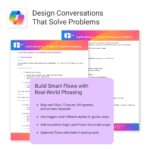
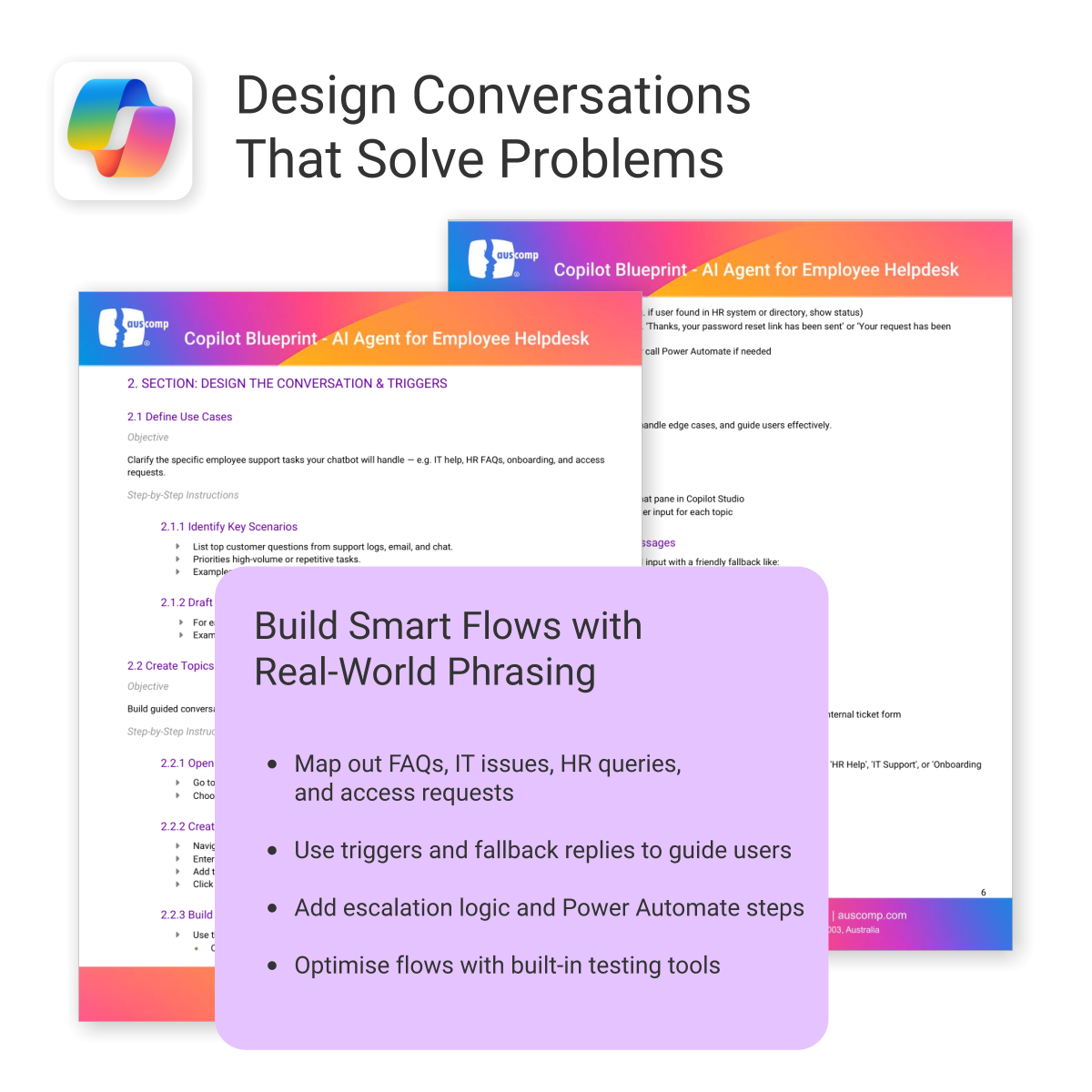
- Includes trigger/response templates for IT, HR, and general helpdesk support
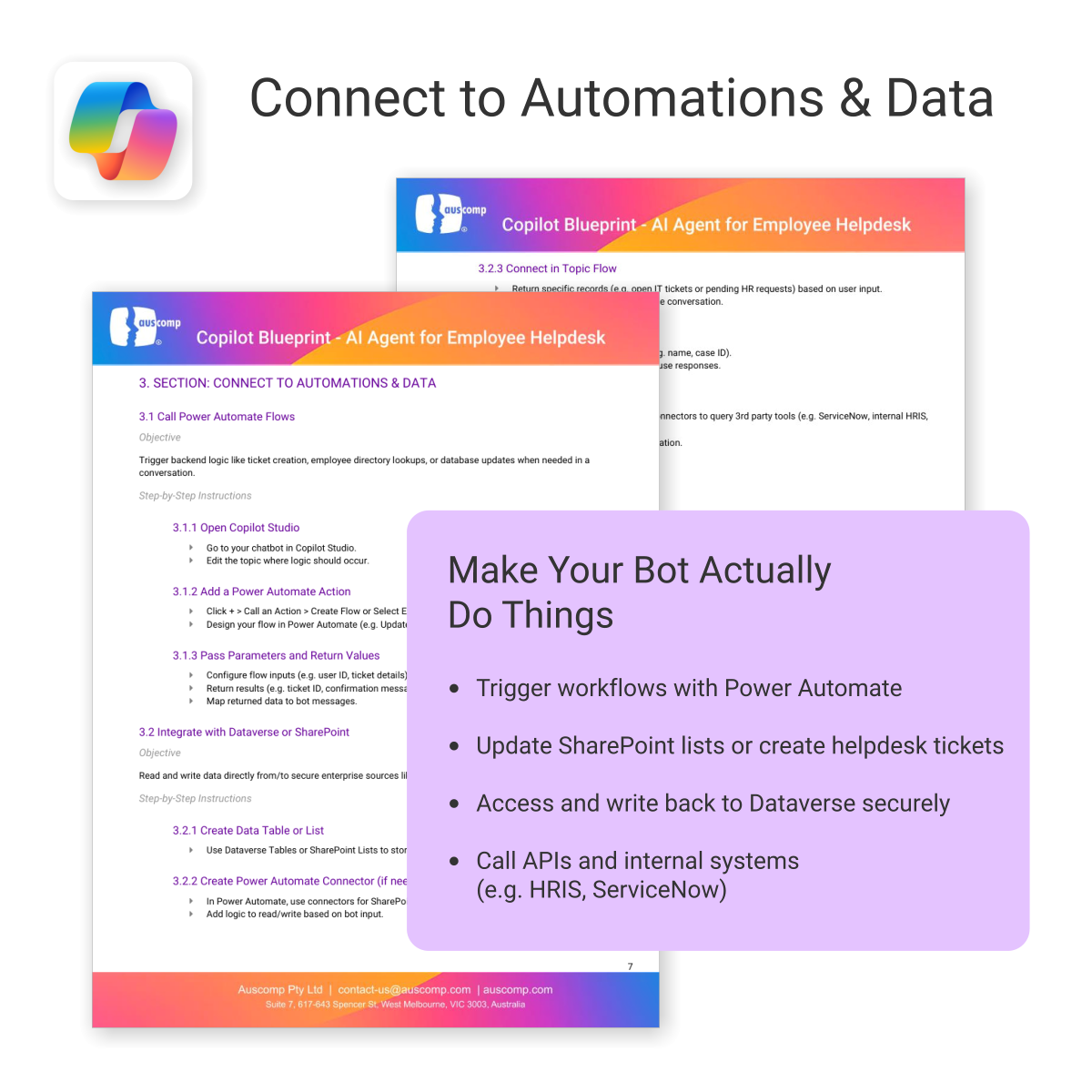
- Streamlines deployment with Power Automate & Copilot Studio
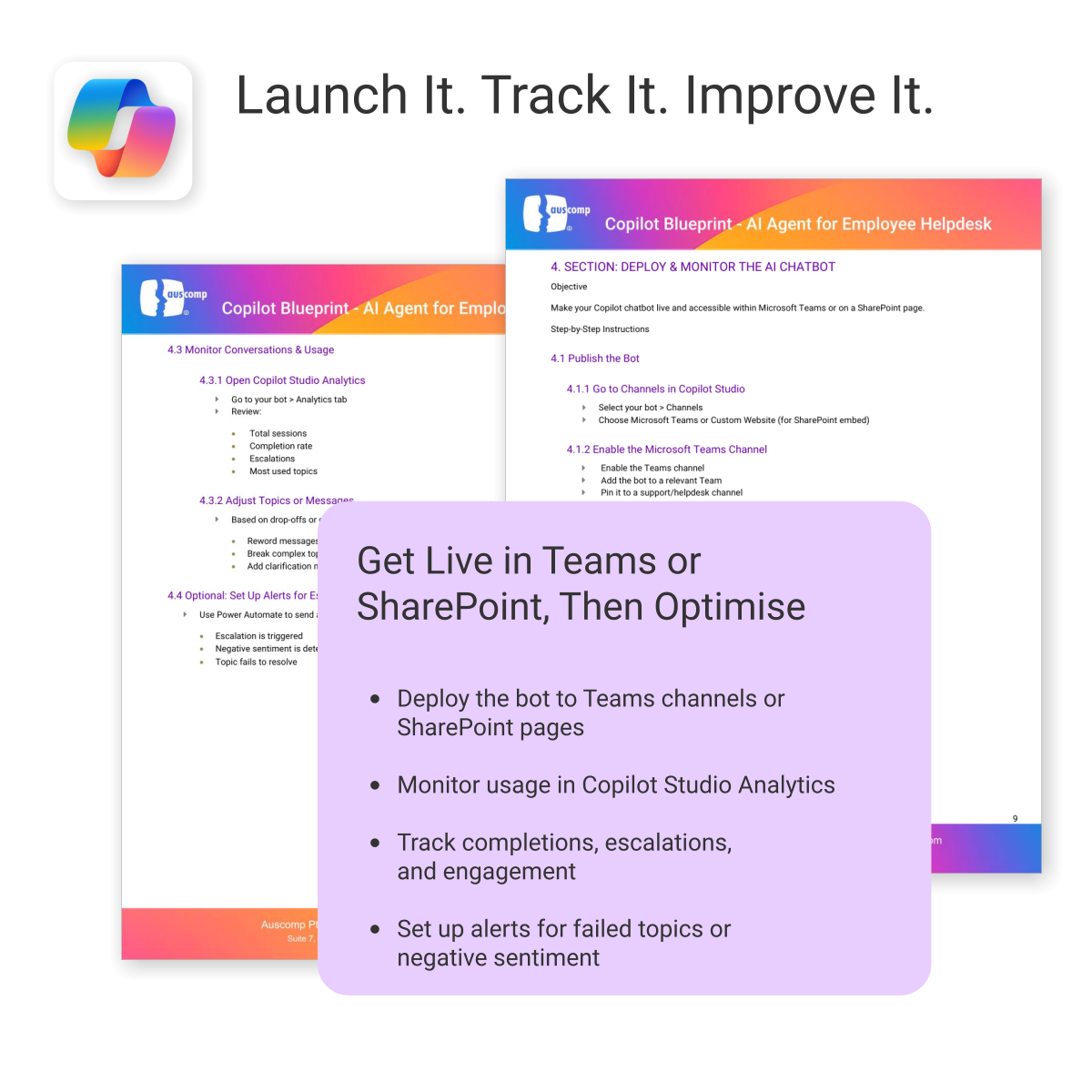
- Deployable internally in Microsoft Teams or embedded in SharePoint
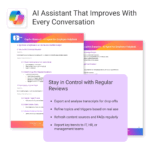
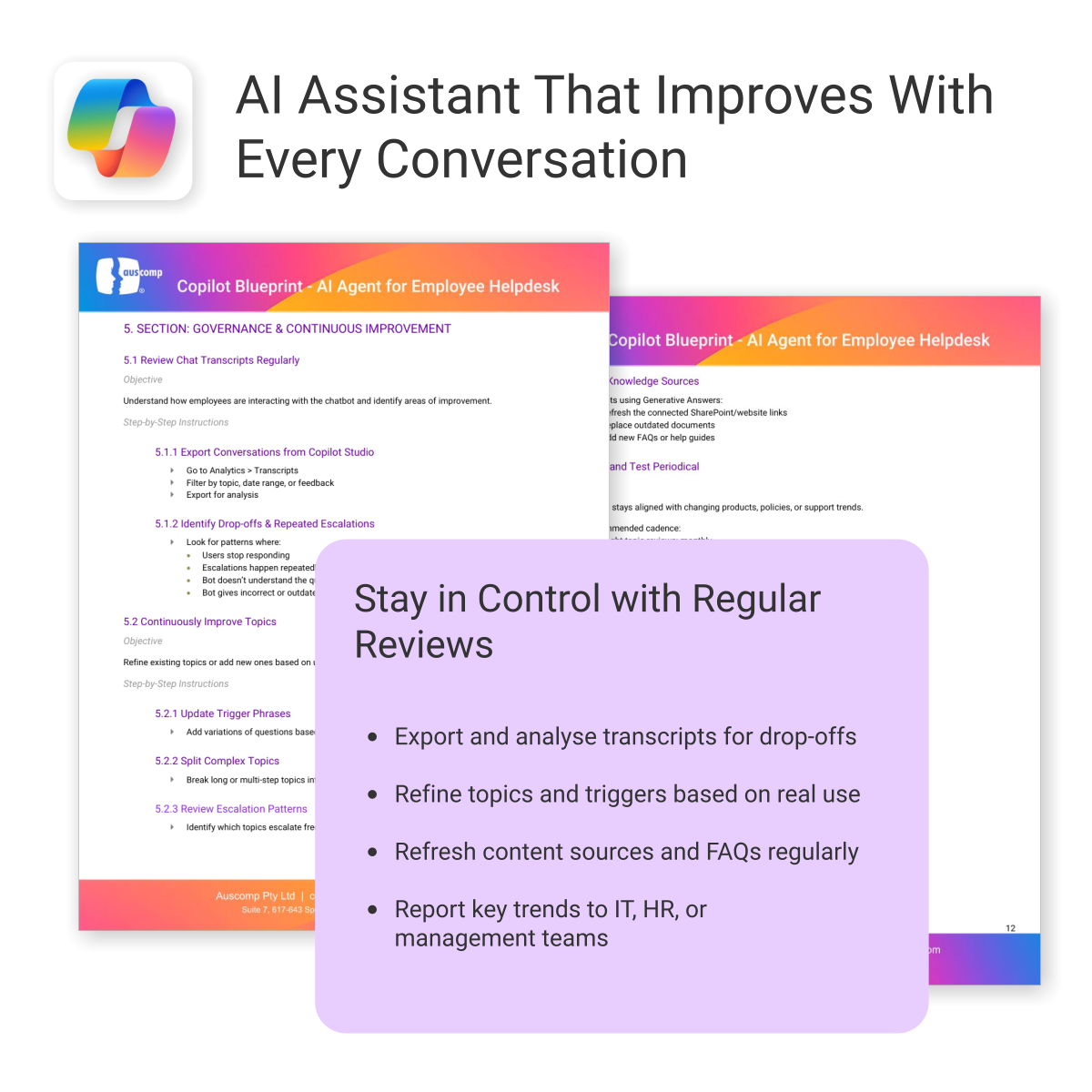
- Governance and monitoring framework included
- Created for operations, HR, IT and digital workplace teams
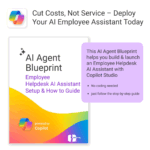
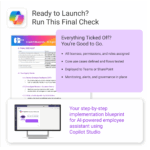
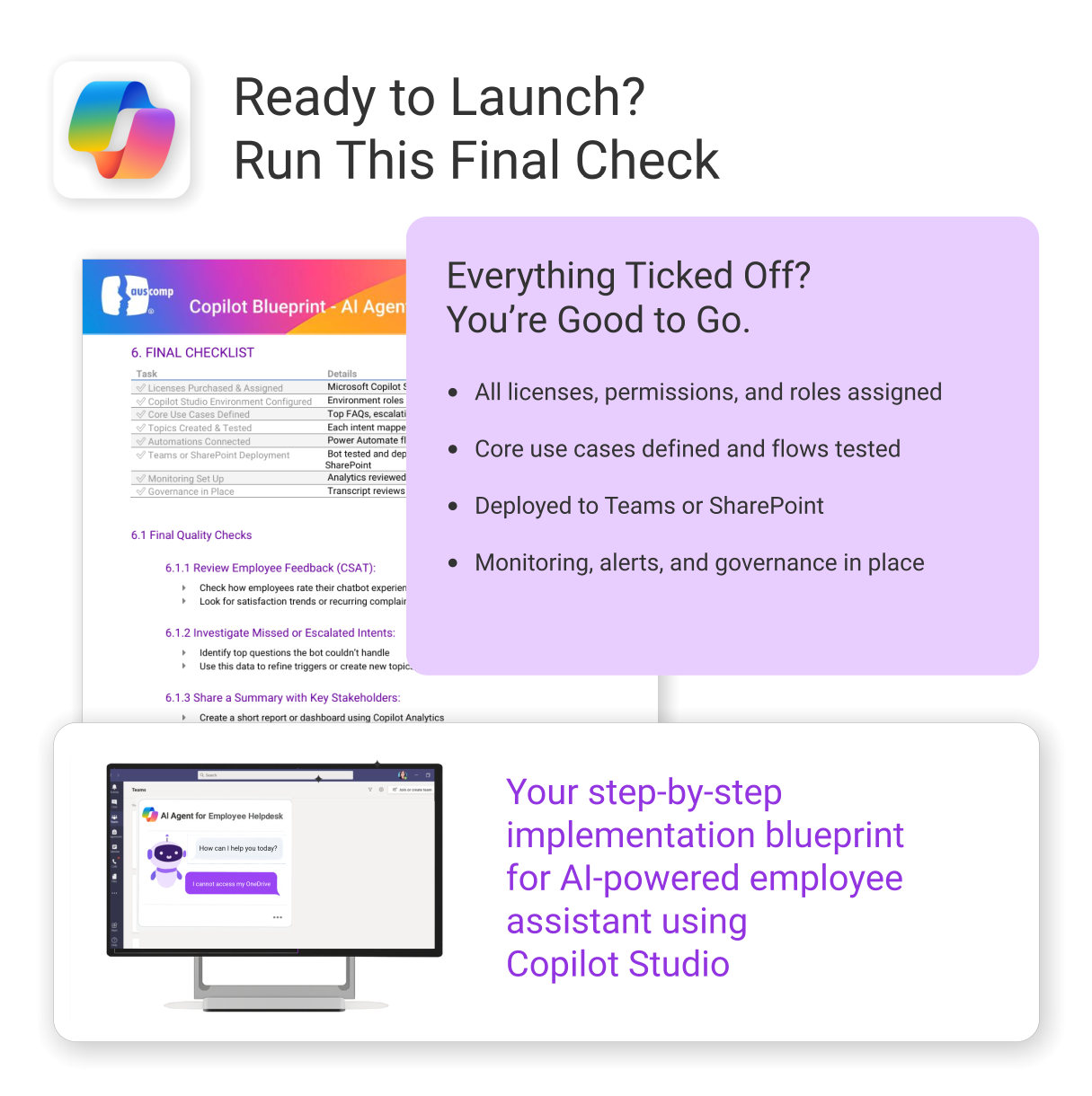
A complete implementation guide to launch your Employee Helpdesk AI Assistant
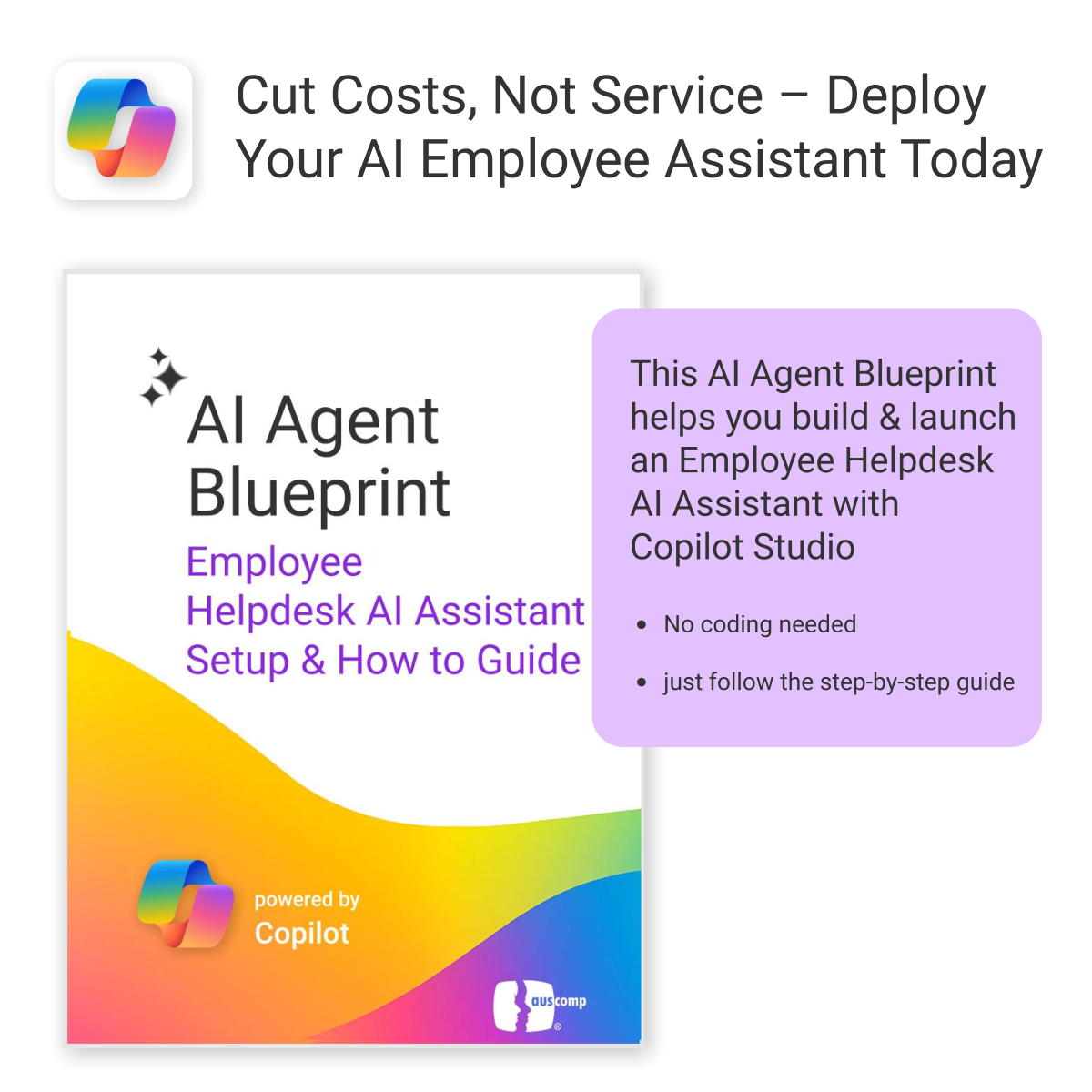
The AI Agent Blueprint for Employee Helpdesk shows you how to build, automate, and deploy an internal AI assistant using Microsoft Copilot Studio — no coding required.
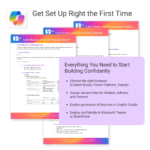
Everything you need, including:
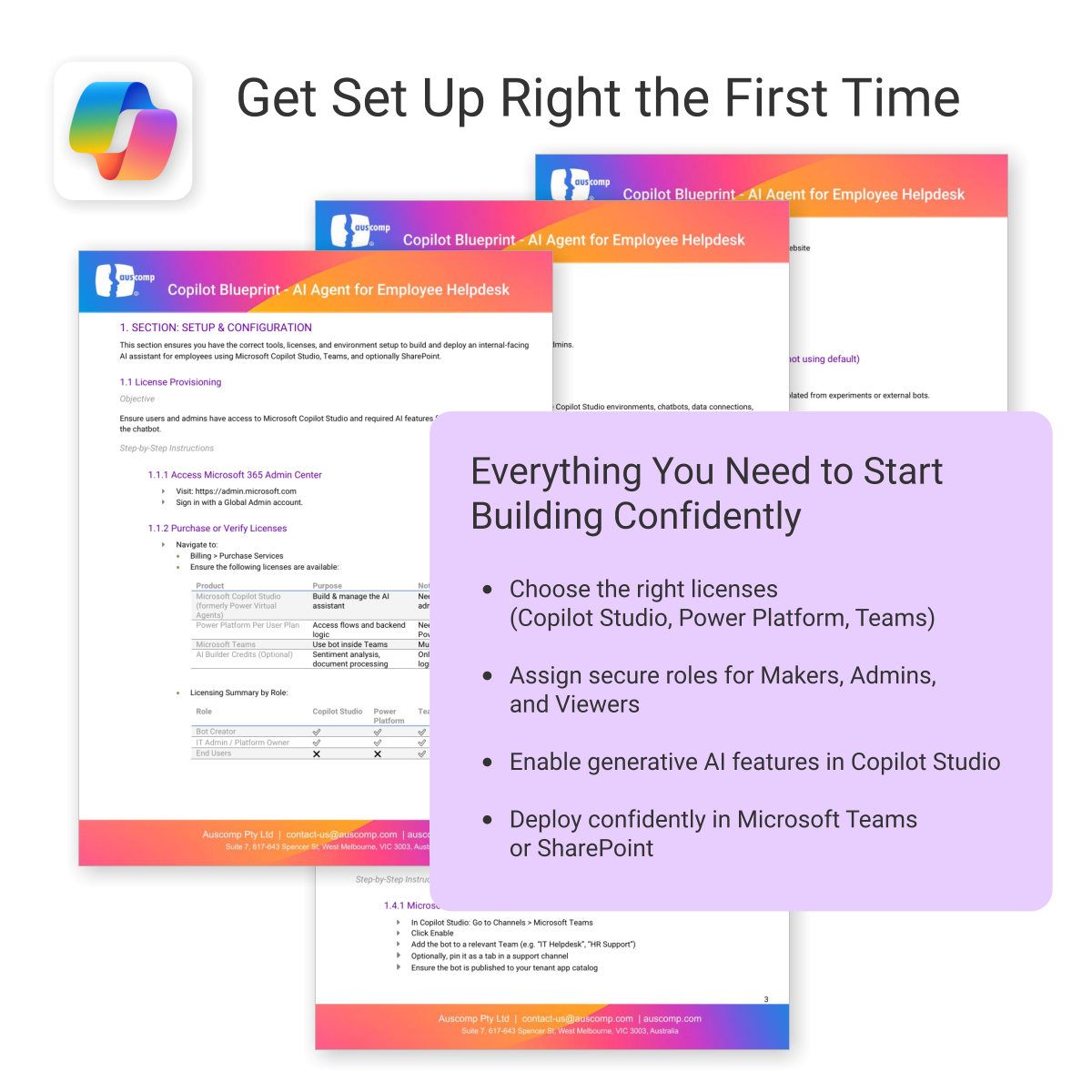
To build and deploy an AI Agent (customer chatbot or employee helpdesk assistant), the following Microsoft licenses are required. These ensure access to Copilot Studio, Power Platform, and secure deployment within Microsoft Teams or SharePoint.
Microsoft Licenses Needed
| License | Use | Notes |
|---|---|---|
| Microsoft 365 Copilot | Access generative AI features in Copilot Studio | Required for chatbot creators and AI features |
| Power Platform per user | Use Power Automate for workflow actions | Needed for integrations and automation |
| Dataverse or SharePoint (included in M365) | Store and retrieve internal data | Use existing Microsoft 365 storage or add-on |
| Teams License (Microsoft 365) | Deploy AI chatbot internally in Teams | Already included in most Microsoft 365 plans |
Licensing by User Role
For a quick overview, see licensing required by role:| User Role | Copilot | Power Platform | Teams | Dataverse / SharePoint |
|---|---|---|---|---|
| Bot Creator / Maker | ✅ | ✅ | ✅ | ✅ |
| IT / Automation Admin | Optional | ✅ | ✅ | ✅ |
| Employee / End User | ❌ | ❌ | ✅ | Optional |
To Purchase Microsoft Licenses
- Visit https://admin.microsoft.com
- Sign in with a Global Admin account
- Go to: Billing > Purchase services
 ChatGPT
 OneNote
 FREE
FREE MS Project
 MS Forms
 MS Lists
 Outlook
 Excel
Excel Bonus
Bonus Copilot
 MS Teams
 Power BI
Related Products
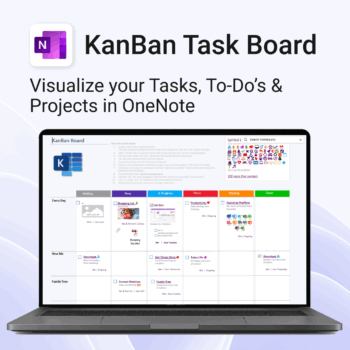
Visualise your Tasks, To-Do’s & Projects — right inside OneNote.
- Kanban in OneNote: Boards with columns and ready-made task cards for a clear, visual workflow.
- Built-in templates: Smart Cards, symbols, swimlanes & multiple board types to fit any team.
- Fast setup: One-click notebook + quick-start guide — start tracking in minutes.
- Works where you work: OneNote on Windows, Mac & Web — great with Teams/SharePoint.
Perfect for individuals and teams who live in Microsoft 365.
Trusted by 10,000+ professionals worldwide to stay organised and deliver on time.
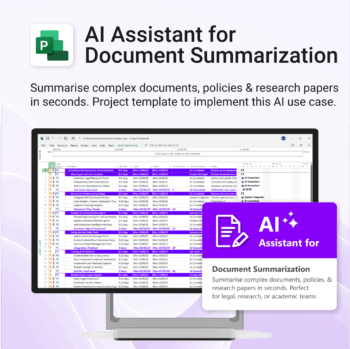
Plan and implement document AI with confidence and clarity.
-
- Purpose-built for AI summarisation rollouts in regulated or high-volume settings.
- Streamlines planning, testing, and integration phases.
- Includes roles, dependencies, and milestones out of the box.
- Works seamlessly with Microsoft Project — just import and go.
- Adaptable to any organisation size or document load.
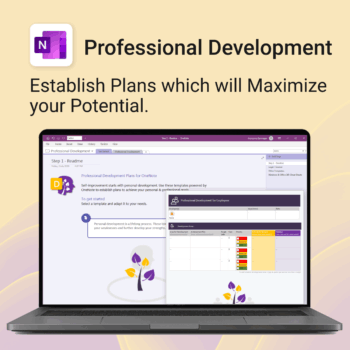
Grow with confidence. Track your progress. Achieve your goals.
- Start fast with guided templates and expert structure
- Track skills, goals, and leadership development in one place
- Adaptable for individuals, teams, or HR managers
- Simple enough for beginners, powerful enough for pros
- Always accessible inside OneNote on any device
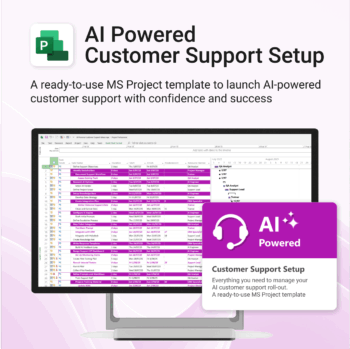
Set up AI-powered customer support workflows confidently, from day one.
-
- Built for real-world AI customer service use cases.
- No custom setup required — ready to import and run.
- Includes KPIs, task dependencies, and role assignments.
- Supports agile and structured team formats.
- Clear visual dashboards help drive alignment fast.
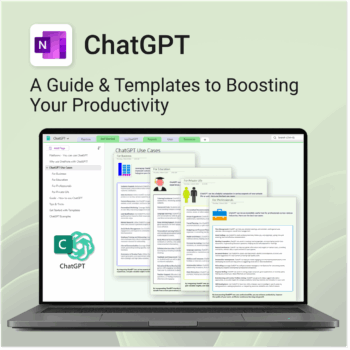
Be more productive. Save time & master AI.
-
- Master ChatGPT with structured use cases and tutorials.
- Get started faster using done-for-you templates and prompts.
- Track, log, and organize your ChatGPT ideas across projects.
- Save hours with reusable formats for every role and tone.
- Compatible with all devices — desktop, tablet & mobile.
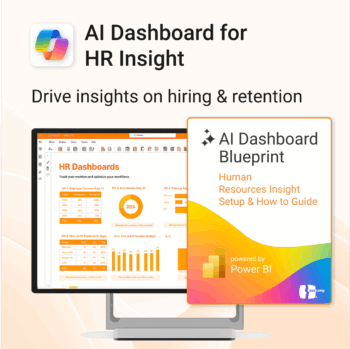
Build your HR AI dashboard with structure and clarity.
-
- Designed for HR, People & Culture, and Workforce teams.
- Streamlines onboarding, retention, and sentiment tracking.
- Works seamlessly in Power BI — no custom dev needed.
- Use in Teams, SharePoint, or export to PDF.
Unlock every Auscomp Microsoft 365 Template — OnePass to hundreds of ready-made tools for work, school & life.
- 100 + OneNote templates for productivity, planning & projects.
- MS 365 suite bonus: MS Project, Forms, Lists, Outlook &; Excel tools included.
- AI resources built-in: Copilot &; ChatGPT Playbooks + AI Dashboards &Agents.
- Always up to date: New templates &updates added all year — yours instantly.
Perfect for professionals, students & teams who live in Microsoft 365 and want ready-to-use structure.
Join 8 000 + members who simplified their work & life with the All Access Pass — your 365 system for everything.

Track and optimize the full customer journey with AI-powered insight.
-
- No technical skills needed — 100% Power BI + Copilot ready
- All KPIs, visuals and logic pre-built with customisation options
- Built-in forecasting, key influencers and anomaly detection
- Includes setup, DAX formulas, publishing & access security
- Designed for business, marketing and support teams
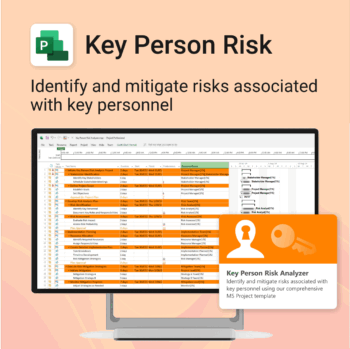
Ensure leadership continuity — plan for critical role coverage before it’s urgent.
-
- Pinpoints vulnerabilities linked to key personnel roles.
- Structured for real-world succession and risk planning.
- Works seamlessly with Microsoft Project — no tech overhead.
- Essential for HR, PMOs, and contingency planning teams.
Renovate with confidence — built for project managers, homeowners, and builders alike.
-
- Manage budgets, teams, tasks, and timelines all in MS Project.
- Built-in flow from design to demolition to final inspection.
- Perfect for homeowners, contractors, and renovation planners.
- Customizable for any property type or scope.
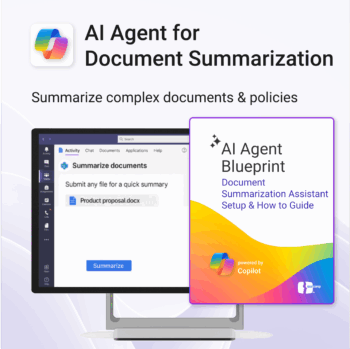
Build your own document summarization assistant using Microsoft 365 and Copilot Studio.
-
- Works across Teams, SharePoint, Outlook, and internal docs.
- No coding or AI experience needed — fully guided process.
- Based on real-world Copilot Studio use cases.
- Ready to customize for any department or team.
- Includes examples, flows, prompts, and escalation logic.
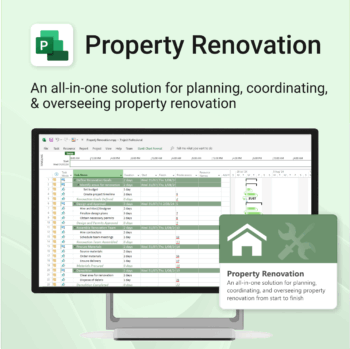


Renovate with confidence — built for project managers, homeowners, and builders alike.
-
- Manage budgets, teams, tasks, and timelines all in MS Project.
- Built-in flow from design to demolition to final inspection.
- Perfect for homeowners, contractors, and renovation planners.
- Customizable for any property type or scope.