
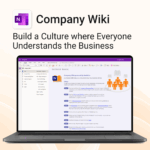
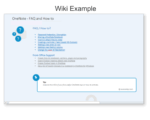
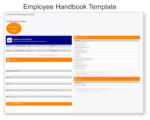
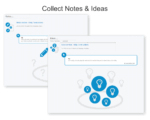
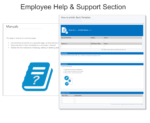
Company Wiki for OneNote
$49.95
Bring clarity and consistency to your team’s internal documentation.
-
- One central place to manage company knowledge.
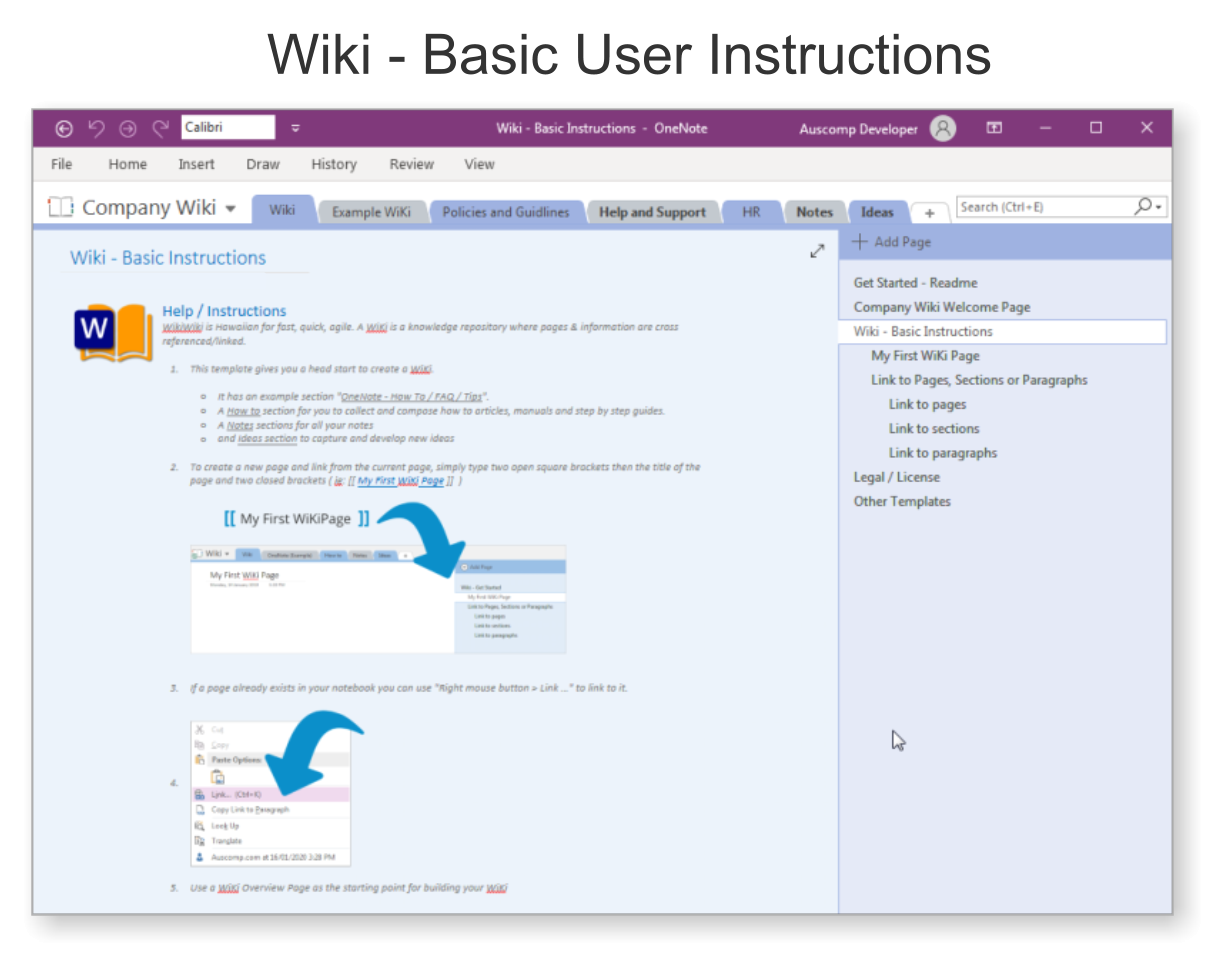
- No extra tools – works right inside Microsoft OneNote.
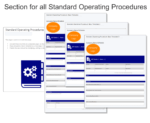
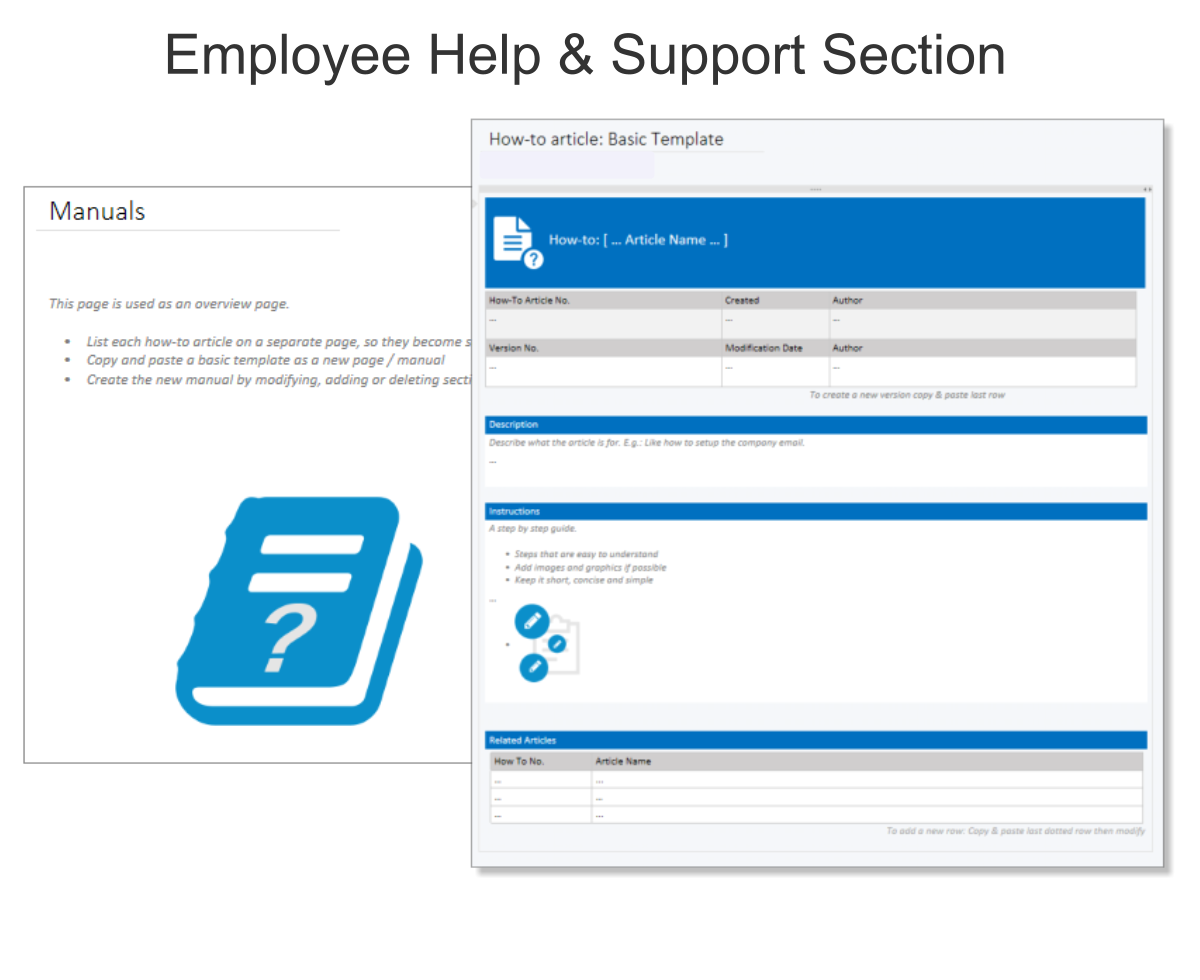
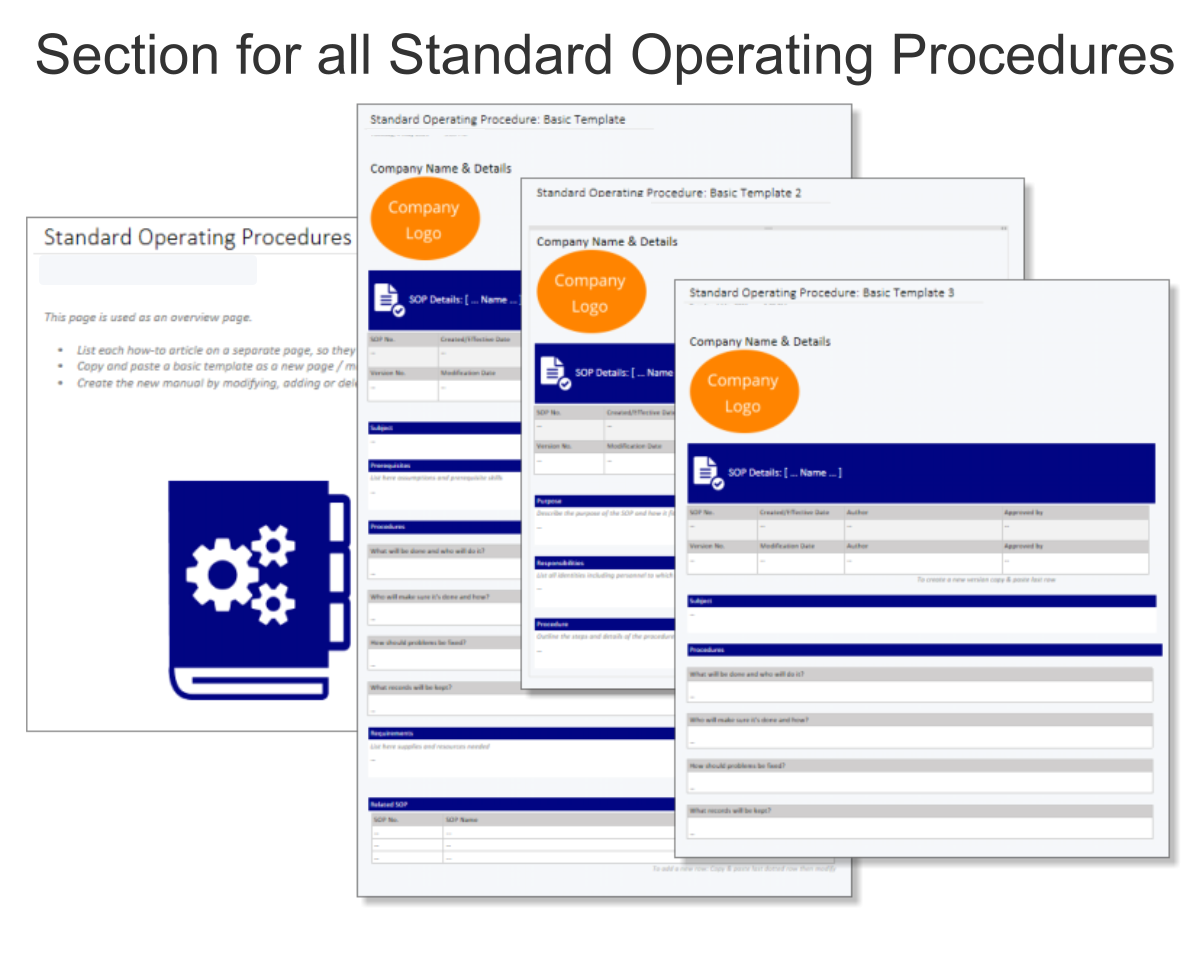
- Professional templates for SOPs, policies, manuals and more.
- Secure and private with Office 365 cloud integration.
- Fast onboarding, training, and ongoing updates made simple.
Company Wiki for OneNote – Document, Organize & Share Knowledge
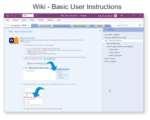
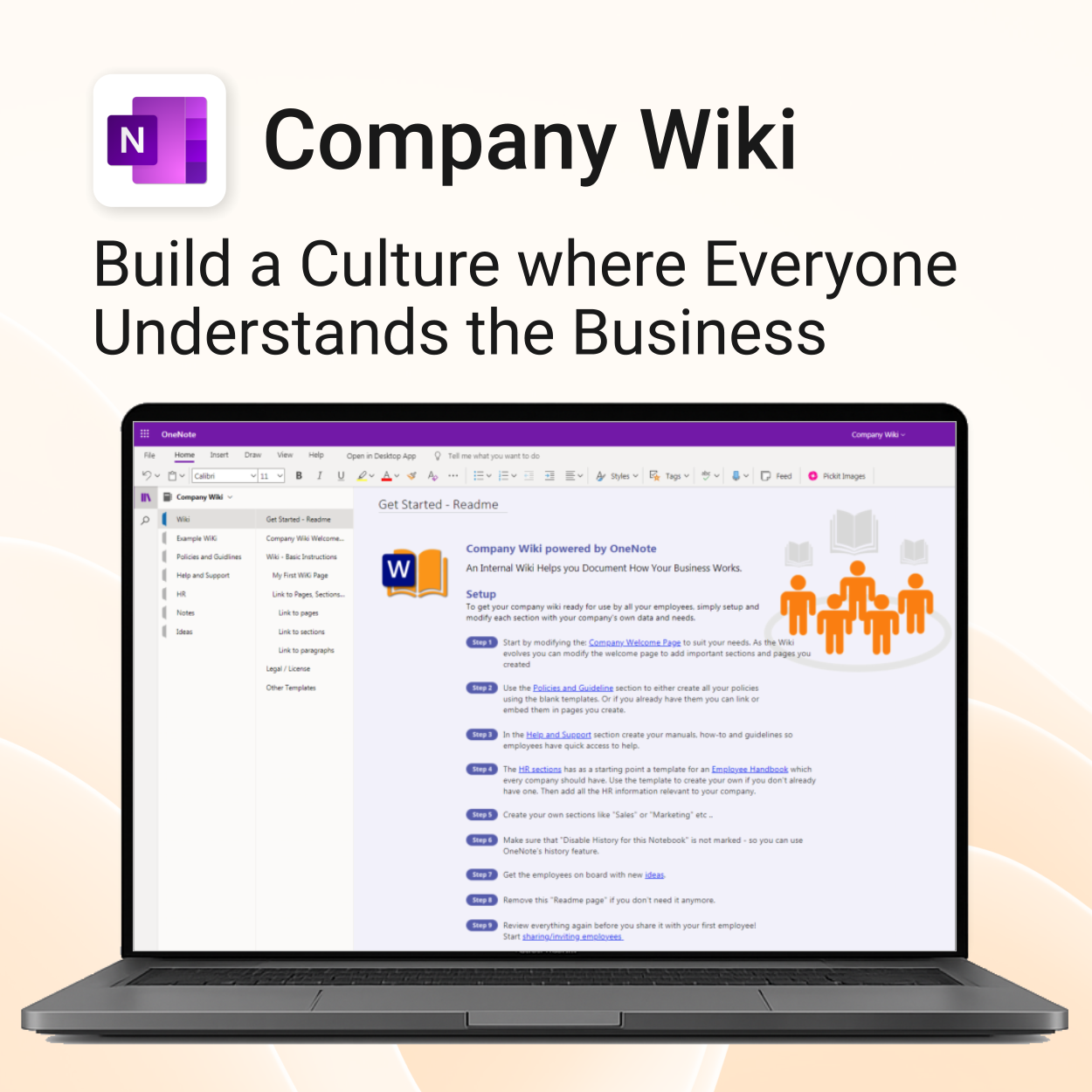
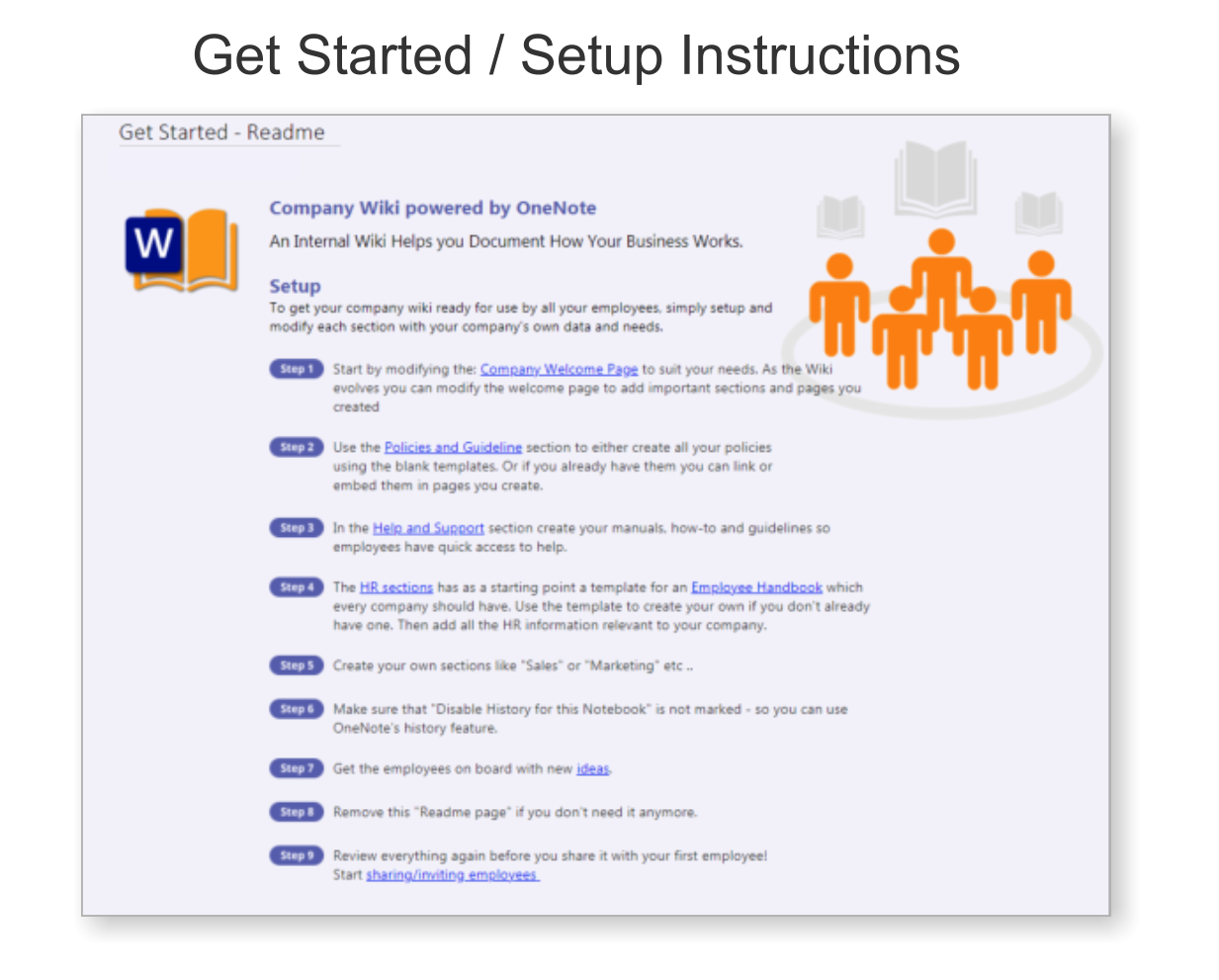
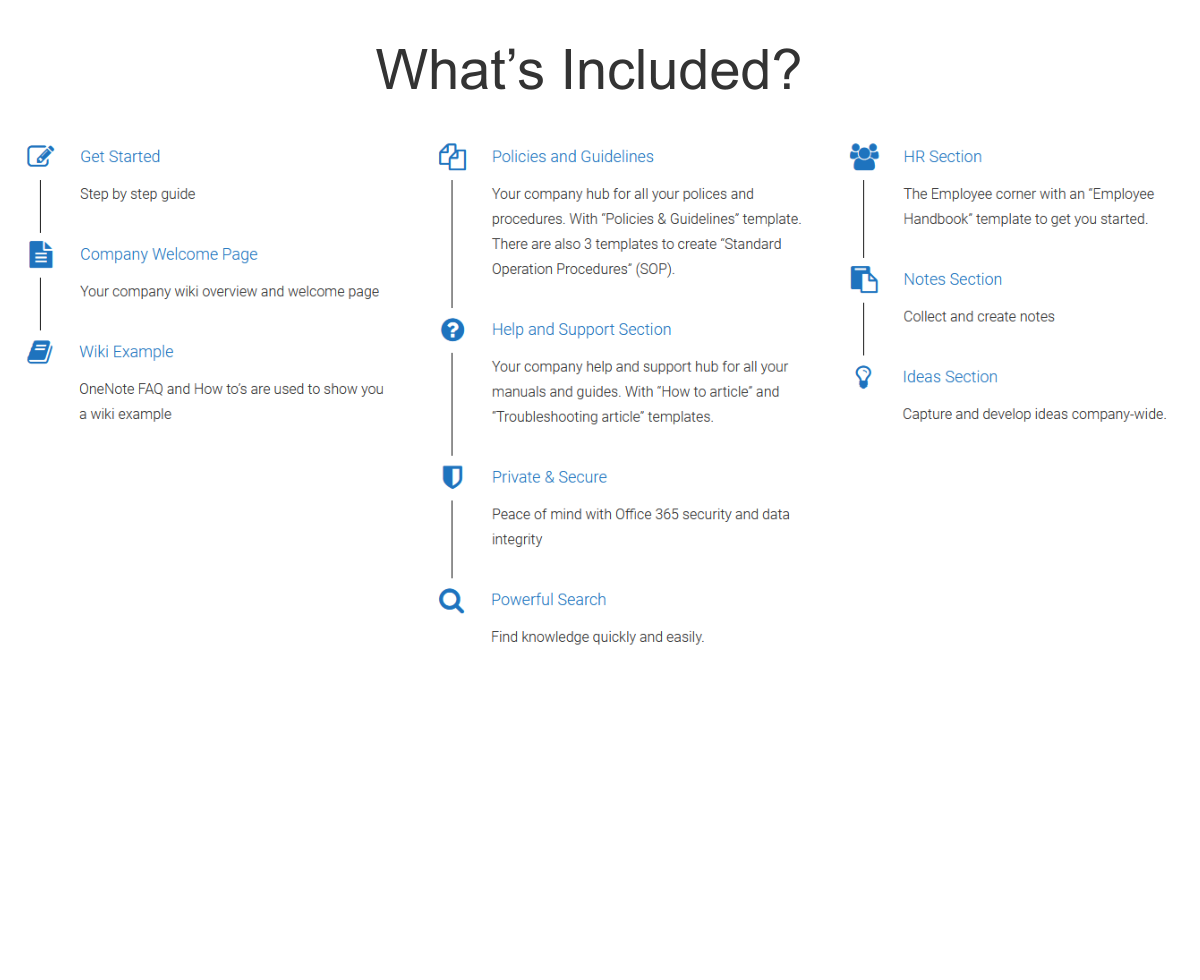
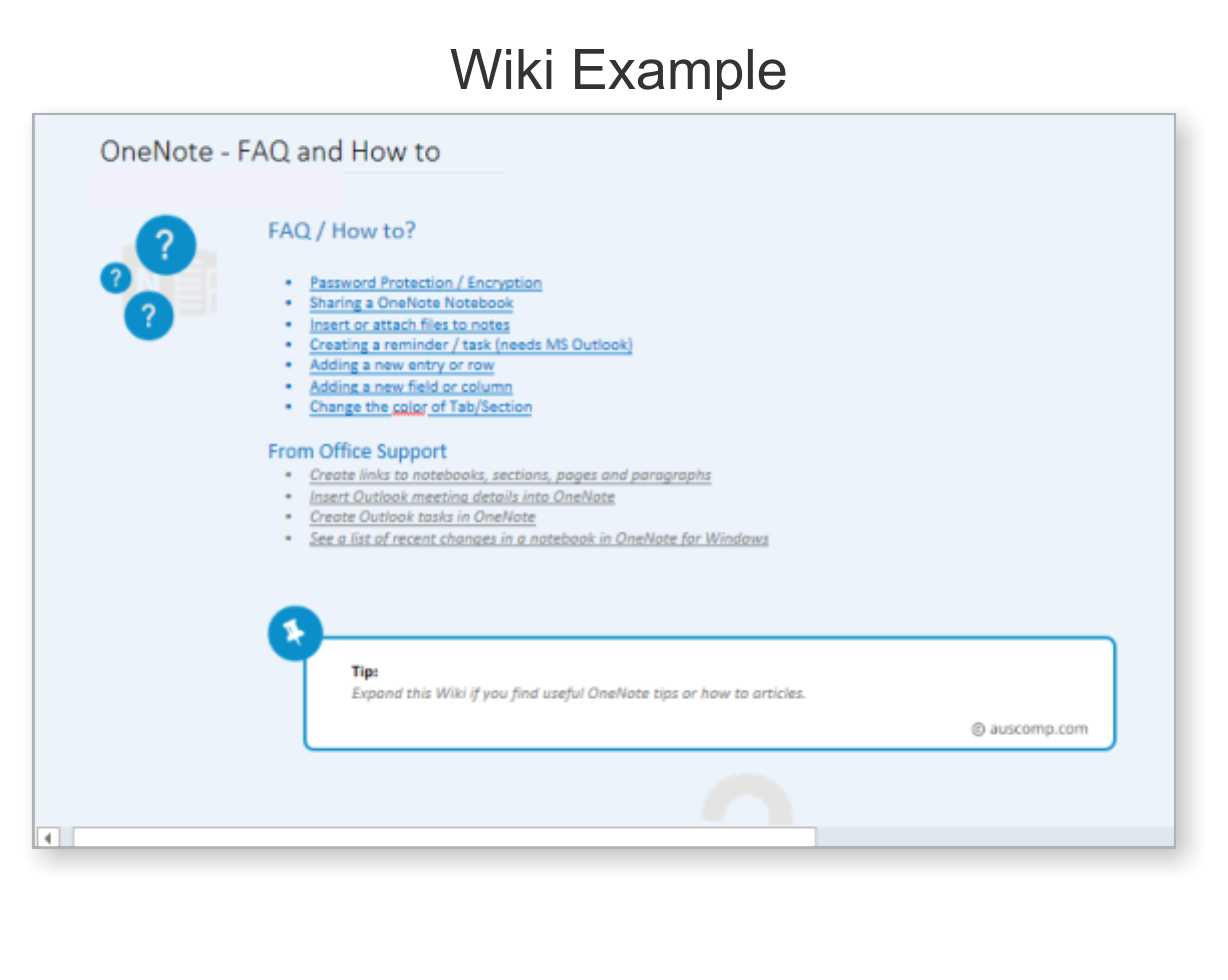
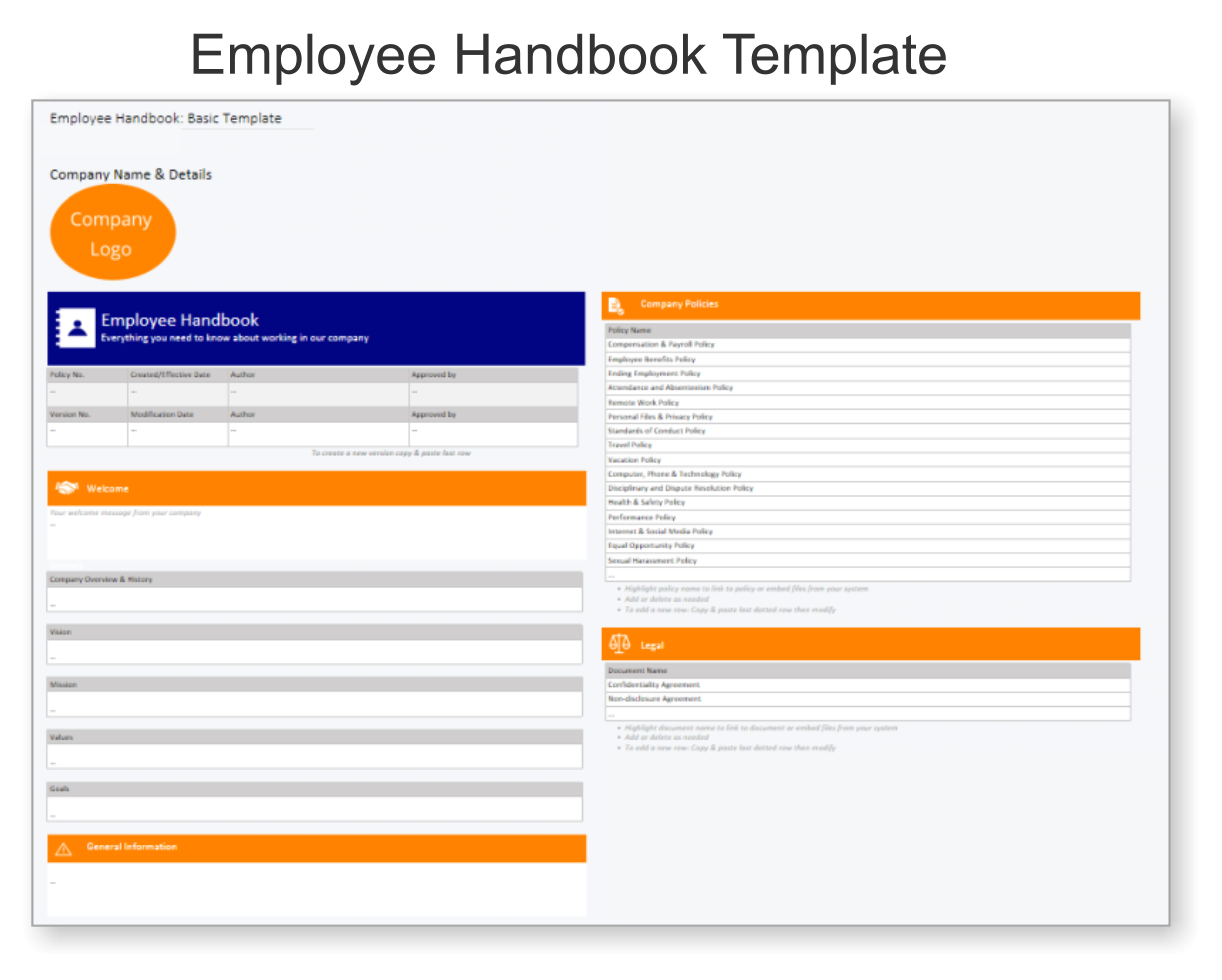
An internal knowledge base solution inside OneNote – designed to help teams document SOPs, policies, handbooks, and how-tos with zero extra software or subscriptions.
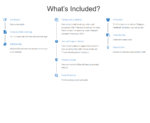
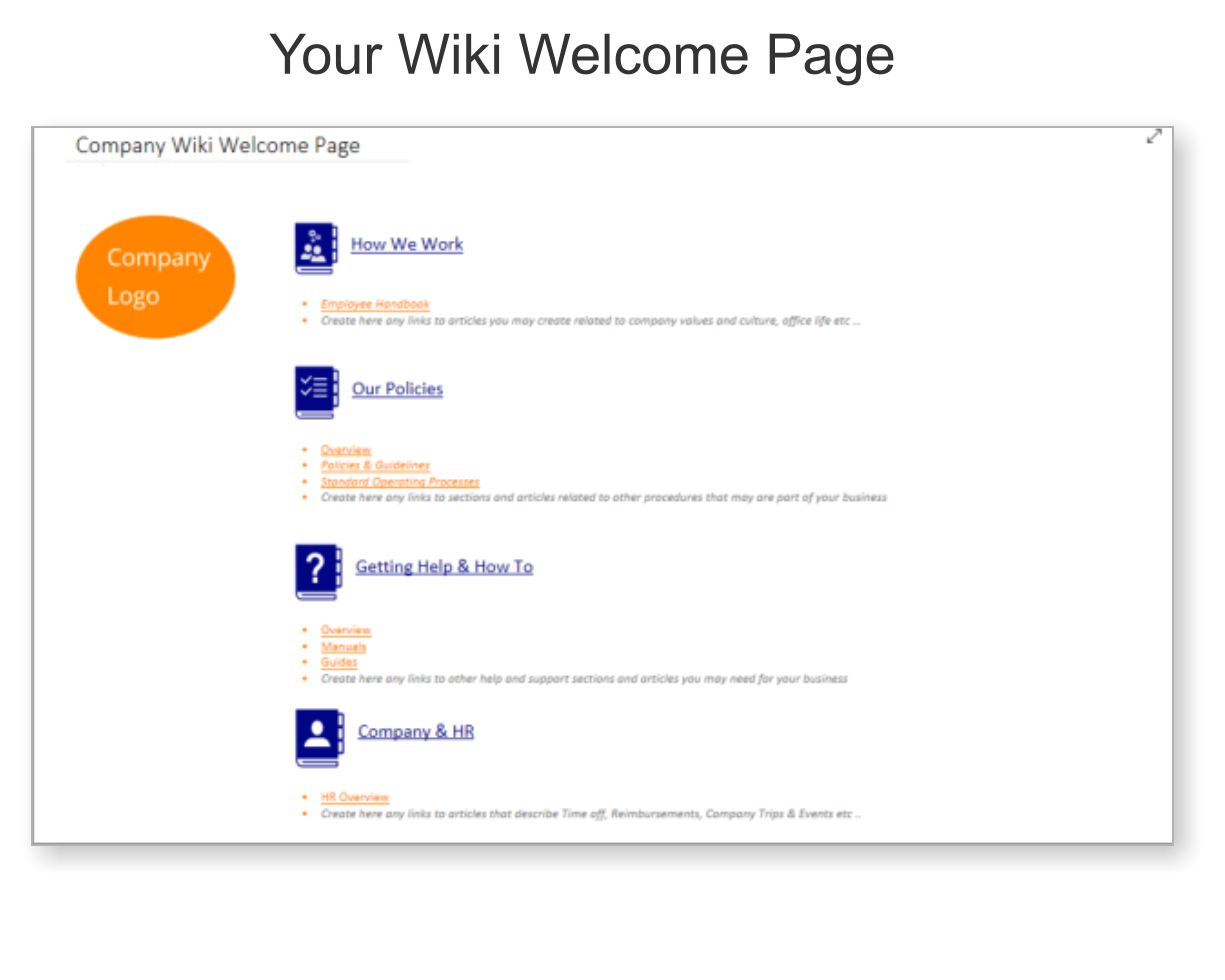
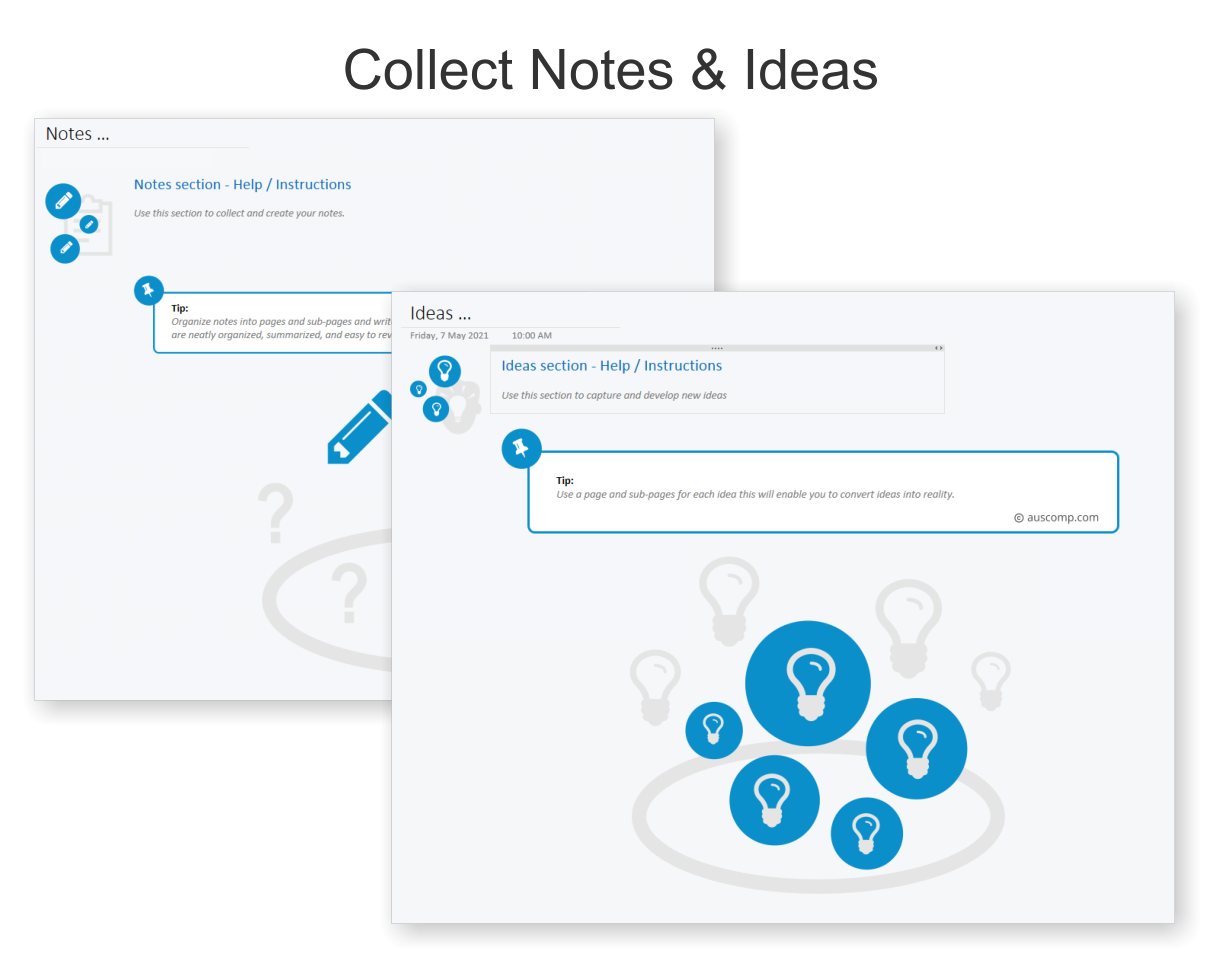
Company Wiki for OneNote includes everything you need to build your team’s internal knowledge hub:
| No. of Users | Professional/Freelancer (1 User), Team (up to 5 Users), Team (up to 10 Users), Business (up to 25 Users) |
|---|
 ChatGPT
 OneNote
 FREE
FREE MS Project
 MS Forms
 MS Lists
 Outlook
 Excel
Excel Bonus
Bonus Copilot
 MS Teams
 Power BI
Related Products
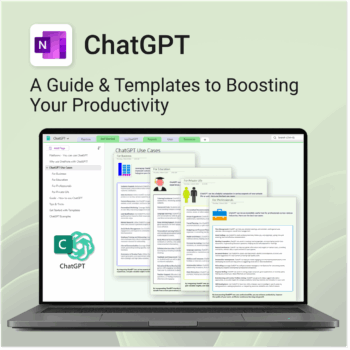
Be more productive. Save time & master AI.
-
- Master ChatGPT with structured use cases and tutorials.
- Get started faster using done-for-you templates and prompts.
- Track, log, and organize your ChatGPT ideas across projects.
- Save hours with reusable formats for every role and tone.
- Compatible with all devices — desktop, tablet & mobile.
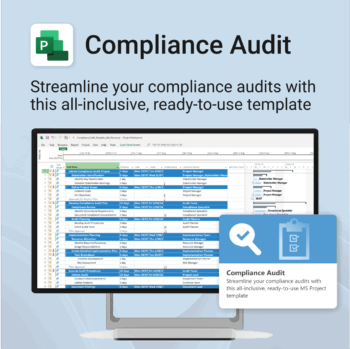
Make audit readiness part of your project workflow — not a last-minute scramble.
-
- Everything structured — from audit scope to implementation follow-up.
- Built for Microsoft Project — no steep learning curve.
- Ensures clear documentation and accountability across your audit team.
- Perfect for internal, external, and compliance-driven audits.
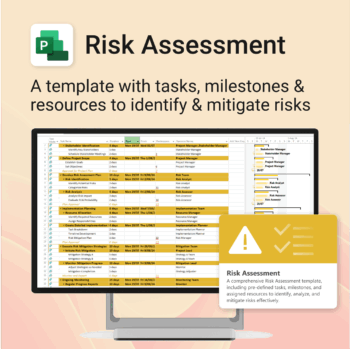
Master risk management — from early identification to confident mitigation.
-
- Eliminates guesswork — structured for real-world risk planning.
- Built to work perfectly in MS Project — no learning curve.
- Easy to update — keep your risk register live and relevant.
- Ideal for teams managing safety, compliance, or project uncertainty.
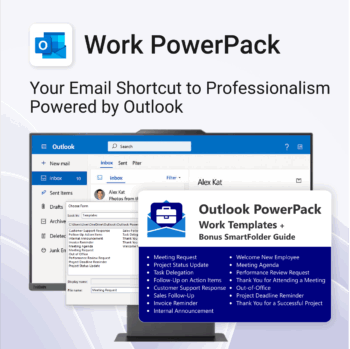
Be more productive. Save time & communicate professionally.
-
- Instant import—get started in minutes
- Fully compatible with Outlook
- Smart Folder Guide included
- Boost team communication with pre-written responses
- Perfect for internal comms, client updates, and task assignments
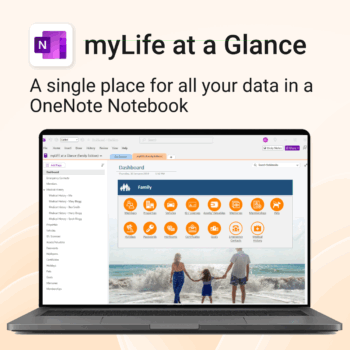
Take control of your family’s information. Stay prepared and organized.
-
- All-in-one family dashboard — know where everything is
- Be emergency ready — from medical history to contacts
- Perfect for travel, school, caregiving & estate planning
- Private & secure — powered by Microsoft OneNote
- No subscription needed — lifetime value
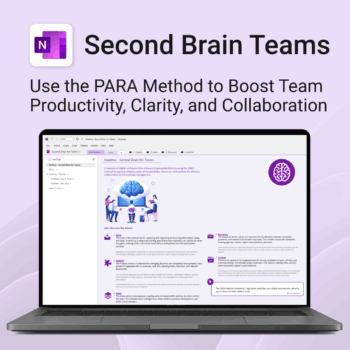
Boost productivity. Simplify collaboration.
-
- Capture tasks, notes & info instantly — no context switching
- Organize everything by PARA — Projects, Areas, Resources, Archive
- Get more done — shared workspaces drive team clarity
- Keep knowledge accessible — from onboarding to SOPs
- Work from anywhere — synced and secure inside OneNote
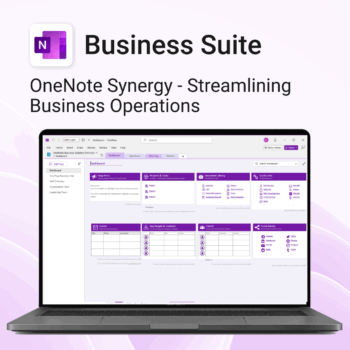
Run your business from OneNote — clients, projects, teams, HR, sales & documents in one organised workspace.
- One central hub: Plan work, manage people and store docs with ready-made templates.
- Built for Microsoft 365: Works great with Teams/SharePoint — no new logins or tools.
- Secure & searchable: Keep SOPs, HR and client files in OneNote for instant context.
- Fast setup: One-click notebook + quick-start guide — scale as your business grows.
Perfect for SMBs, agencies and remote teams who live in Microsoft 365.
Trusted by 1,000+ professionals worldwide to stay organized and deliver on time.
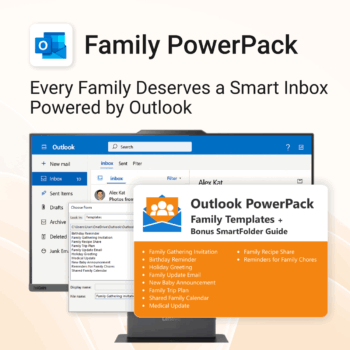
Make family communication easier than ever.
-
- Send thoughtful emails in seconds with pre-written templates.
- Never forget a birthday or family event again.
- Keep everyone in sync with shared calendars & updates.
- Instant download with step-by-step instructions included.
- 100% Outlook-compatible and easy to customize.
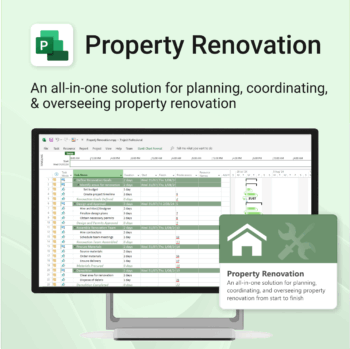
Renovate with confidence — built for project managers, homeowners, and builders alike.
-
- Manage budgets, teams, tasks, and timelines all in MS Project.
- Built-in flow from design to demolition to final inspection.
- Perfect for homeowners, contractors, and renovation planners.
- Customizable for any property type or scope.
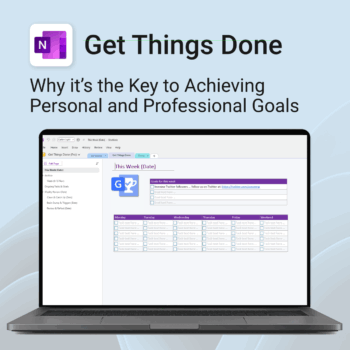
Get Things Done — right inside OneNote. Capture, organise and review with a clear weekly rhythm.
- GTD in OneNote: Inboxes, Projects, Next Actions, and a Weekly Review that sticks.
- Structured yet flexible: Brain dump & triggers, project pages, and “This Week” focus.
- Fast setup: One-click notebook + quick-start guide — be productive in minutes.
- Works where you work: OneNote on Windows, Mac & Web — great with Teams/SharePoint.
Perfect for personal and professional life — students, freelancers, and busy teams in Microsoft 365.
Join thousands of OneNote users who’ve built consistent weekly planning habits with GTD.
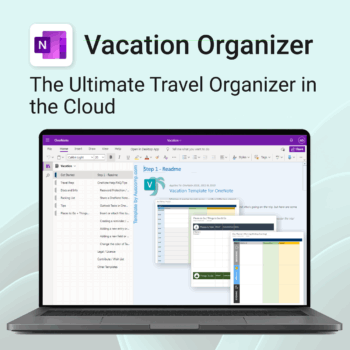
Make travel planning effortless. Stress less & enjoy more.
-
- All-in-one place to plan, pack, and prepare
- Customizable for solo, family, or group travel
- Use on any device with OneNote
- Keep documents, notes & itineraries together
- Get organized early and travel with confidence
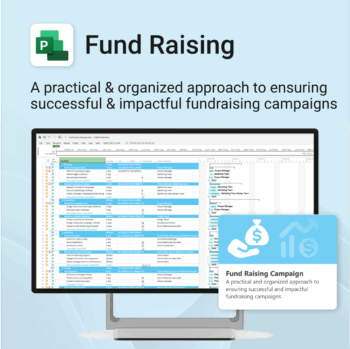


Build momentum, raise funds, and keep your campaign on track — all in MS Project.
-
- Plan, launch, and manage every aspect of your fundraising campaign.
- Built-in timelines, templates, and workflows for maximum efficiency.
- Fully editable in MS Project — no steep learning curve.
- Perfect for nonprofits, schools, causes, and community initiatives.