

Business Suite for OneNote
$169.95
Run your business from OneNote — clients, projects, teams, HR, sales & documents in one organised workspace.
- One central hub: Plan work, manage people and store docs with ready-made templates.
- Built for Microsoft 365: Works great with Teams/SharePoint — no new logins or tools.
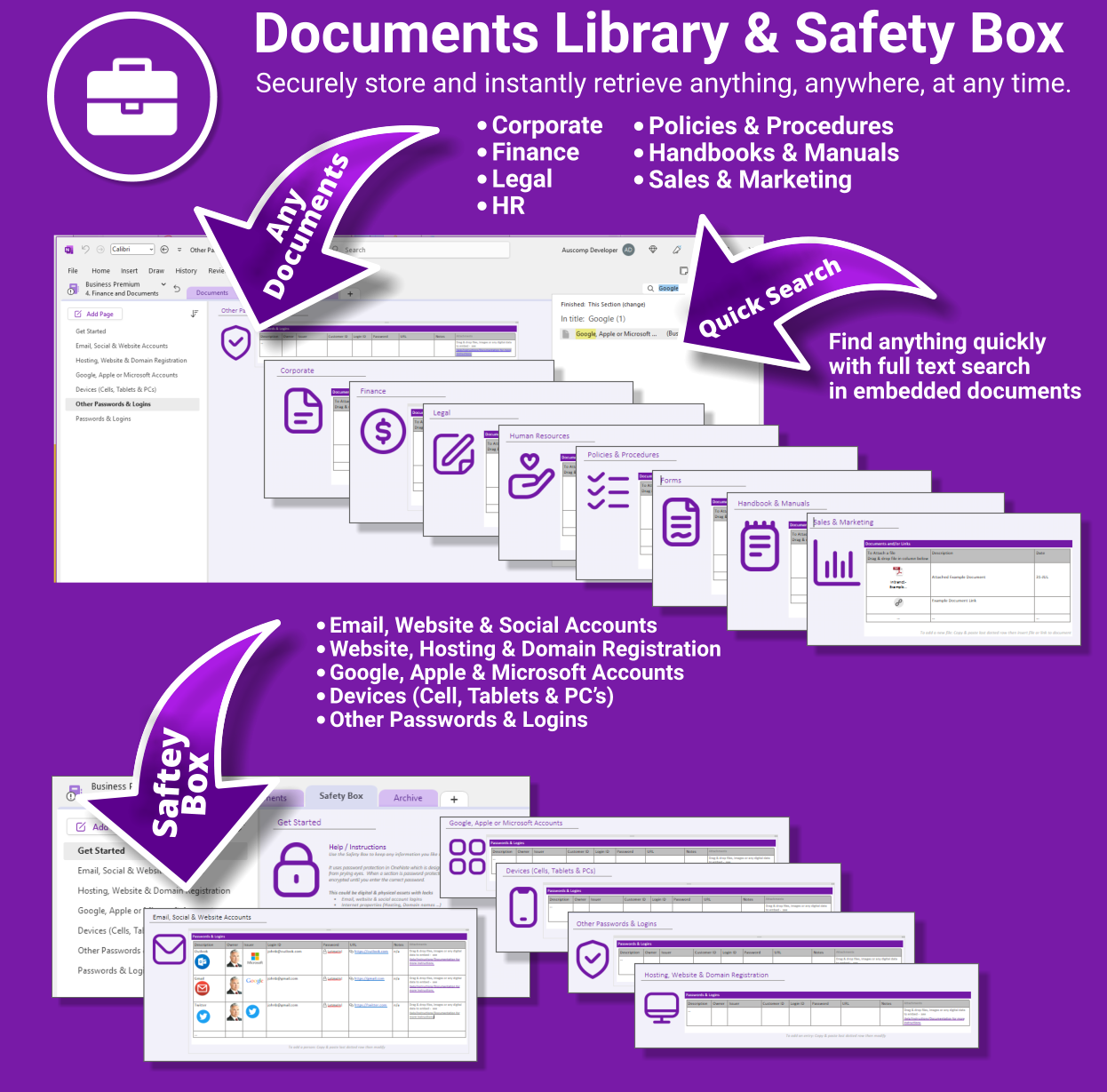
- Secure & searchable: Keep SOPs, HR and client files in OneNote for instant context.
- Fast setup: One-click notebook + quick-start guide — scale as your business grows.
Perfect for SMBs, agencies and remote teams who live in Microsoft 365.
Trusted by 1,000+ professionals worldwide to stay organized and deliver on time.
Business Suite for OneNote — All-in-One Solution for Teams & Operations
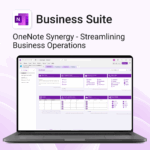
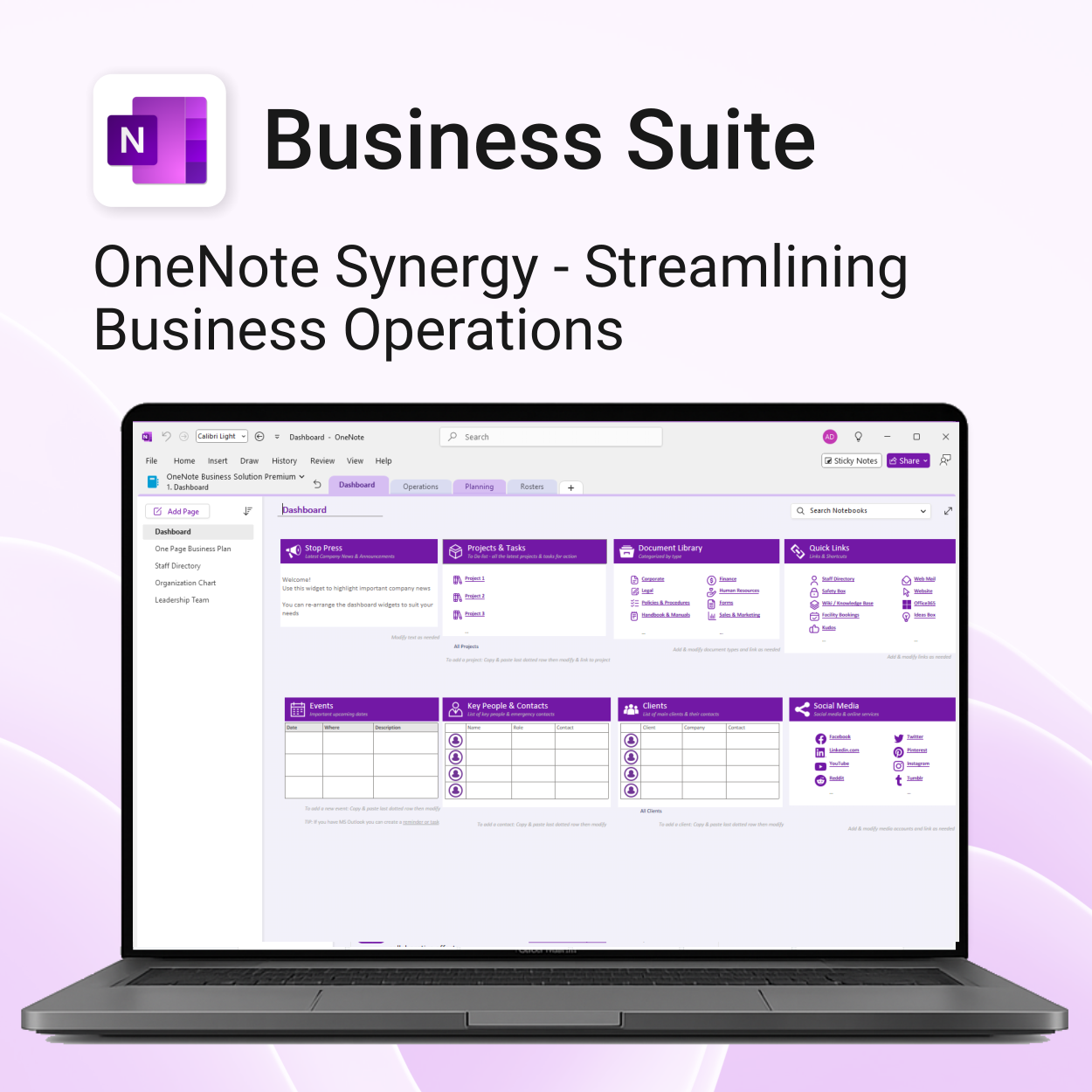
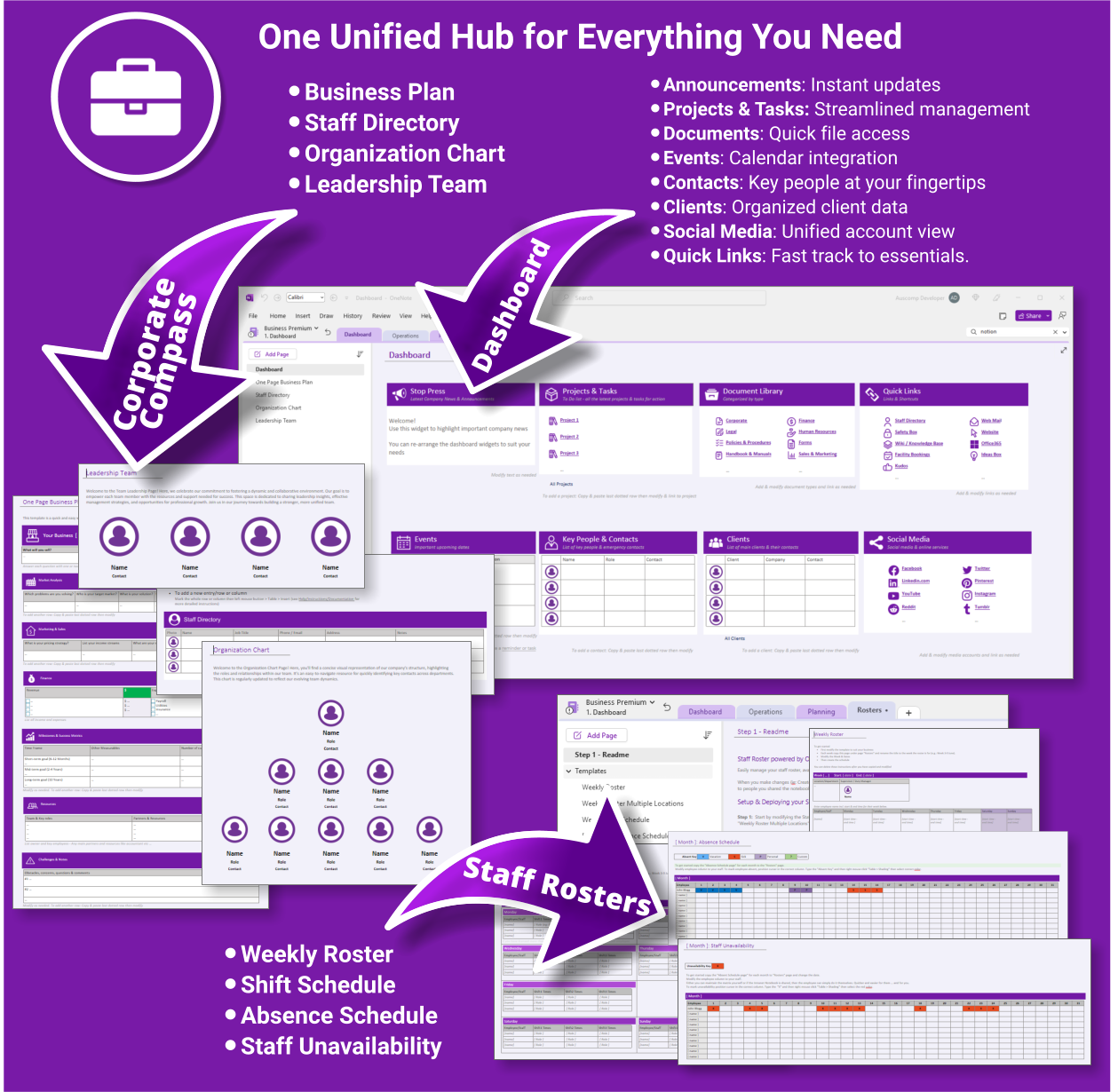
Transform how your business operates with a fully integrated OneNote-powered suite. Organise everything — clients, projects, teams, HR, sales, documents and more — in one centralised, secure workspace.
What’s included
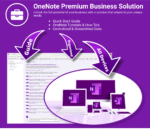
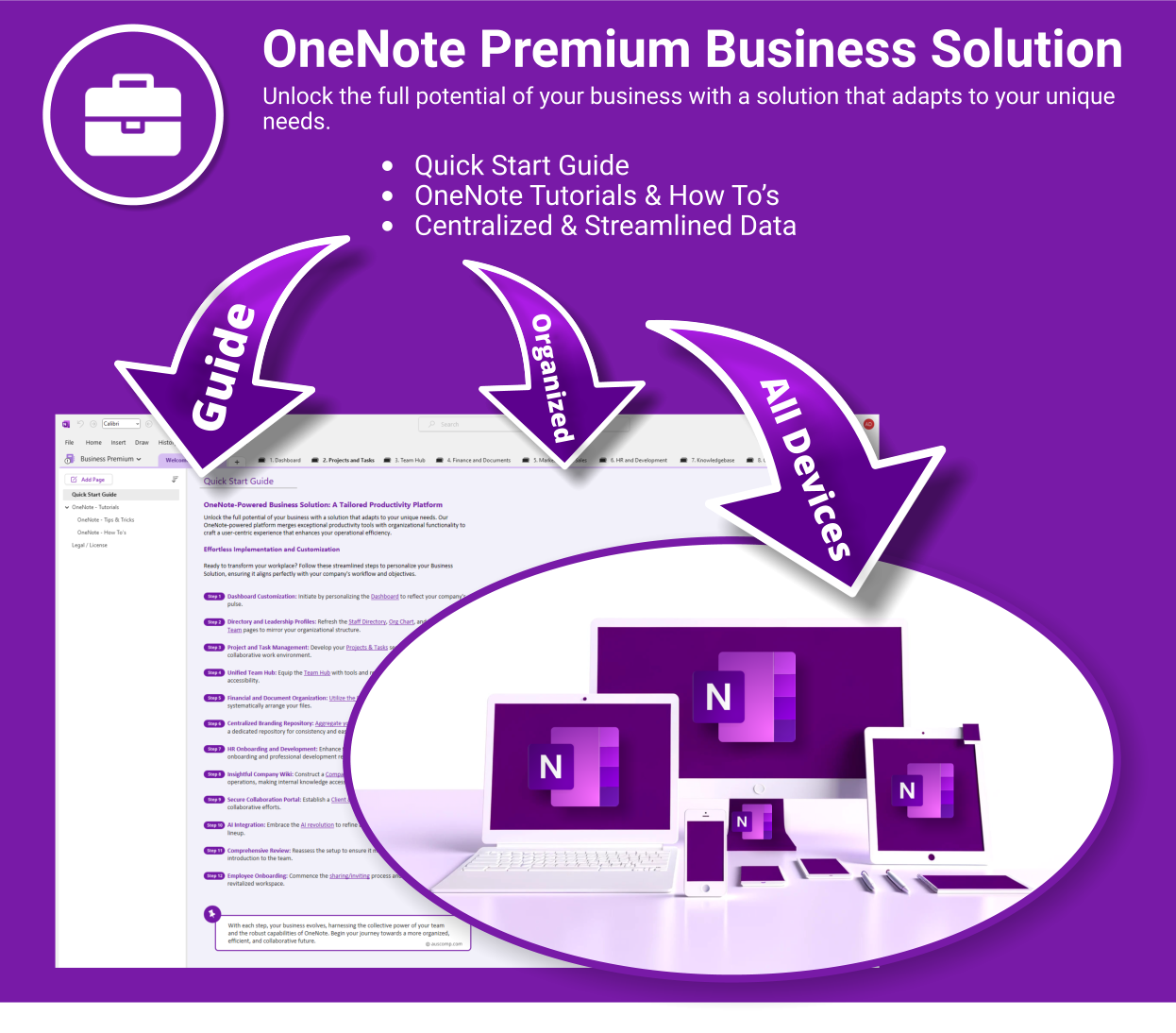
Business Suite for OneNote is easy to install and includes the following:
- Quick Start Guide — Step-by-step instructions to get you running fast
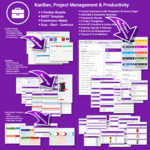
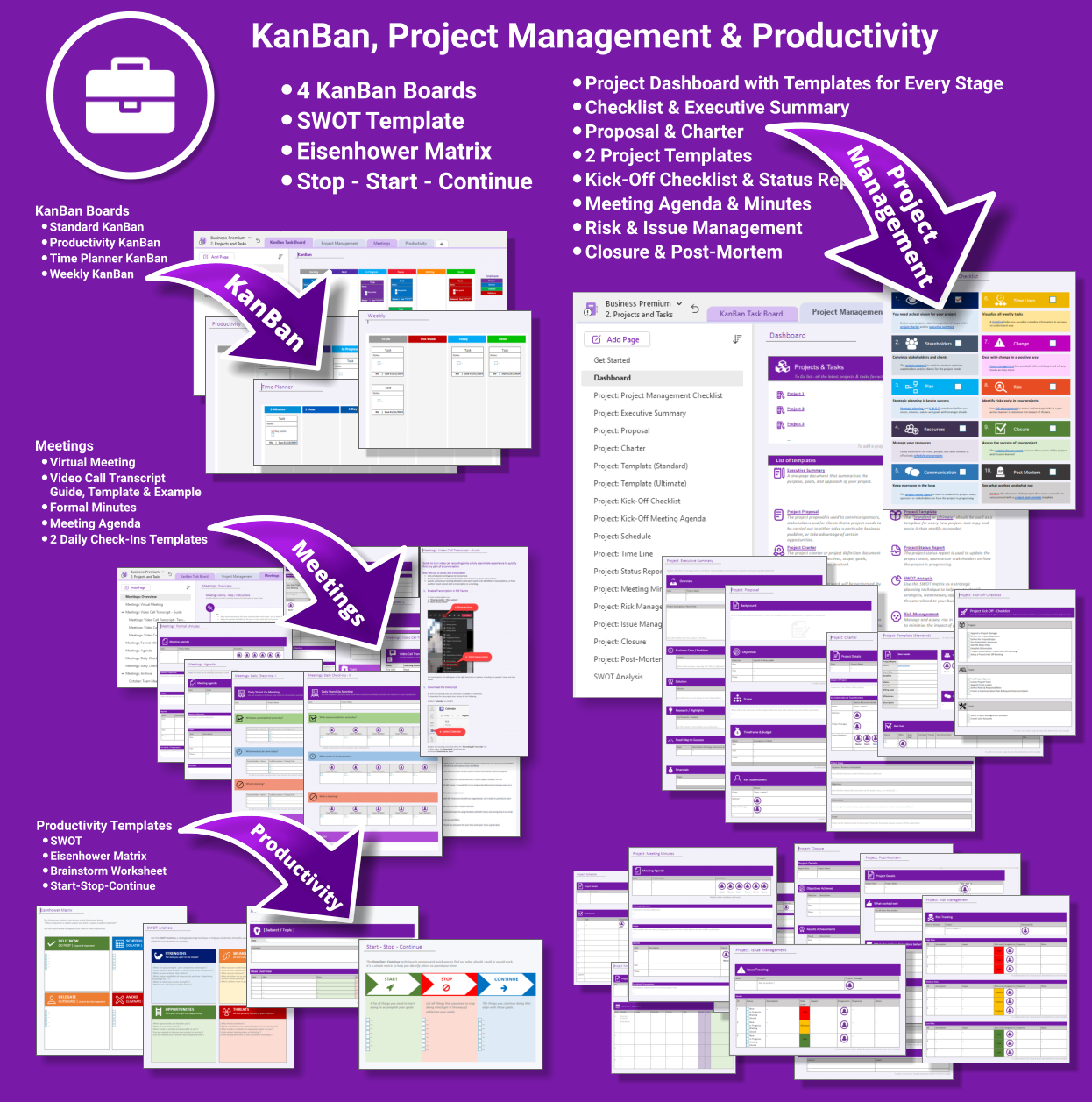
- Projects & Tasks — Comprehensive templates from kickoff to closure
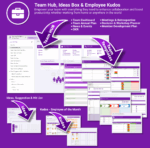
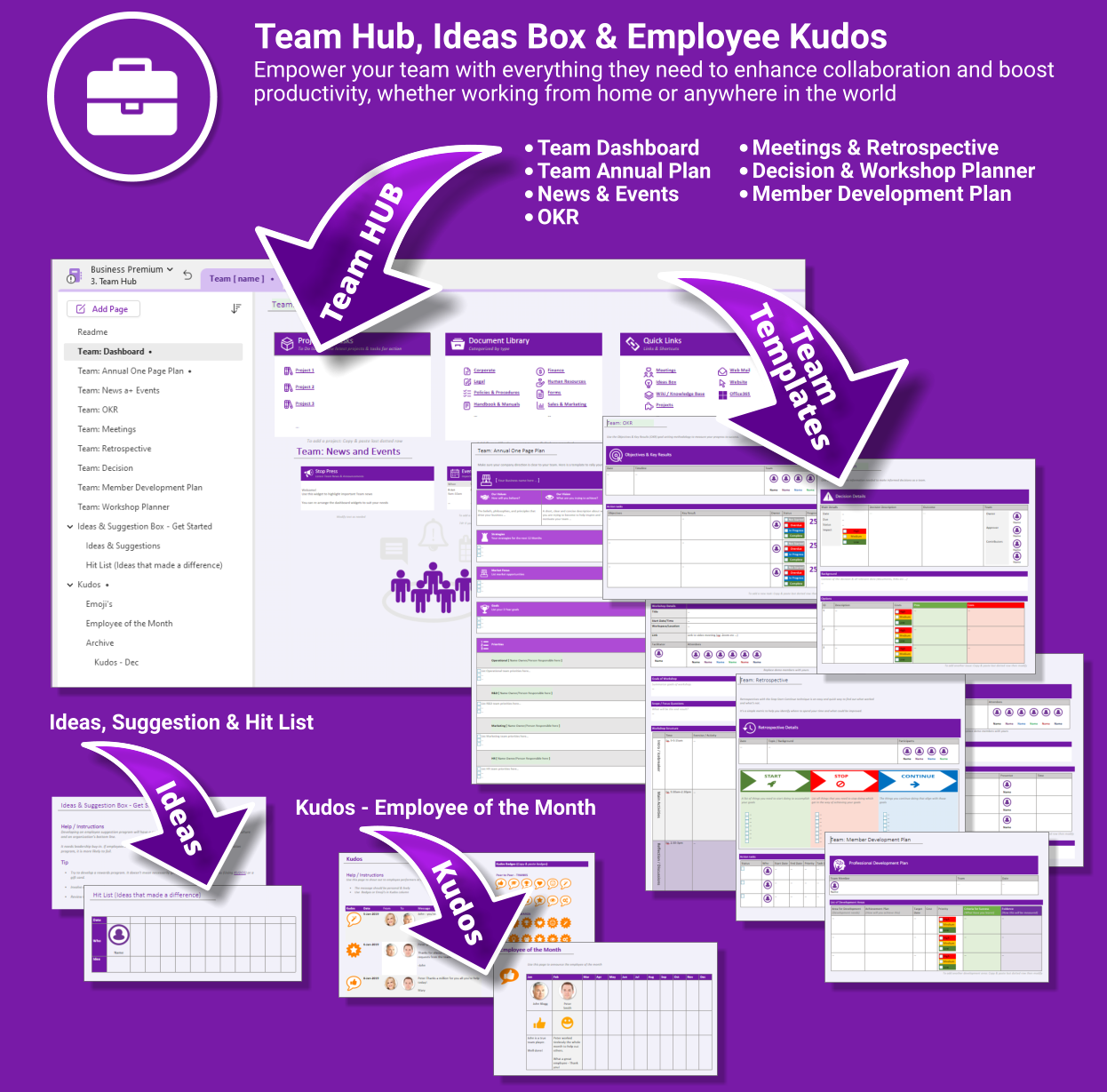
- Team Hub — Meetings, planning, OKRs and team kudos
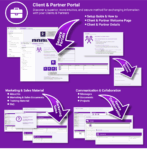
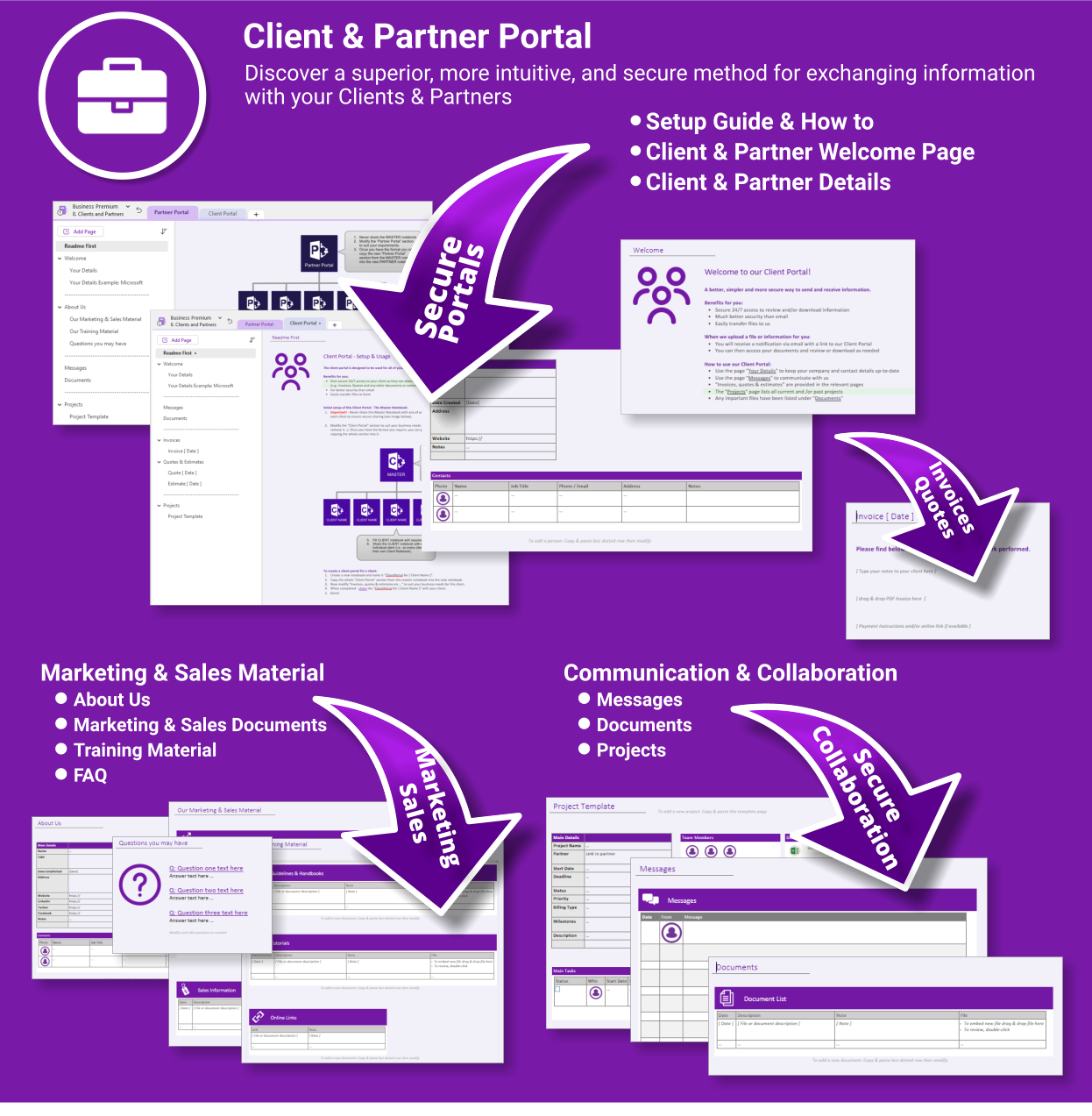
- Client & Partner Portal — Secure collaboration with clients and external partners
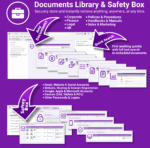
- Document Library & Safety Box — Store & search any file from within OneNote
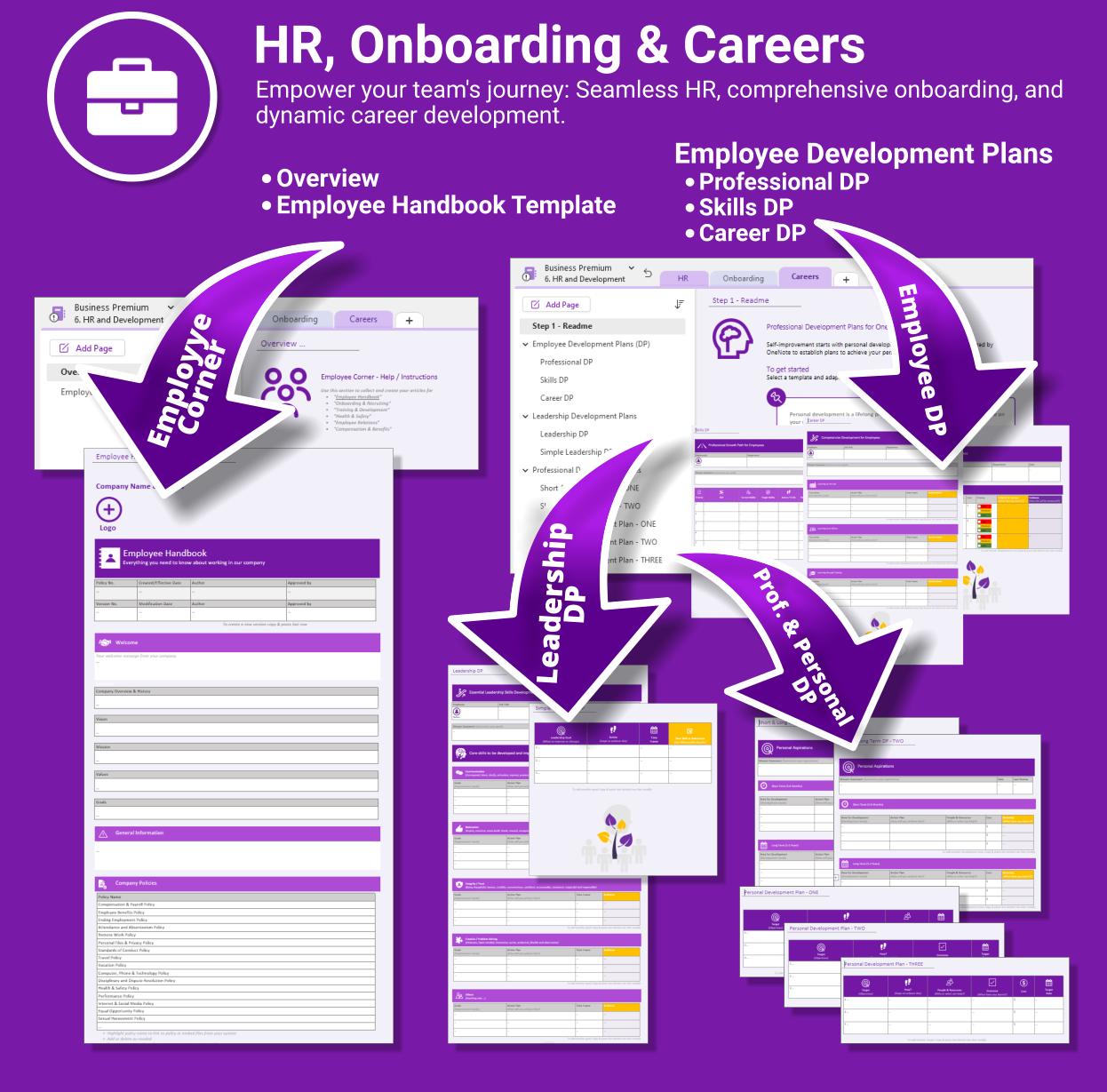
- HR & Onboarding — Streamlined onboarding, career planning & employee docs
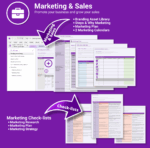
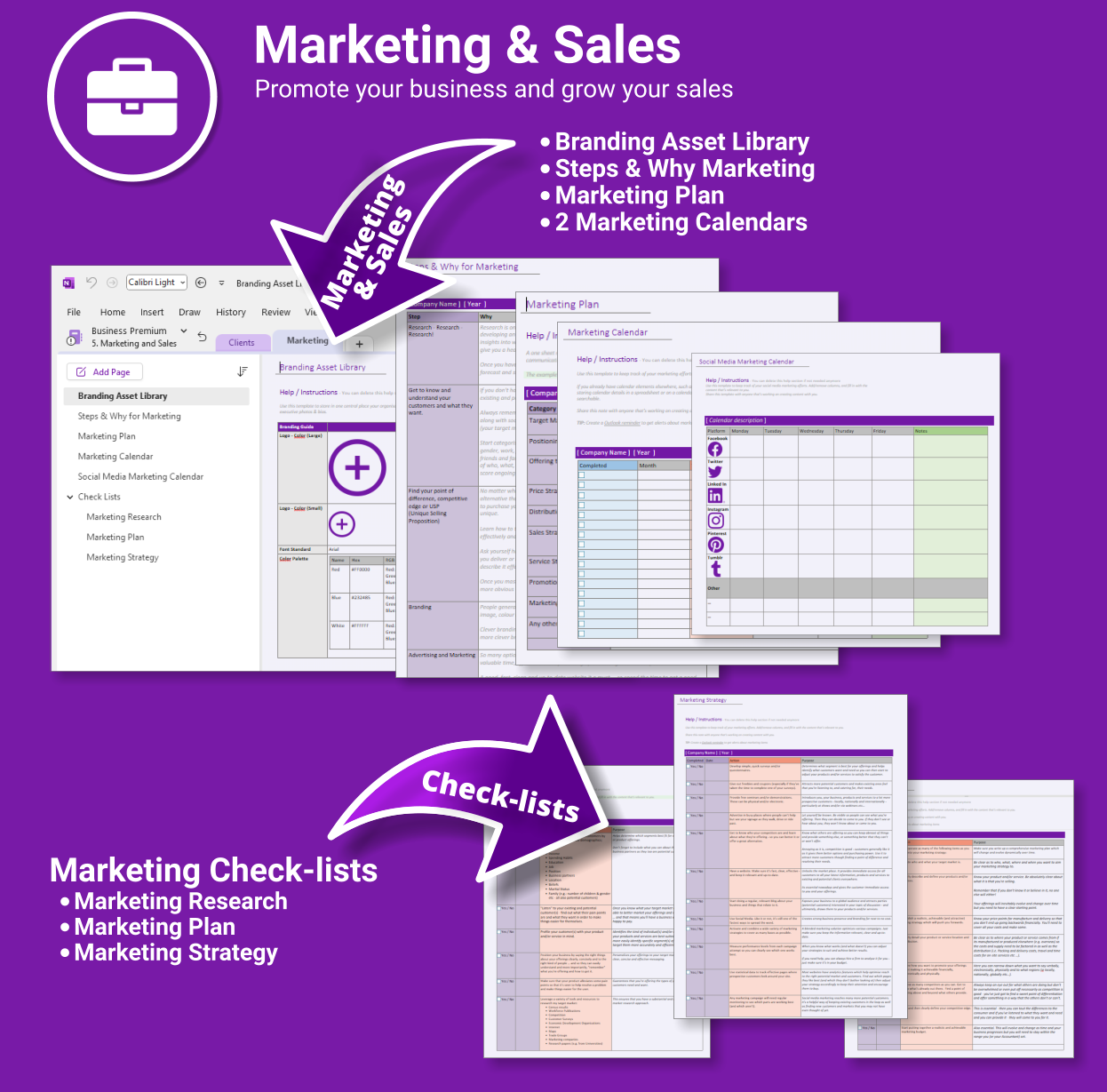
- Marketing & Sales Hub — Strategy, branding & campaign planning
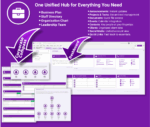
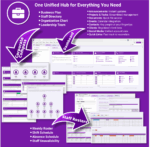
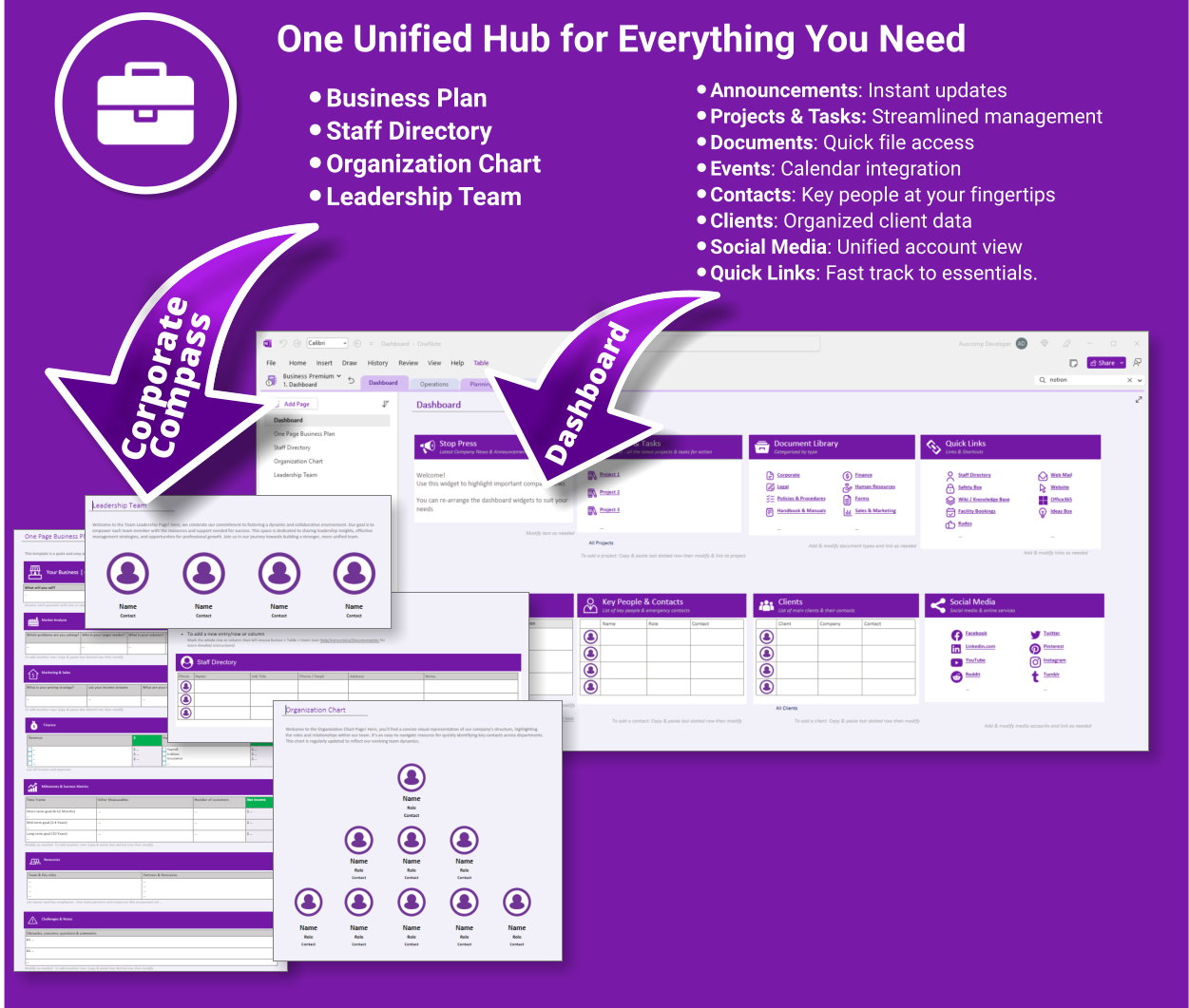
- Corporate Compass — Directory, org chart, business plan & leadership hub
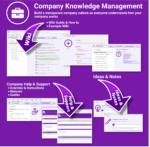
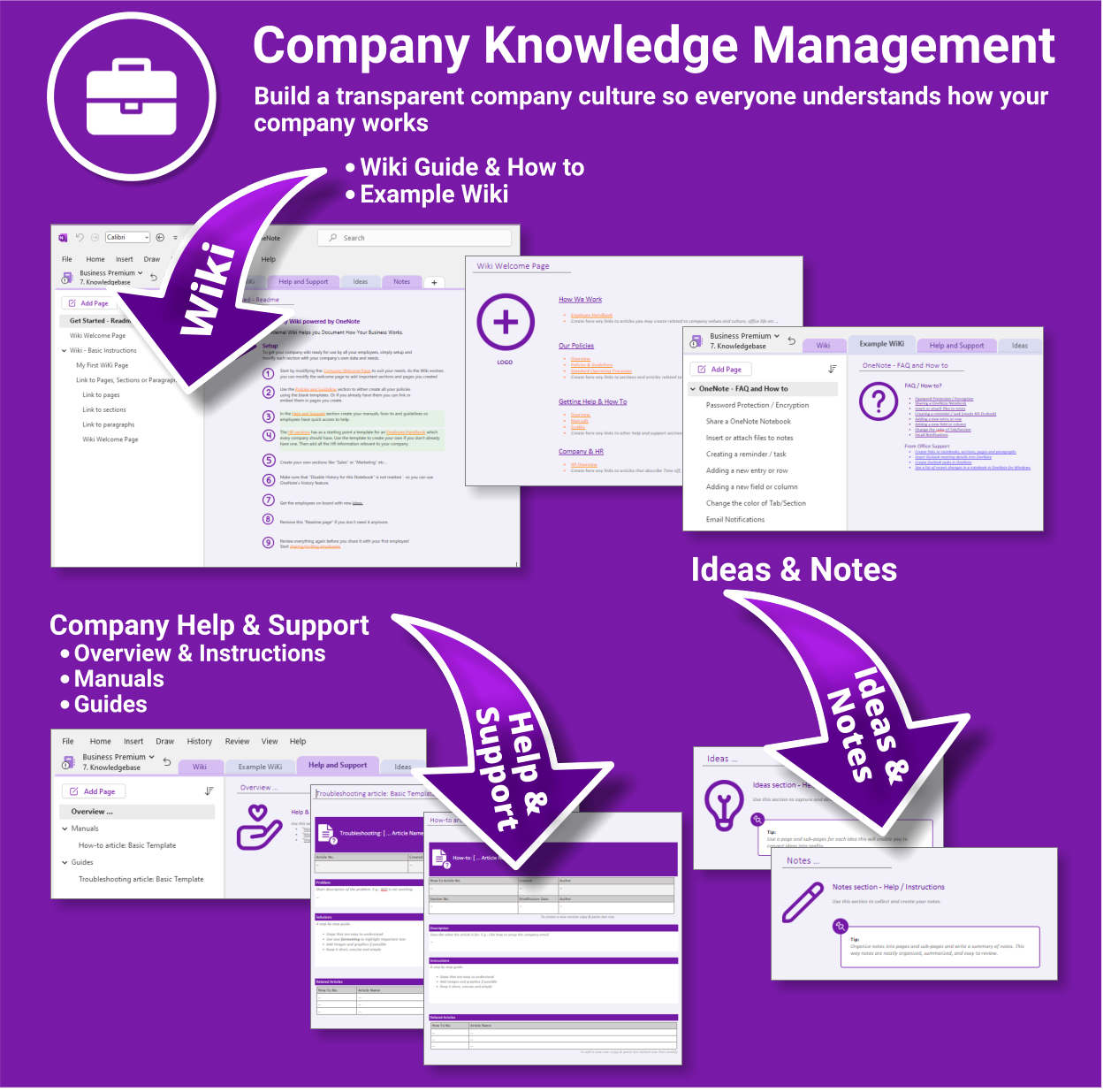
- Wiki & Knowledge Base — SOPs, FAQs and company know-how
What you get
- One-click OneNote notebook package (.zip/.onepkg)
- Quick-start guide
- Reusable for unlimited projects & departments
- Commercial use under Auscomp licence
Compatibility
- OneNote for Windows, Mac & Web
- Works great with Teams/SharePoint notebooks
- Microsoft 365 accounts and personal Microsoft accounts
What customers say
This suite brought order to our growing business. Everything’s in one place and my team knows exactly where to look.
The dashboard is genius. I can manage staff, projects, documents and even marketing plans all from OneNote now.
I’ve tried SharePoint and Confluence — this is simpler, fast to set up and actually gets used.
Great for remote teams. We run meetings and store all our SOPs and HR docs in one structure.
The Client Portal alone was worth the price — onboarding and project status without emails.
OneNote finally feels like the centre of our business. This is how it should’ve worked from the start.
I’m using the HR planner for onboarding and training — it’s saved hours each week.
We implemented this across 3 departments and collaboration improved overnight.
FAQs
How do we install it?
Download the package and follow the step-by-step guide on our installation page. You’ll be set up in minutes.
Is it suitable for remote or multi-team use?
Yes. Store the notebook in OneDrive, Teams or SharePoint for shared access. Create additional notebooks for departments as you scale.
Can we collaborate with clients securely?
Use the Client & Partner Portal sections and share only that notebook/section with external users. Keep internal hubs private.
Can we customise it?
Absolutely. Rename sections, add pages, and adapt templates (SOPs, HR, marketing, projects) to match your workflows.
 OneNote
 MS Project
 MS Forms
 MS Lists
 Outlook
 Excel
Excel Copilot
 MS Teams
 Power BI
Related Products
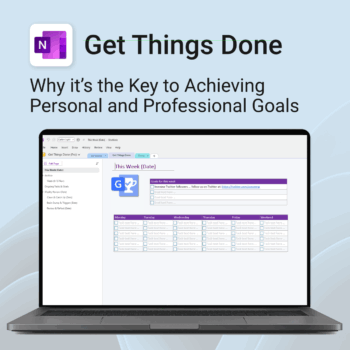
Get Things Done — right inside OneNote. Capture, organise and review with a clear weekly rhythm.
- GTD in OneNote: Inboxes, Projects, Next Actions, and a Weekly Review that sticks.
- Structured yet flexible: Brain dump & triggers, project pages, and “This Week” focus.
- Fast setup: One-click notebook + quick-start guide — be productive in minutes.
- Works where you work: OneNote on Windows, Mac & Web — great with Teams/SharePoint.
Perfect for personal and professional life — students, freelancers, and busy teams in Microsoft 365.
Join thousands of OneNote users who’ve built consistent weekly planning habits with GTD.
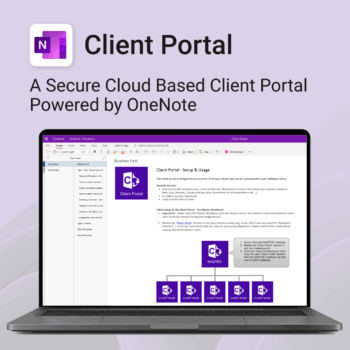
Be more efficient. Strengthen client trust.
-
- Securely deliver documents, invoices, and quotes
- Centralized space for all client communication
- Easy onboarding and professional presentation
- One portal per client with customizable info
- No logins or confusing apps — just OneNote
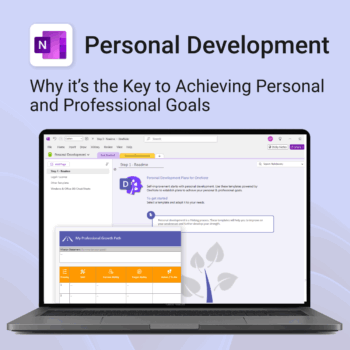
Unlock your full potential — with less friction and more focus.
-
- Structure your goals with proven development frameworks
- Track your progress over time with outcome-based templates
- Access your growth plan anywhere with OneNote sync
- Use it for career, personal, or skills-based development
- Reflect, adapt, and evolve continuously — all in one place
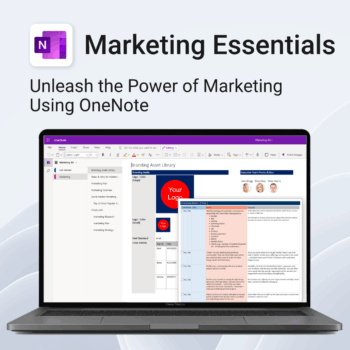
Be more strategic. Stay organized. Grow faster.
-
- Centralize your branding & strategy in one place
- Plan & execute campaigns with ready-made checklists
- Visualize your marketing schedule across platforms
- Perfect for solopreneurs, startups & small teams
- No new apps — just OneNote
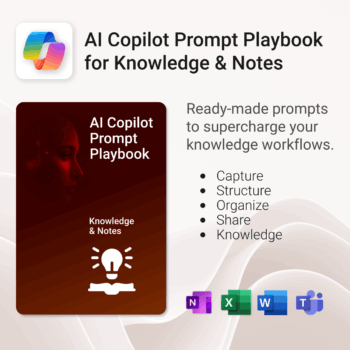
Get 30 proven Copilot prompts designed to supercharge your knowledge workflows inside Microsoft 365.
-
- Covers knowledge capture, SOPs, research summaries, collaboration, and organisation.
- No guesswork — just copy, paste, and run inside Copilot.
- Includes example outputs and app-specific usage tips.
- Perfect for individuals, teams, and knowledge managers.
- Based on real-world Microsoft 365 use cases.
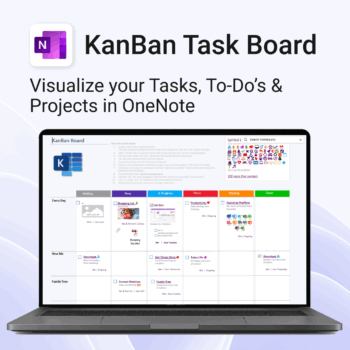
Visualise your Tasks, To-Do’s & Projects — right inside OneNote.
- Kanban in OneNote: Boards with columns and ready-made task cards for a clear, visual workflow.
- Built-in templates: Smart Cards, symbols, swimlanes & multiple board types to fit any team.
- Fast setup: One-click notebook + quick-start guide — start tracking in minutes.
- Works where you work: OneNote on Windows, Mac & Web — great with Teams/SharePoint.
Perfect for individuals and teams who live in Microsoft 365.
Trusted by 10,000+ professionals worldwide to stay organised and deliver on time.
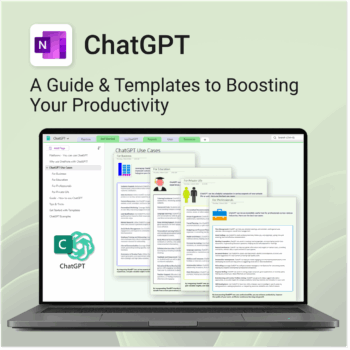
Be more productive. Save time & master AI.
-
- Master ChatGPT with structured use cases and tutorials.
- Get started faster using done-for-you templates and prompts.
- Track, log, and organize your ChatGPT ideas across projects.
- Save hours with reusable formats for every role and tone.
- Compatible with all devices — desktop, tablet & mobile.
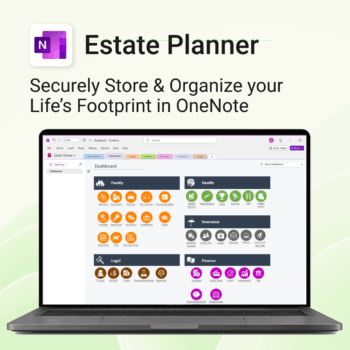
Stay organized. Protect your legacy.
-
- Centralize all your vital family records and legal documents
- Easy to update and access — no special tools needed
- Secure sensitive information using OneNote’s password protection
- Designed for simplicity with visual clarity in every section
- Share with loved ones or advisors when needed — easily and safely
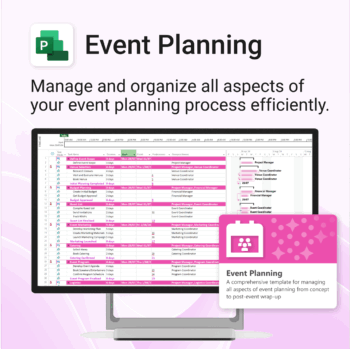
Manage &organize all aspects of your event planning.
-
- Crystal-clear timelines — no clutter, no chaos.
- Built for MS Project — plan every detail with ease.
- Drag, drop, done — effortless task tracking.
- Syncs anywhere — stay on top from any device.
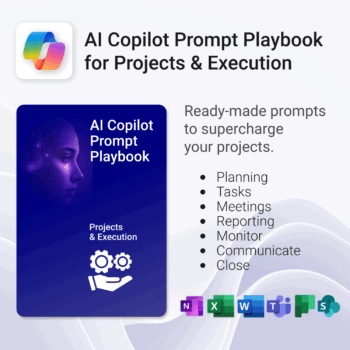
Get 30 proven Copilot prompts designed to supercharge your projects inside Microsoft 365.
-
- Covers daily planning, email, meetings, task tracking, productivity, and knowledge workflows.
- No guesswork — just copy, paste, and run inside Copilot.
- Includes example outputs and app-specific usage tips.
- Perfect for individuals, teams, and managers.
- Based on real-world Microsoft 365 use cases.
Unlock every Auscomp Microsoft 365 Template — OnePass to hundreds of Copilot-ready tools for work, school & life.
- 100 + OneNote templates — structured systems Microsoft 365 Copilot can search & answer from.
- Security Kits for Microsoft 365 — 3 step-by-step kits (Personal, Solo & Small Business)
- MS 365 suite bonus: MS Project, Forms, Lists, Outlook & Excel tools included.
- AI resources built-in: Copilot & ChatGPT Playbooks + AI Dashboards & Agents.
- Always up to date: New templates & updates added all year — yours instantly.
Perfect for professionals, students & teams who live in Microsoft 365 and want structure Copilot can actually work with.
Join 8 000 + members who simplified their work & life with the All Access Pass — your 365 system for everything.
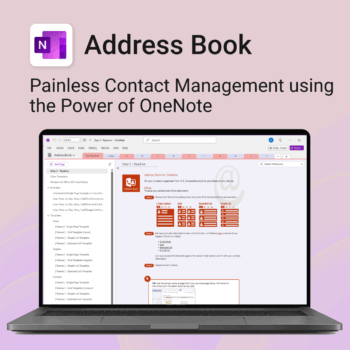
Be more organized. Keep every contact close at hand.
-
- Search contacts instantly — by name, email, phone or notes
- Color-coded layouts for faster scanning
- No new apps — use inside OneNote
- Sort and group with A-Z index tabs
- Flexible layouts that match your needs