




AI Copilot Prompt Playbook Bundle

Original price was: $99.75.$89.95Current price is: $89.95.
Turn Microsoft 365 into your AI co-pilot — with 150+ ready-to-use prompts across 5 expert playbooks.
- Built for Copilot: Works inside Word, Excel, PowerPoint, Outlook, Teams & OneNote.
- Do real work faster: reporting & insights, documentation, automation, projects, and daily workflow.
- Field-tested frameworks: structured prompts that deliver consistent, high-quality results.
- Copy, paste & adapt: start producing better output in minutes — no guesswork.
- Bundle value: all 5 playbooks for one price — you save 30%.
Trusted by professionals and teams using Microsoft 365 to plan, analyze, automate, and communicate with clarity.
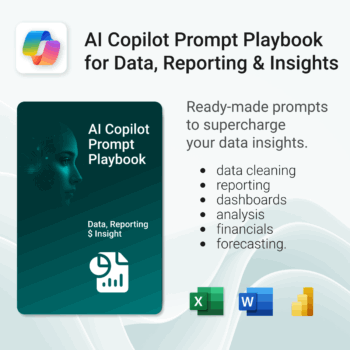
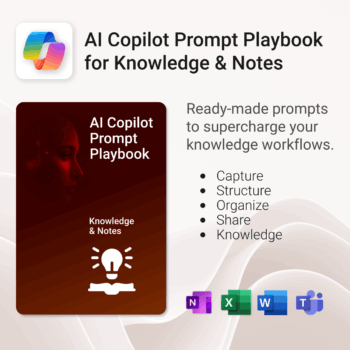
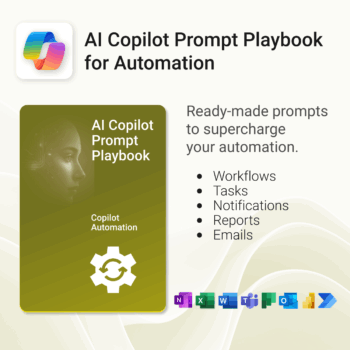
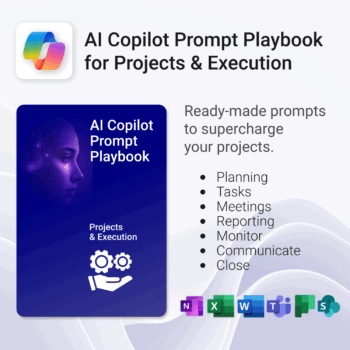
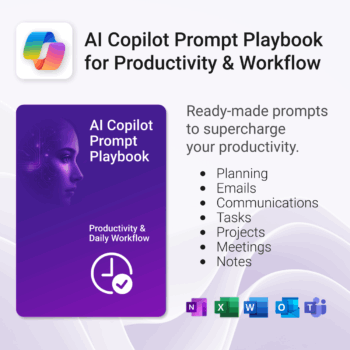
AI Copilot Prompt Playbook Bundle — The Complete AI Assistant System for Microsoft 365
Plan, capture, analyze, automate & report — turn Microsoft 365 into your personal AI co-pilot with 150+ ready-to-use prompt frameworks across five expert playbooks.
What’s included
- Data, Reporting & Insights — Generate summaries, dashboards, and analytics instantly.
- Knowledge & Notes — Transform meeting notes, research, and documentation with structured AI prompts.
- Automation — Streamline repetitive tasks, create workflows, and boost daily efficiency.
- Projects & Execution — Plan, track, and optimize outcomes across Teams and Planner.
- Productivity & Workflow — Manage email, tasks, and communication with AI-driven clarity.
Why you’ll love it
- ✅ Designed for Microsoft 365 Copilot, ChatGPT & Teams users.
- ✅ 150+ field-tested prompts for real business use — not generic examples.
- ✅ Copy-and-use instantly inside Word, Excel, Outlook, or Teams.
- ✅ Built for productivity, automation, and insight across your workflow.
Perfect for business professionals, analysts, educators, and creators who want faster, smarter results inside Microsoft 365.
What customers say
The Copilot prompts made Excel and Outlook 10x more useful. My workflow is so much faster now.
Exactly what I needed for my team — structured prompts that work directly in Microsoft 365.
The automation and reporting prompts are gold. Saved me hours every week in manual updates.
Each playbook is super practical — from Teams meetings to Excel reports, everything’s covered.
We standardized our project management process using the Copilot playbooks. Huge productivity gain!
Finally, prompts that fit the Microsoft environment. Professional, detailed, and easy to adapt.
I was skeptical at first, but this bundle is worth it. It’s like an AI productivity course in prompt form.
The Knowledge & Notes section alone saves me hours on documentation. Fantastic product.
 MS Project
 MS Forms
 MS Lists
 Outlook
 Excel
Excel Copilot
 MS Teams
 Power BI
Related Products
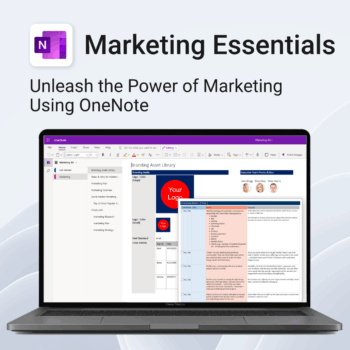
Be more strategic. Stay organized. Grow faster.
-
- Centralize your branding & strategy in one place
- Plan & execute campaigns with ready-made checklists
- Visualize your marketing schedule across platforms
- Perfect for solopreneurs, startups & small teams
- No new apps — just OneNote
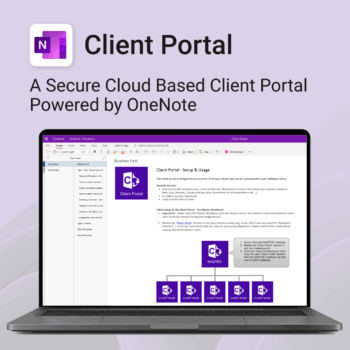
Be more efficient. Strengthen client trust.
-
- Securely deliver documents, invoices, and quotes
- Centralized space for all client communication
- Easy onboarding and professional presentation
- One portal per client with customizable info
- No logins or confusing apps — just OneNote
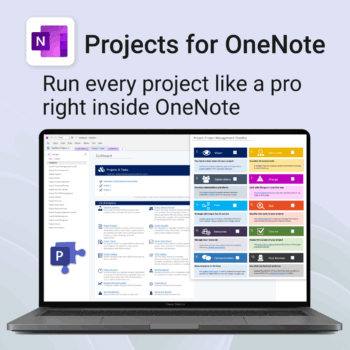
Run every project like a pro — right inside OneNote.
- Plan, track & deliver: A complete project notebook for Microsoft 365.
- Ready-made pages: Overview, Scope, Tasks, Timeline, Meetings, Risks & Assets.
- Works where you work: OneNote on Windows, Mac & Web — perfect with Teams or SharePoint.
- Instant setup: One-click notebook + quick-start guide included.
Perfect for solo operators and teams who live in Microsoft 365.
Trusted by 10,000+ professionals worldwide to stay organised and deliver on time.
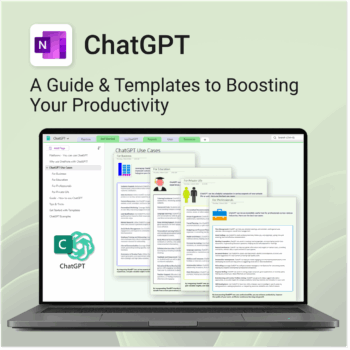
Be more productive. Save time & master AI.
-
- Master ChatGPT with structured use cases and tutorials.
- Get started faster using done-for-you templates and prompts.
- Track, log, and organize your ChatGPT ideas across projects.
- Save hours with reusable formats for every role and tone.
- Compatible with all devices — desktop, tablet & mobile.
Get 30 proven Copilot prompts designed to supercharge productivity inside Microsoft 365.
-
- Covers daily planning, email, meetings, task tracking, productivity, and knowledge workflows.
- No guesswork — just copy, paste, and run inside Copilot.
- Includes example outputs and app-specific usage tips.
- Perfect for individuals, teams, and managers.
- Based on real-world Microsoft 365 use cases.
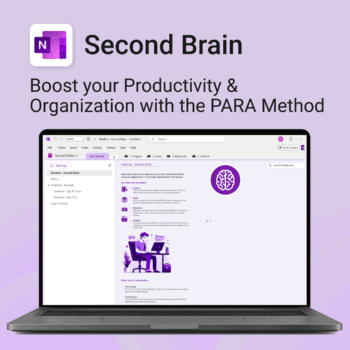
Master your life with OneNote + PARA — Projects, Areas, Resources & Archive in one trusted system.
- One system in OneNote: Capture, organise and execute tasks, notes and goals with the PARA method.
- Ready-to-use templates: Projects, Areas, Resources & Archive with trackers, planners and guides.
- Fast setup: One-click notebook + quick-start guide — get productive in minutes.
- Works where you work: OneNote on Windows, Mac & Web — great with Teams/SharePoint.
Perfect for individuals who live in Microsoft 365 and want clarity, control and focus.
Trusted by 10,000+ professionals worldwide to stay organised and deliver on time.
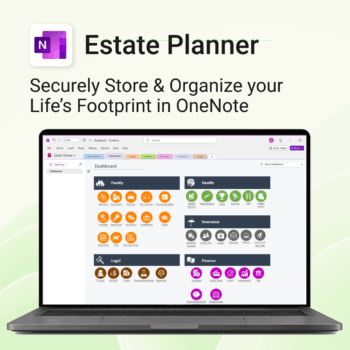
Stay organized. Protect your legacy.
-
- Centralize all your vital family records and legal documents
- Easy to update and access — no special tools needed
- Secure sensitive information using OneNote’s password protection
- Designed for simplicity with visual clarity in every section
- Share with loved ones or advisors when needed — easily and safely
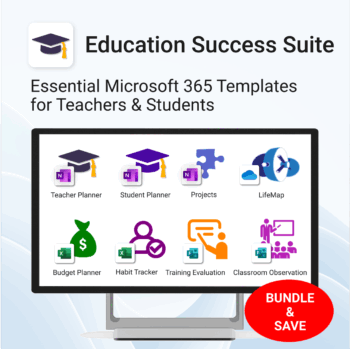
Essential Microsoft 365 templates for teachers & students — plan smarter, teach better, and track progress with ease.
- All-in-one bundle: 8 ready-to-use education tools for planning, tracking & classroom management.
- Includes: Teacher & Student Planners, LifeMap, Budget & Habit Trackers, Projects, Training & Observation templates.
- Perfect for: educators, students, and schools using Microsoft 365, OneNote, Excel & Forms.
- Easy setup: plug-and-play templates with step-by-step guides.
- Get 8 tools for the price of 5 — built to simplify teaching and learning.
Trusted by teachers and students worldwide to stay organized, motivated, and ahead of schedule.
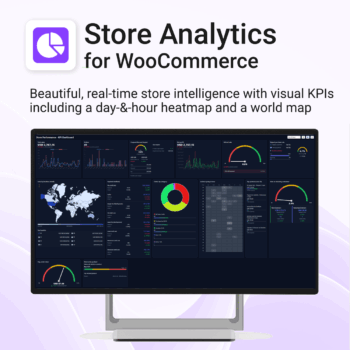
Your store, measured in 14 ways — heatmap, world map, KPIs & trends. 100% private.
-
- KPIs All 14 KPIs including Heatmap, World map, Payment methods, Top products, New vs returning, Repeat purchase rate, Coupon/discount impact, Returns by product
- Fast, state-of-the-art dashboard with compact trends and deltas
- Light/Dark themes, drag-and-drop card layout, per-card sizing
- Runs locally in your browser inside WordPress — no cloud, no tracking
Includes Support & All upgrades for the period of your subscription.
Get 30 proven Copilot prompts designed to supercharge your automation inside Microsoft 365.
-
- Covers workflow automation, email handling, task management, reporting, and approvals.
- No guesswork — just copy, paste, and run inside Copilot.
- Includes example outputs and app-specific usage tips.
- Perfect for individuals, managers, and operations teams.
- Based on real-world Microsoft 365 and Power Automate use cases.
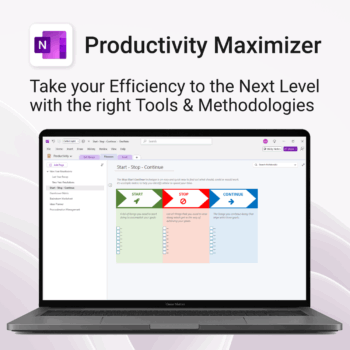
Boost clarity. Break through mental clutter.
-
- Structure your goals and eliminate procrastination
- All-in-one toolkit inside OneNote
- Designed for both personal and professional growth
- Use powerful planners and templates to stay focused
- Works across devices – always accessible
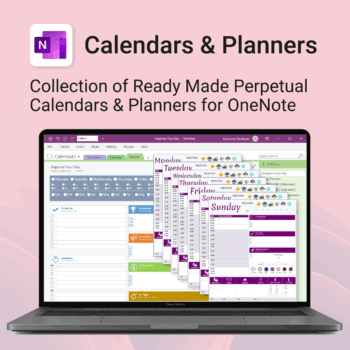
Stay organised all year — daily, weekly & monthly planners right inside OneNote.
- All in OneNote: Dated & undated calendars plus flexible daily/weekly planners.
- Ready to use: 13 calendars, 7 daily planners, 7 “One Day at a Time”, 4 weekly planners & more.
- Fast setup: One-click notebook + quick-start guide — start planning in minutes.
- No subscriptions: Yours forever. Works on Windows, Mac & Web (great with Teams/SharePoint).
Perfect for home, work and family life — anyone who loves OneNote and wants structure.
Used by thousands to plan days, weeks and months with less stress and more clarity.