
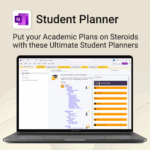
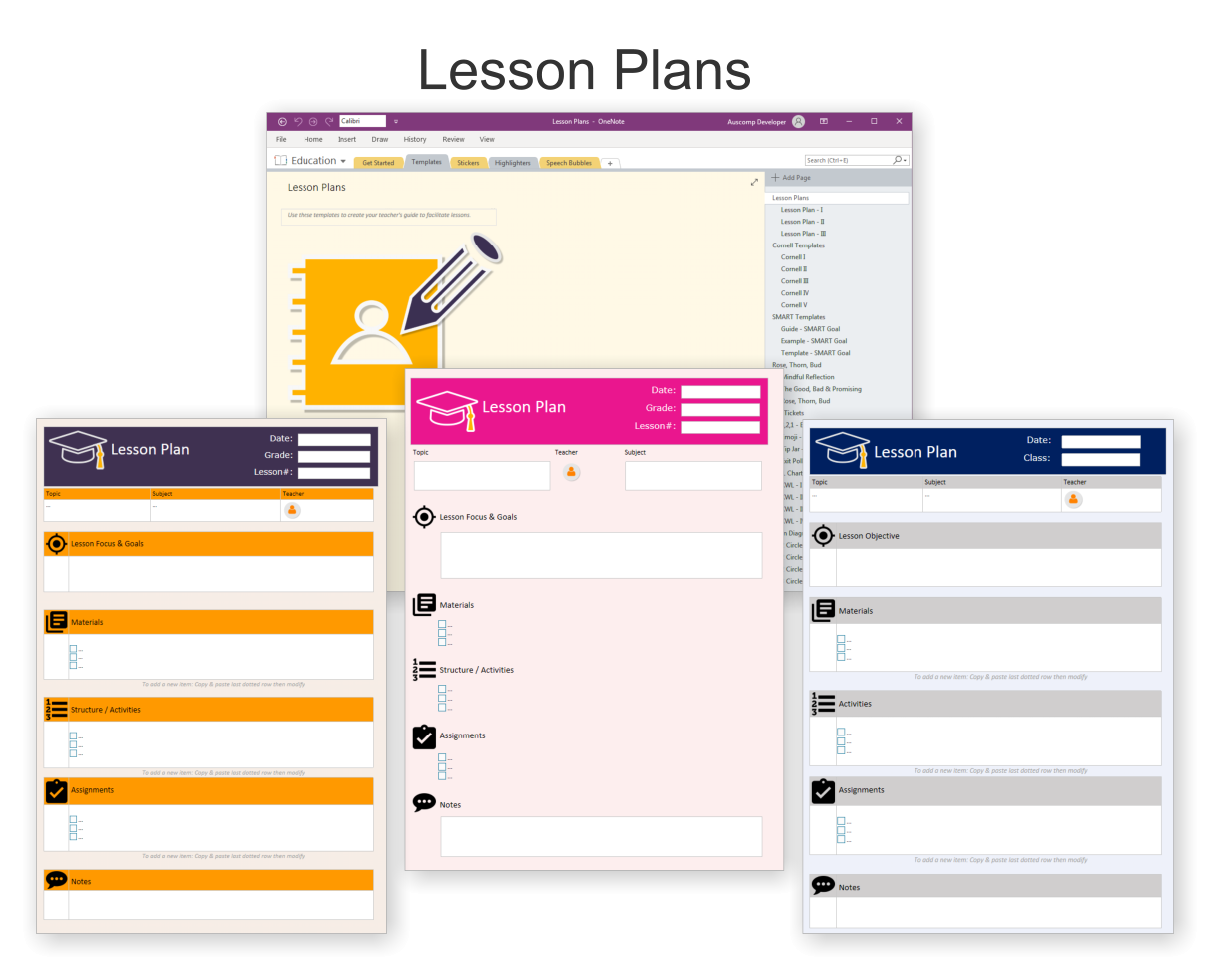
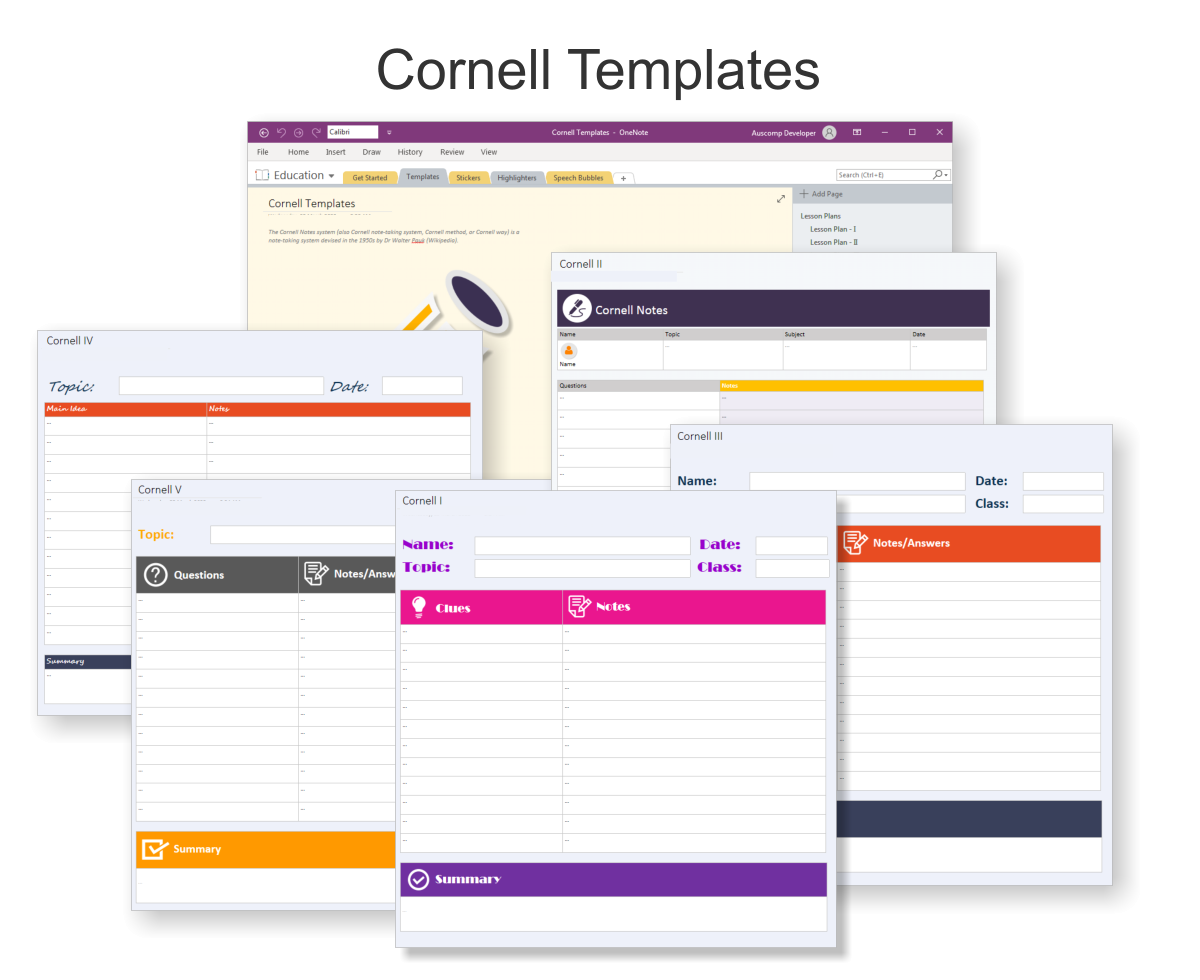
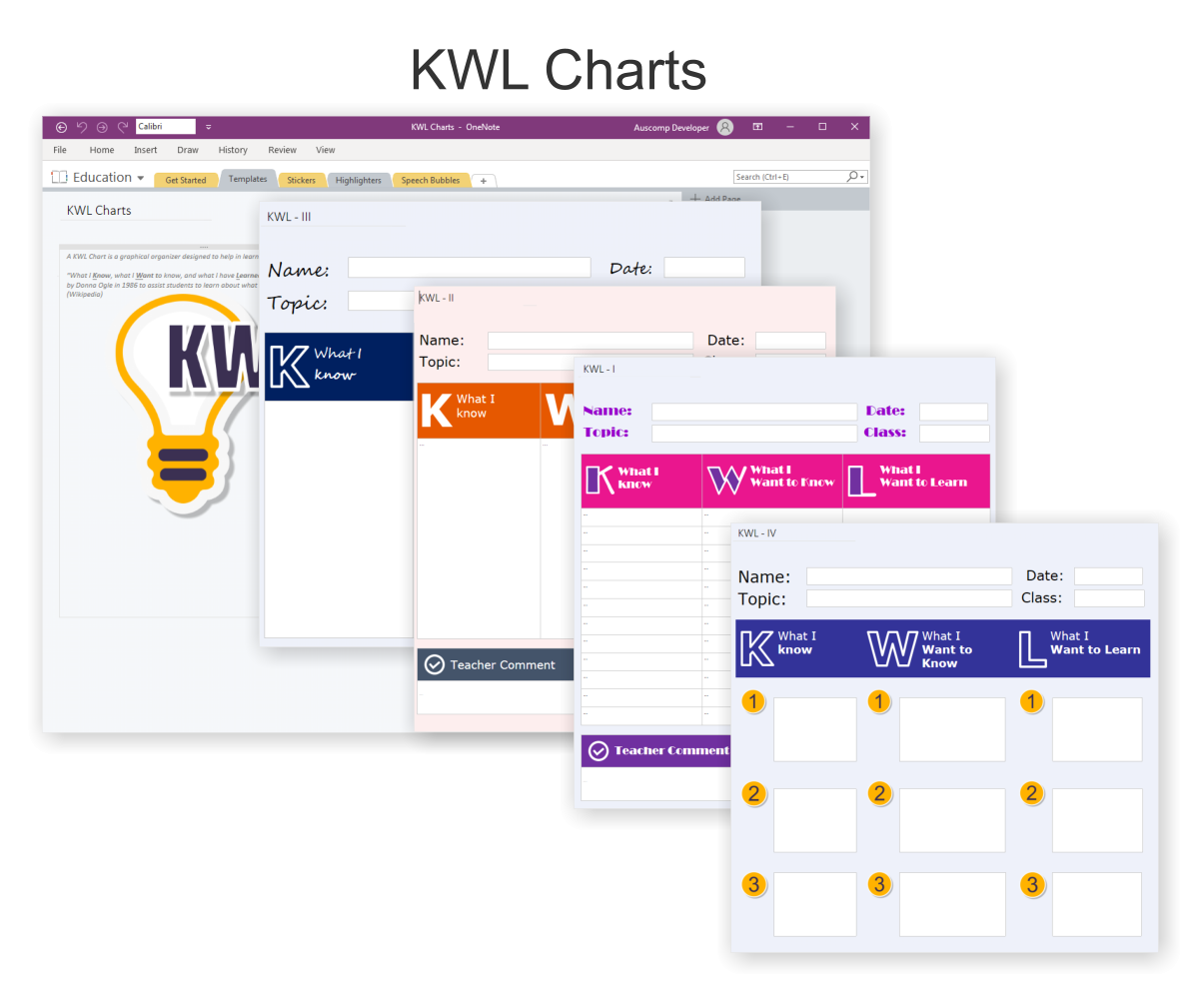
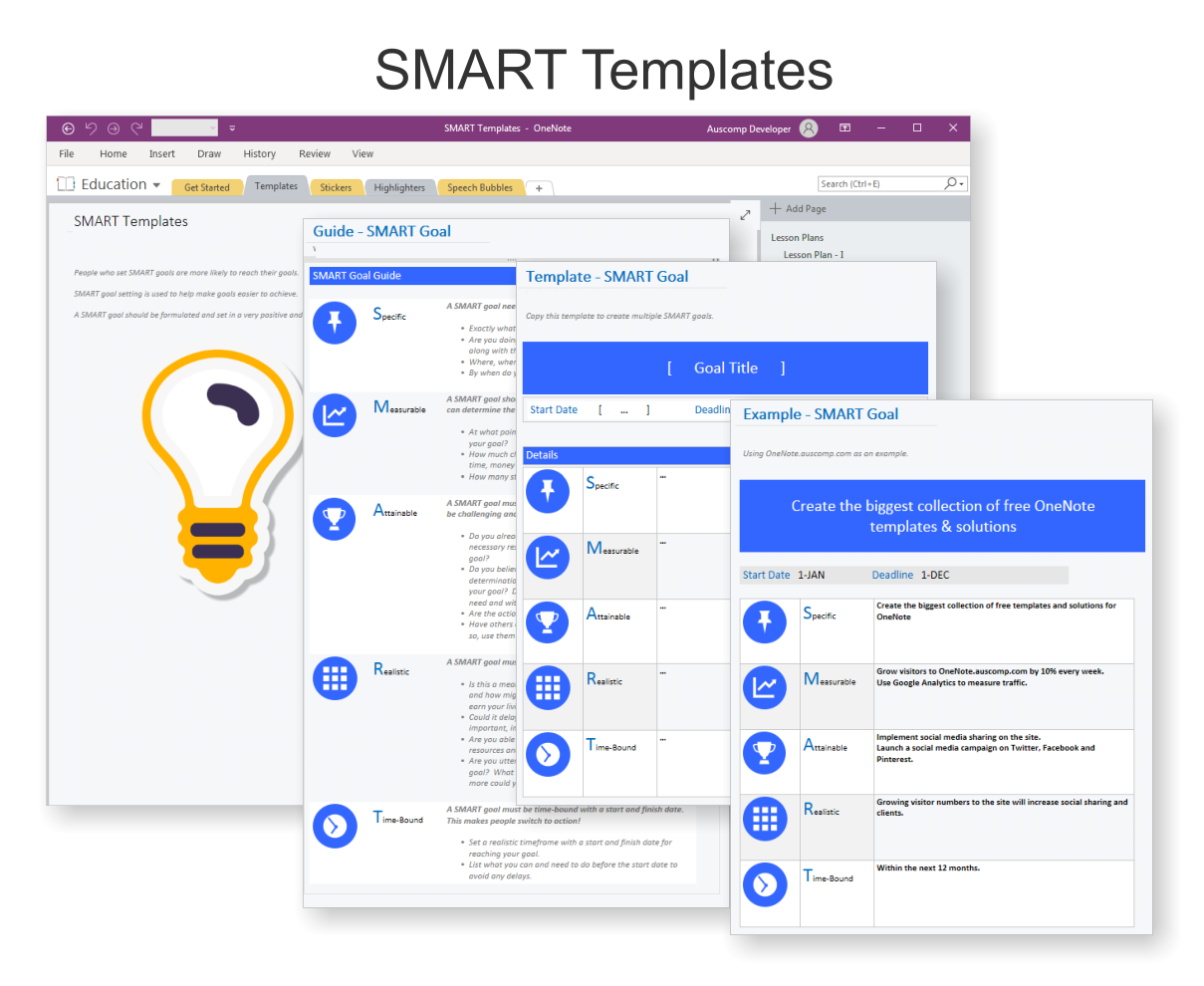
Student Planner for OneNote
$19.95
Stay ahead, reduce stress & plan smarter.
-
- Everything in one digital place — no paper clutter
- Boost focus and grades with structured planning
- Perfect for school, college, or university
- Adaptable for any subject or semester
- Instantly accessible across all your devices
Student Planner for OneNote – Manage All Your Academic Needs in One Place
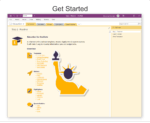
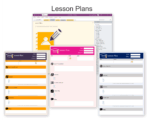
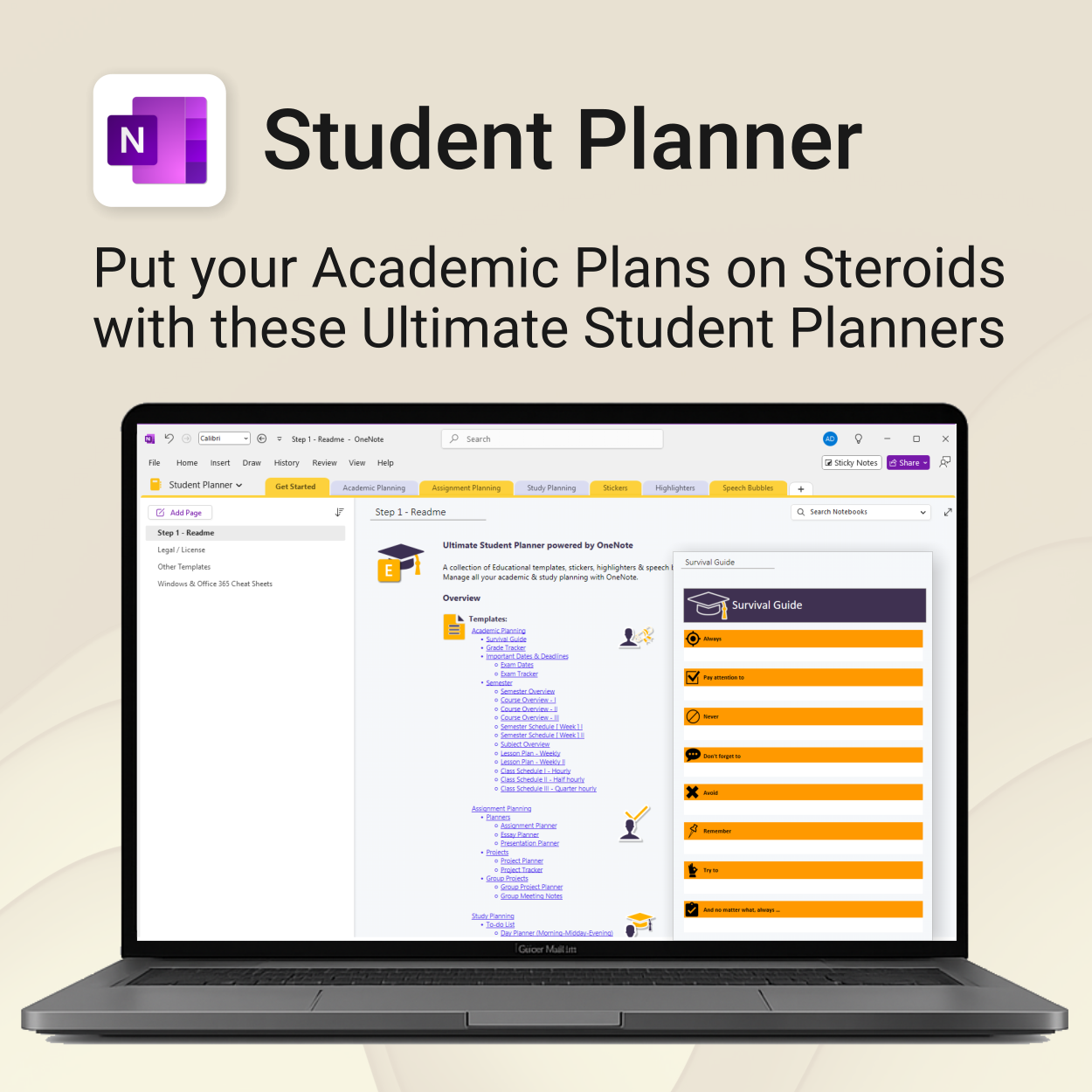
The Ultimate Student Planner is a fully integrated OneNote template collection designed to help students take control of their academic life with clarity, structure, and flexibility — all inside OneNote.
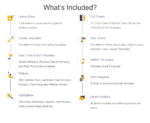
Student Planner for OneNote includes the following:
 MS Project
 MS Forms
 MS Lists
 Outlook
 Excel
Excel Copilot
 MS Teams
 Power BI
Related Products
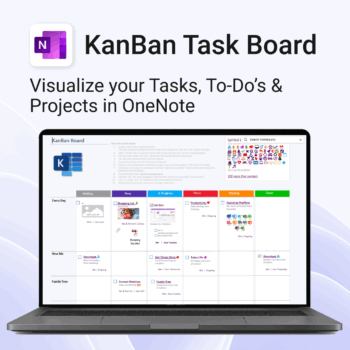
Visualise your Tasks, To-Do’s & Projects — right inside OneNote.
- Kanban in OneNote: Boards with columns and ready-made task cards for a clear, visual workflow.
- Built-in templates: Smart Cards, symbols, swimlanes & multiple board types to fit any team.
- Fast setup: One-click notebook + quick-start guide — start tracking in minutes.
- Works where you work: OneNote on Windows, Mac & Web — great with Teams/SharePoint.
Perfect for individuals and teams who live in Microsoft 365.
Trusted by 10,000+ professionals worldwide to stay organised and deliver on time.
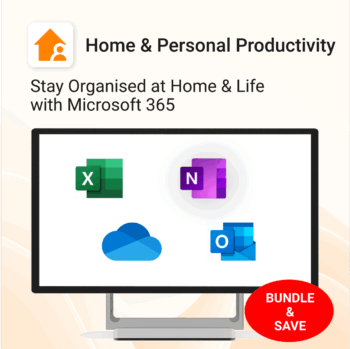
Stay organized at home, work & life with 8 powerful Microsoft 365 templates for planning, habits & personal growth.
- All-in-one bundle: planners, calendars, and habit trackers for OneNote, Excel, and OneDrive.
- Bring order to your day: plan your life, manage time, track habits & stay on top of goals.
- Includes: Productivity Maximizer, Calendars, Vacation Organizer, Habit Tracker, Budget Planner, LifeMap & more.
- Fully compatible: works seamlessly across Windows, Mac, and mobile Microsoft 365 apps.
- Get all 8 templates for one bundle price — the ultimate home & life organizer kit.
Trusted by families and professionals worldwide to simplify life, boost focus, and make every day more productive.
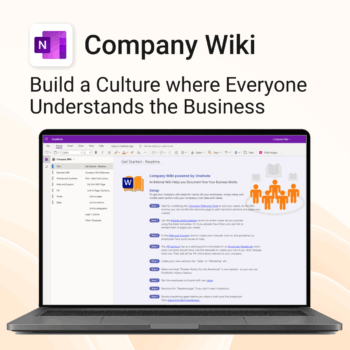
Bring clarity and consistency to your team’s internal documentation.
-
- One central place to manage company knowledge.
- No extra tools – works right inside Microsoft OneNote.
- Professional templates for SOPs, policies, manuals and more.
- Secure and private with Office 365 cloud integration.
- Fast onboarding, training, and ongoing updates made simple.
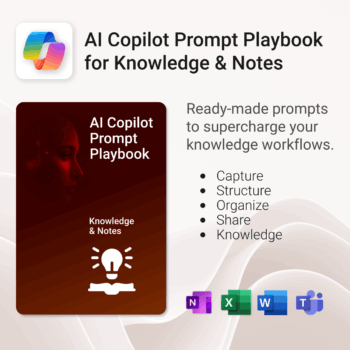
Get 30 proven Copilot prompts designed to supercharge your knowledge workflows inside Microsoft 365.
-
- Covers knowledge capture, SOPs, research summaries, collaboration, and organisation.
- No guesswork — just copy, paste, and run inside Copilot.
- Includes example outputs and app-specific usage tips.
- Perfect for individuals, teams, and knowledge managers.
- Based on real-world Microsoft 365 use cases.

Essential Microsoft 365 templates for teachers & students — plan smarter, teach better, and track progress with ease.
- All-in-one bundle: 8 ready-to-use education tools for planning, tracking & classroom management.
- Includes: Teacher & Student Planners, LifeMap, Budget & Habit Trackers, Projects, Training & Observation templates.
- Perfect for: educators, students, and schools using Microsoft 365, OneNote, Excel & Forms.
- Easy setup: plug-and-play templates with step-by-step guides.
- Get 8 tools for the price of 5 — built to simplify teaching and learning.
Trusted by teachers and students worldwide to stay organized, motivated, and ahead of schedule.

Your store, measured in 14 ways — heatmap, world map, KPIs & trends. 100% private.
-
- KPIs All 14 KPIs including Heatmap, World map, Payment methods, Top products, New vs returning, Repeat purchase rate, Coupon/discount impact, Returns by product
- Fast, state-of-the-art dashboard with compact trends and deltas
- Light/Dark themes, drag-and-drop card layout, per-card sizing
- Runs locally in your browser inside WordPress — no cloud, no tracking
Includes Support & All upgrades for the period of your subscription.
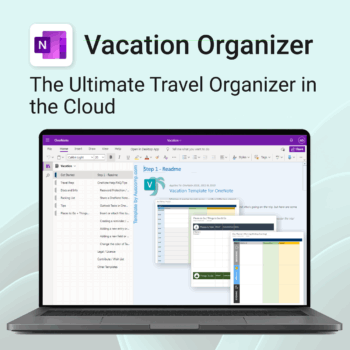
Make travel planning effortless. Stress less & enjoy more.
-
- All-in-one place to plan, pack, and prepare
- Customizable for solo, family, or group travel
- Use on any device with OneNote
- Keep documents, notes & itineraries together
- Get organized early and travel with confidence
Get 30 proven Copilot prompts designed to supercharge your automation inside Microsoft 365.
-
- Covers workflow automation, email handling, task management, reporting, and approvals.
- No guesswork — just copy, paste, and run inside Copilot.
- Includes example outputs and app-specific usage tips.
- Perfect for individuals, managers, and operations teams.
- Based on real-world Microsoft 365 and Power Automate use cases.
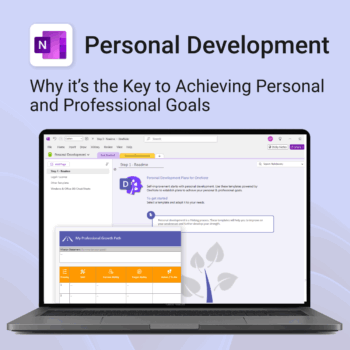
Unlock your full potential — with less friction and more focus.
-
- Structure your goals with proven development frameworks
- Track your progress over time with outcome-based templates
- Access your growth plan anywhere with OneNote sync
- Use it for career, personal, or skills-based development
- Reflect, adapt, and evolve continuously — all in one place
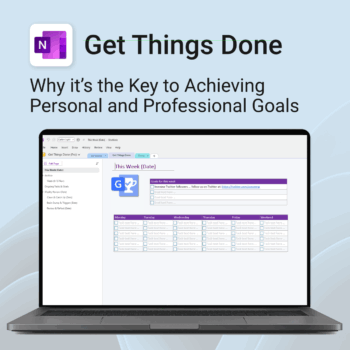
Get Things Done — right inside OneNote. Capture, organise and review with a clear weekly rhythm.
- GTD in OneNote: Inboxes, Projects, Next Actions, and a Weekly Review that sticks.
- Structured yet flexible: Brain dump & triggers, project pages, and “This Week” focus.
- Fast setup: One-click notebook + quick-start guide — be productive in minutes.
- Works where you work: OneNote on Windows, Mac & Web — great with Teams/SharePoint.
Perfect for personal and professional life — students, freelancers, and busy teams in Microsoft 365.
Join thousands of OneNote users who’ve built consistent weekly planning habits with GTD.
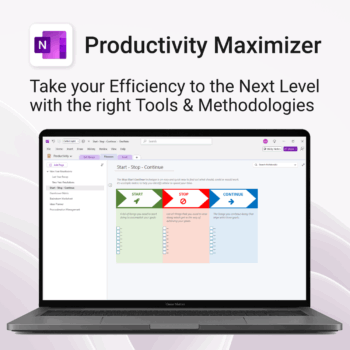
Boost clarity. Break through mental clutter.
-
- Structure your goals and eliminate procrastination
- All-in-one toolkit inside OneNote
- Designed for both personal and professional growth
- Use powerful planners and templates to stay focused
- Works across devices – always accessible
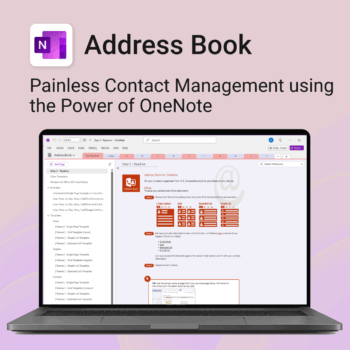
Be more organized. Keep every contact close at hand.
-
- Search contacts instantly — by name, email, phone or notes
- Color-coded layouts for faster scanning
- No new apps — use inside OneNote
- Sort and group with A-Z index tabs
- Flexible layouts that match your needs