

Education Success Suite
Original price was: $209.65.$99.95Current price is: $99.95.
Essential Microsoft 365 templates for teachers & students — plan smarter, teach better, and track progress with ease.
- All-in-one bundle: 8 ready-to-use education tools for planning, tracking & classroom management.
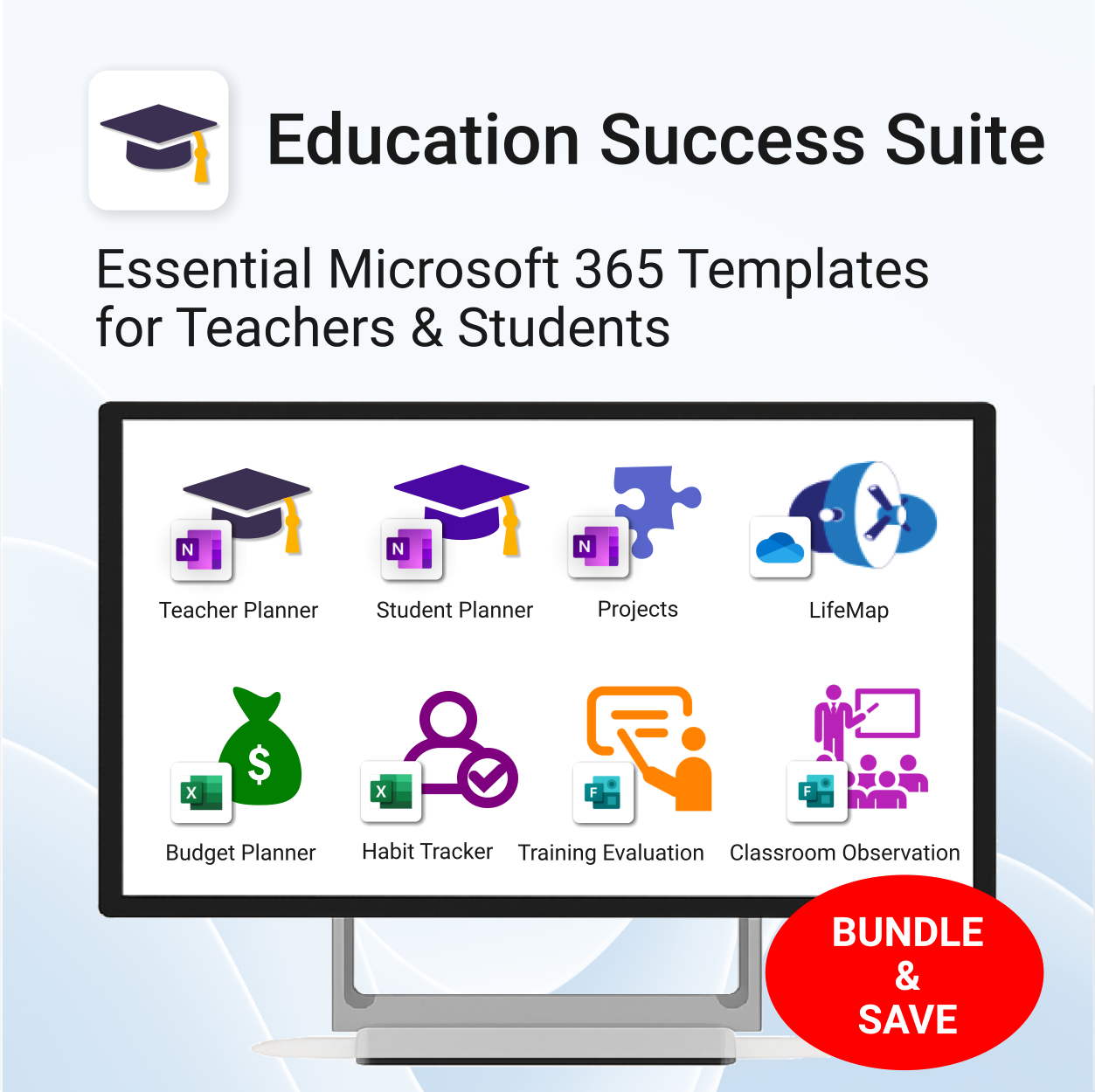
- Includes: Teacher & Student Planners, LifeMap, Budget & Habit Trackers, Projects, Training & Observation templates.
- Perfect for: educators, students, and schools using Microsoft 365, OneNote, Excel & Forms.
- Easy setup: plug-and-play templates with step-by-step guides.
- Get 8 tools for the price of 5 — built to simplify teaching and learning.
Trusted by teachers and students worldwide to stay organized, motivated, and ahead of schedule.
Education Success Suite — The Complete Microsoft 365 Toolkit for Teachers & Students
Lesson planning, classroom management, student wellness & more — 8 smart templates to help teachers and students stay organized, productive, and balanced.
What’s included
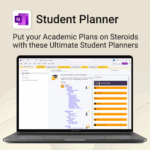
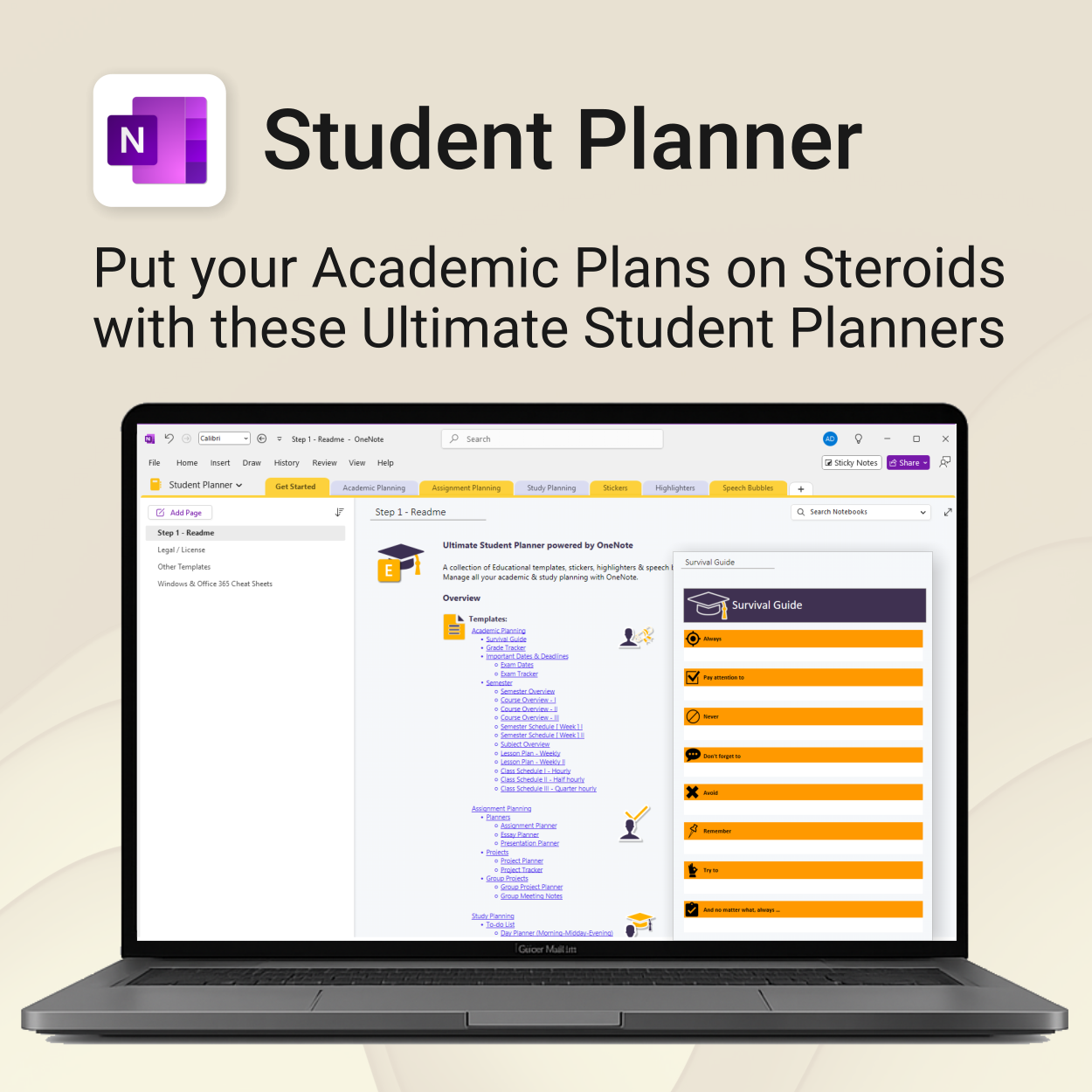
- Student Planner for OneNote — Manage study goals, deadlines & daily schedules.
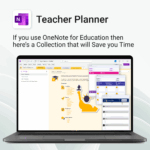
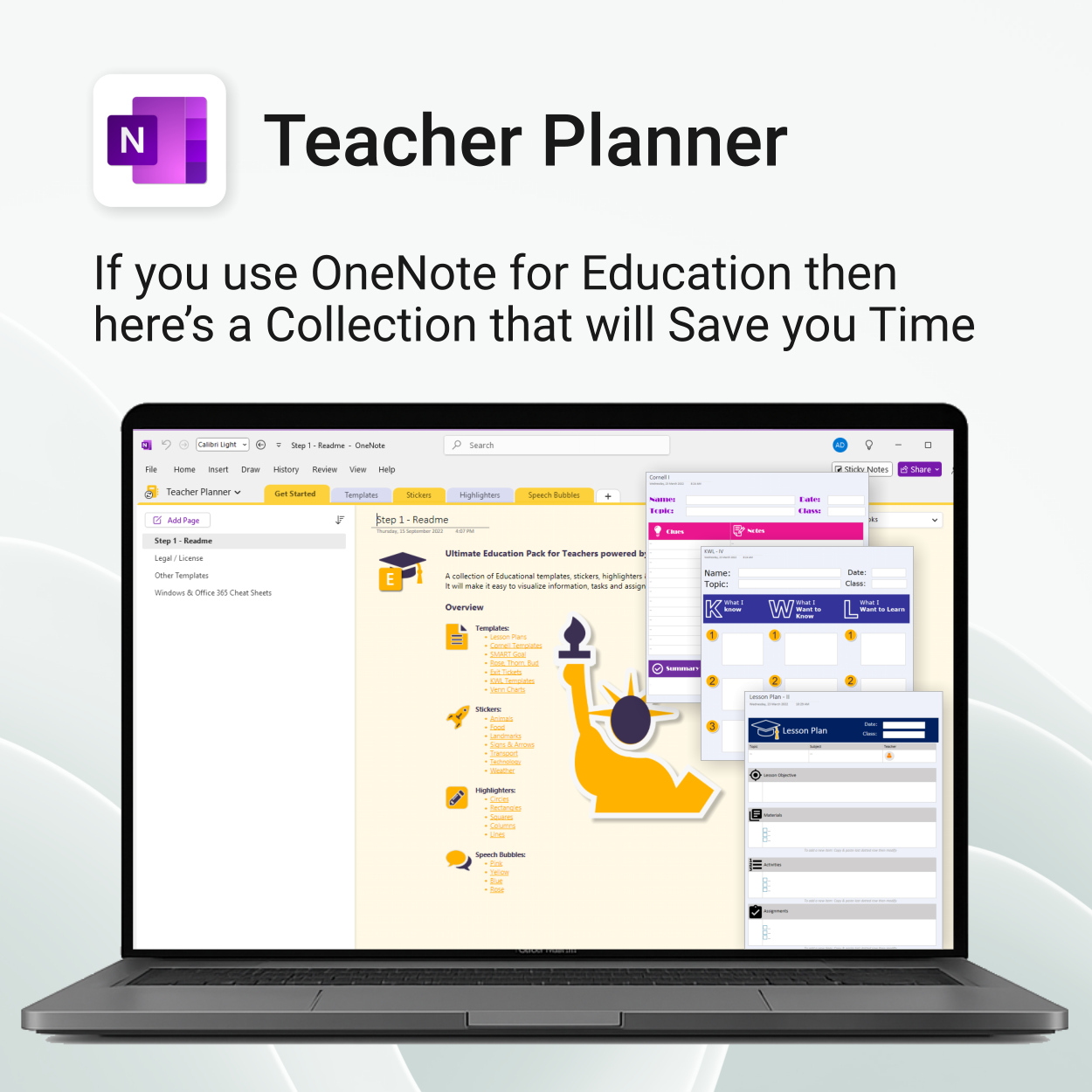
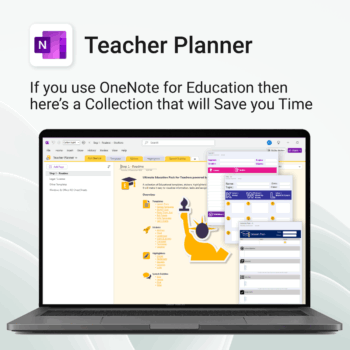
- Teacher Planner for OneNote — Plan lessons, track progress & stay organized across classes.
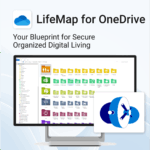
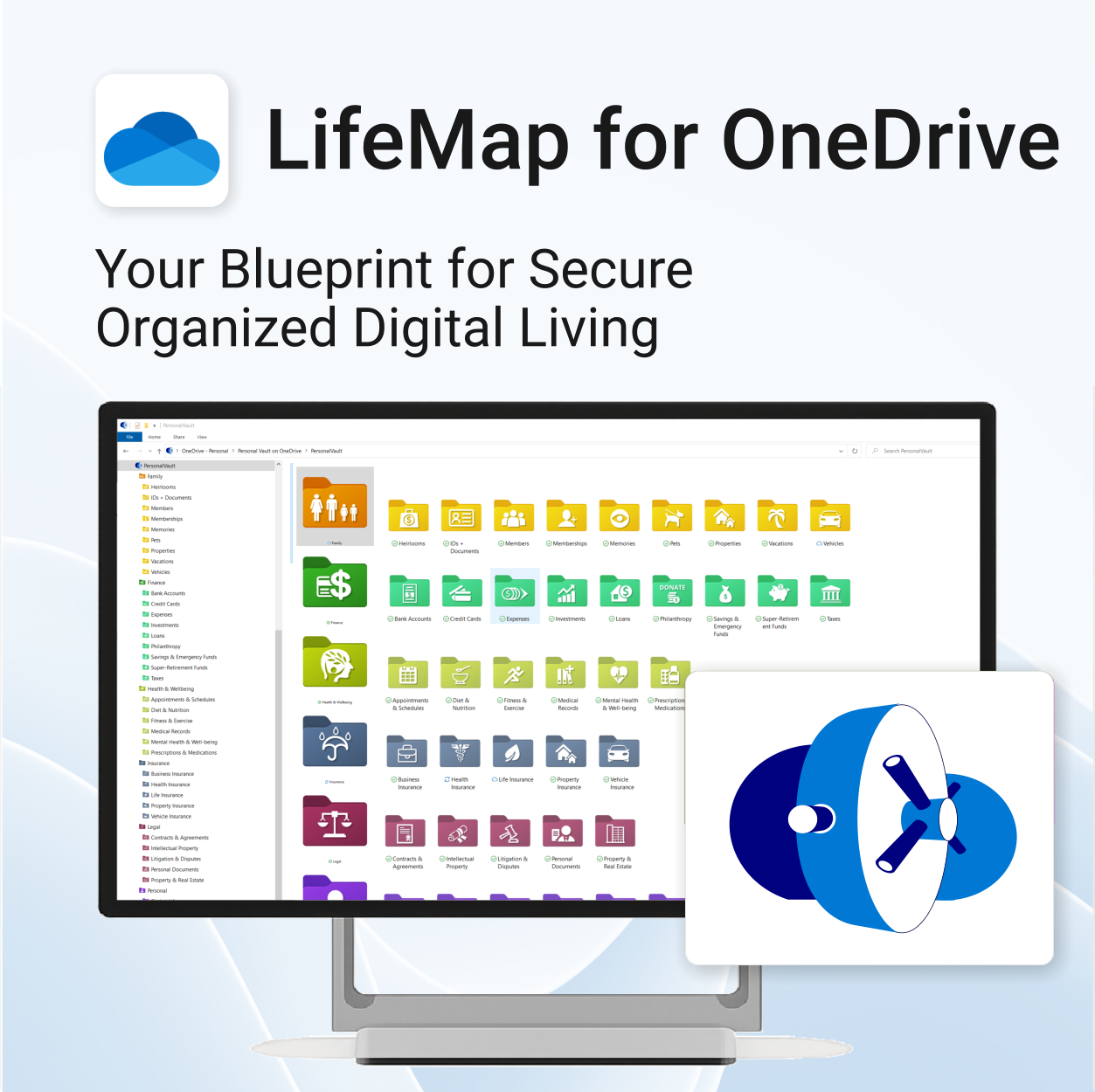
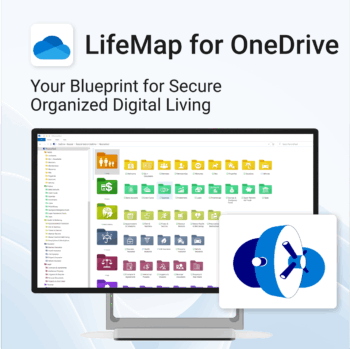
- LifeMap for OneDrive — Visualize personal goals & track milestones.
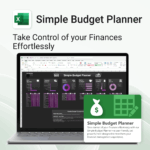
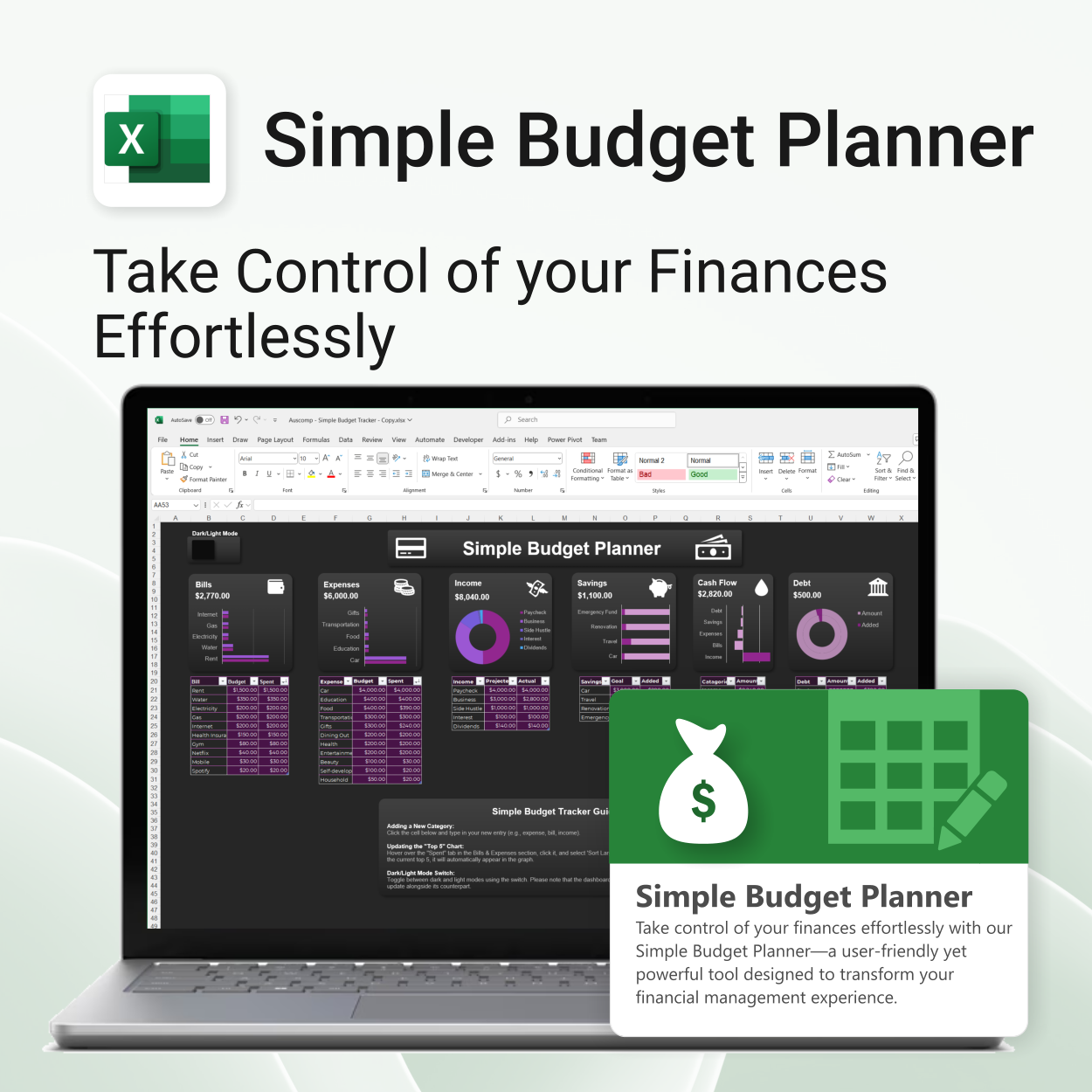
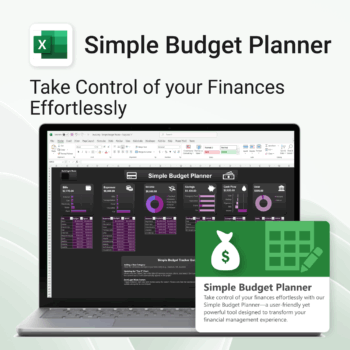
- Simple Budget Planner for Excel — Monitor expenses, assignments, and school budgets.
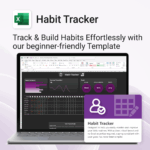
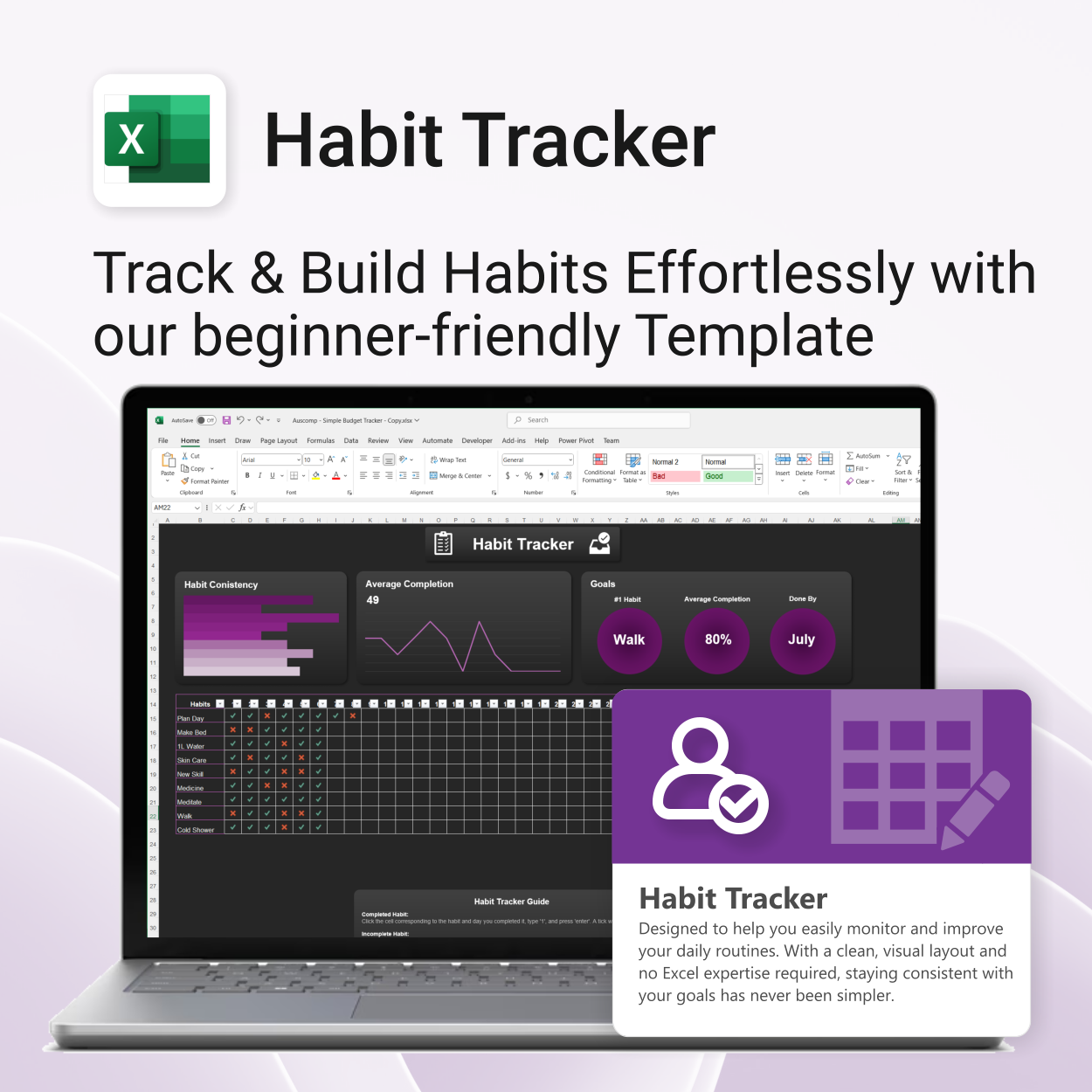
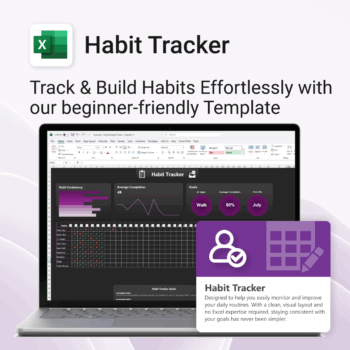
- Habit Tracker for Excel — Build consistent study habits & routines.
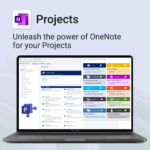
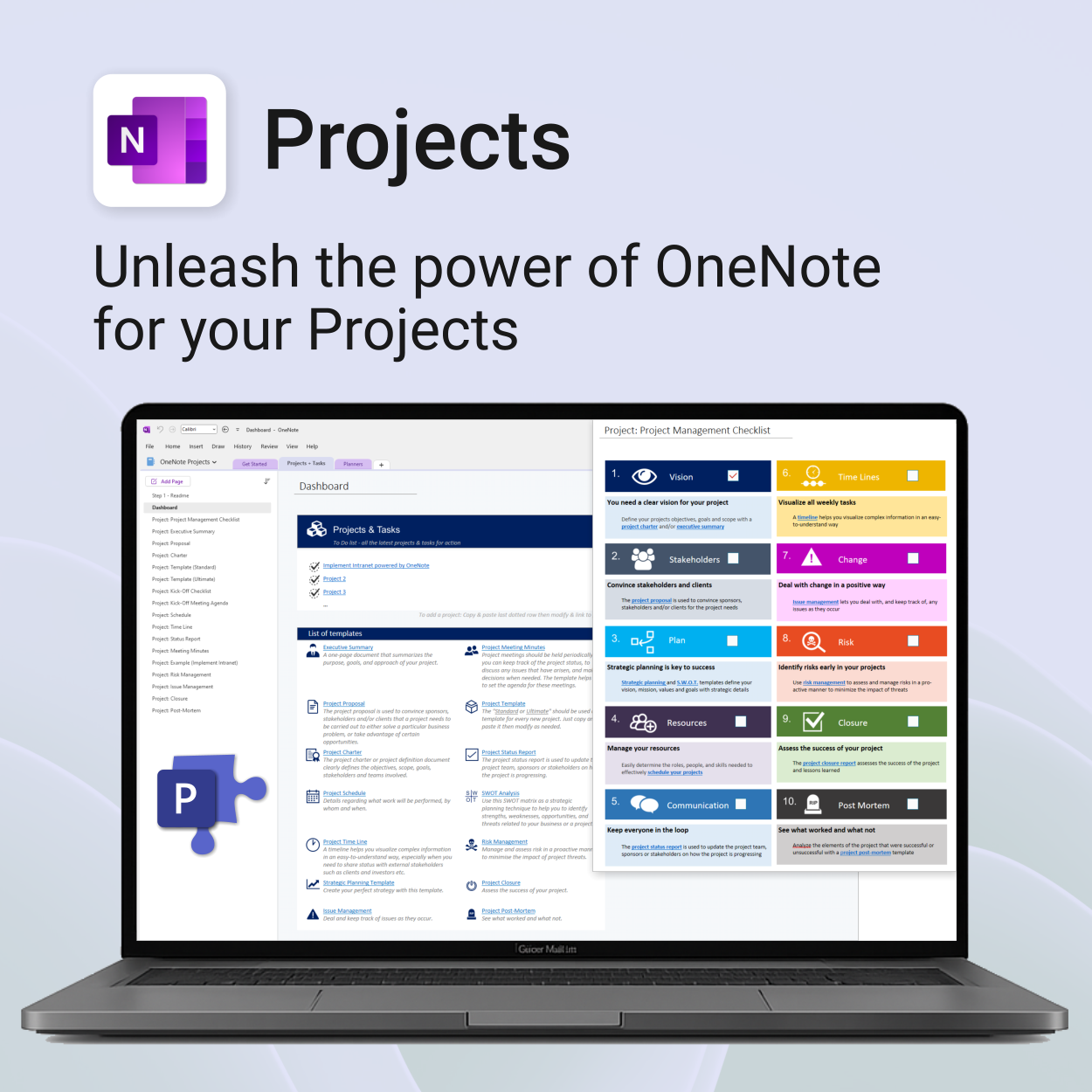
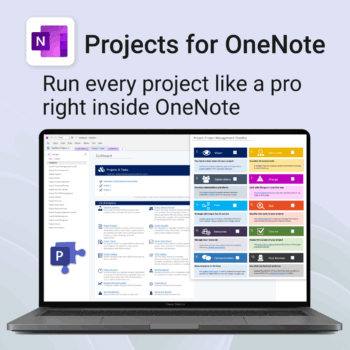
- Projects for OneNote — Manage group or classroom projects with clarity.
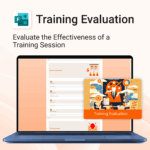
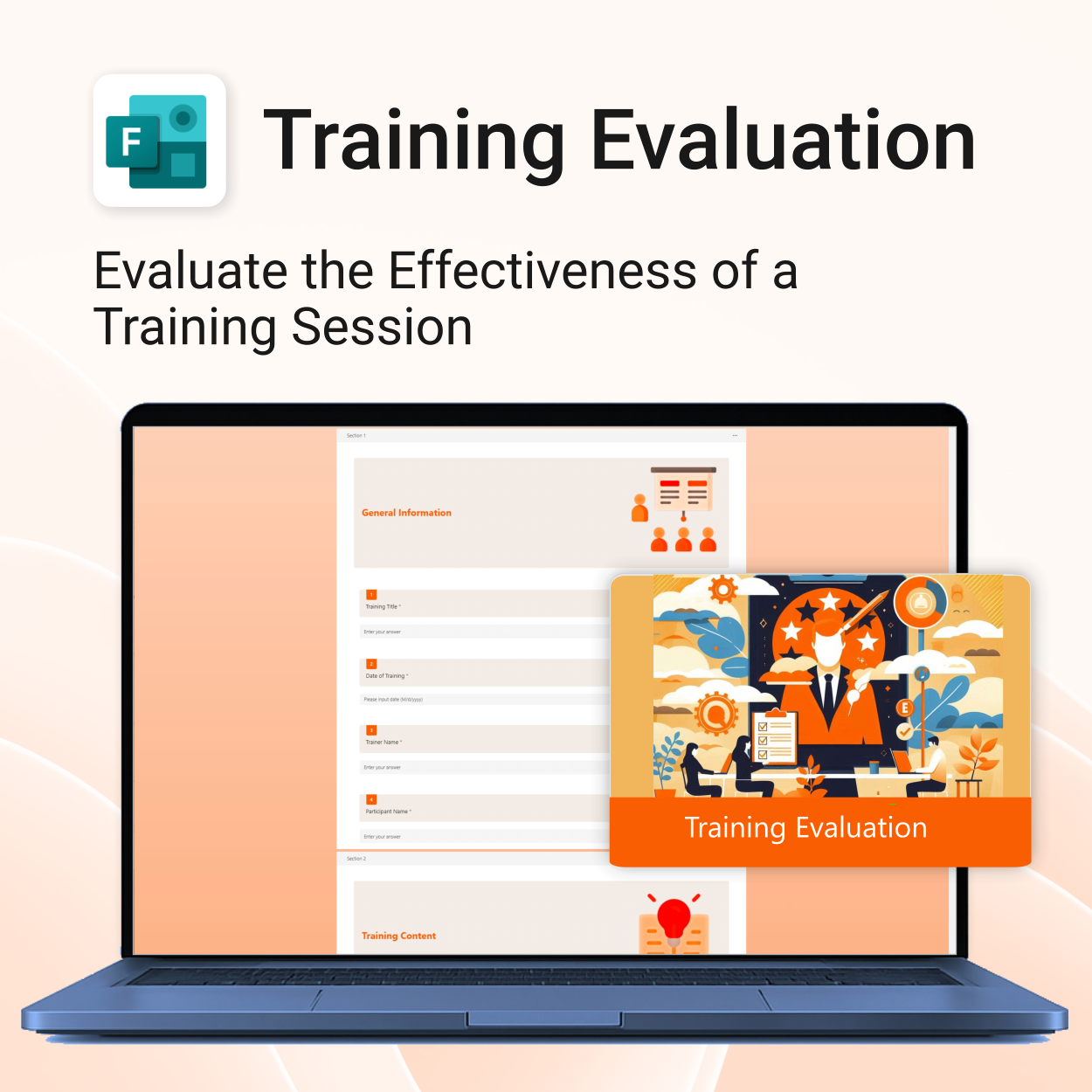
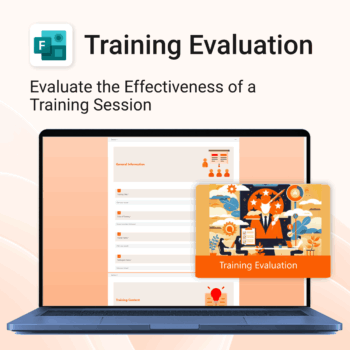
- Training Evaluation for MS Forms — Collect structured feedback instantly.
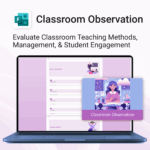
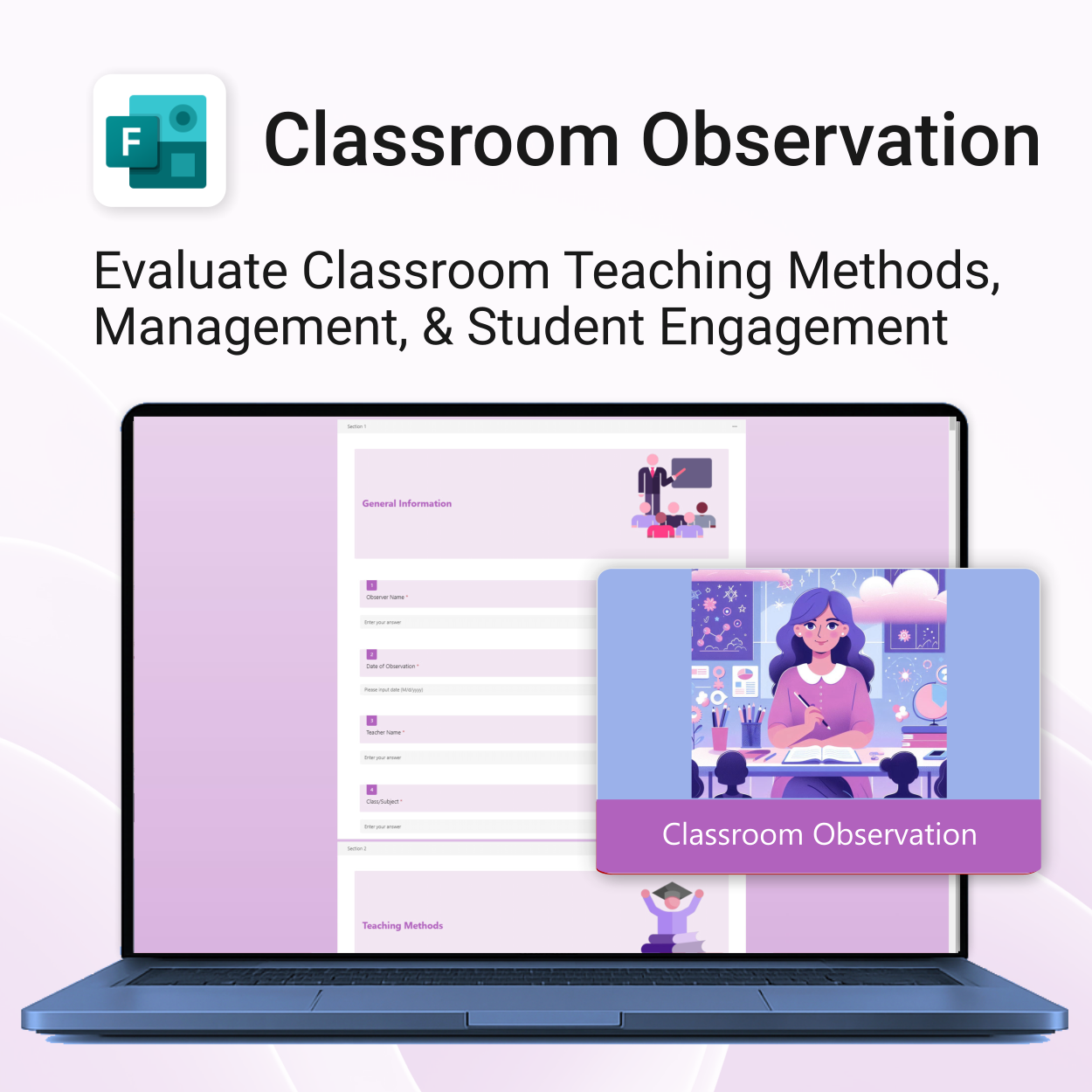
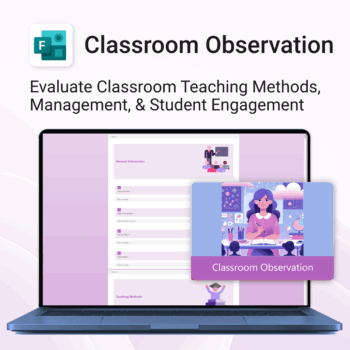
- Classroom Observation Template — Streamline teacher evaluations & peer feedback.
Why educators love it
- ✅ Built for Microsoft 365 — works seamlessly with OneNote, Excel, Forms & OneDrive.
- ✅ Simplifies planning, tracking, and evaluation in one unified toolkit.
- ✅ Encourages organization, focus, and student accountability.
- ✅ Ideal for teachers, students, and schools at any level.
Designed to bring structure, balance, and clarity to every part of the education journey — from lesson planning to personal growth.
What educators and students say
This suite keeps my classroom organized and my students accountable. Everything we need is in one place.
The Student Planner is a lifesaver! I track assignments and deadlines so easily now.
I use the Teacher Planner and the Habit Tracker daily. It’s simple, effective, and built perfectly for Microsoft 365.
Our entire department switched to these templates. The Classroom Observation form saves hours every week.
The LifeMap is brilliant for goal setting. It helps students visualize success beyond the classroom.
Finally, a system that connects everything — planning, evaluation, and student growth tracking.
It’s intuitive, professional, and made lesson planning enjoyable again. Highly recommend!
The bundle covers everything from budgeting to project tracking. Such a time-saver for teachers and students alike.
 MS Project
 MS Forms
 MS Lists
 Outlook
 Excel
Excel Copilot
 MS Teams
 Power BI
Related Products
Get 30 proven Copilot prompts designed to supercharge your automation inside Microsoft 365.
-
- Covers workflow automation, email handling, task management, reporting, and approvals.
- No guesswork — just copy, paste, and run inside Copilot.
- Includes example outputs and app-specific usage tips.
- Perfect for individuals, managers, and operations teams.
- Based on real-world Microsoft 365 and Power Automate use cases.
Be more prepared. Reduce planning stress. Make teaching more impactful.
-
- Everything in one digital hub — no paper clutter.
- Ready-to-use templates save you hours each week.
- Visual and structured tools for all learning styles.
- Empower students with structured reflection tools.
- Use across all subjects and year levels.
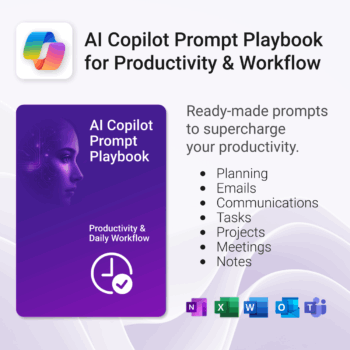
Get 30 proven Copilot prompts designed to supercharge productivity inside Microsoft 365.
-
- Covers daily planning, email, meetings, task tracking, productivity, and knowledge workflows.
- No guesswork — just copy, paste, and run inside Copilot.
- Includes example outputs and app-specific usage tips.
- Perfect for individuals, teams, and managers.
- Based on real-world Microsoft 365 use cases.
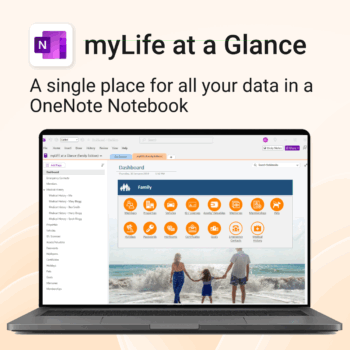
Take control of your family’s information. Stay prepared and organized.
-
- All-in-one family dashboard — know where everything is
- Be emergency ready — from medical history to contacts
- Perfect for travel, school, caregiving & estate planning
- Private & secure — powered by Microsoft OneNote
- No subscription needed — lifetime value
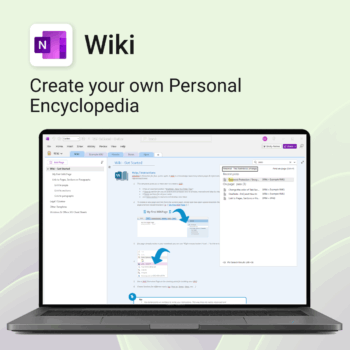
Create your own knowledge hub — organise SOPs, FAQs, guides & notes right inside OneNote.
- OneNote Wiki system: Capture and link knowledge, manuals, and FAQs in a searchable format.
- Fast setup: One-click notebook + examples ready to customise for your team.
- Secure & private: Built on Microsoft 365 — share internally or use solo.
- Find anything instantly: Full-text embedded search across your pages and topics.
Perfect for teams, consultants, or anyone who needs an organised place for notes and documentation.
Used by professionals and teams worldwide to centralise knowledge and make information searchable in OneNote.
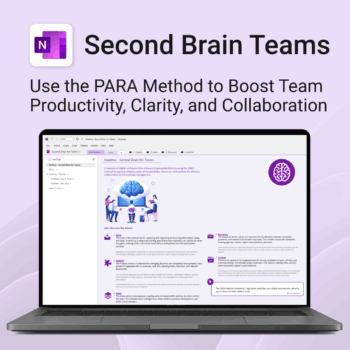
Boost productivity. Simplify collaboration.
-
- Capture tasks, notes & info instantly — no context switching
- Organize everything by PARA — Projects, Areas, Resources, Archive
- Get more done — shared workspaces drive team clarity
- Keep knowledge accessible — from onboarding to SOPs
- Work from anywhere — synced and secure inside OneNote
Stay ahead, reduce stress & plan smarter.
-
- Everything in one digital place — no paper clutter
- Boost focus and grades with structured planning
- Perfect for school, college, or university
- Adaptable for any subject or semester
- Instantly accessible across all your devices
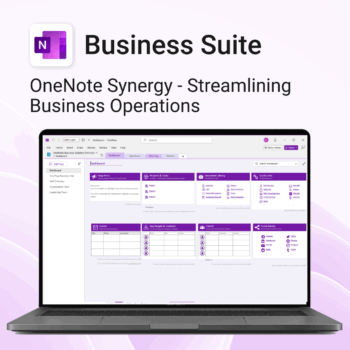
Run your business from OneNote — clients, projects, teams, HR, sales & documents in one organised workspace.
- One central hub: Plan work, manage people and store docs with ready-made templates.
- Built for Microsoft 365: Works great with Teams/SharePoint — no new logins or tools.
- Secure & searchable: Keep SOPs, HR and client files in OneNote for instant context.
- Fast setup: One-click notebook + quick-start guide — scale as your business grows.
Perfect for SMBs, agencies and remote teams who live in Microsoft 365.
Trusted by 1,000+ professionals worldwide to stay organized and deliver on time.
Get 30 proven Copilot prompts designed to supercharge your knowledge workflows inside Microsoft 365.
-
- Covers knowledge capture, SOPs, research summaries, collaboration, and organisation.
- No guesswork — just copy, paste, and run inside Copilot.
- Includes example outputs and app-specific usage tips.
- Perfect for individuals, teams, and knowledge managers.
- Based on real-world Microsoft 365 use cases.
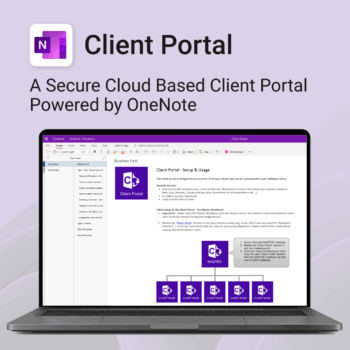
Be more efficient. Strengthen client trust.
-
- Securely deliver documents, invoices, and quotes
- Centralized space for all client communication
- Easy onboarding and professional presentation
- One portal per client with customizable info
- No logins or confusing apps — just OneNote
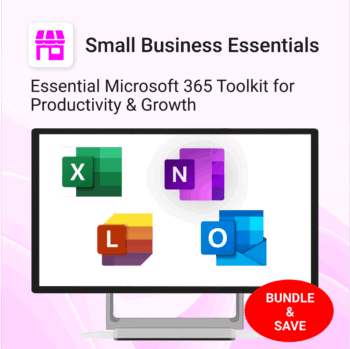
The complete Microsoft 365 toolkit for small business owners, freelancers & teams — manage tasks, budgets, and projects with ease.
- 5-in-1 bundle: OneNote, Outlook, MS Lists & Excel templates to organize work, money, and goals.
- Run your business smarter: manage clients, projects, and budgets all within Microsoft 365.
- Includes: Second Brain, Kanban Task Board, Budget Planner, Habit Tracker, Bills Calendar & more.
- Fully compatible: works with Microsoft 365 on desktop, web & mobile.
- Get 5 proven business tools for one low bundle price.
Trusted by entrepreneurs and small teams worldwide to streamline workflows, save time, and boost productivity.
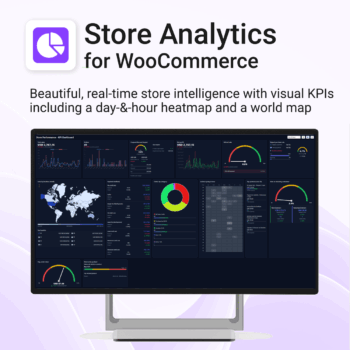
Your store, measured in 14 ways — heatmap, world map, KPIs & trends. 100% private.
-
- KPIs All 14 KPIs including Heatmap, World map, Payment methods, Top products, New vs returning, Repeat purchase rate, Coupon/discount impact, Returns by product
- Fast, state-of-the-art dashboard with compact trends and deltas
- Light/Dark themes, drag-and-drop card layout, per-card sizing
- Runs locally in your browser inside WordPress — no cloud, no tracking
Includes Support & All upgrades for the period of your subscription.