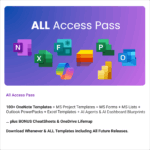
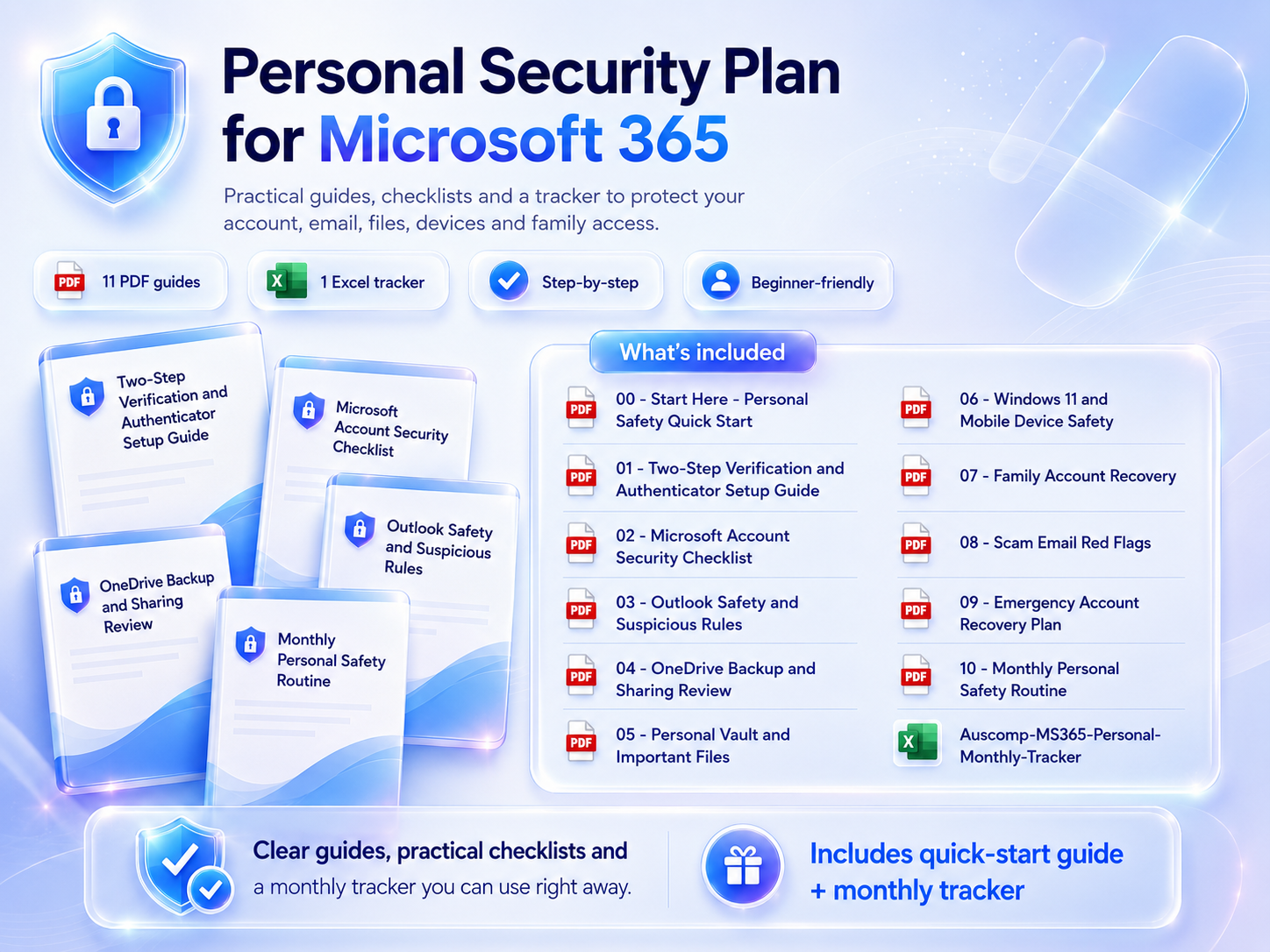
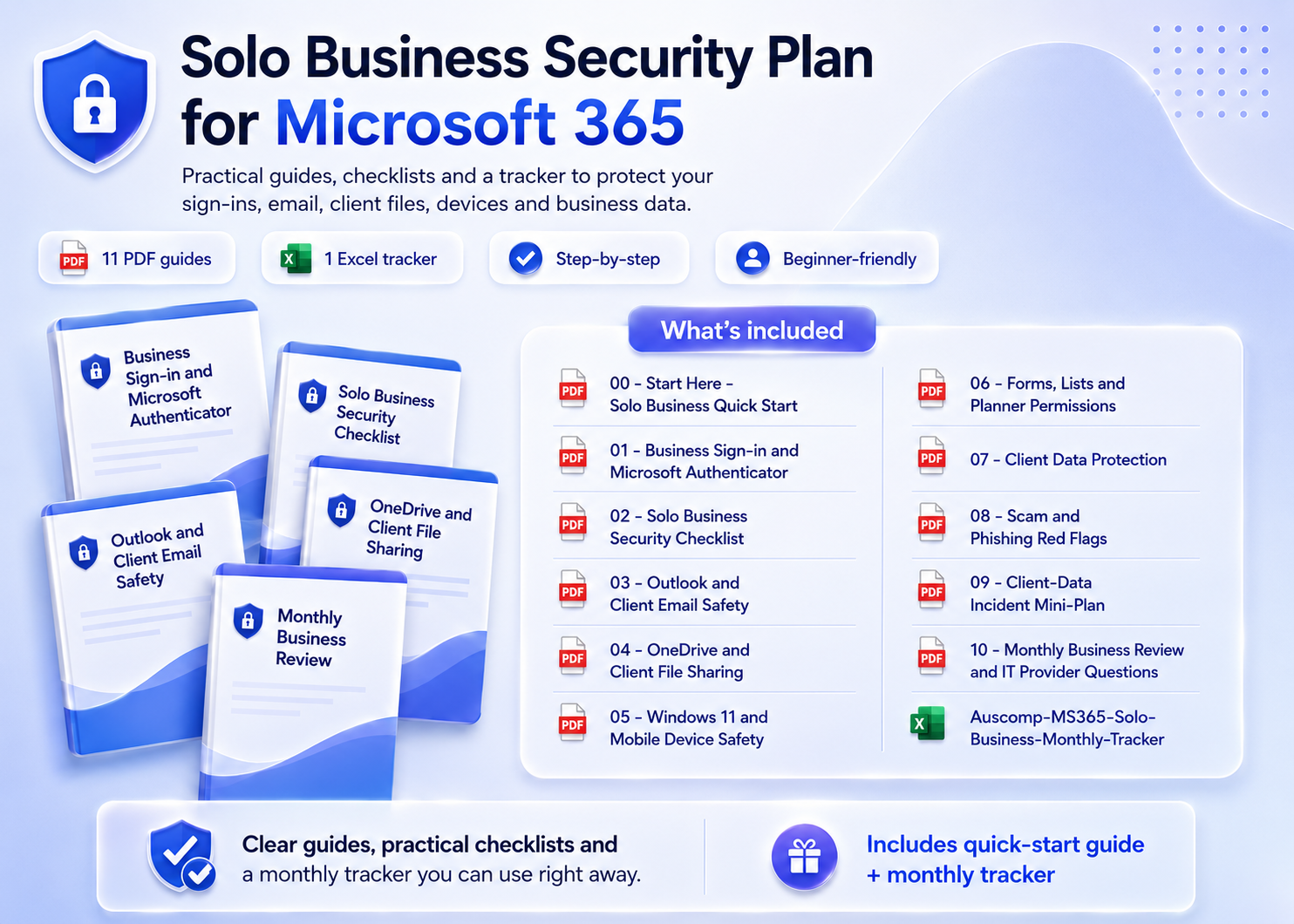
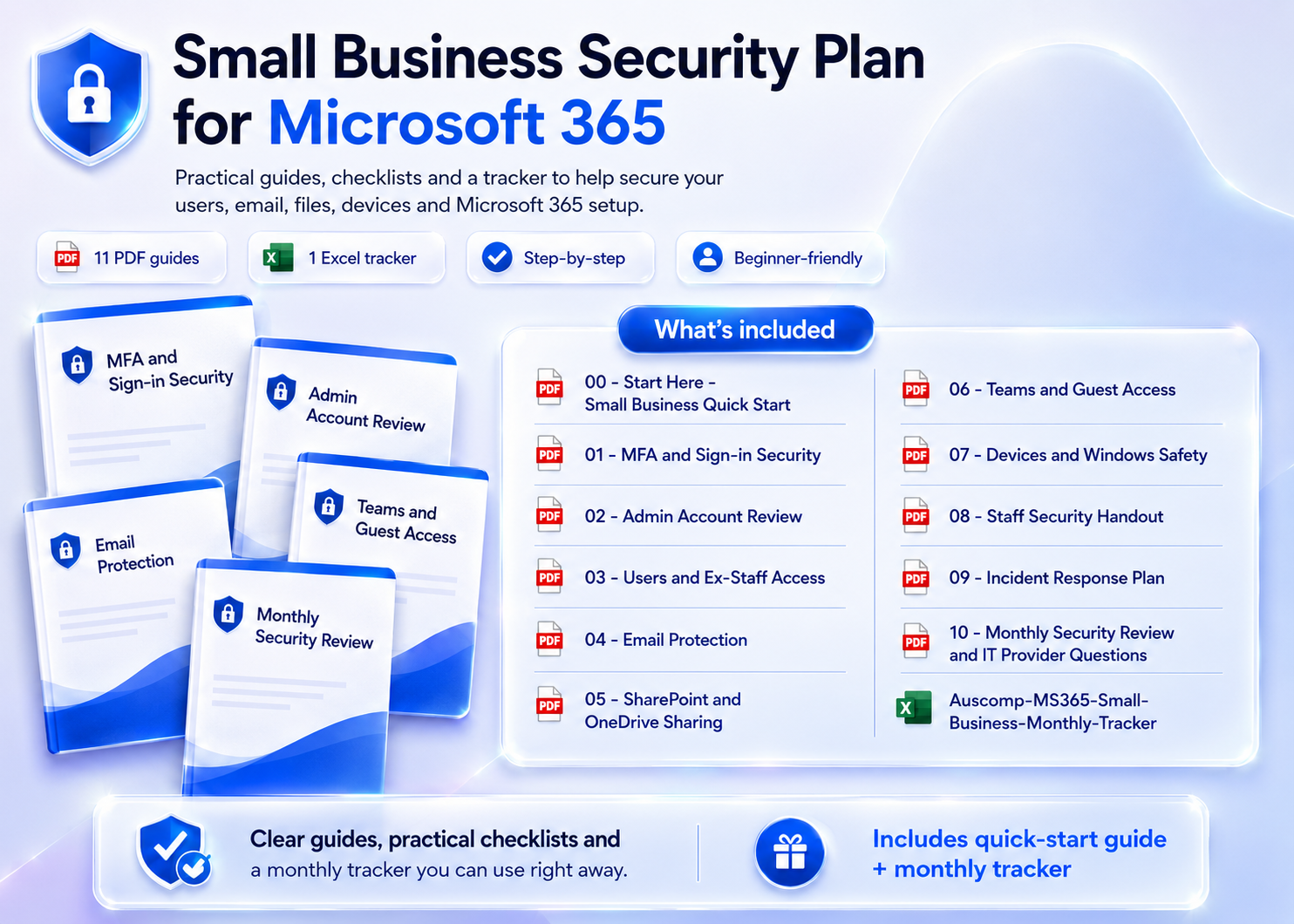

All Access Pass
$299.00 Original price was: $299.00.$99.95Current price is: $99.95. / year
Unlock every Auscomp Microsoft 365 Template — OnePass to hundreds of ready-made tools for work, school & life.
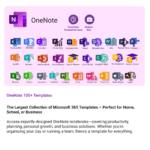
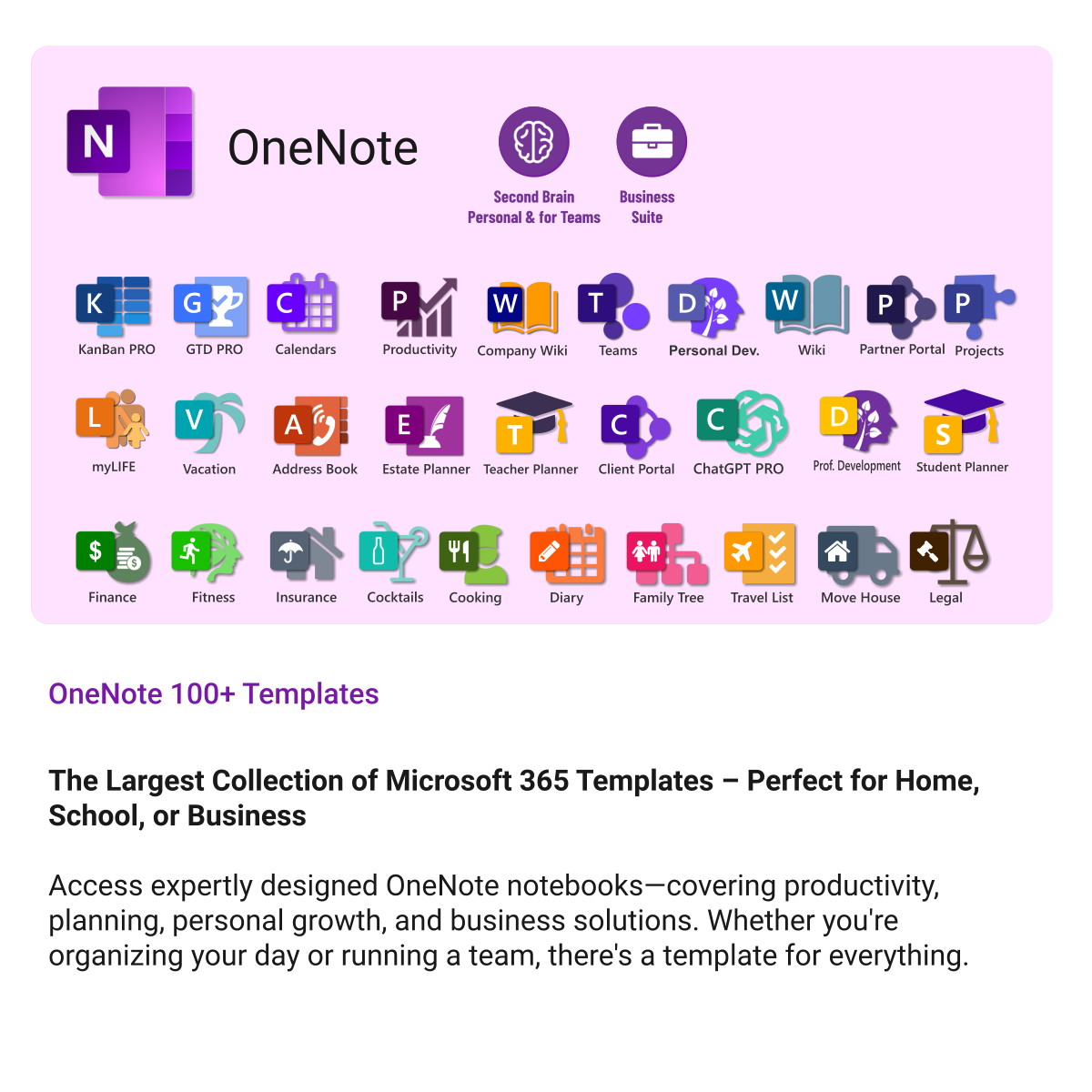
- 100 + OneNote templates for productivity, planning & projects.
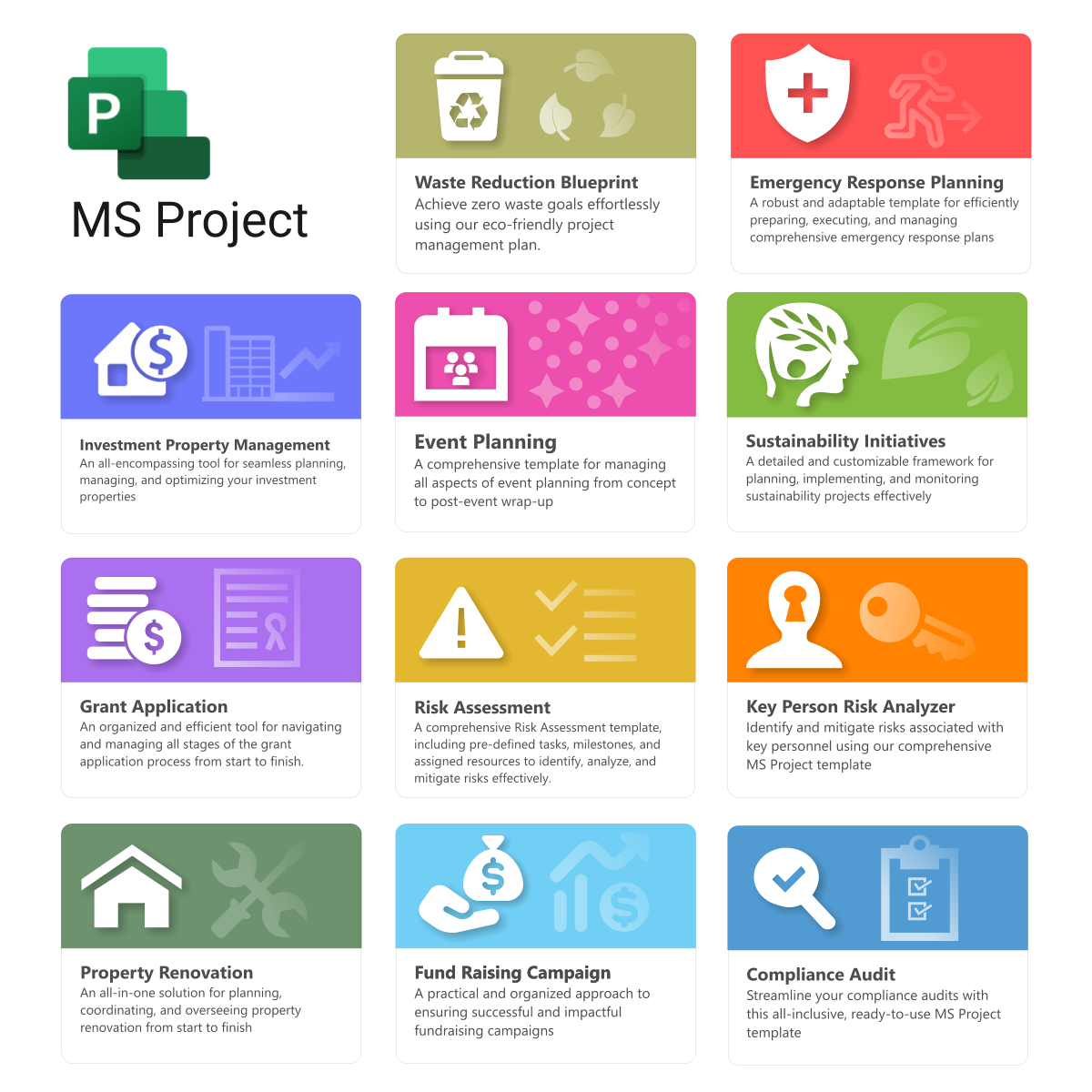
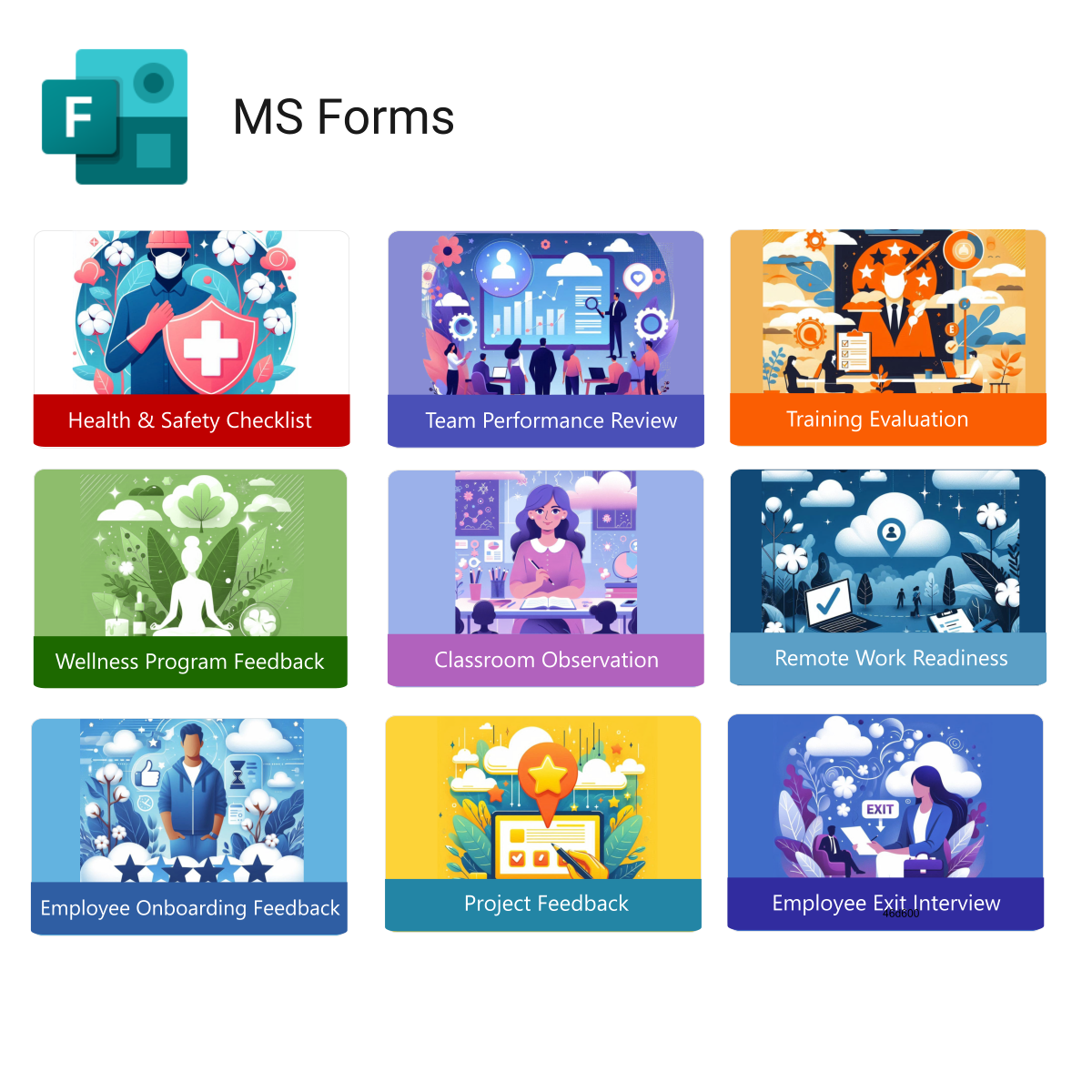
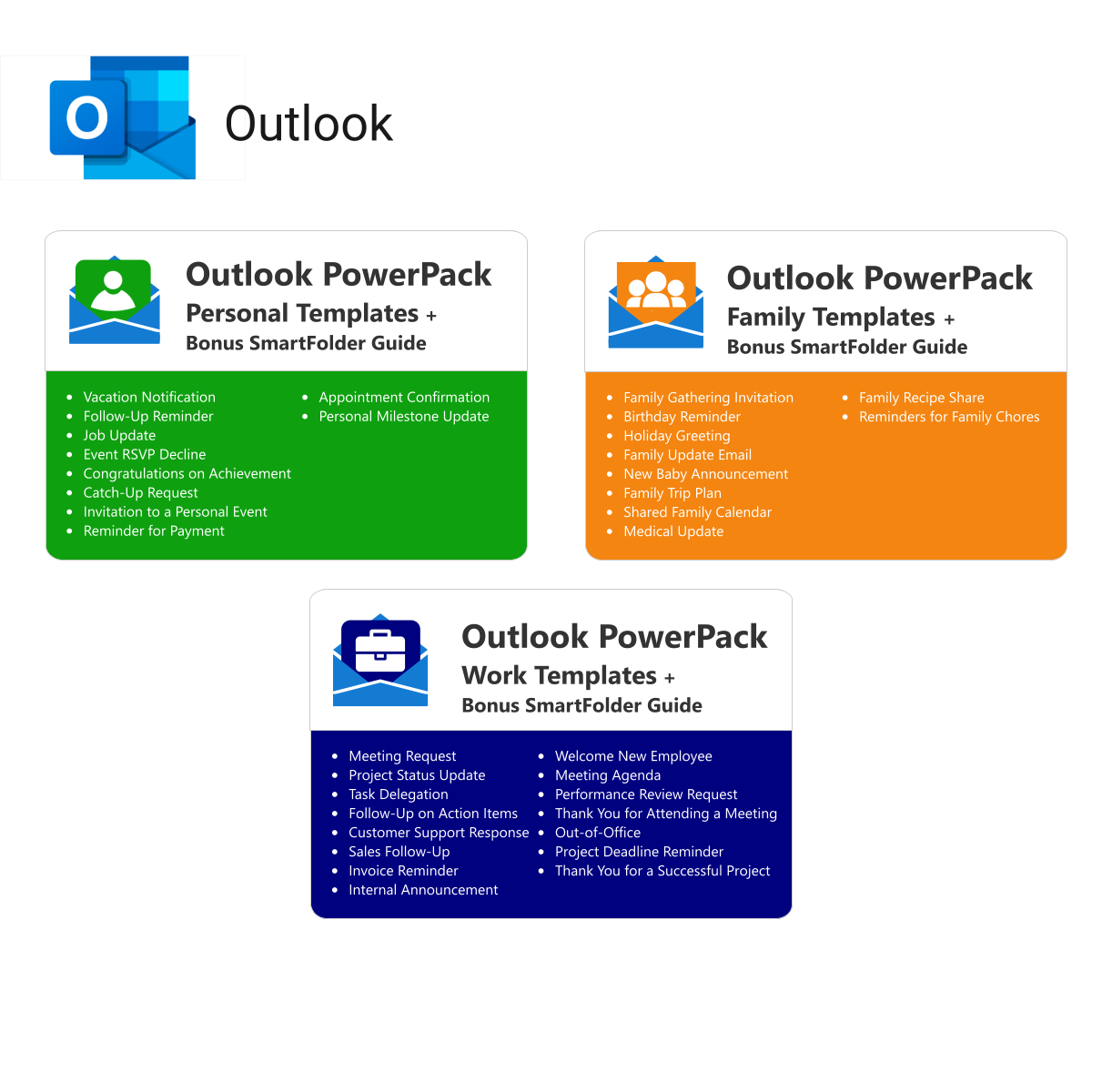
- MS 365 suite bonus: MS Project, Forms, Lists, Outlook &; Excel tools included.
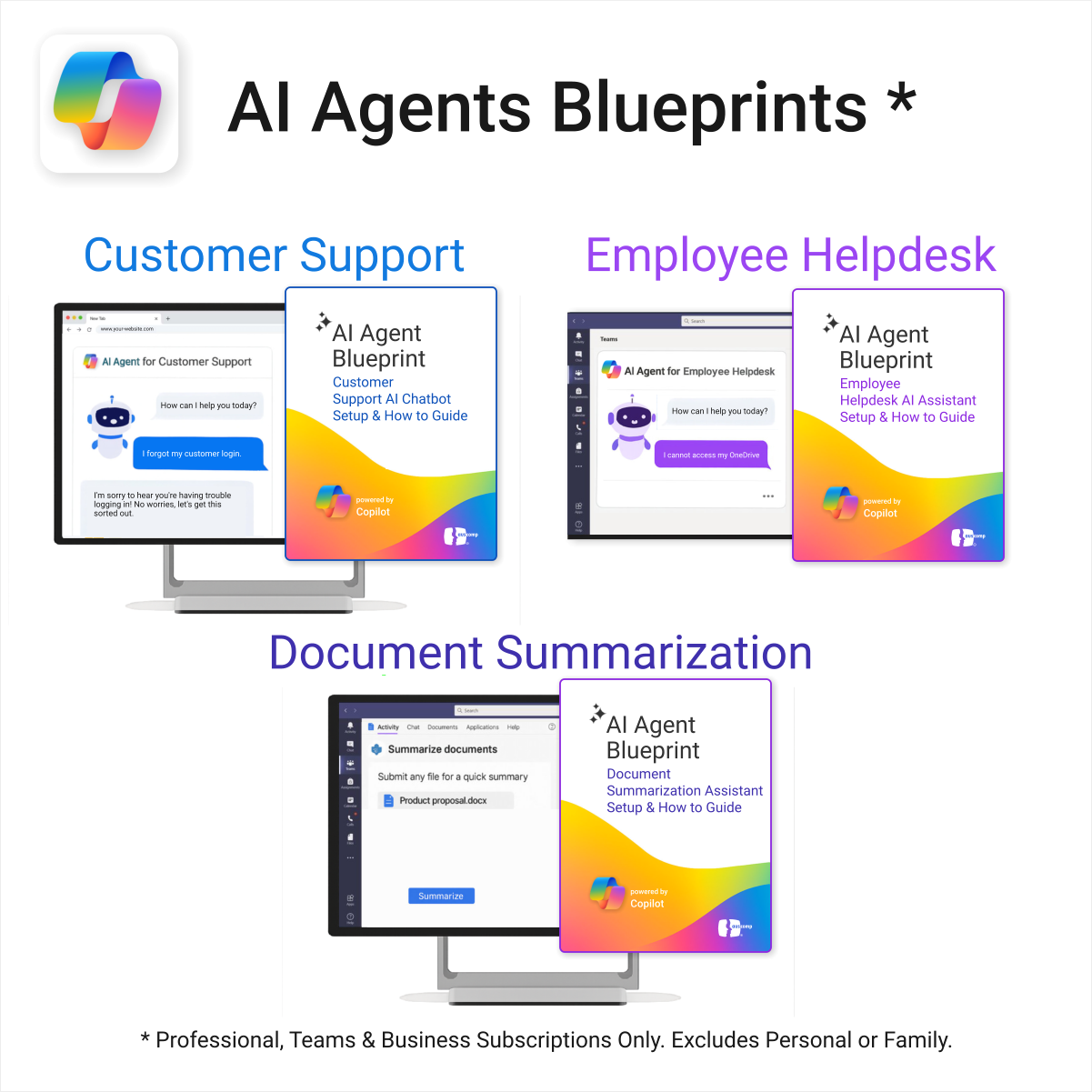
- AI resources built-in: Copilot &; ChatGPT Playbooks + AI Dashboards &Agents.
- Always up to date: New templates &updates added all year — yours instantly.
Perfect for professionals, students & teams who live in Microsoft 365 and want ready-to-use structure.
Join 8 000 + members who simplified their work & life with the All Access Pass — your 365 system for everything.
- Instant Download - Easy Install - Fully Customisable
Instant Download
Get instant access with our digital downloads. As soon as your purchase is complete, you'll receive an email with your download link, invoice, and everything you need to get started — no waiting required.
Easy to Install
All our templates are easy to install on Windows and Mac, with seamless syncing across all devices supported by Microsoft OneNote — including PCs, laptops, iPhones, iPads, and Android devices.
Fully Customizable
Our templates are fully customizable, letting you tailor every page, section, and element to suit your workflow — whether you're managing tasks, projects, or notes.
All Prices in USD
All prices listed are in US dollars (USD), regardless of your location or billing country.
All Access Pass — Unlimited Access to Every Auscomp Microsoft 365 Template
Get instant access to the entire Auscomp collection of productivity templates and AI resources for Microsoft 365. One subscription unlocks everything you need to plan, organize and succeed across work, school and life.
What’s included in your pass
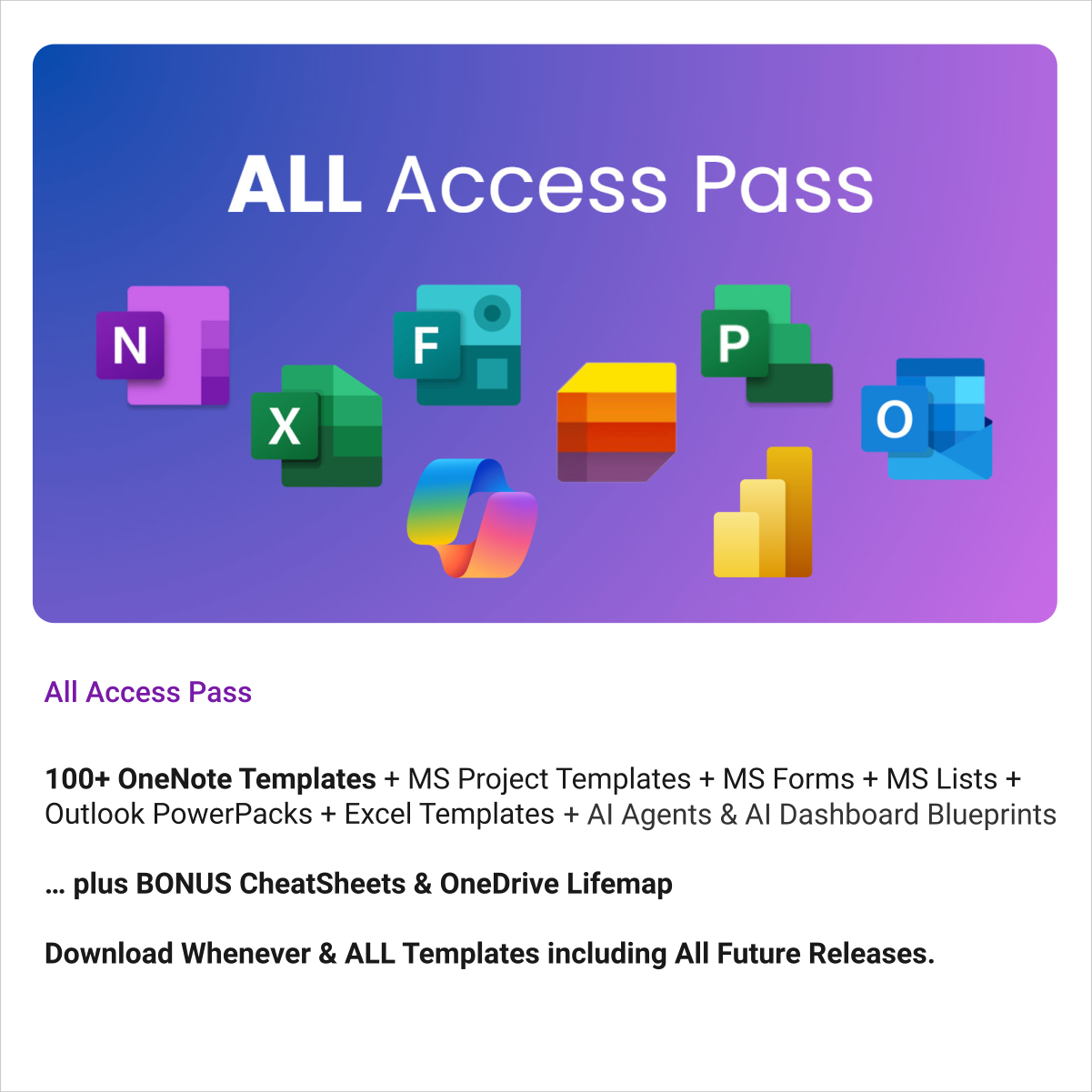
- 100 + OneNote Templates — projects, planning, GTD, CRM, business suites & more
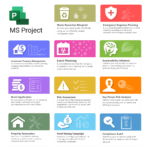
- MS Project — 11 project templates for planning & tracking
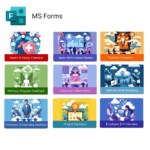
- MS Forms — 9 ready-made survey and feedback templates
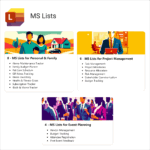
- MS Lists — 18 structured list templates for task & data tracking
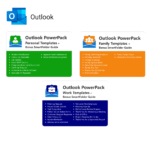
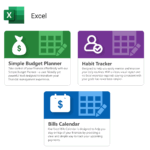
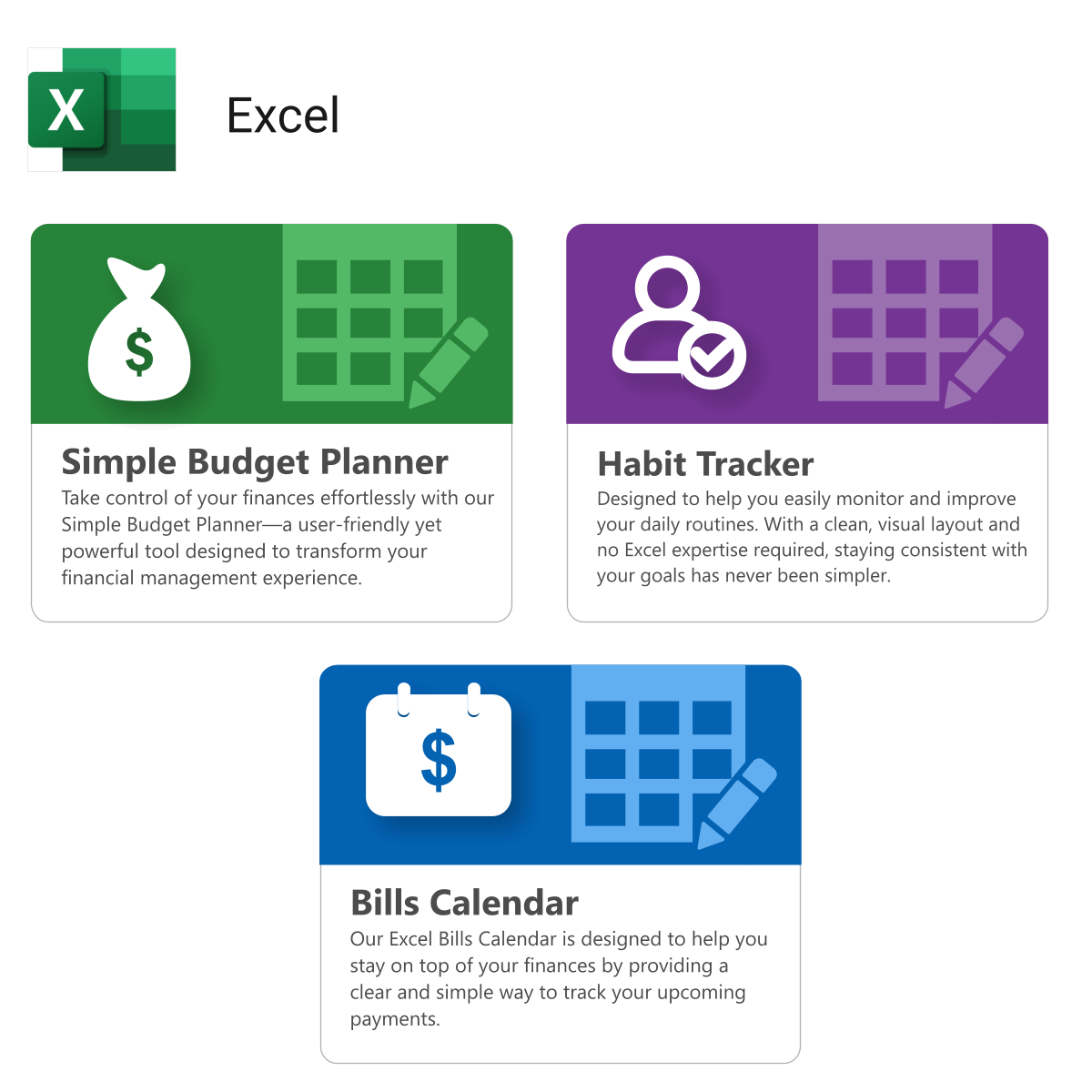
- Outlook & Excel — 3 Power Packs & 3 data templates
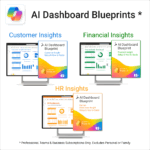
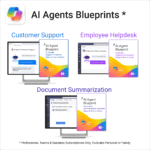
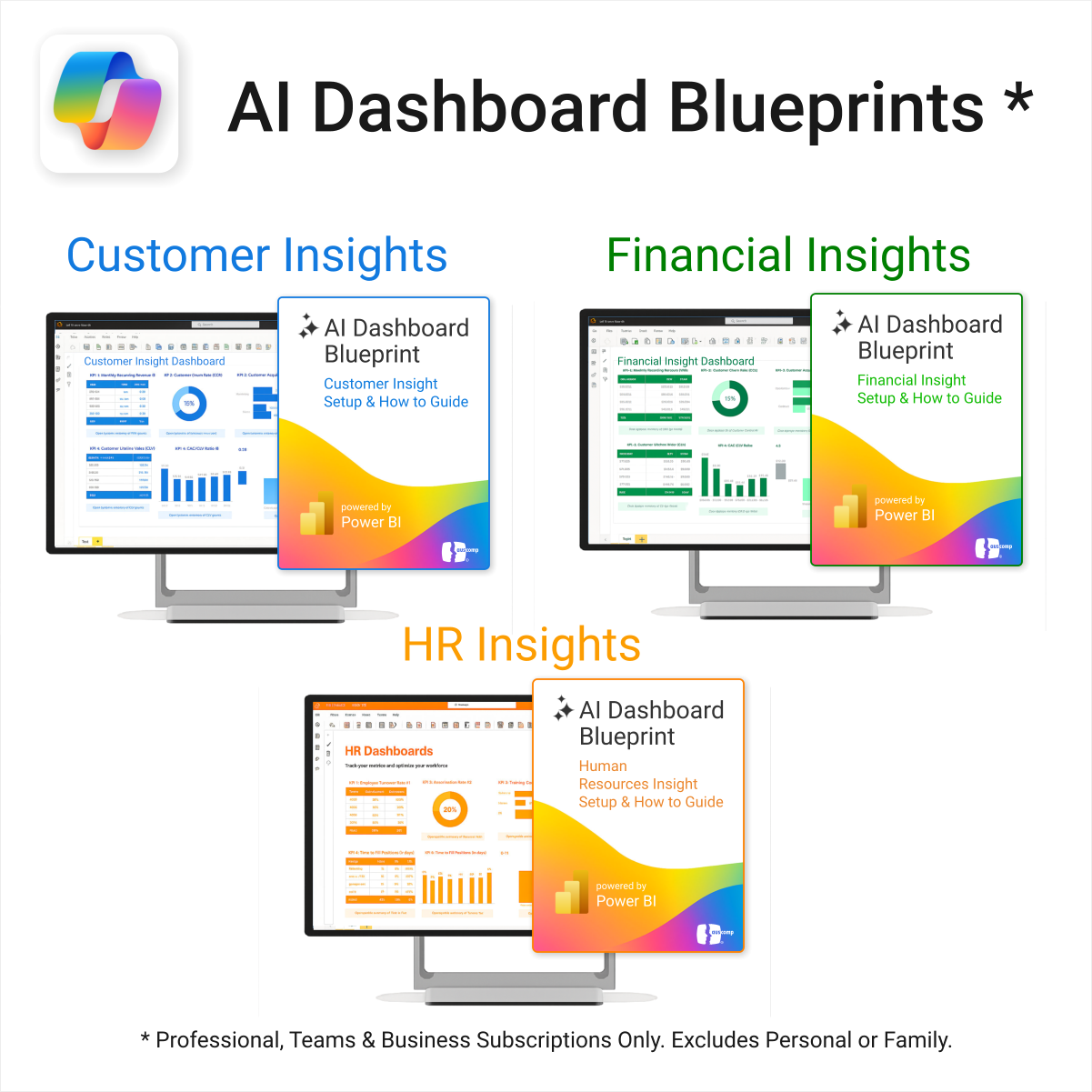
- AI Dashboards & Agents — 6 blueprints to integrate Copilot & ChatGPT workflows
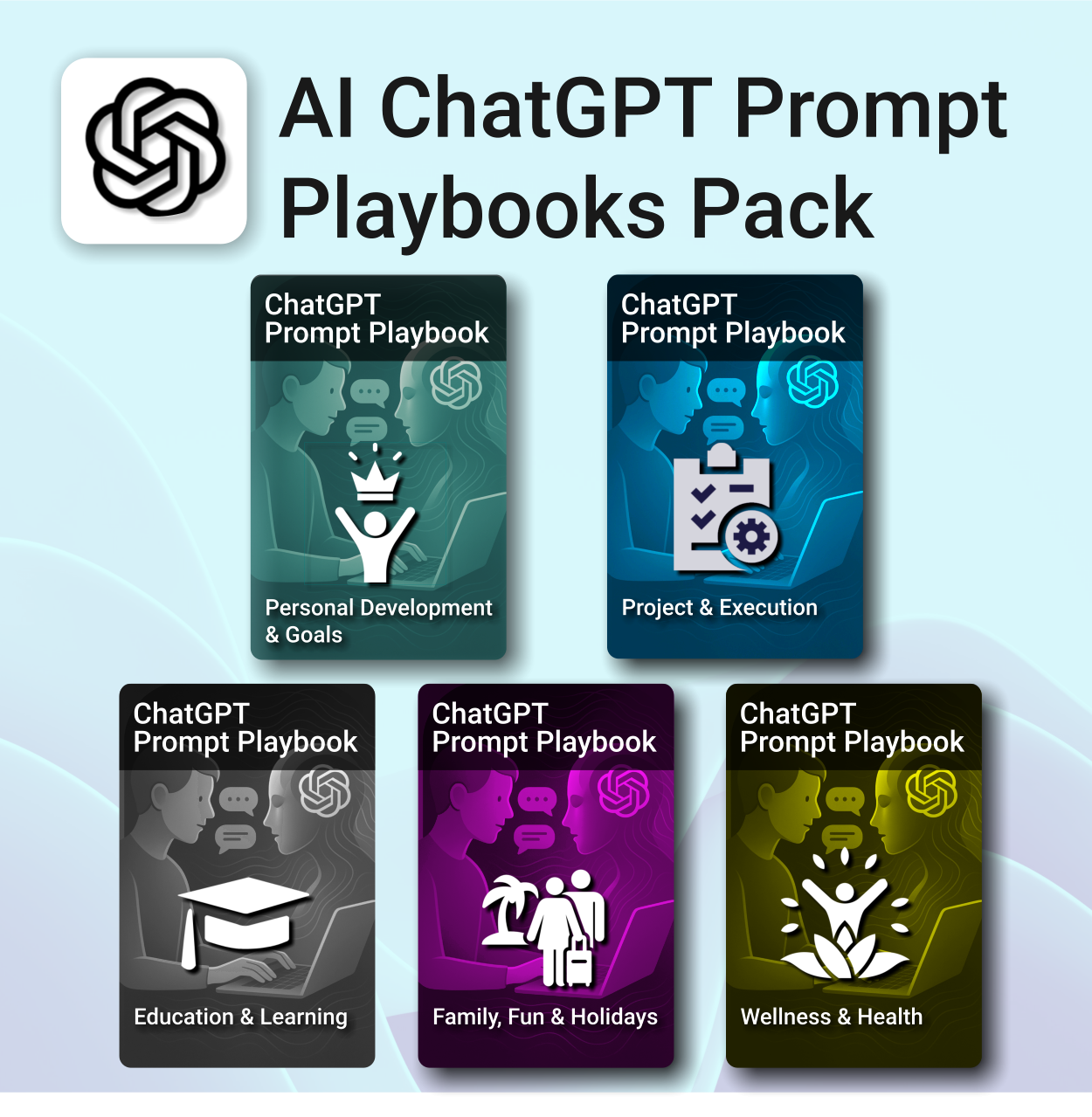
- AI Prompt Library — 10 expert Playbooks (5 Copilot + 5 ChatGPT)
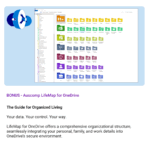
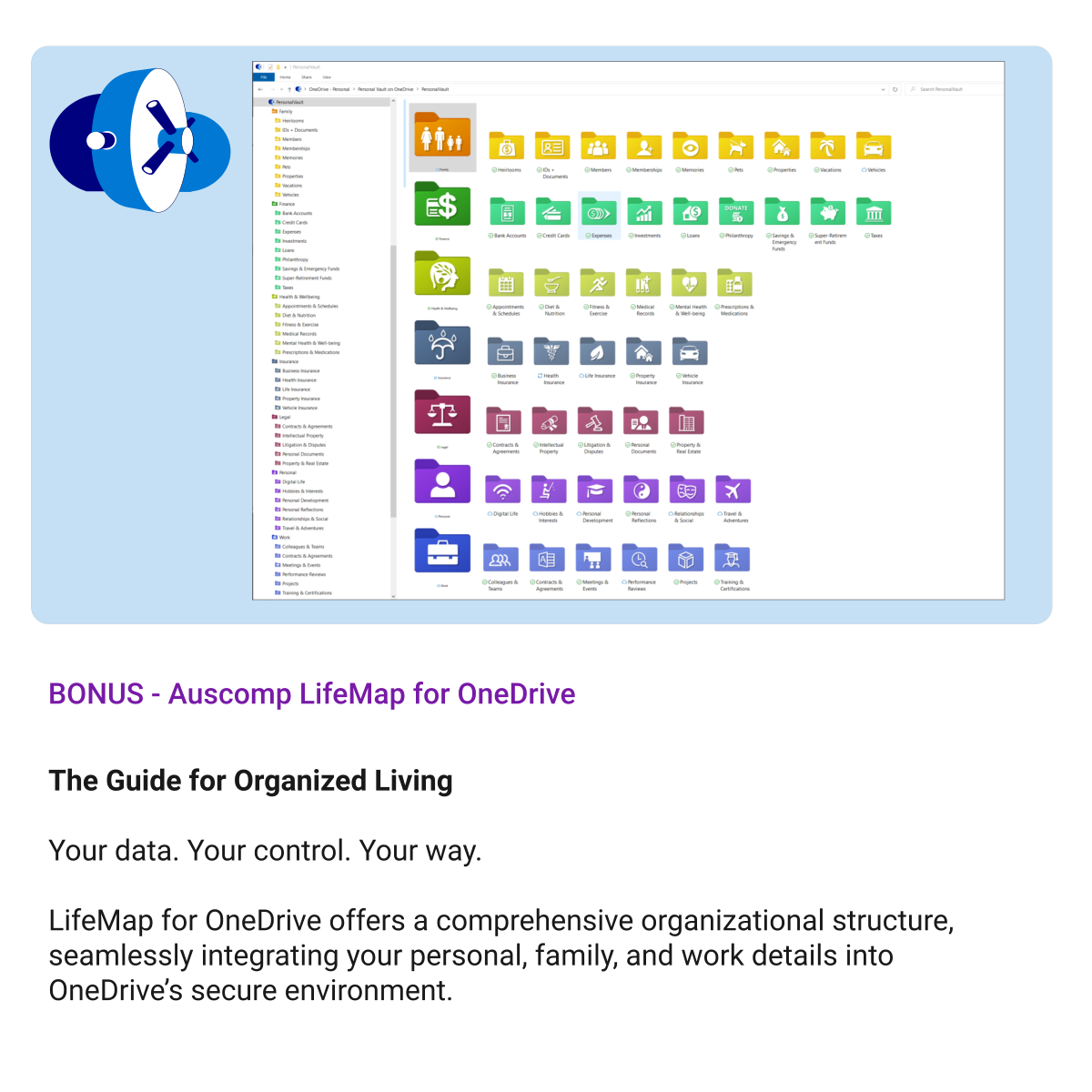
- OneDrive LifeMap — plan life goals & projects visually
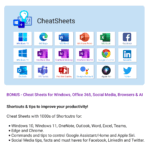
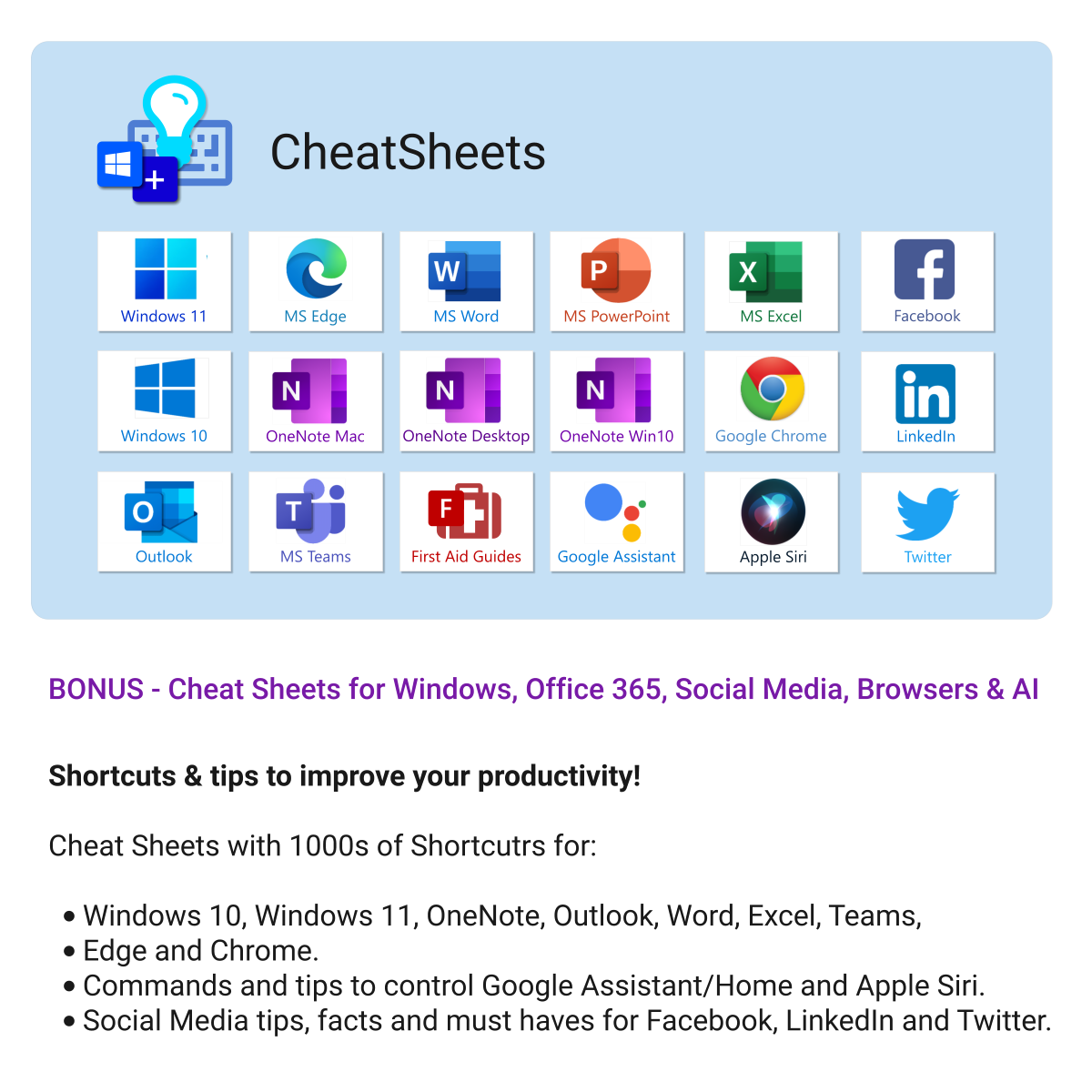
- 18 CheatSheets — covering Microsoft 365, Windows & Edge essentials
- All Future Releases — included automatically while your pass is active
Why it’s worth it
- Save hundreds vs buying individual templates
- Lifetime skills boost — learn Microsoft tools through real templates
- New AI resources added quarterly at no extra cost
- Perfect for individuals, teams & educators
Compatibility
- Microsoft 365 apps: OneNote, Project, Forms, Lists, Outlook & Excel
- Works on Windows, Mac & Web
- Integrates with Teams & SharePoint for collaboration
What customers say
The All Access Pass completely changed how I work — so many templates in one place and constantly updated.
I use these templates daily for everything from project planning to family organisation. Incredible value.
There’s a template for every workflow. Feels like having a digital assistant inside OneNote & Microsoft 365.
Our team runs entirely on these templates now — huge boost to collaboration and clarity.
Cheat Sheets, Forms, Lists, Projects — I keep discovering new tools every week.
After buying three templates individually, the Pass was a no-brainer — it already paid for itself.
I love that it’s all built around Microsoft tools I already use — no extra apps or subscriptions.
Fantastic resource. Every template feels polished and ready to use right away.
FAQs
How do I access everything after purchase?
After checkout, you’ll receive a secure download link to the All Access Hub where you can open or download any template instantly.
Do I get future templates automatically?
Yes — every new release during your active subscription is added to your hub automatically at no extra cost.
Can I use the templates for work and personal projects?
Absolutely. Your licence covers personal and internal business use across all Microsoft 365 apps you own.
How often is content updated?
We add new templates and AI resources quarterly and update existing ones for latest Microsoft 365 features.

- AI
- AI Prompt
- All-Access
- Budget
- Business
- Customer
- Dashboard
- Documents
- Education
- Employee
- Environment
- Events
- Family
- FAQ
- Feedback
- Finance
- Goals
- Handbook
- Home
- Ideas
- Initiatives
- Insight
- Knowledge Base
- Learning
- Legal
- Manuals
- Office
- Organization
- Performance
- Personal
- Planning
- Policies
- PowerPack
- Productivity
- Projects
- Review
- Risk
- SOP
- Statistics
- Support
- Sustainability
- Tasks
- Teacher
- Teams
- Work
Related Products
Master your life with OneNote + PARA — Projects, Areas, Resources & Archive in one trusted system.
- One system in OneNote: Capture, organise and execute tasks, notes and goals with the PARA method.
- Ready-to-use templates: Projects, Areas, Resources & Archive with trackers, planners and guides.
- Fast setup: One-click notebook + quick-start guide — get productive in minutes.
- Works where you work: OneNote on Windows, Mac & Web — great with Teams/SharePoint.
Perfect for individuals who live in Microsoft 365 and want clarity, control and focus.
Trusted by 10,000+ professionals worldwide to stay organised and deliver on time.
Renovate with confidence — built for project managers, homeowners, and builders alike.
-
- Manage budgets, teams, tasks, and timelines all in MS Project.
- Built-in flow from design to demolition to final inspection.
- Perfect for homeowners, contractors, and renovation planners.
- Customizable for any property type or scope.
Stay ahead, reduce stress & plan smarter.
-
- Everything in one digital place — no paper clutter
- Boost focus and grades with structured planning
- Perfect for school, college, or university
- Adaptable for any subject or semester
- Instantly accessible across all your devices
Boost clarity. Break through mental clutter.
-
- Structure your goals and eliminate procrastination
- All-in-one toolkit inside OneNote
- Designed for both personal and professional growth
- Use powerful planners and templates to stay focused
- Works across devices – always accessible
Take control of your inbox. Save time & stress less.
-
- Save time with ready-to-send templates
- Automate tasks using Quick Steps
- Stay organized with Smart Folders
- Consistent, polished communication
- Perfect for Outlook users at home or work
Be more productive. Save time & master AI.
-
- Master ChatGPT with structured use cases and tutorials.
- Get started faster using done-for-you templates and prompts.
- Track, log, and organize your ChatGPT ideas across projects.
- Save hours with reusable formats for every role and tone.
- Compatible with all devices — desktop, tablet & mobile.
Build momentum, raise funds, and keep your campaign on track — all in MS Project.
-
- Plan, launch, and manage every aspect of your fundraising campaign.
- Built-in timelines, templates, and workflows for maximum efficiency.
- Fully editable in MS Project — no steep learning curve.
- Perfect for nonprofits, schools, causes, and community initiatives.
Master risk management — from early identification to confident mitigation.
-
- Eliminates guesswork — structured for real-world risk planning.
- Built to work perfectly in MS Project — no learning curve.
- Easy to update — keep your risk register live and relevant.
- Ideal for teams managing safety, compliance, or project uncertainty.
Be more prepared. Reduce planning stress. Make teaching more impactful.
-
- Everything in one digital hub — no paper clutter.
- Ready-to-use templates save you hours each week.
- Visual and structured tools for all learning styles.
- Empower students with structured reflection tools.
- Use across all subjects and year levels.
Make audit readiness part of your project workflow — not a last-minute scramble.
-
- Everything structured — from audit scope to implementation follow-up.
- Built for Microsoft Project — no steep learning curve.
- Ensures clear documentation and accountability across your audit team.
- Perfect for internal, external, and compliance-driven audits.
Own your investment journey — from first search to ongoing property success.
-
- Built to simplify complex property workflows — no more guesswork.
- Perfect for investors, renovators, and property managers.
- Fully compatible with MS Project — no learning curve.
- Clear milestones and budgets keep everything on track.
Take control of your family’s information. Stay prepared and organized.
-
- All-in-one family dashboard — know where everything is
- Be emergency ready — from medical history to contacts
- Perfect for travel, school, caregiving & estate planning
- Private & secure — powered by Microsoft OneNote
- No subscription needed — lifetime value


ChatGPT
OneNote
MS Project
MS Forms
MS Lists
Outlook
Excel
Bonus
Copilot
MS Teams
Power BI