
Wiki for OneNote

$19.95
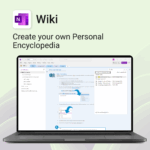
Create your own knowledge hub — organise SOPs, FAQs, guides & notes right inside OneNote.
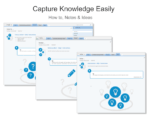
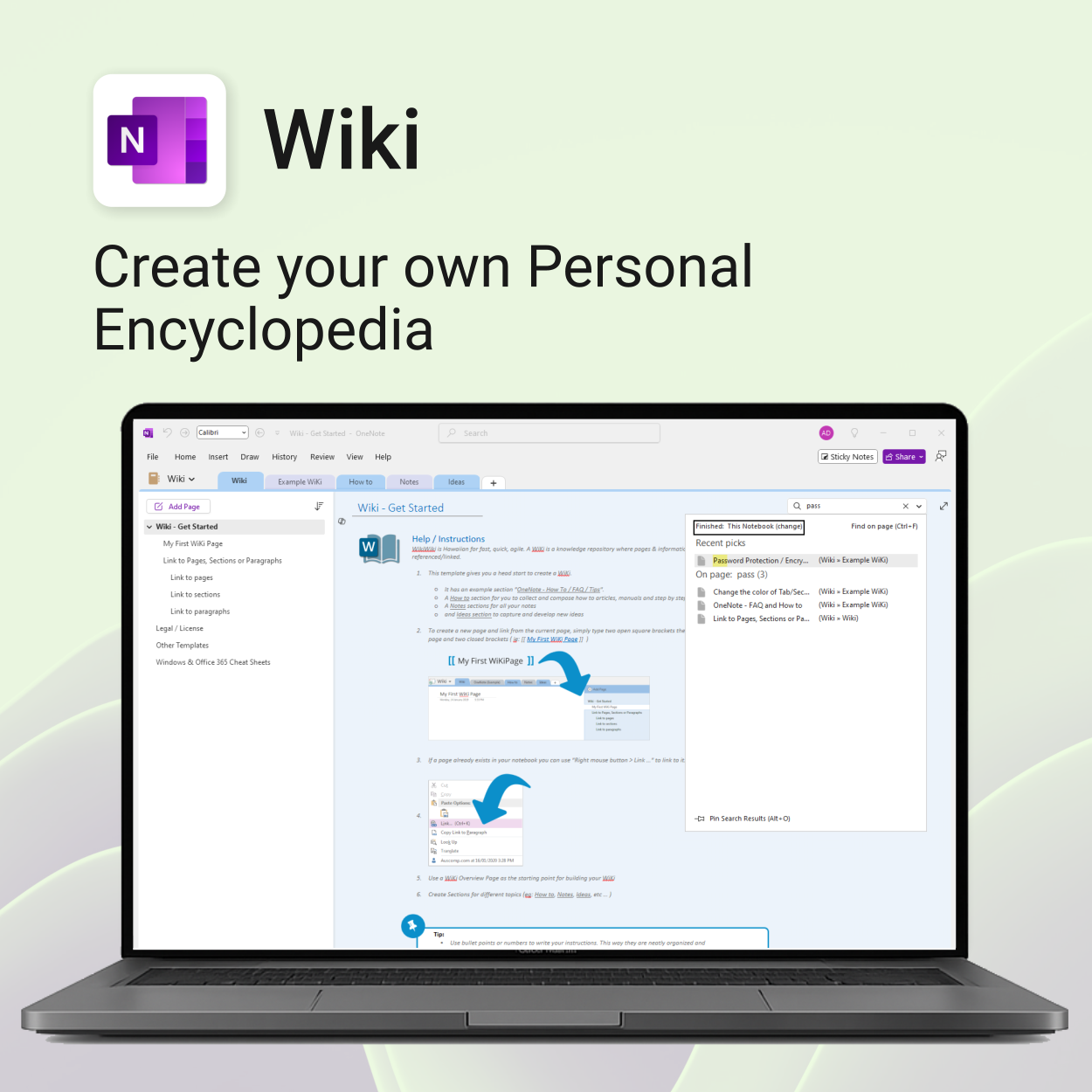
- OneNote Wiki system: Capture and link knowledge, manuals, and FAQs in a searchable format.
- Fast setup: One-click notebook + examples ready to customise for your team.
- Secure & private: Built on Microsoft 365 — share internally or use solo.
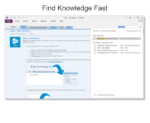
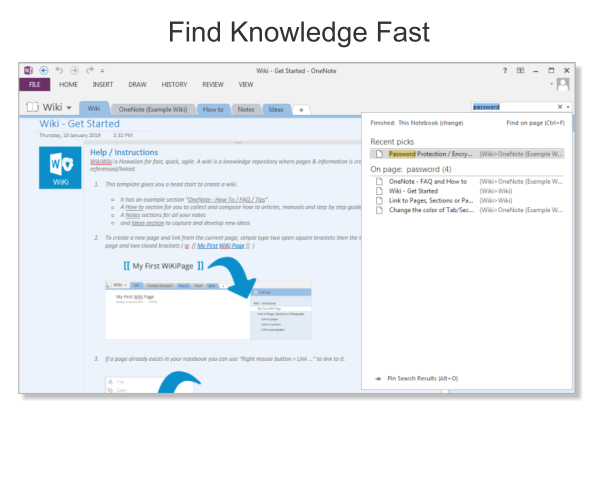
- Find anything instantly: Full-text embedded search across your pages and topics.
Perfect for teams, consultants, or anyone who needs an organised place for notes and documentation.
Used by professionals and teams worldwide to centralise knowledge and make information searchable in OneNote.
Wiki for OneNote — Capture, Organise & Share Knowledge Effortlessly
Auscomp Wiki for OneNote is a digital knowledge hub that lets you create, store and share how-to guides, manuals, notes and company knowledge — fully searchable and built for Microsoft 365.
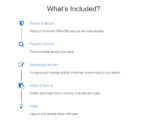
What’s included
Wiki for OneNote is quick to set up and includes the following:
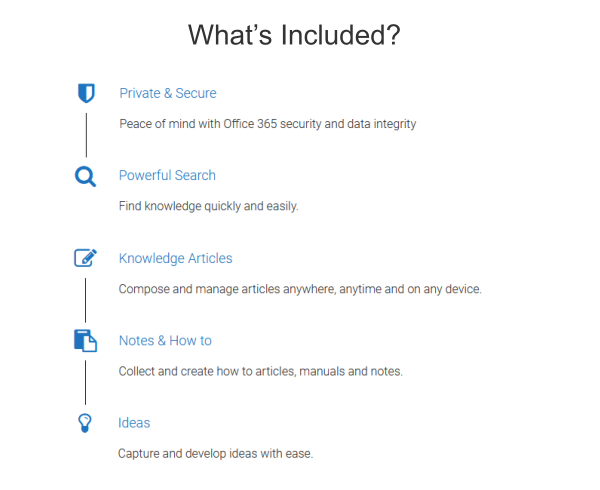
- Private & Secure — Built on Office 365 for peace of mind
- Powerful Search — Find anything instantly with full-text search
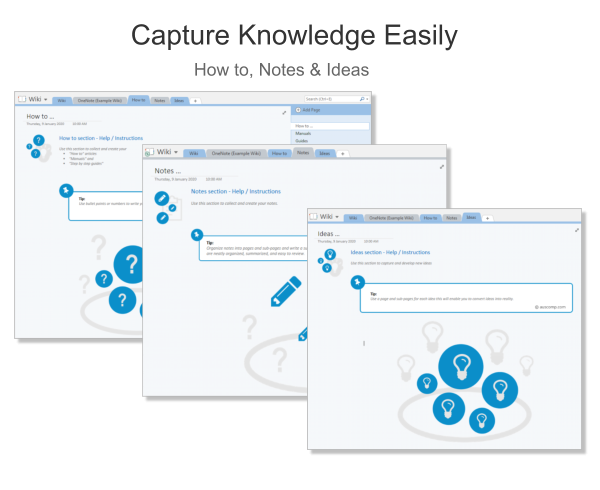
- Knowledge Articles — Create and organise articles on any topic
- Notes & How-To — Centralise SOPs, manuals and helpful instructions
- Ideas Section — Capture and develop creative thoughts with ease
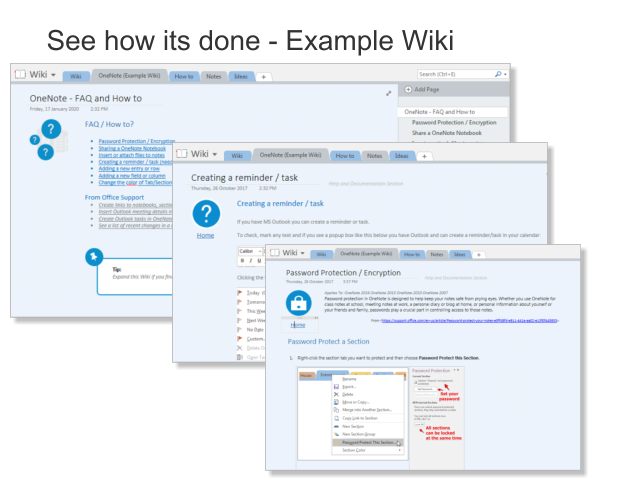
- Example Wiki — Included sample content to help you get started fast
What you get
- One-click OneNote notebook package (.zip/.onepkg)
- Quick-start guide
- Reusable for unlimited knowledge bases
- Commercial use under Auscomp licence
Compatibility
- OneNote for Windows, Mac & Web
- Works great with Teams/SharePoint notebooks
- Microsoft 365 and personal Microsoft accounts
What customers say
Exactly what I needed to build out a knowledge base for our team. Clean and intuitive.
I use this to document all our IT how-tos and onboarding guides. It’s a game changer.
The integrated search works great — I can find what I need in seconds.
This helped us centralise our SOPs — so easy to update and share.
Simple, smart and effective — I’ve built 50+ support articles already.
Love how I can capture ideas and convert them into structured guides when ready.
We run a remote team — this became our internal wiki overnight.
Way easier to maintain than SharePoint or Confluence — and people actually use it!
FAQs
How do I install it?
Download the package and follow the step-by-step guide on our installation page. You’ll be up and running in minutes.
Can I share my Wiki with others?
Yes — store it in OneDrive, Teams or SharePoint and invite users with view or edit permissions.
Is it secure?
Yes — it uses Microsoft 365 security. You control access via OneNote’s sharing permissions.
Can I customise the layout?
Absolutely. Add pages, rename sections and apply your own colour-coding or icons. The structure is flexible.
 MS Project
 MS Forms
 MS Lists
 Outlook
 Excel
Excel Copilot
 MS Teams
 Power BI
Related Products
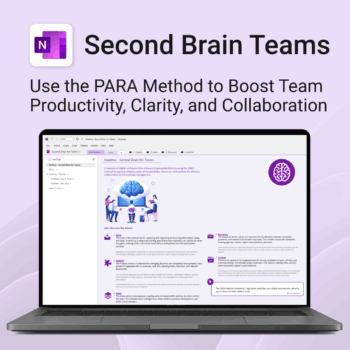
Boost productivity. Simplify collaboration.
-
- Capture tasks, notes & info instantly — no context switching
- Organize everything by PARA — Projects, Areas, Resources, Archive
- Get more done — shared workspaces drive team clarity
- Keep knowledge accessible — from onboarding to SOPs
- Work from anywhere — synced and secure inside OneNote
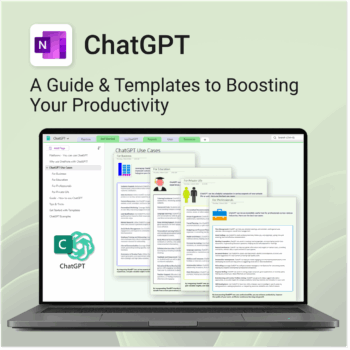
Be more productive. Save time & master AI.
-
- Master ChatGPT with structured use cases and tutorials.
- Get started faster using done-for-you templates and prompts.
- Track, log, and organize your ChatGPT ideas across projects.
- Save hours with reusable formats for every role and tone.
- Compatible with all devices — desktop, tablet & mobile.
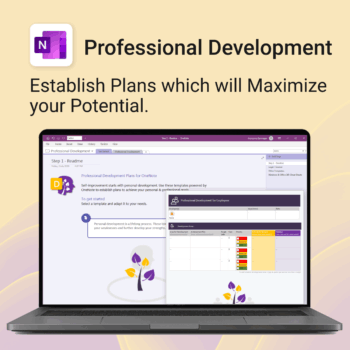
Grow with confidence. Track your progress. Achieve your goals.
- Start fast with guided templates and expert structure
- Track skills, goals, and leadership development in one place
- Adaptable for individuals, teams, or HR managers
- Simple enough for beginners, powerful enough for pros
- Always accessible inside OneNote on any device
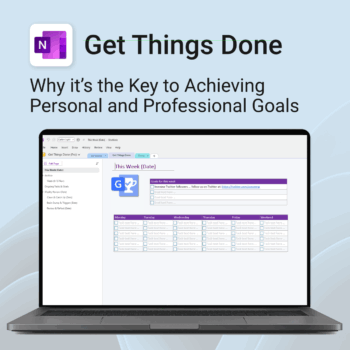
Get Things Done — right inside OneNote. Capture, organise and review with a clear weekly rhythm.
- GTD in OneNote: Inboxes, Projects, Next Actions, and a Weekly Review that sticks.
- Structured yet flexible: Brain dump & triggers, project pages, and “This Week” focus.
- Fast setup: One-click notebook + quick-start guide — be productive in minutes.
- Works where you work: OneNote on Windows, Mac & Web — great with Teams/SharePoint.
Perfect for personal and professional life — students, freelancers, and busy teams in Microsoft 365.
Join thousands of OneNote users who’ve built consistent weekly planning habits with GTD.
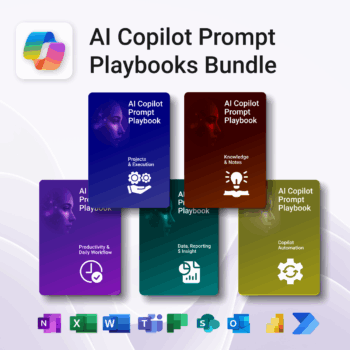
Turn Microsoft 365 into your AI co-pilot — with 150+ ready-to-use prompts across 5 expert playbooks.
- Built for Copilot: Works inside Word, Excel, PowerPoint, Outlook, Teams & OneNote.
- Do real work faster: reporting & insights, documentation, automation, projects, and daily workflow.
- Field-tested frameworks: structured prompts that deliver consistent, high-quality results.
- Copy, paste & adapt: start producing better output in minutes — no guesswork.
- Bundle value: all 5 playbooks for one price — you save 30%.
Trusted by professionals and teams using Microsoft 365 to plan, analyze, automate, and communicate with clarity.
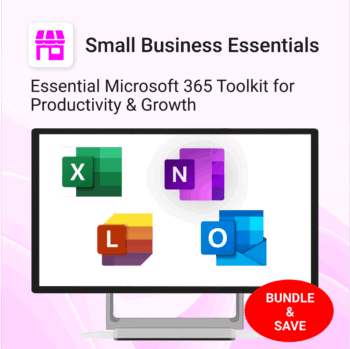
The complete Microsoft 365 toolkit for small business owners, freelancers & teams — manage tasks, budgets, and projects with ease.
- 5-in-1 bundle: OneNote, Outlook, MS Lists & Excel templates to organize work, money, and goals.
- Run your business smarter: manage clients, projects, and budgets all within Microsoft 365.
- Includes: Second Brain, Kanban Task Board, Budget Planner, Habit Tracker, Bills Calendar & more.
- Fully compatible: works with Microsoft 365 on desktop, web & mobile.
- Get 5 proven business tools for one low bundle price.
Trusted by entrepreneurs and small teams worldwide to streamline workflows, save time, and boost productivity.
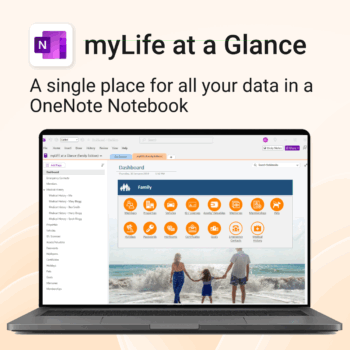
Take control of your family’s information. Stay prepared and organized.
-
- All-in-one family dashboard — know where everything is
- Be emergency ready — from medical history to contacts
- Perfect for travel, school, caregiving & estate planning
- Private & secure — powered by Microsoft OneNote
- No subscription needed — lifetime value
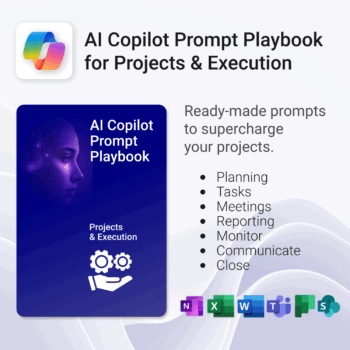
Get 30 proven Copilot prompts designed to supercharge your projects inside Microsoft 365.
-
- Covers daily planning, email, meetings, task tracking, productivity, and knowledge workflows.
- No guesswork — just copy, paste, and run inside Copilot.
- Includes example outputs and app-specific usage tips.
- Perfect for individuals, teams, and managers.
- Based on real-world Microsoft 365 use cases.
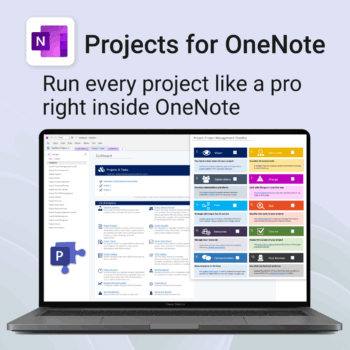
Run every project like a pro — right inside OneNote.
- Plan, track & deliver: A complete project notebook for Microsoft 365.
- Ready-made pages: Overview, Scope, Tasks, Timeline, Meetings, Risks & Assets.
- Works where you work: OneNote on Windows, Mac & Web — perfect with Teams or SharePoint.
- Instant setup: One-click notebook + quick-start guide included.
Perfect for solo operators and teams who live in Microsoft 365.
Trusted by 10,000+ professionals worldwide to stay organised and deliver on time.
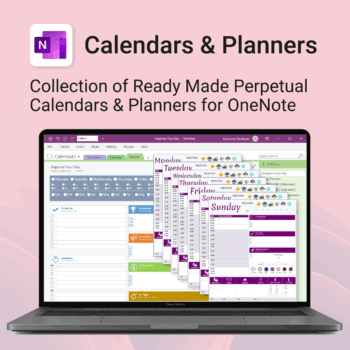
Stay organised all year — daily, weekly & monthly planners right inside OneNote.
- All in OneNote: Dated & undated calendars plus flexible daily/weekly planners.
- Ready to use: 13 calendars, 7 daily planners, 7 “One Day at a Time”, 4 weekly planners & more.
- Fast setup: One-click notebook + quick-start guide — start planning in minutes.
- No subscriptions: Yours forever. Works on Windows, Mac & Web (great with Teams/SharePoint).
Perfect for home, work and family life — anyone who loves OneNote and wants structure.
Used by thousands to plan days, weeks and months with less stress and more clarity.
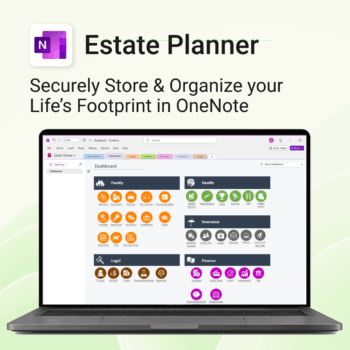
Stay organized. Protect your legacy.
-
- Centralize all your vital family records and legal documents
- Easy to update and access — no special tools needed
- Secure sensitive information using OneNote’s password protection
- Designed for simplicity with visual clarity in every section
- Share with loved ones or advisors when needed — easily and safely

Essential Microsoft 365 templates for teachers & students — plan smarter, teach better, and track progress with ease.
- All-in-one bundle: 8 ready-to-use education tools for planning, tracking & classroom management.
- Includes: Teacher & Student Planners, LifeMap, Budget & Habit Trackers, Projects, Training & Observation templates.
- Perfect for: educators, students, and schools using Microsoft 365, OneNote, Excel & Forms.
- Easy setup: plug-and-play templates with step-by-step guides.
- Get 8 tools for the price of 5 — built to simplify teaching and learning.
Trusted by teachers and students worldwide to stay organized, motivated, and ahead of schedule.