
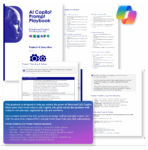
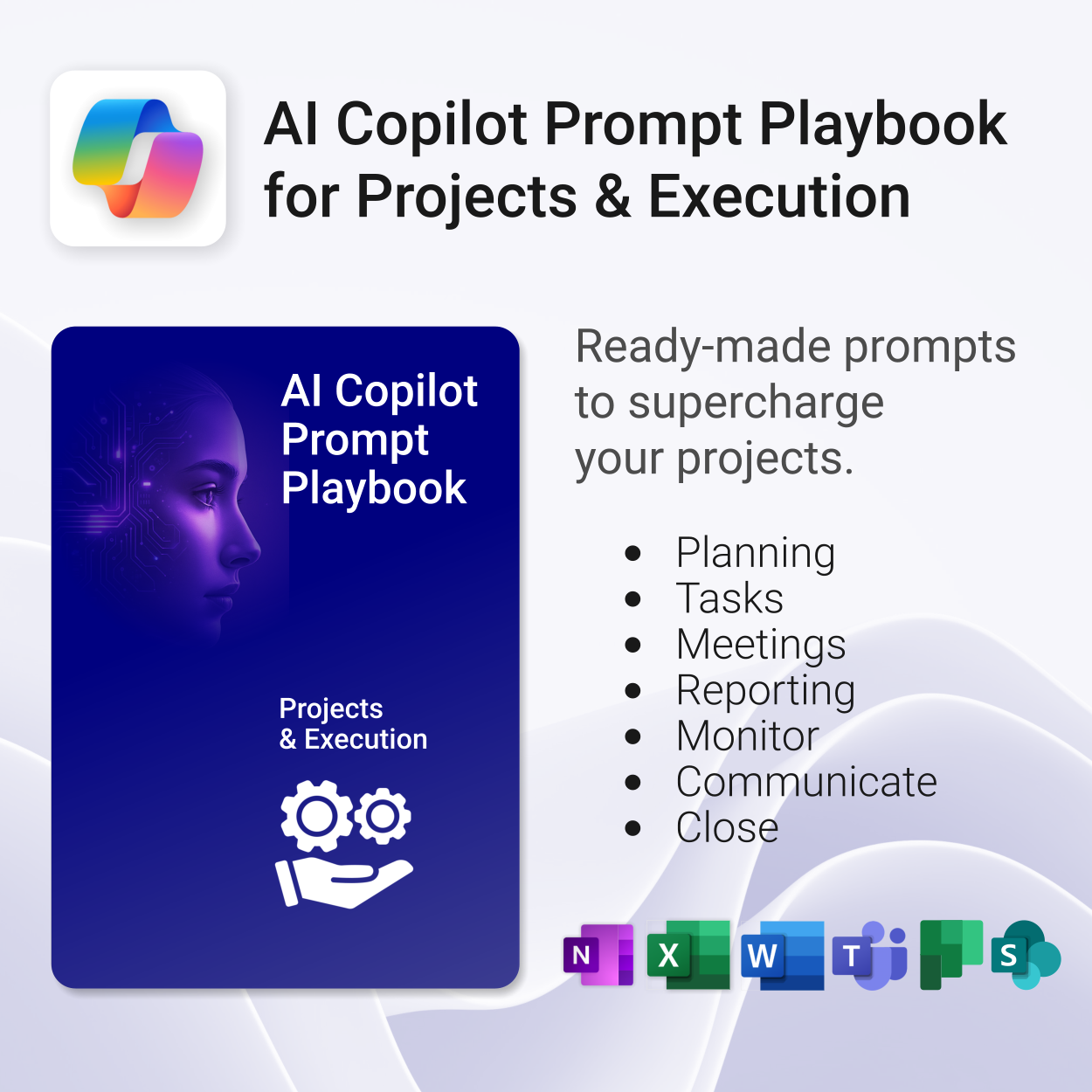
AI Copilot Prompt Playbook for Projects & Execution

$19.95
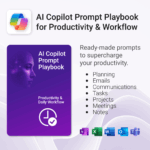
Get 30 proven Copilot prompts designed to supercharge your projects inside Microsoft 365.
-
- Covers daily planning, email, meetings, task tracking, productivity, and knowledge workflows.
- No guesswork — just copy, paste, and run inside Copilot.
- Includes example outputs and app-specific usage tips.
- Perfect for individuals, teams, and managers.
- Based on real-world Microsoft 365 use cases.
Your complete PDF playbook of ready-to-use Copilot prompts for Projects & Execution
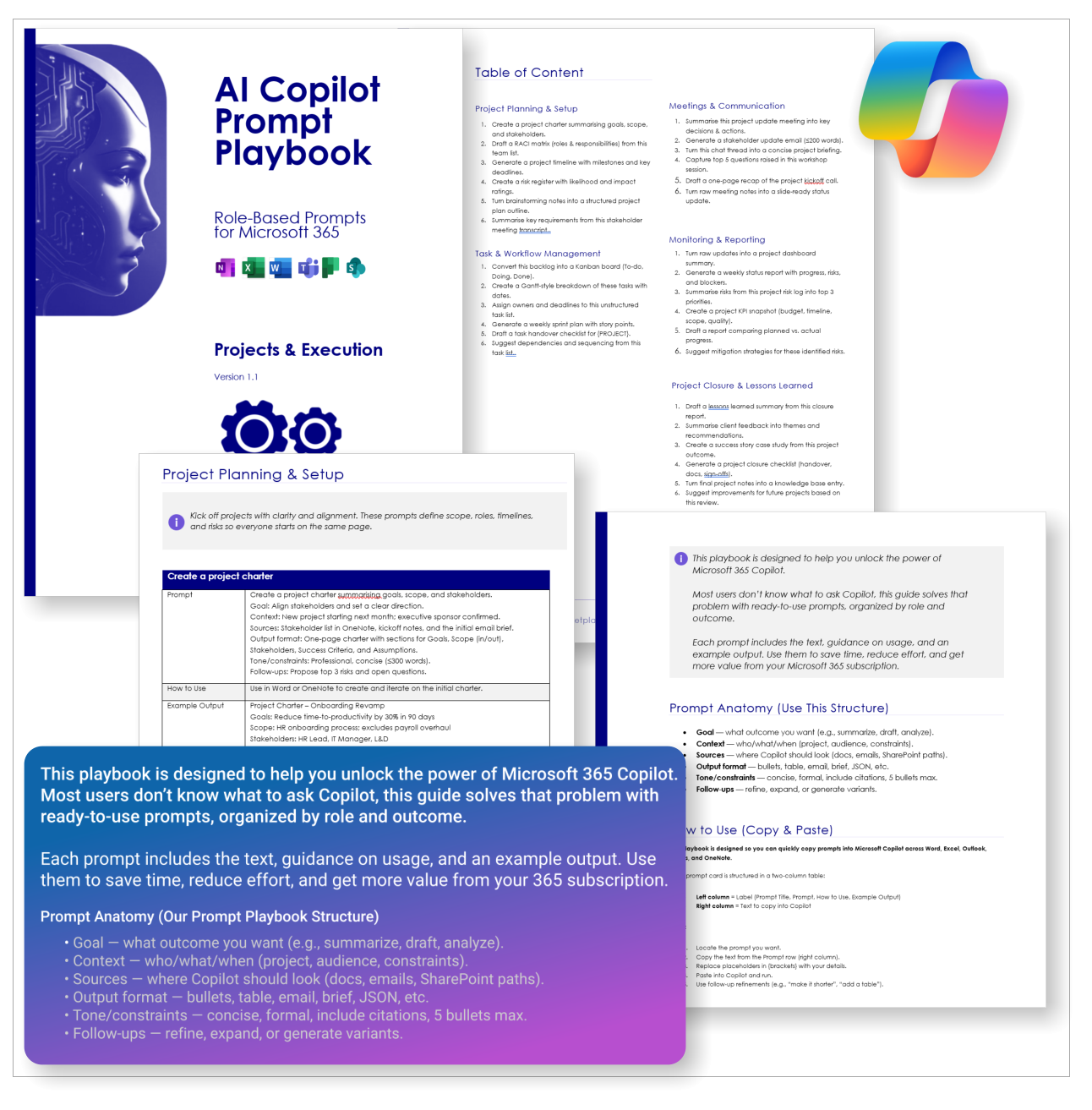
The AI Copilot Prompt Playbook for Projects & Execution (delivered as a downloadable PDF) gives you 30 proven prompts across 5 categories — helping you plan, track, communicate, monitor, and close projects with confidence inside Microsoft 365.
Easy to follow and includes the following:
 MS Project
 MS Forms
 MS Lists
 Outlook
 Excel
Excel Copilot
 MS Teams
 Power BI
Related Products
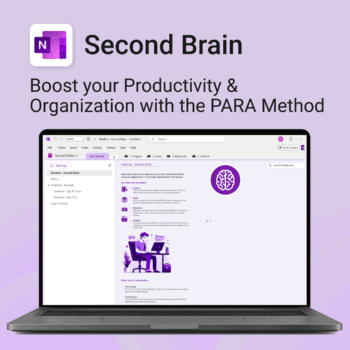
Master your life with OneNote + PARA — Projects, Areas, Resources & Archive in one trusted system.
- One system in OneNote: Capture, organise and execute tasks, notes and goals with the PARA method.
- Ready-to-use templates: Projects, Areas, Resources & Archive with trackers, planners and guides.
- Fast setup: One-click notebook + quick-start guide — get productive in minutes.
- Works where you work: OneNote on Windows, Mac & Web — great with Teams/SharePoint.
Perfect for individuals who live in Microsoft 365 and want clarity, control and focus.
Trusted by 10,000+ professionals worldwide to stay organised and deliver on time.
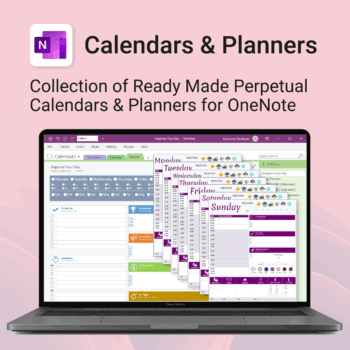
Stay organised all year — daily, weekly & monthly planners right inside OneNote.
- All in OneNote: Dated & undated calendars plus flexible daily/weekly planners.
- Ready to use: 13 calendars, 7 daily planners, 7 “One Day at a Time”, 4 weekly planners & more.
- Fast setup: One-click notebook + quick-start guide — start planning in minutes.
- No subscriptions: Yours forever. Works on Windows, Mac & Web (great with Teams/SharePoint).
Perfect for home, work and family life — anyone who loves OneNote and wants structure.
Used by thousands to plan days, weeks and months with less stress and more clarity.
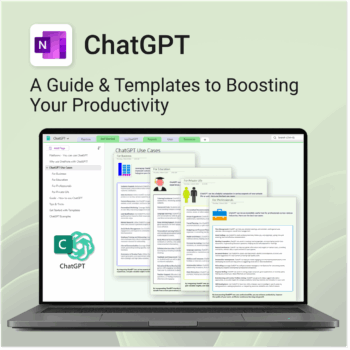
Be more productive. Save time & master AI.
-
- Master ChatGPT with structured use cases and tutorials.
- Get started faster using done-for-you templates and prompts.
- Track, log, and organize your ChatGPT ideas across projects.
- Save hours with reusable formats for every role and tone.
- Compatible with all devices — desktop, tablet & mobile.
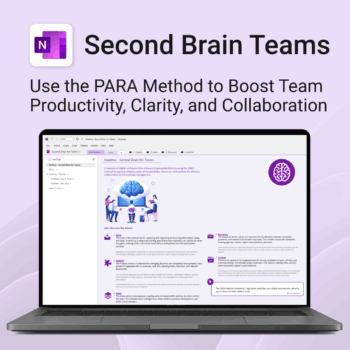
Boost productivity. Simplify collaboration.
-
- Capture tasks, notes & info instantly — no context switching
- Organize everything by PARA — Projects, Areas, Resources, Archive
- Get more done — shared workspaces drive team clarity
- Keep knowledge accessible — from onboarding to SOPs
- Work from anywhere — synced and secure inside OneNote
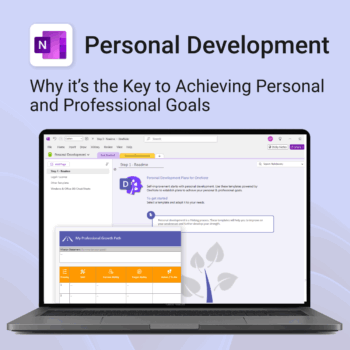
Unlock your full potential — with less friction and more focus.
-
- Structure your goals with proven development frameworks
- Track your progress over time with outcome-based templates
- Access your growth plan anywhere with OneNote sync
- Use it for career, personal, or skills-based development
- Reflect, adapt, and evolve continuously — all in one place
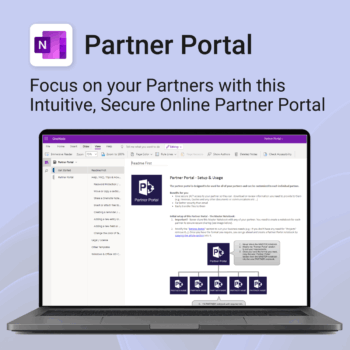
Boost efficiency. Strengthen partner relationships.
-
- Keep all communications and files in one secure place
- Ensure brand consistency with shared marketing materials
- Collaborate with partners on shared projects easily
- Streamline support using built-in FAQ and messaging
- Customize per partner without starting from scratch
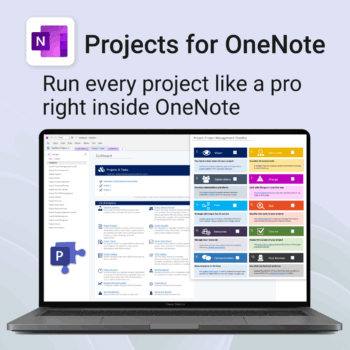
Run every project like a pro — right inside OneNote.
- Plan, track & deliver: A complete project notebook for Microsoft 365.
- Ready-made pages: Overview, Scope, Tasks, Timeline, Meetings, Risks & Assets.
- Works where you work: OneNote on Windows, Mac & Web — perfect with Teams or SharePoint.
- Instant setup: One-click notebook + quick-start guide included.
Perfect for solo operators and teams who live in Microsoft 365.
Trusted by 10,000+ professionals worldwide to stay organised and deliver on time.
Stay organized at home, work & life with 8 powerful Microsoft 365 templates for planning, habits & personal growth.
- All-in-one bundle: planners, calendars, and habit trackers for OneNote, Excel, and OneDrive.
- Bring order to your day: plan your life, manage time, track habits & stay on top of goals.
- Includes: Productivity Maximizer, Calendars, Vacation Organizer, Habit Tracker, Budget Planner, LifeMap & more.
- Fully compatible: works seamlessly across Windows, Mac, and mobile Microsoft 365 apps.
- Get all 8 templates for one bundle price — the ultimate home & life organizer kit.
Trusted by families and professionals worldwide to simplify life, boost focus, and make every day more productive.
The complete Microsoft 365 toolkit for small business owners, freelancers & teams — manage tasks, budgets, and projects with ease.
- 5-in-1 bundle: OneNote, Outlook, MS Lists & Excel templates to organize work, money, and goals.
- Run your business smarter: manage clients, projects, and budgets all within Microsoft 365.
- Includes: Second Brain, Kanban Task Board, Budget Planner, Habit Tracker, Bills Calendar & more.
- Fully compatible: works with Microsoft 365 on desktop, web & mobile.
- Get 5 proven business tools for one low bundle price.
Trusted by entrepreneurs and small teams worldwide to streamline workflows, save time, and boost productivity.
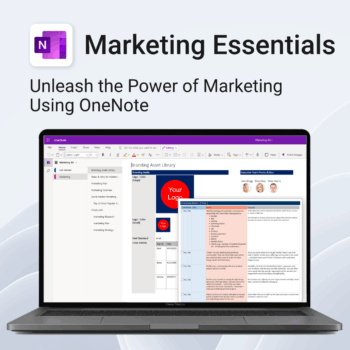
Be more strategic. Stay organized. Grow faster.
-
- Centralize your branding & strategy in one place
- Plan & execute campaigns with ready-made checklists
- Visualize your marketing schedule across platforms
- Perfect for solopreneurs, startups & small teams
- No new apps — just OneNote
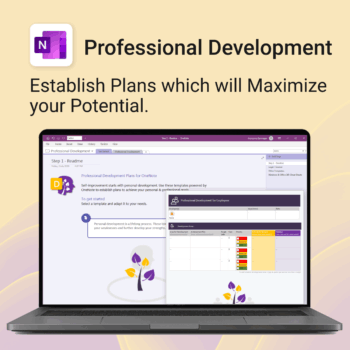
Grow with confidence. Track your progress. Achieve your goals.
- Start fast with guided templates and expert structure
- Track skills, goals, and leadership development in one place
- Adaptable for individuals, teams, or HR managers
- Simple enough for beginners, powerful enough for pros
- Always accessible inside OneNote on any device
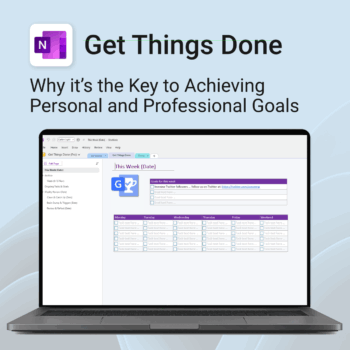
Get Things Done — right inside OneNote. Capture, organise and review with a clear weekly rhythm.
- GTD in OneNote: Inboxes, Projects, Next Actions, and a Weekly Review that sticks.
- Structured yet flexible: Brain dump & triggers, project pages, and “This Week” focus.
- Fast setup: One-click notebook + quick-start guide — be productive in minutes.
- Works where you work: OneNote on Windows, Mac & Web — great with Teams/SharePoint.
Perfect for personal and professional life — students, freelancers, and busy teams in Microsoft 365.
Join thousands of OneNote users who’ve built consistent weekly planning habits with GTD.