


Personal Security Kit for Microsoft 365
Original price was: $49.95.$39.95Current price is: $39.95.
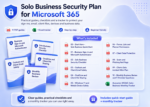
Secure your Microsoft 365 — with 11 step-by-step guides that protect your account, email, files, devices and family.
- Lock it down fast: 11 plain-English guides — done in a weekend.
- All-in-one kit: includes 2FA Setup, Scam Red Flags, OneDrive Backup, Device Safety & Recovery Plans.
- PDF + editable Word: print the checklists or customise them per family member.
- Save 20%: get the complete kit for one discounted price.
Trusted by families and everyday Microsoft 365 users to stay safe without the tech headache.
Personal Security Kit for Microsoft 365 — 11 Step-by-Step Safety Guides in One Kit
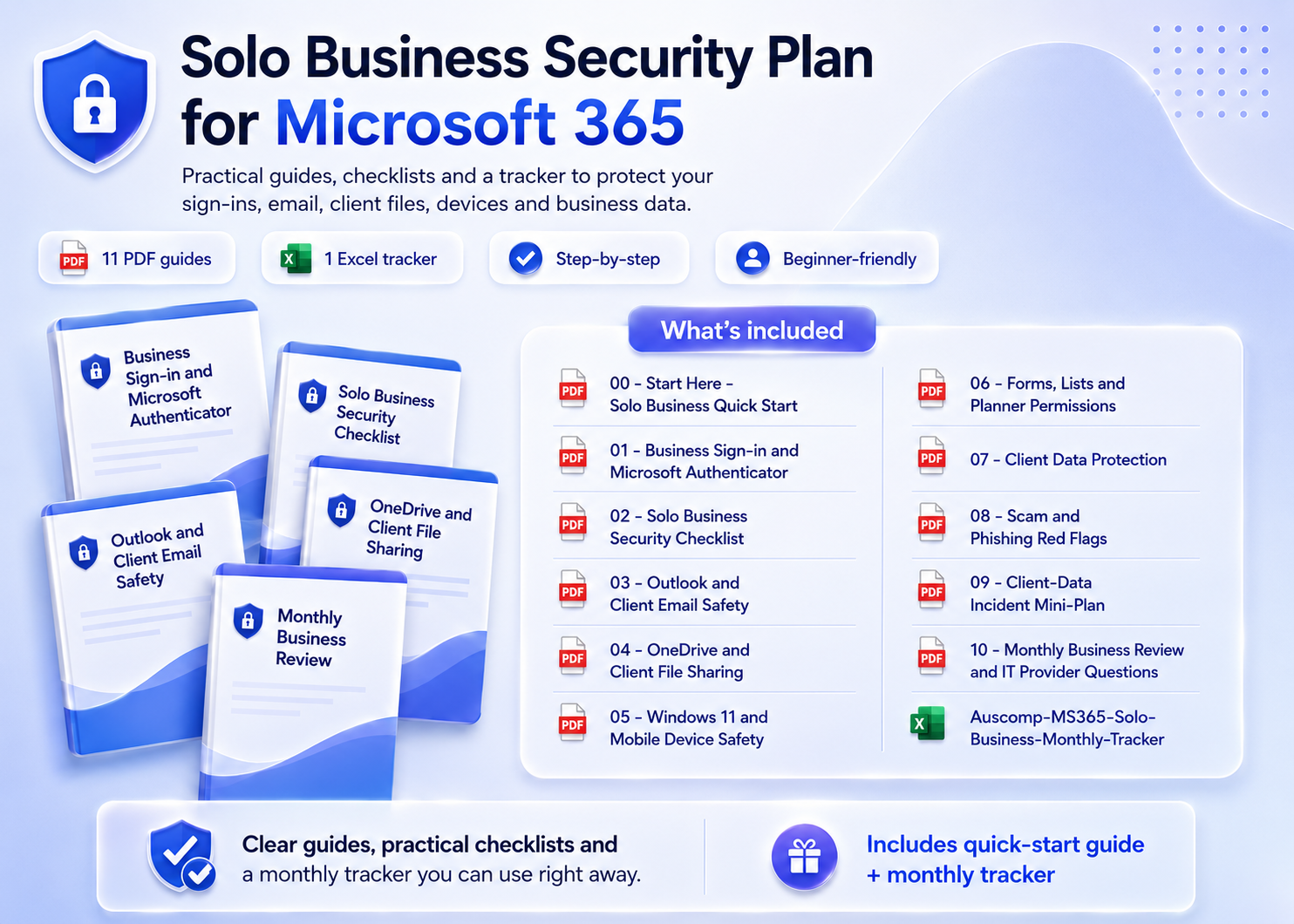
Protect your Microsoft account, email, files, devices and family — without needing an IT background. Each guide walks you through one safety area in plain English, so you can lock down your digital life in a weekend and keep it safe with a simple monthly routine.
What’s inside
- Quick Start & Account Security – Personal safety quick start plus a complete Microsoft account security checklist.
- Two-Step Verification – Set up Authenticator and 2FA the right way, step by step.
- Email & Scam Protection – Outlook safety settings, suspicious-rule checks and scam email red flags.
- Files & Backup – OneDrive backup and sharing review, plus Personal Vault for your most important documents.
- Device Safety – Secure Windows 11 and your mobile devices.
- Recovery & Routine – Family account recovery, an emergency recovery plan and a monthly safety routine with tracker spreadsheet.
Why it works
- ✅ Plain-English, step-by-step checklists — no jargon, no IT background needed.
- ✅ Covers the whole picture: account, email, files, devices, family & recovery.
- ✅ 11 guides as printable PDFs plus editable Word versions, with a monthly tracker in Excel.
Not sure where you’re exposed? Take the free 2-minute Microsoft 365 Risk Scorecard first — this kit contains the fixes.
What customers say
I finally set up two-step verification properly — the guide made it painless. Took me one evening.
The scam email red flags guide alone saved my mum from a phishing attempt a week later.
Clear, practical and no scare tactics. I went from “I hope I’m safe” to actually knowing I am.
The OneDrive backup review found files I was sharing publicly without realising. Worth it for that alone.
As the family “IT person”, this kit is my checklist. I ran it on all four of our accounts.
The emergency recovery plan is genius — everything my family needs if I ever lose access.
Simple monthly routine keeps me on track. Ten minutes a month and I’m done.
I bought it after the free risk check flagged some gaps. Every fix was in here, step by step.
 ChatGPT
 OneNote
 MS Project
 MS Forms
 MS Lists
 Outlook
 Excel
Excel Bonus
Bonus Copilot
 MS Teams
 Power BI
Related Products
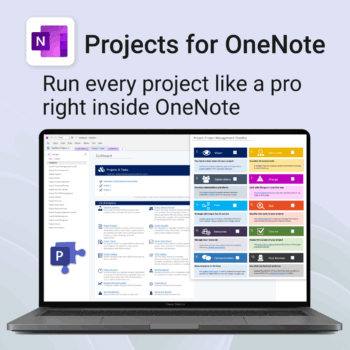
Run every project like a pro — right inside OneNote.
- Plan, track & deliver: A complete project notebook for Microsoft 365.
- Ready-made pages: Overview, Scope, Tasks, Timeline, Meetings, Risks & Assets.
- Works where you work: OneNote on Windows, Mac & Web — perfect with Teams or SharePoint.
- Instant setup: One-click notebook + quick-start guide included.
Perfect for solo operators and teams who live in Microsoft 365.
Trusted by 10,000+ professionals worldwide to stay organised and deliver on time.
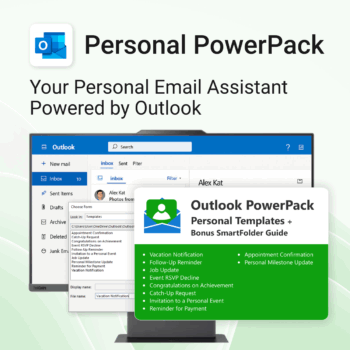
Take control of your inbox. Save time & stress less.
-
- Save time with ready-to-send templates
- Automate tasks using Quick Steps
- Stay organized with Smart Folders
- Consistent, polished communication
- Perfect for Outlook users at home or work
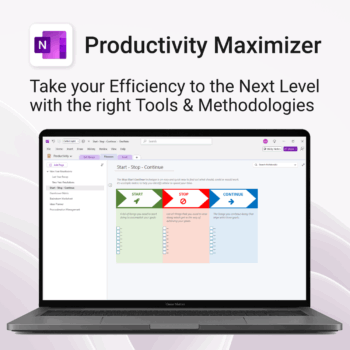
Boost clarity. Break through mental clutter.
-
- Structure your goals and eliminate procrastination
- All-in-one toolkit inside OneNote
- Designed for both personal and professional growth
- Use powerful planners and templates to stay focused
- Works across devices – always accessible
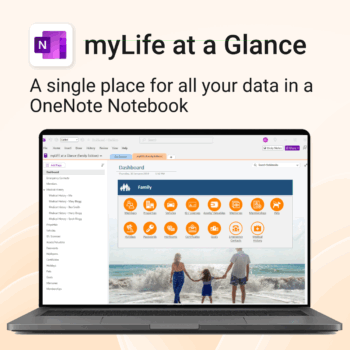
Take control of your family’s information. Stay prepared and organized.
-
- All-in-one family dashboard — know where everything is
- Be emergency ready — from medical history to contacts
- Perfect for travel, school, caregiving & estate planning
- Private & secure — powered by Microsoft OneNote
- No subscription needed — lifetime value
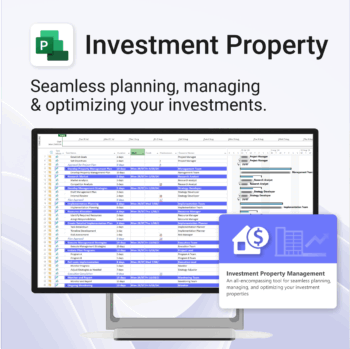
Own your investment journey — from first search to ongoing property success.
-
- Built to simplify complex property workflows — no more guesswork.
- Perfect for investors, renovators, and property managers.
- Fully compatible with MS Project — no learning curve.
- Clear milestones and budgets keep everything on track.
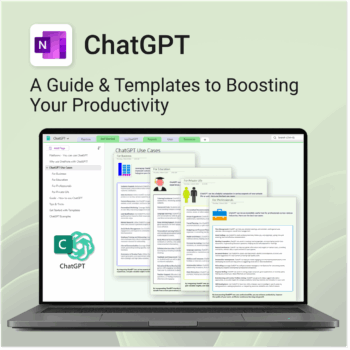
Be more productive. Save time & master AI.
-
- Master ChatGPT with structured use cases and tutorials.
- Get started faster using done-for-you templates and prompts.
- Track, log, and organize your ChatGPT ideas across projects.
- Save hours with reusable formats for every role and tone.
- Compatible with all devices — desktop, tablet & mobile.
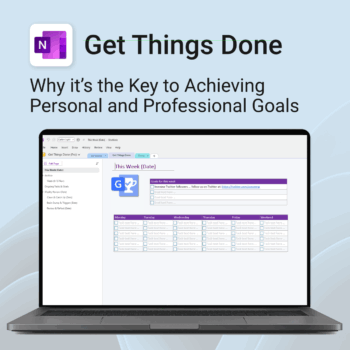
Get Things Done — right inside OneNote. Capture, organise and review with a clear weekly rhythm.
- GTD in OneNote: Inboxes, Projects, Next Actions, and a Weekly Review that sticks.
- Structured yet flexible: Brain dump & triggers, project pages, and “This Week” focus.
- Fast setup: One-click notebook + quick-start guide — be productive in minutes.
- Works where you work: OneNote on Windows, Mac & Web — great with Teams/SharePoint.
Perfect for personal and professional life — students, freelancers, and busy teams in Microsoft 365.
Join thousands of OneNote users who’ve built consistent weekly planning habits with GTD.
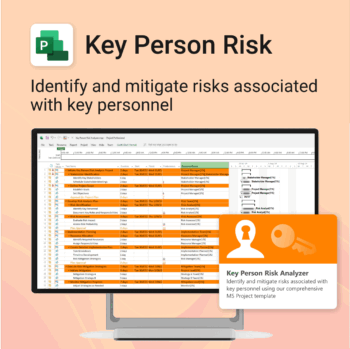
Ensure leadership continuity — plan for critical role coverage before it’s urgent.
-
- Pinpoints vulnerabilities linked to key personnel roles.
- Structured for real-world succession and risk planning.
- Works seamlessly with Microsoft Project — no tech overhead.
- Essential for HR, PMOs, and contingency planning teams.
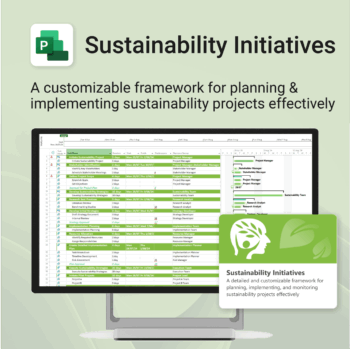
Plan and execute sustainability projects with clarity and structure.
-
- Aligned with real-world ESG needs and frameworks.
- Streamlines planning and reporting — no extra tools needed.
- Works seamlessly in MS Project — no extra setup.
- Adapts to small teams or large-scale initiatives.
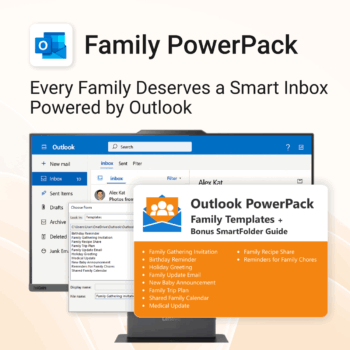
Make family communication easier than ever.
-
- Send thoughtful emails in seconds with pre-written templates.
- Never forget a birthday or family event again.
- Keep everyone in sync with shared calendars & updates.
- Instant download with step-by-step instructions included.
- 100% Outlook-compatible and easy to customize.
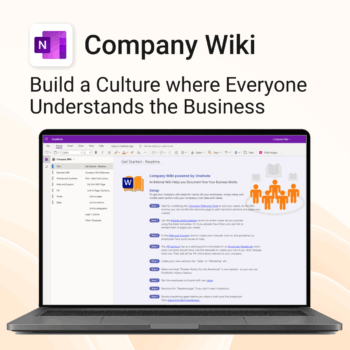
Bring clarity and consistency to your team’s internal documentation.
-
- One central place to manage company knowledge.
- No extra tools – works right inside Microsoft OneNote.
- Professional templates for SOPs, policies, manuals and more.
- Secure and private with Office 365 cloud integration.
- Fast onboarding, training, and ongoing updates made simple.
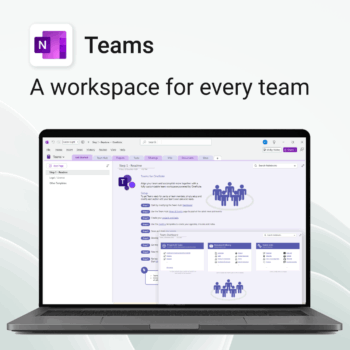
Empower collaboration. Simplify execution.
-
- Everything in one place — wiki, projects, docs & tasks
- Templates for every key workflow from meetings to retrospectives
- Fast onboarding with intuitive layouts
- Improves team visibility and alignment
- Secure, searchable & fully integrated with Microsoft 365