


Solo Business Security Kit for Microsoft 365
Original price was: $99.95.$59.95Current price is: $59.95.
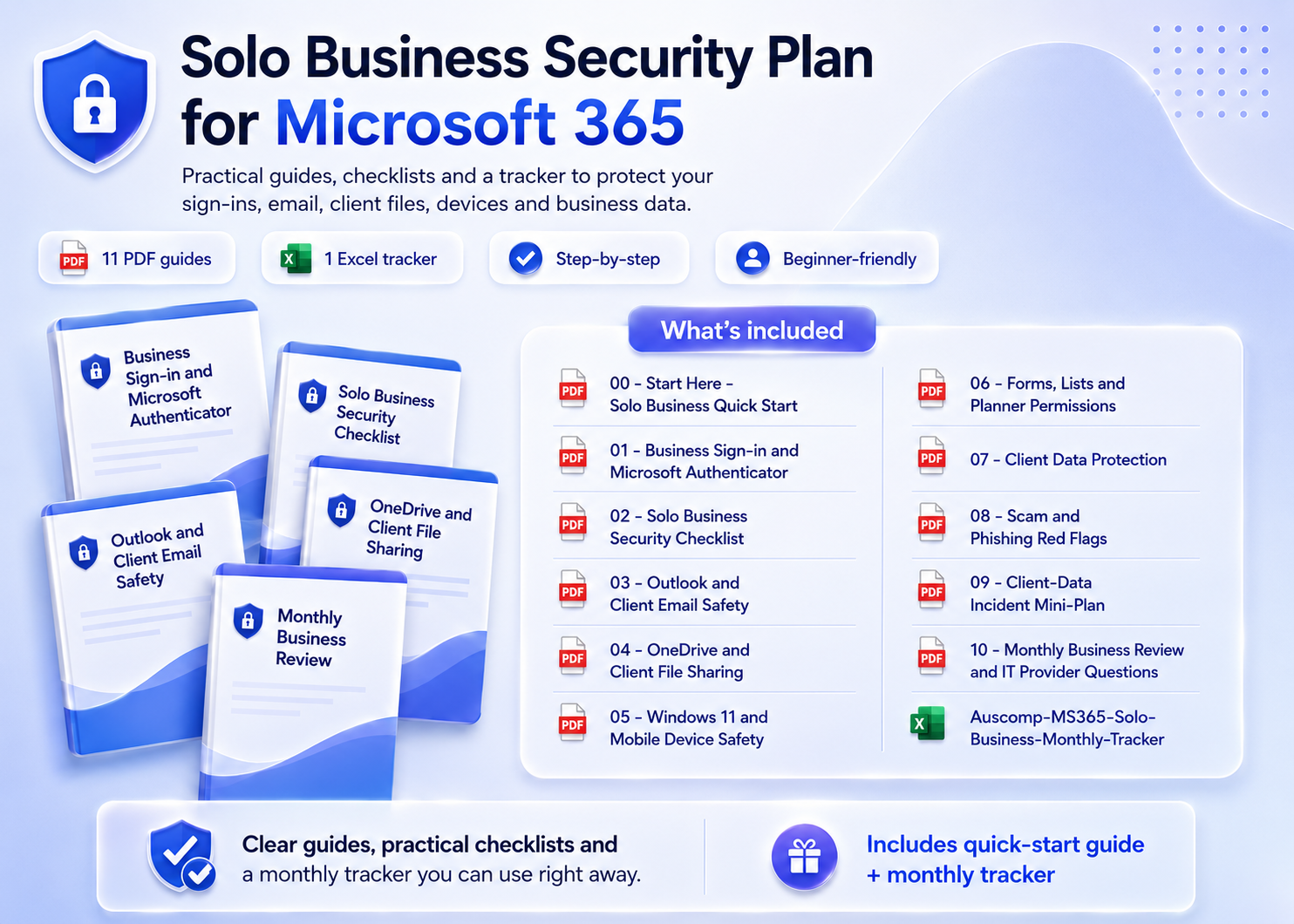
Secure your solo business on Microsoft 365 — 11 step-by-step guides that protect your sign-in, client emails, files and devices.
- Be your own IT department: 11 plain-English guides — locked down in a weekend.
- All-in-one kit: includes Business Sign-in, Client Email Safety, File Sharing, Data Protection & Incident Plan.
- PDF + editable Word: print the checklists or adapt them to your workflow.
- Save 40%: get the complete kit for one discounted price.
Trusted by freelancers, consultants and solo operators who can’t afford a client-data mishap.
Solo Business Security Kit for Microsoft 365 — 11 Step-by-Step Safety Guides in One Kit
You’re the CEO, the sales team — and the IT department. This kit protects your business sign-in, client emails, files and devices with plain-English guides built for freelancers, consultants and solo operators. Lock it down in a weekend, then keep it safe with a 10-minute monthly review.
What’s inside
- Quick Start & Security Checklist – Solo business quick start plus a complete security checklist for your Microsoft 365 setup.
- Business Sign-in & Authenticator – Secure your business account with Microsoft Authenticator, step by step.
- Client Email & Scam Protection – Outlook and client email safety, plus scam and phishing red flags aimed at small operators.
- Client Files & Data Protection – OneDrive and client file sharing done safely, with a client data protection guide.
- Devices & App Permissions – Secure Windows 11 and mobile, and review permissions across Forms, Lists and Planner.
- Incident Plan & Monthly Review – A client-data incident mini-plan, monthly business review with tracker spreadsheet, and the right questions to ask an IT provider.
Why it works
- ✅ Plain-English, step-by-step checklists — built for business owners, not IT admins.
- ✅ Protects what clients care about: their emails, their files, their data.
- ✅ 11 guides as printable PDFs plus editable Word versions, with a monthly tracker in Excel.
Not sure where you’re exposed? Take the free 2-minute Microsoft 365 Risk Scorecard first — this kit contains the fixes.
What customers say
I run my consultancy alone — this kit is the IT department I never had. Done in two evenings.
The client file sharing guide found three links I’d left open to “anyone”. That could have cost me a contract.
A client actually asked about my data security — I walked them through my checklist. Instant credibility.
The incident mini-plan is worth the price alone. I know exactly what to do if client data ever leaks.
Phishing guide is brutally practical. Spotted a fake invoice email the same week I read it.
Finally sorted Authenticator on my business account properly. The steps just work.
The monthly review takes me ten minutes with the tracker. Security is finally a habit, not a worry.
Bought it after the free risk check. Every gap it found had a fix in this kit, step by step.
 ChatGPT
 OneNote
 MS Project
 MS Forms
 MS Lists
 Outlook
 Excel
Excel Bonus
Bonus Copilot
 MS Teams
 Power BI
Related Products
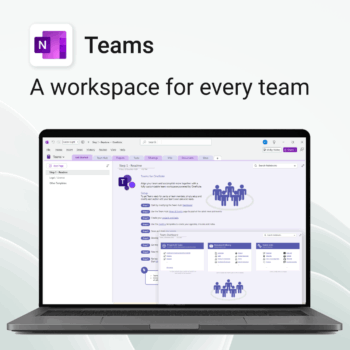
Empower collaboration. Simplify execution.
-
- Everything in one place — wiki, projects, docs & tasks
- Templates for every key workflow from meetings to retrospectives
- Fast onboarding with intuitive layouts
- Improves team visibility and alignment
- Secure, searchable & fully integrated with Microsoft 365
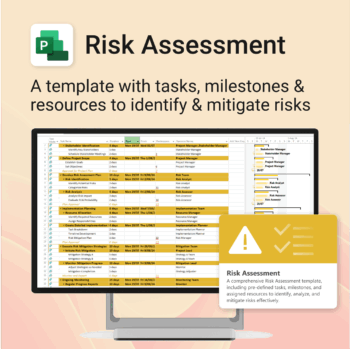
Master risk management — from early identification to confident mitigation.
-
- Eliminates guesswork — structured for real-world risk planning.
- Built to work perfectly in MS Project — no learning curve.
- Easy to update — keep your risk register live and relevant.
- Ideal for teams managing safety, compliance, or project uncertainty.
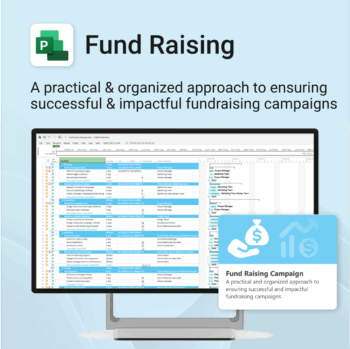
Build momentum, raise funds, and keep your campaign on track — all in MS Project.
-
- Plan, launch, and manage every aspect of your fundraising campaign.
- Built-in timelines, templates, and workflows for maximum efficiency.
- Fully editable in MS Project — no steep learning curve.
- Perfect for nonprofits, schools, causes, and community initiatives.
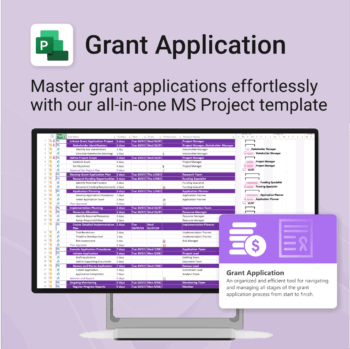
Simplify your grant writing — and improve your chances of success.
-
- Built for grant writers and project managers alike — no setup stress.
- Guides you through research, writing, budgeting, and submission.
- Keeps your grant team aligned and deadline-driven.
- Includes all milestones and tasks — fully editable in MS Project.
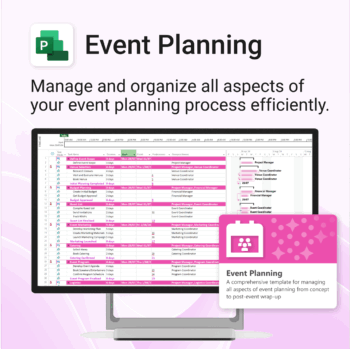
Manage &organize all aspects of your event planning.
-
- Crystal-clear timelines — no clutter, no chaos.
- Built for MS Project — plan every detail with ease.
- Drag, drop, done — effortless task tracking.
- Syncs anywhere — stay on top from any device.
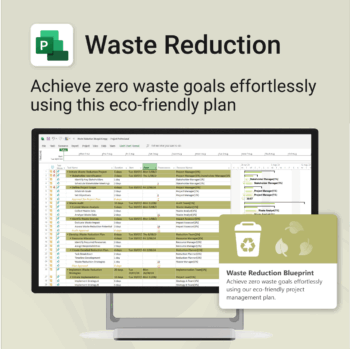
Turn sustainability from a goal into a system — built in MS Project.
-
- Designed for eco-focused teams and initiatives.
- Visualizes every phase of your waste reduction plan.
- Fully editable in MS Project — no need to start from scratch.
- Perfect for compliance, green certifications, and internal audits.
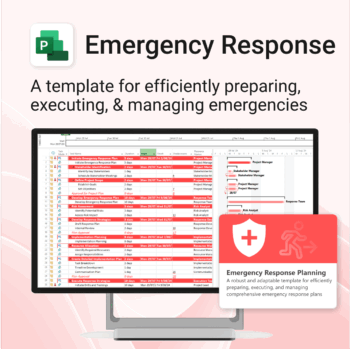
Be prepared when it matters most — structure your emergency response with confidence.
-
- Designed for real-world crisis response — not just planning theory.
- Built for MS Project — with zero setup hassle.
- Everything from scenarios to drills included in one place.
- Clear roles, resources, and timelines for stress-free execution.
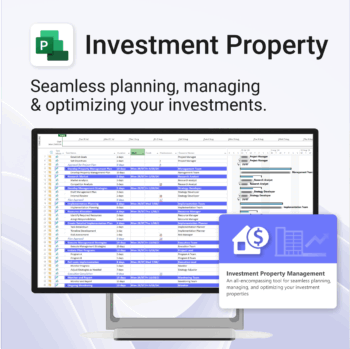
Own your investment journey — from first search to ongoing property success.
-
- Built to simplify complex property workflows — no more guesswork.
- Perfect for investors, renovators, and property managers.
- Fully compatible with MS Project — no learning curve.
- Clear milestones and budgets keep everything on track.
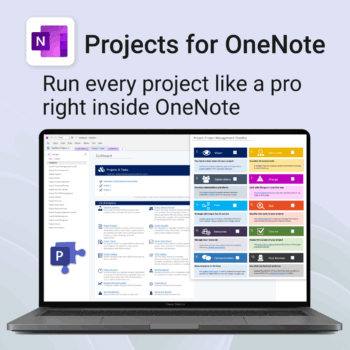
Run every project like a pro — right inside OneNote.
- Plan, track & deliver: A complete project notebook for Microsoft 365.
- Ready-made pages: Overview, Scope, Tasks, Timeline, Meetings, Risks & Assets.
- Works where you work: OneNote on Windows, Mac & Web — perfect with Teams or SharePoint.
- Instant setup: One-click notebook + quick-start guide included.
Perfect for solo operators and teams who live in Microsoft 365.
Trusted by 10,000+ professionals worldwide to stay organised and deliver on time.
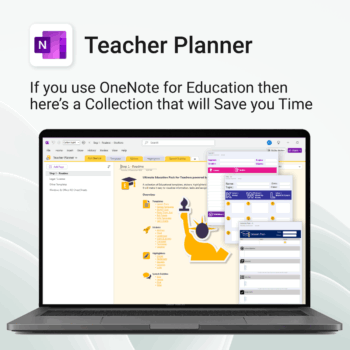
Be more prepared. Reduce planning stress. Make teaching more impactful.
-
- Everything in one digital hub — no paper clutter.
- Ready-to-use templates save you hours each week.
- Visual and structured tools for all learning styles.
- Empower students with structured reflection tools.
- Use across all subjects and year levels.
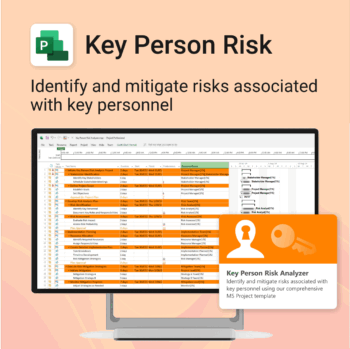
Ensure leadership continuity — plan for critical role coverage before it’s urgent.
-
- Pinpoints vulnerabilities linked to key personnel roles.
- Structured for real-world succession and risk planning.
- Works seamlessly with Microsoft Project — no tech overhead.
- Essential for HR, PMOs, and contingency planning teams.
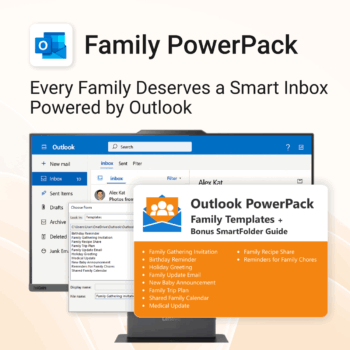
Make family communication easier than ever.
-
- Send thoughtful emails in seconds with pre-written templates.
- Never forget a birthday or family event again.
- Keep everyone in sync with shared calendars & updates.
- Instant download with step-by-step instructions included.
- 100% Outlook-compatible and easy to customize.