
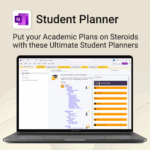
Student Planner for OneNote
$19.95
Stay ahead, reduce stress & plan smarter.
-
- Everything in one digital place — no paper clutter
- Boost focus and grades with structured planning
- Perfect for school, college, or university
- Adaptable for any subject or semester
- Instantly accessible across all your devices
Student Planner for OneNote – Manage All Your Academic Needs in One Place
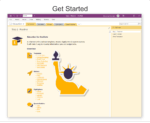
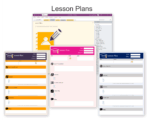
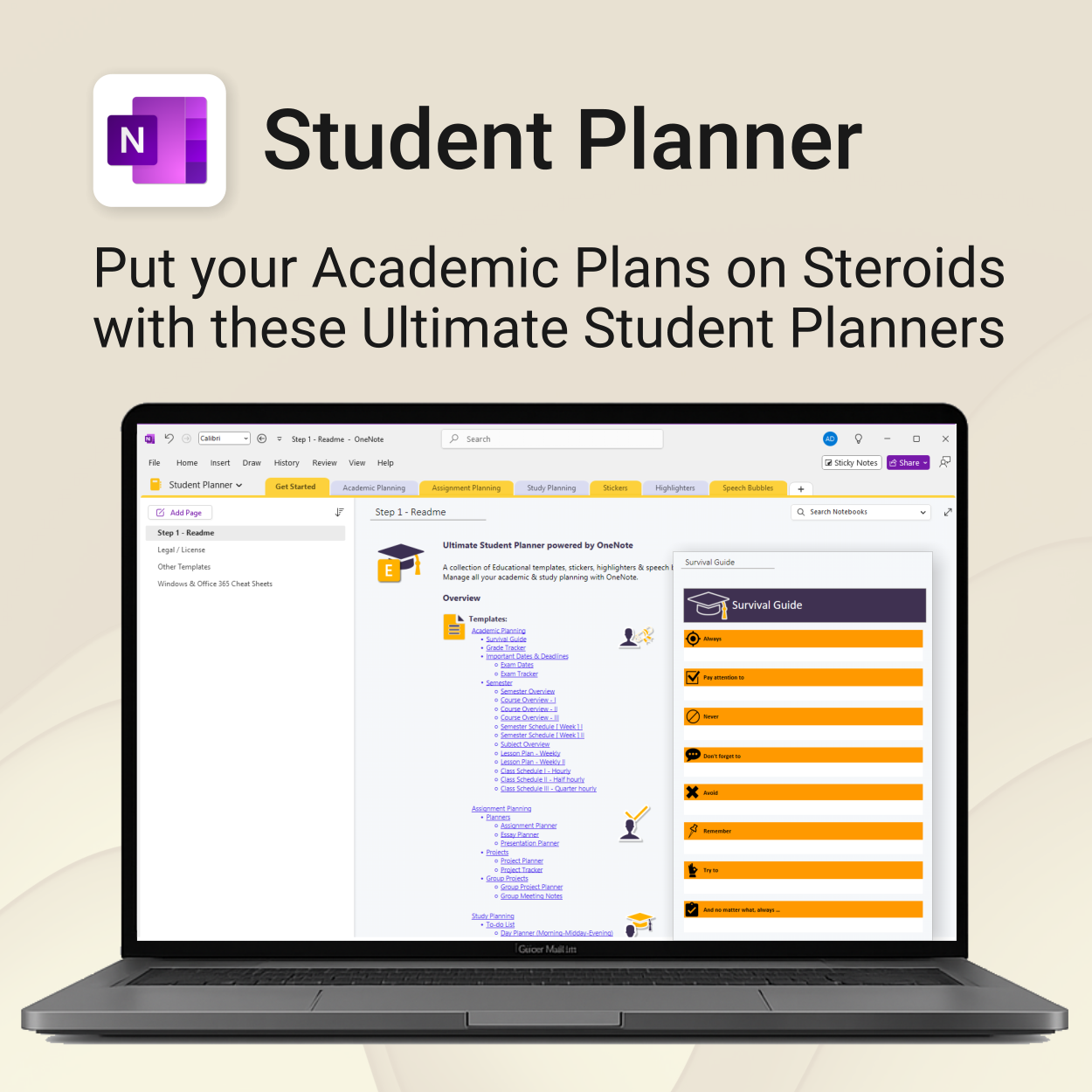
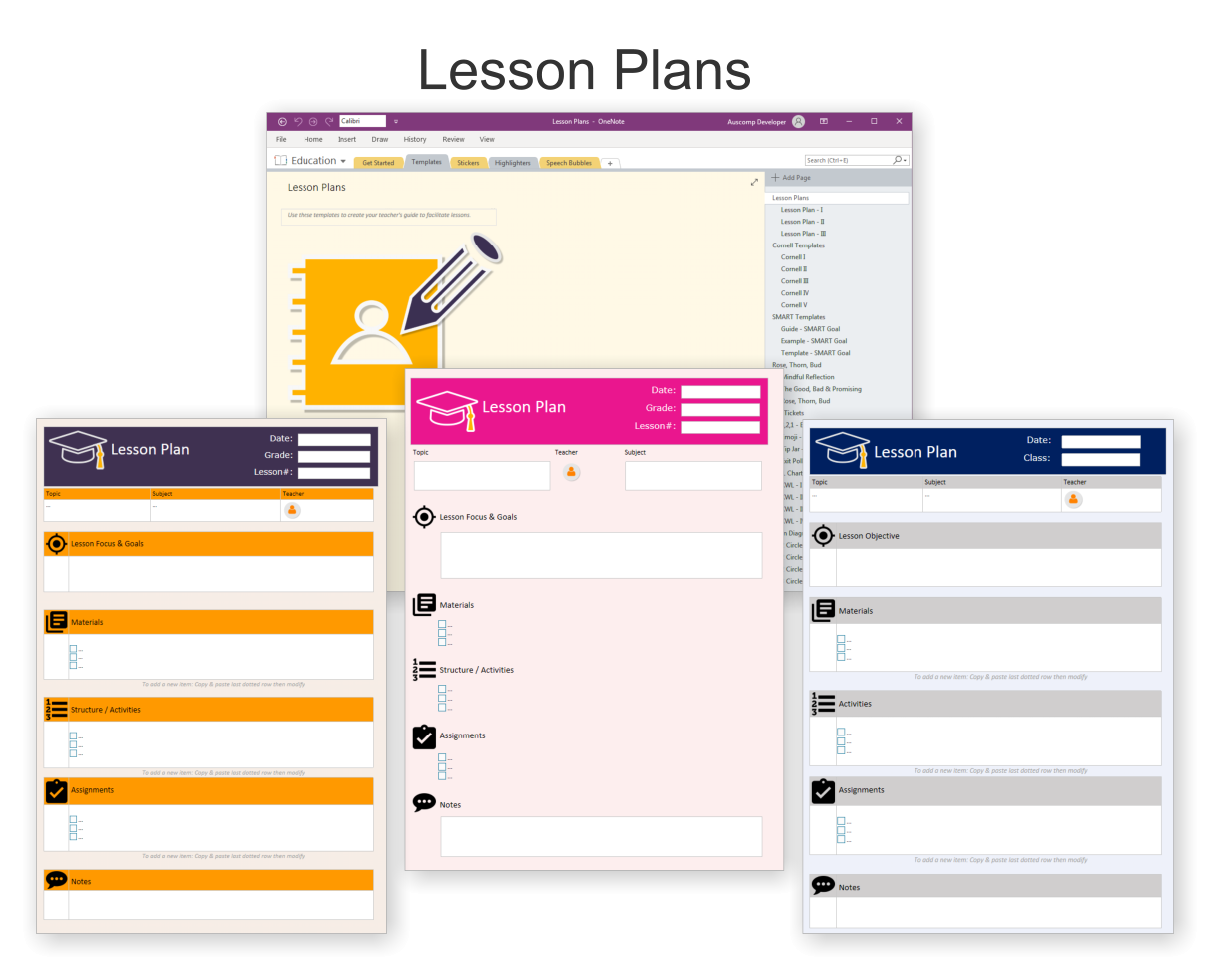
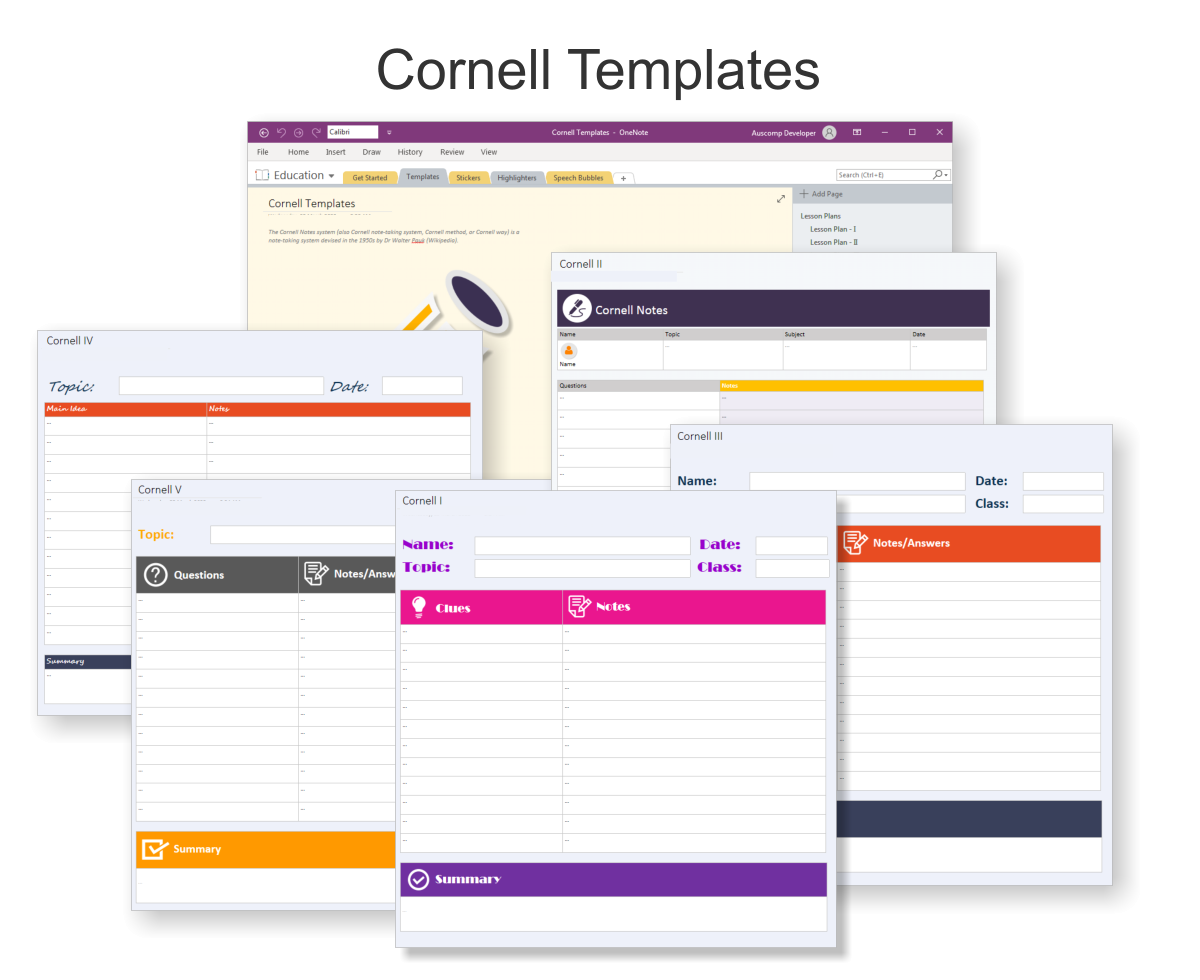
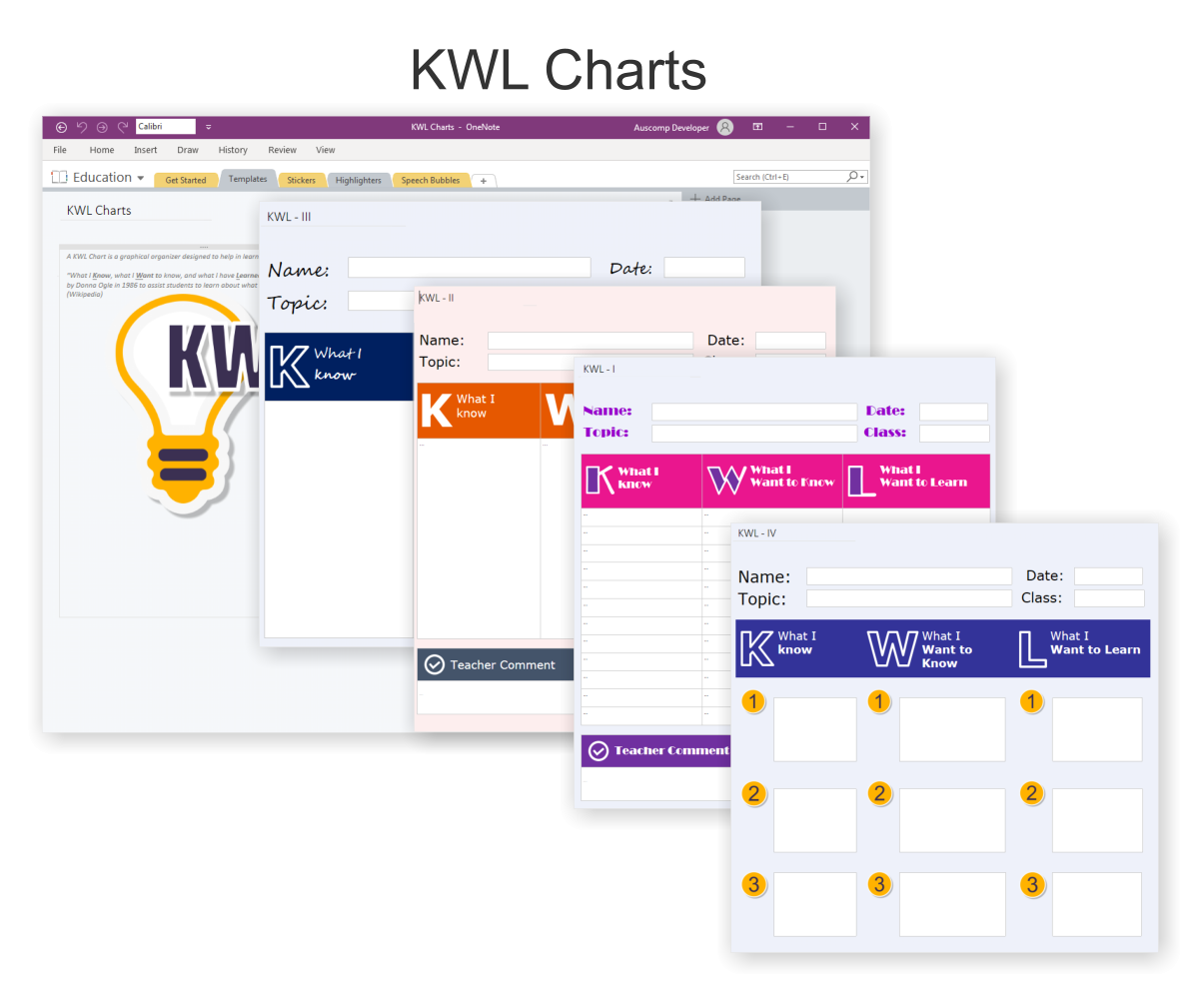
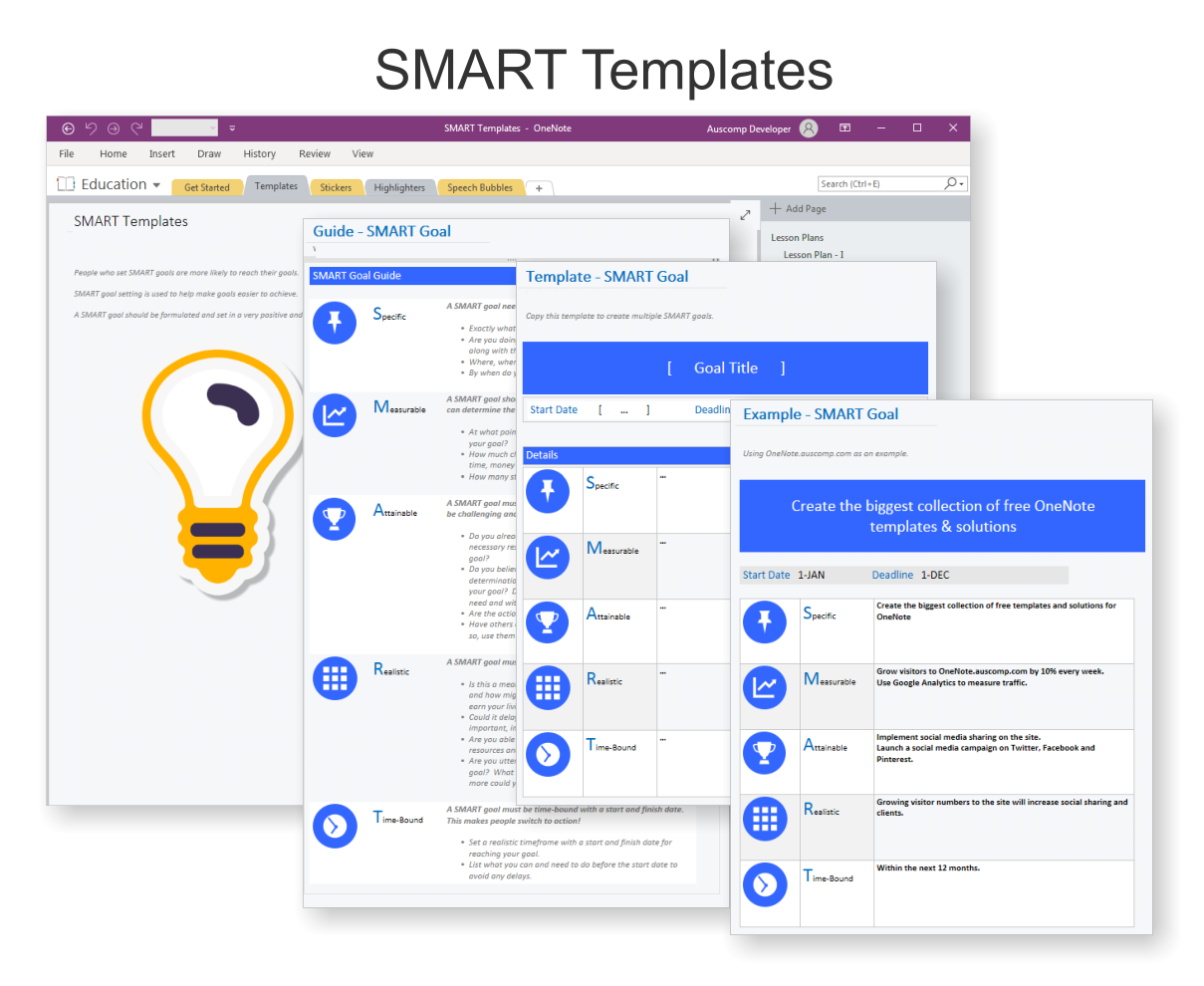
The Ultimate Student Planner is a fully integrated OneNote template collection designed to help students take control of their academic life with clarity, structure, and flexibility — all inside OneNote.
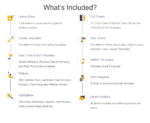
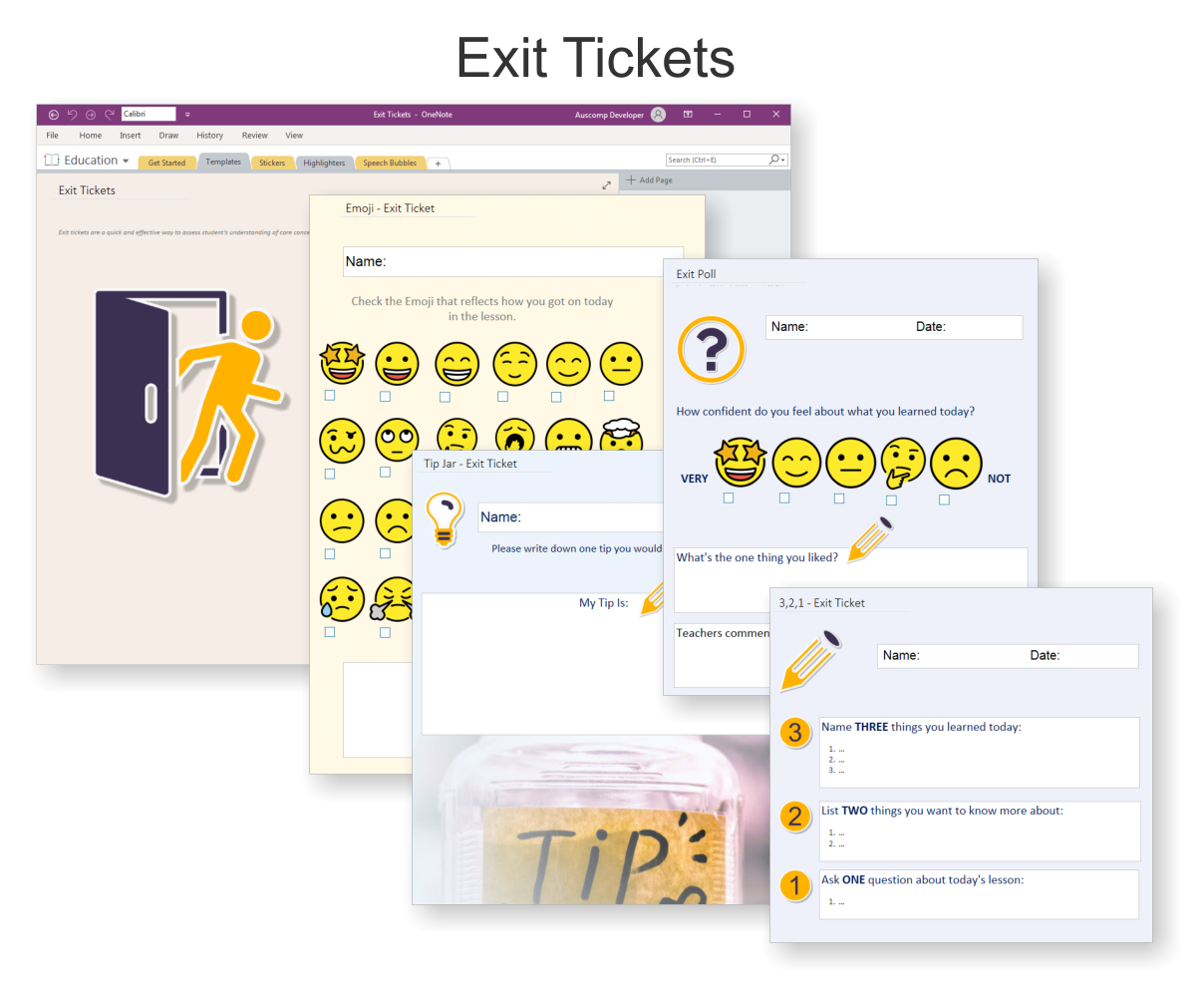
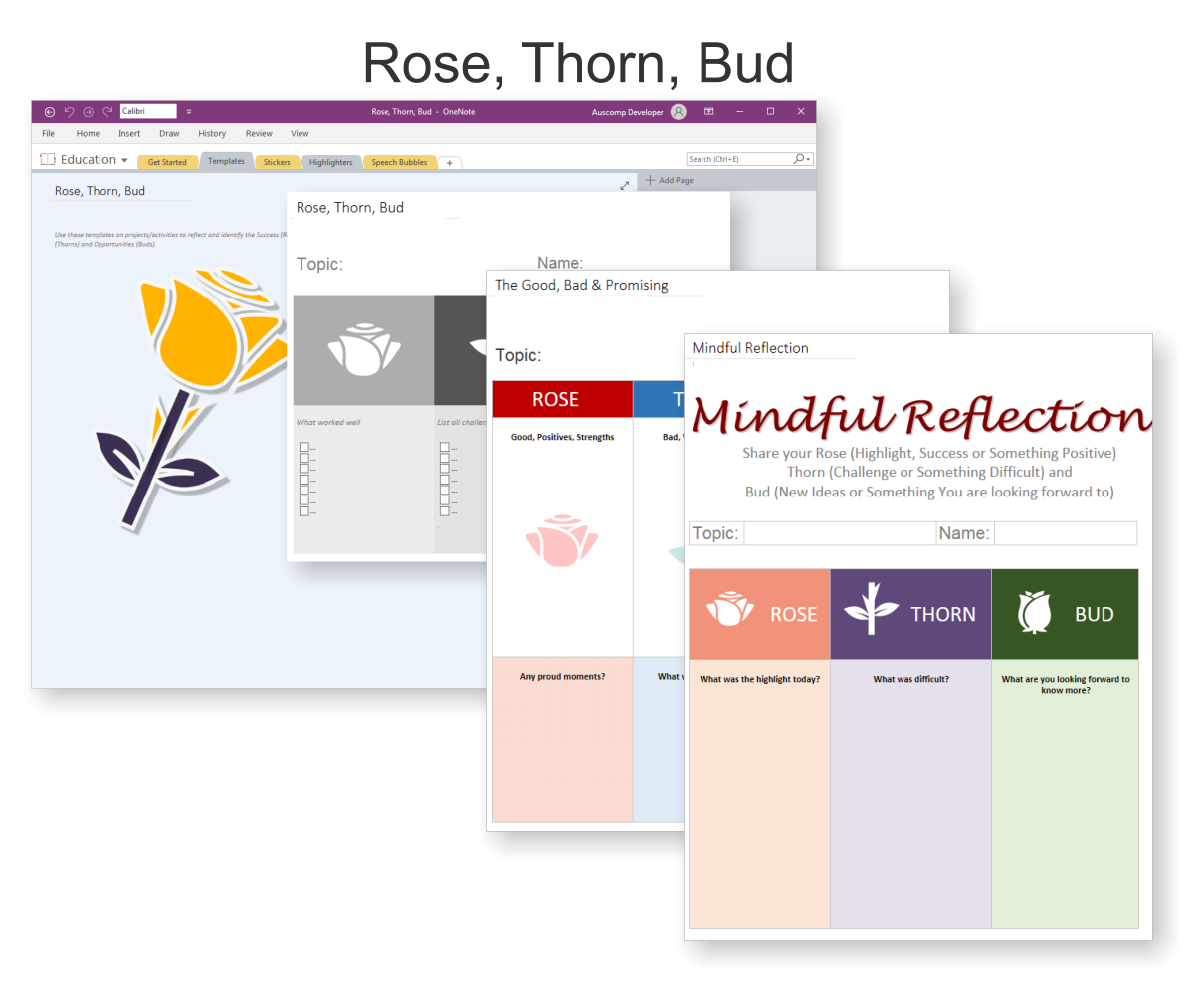
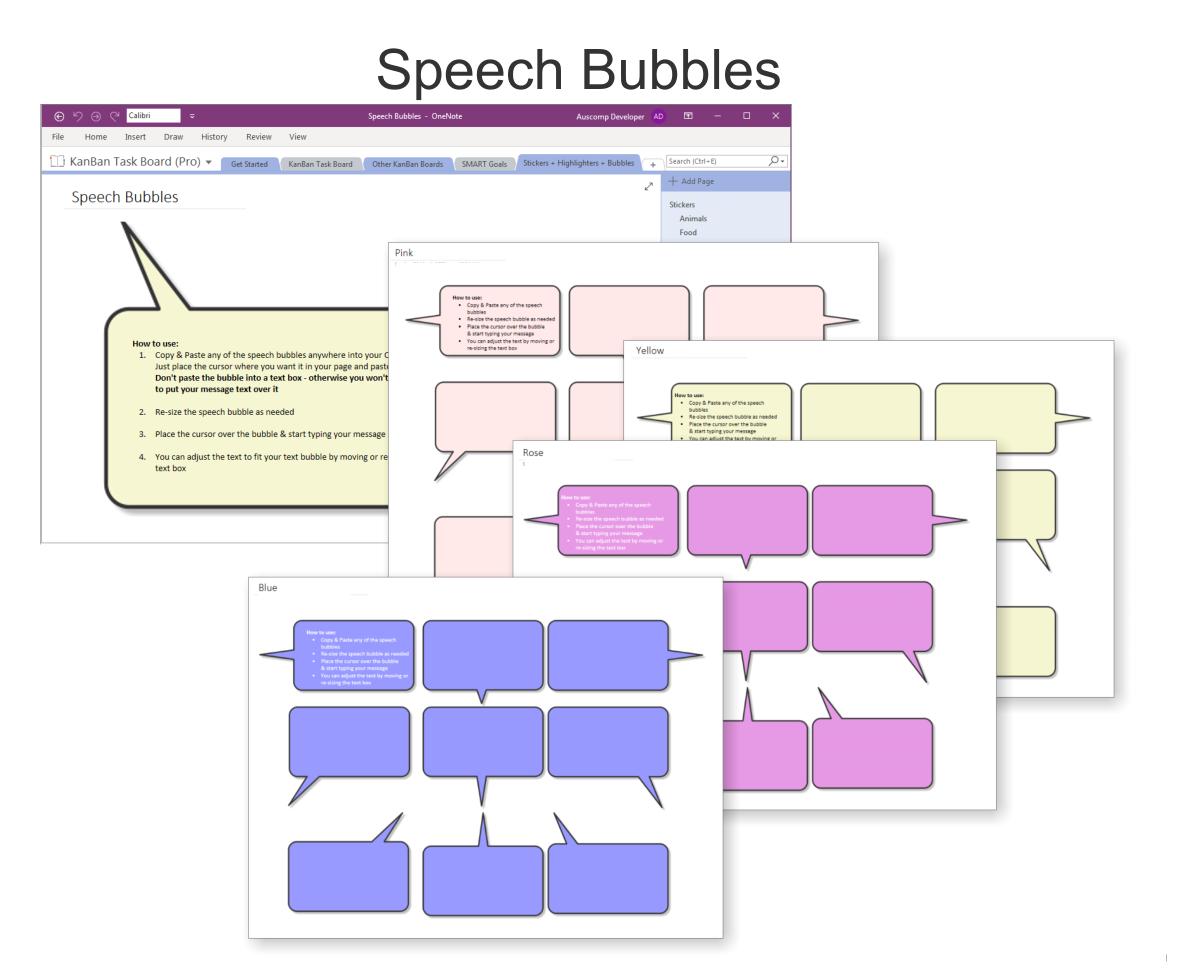
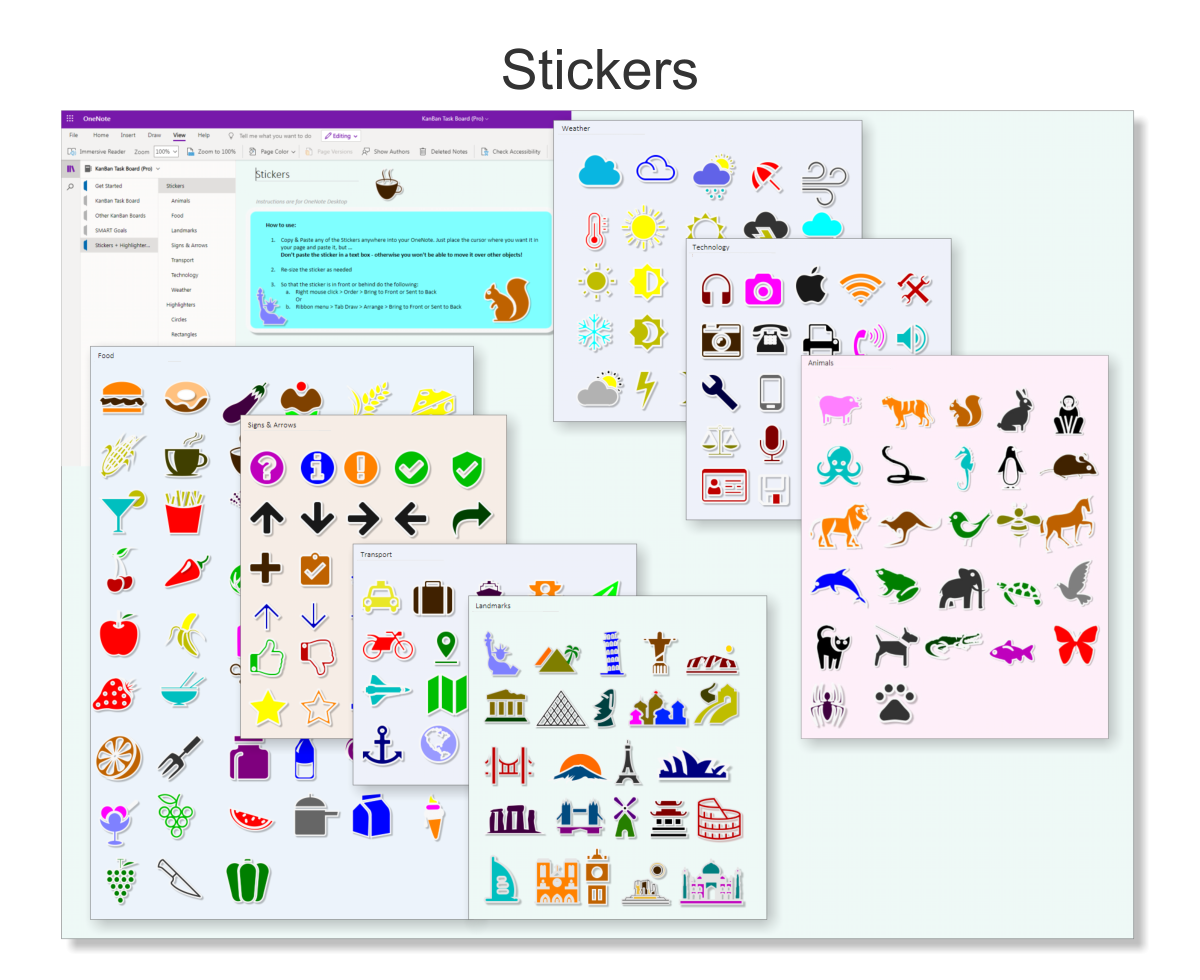
Student Planner for OneNote includes the following:
 MS Project
 MS Forms
 MS Lists
 Outlook
 Excel
Excel Copilot
 MS Teams
 Power BI
Related Products
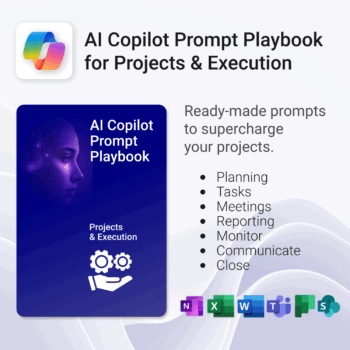
Get 30 proven Copilot prompts designed to supercharge your projects inside Microsoft 365.
-
- Covers daily planning, email, meetings, task tracking, productivity, and knowledge workflows.
- No guesswork — just copy, paste, and run inside Copilot.
- Includes example outputs and app-specific usage tips.
- Perfect for individuals, teams, and managers.
- Based on real-world Microsoft 365 use cases.
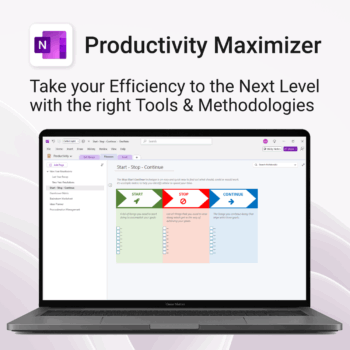
Boost clarity. Break through mental clutter.
-
- Structure your goals and eliminate procrastination
- All-in-one toolkit inside OneNote
- Designed for both personal and professional growth
- Use powerful planners and templates to stay focused
- Works across devices – always accessible
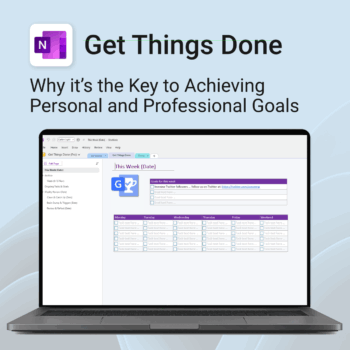
Get Things Done — right inside OneNote. Capture, organise and review with a clear weekly rhythm.
- GTD in OneNote: Inboxes, Projects, Next Actions, and a Weekly Review that sticks.
- Structured yet flexible: Brain dump & triggers, project pages, and “This Week” focus.
- Fast setup: One-click notebook + quick-start guide — be productive in minutes.
- Works where you work: OneNote on Windows, Mac & Web — great with Teams/SharePoint.
Perfect for personal and professional life — students, freelancers, and busy teams in Microsoft 365.
Join thousands of OneNote users who’ve built consistent weekly planning habits with GTD.
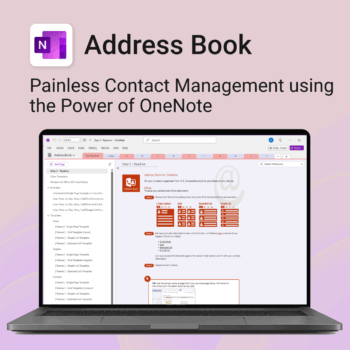
Be more organized. Keep every contact close at hand.
-
- Search contacts instantly — by name, email, phone or notes
- Color-coded layouts for faster scanning
- No new apps — use inside OneNote
- Sort and group with A-Z index tabs
- Flexible layouts that match your needs
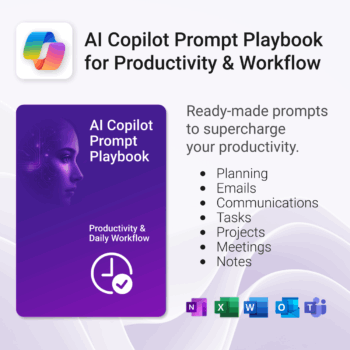
Get 30 proven Copilot prompts designed to supercharge productivity inside Microsoft 365.
-
- Covers daily planning, email, meetings, task tracking, productivity, and knowledge workflows.
- No guesswork — just copy, paste, and run inside Copilot.
- Includes example outputs and app-specific usage tips.
- Perfect for individuals, teams, and managers.
- Based on real-world Microsoft 365 use cases.
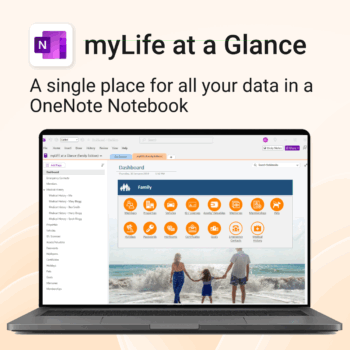
Take control of your family’s information. Stay prepared and organized.
-
- All-in-one family dashboard — know where everything is
- Be emergency ready — from medical history to contacts
- Perfect for travel, school, caregiving & estate planning
- Private & secure — powered by Microsoft OneNote
- No subscription needed — lifetime value
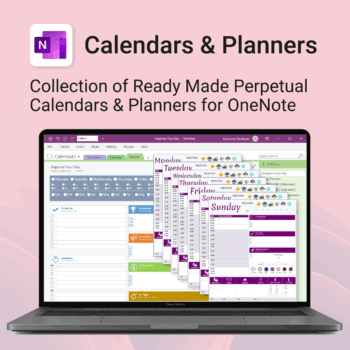
Stay organised all year — daily, weekly & monthly planners right inside OneNote.
- All in OneNote: Dated & undated calendars plus flexible daily/weekly planners.
- Ready to use: 13 calendars, 7 daily planners, 7 “One Day at a Time”, 4 weekly planners & more.
- Fast setup: One-click notebook + quick-start guide — start planning in minutes.
- No subscriptions: Yours forever. Works on Windows, Mac & Web (great with Teams/SharePoint).
Perfect for home, work and family life — anyone who loves OneNote and wants structure.
Used by thousands to plan days, weeks and months with less stress and more clarity.
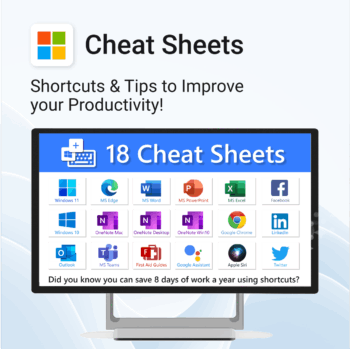
Save time. Reduce friction. Get more done.
-
- Master keyboard shortcuts across platforms
- Works offline – just print and go
- Updated tips for ChatGPT, Alexa, Siri and more
- Perfect for quick onboarding and training
- Organised by tool – no searching needed
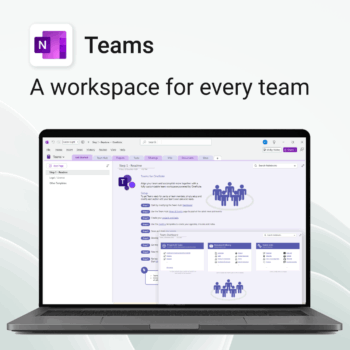
Empower collaboration. Simplify execution.
-
- Everything in one place — wiki, projects, docs & tasks
- Templates for every key workflow from meetings to retrospectives
- Fast onboarding with intuitive layouts
- Improves team visibility and alignment
- Secure, searchable & fully integrated with Microsoft 365
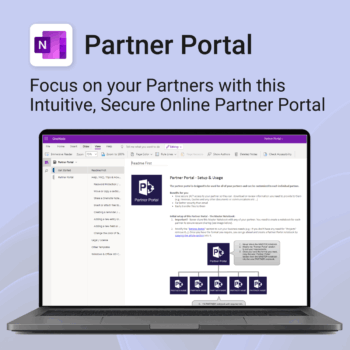
Boost efficiency. Strengthen partner relationships.
-
- Keep all communications and files in one secure place
- Ensure brand consistency with shared marketing materials
- Collaborate with partners on shared projects easily
- Streamline support using built-in FAQ and messaging
- Customize per partner without starting from scratch
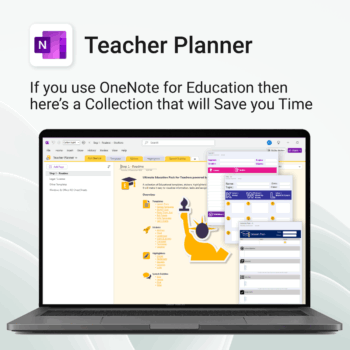
Be more prepared. Reduce planning stress. Make teaching more impactful.
-
- Everything in one digital hub — no paper clutter.
- Ready-to-use templates save you hours each week.
- Visual and structured tools for all learning styles.
- Empower students with structured reflection tools.
- Use across all subjects and year levels.
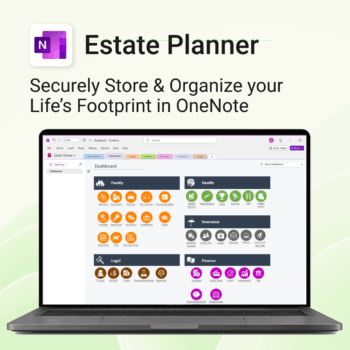
Stay organized. Protect your legacy.
-
- Centralize all your vital family records and legal documents
- Easy to update and access — no special tools needed
- Secure sensitive information using OneNote’s password protection
- Designed for simplicity with visual clarity in every section
- Share with loved ones or advisors when needed — easily and safely