Second Brain · OneNote
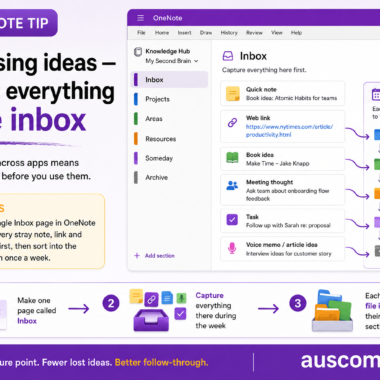
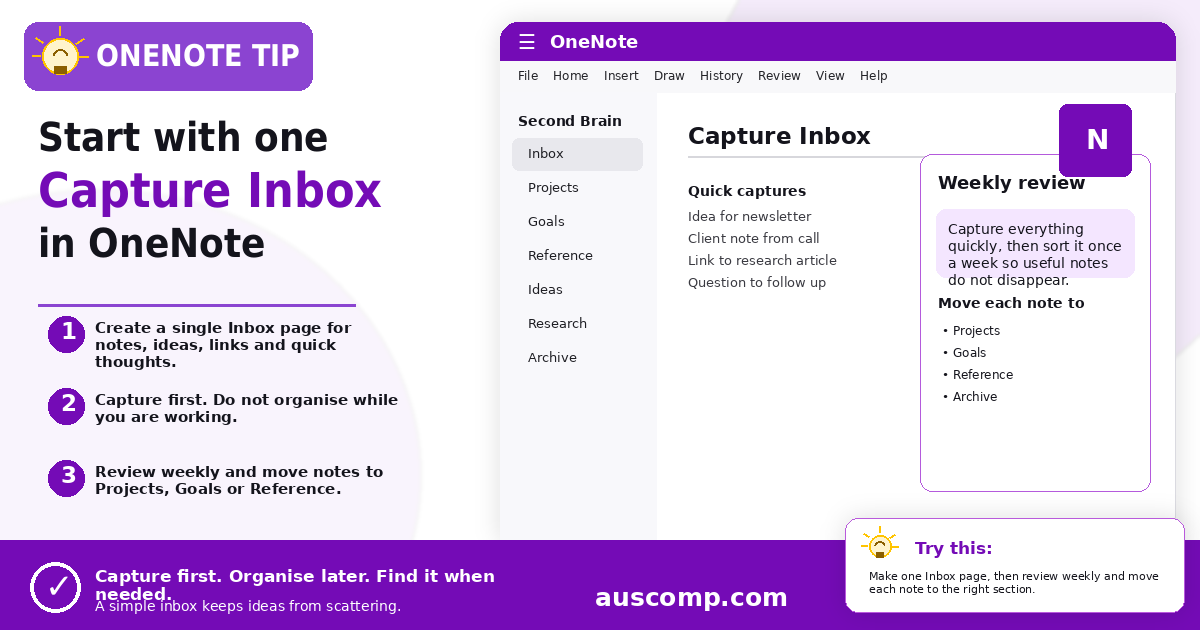
Give every note, idea, link and thought one temporary landing place before you organise it.
▶ Try this Create one Inbox page in your OneNote notebook. Capture notes, ideas, links and quick thoughts there during the week, then review it once a week and move each item to Projects, Goals, Reference or Archive. |
💡 Want this set up for you? Our Second Brain for OneNote gives you the ready-made structure out of the box. |
Get new Microsoft 365 tips every week
Practical, no-fluff tips to help you work smarter in Microsoft 365. Straight to your inbox.
Just signup below.