Business Operations · OneNote
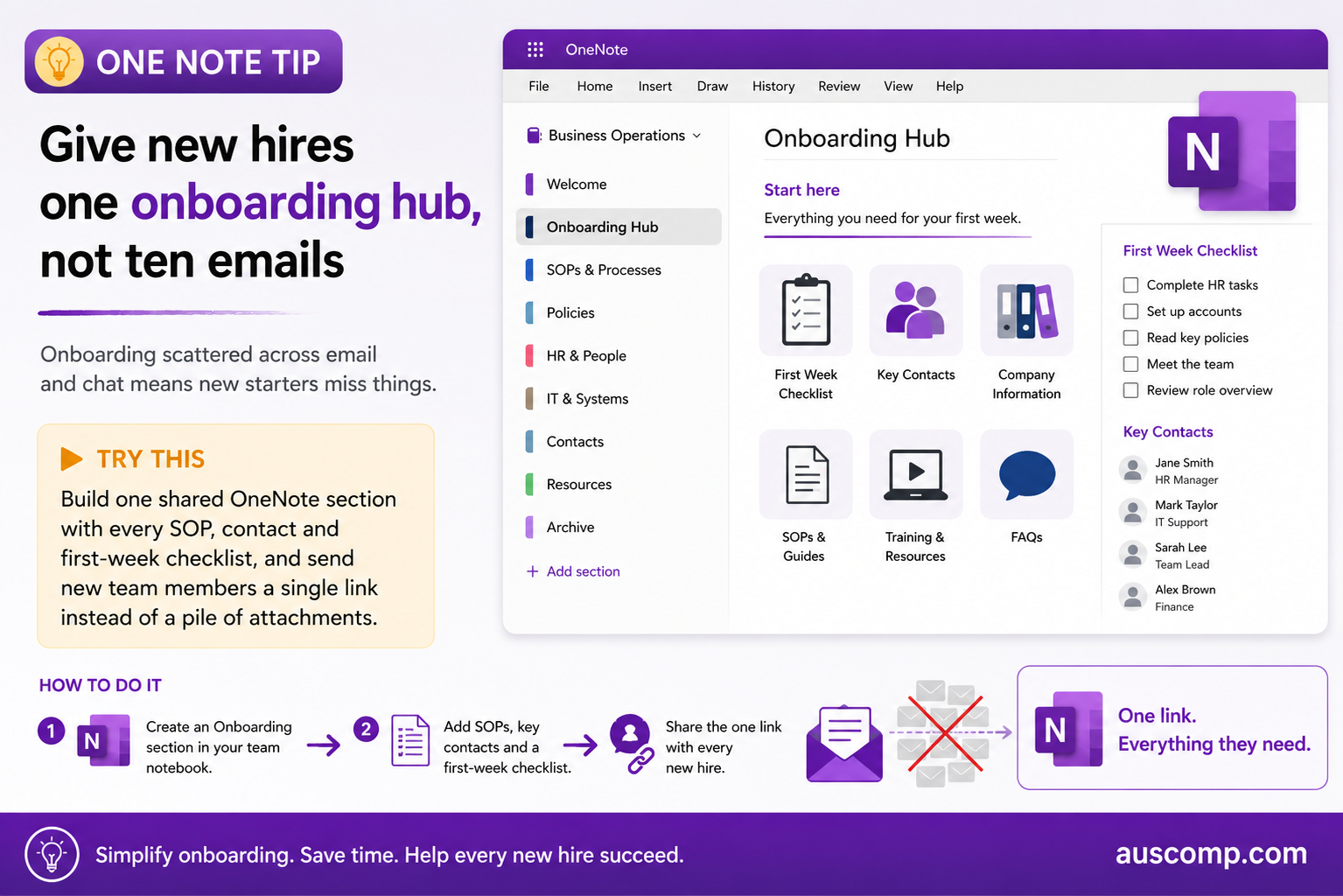
Onboarding scattered across email and chat means new starters miss things.
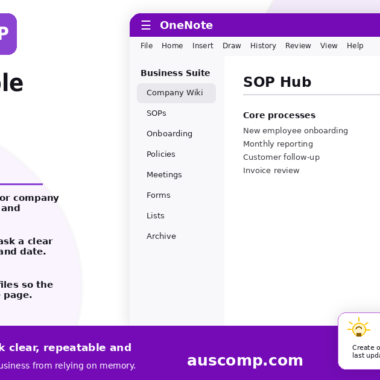
▶ Try this Build one shared OneNote section with every SOP, contact and first-week checklist, and send new team members a single link instead of a pile of attachments. |
How to do it
- Create an Onboarding section in your team notebook
- Add SOPs, key contacts and a first-week checklist
- Share the one link with every new hire
💡 Want this set up for you? Our Business Suite for OneNote gives you the ready-made structure out of the box. |
Get new Microsoft 365 tips every week
Practical, no-fluff tips to help you work smarter in Microsoft 365. Straight to your inbox.
Just signup below.