Projects · OneNote
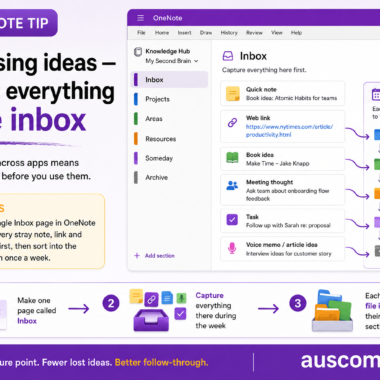
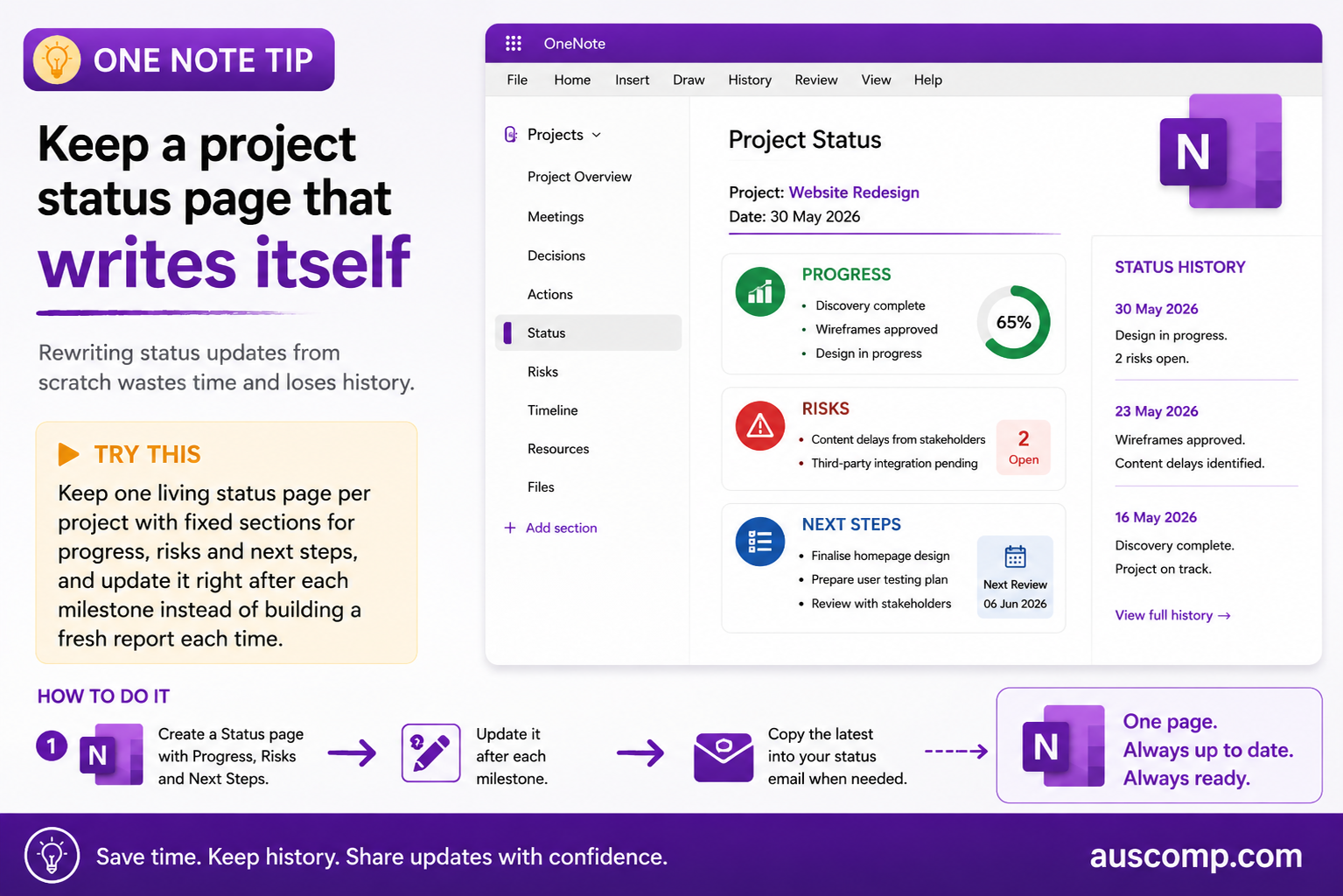
Rewriting status updates from scratch wastes time and loses history.
▶ Try this Keep one living status page per project with fixed sections for progress, risks and next steps, and update it right after each milestone instead of building a fresh report each time. |
How to do it
- Create a Status page with Progress, Risks and Next Steps
- Update it after each milestone
- Copy the latest into your status email when needed
💡 Want this set up for you? Our Projects Management Solution gives you the ready-made structure out of the box. |
Get new Microsoft 365 tips every week
Practical, no-fluff tips to help you work smarter in Microsoft 365. Straight to your inbox.
Just signup below.