
Business Suite for OneNote
$169.95
Run your business from OneNote — clients, projects, teams, HR, sales & documents in one organised workspace.
- One central hub: Plan work, manage people and store docs with ready-made templates.
- Built for Microsoft 365: Works great with Teams/SharePoint — no new logins or tools.
- Secure & searchable: Keep SOPs, HR and client files in OneNote for instant context.
- Fast setup: One-click notebook + quick-start guide — scale as your business grows.
Perfect for SMBs, agencies and remote teams who live in Microsoft 365.
Trusted by 1,000+ professionals worldwide to stay organized and deliver on time.
Business Suite for OneNote — All-in-One Solution for Teams & Operations
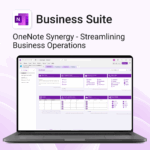
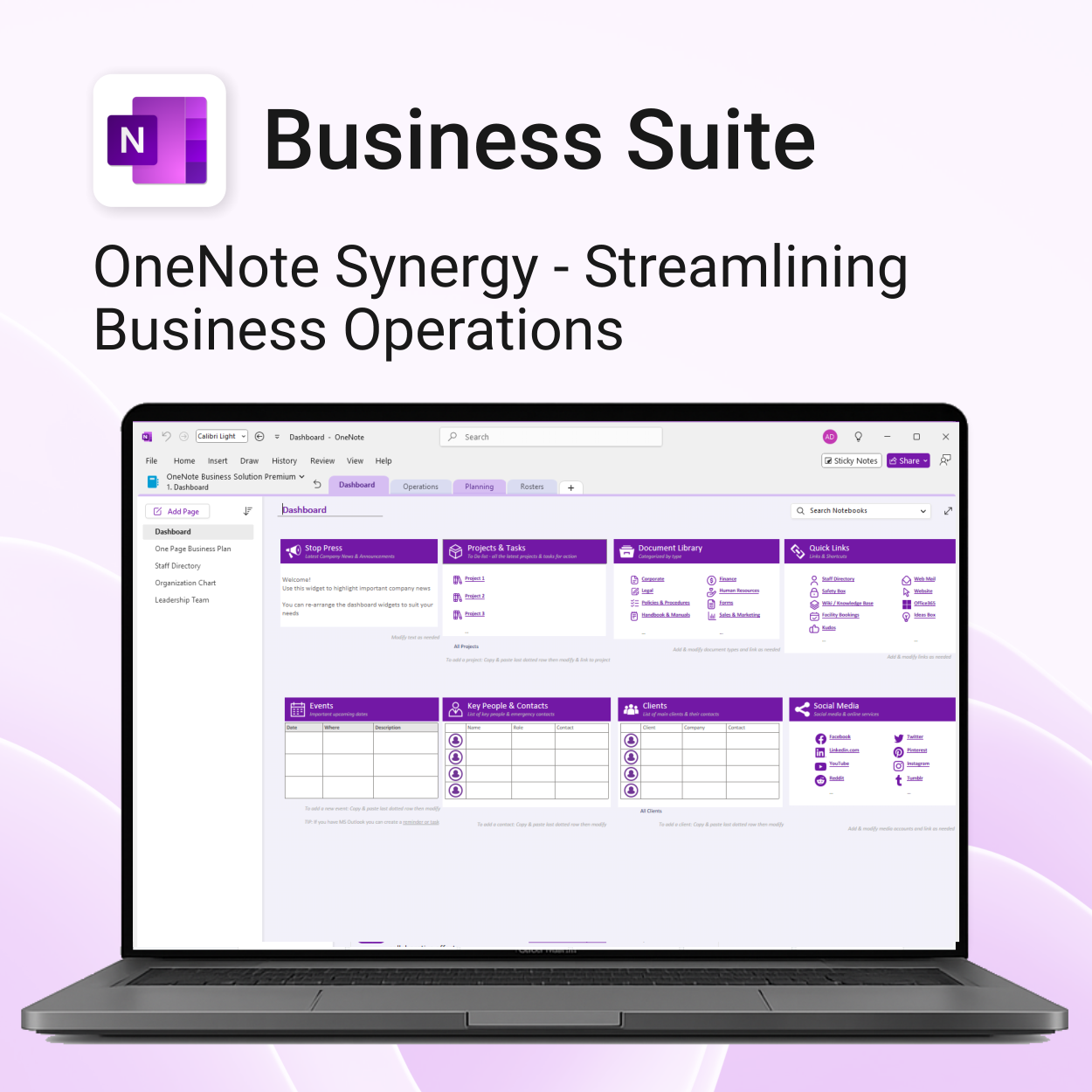
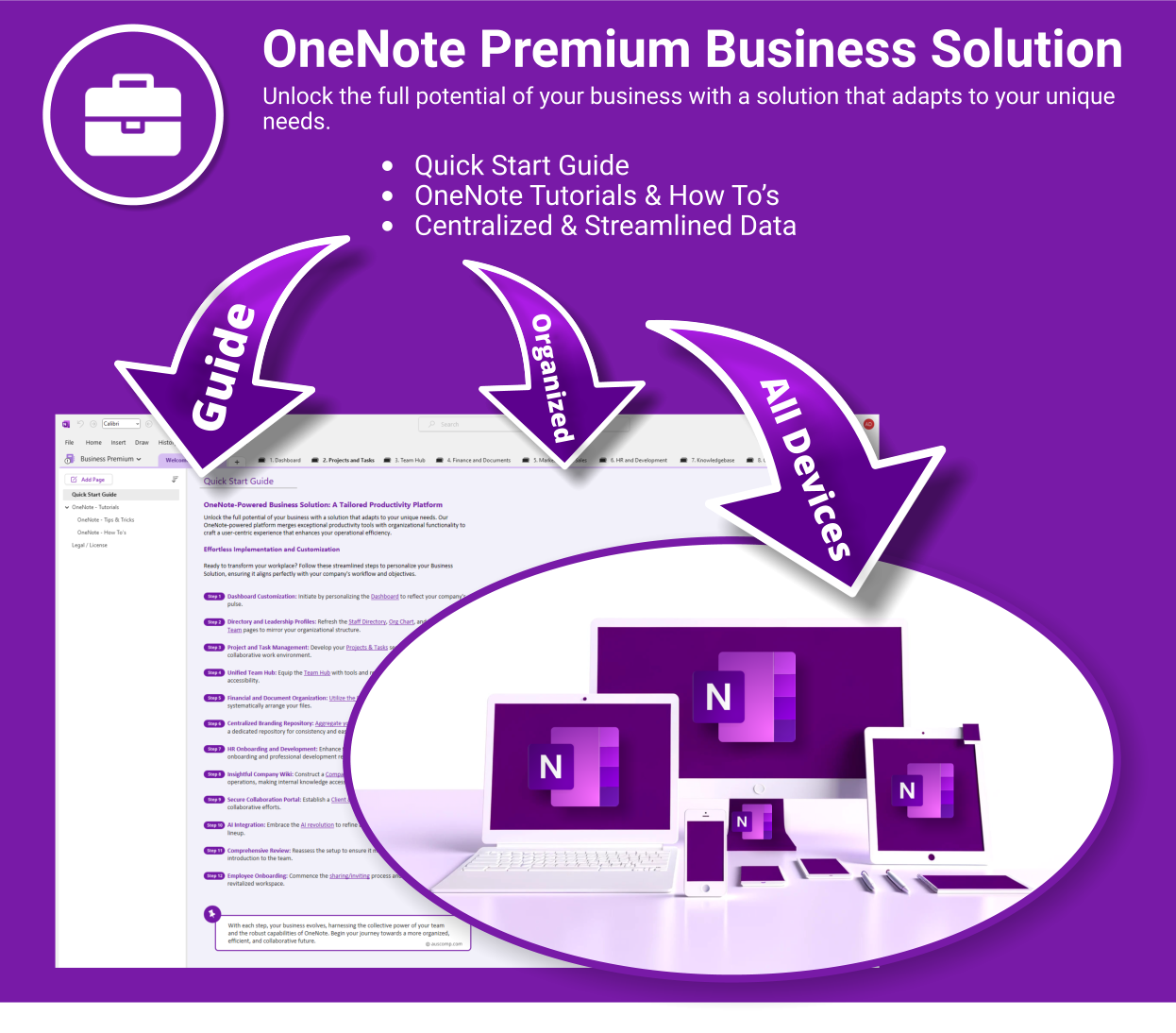
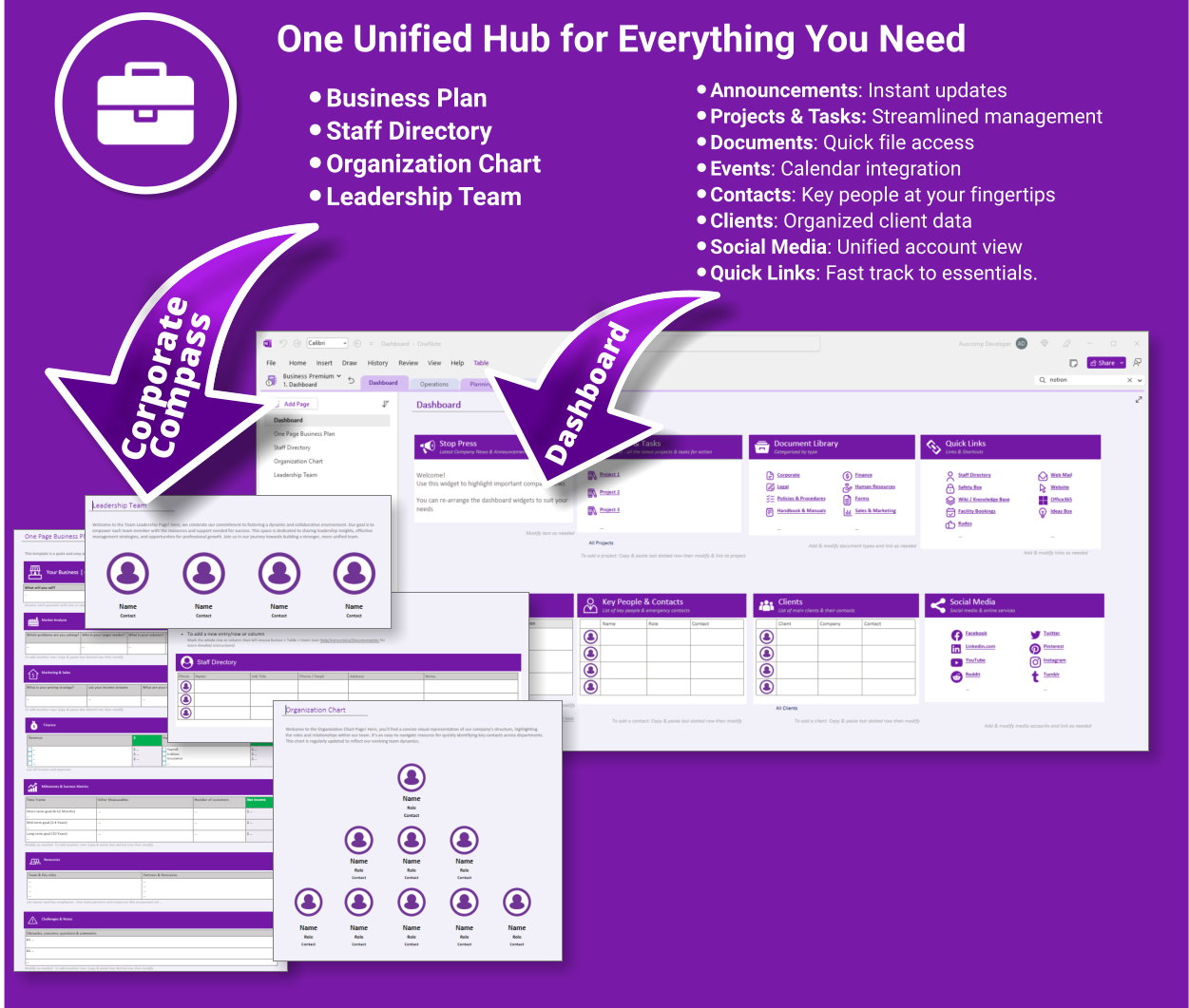
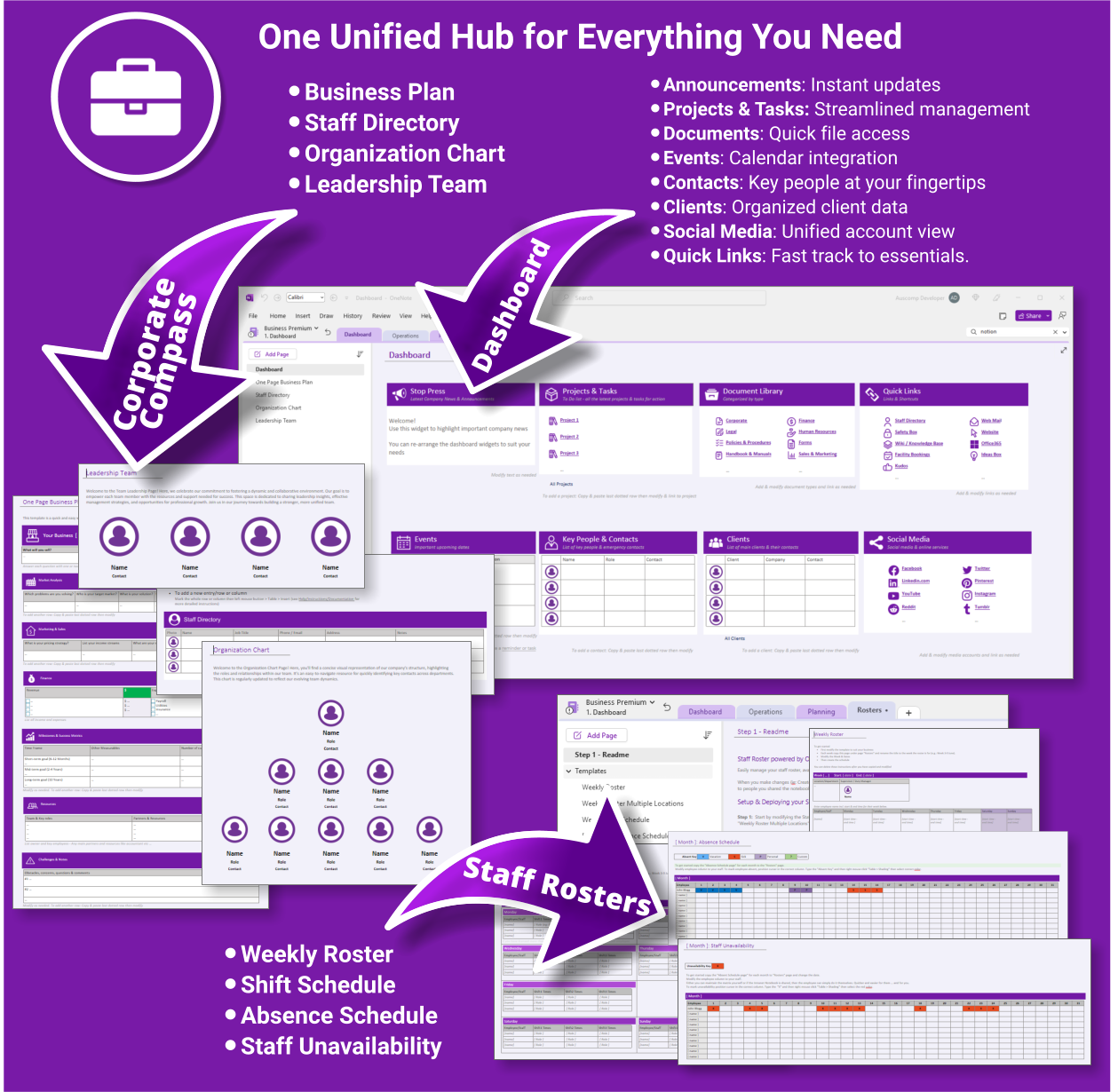
Transform how your business operates with a fully integrated OneNote-powered suite. Organise everything — clients, projects, teams, HR, sales, documents and more — in one centralised, secure workspace.
What’s included
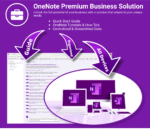
Business Suite for OneNote is easy to install and includes the following:
- Quick Start Guide — Step-by-step instructions to get you running fast
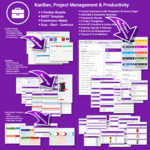
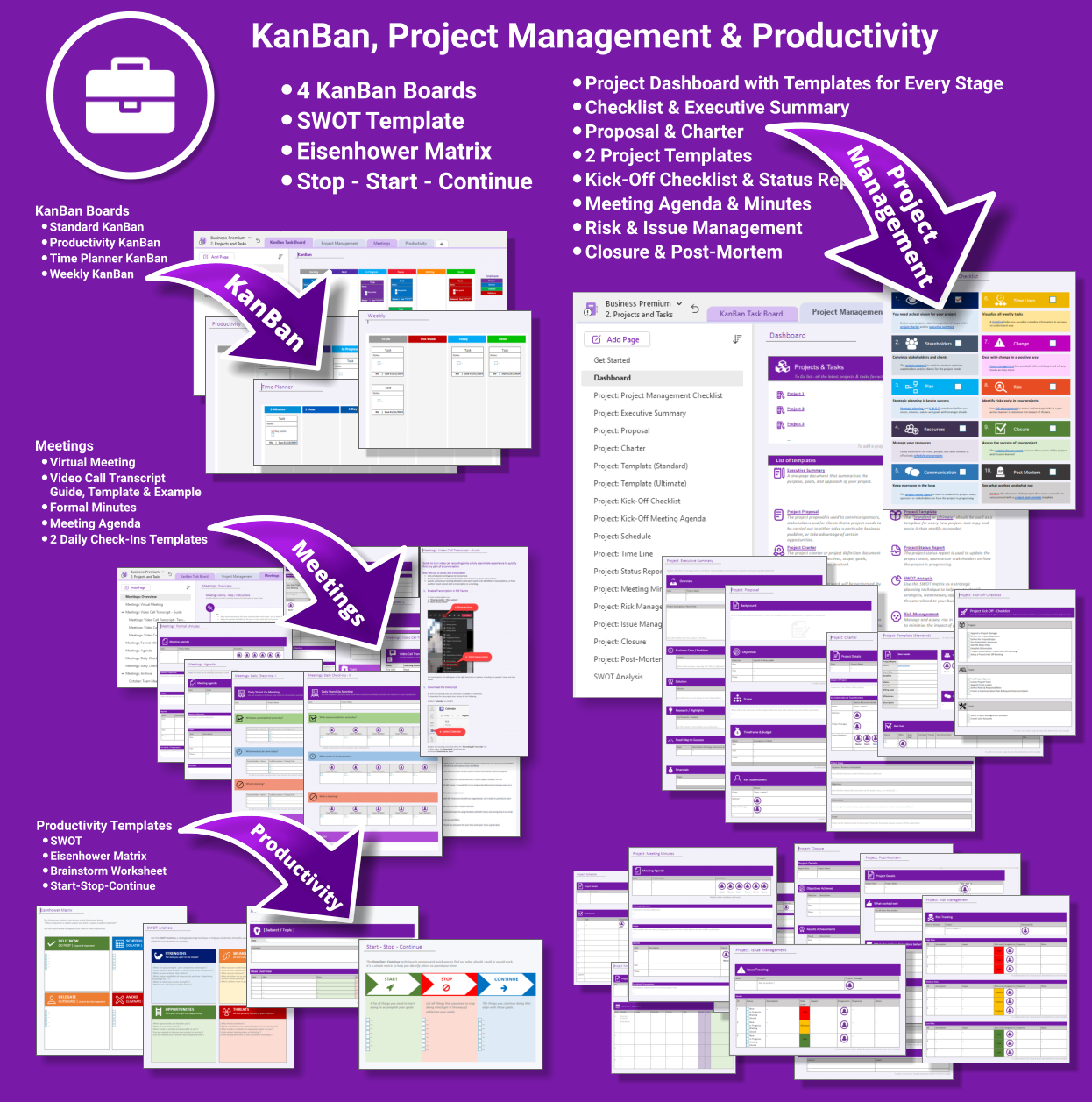
- Projects & Tasks — Comprehensive templates from kickoff to closure
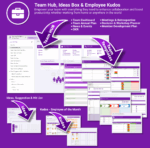
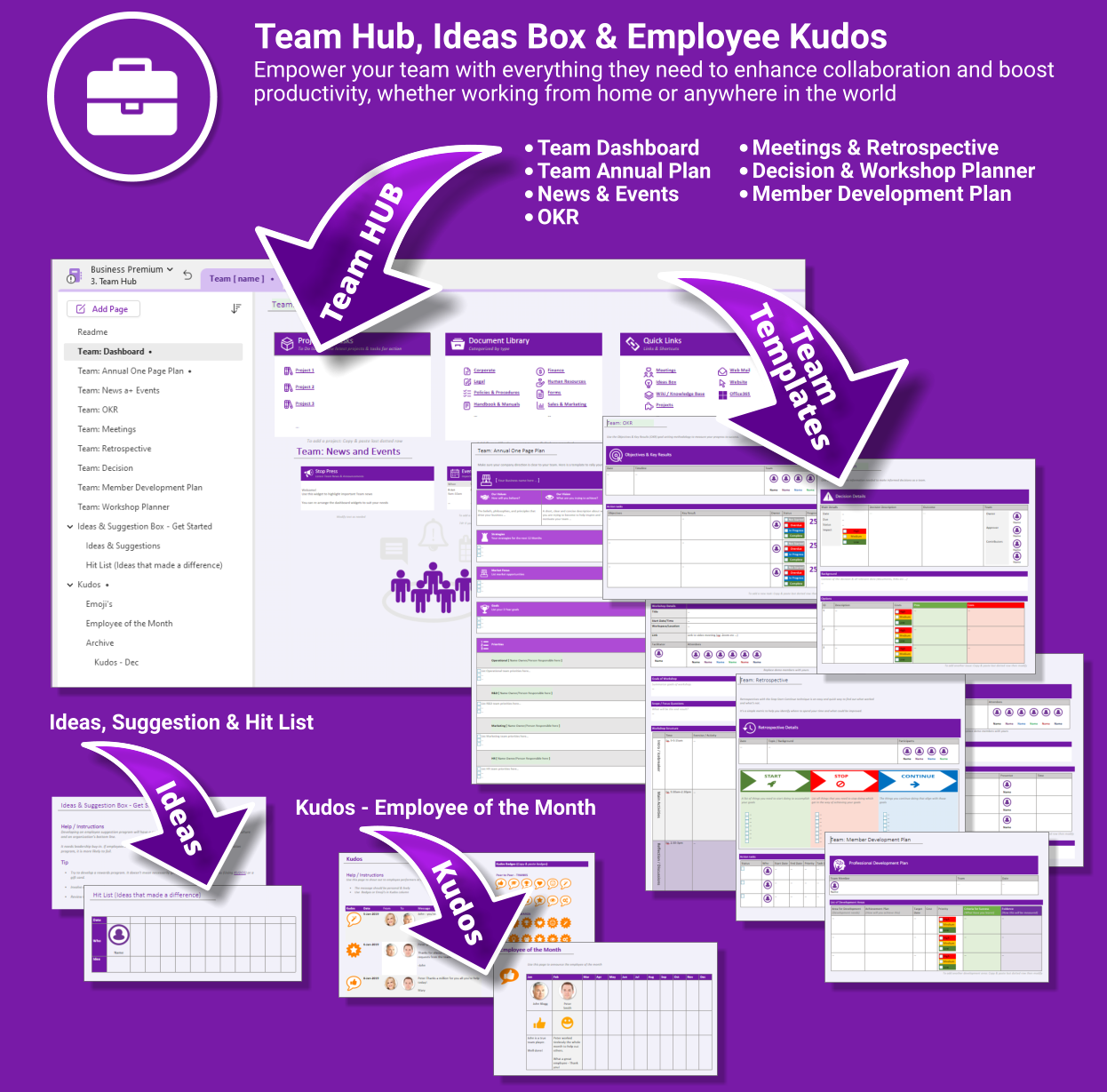
- Team Hub — Meetings, planning, OKRs and team kudos
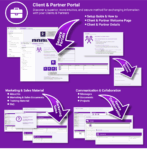
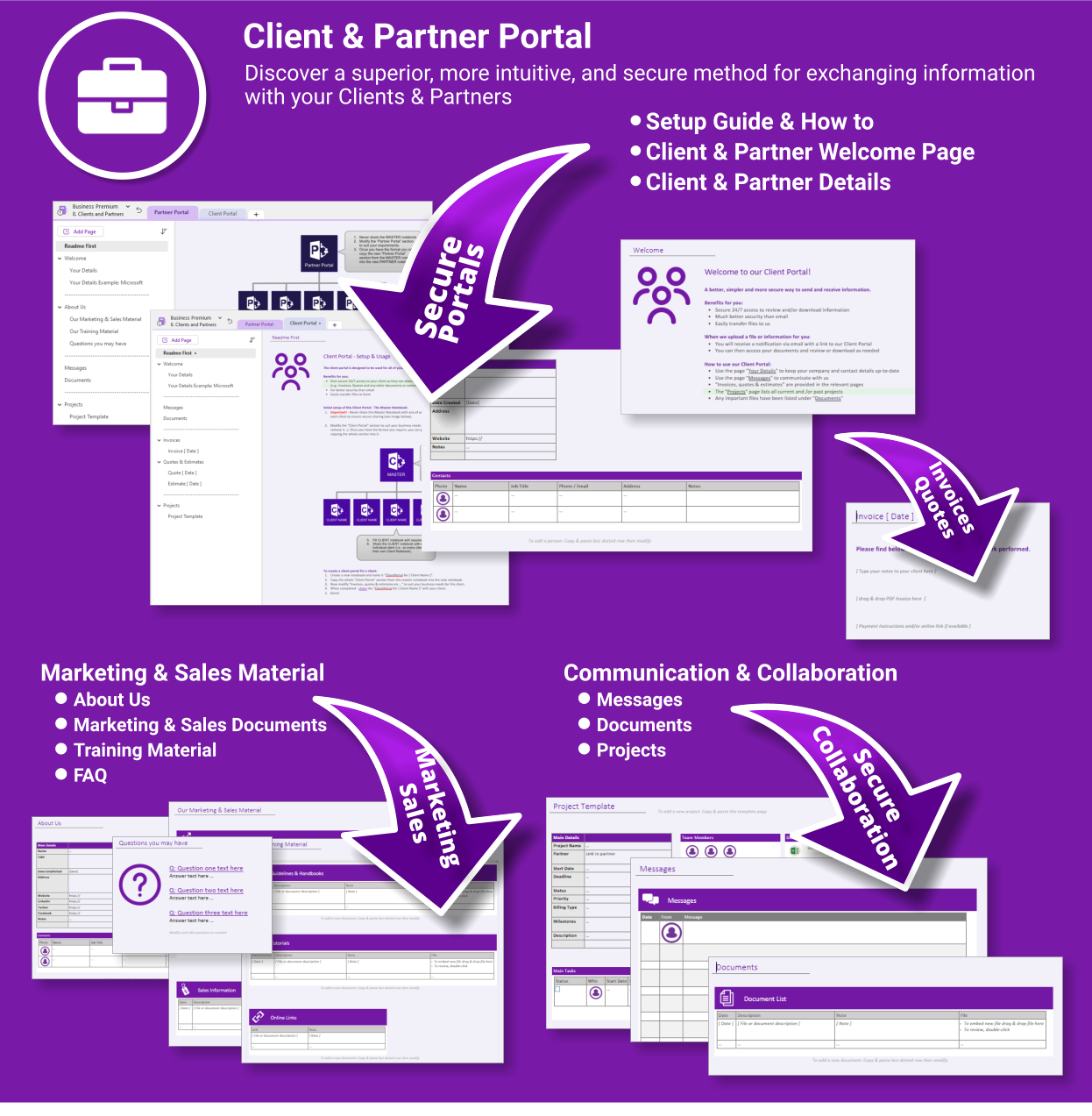
- Client & Partner Portal — Secure collaboration with clients and external partners
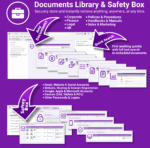
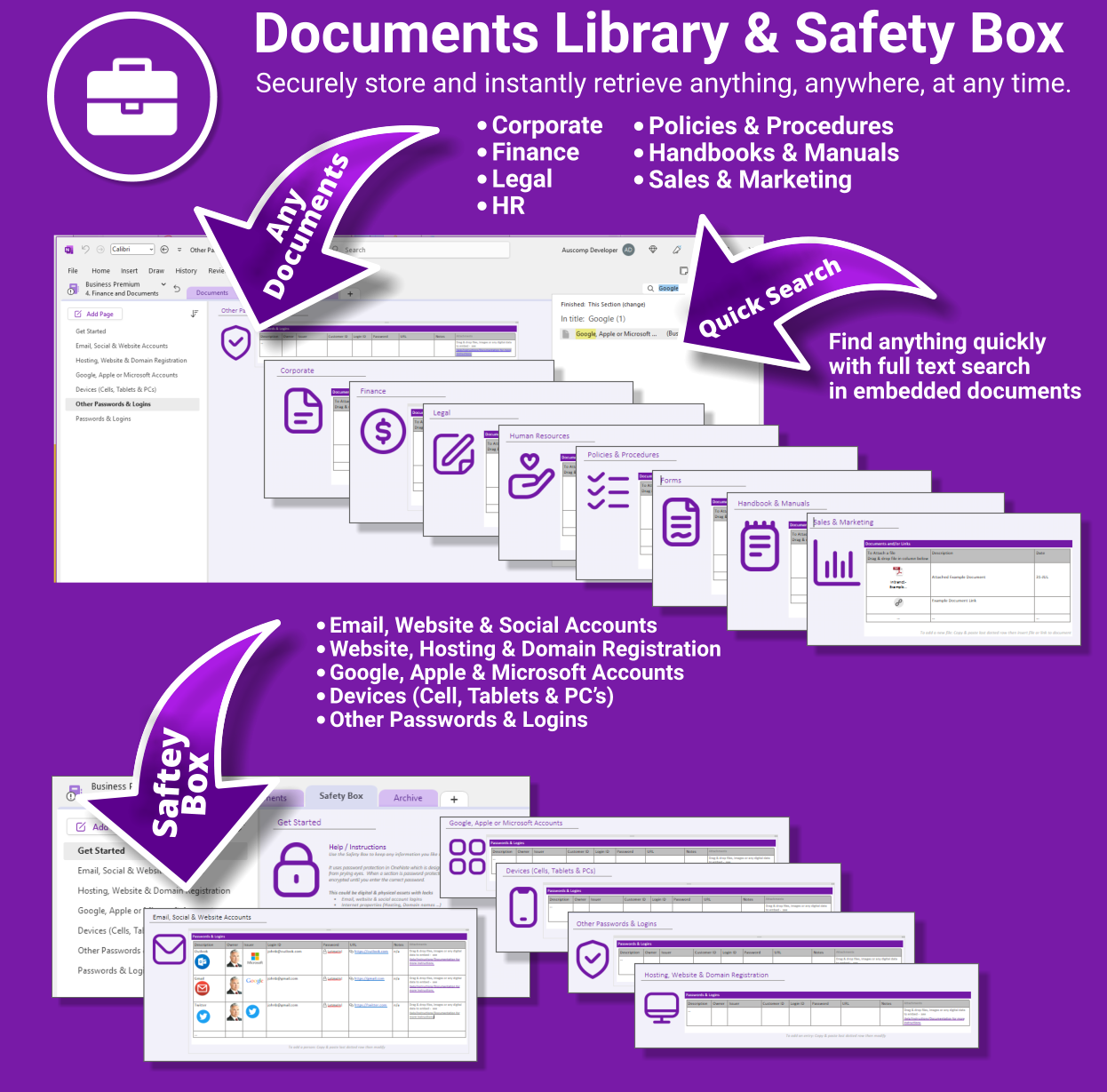
- Document Library & Safety Box — Store & search any file from within OneNote
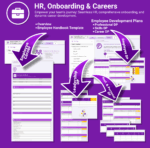
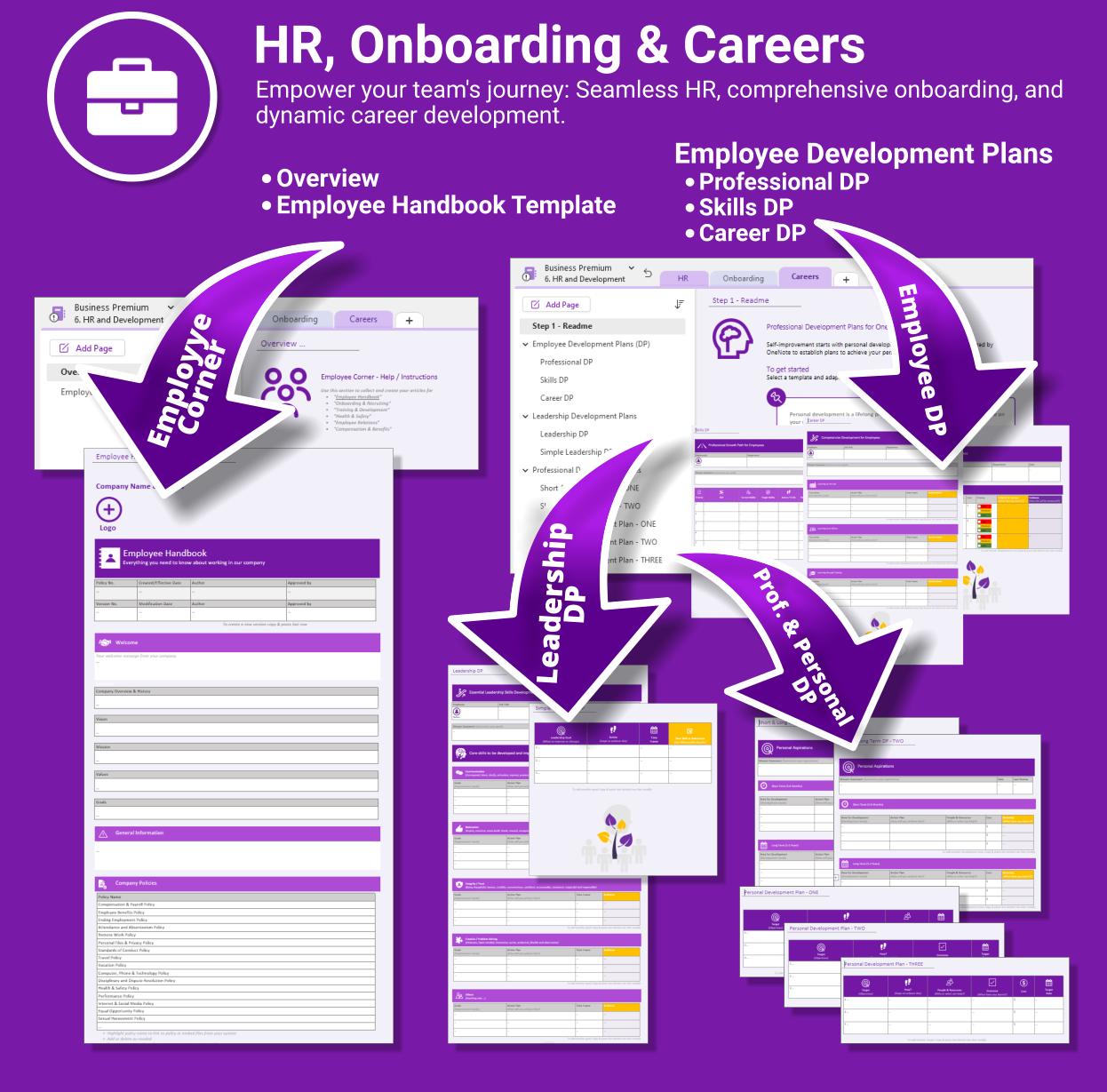
- HR & Onboarding — Streamlined onboarding, career planning & employee docs
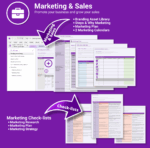
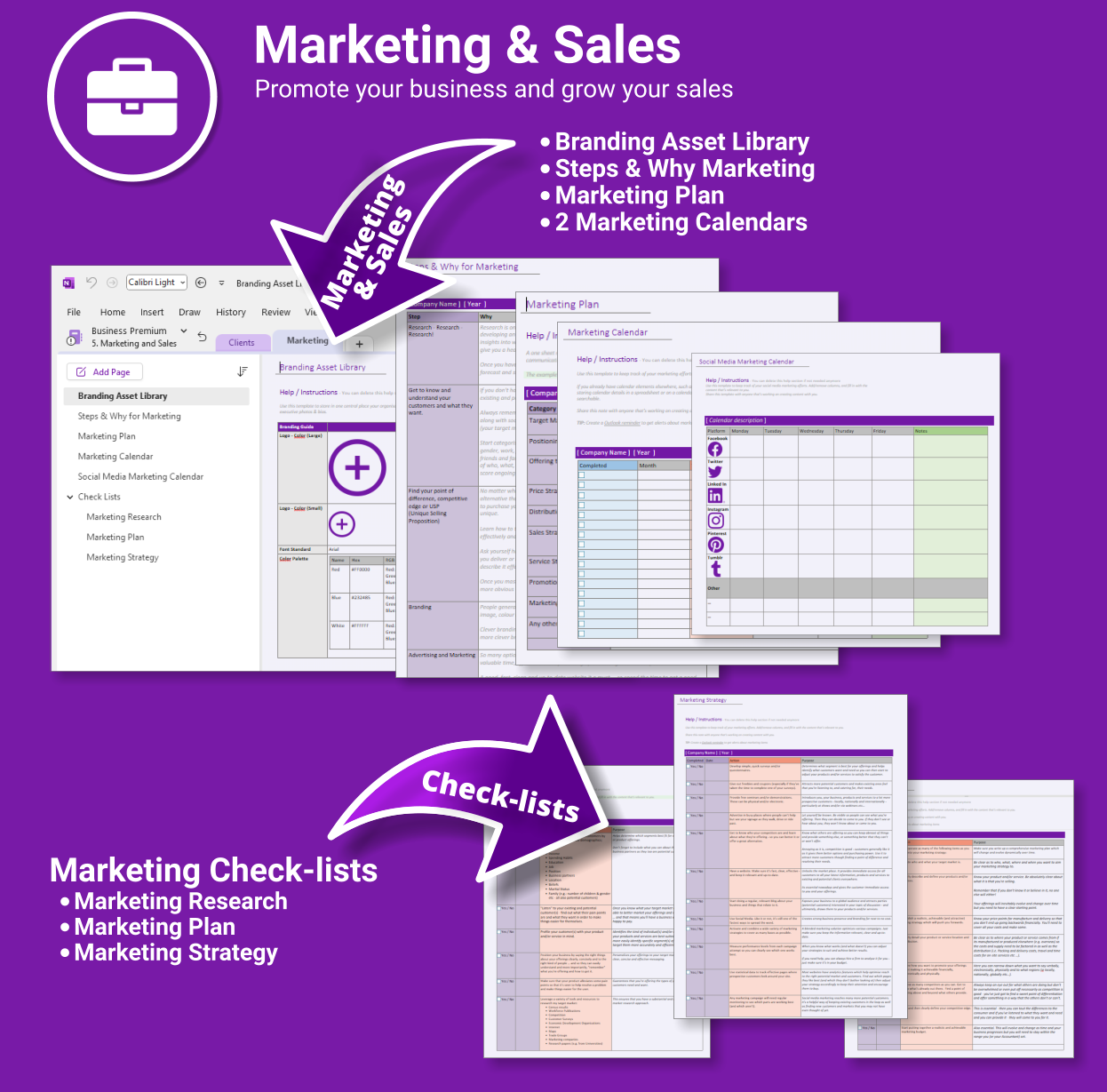
- Marketing & Sales Hub — Strategy, branding & campaign planning
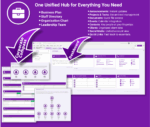
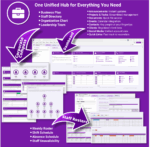
- Corporate Compass — Directory, org chart, business plan & leadership hub
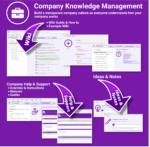
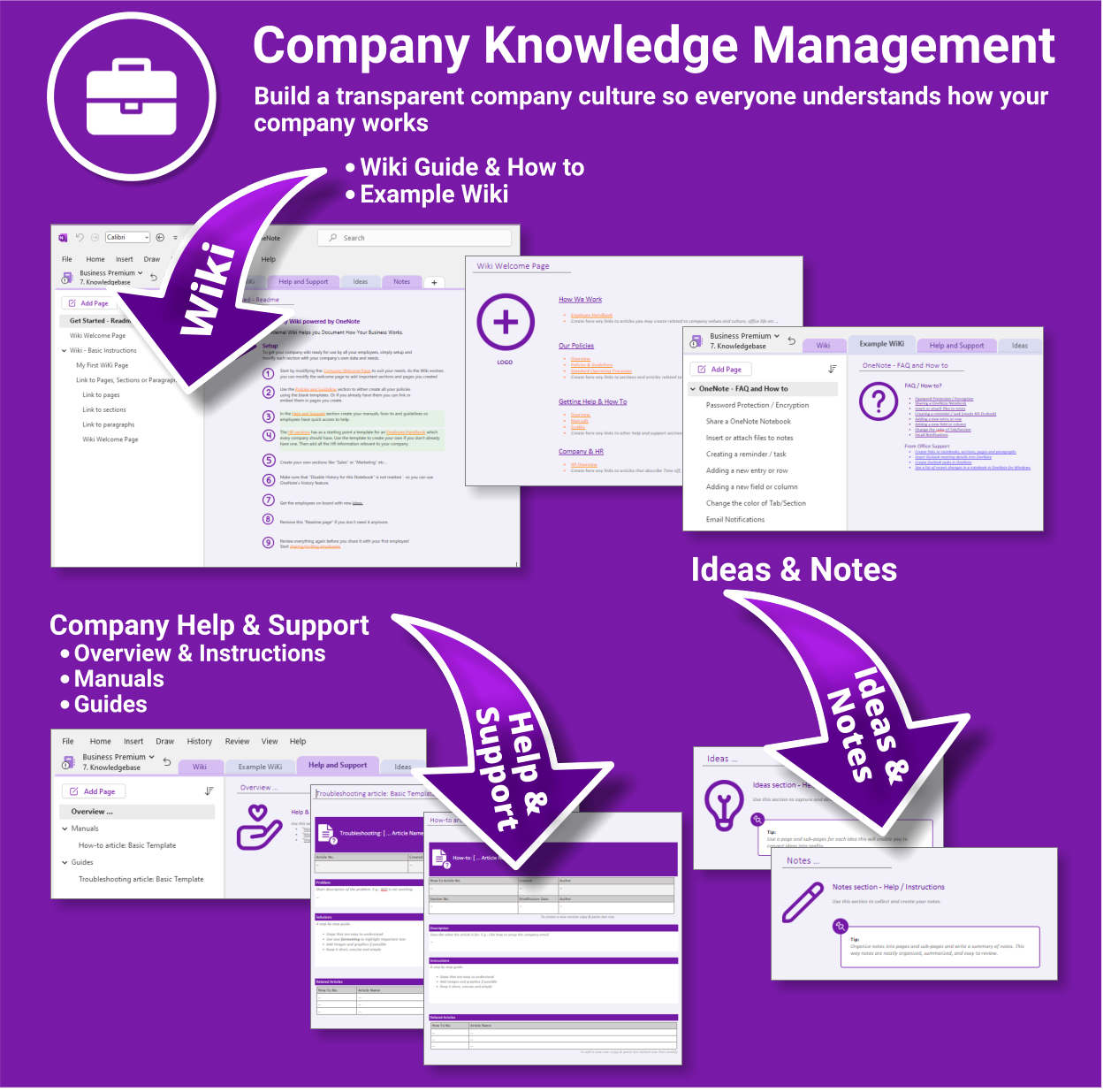
- Wiki & Knowledge Base — SOPs, FAQs and company know-how
What you get
- One-click OneNote notebook package (.zip/.onepkg)
- Quick-start guide
- Reusable for unlimited projects & departments
- Commercial use under Auscomp licence
Compatibility
- OneNote for Windows, Mac & Web
- Works great with Teams/SharePoint notebooks
- Microsoft 365 accounts and personal Microsoft accounts
What customers say
This suite brought order to our growing business. Everything’s in one place and my team knows exactly where to look.
The dashboard is genius. I can manage staff, projects, documents and even marketing plans all from OneNote now.
I’ve tried SharePoint and Confluence — this is simpler, fast to set up and actually gets used.
Great for remote teams. We run meetings and store all our SOPs and HR docs in one structure.
The Client Portal alone was worth the price — onboarding and project status without emails.
OneNote finally feels like the centre of our business. This is how it should’ve worked from the start.
I’m using the HR planner for onboarding and training — it’s saved hours each week.
We implemented this across 3 departments and collaboration improved overnight.
FAQs
How do we install it?
Download the package and follow the step-by-step guide on our installation page. You’ll be set up in minutes.
Is it suitable for remote or multi-team use?
Yes. Store the notebook in OneDrive, Teams or SharePoint for shared access. Create additional notebooks for departments as you scale.
Can we collaborate with clients securely?
Use the Client & Partner Portal sections and share only that notebook/section with external users. Keep internal hubs private.
Can we customise it?
Absolutely. Rename sections, add pages, and adapt templates (SOPs, HR, marketing, projects) to match your workflows.
 MS Project
 MS Forms
 MS Lists
 Outlook
 Excel
Excel Copilot
 MS Teams
 Power BI
Related Products
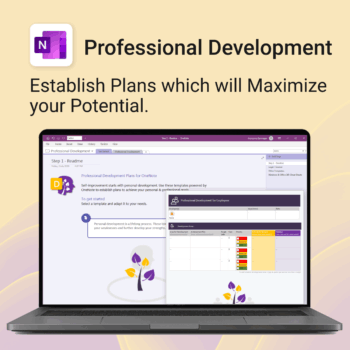
Grow with confidence. Track your progress. Achieve your goals.
- Start fast with guided templates and expert structure
- Track skills, goals, and leadership development in one place
- Adaptable for individuals, teams, or HR managers
- Simple enough for beginners, powerful enough for pros
- Always accessible inside OneNote on any device
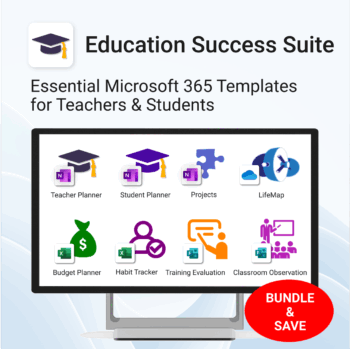
Essential Microsoft 365 templates for teachers & students — plan smarter, teach better, and track progress with ease.
- All-in-one bundle: 8 ready-to-use education tools for planning, tracking & classroom management.
- Includes: Teacher & Student Planners, LifeMap, Budget & Habit Trackers, Projects, Training & Observation templates.
- Perfect for: educators, students, and schools using Microsoft 365, OneNote, Excel & Forms.
- Easy setup: plug-and-play templates with step-by-step guides.
- Get 8 tools for the price of 5 — built to simplify teaching and learning.
Trusted by teachers and students worldwide to stay organized, motivated, and ahead of schedule.
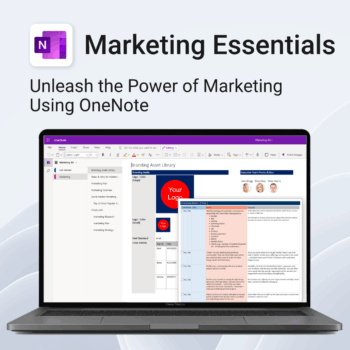
Be more strategic. Stay organized. Grow faster.
-
- Centralize your branding & strategy in one place
- Plan & execute campaigns with ready-made checklists
- Visualize your marketing schedule across platforms
- Perfect for solopreneurs, startups & small teams
- No new apps — just OneNote
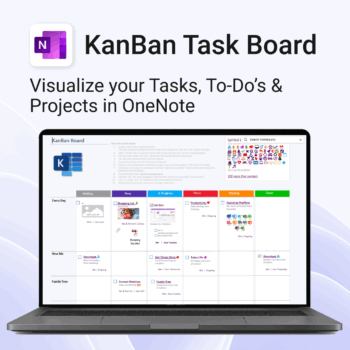
Visualise your Tasks, To-Do’s & Projects — right inside OneNote.
- Kanban in OneNote: Boards with columns and ready-made task cards for a clear, visual workflow.
- Built-in templates: Smart Cards, symbols, swimlanes & multiple board types to fit any team.
- Fast setup: One-click notebook + quick-start guide — start tracking in minutes.
- Works where you work: OneNote on Windows, Mac & Web — great with Teams/SharePoint.
Perfect for individuals and teams who live in Microsoft 365.
Trusted by 10,000+ professionals worldwide to stay organised and deliver on time.
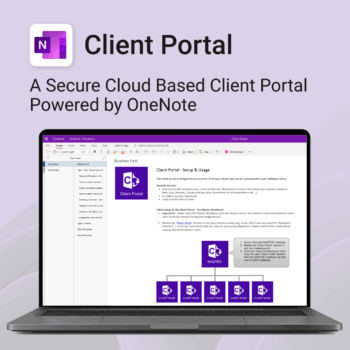
Be more efficient. Strengthen client trust.
-
- Securely deliver documents, invoices, and quotes
- Centralized space for all client communication
- Easy onboarding and professional presentation
- One portal per client with customizable info
- No logins or confusing apps — just OneNote
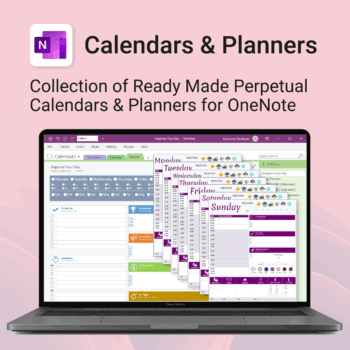
Stay organised all year — daily, weekly & monthly planners right inside OneNote.
- All in OneNote: Dated & undated calendars plus flexible daily/weekly planners.
- Ready to use: 13 calendars, 7 daily planners, 7 “One Day at a Time”, 4 weekly planners & more.
- Fast setup: One-click notebook + quick-start guide — start planning in minutes.
- No subscriptions: Yours forever. Works on Windows, Mac & Web (great with Teams/SharePoint).
Perfect for home, work and family life — anyone who loves OneNote and wants structure.
Used by thousands to plan days, weeks and months with less stress and more clarity.
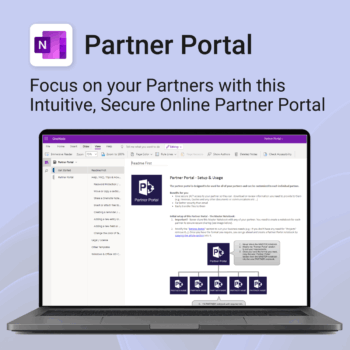
Boost efficiency. Strengthen partner relationships.
-
- Keep all communications and files in one secure place
- Ensure brand consistency with shared marketing materials
- Collaborate with partners on shared projects easily
- Streamline support using built-in FAQ and messaging
- Customize per partner without starting from scratch
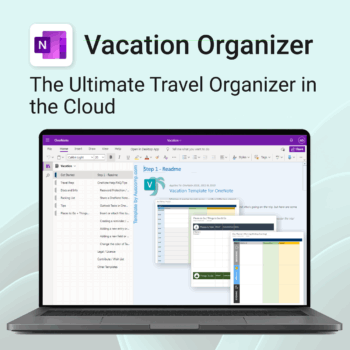
Make travel planning effortless. Stress less & enjoy more.
-
- All-in-one place to plan, pack, and prepare
- Customizable for solo, family, or group travel
- Use on any device with OneNote
- Keep documents, notes & itineraries together
- Get organized early and travel with confidence
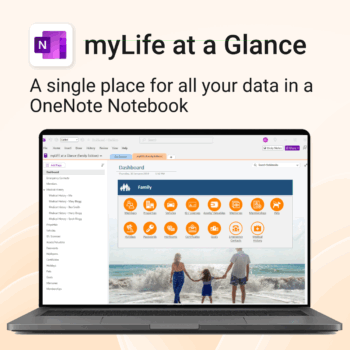
Take control of your family’s information. Stay prepared and organized.
-
- All-in-one family dashboard — know where everything is
- Be emergency ready — from medical history to contacts
- Perfect for travel, school, caregiving & estate planning
- Private & secure — powered by Microsoft OneNote
- No subscription needed — lifetime value
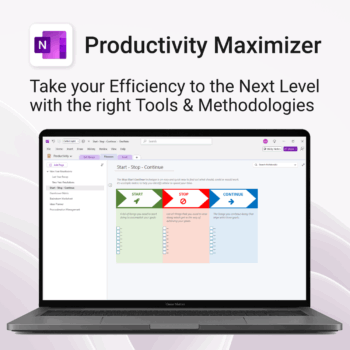
Boost clarity. Break through mental clutter.
-
- Structure your goals and eliminate procrastination
- All-in-one toolkit inside OneNote
- Designed for both personal and professional growth
- Use powerful planners and templates to stay focused
- Works across devices – always accessible
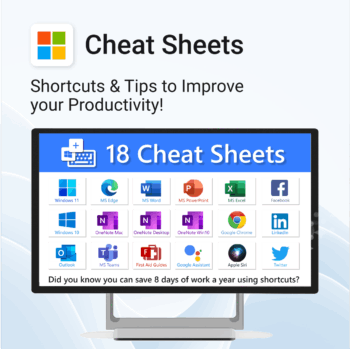
Save time. Reduce friction. Get more done.
-
- Master keyboard shortcuts across platforms
- Works offline – just print and go
- Updated tips for ChatGPT, Alexa, Siri and more
- Perfect for quick onboarding and training
- Organised by tool – no searching needed
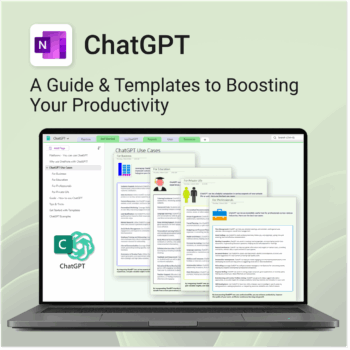
Be more productive. Save time & master AI.
-
- Master ChatGPT with structured use cases and tutorials.
- Get started faster using done-for-you templates and prompts.
- Track, log, and organize your ChatGPT ideas across projects.
- Save hours with reusable formats for every role and tone.
- Compatible with all devices — desktop, tablet & mobile.