
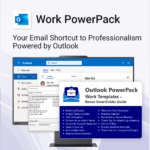
Work PowerPack for Outlook
$29.95
Be more productive. Save time & communicate professionally.
-
- Instant import—get started in minutes
- Fully compatible with Outlook
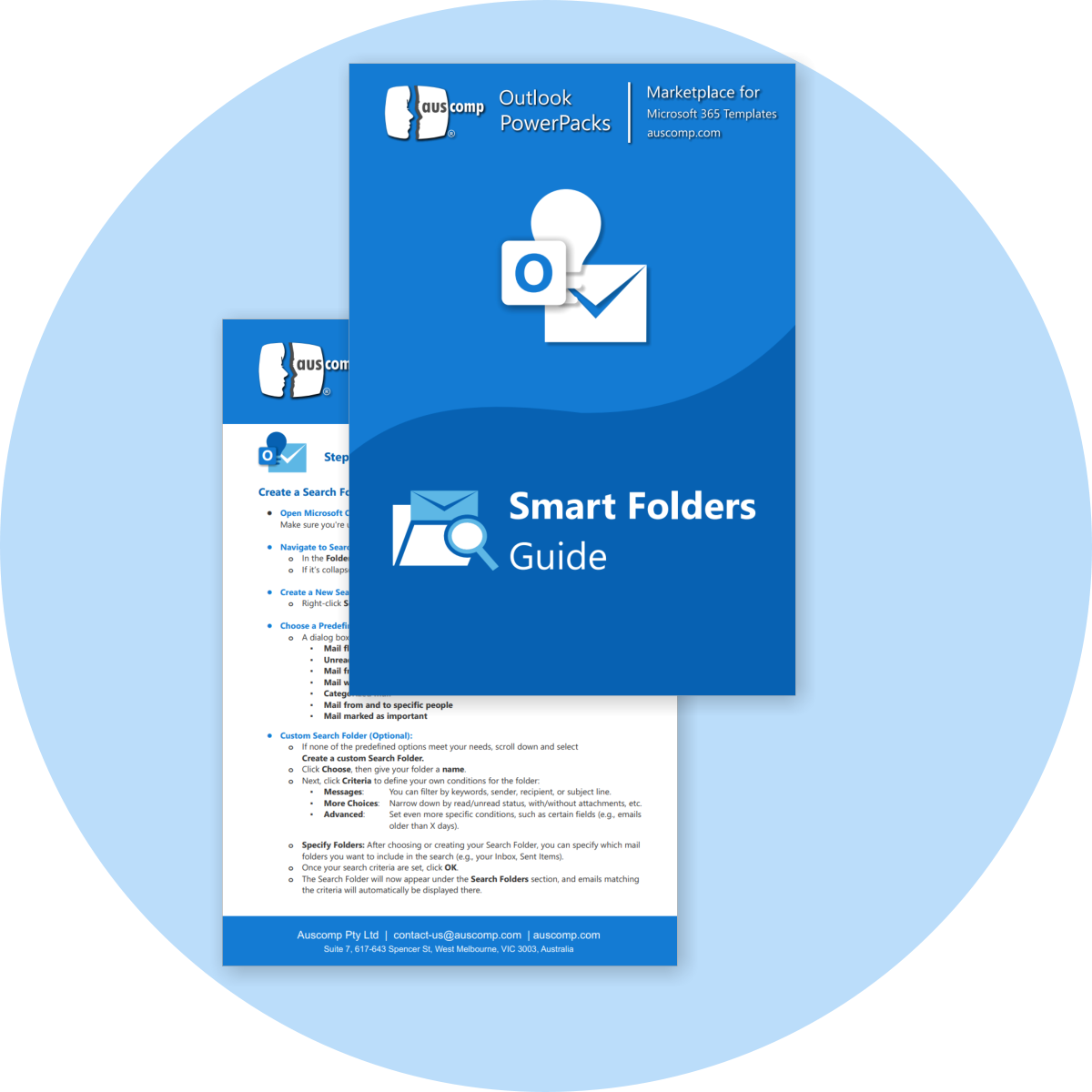
- Smart Folder Guide included
- Boost team communication with pre-written responses
- Perfect for internal comms, client updates, and task assignments
Work PowerPack for Outlook – Simplify Your Professional Email Communication
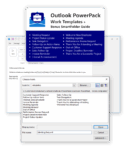
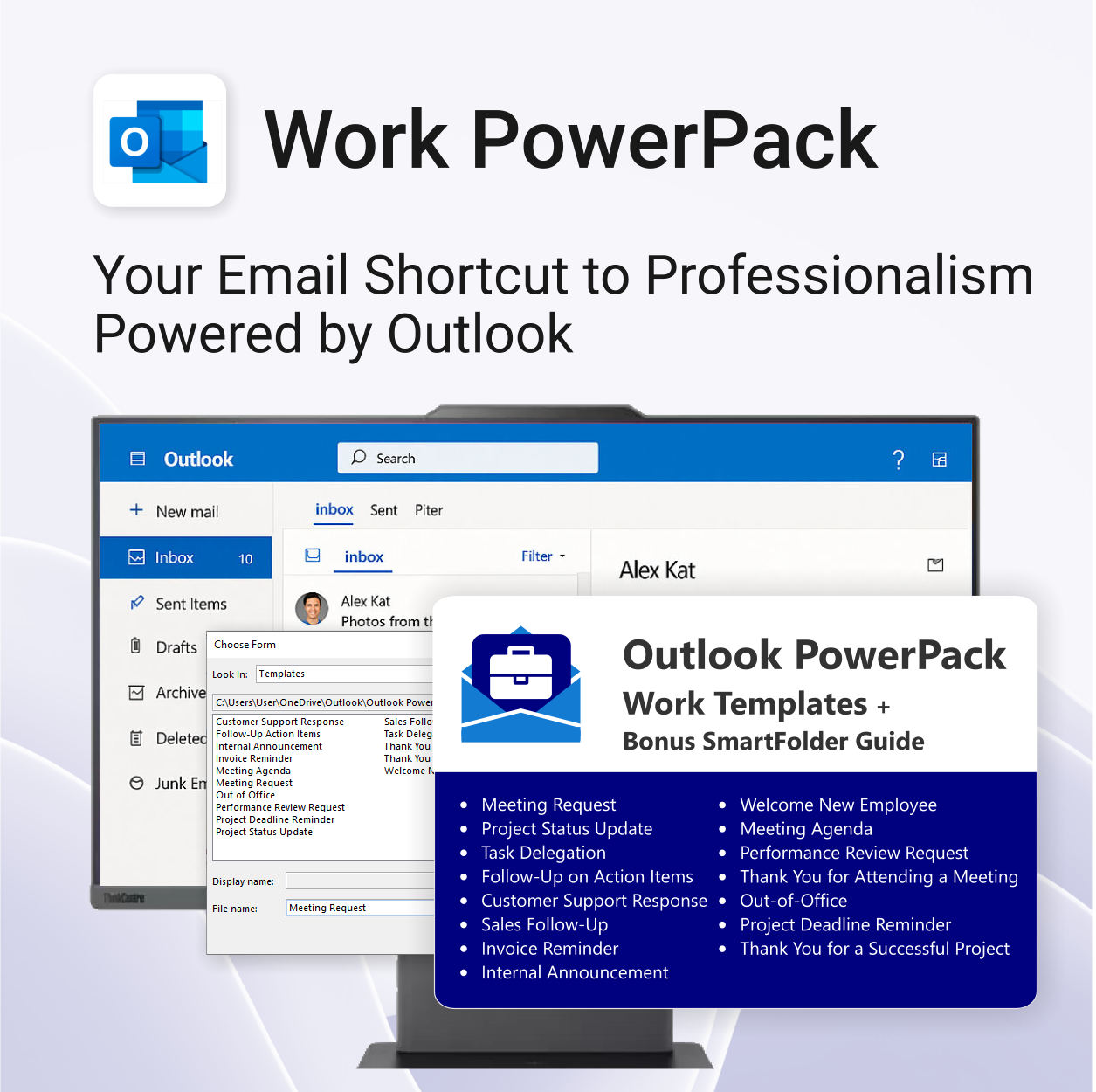
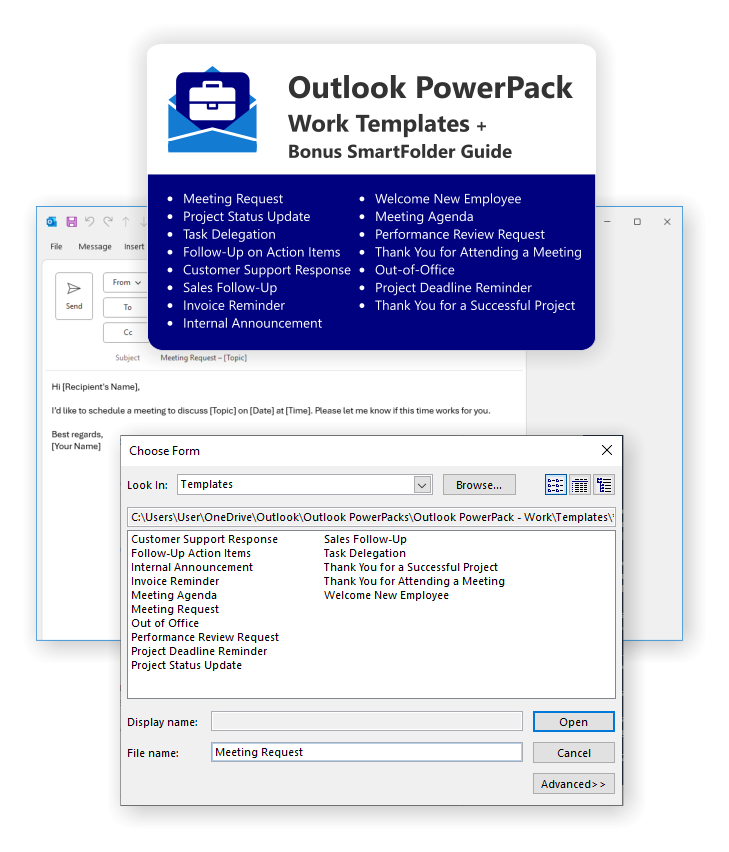
Be prepared, stay professional, and keep communication flowing. The Auscomp Work PowerPack delivers 15 essential Outlook email templates for every workplace situation — from meeting requests to follow-ups and project wrap-ups.
Work PowerPack for Outlook includes the following:
 MS Project
 MS Forms
 MS Lists
 Outlook
 Excel
Excel Copilot
 MS Teams
 Power BI
Related Products
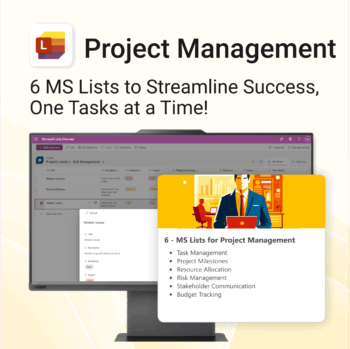
Work Smarter. Lead Better. Finish Projects Faster.
-
- Track milestones, risks, and tasks with pre-built MS Lists
- Centralized structure—everything in one spot, no extra tools
- Professionally formatted and ready to deploy instantly
- Collaborate seamlessly in Microsoft Teams and Planner
- Perfect for project managers, consultants, and team leads
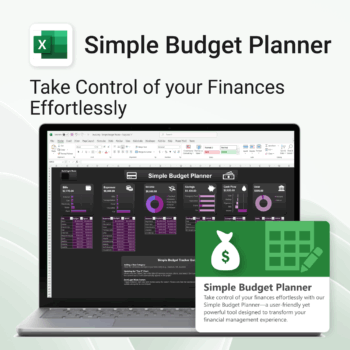
Be financially clear. Save stress & money.
-
- No Excel skills needed — plug and play.
- Everything on one page — simple and visual.
- Track income, expenses, and savings at a glance.
- Use across devices — PC or Mac compatible.
- Dark & Light modes — designed for your eyes.
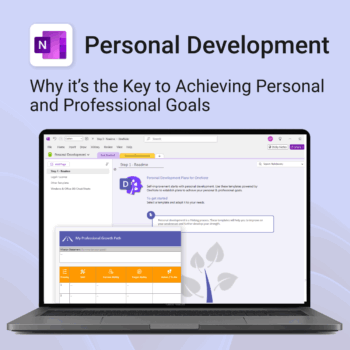
Unlock your full potential — with less friction and more focus.
-
- Structure your goals with proven development frameworks
- Track your progress over time with outcome-based templates
- Access your growth plan anywhere with OneNote sync
- Use it for career, personal, or skills-based development
- Reflect, adapt, and evolve continuously — all in one place
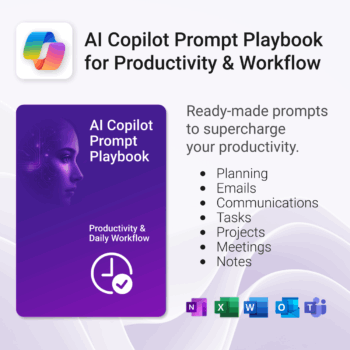
Get 30 proven Copilot prompts designed to supercharge productivity inside Microsoft 365.
-
- Covers daily planning, email, meetings, task tracking, productivity, and knowledge workflows.
- No guesswork — just copy, paste, and run inside Copilot.
- Includes example outputs and app-specific usage tips.
- Perfect for individuals, teams, and managers.
- Based on real-world Microsoft 365 use cases.
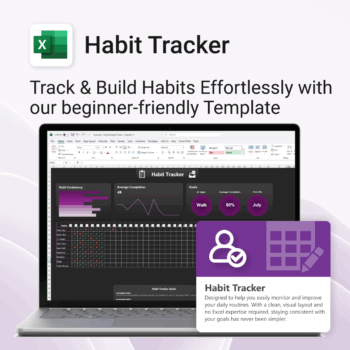
Take control of your routines. Stay consistent. Feel better.
-
- Visual progress charts make tracking satisfying
- Customizable habits and layout
- One-page simplicity — no switching tabs
- Beginner-friendly Excel format (with light + dark mode)
- Build consistency — one checkmark at a time
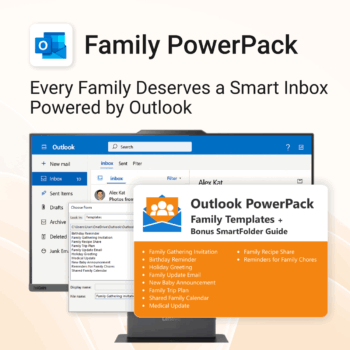
Make family communication easier than ever.
-
- Send thoughtful emails in seconds with pre-written templates.
- Never forget a birthday or family event again.
- Keep everyone in sync with shared calendars & updates.
- Instant download with step-by-step instructions included.
- 100% Outlook-compatible and easy to customize.
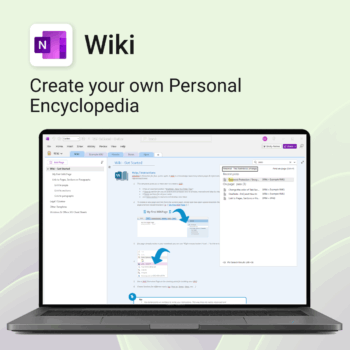
Create your own knowledge hub — organise SOPs, FAQs, guides & notes right inside OneNote.
- OneNote Wiki system: Capture and link knowledge, manuals, and FAQs in a searchable format.
- Fast setup: One-click notebook + examples ready to customise for your team.
- Secure & private: Built on Microsoft 365 — share internally or use solo.
- Find anything instantly: Full-text embedded search across your pages and topics.
Perfect for teams, consultants, or anyone who needs an organised place for notes and documentation.
Used by professionals and teams worldwide to centralise knowledge and make information searchable in OneNote.
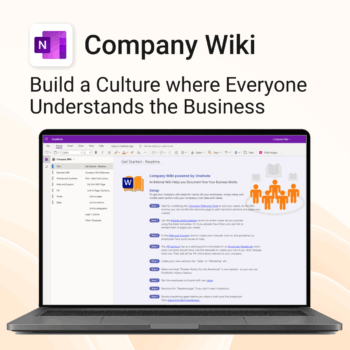
Bring clarity and consistency to your team’s internal documentation.
-
- One central place to manage company knowledge.
- No extra tools – works right inside Microsoft OneNote.
- Professional templates for SOPs, policies, manuals and more.
- Secure and private with Office 365 cloud integration.
- Fast onboarding, training, and ongoing updates made simple.
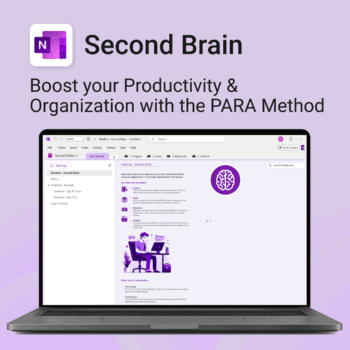
Master your life with OneNote + PARA — Projects, Areas, Resources & Archive in one trusted system.
- One system in OneNote: Capture, organise and execute tasks, notes and goals with the PARA method.
- Ready-to-use templates: Projects, Areas, Resources & Archive with trackers, planners and guides.
- Fast setup: One-click notebook + quick-start guide — get productive in minutes.
- Works where you work: OneNote on Windows, Mac & Web — great with Teams/SharePoint.
Perfect for individuals who live in Microsoft 365 and want clarity, control and focus.
Trusted by 10,000+ professionals worldwide to stay organised and deliver on time.
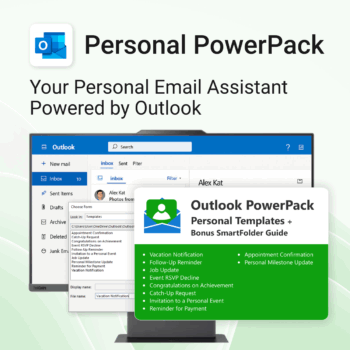
Take control of your inbox. Save time & stress less.
-
- Save time with ready-to-send templates
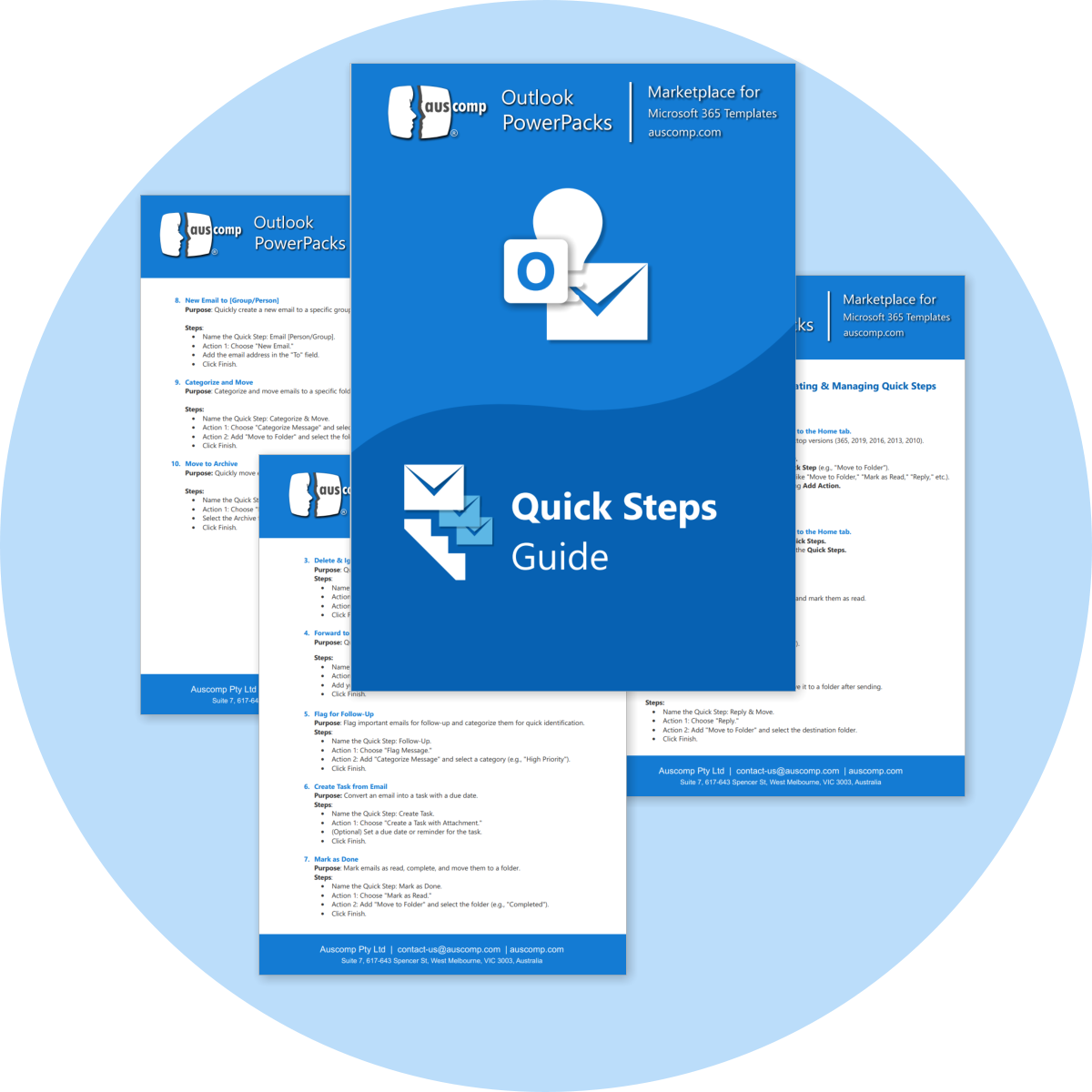
- Automate tasks using Quick Steps
- Stay organized with Smart Folders
- Consistent, polished communication
- Perfect for Outlook users at home or work
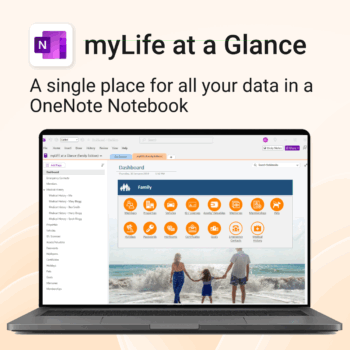
Take control of your family’s information. Stay prepared and organized.
-
- All-in-one family dashboard — know where everything is
- Be emergency ready — from medical history to contacts
- Perfect for travel, school, caregiving & estate planning
- Private & secure — powered by Microsoft OneNote
- No subscription needed — lifetime value
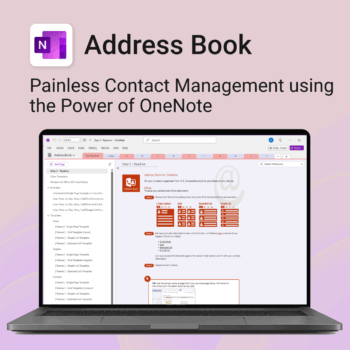
Be more organized. Keep every contact close at hand.
-
- Search contacts instantly — by name, email, phone or notes
- Color-coded layouts for faster scanning
- No new apps — use inside OneNote
- Sort and group with A-Z index tabs
- Flexible layouts that match your needs