
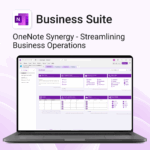
Business Suite for OneNote
$89.95
Run your business from OneNote — clients, projects, teams, HR, sales & documents in one organised workspace.
- One central hub: Plan work, manage people and store docs with ready-made templates.
- Built for Microsoft 365: Works great with Teams/SharePoint — no new logins or tools.
- Secure & searchable: Keep SOPs, HR and client files in OneNote for instant context.
- Fast setup: One-click notebook + quick-start guide — scale as your business grows.
Perfect for SMBs, agencies and remote teams who live in Microsoft 365.
Trusted by 1,000+ professionals worldwide to stay organized and deliver on time.
Business Suite for OneNote — All-in-One Solution for Teams & Operations
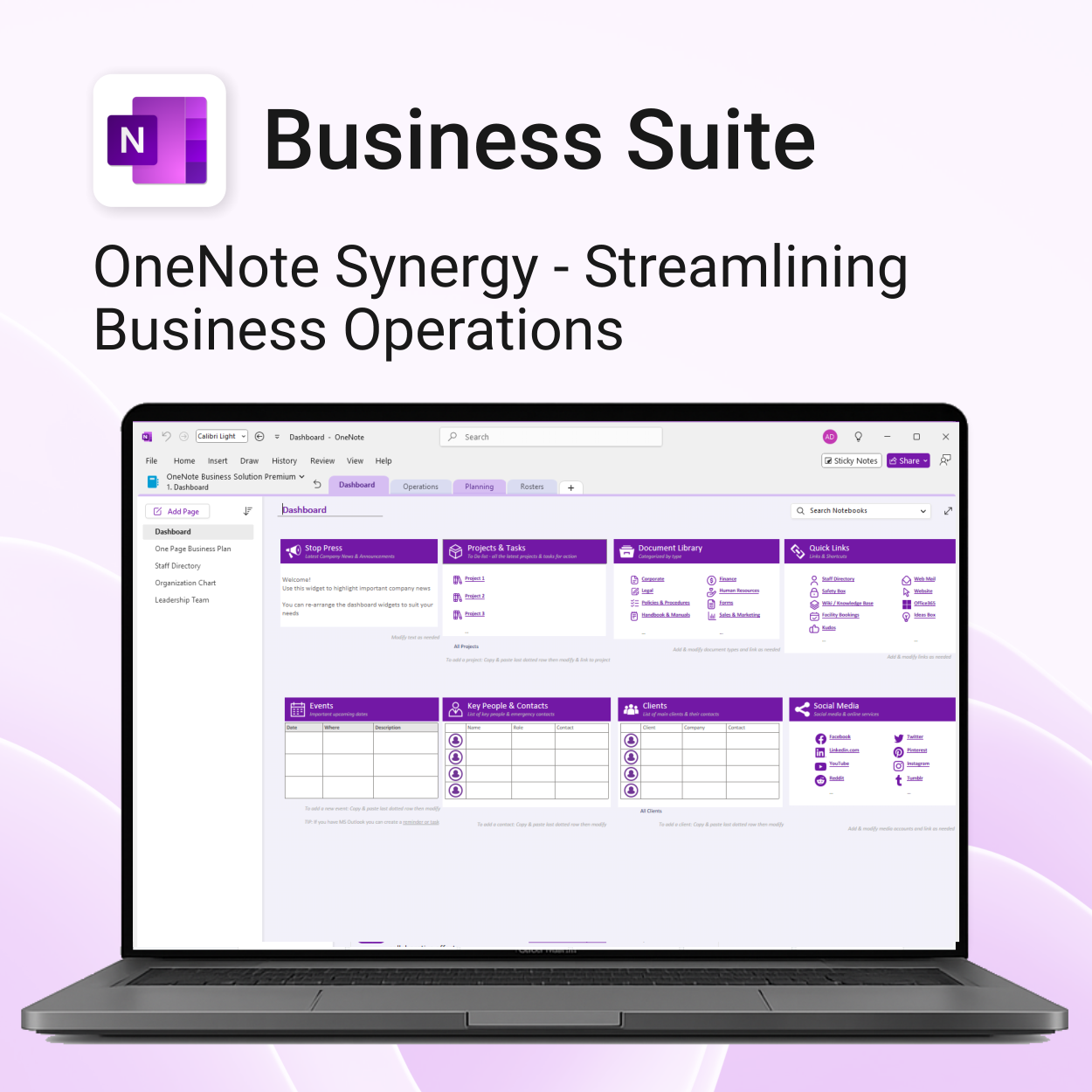
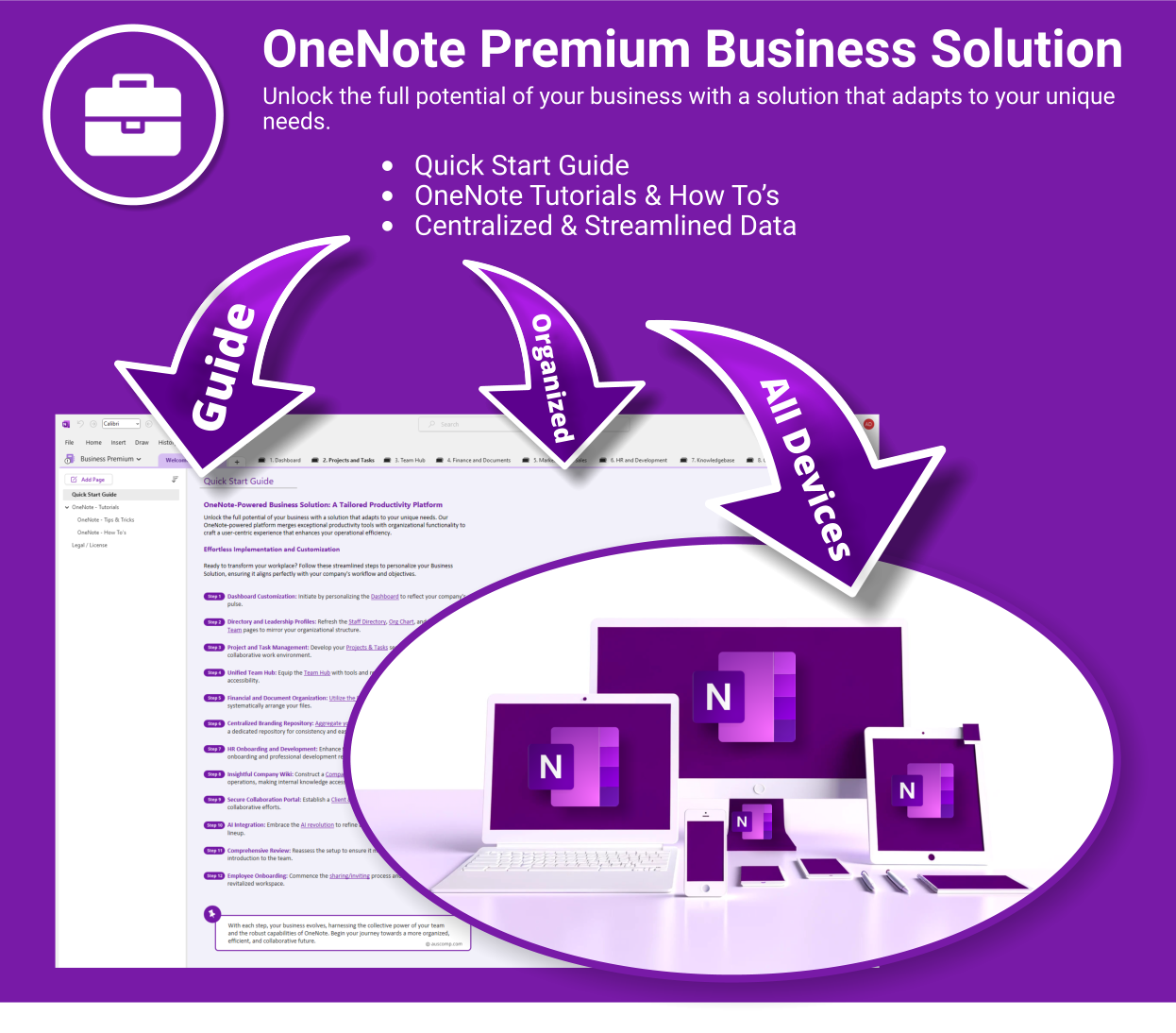
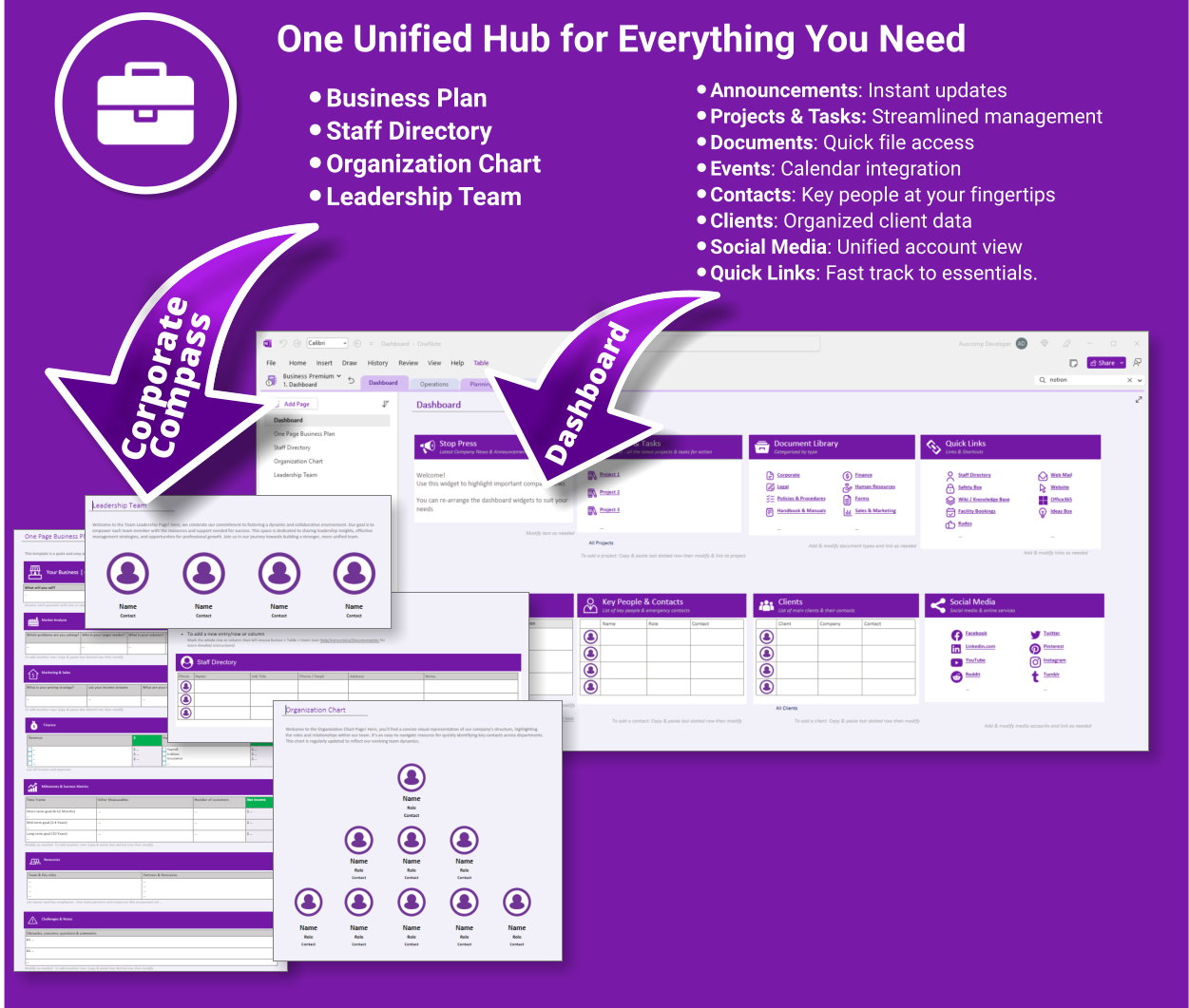
Transform how your business operates with a fully integrated OneNote-powered suite. Organise everything — clients, projects, teams, HR, sales, documents and more — in one centralised, secure workspace.
What’s included
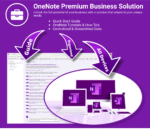
Business Suite for OneNote is easy to install and includes the following:
- Quick Start Guide — Step-by-step instructions to get you running fast
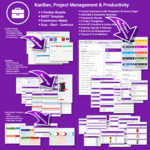
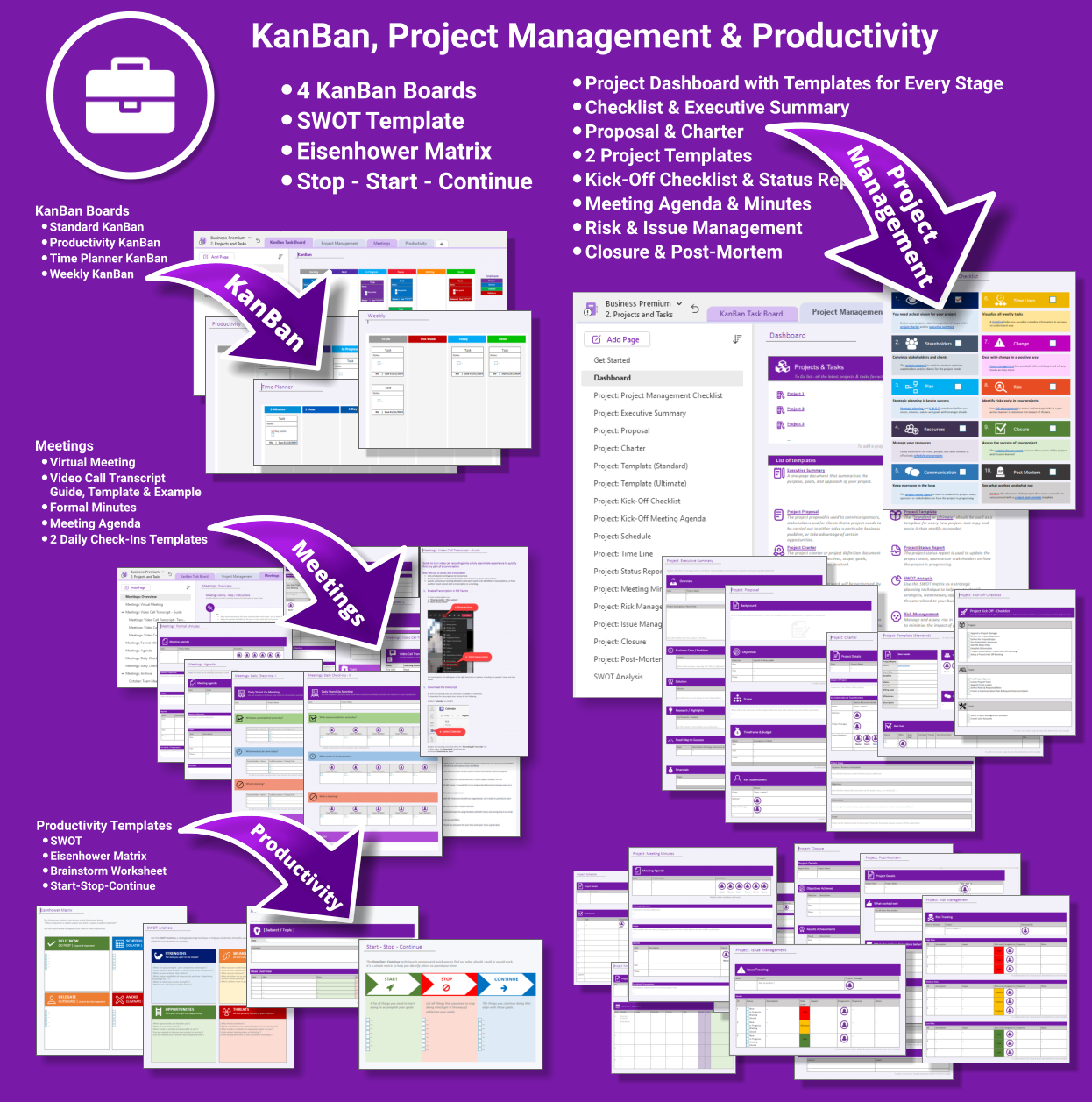
- Projects & Tasks — Comprehensive templates from kickoff to closure
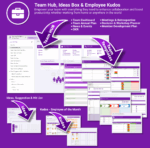
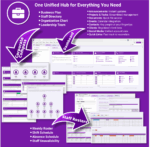
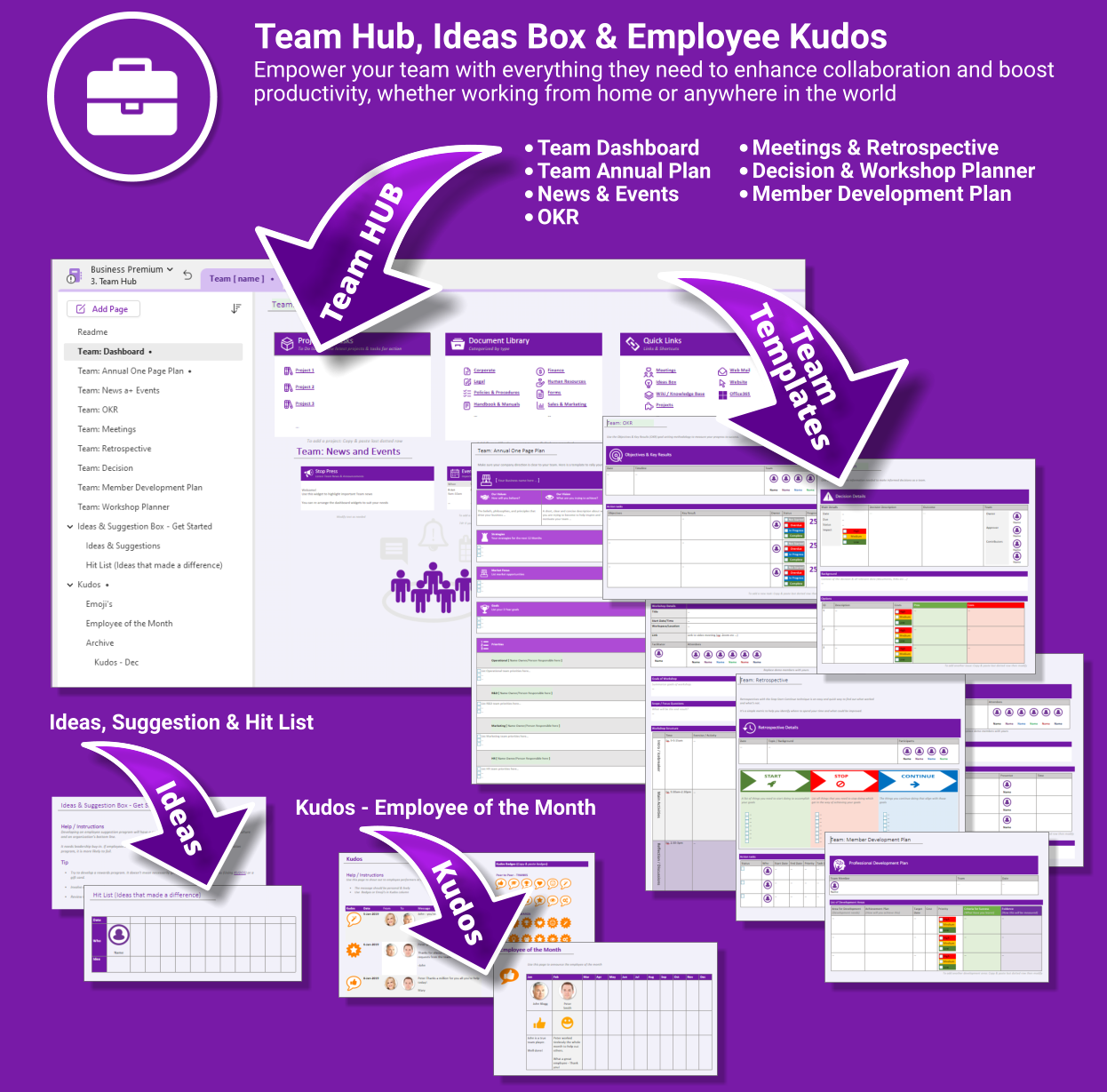
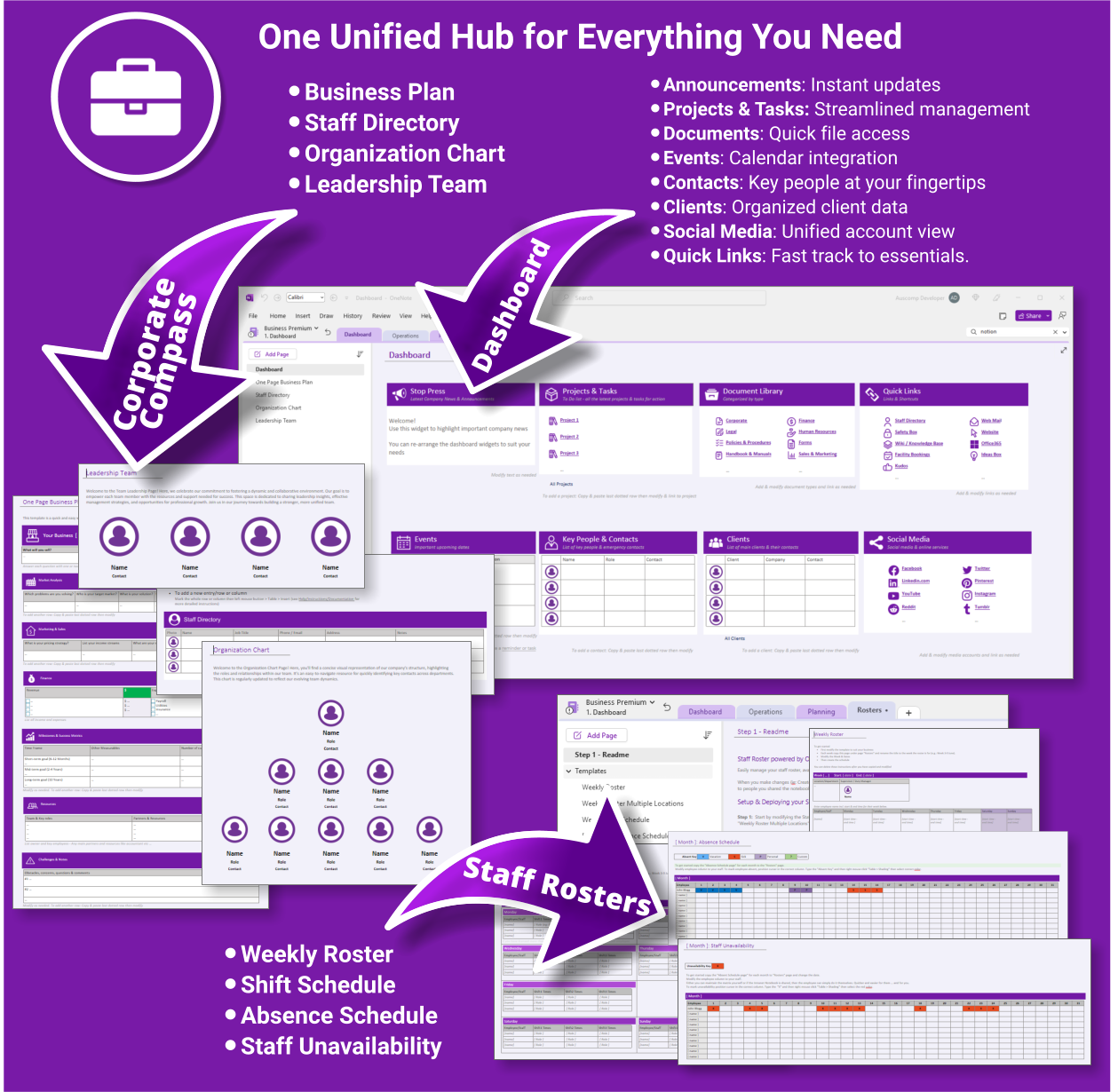
- Team Hub — Meetings, planning, OKRs and team kudos
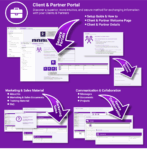
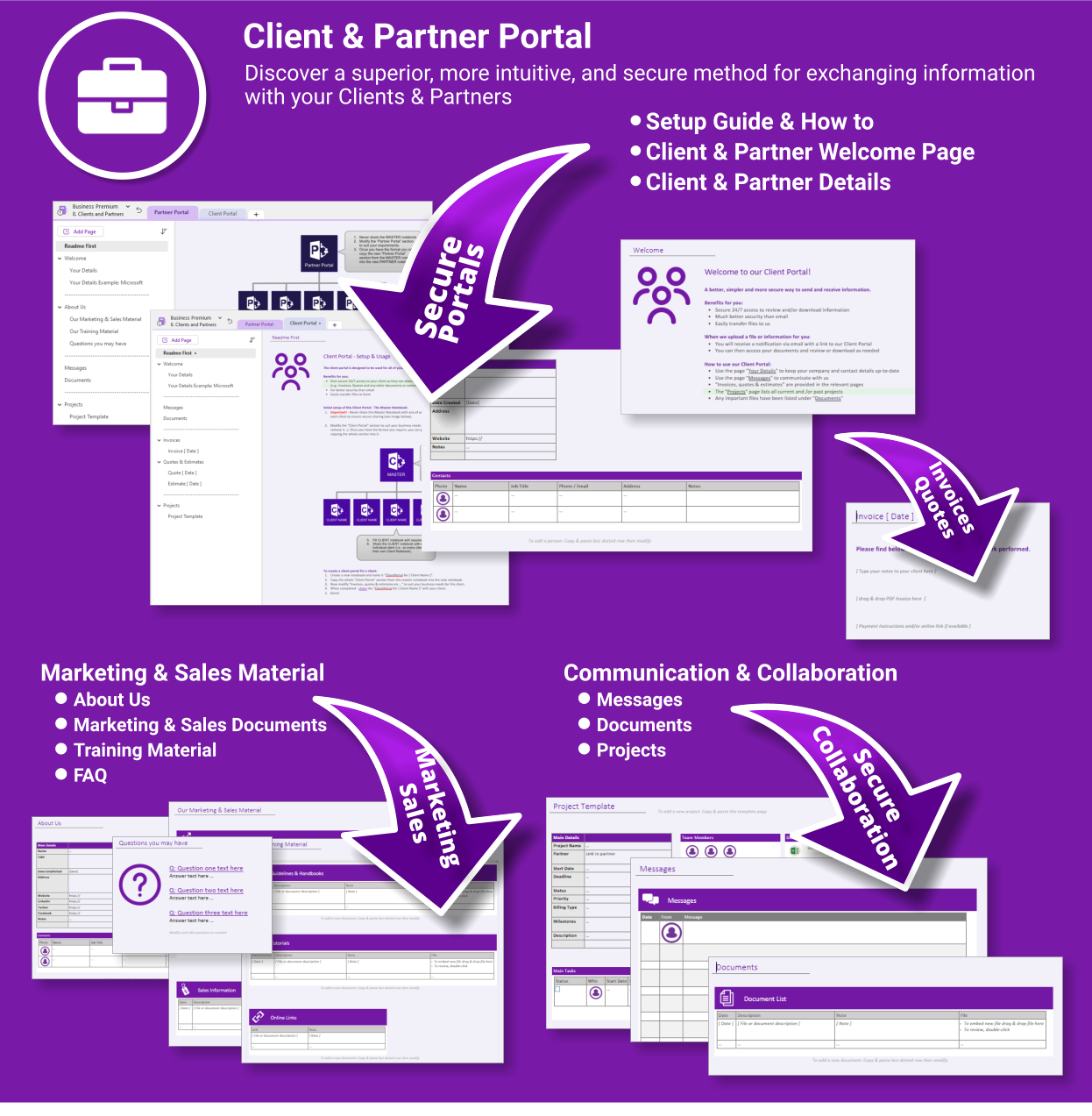
- Client & Partner Portal — Secure collaboration with clients and external partners
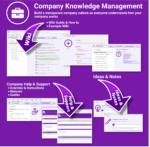
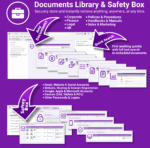
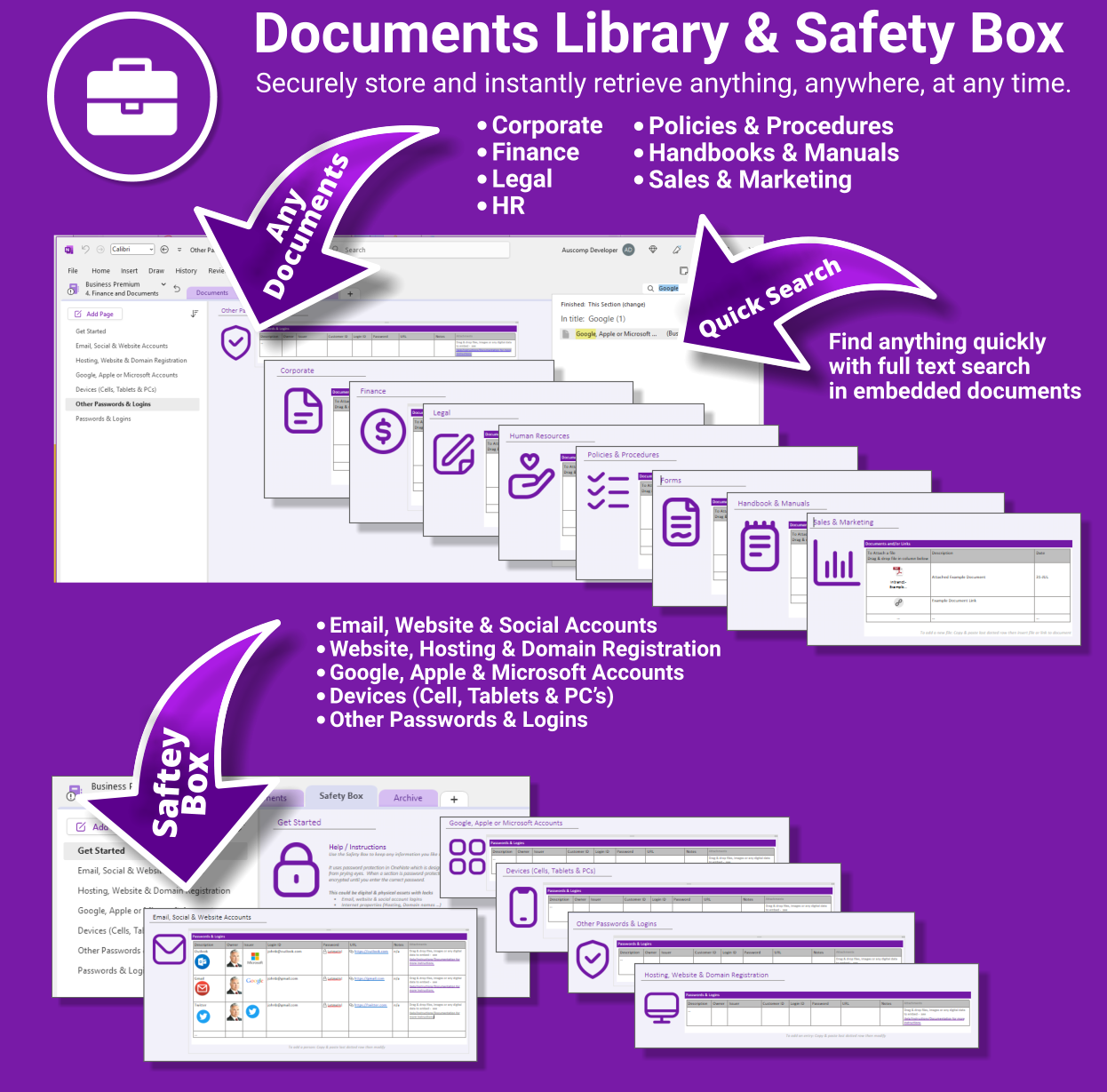
- Document Library & Safety Box — Store & search any file from within OneNote
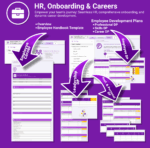
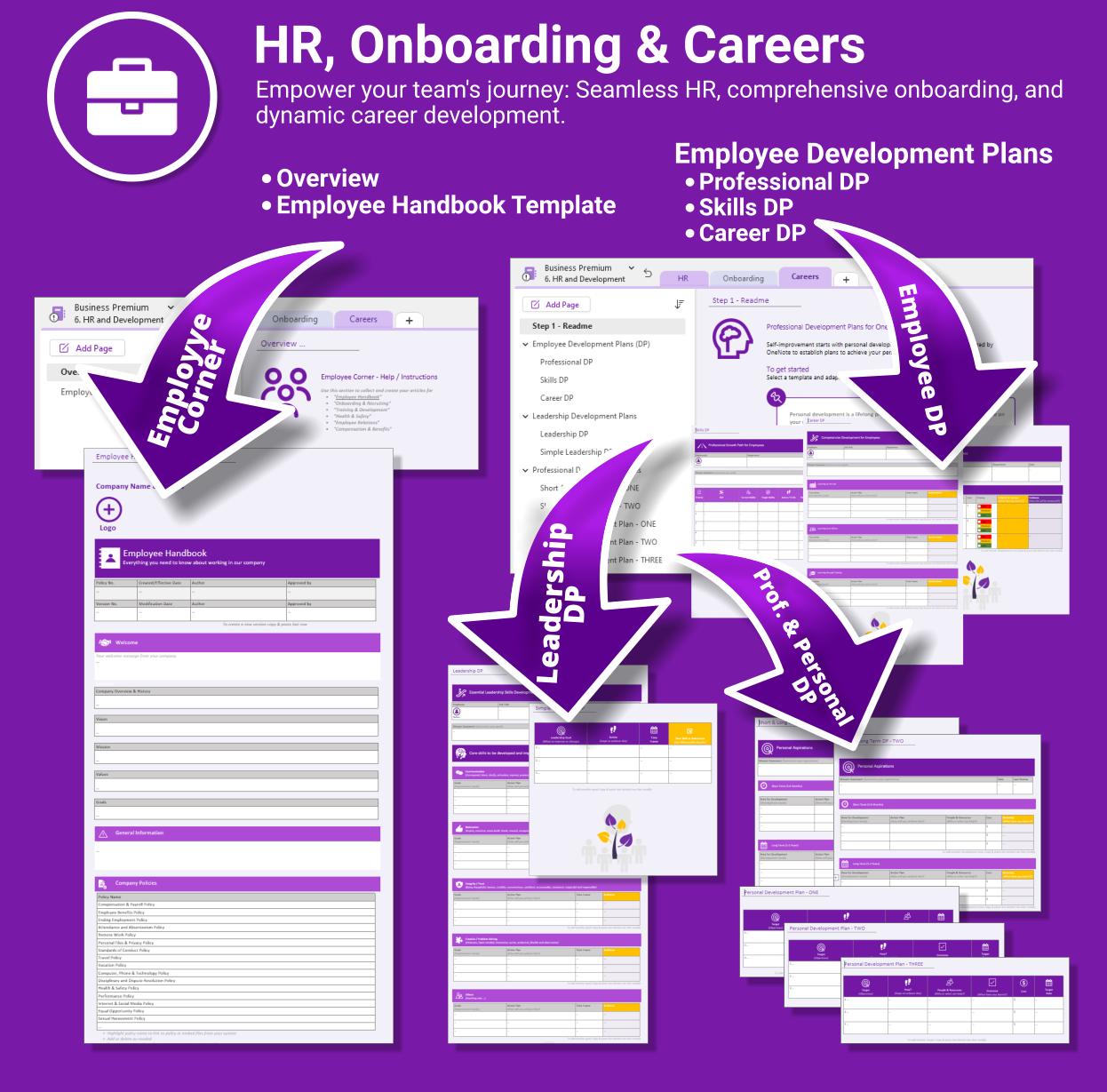
- HR & Onboarding — Streamlined onboarding, career planning & employee docs
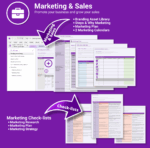
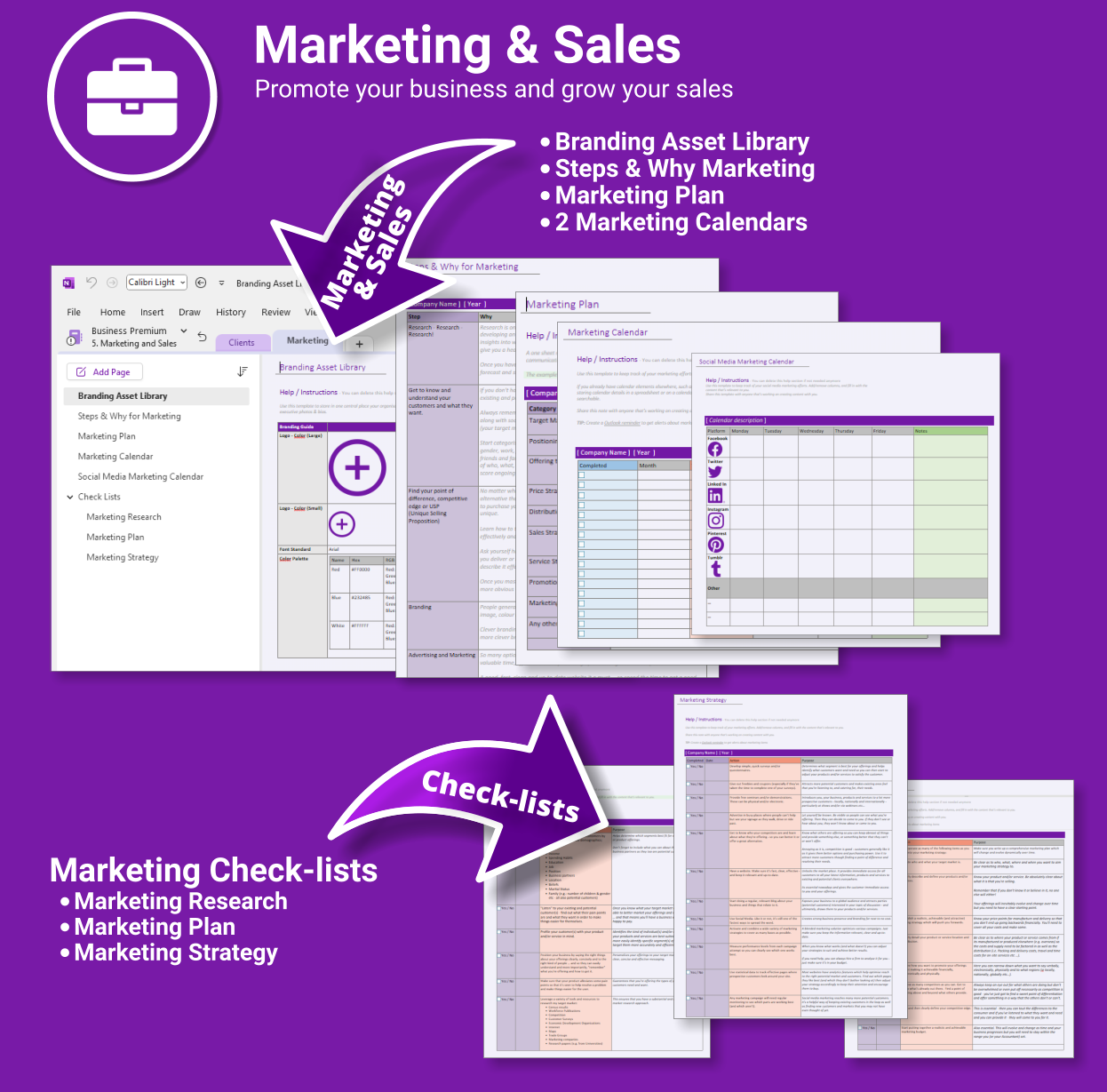
- Marketing & Sales Hub — Strategy, branding & campaign planning
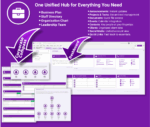
- Corporate Compass — Directory, org chart, business plan & leadership hub
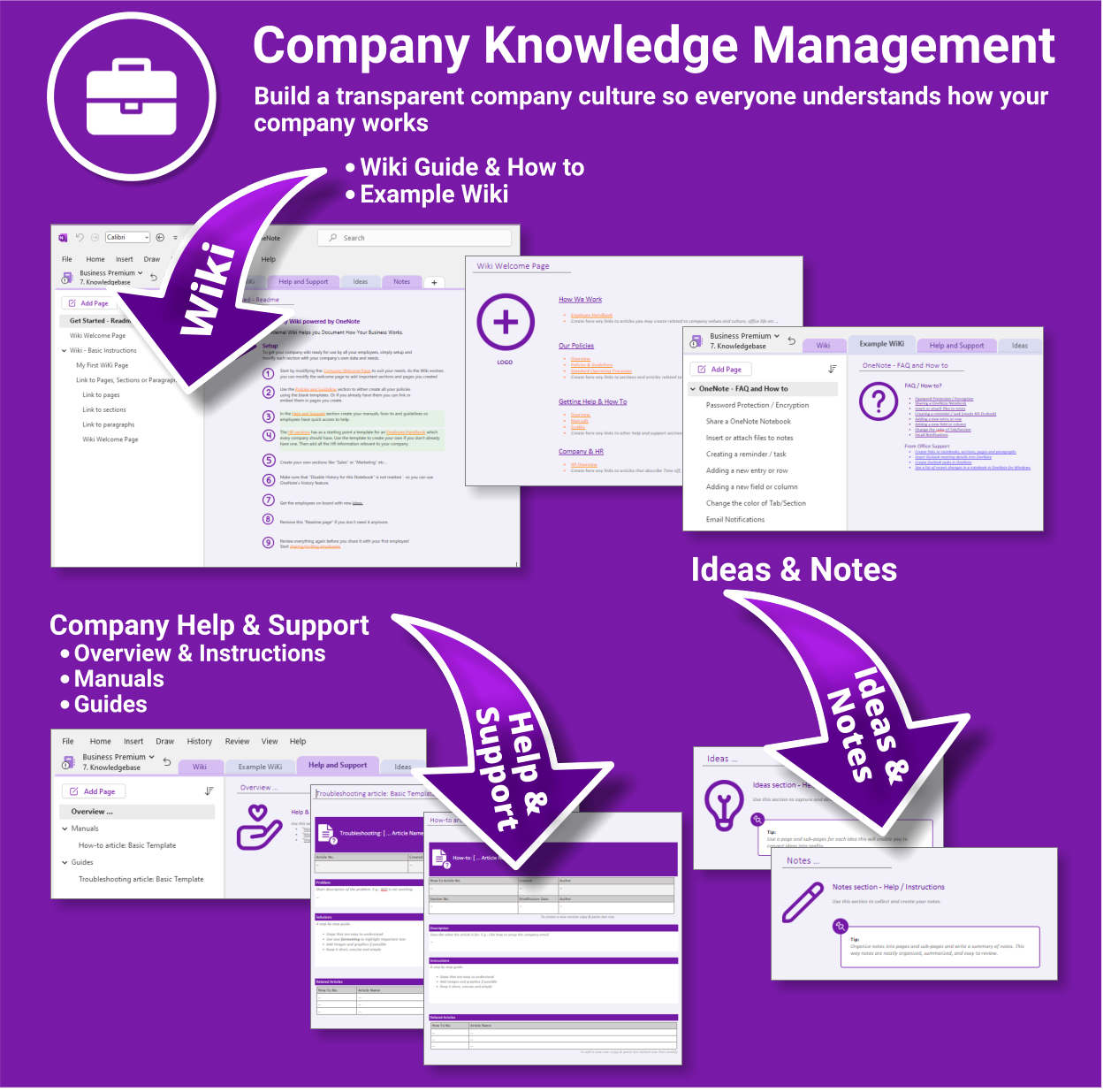
- Wiki & Knowledge Base — SOPs, FAQs and company know-how
What you get
- One-click OneNote notebook package (.zip/.onepkg)
- Quick-start guide
- Reusable for unlimited projects & departments
- Commercial use under Auscomp licence
Compatibility
- OneNote for Windows, Mac & Web
- Works great with Teams/SharePoint notebooks
- Microsoft 365 accounts and personal Microsoft accounts
What customers say
This suite brought order to our growing business. Everything’s in one place and my team knows exactly where to look.
The dashboard is genius. I can manage staff, projects, documents and even marketing plans all from OneNote now.
I’ve tried SharePoint and Confluence — this is simpler, fast to set up and actually gets used.
Great for remote teams. We run meetings and store all our SOPs and HR docs in one structure.
The Client Portal alone was worth the price — onboarding and project status without emails.
OneNote finally feels like the centre of our business. This is how it should’ve worked from the start.
I’m using the HR planner for onboarding and training — it’s saved hours each week.
We implemented this across 3 departments and collaboration improved overnight.
FAQs
How do we install it?
Download the package and follow the step-by-step guide on our installation page. You’ll be set up in minutes.
Is it suitable for remote or multi-team use?
Yes. Store the notebook in OneDrive, Teams or SharePoint for shared access. Create additional notebooks for departments as you scale.
Can we collaborate with clients securely?
Use the Client & Partner Portal sections and share only that notebook/section with external users. Keep internal hubs private.
Can we customise it?
Absolutely. Rename sections, add pages, and adapt templates (SOPs, HR, marketing, projects) to match your workflows.
| License Type | Professional (1 User), Team ( up to 5 Users), Team (up to 10 Users), Business (up to 25 Users) |
|---|
 ChatGPT
 OneNote
 FREE
FREE MS Project
 MS Forms
 MS Lists
 Outlook
 Excel
Excel Bonus
Bonus Copilot
 MS Teams
 Power BI
Related Products
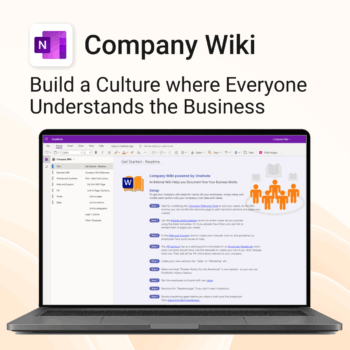
Bring clarity and consistency to your team’s internal documentation.
-
- One central place to manage company knowledge.
- No extra tools – works right inside Microsoft OneNote.
- Professional templates for SOPs, policies, manuals and more.
- Secure and private with Office 365 cloud integration.
- Fast onboarding, training, and ongoing updates made simple.
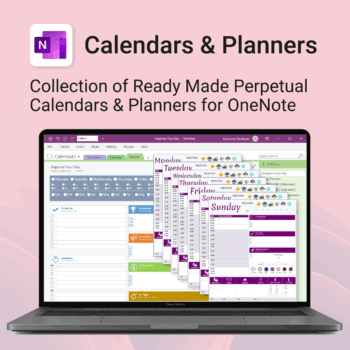
Stay organised all year — daily, weekly & monthly planners right inside OneNote.
- All in OneNote: Dated & undated calendars plus flexible daily/weekly planners.
- Ready to use: 13 calendars, 7 daily planners, 7 “One Day at a Time”, 4 weekly planners & more.
- Fast setup: One-click notebook + quick-start guide — start planning in minutes.
- No subscriptions: Yours forever. Works on Windows, Mac & Web (great with Teams/SharePoint).
Perfect for home, work and family life — anyone who loves OneNote and wants structure.
Used by thousands to plan days, weeks and months with less stress and more clarity.
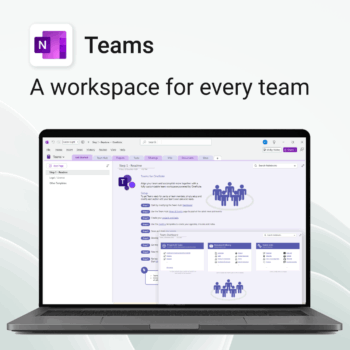
Empower collaboration. Simplify execution.
-
- Everything in one place — wiki, projects, docs & tasks
- Templates for every key workflow from meetings to retrospectives
- Fast onboarding with intuitive layouts
- Improves team visibility and alignment
- Secure, searchable & fully integrated with Microsoft 365
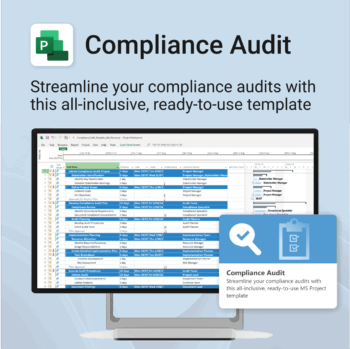
Make audit readiness part of your project workflow — not a last-minute scramble.
-
- Everything structured — from audit scope to implementation follow-up.
- Built for Microsoft Project — no steep learning curve.
- Ensures clear documentation and accountability across your audit team.
- Perfect for internal, external, and compliance-driven audits.
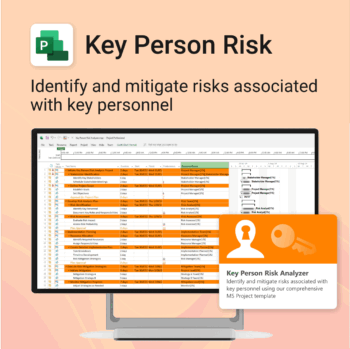
Ensure leadership continuity — plan for critical role coverage before it’s urgent.
-
- Pinpoints vulnerabilities linked to key personnel roles.
- Structured for real-world succession and risk planning.
- Works seamlessly with Microsoft Project — no tech overhead.
- Essential for HR, PMOs, and contingency planning teams.
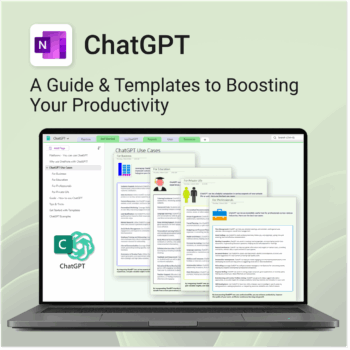
Be more productive. Save time & master AI.
-
- Master ChatGPT with structured use cases and tutorials.
- Get started faster using done-for-you templates and prompts.
- Track, log, and organize your ChatGPT ideas across projects.
- Save hours with reusable formats for every role and tone.
- Compatible with all devices — desktop, tablet & mobile.
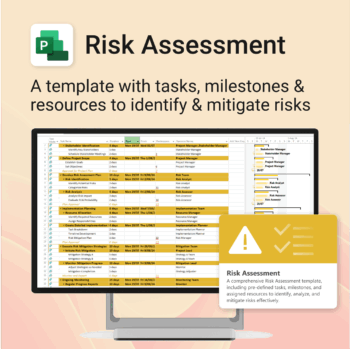
Master risk management — from early identification to confident mitigation.
-
- Eliminates guesswork — structured for real-world risk planning.
- Built to work perfectly in MS Project — no learning curve.
- Easy to update — keep your risk register live and relevant.
- Ideal for teams managing safety, compliance, or project uncertainty.
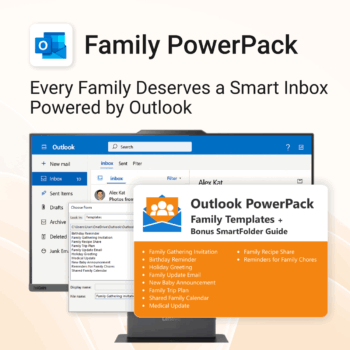
Make family communication easier than ever.
-
- Send thoughtful emails in seconds with pre-written templates.
- Never forget a birthday or family event again.
- Keep everyone in sync with shared calendars & updates.
- Instant download with step-by-step instructions included.
- 100% Outlook-compatible and easy to customize.
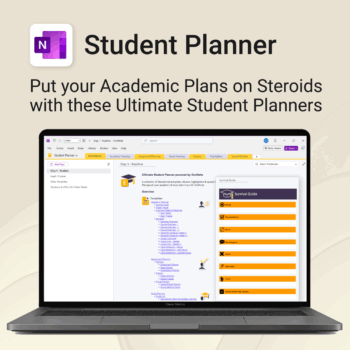
Stay ahead, reduce stress & plan smarter.
-
- Everything in one digital place — no paper clutter
- Boost focus and grades with structured planning
- Perfect for school, college, or university
- Adaptable for any subject or semester
- Instantly accessible across all your devices
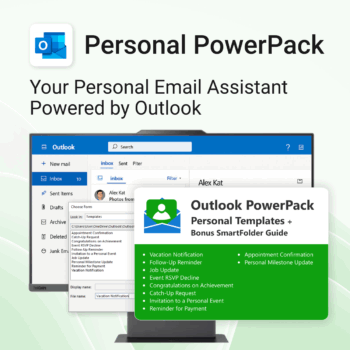
Take control of your inbox. Save time & stress less.
-
- Save time with ready-to-send templates
- Automate tasks using Quick Steps
- Stay organized with Smart Folders
- Consistent, polished communication
- Perfect for Outlook users at home or work
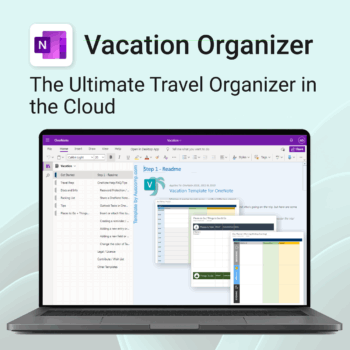
Make travel planning effortless. Stress less & enjoy more.
-
- All-in-one place to plan, pack, and prepare
- Customizable for solo, family, or group travel
- Use on any device with OneNote
- Keep documents, notes & itineraries together
- Get organized early and travel with confidence
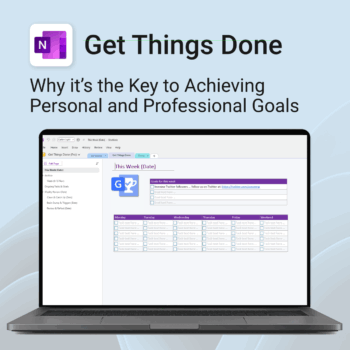


Get Things Done — right inside OneNote. Capture, organise and review with a clear weekly rhythm.
- GTD in OneNote: Inboxes, Projects, Next Actions, and a Weekly Review that sticks.
- Structured yet flexible: Brain dump & triggers, project pages, and “This Week” focus.
- Fast setup: One-click notebook + quick-start guide — be productive in minutes.
- Works where you work: OneNote on Windows, Mac & Web — great with Teams/SharePoint.
Perfect for personal and professional life — students, freelancers, and busy teams in Microsoft 365.
Join thousands of OneNote users who’ve built consistent weekly planning habits with GTD.