
Risk Assessment for MS Project
$49.95
Master risk management — from early identification to confident mitigation.
-
- Eliminates guesswork — structured for real-world risk planning.
- Built to work perfectly in MS Project — no learning curve.
- Easy to update — keep your risk register live and relevant.
- Ideal for teams managing safety, compliance, or project uncertainty.
Identify, analyze, and mitigate risks with structure and clarity
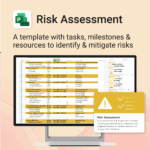
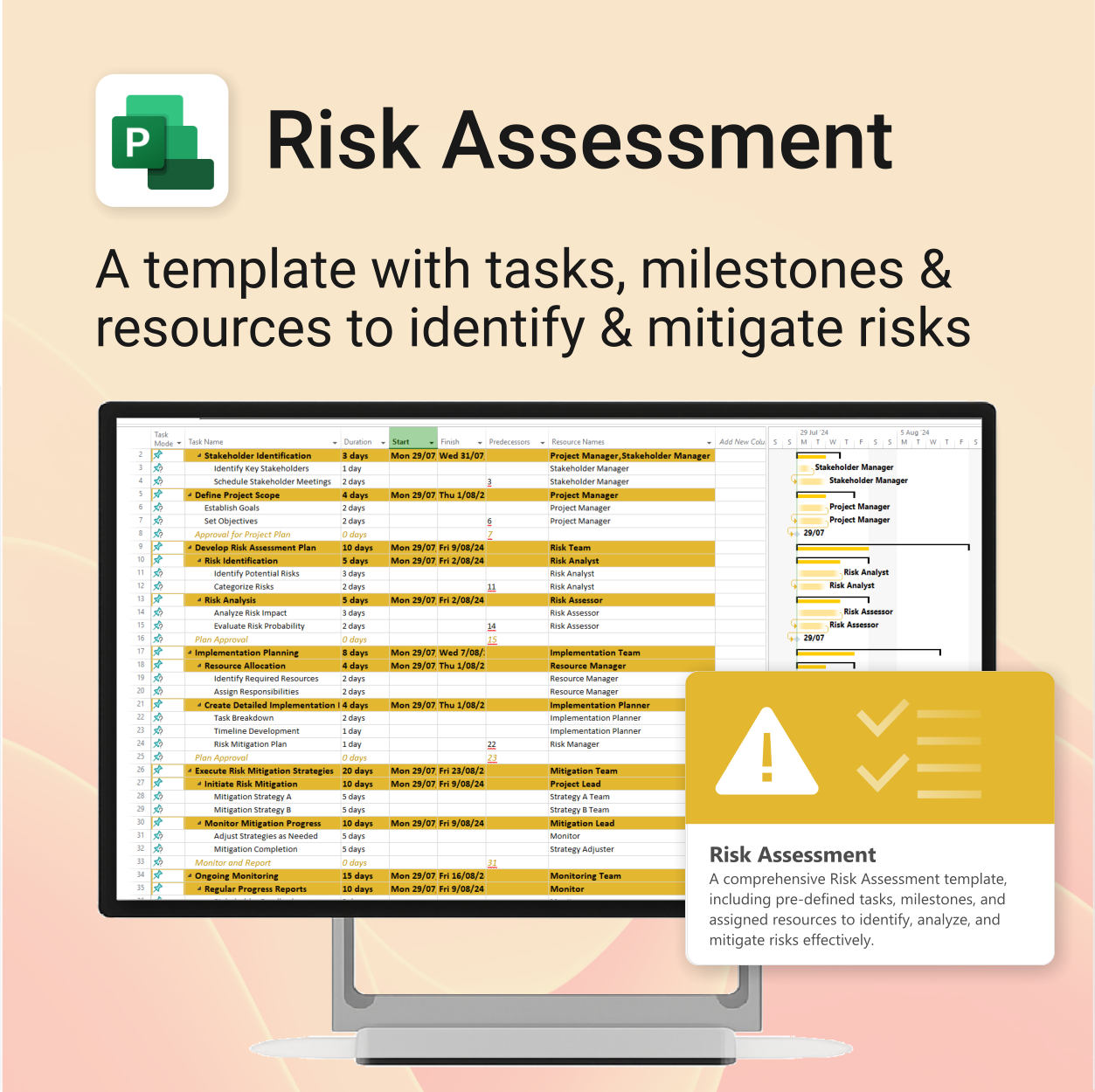
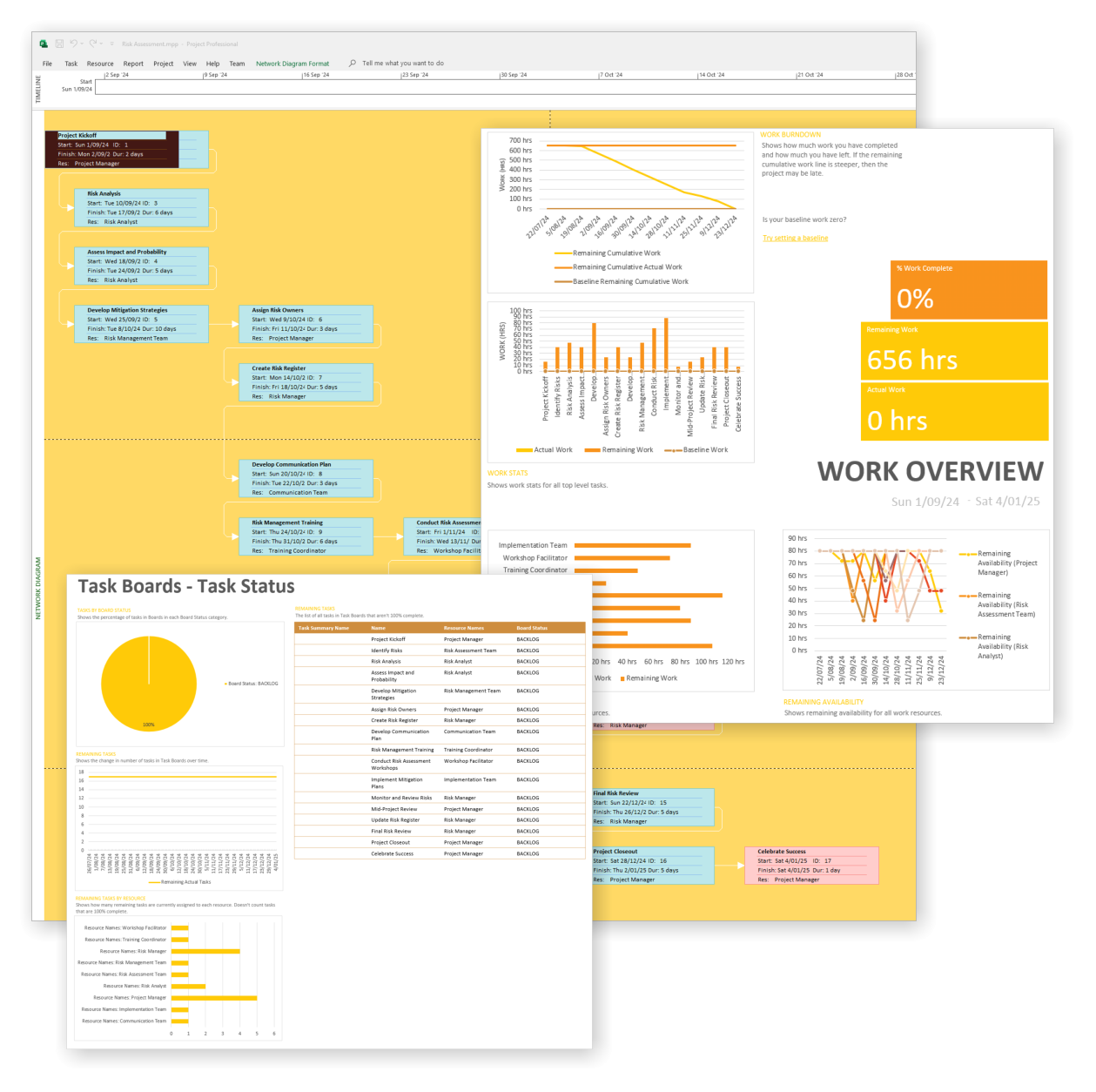
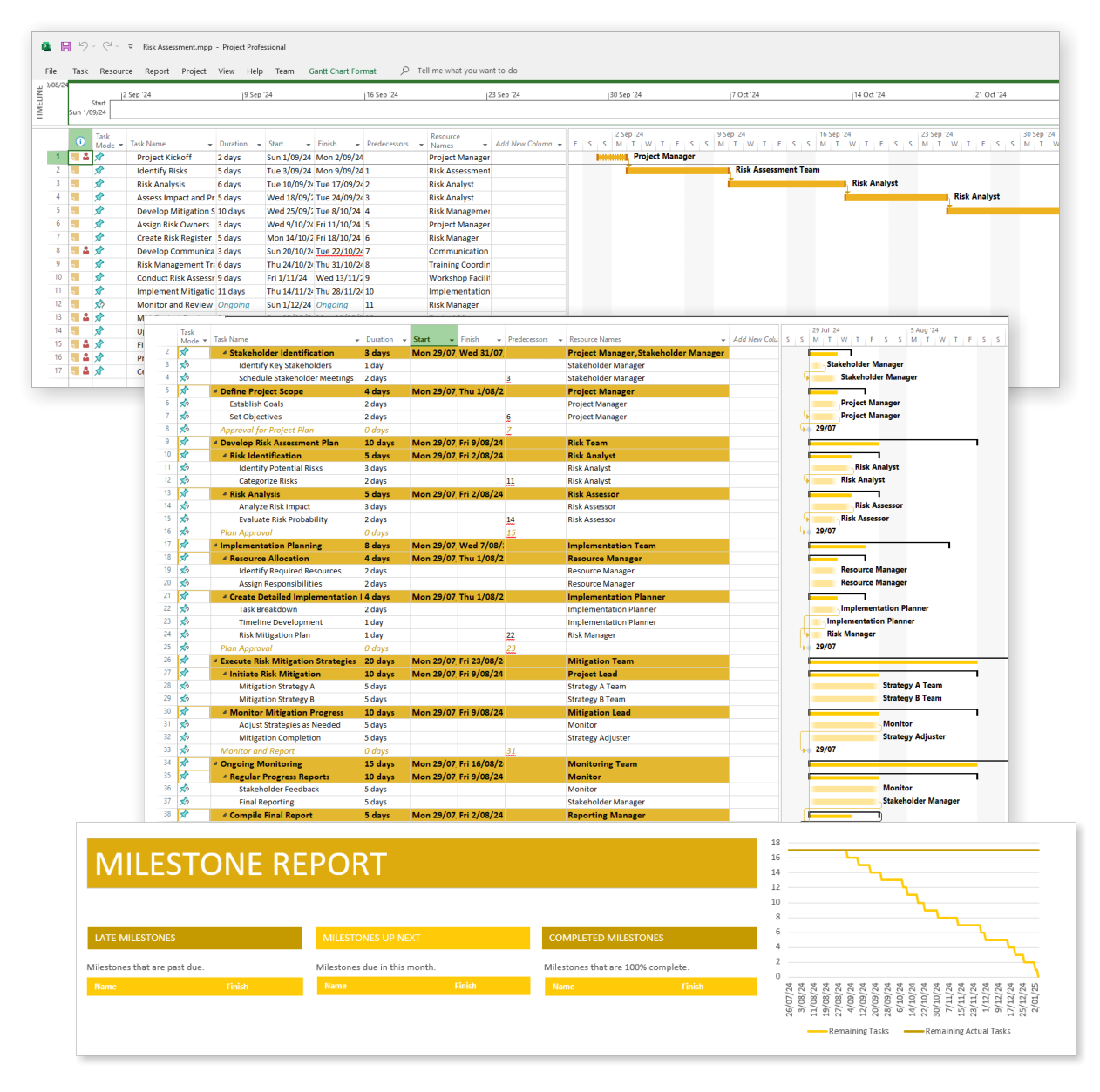
Risk Assessment for MS Project is a comprehensive template designed to help teams assess, document, and reduce project risks using structured processes, predefined tasks, and milestone tracking.
Easy to import and includes the following:
Our MS Project templates can be imported into the following versions:
- Microsoft Project 2010
- Microsoft Project 2013
- Microsoft Project 2016
- Microsoft Project 2019
- Microsoft Project 2021
- Microsoft Project for Microsoft 365
 MS Project
 MS Forms
 MS Lists
 Outlook
 Excel
Excel Copilot
 MS Teams
 Power BI
Related Products
Renovate with confidence — built for project managers, homeowners, and builders alike.
-
- Manage budgets, teams, tasks, and timelines all in MS Project.
- Built-in flow from design to demolition to final inspection.
- Perfect for homeowners, contractors, and renovation planners.
- Customizable for any property type or scope.
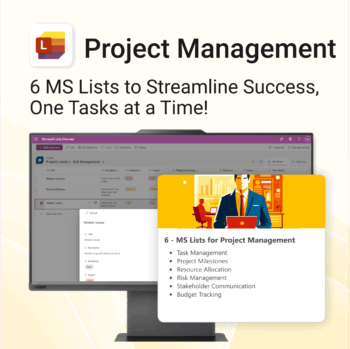
Work Smarter. Lead Better. Finish Projects Faster.
-
- Track milestones, risks, and tasks with pre-built MS Lists
- Centralized structure—everything in one spot, no extra tools
- Professionally formatted and ready to deploy instantly
- Collaborate seamlessly in Microsoft Teams and Planner
- Perfect for project managers, consultants, and team leads
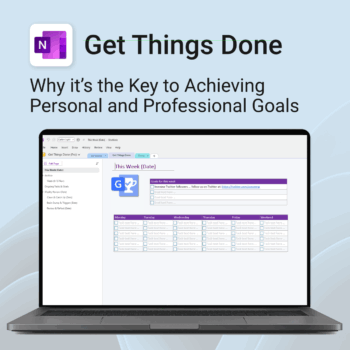
Get Things Done — right inside OneNote. Capture, organise and review with a clear weekly rhythm.
- GTD in OneNote: Inboxes, Projects, Next Actions, and a Weekly Review that sticks.
- Structured yet flexible: Brain dump & triggers, project pages, and “This Week” focus.
- Fast setup: One-click notebook + quick-start guide — be productive in minutes.
- Works where you work: OneNote on Windows, Mac & Web — great with Teams/SharePoint.
Perfect for personal and professional life — students, freelancers, and busy teams in Microsoft 365.
Join thousands of OneNote users who’ve built consistent weekly planning habits with GTD.

Track and optimize the full customer journey with AI-powered insight.
-
- No technical skills needed — 100% Power BI + Copilot ready
- All KPIs, visuals and logic pre-built with customisation options
- Built-in forecasting, key influencers and anomaly detection
- Includes setup, DAX formulas, publishing & access security
- Designed for business, marketing and support teams
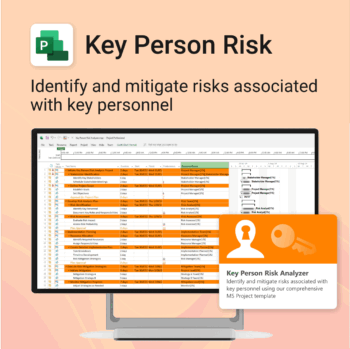
Ensure leadership continuity — plan for critical role coverage before it’s urgent.
-
- Pinpoints vulnerabilities linked to key personnel roles.
- Structured for real-world succession and risk planning.
- Works seamlessly with Microsoft Project — no tech overhead.
- Essential for HR, PMOs, and contingency planning teams.
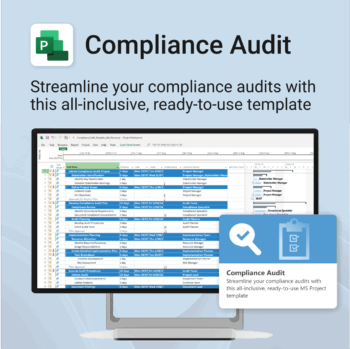
Make audit readiness part of your project workflow — not a last-minute scramble.
-
- Everything structured — from audit scope to implementation follow-up.
- Built for Microsoft Project — no steep learning curve.
- Ensures clear documentation and accountability across your audit team.
- Perfect for internal, external, and compliance-driven audits.
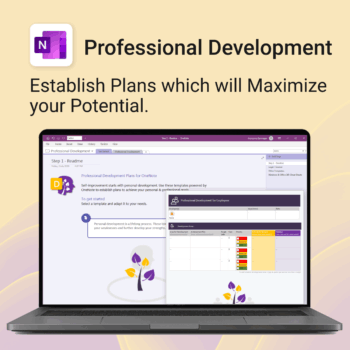
Grow with confidence. Track your progress. Achieve your goals.
- Start fast with guided templates and expert structure
- Track skills, goals, and leadership development in one place
- Adaptable for individuals, teams, or HR managers
- Simple enough for beginners, powerful enough for pros
- Always accessible inside OneNote on any device
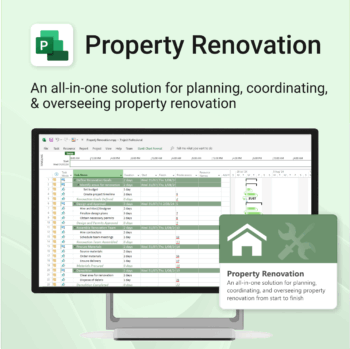
Renovate with confidence — built for project managers, homeowners, and builders alike.
-
- Manage budgets, teams, tasks, and timelines all in MS Project.
- Built-in flow from design to demolition to final inspection.
- Perfect for homeowners, contractors, and renovation planners.
- Customizable for any property type or scope.
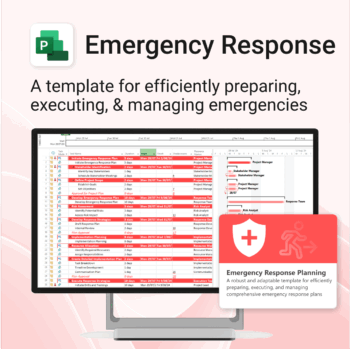
Be prepared when it matters most — structure your emergency response with confidence.
-
- Designed for real-world crisis response — not just planning theory.
- Built for MS Project — with zero setup hassle.
- Everything from scenarios to drills included in one place.
- Clear roles, resources, and timelines for stress-free execution.
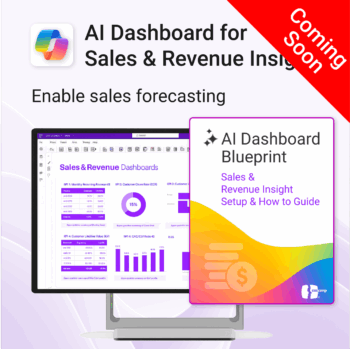
Drive predictable revenue with clear visibility into sales performance.
-
- Built for sales ops, revenue leads, and growth teams.
- AI-ready metrics for forecasting and deal analysis.
- Track trends in churn, CAC, MRR, and CLTV.
- Plug into Power BI Desktop – no dev work needed.
- Refine performance by pipeline stage, region, or rep.
Out of stock
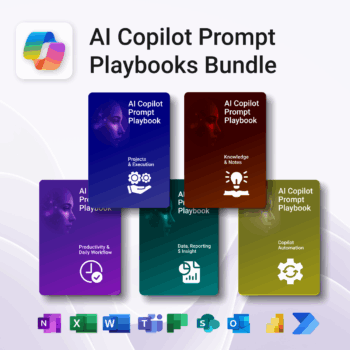
Turn Microsoft 365 into your AI co-pilot — with 150+ ready-to-use prompts across 5 expert playbooks.
- Built for Copilot: Works inside Word, Excel, PowerPoint, Outlook, Teams & OneNote.
- Do real work faster: reporting & insights, documentation, automation, projects, and daily workflow.
- Field-tested frameworks: structured prompts that deliver consistent, high-quality results.
- Copy, paste & adapt: start producing better output in minutes — no guesswork.
- Bundle value: all 5 playbooks for one price — you save 30%.
Trusted by professionals and teams using Microsoft 365 to plan, analyze, automate, and communicate with clarity.
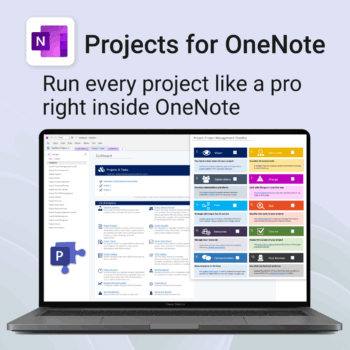
Run every project like a pro — right inside OneNote.
- Plan, track & deliver: A complete project notebook for Microsoft 365.
- Ready-made pages: Overview, Scope, Tasks, Timeline, Meetings, Risks & Assets.
- Works where you work: OneNote on Windows, Mac & Web — perfect with Teams or SharePoint.
- Instant setup: One-click notebook + quick-start guide included.
Perfect for solo operators and teams who live in Microsoft 365.
Trusted by 10,000+ professionals worldwide to stay organised and deliver on time.