

Projects Management Solution

$49.95
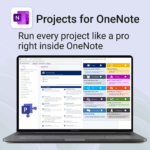
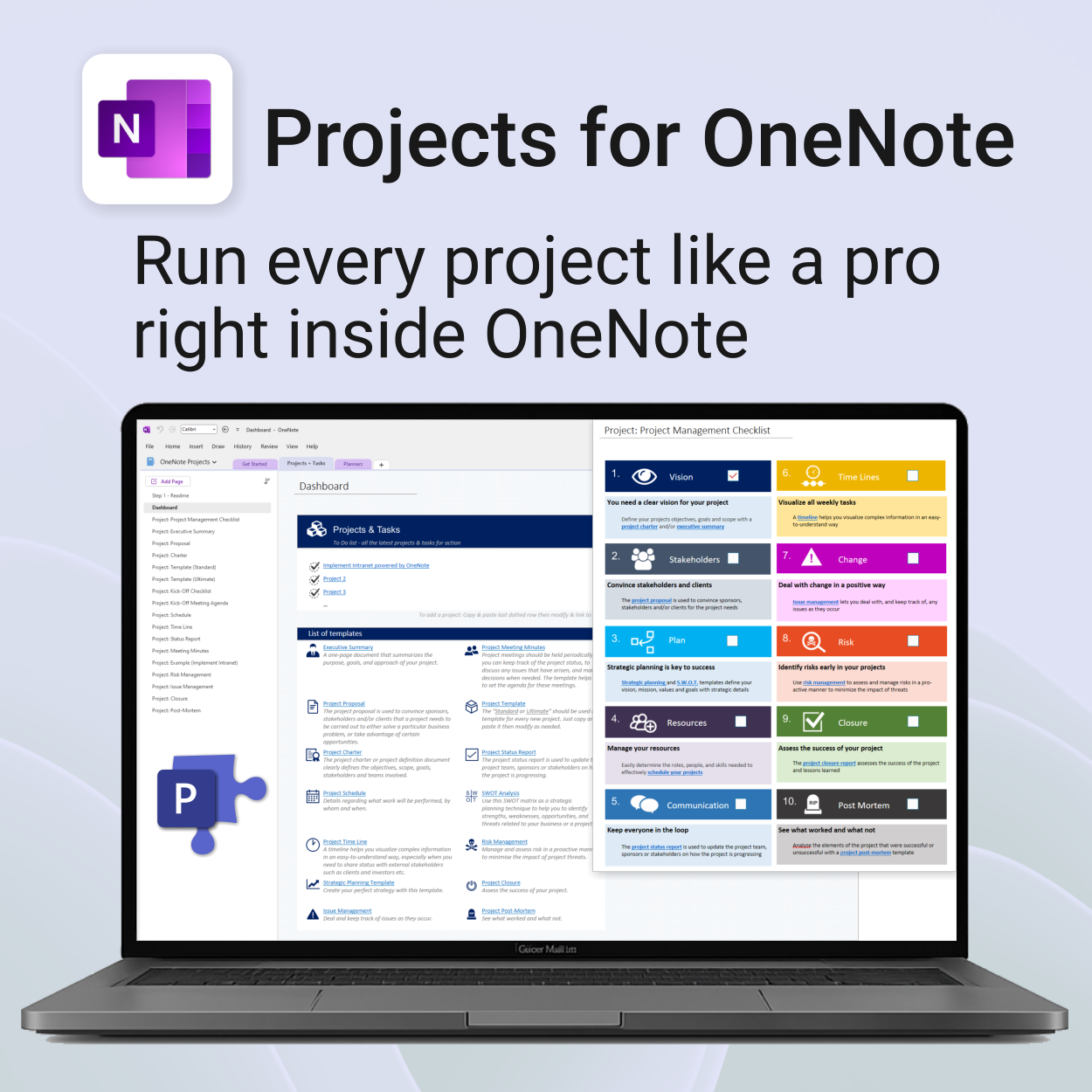
Run every project like a pro — right inside OneNote.
- Plan, track & deliver: A complete project notebook for Microsoft 365.
- Ready-made pages: Overview, Scope, Tasks, Timeline, Meetings, Risks & Assets.
- Works where you work: OneNote on Windows, Mac & Web — perfect with Teams or SharePoint.
- Instant setup: One-click notebook + quick-start guide included.
Perfect for solo operators and teams who live in Microsoft 365.
Trusted by 10,000+ professionals worldwide to stay organised and deliver on time.
Projects for OneNote — Complete Project Management System
Manage your entire project lifecycle from kickoff to closure with our all-in-one OneNote Projects Template. Built for clarity, collaboration, and control.
What’s included
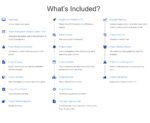
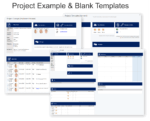
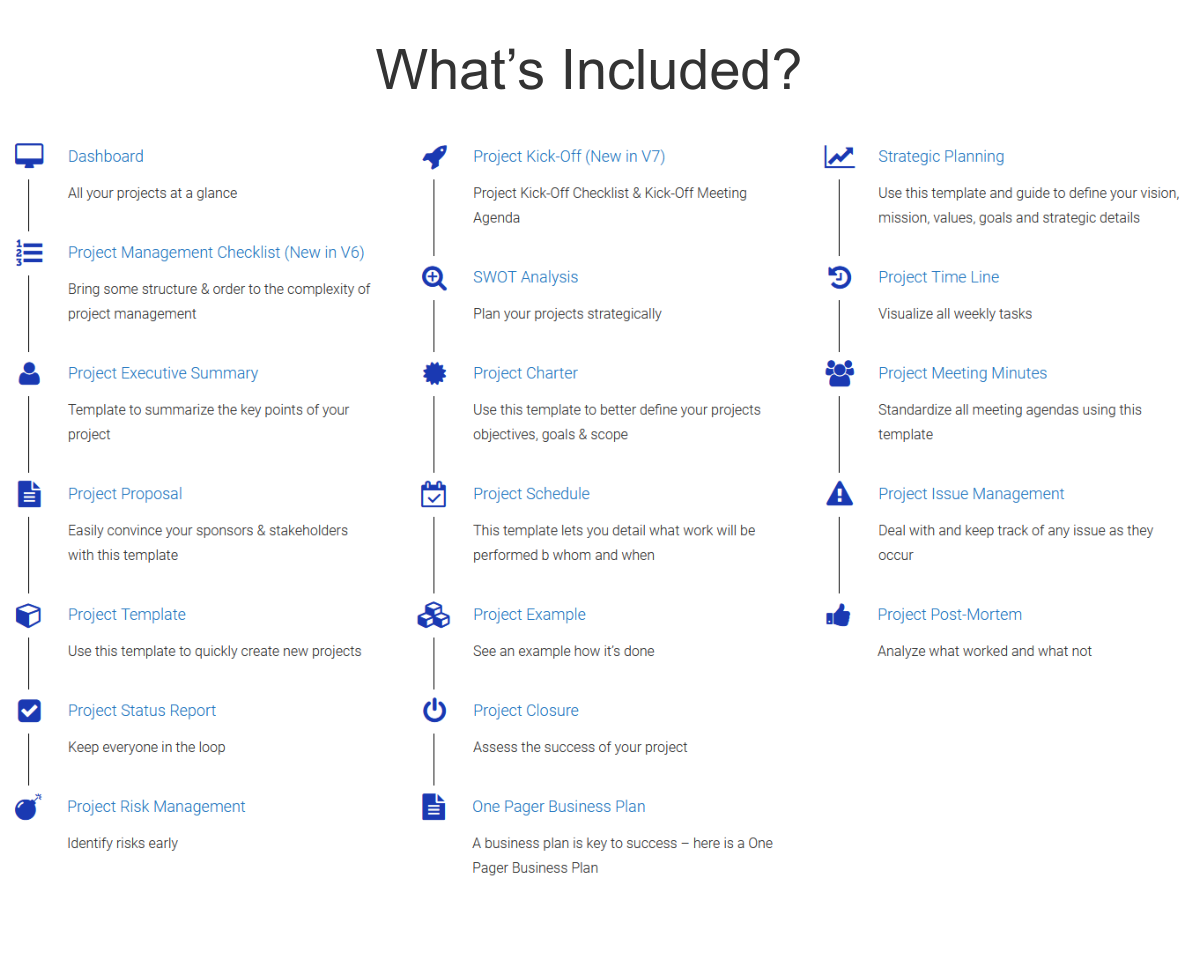
Projects for OneNote is quick to install and includes the following:
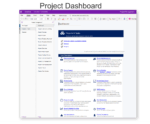
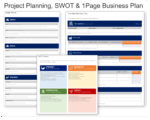
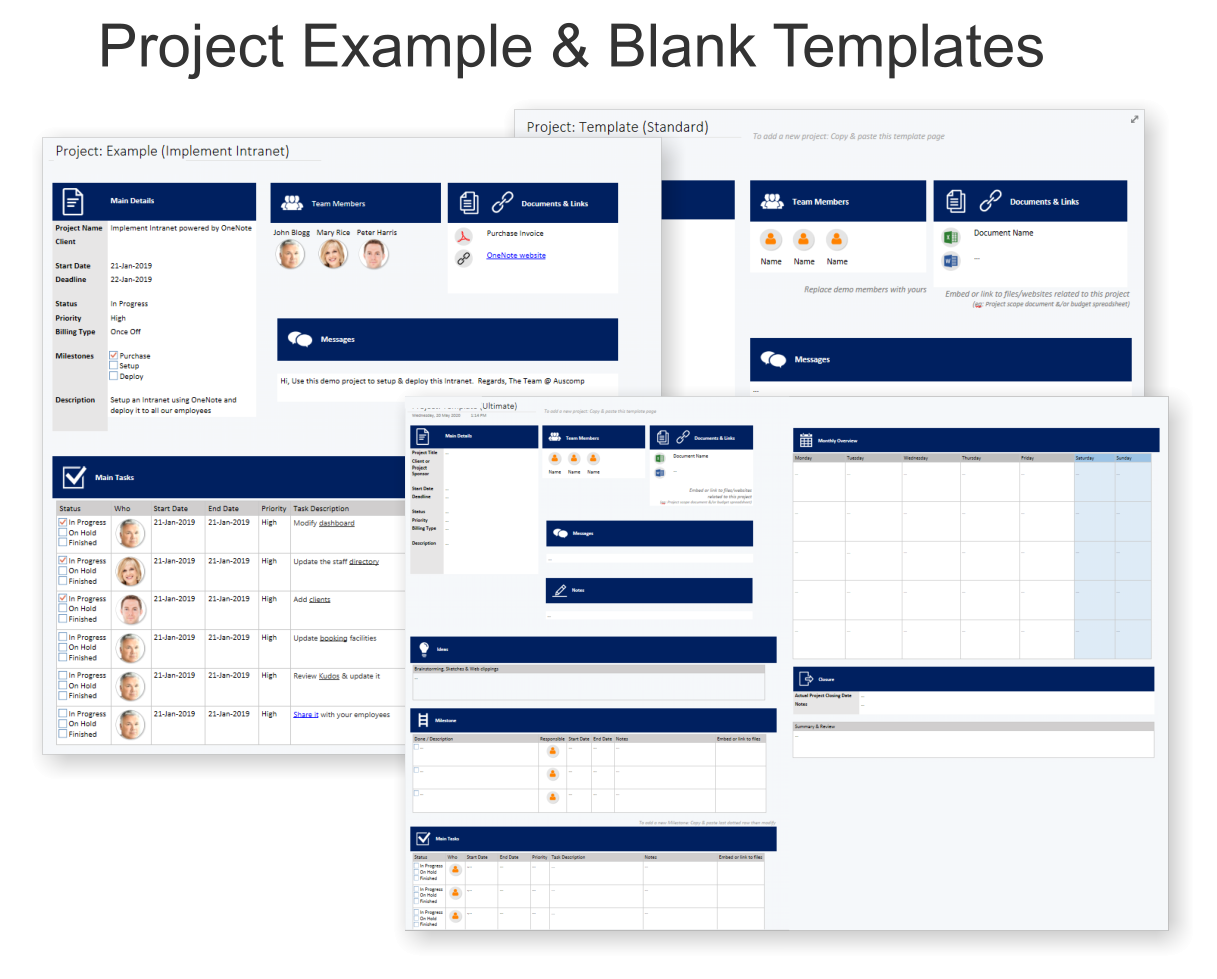
- Dashboard — Overview of all your projects and quick access to templates
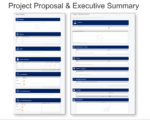
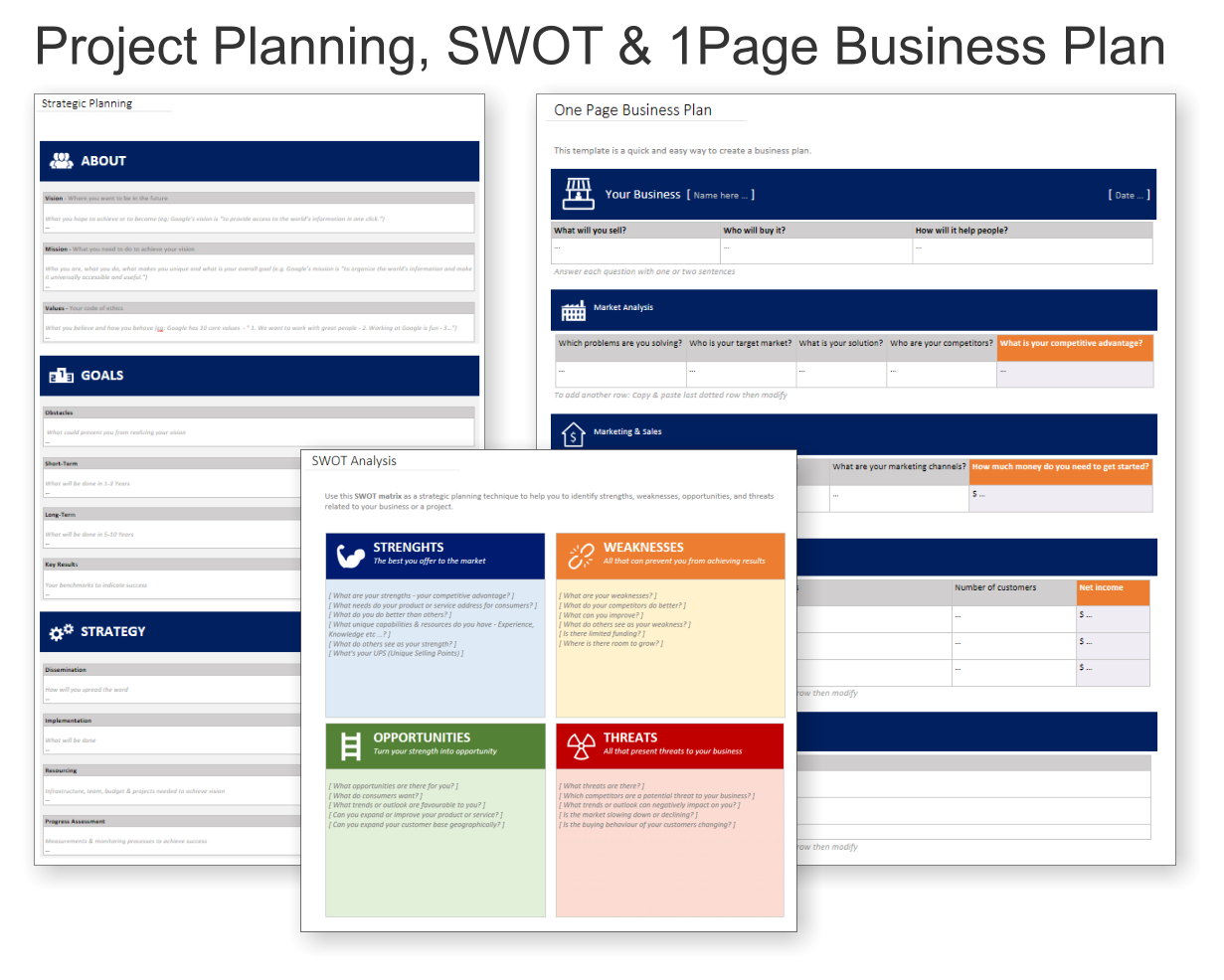
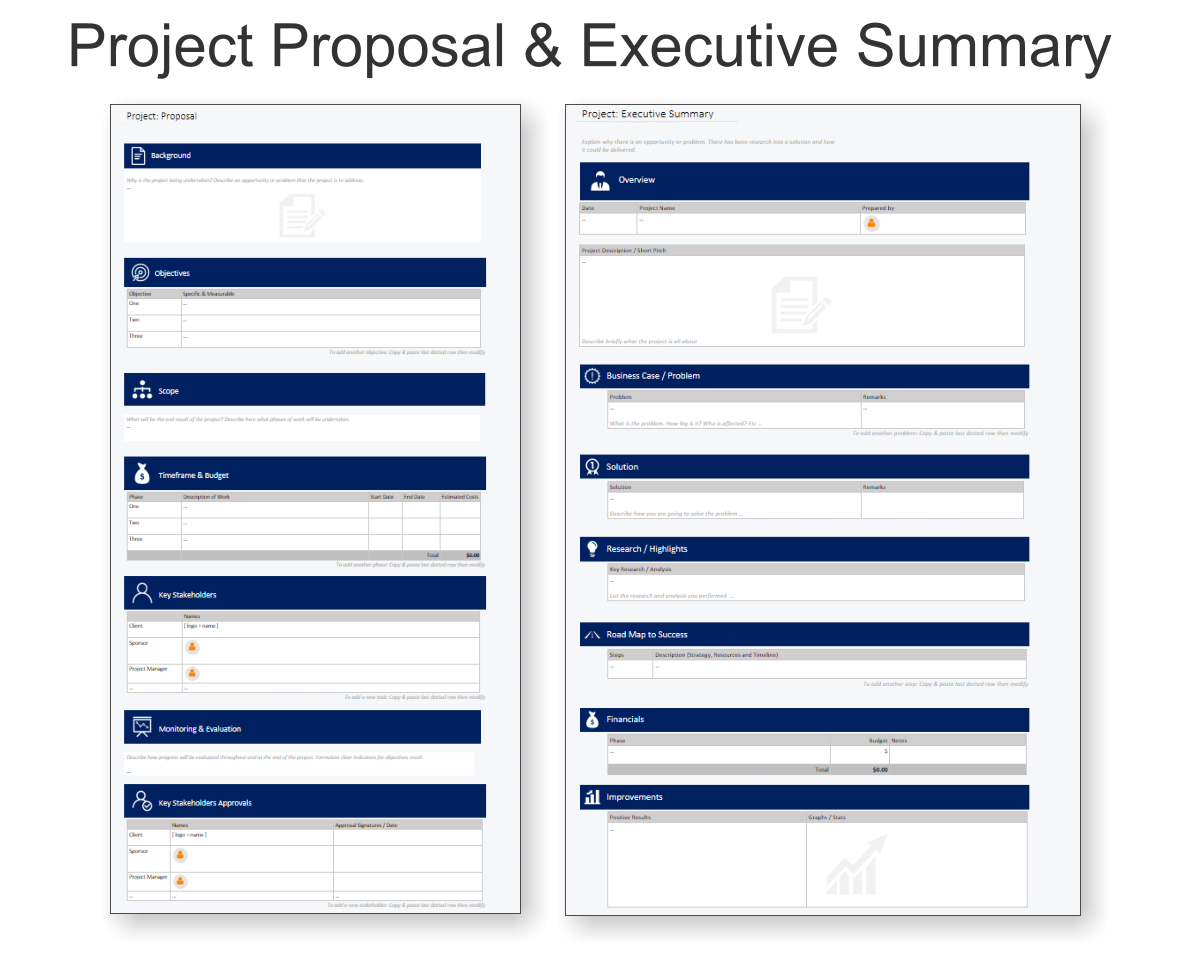
- Project Proposal & Executive Summary — Define objectives, scope, and business case
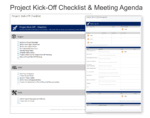
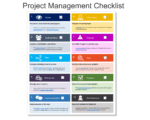
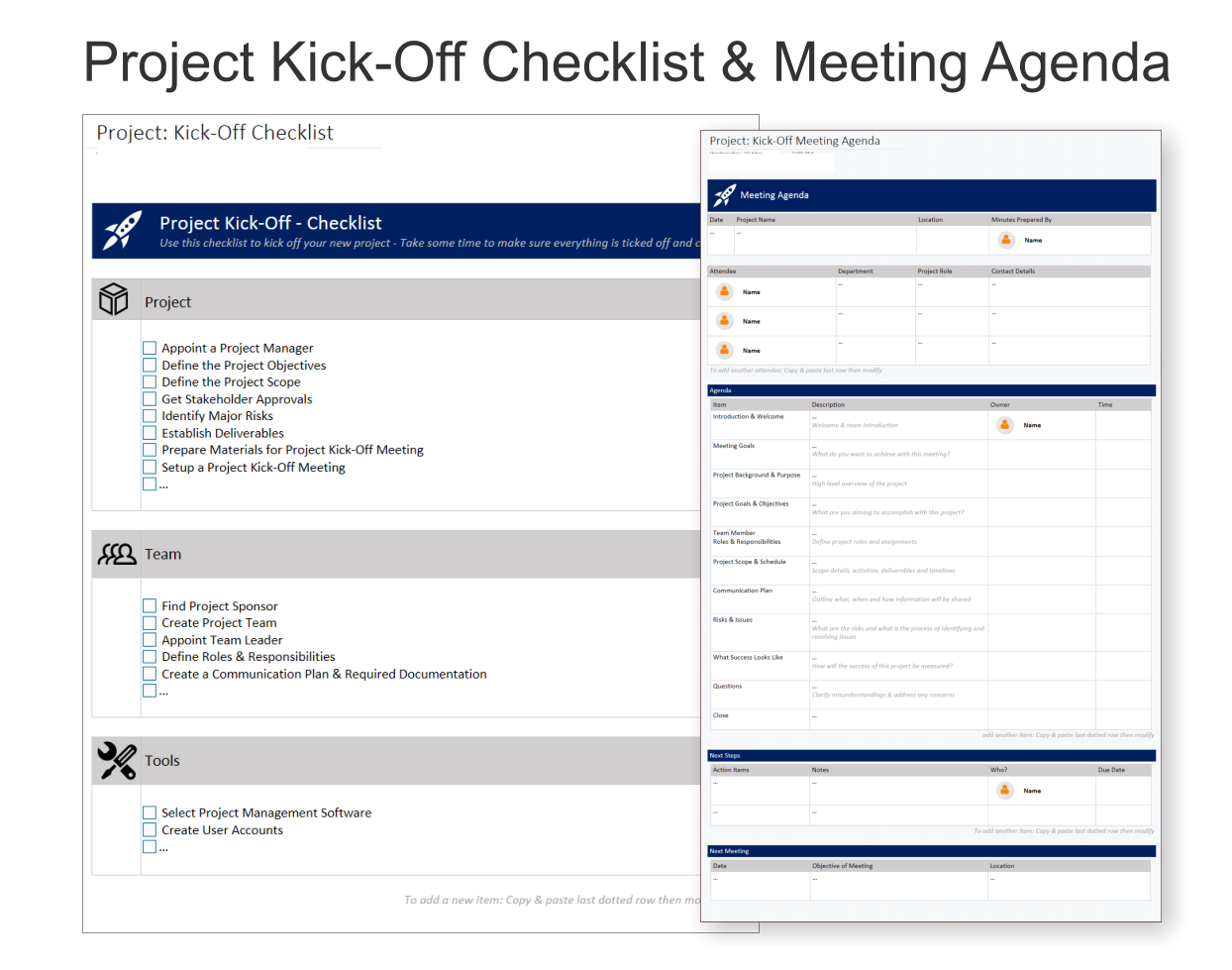
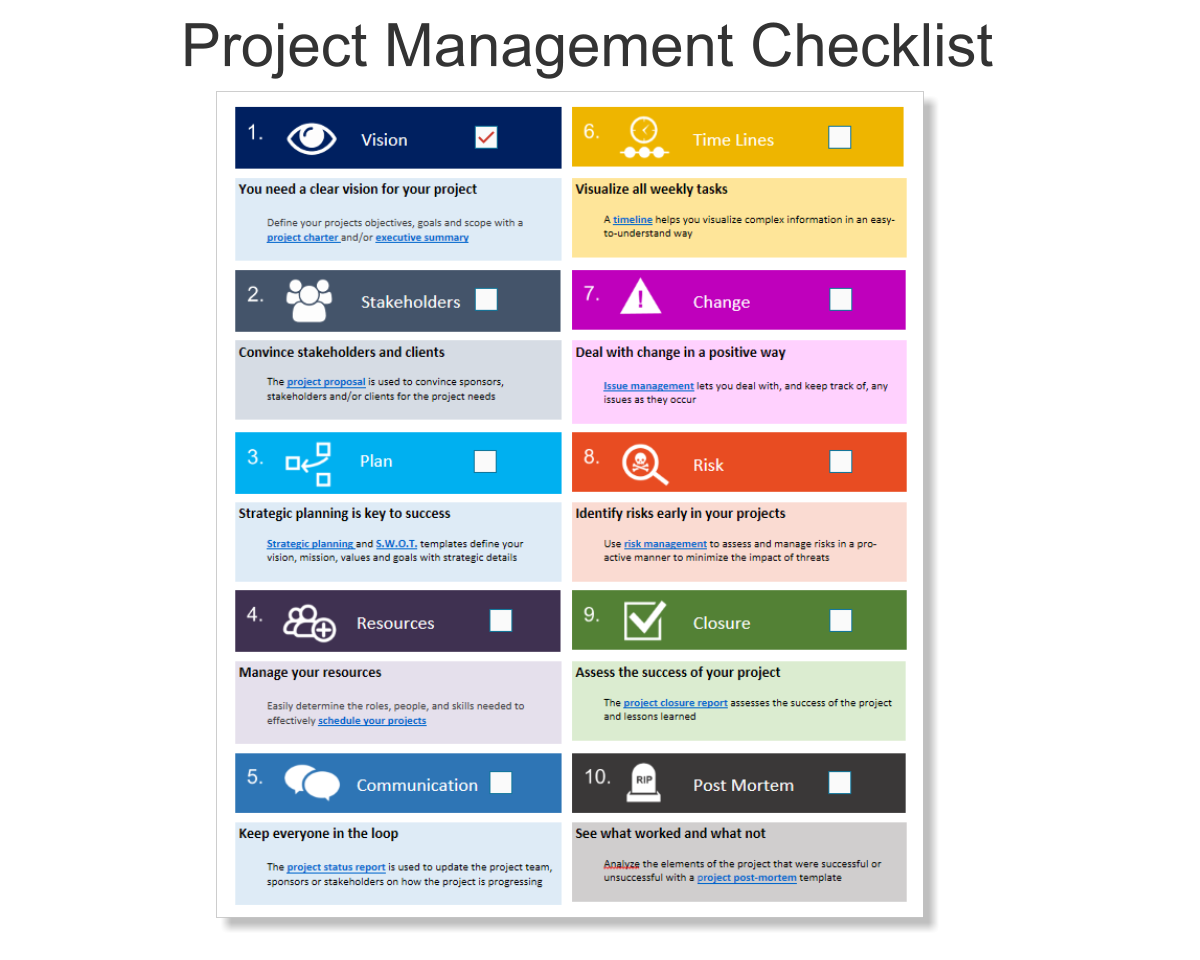
- Kick-Off Checklist & Agenda — Plan team roles, goals, and tools
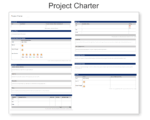
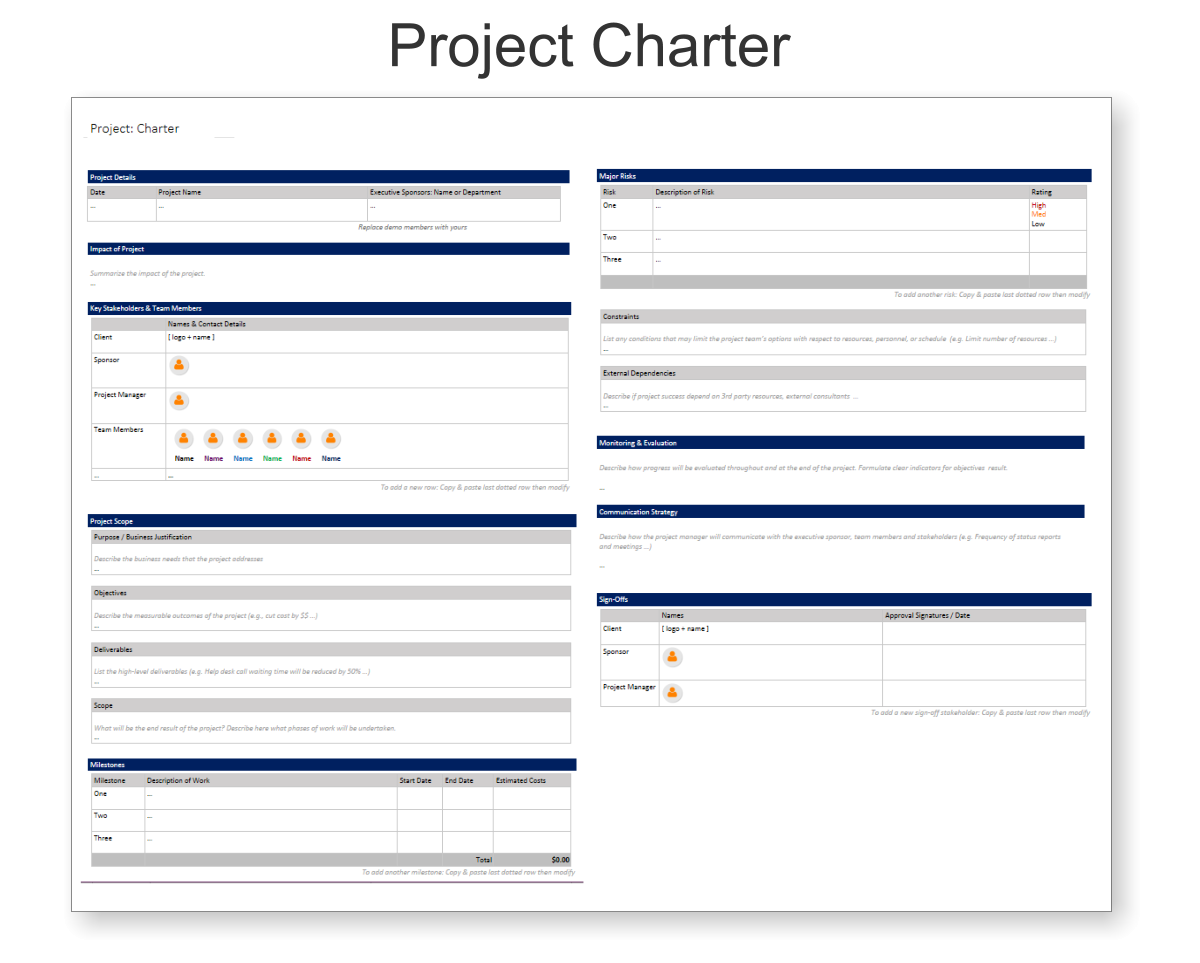
- Project Charter — Clarify purpose, goals, deliverables, and stakeholders
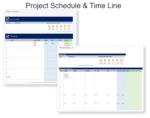
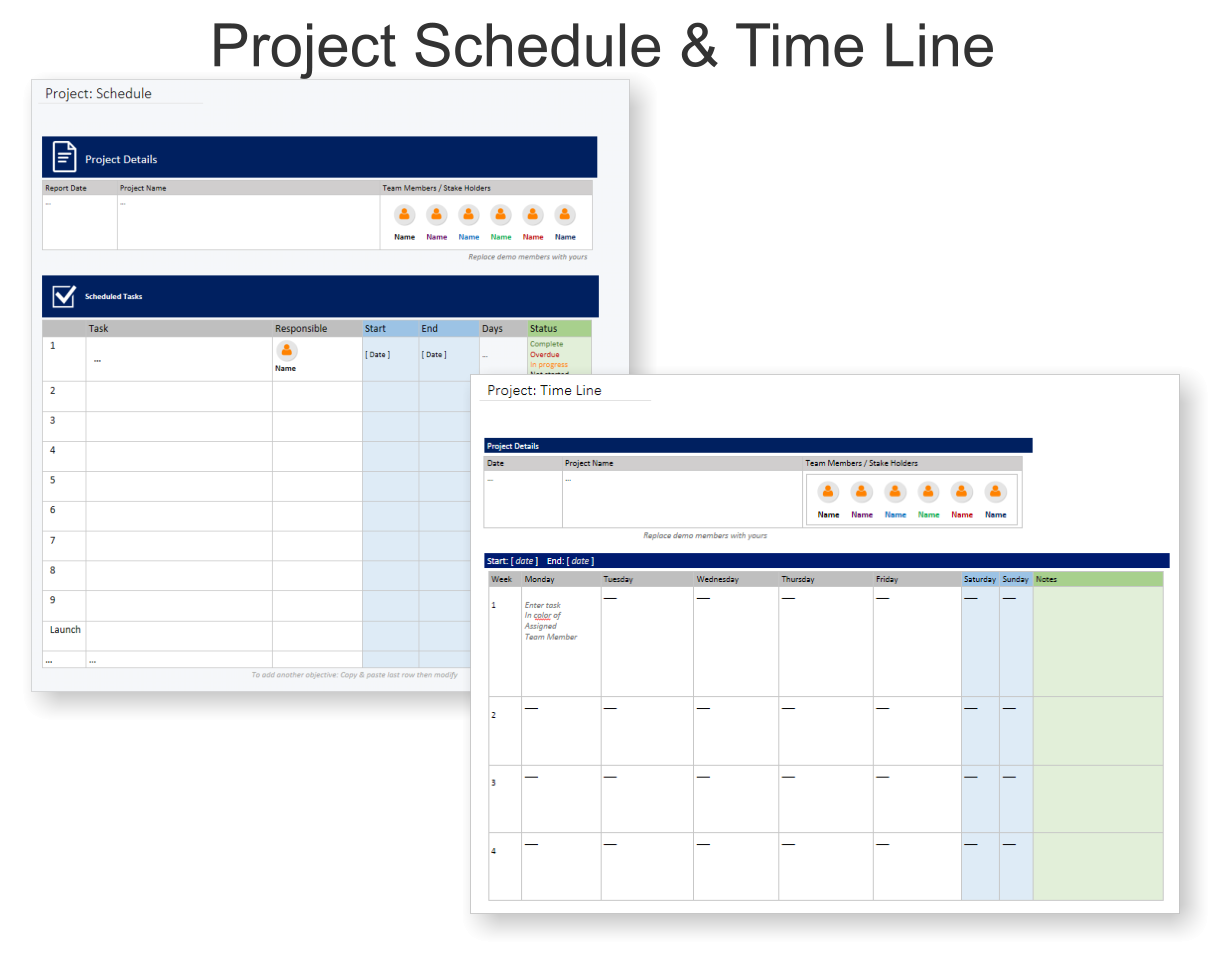
- Schedule & Timeline — Plan and visualise project stages week by week
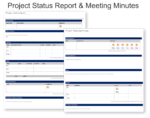
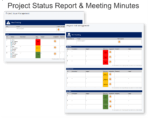
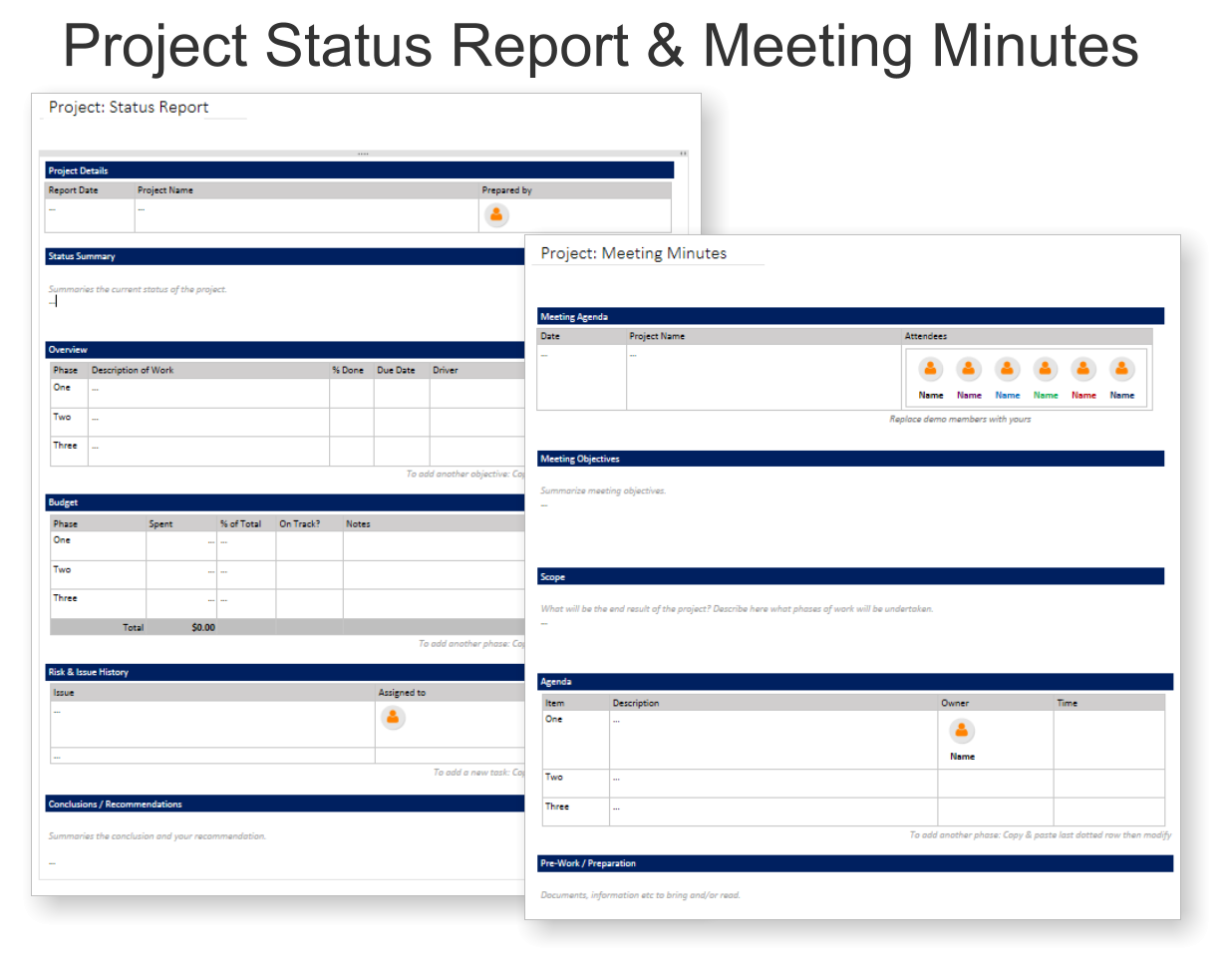
- Status Report & Meeting Minutes — Stay aligned and track decisions
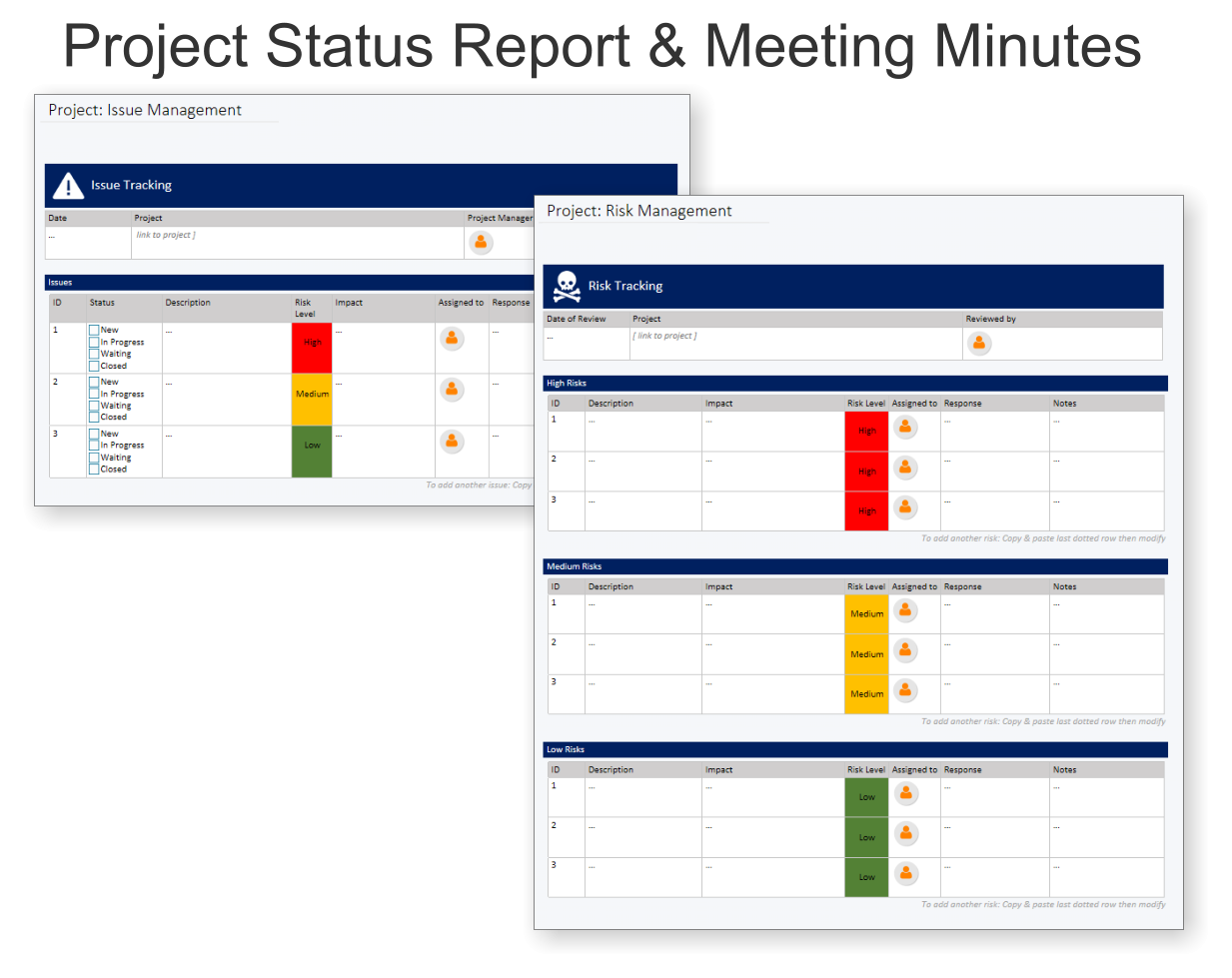
- Risk & Issue Management — Identify, track, and mitigate risks and blockers
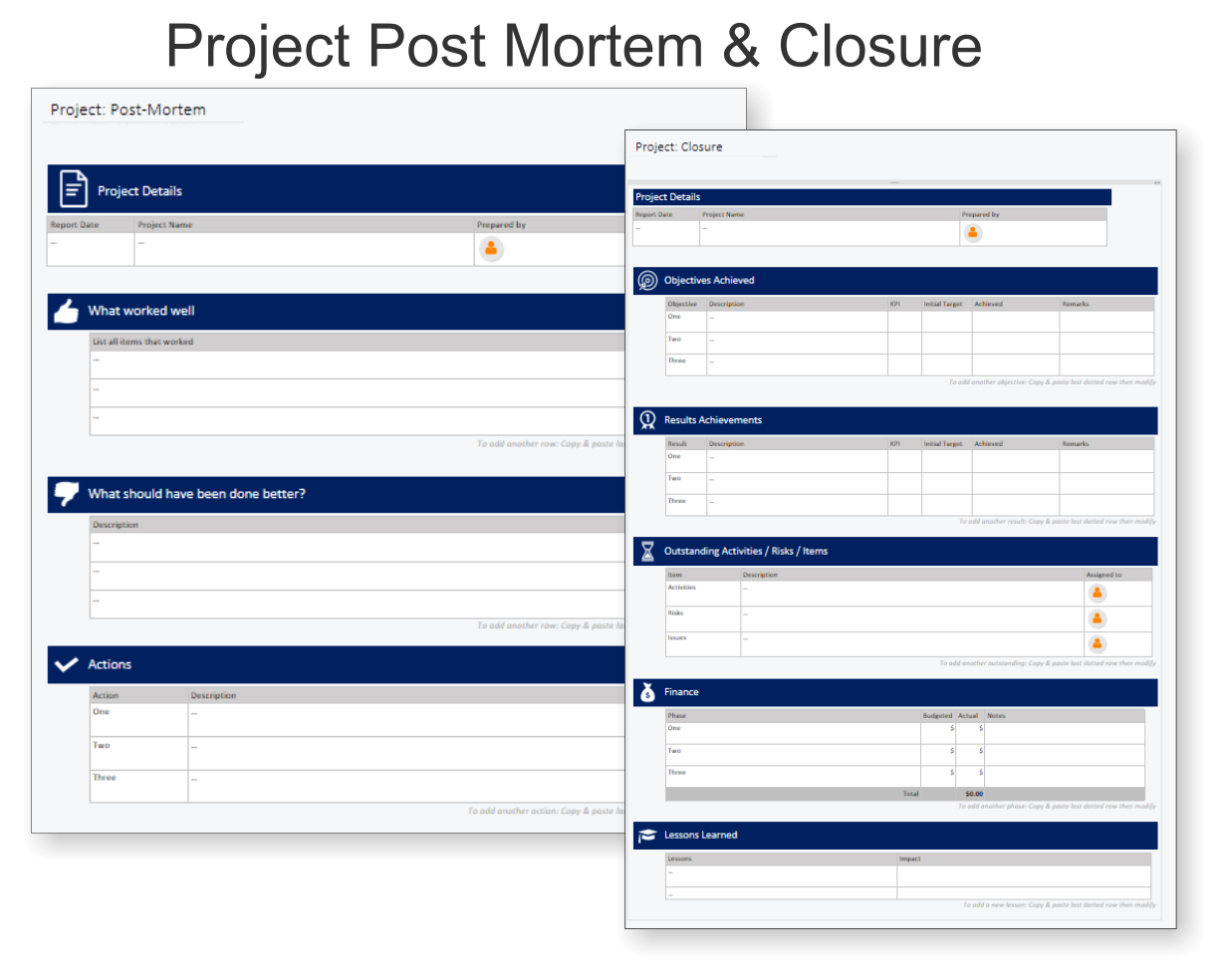
- Closure & Post-Mortem — Review outcomes and learnings
What you get
- One-click OneNote notebook package (.onepkg)
- Quick-start guide
- Reusable for unlimited projects
- Commercial use under Auscomp licence
Compatibility
- OneNote for Windows, Mac & Web
- Works great with Teams/SharePoint notebooks
- Microsoft 365 accounts and personal Microsoft accounts
What customers say
The templates helped our team structure every part of the project. It’s now our go-to system.
Love the kickoff checklist — makes planning so easy and thorough.
Everything is in OneNote where we already work. Brilliant integration!
The risk and issue tracking views made our reporting much clearer.
FAQs
Can I reuse it for multiple projects?
Yes — duplicate the notebook or sections to start a new project. Your licence allows unlimited projects within your organisation.
Does it work with Teams?
Absolutely. Add the notebook to a Team and use the OneNote tab for shared access and meetings.
What if I’m new to OneNote?
No problem. The structure is intuitive and the quick-start guide includes practical tips for beginners.
How do I install the template?
Download the .zip file, then follow the step-by-step guide on our installation page. You’ll be up and running in minutes.
 MS Project
 MS Forms
 MS Lists
 Outlook
 Excel
Excel Copilot
 MS Teams
 Power BI
Related Products
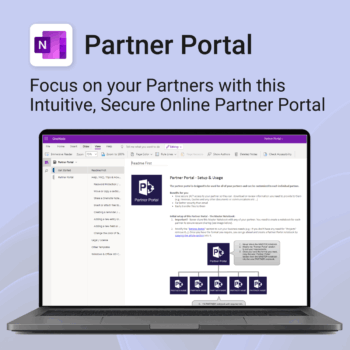
Boost efficiency. Strengthen partner relationships.
-
- Keep all communications and files in one secure place
- Ensure brand consistency with shared marketing materials
- Collaborate with partners on shared projects easily
- Streamline support using built-in FAQ and messaging
- Customize per partner without starting from scratch
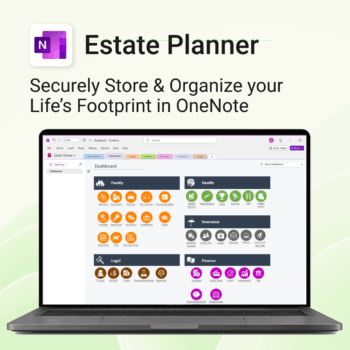
Stay organized. Protect your legacy.
-
- Centralize all your vital family records and legal documents
- Easy to update and access — no special tools needed
- Secure sensitive information using OneNote’s password protection
- Designed for simplicity with visual clarity in every section
- Share with loved ones or advisors when needed — easily and safely
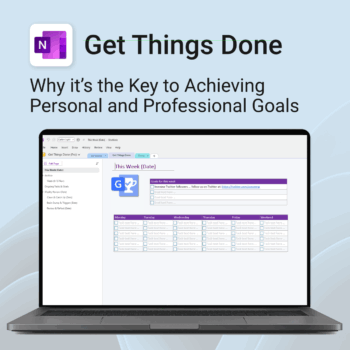
Get Things Done — right inside OneNote. Capture, organise and review with a clear weekly rhythm.
- GTD in OneNote: Inboxes, Projects, Next Actions, and a Weekly Review that sticks.
- Structured yet flexible: Brain dump & triggers, project pages, and “This Week” focus.
- Fast setup: One-click notebook + quick-start guide — be productive in minutes.
- Works where you work: OneNote on Windows, Mac & Web — great with Teams/SharePoint.
Perfect for personal and professional life — students, freelancers, and busy teams in Microsoft 365.
Join thousands of OneNote users who’ve built consistent weekly planning habits with GTD.
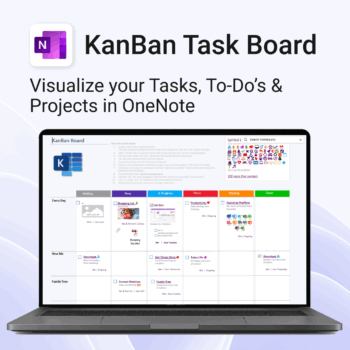
Visualise your Tasks, To-Do’s & Projects — right inside OneNote.
- Kanban in OneNote: Boards with columns and ready-made task cards for a clear, visual workflow.
- Built-in templates: Smart Cards, symbols, swimlanes & multiple board types to fit any team.
- Fast setup: One-click notebook + quick-start guide — start tracking in minutes.
- Works where you work: OneNote on Windows, Mac & Web — great with Teams/SharePoint.
Perfect for individuals and teams who live in Microsoft 365.
Trusted by 10,000+ professionals worldwide to stay organised and deliver on time.
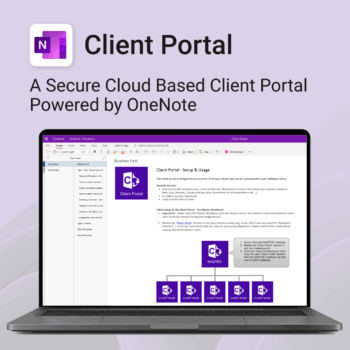
Be more efficient. Strengthen client trust.
-
- Securely deliver documents, invoices, and quotes
- Centralized space for all client communication
- Easy onboarding and professional presentation
- One portal per client with customizable info
- No logins or confusing apps — just OneNote
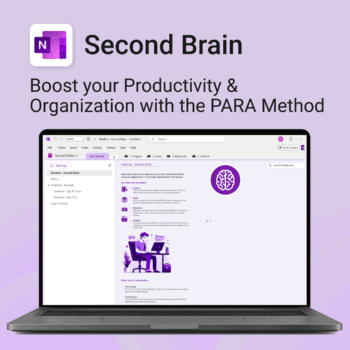
Master your life with OneNote + PARA — Projects, Areas, Resources & Archive in one trusted system.
- One system in OneNote: Capture, organise and execute tasks, notes and goals with the PARA method.
- Ready-to-use templates: Projects, Areas, Resources & Archive with trackers, planners and guides.
- Fast setup: One-click notebook + quick-start guide — get productive in minutes.
- Works where you work: OneNote on Windows, Mac & Web — great with Teams/SharePoint.
Perfect for individuals who live in Microsoft 365 and want clarity, control and focus.
Trusted by 10,000+ professionals worldwide to stay organised and deliver on time.
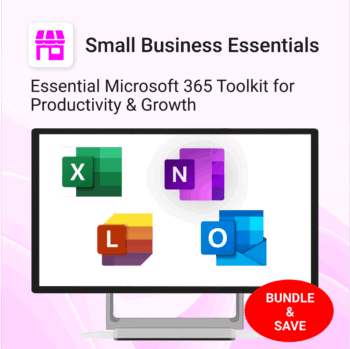
The complete Microsoft 365 toolkit for small business owners, freelancers & teams — manage tasks, budgets, and projects with ease.
- 5-in-1 bundle: OneNote, Outlook, MS Lists & Excel templates to organize work, money, and goals.
- Run your business smarter: manage clients, projects, and budgets all within Microsoft 365.
- Includes: Second Brain, Kanban Task Board, Budget Planner, Habit Tracker, Bills Calendar & more.
- Fully compatible: works with Microsoft 365 on desktop, web & mobile.
- Get 5 proven business tools for one low bundle price.
Trusted by entrepreneurs and small teams worldwide to streamline workflows, save time, and boost productivity.
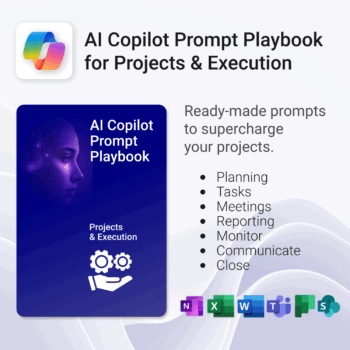
Get 30 proven Copilot prompts designed to supercharge your projects inside Microsoft 365.
-
- Covers daily planning, email, meetings, task tracking, productivity, and knowledge workflows.
- No guesswork — just copy, paste, and run inside Copilot.
- Includes example outputs and app-specific usage tips.
- Perfect for individuals, teams, and managers.
- Based on real-world Microsoft 365 use cases.
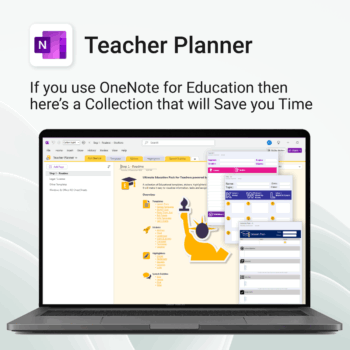
Be more prepared. Reduce planning stress. Make teaching more impactful.
-
- Everything in one digital hub — no paper clutter.
- Ready-to-use templates save you hours each week.
- Visual and structured tools for all learning styles.
- Empower students with structured reflection tools.
- Use across all subjects and year levels.
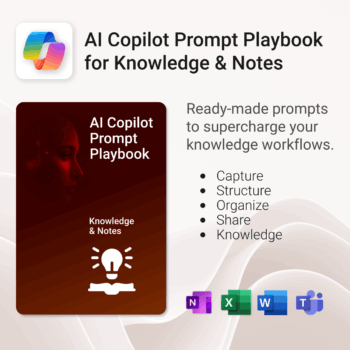
Get 30 proven Copilot prompts designed to supercharge your knowledge workflows inside Microsoft 365.
-
- Covers knowledge capture, SOPs, research summaries, collaboration, and organisation.
- No guesswork — just copy, paste, and run inside Copilot.
- Includes example outputs and app-specific usage tips.
- Perfect for individuals, teams, and knowledge managers.
- Based on real-world Microsoft 365 use cases.
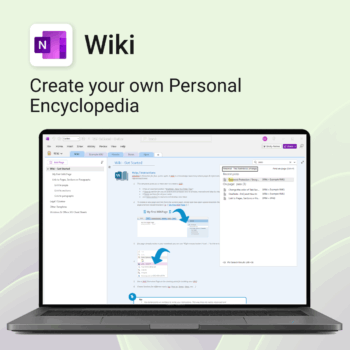
Create your own knowledge hub — organise SOPs, FAQs, guides & notes right inside OneNote.
- OneNote Wiki system: Capture and link knowledge, manuals, and FAQs in a searchable format.
- Fast setup: One-click notebook + examples ready to customise for your team.
- Secure & private: Built on Microsoft 365 — share internally or use solo.
- Find anything instantly: Full-text embedded search across your pages and topics.
Perfect for teams, consultants, or anyone who needs an organised place for notes and documentation.
Used by professionals and teams worldwide to centralise knowledge and make information searchable in OneNote.
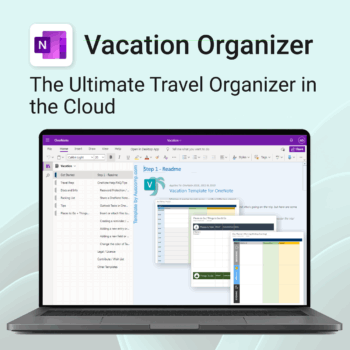
Make travel planning effortless. Stress less & enjoy more.
-
- All-in-one place to plan, pack, and prepare
- Customizable for solo, family, or group travel
- Use on any device with OneNote
- Keep documents, notes & itineraries together
- Get organized early and travel with confidence