
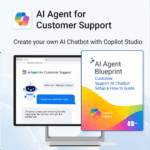
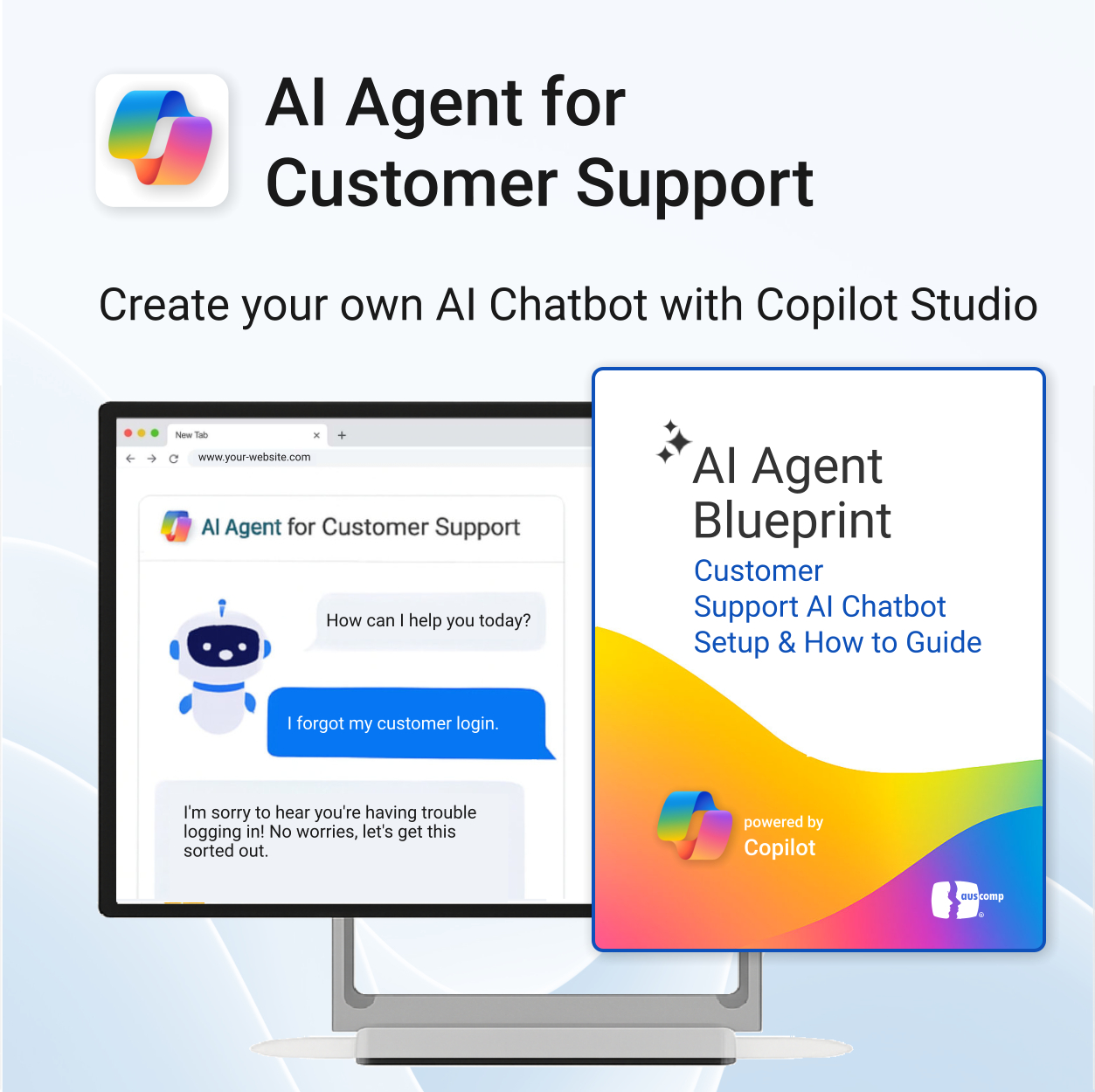
AI Agent for Customer Support powered by Copilot
$39.95
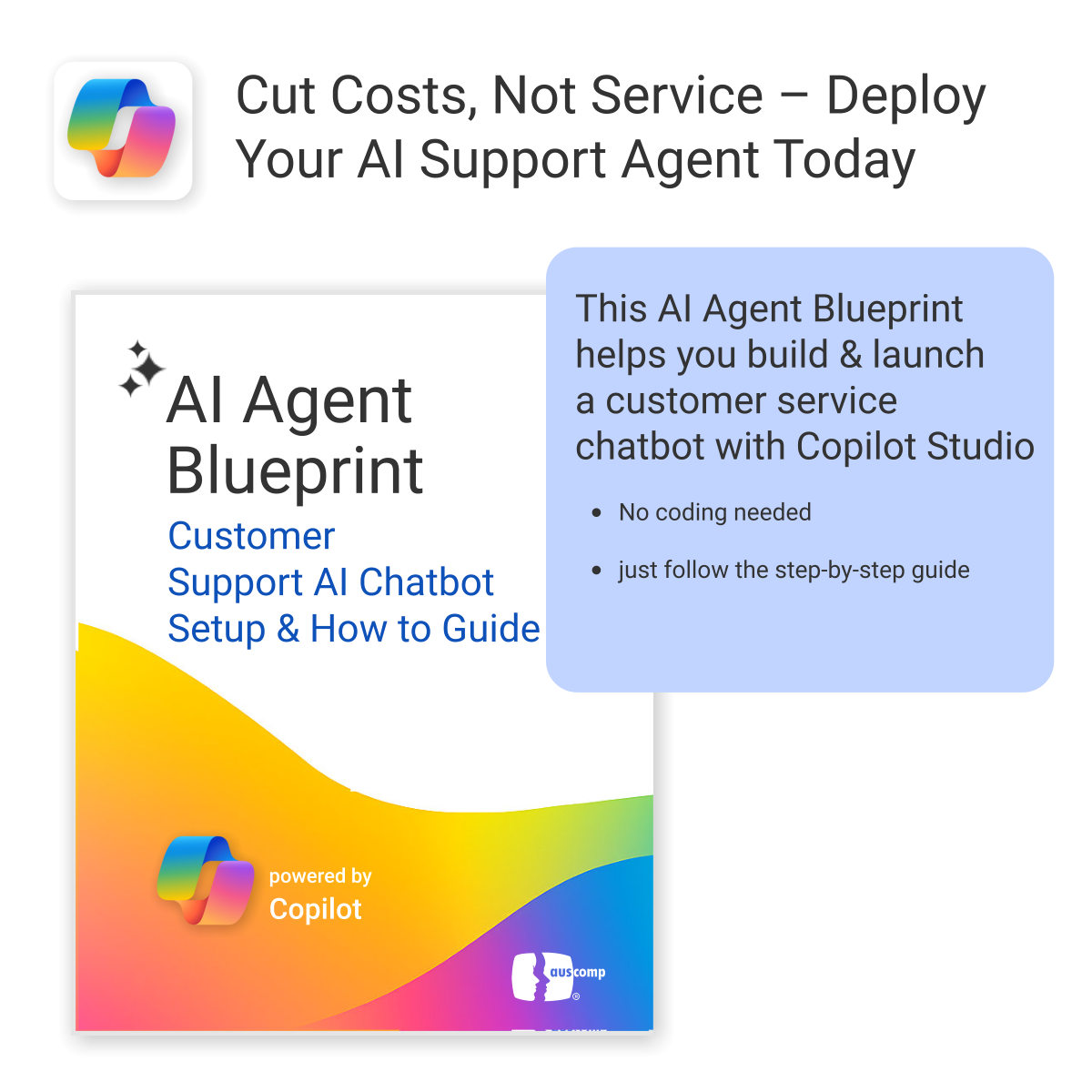
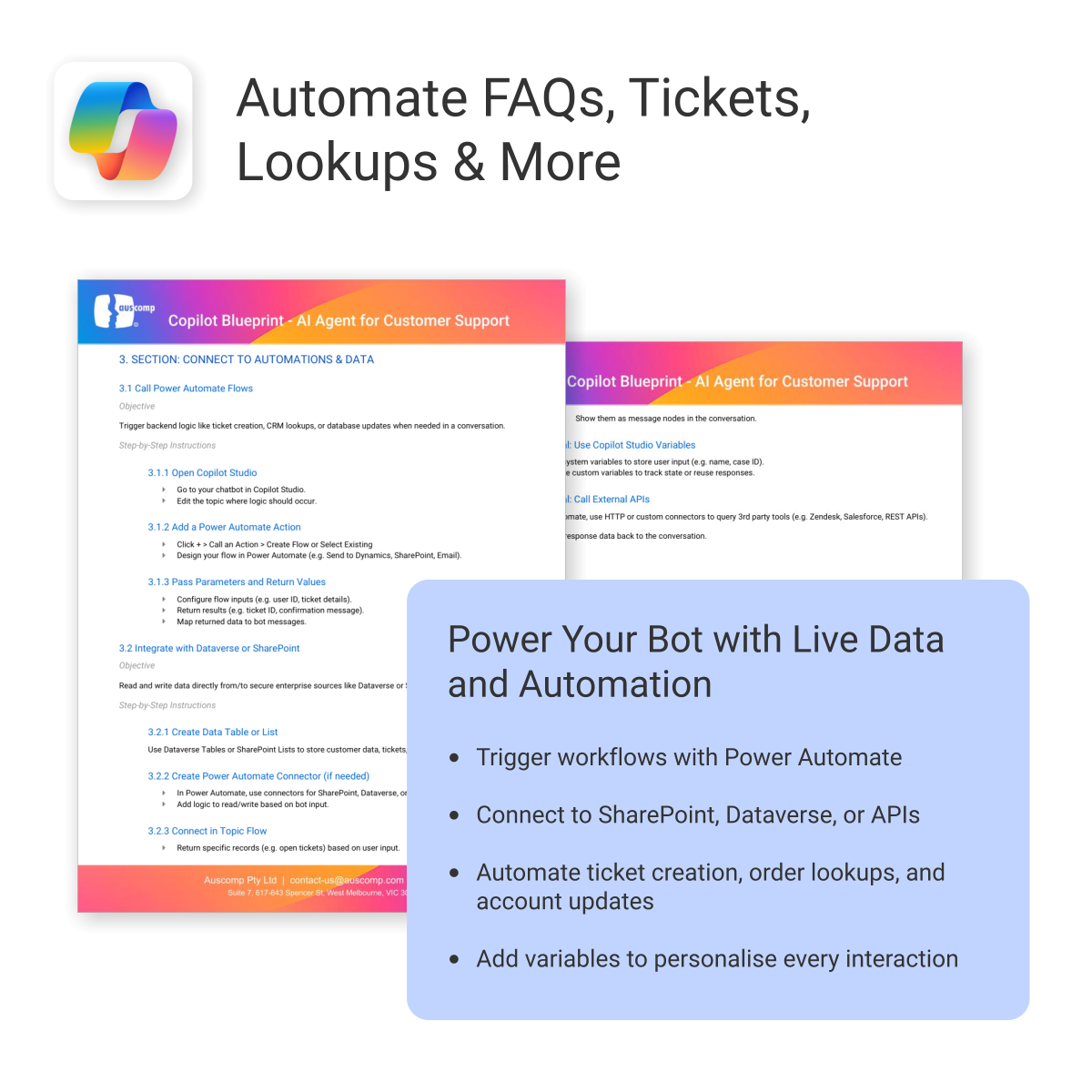
Build and launch a Copilot-powered customer support chatbot — without the guesswork.
-
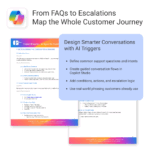
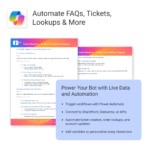
- Includes conversation templates and flow examples for support scenarios
- Reduces support tickets through automation and self-service
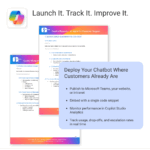
- Works natively with Microsoft 365, Copilot Studio & Power Platform
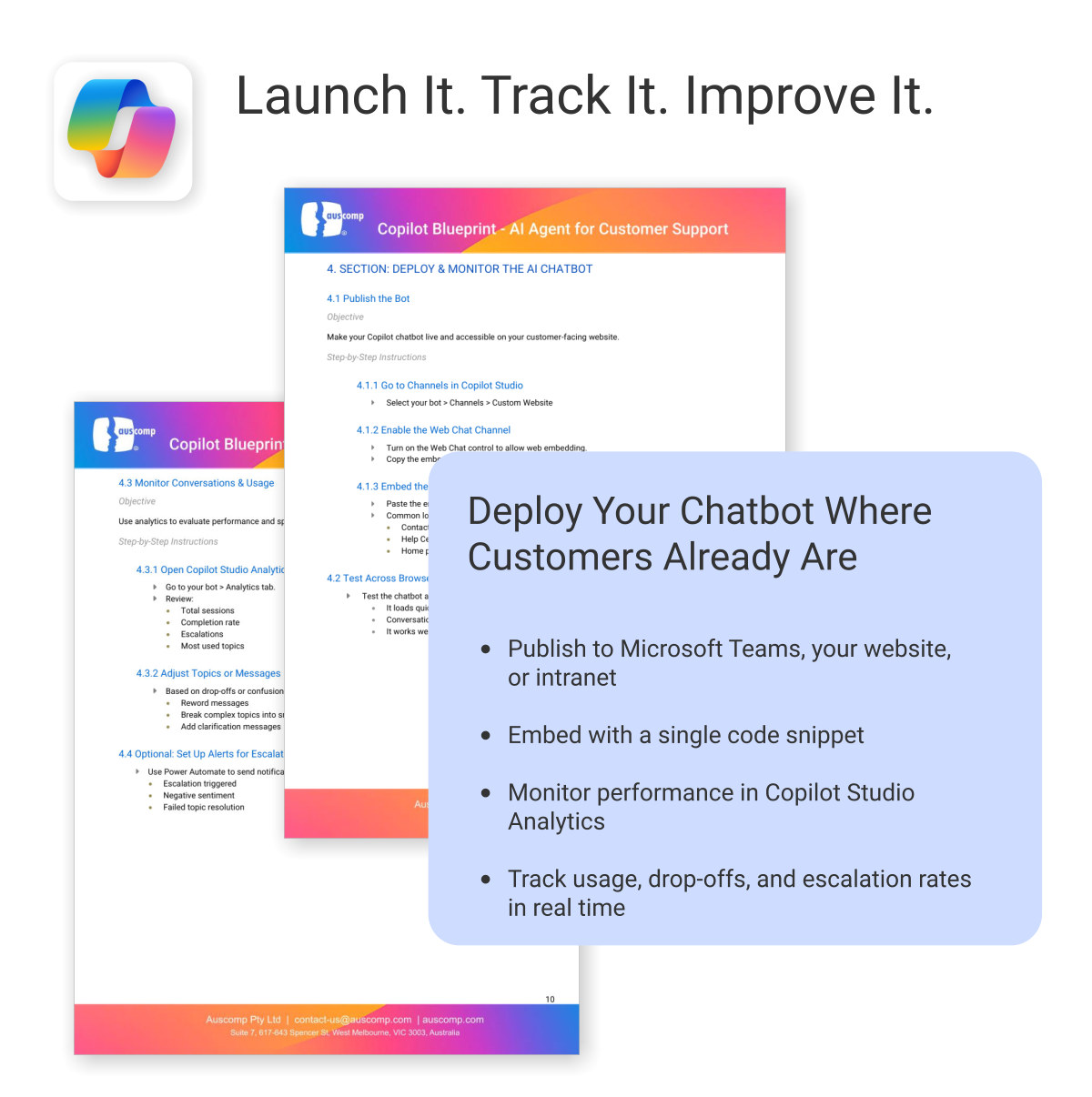
- Deployable on your website — no coding required
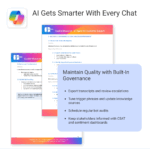
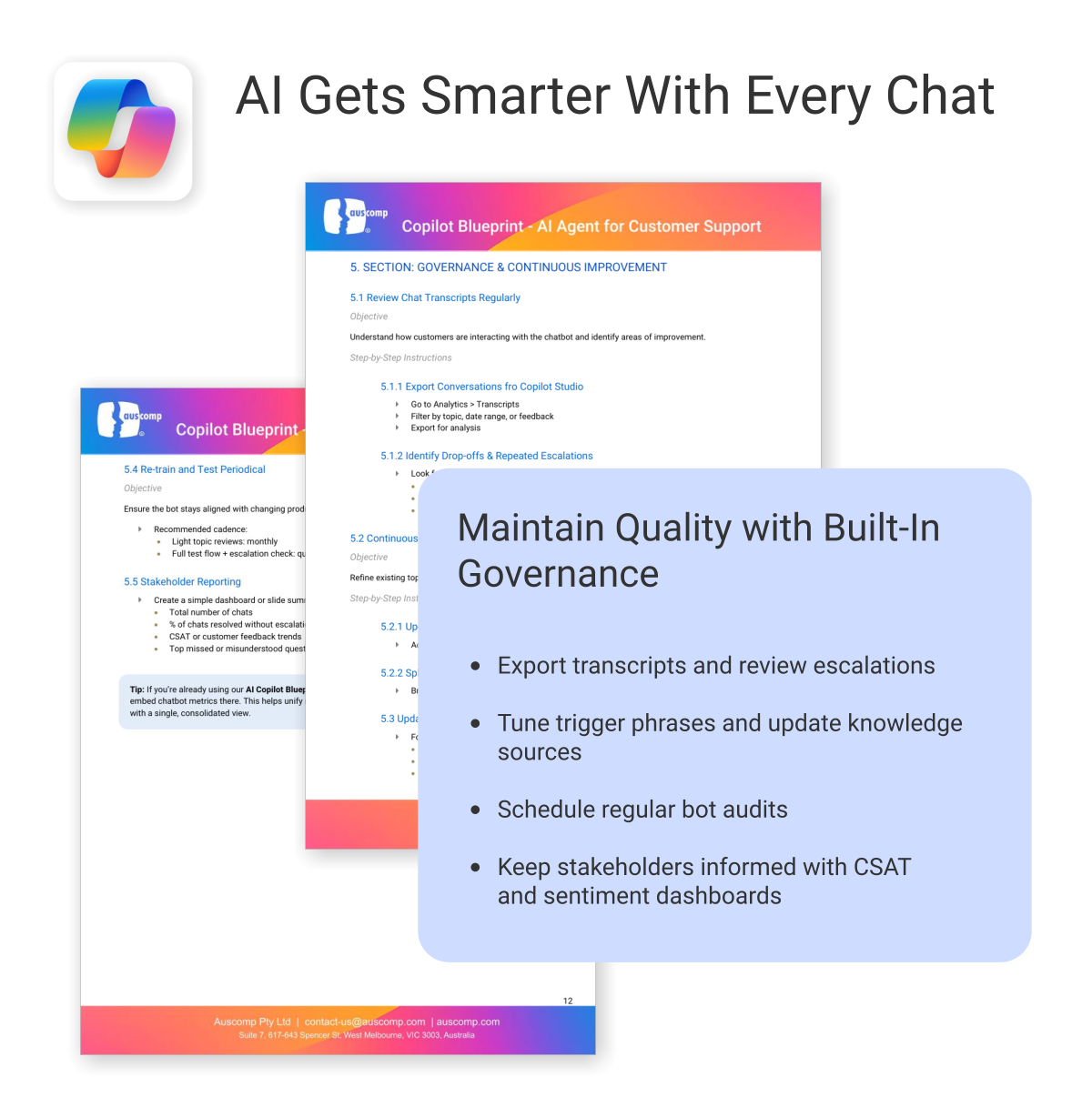
- Built-in best practices to minimize setup time and maximize value
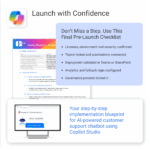
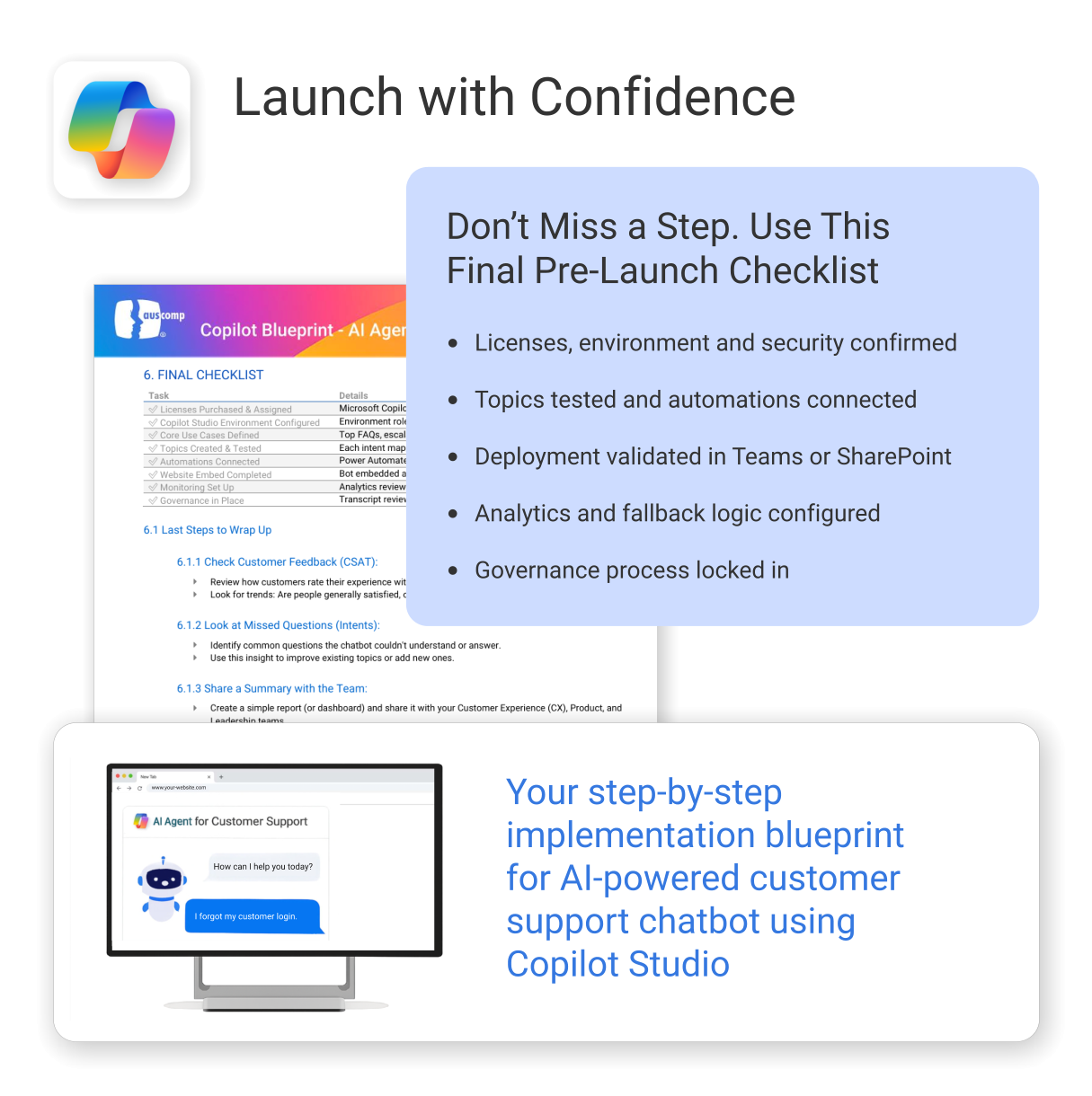
A practical and easy-to-follow blueprint for building your own customer support AI chatbot
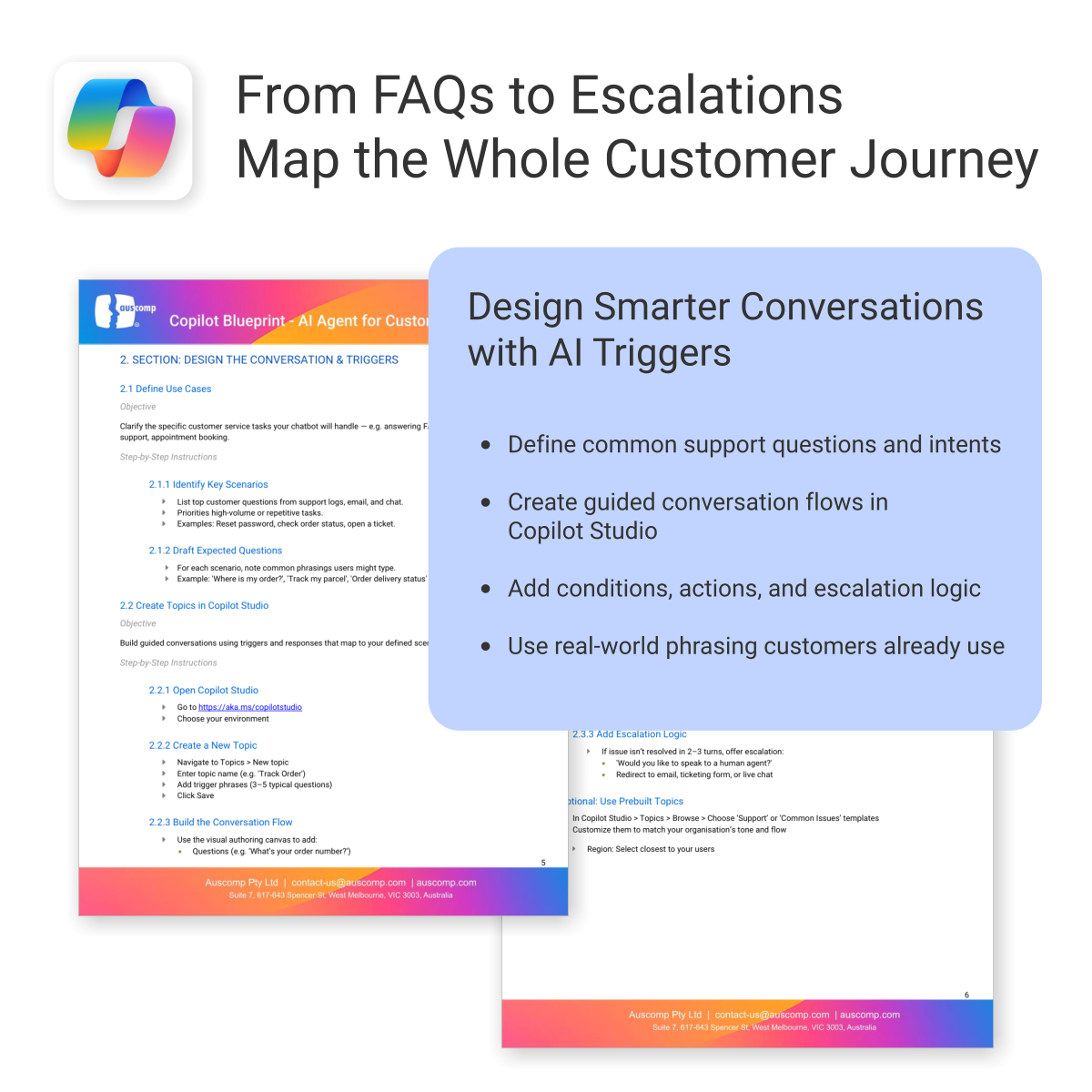
The AI Agent Blueprint for Customer Support shows you how to plan, build, and deploy an AI-powered Copilot chatbot — including conversation design, automation, and deployment on your website.
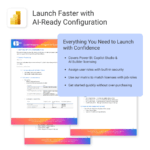
Easy to follow and includes the following:
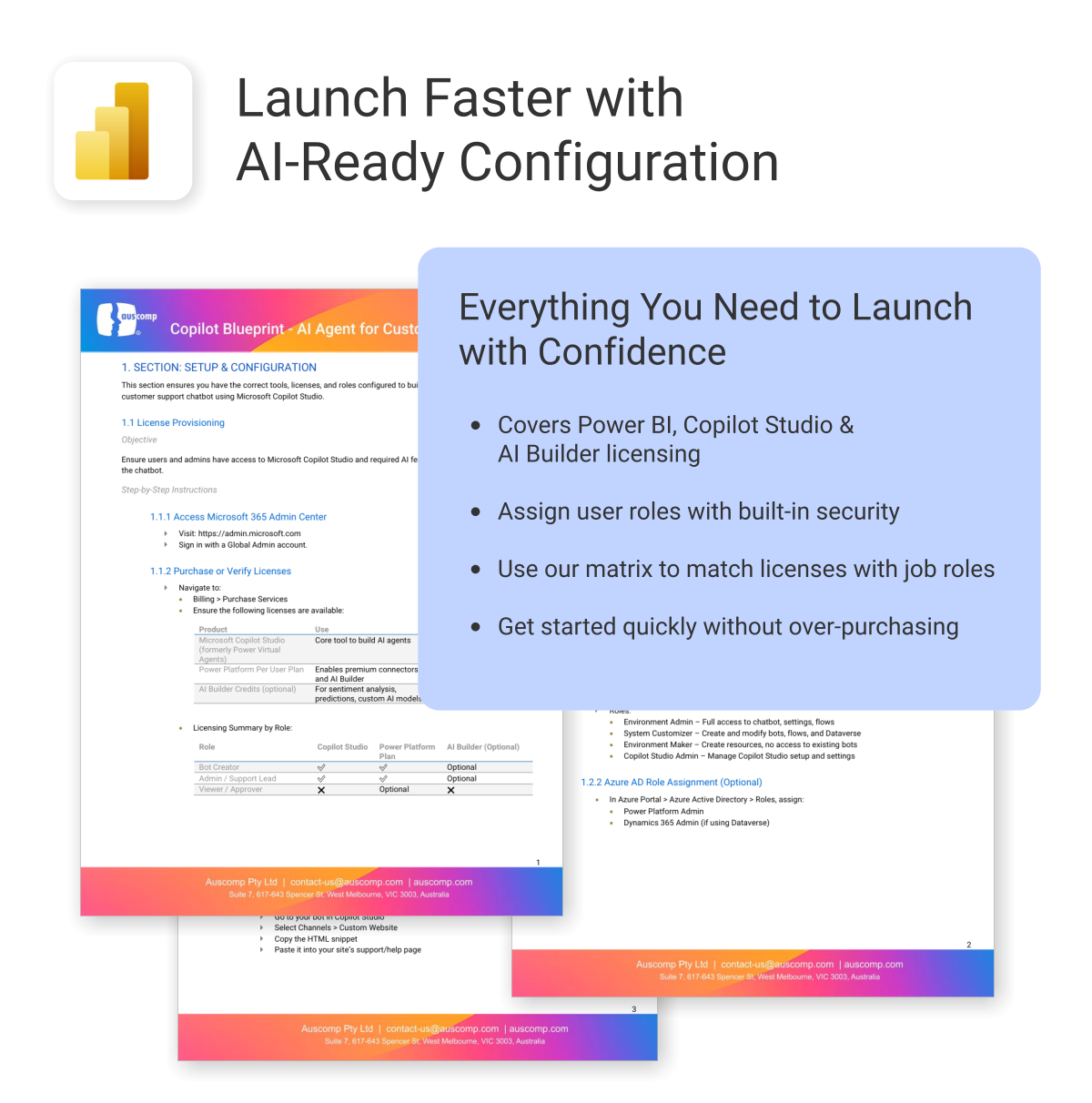
To build and deploy an AI Agent (customer chatbot or employee helpdesk assistant), the following Microsoft licenses are required. These ensure access to Copilot Studio, Power Platform, and secure deployment within Microsoft Teams or SharePoint.
Microsoft Licenses Needed
| License | Use | Notes |
|---|---|---|
| Microsoft 365 Copilot | Access generative AI features in Copilot Studio | Required for chatbot creators and AI features |
| Power Platform per user | Use Power Automate for workflow actions | Needed for integrations and automation |
| Dataverse or SharePoint (included in M365) | Store and retrieve internal data | Use existing Microsoft 365 storage or add-on |
| Teams License (Microsoft 365) | Deploy AI chatbot internally in Teams | Already included in most Microsoft 365 plans |
Licensing by User Role
For a quick overview, see licensing required by role:| User Role | Copilot | Power Platform | Teams | Dataverse / SharePoint |
|---|---|---|---|---|
| Bot Creator / Maker | ✅ | ✅ | ✅ | ✅ |
| IT / Automation Admin | Optional | ✅ | ✅ | ✅ |
| Employee / End User | ❌ | ❌ | ✅ | Optional |
To Purchase Microsoft Licenses
- Visit https://admin.microsoft.com
- Sign in with a Global Admin account
- Go to: Billing > Purchase services
 ChatGPT
 OneNote
 FREE
FREE MS Project
 MS Forms
 MS Lists
 Outlook
 Excel
Excel Bonus
Bonus Copilot
 MS Teams
 Power BI
Related Products
Unlock every Auscomp Microsoft 365 Template — OnePass to hundreds of ready-made tools for work, school & life.
- 100 + OneNote templates for productivity, planning & projects.
- MS 365 suite bonus: MS Project, Forms, Lists, Outlook &; Excel tools included.
- AI resources built-in: Copilot &; ChatGPT Playbooks + AI Dashboards &Agents.
- Always up to date: New templates &updates added all year — yours instantly.
Perfect for professionals, students & teams who live in Microsoft 365 and want ready-to-use structure.
Join 8 000 + members who simplified their work & life with the All Access Pass — your 365 system for everything.
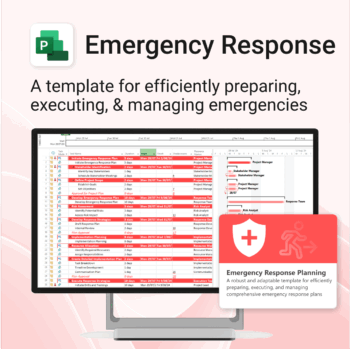
Be prepared when it matters most — structure your emergency response with confidence.
-
- Designed for real-world crisis response — not just planning theory.
- Built for MS Project — with zero setup hassle.
- Everything from scenarios to drills included in one place.
- Clear roles, resources, and timelines for stress-free execution.
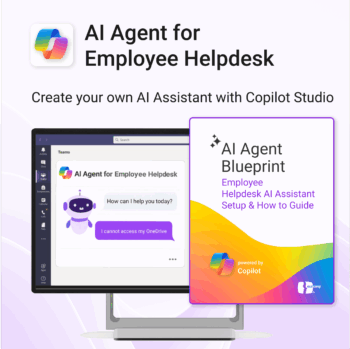
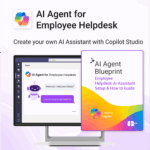
Launch your own AI-powered employee assistant in Microsoft Teams or SharePoint — no dev team required.
-
- Includes trigger/response templates for IT, HR, and general helpdesk support
- Streamlines deployment with Power Automate & Copilot Studio
- Deployable internally in Microsoft Teams or embedded in SharePoint
- Governance and monitoring framework included
- Created for operations, HR, IT and digital workplace teams
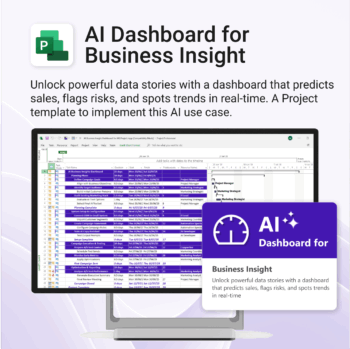
Bring AI-level visibility to your business operations.
-
- Designed for AI project use-cases and performance dashboards.
- Works instantly with Microsoft Project — no setup or tools required.
- Uncovers trends, risks, and gaps in real time.
- Includes pre-linked dashboards and task structure.
- Great for strategic planning, reporting, and stakeholder buy-in.
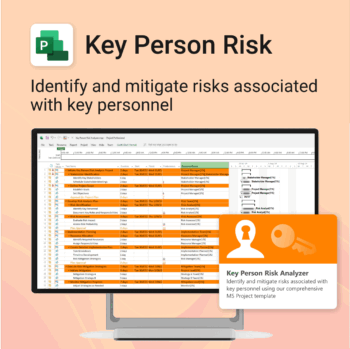
Ensure leadership continuity — plan for critical role coverage before it’s urgent.
-
- Pinpoints vulnerabilities linked to key personnel roles.
- Structured for real-world succession and risk planning.
- Works seamlessly with Microsoft Project — no tech overhead.
- Essential for HR, PMOs, and contingency planning teams.
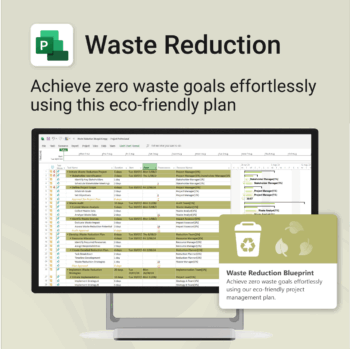
Turn sustainability from a goal into a system — built in MS Project.
-
- Designed for eco-focused teams and initiatives.
- Visualizes every phase of your waste reduction plan.
- Fully editable in MS Project — no need to start from scratch.
- Perfect for compliance, green certifications, and internal audits.
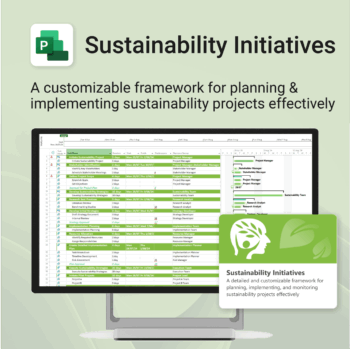
Plan and execute sustainability projects with clarity and structure.
-
- Aligned with real-world ESG needs and frameworks.
- Streamlines planning and reporting — no extra tools needed.
- Works seamlessly in MS Project — no extra setup.
- Adapts to small teams or large-scale initiatives.
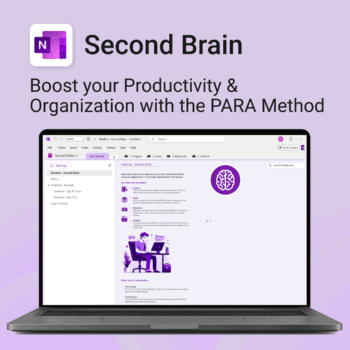
Master your life with OneNote + PARA — Projects, Areas, Resources & Archive in one trusted system.
- One system in OneNote: Capture, organise and execute tasks, notes and goals with the PARA method.
- Ready-to-use templates: Projects, Areas, Resources & Archive with trackers, planners and guides.
- Fast setup: One-click notebook + quick-start guide — get productive in minutes.
- Works where you work: OneNote on Windows, Mac & Web — great with Teams/SharePoint.
Perfect for individuals who live in Microsoft 365 and want clarity, control and focus.
Trusted by 10,000+ professionals worldwide to stay organised and deliver on time.
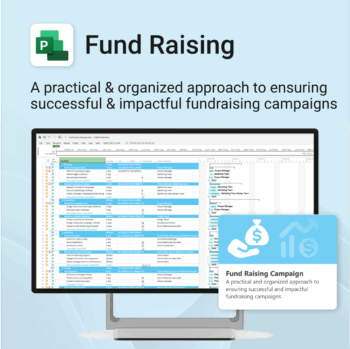
Build momentum, raise funds, and keep your campaign on track — all in MS Project.
-
- Plan, launch, and manage every aspect of your fundraising campaign.
- Built-in timelines, templates, and workflows for maximum efficiency.
- Fully editable in MS Project — no steep learning curve.
- Perfect for nonprofits, schools, causes, and community initiatives.
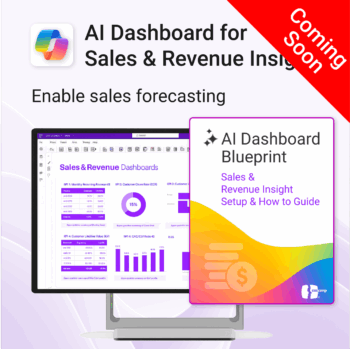
Drive predictable revenue with clear visibility into sales performance.
-
- Built for sales ops, revenue leads, and growth teams.
- AI-ready metrics for forecasting and deal analysis.
- Track trends in churn, CAC, MRR, and CLTV.
- Plug into Power BI Desktop – no dev work needed.
- Refine performance by pipeline stage, region, or rep.
Out of stock
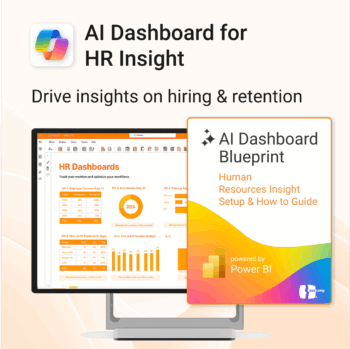
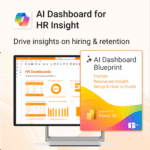
Build your HR AI dashboard with structure and clarity.
-
- Designed for HR, People & Culture, and Workforce teams.
- Streamlines onboarding, retention, and sentiment tracking.
- Works seamlessly in Power BI — no custom dev needed.
- Use in Teams, SharePoint, or export to PDF.
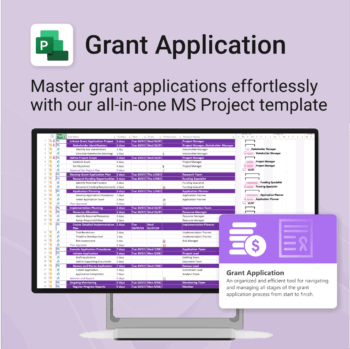
Simplify your grant writing — and improve your chances of success.
-
- Built for grant writers and project managers alike — no setup stress.
- Guides you through research, writing, budgeting, and submission.
- Keeps your grant team aligned and deadline-driven.
- Includes all milestones and tasks — fully editable in MS Project.