
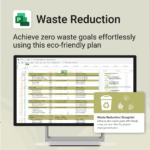
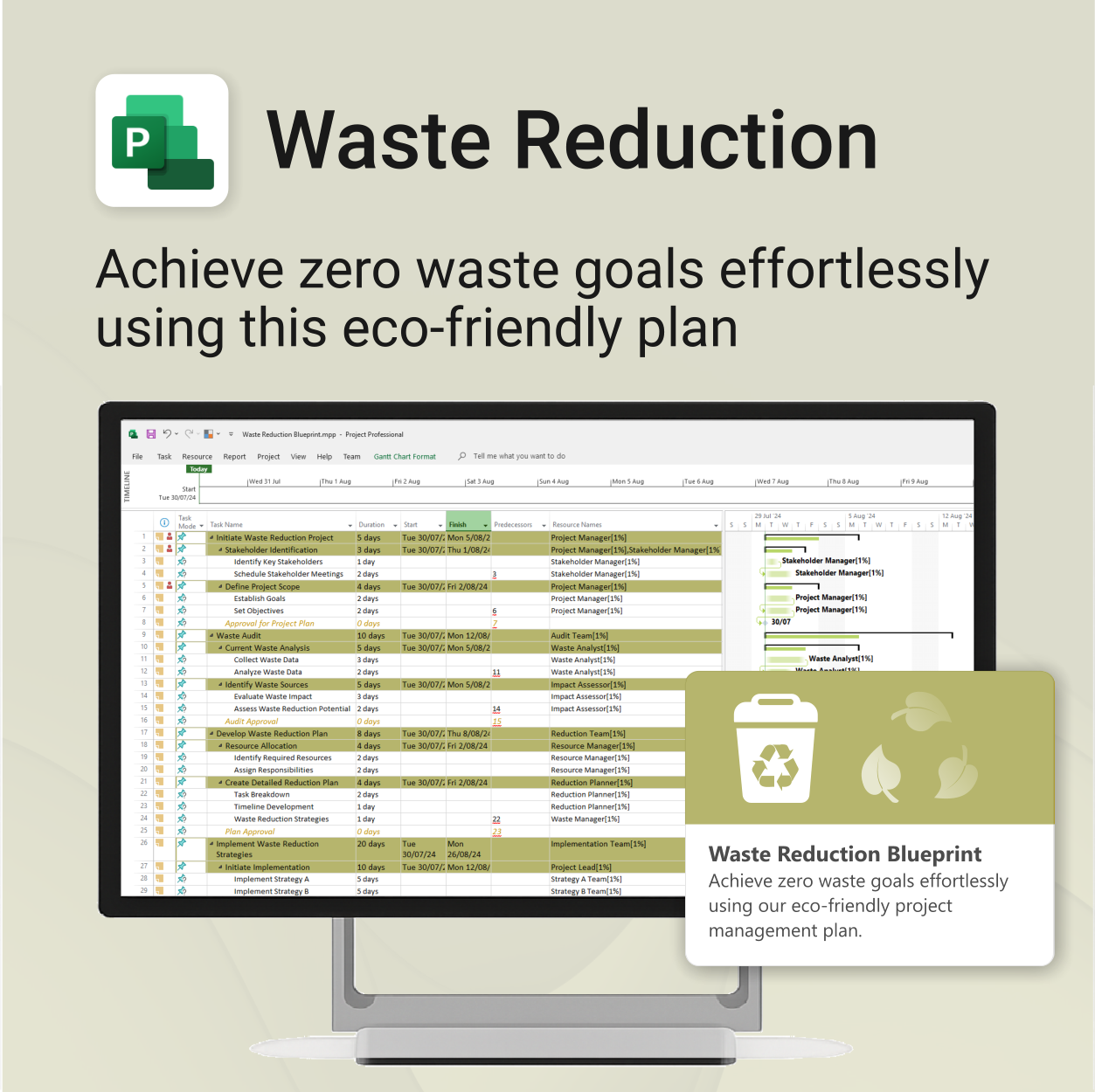
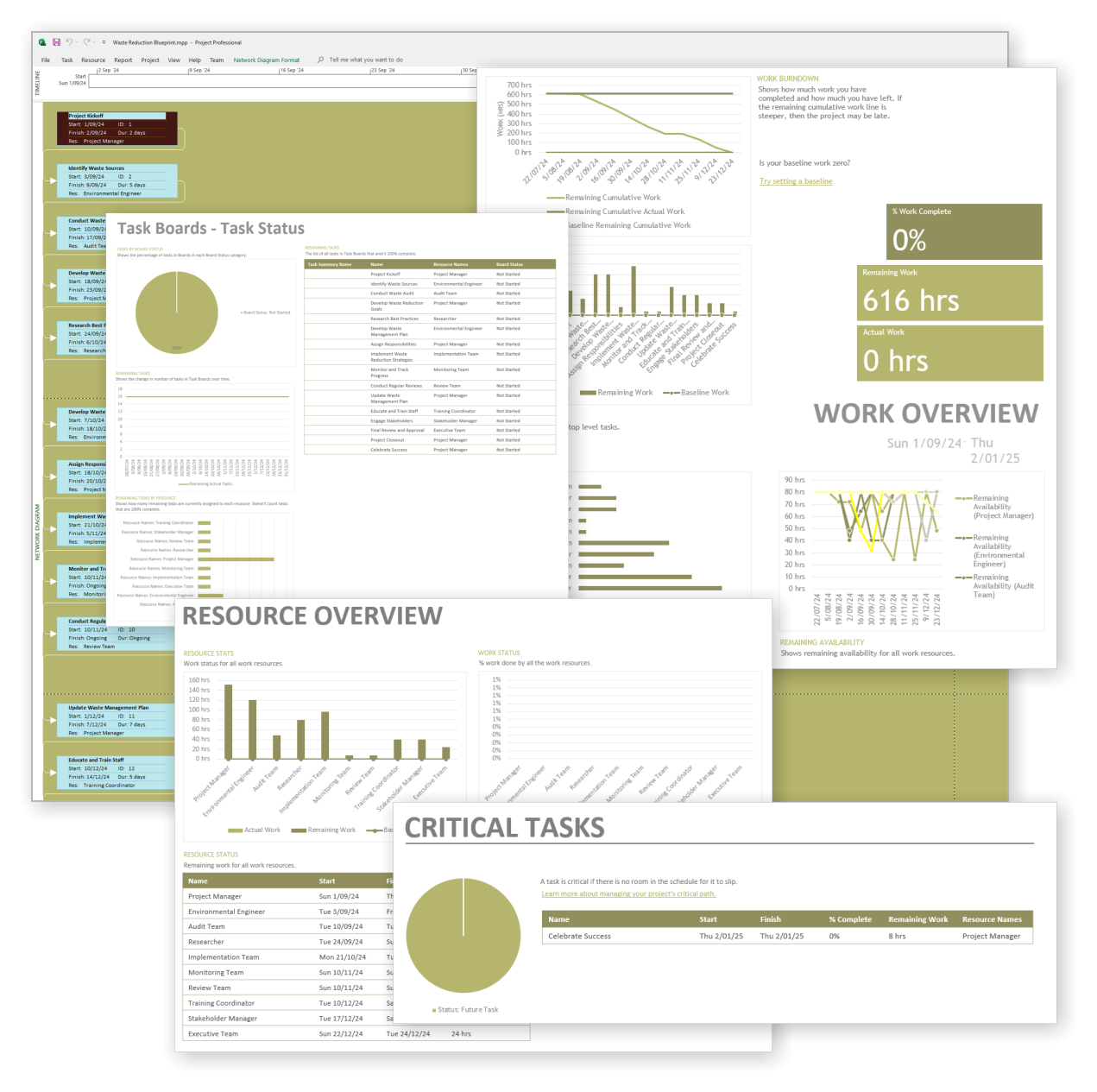
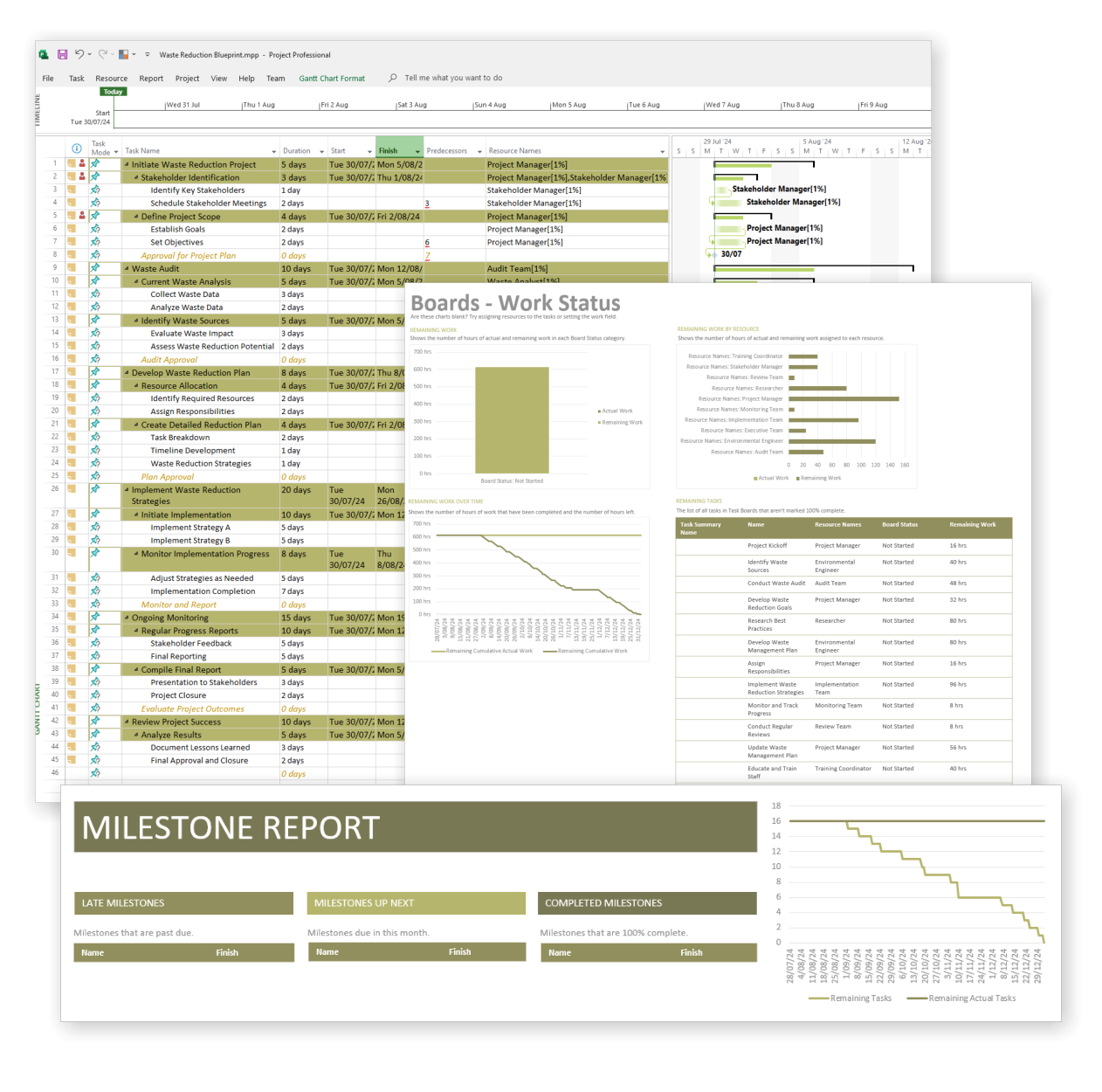
Waste Reduction Blueprint for MS Project
$49.95
Turn sustainability from a goal into a system — built in MS Project.
-
- Designed for eco-focused teams and initiatives.
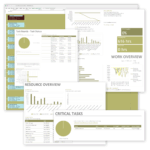
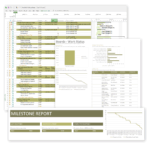
- Visualizes every phase of your waste reduction plan.
- Fully editable in MS Project — no need to start from scratch.
- Perfect for compliance, green certifications, and internal audits.
Achieve zero waste goals with structure and ease
Waste Reduction Blueprint for MS Project is an eco-focused project management template designed to help organizations plan, execute, and monitor waste reduction strategies with clarity and impact.
Easy to import and includes the following:
Our MS Project templates can be imported into the following versions:
- Microsoft Project 2010
- Microsoft Project 2013
- Microsoft Project 2016
- Microsoft Project 2019
- Microsoft Project 2021
- Microsoft Project for Microsoft 365
 MS Project
 MS Forms
 MS Lists
 Outlook
 Excel
Excel Copilot
 MS Teams
 Power BI
Related Products
Get 30 proven Copilot prompts designed to supercharge your automation inside Microsoft 365.
-
- Covers workflow automation, email handling, task management, reporting, and approvals.
- No guesswork — just copy, paste, and run inside Copilot.
- Includes example outputs and app-specific usage tips.
- Perfect for individuals, managers, and operations teams.
- Based on real-world Microsoft 365 and Power Automate use cases.
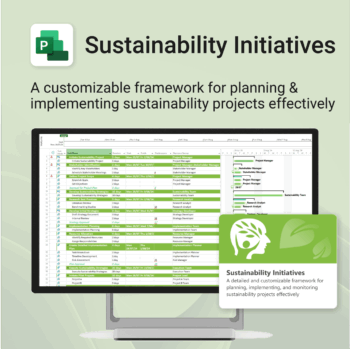
Plan and execute sustainability projects with clarity and structure.
-
- Aligned with real-world ESG needs and frameworks.
- Streamlines planning and reporting — no extra tools needed.
- Works seamlessly in MS Project — no extra setup.
- Adapts to small teams or large-scale initiatives.
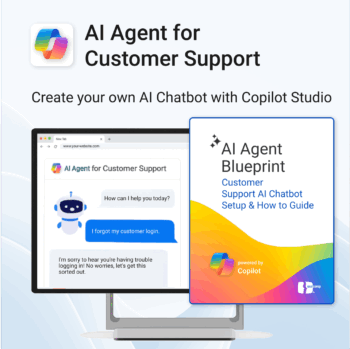
Build and launch a Copilot-powered customer support chatbot — without the guesswork.
-
- Includes conversation templates and flow examples for support scenarios
- Reduces support tickets through automation and self-service
- Works natively with Microsoft 365, Copilot Studio & Power Platform
- Deployable on your website — no coding required
- Built-in best practices to minimize setup time and maximize value
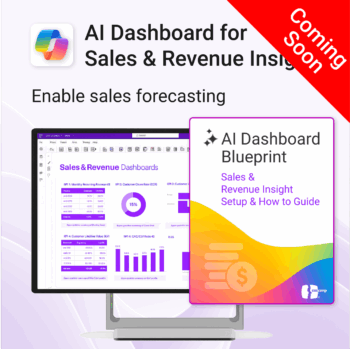
Drive predictable revenue with clear visibility into sales performance.
-
- Built for sales ops, revenue leads, and growth teams.
- AI-ready metrics for forecasting and deal analysis.
- Track trends in churn, CAC, MRR, and CLTV.
- Plug into Power BI Desktop – no dev work needed.
- Refine performance by pipeline stage, region, or rep.
Out of stock
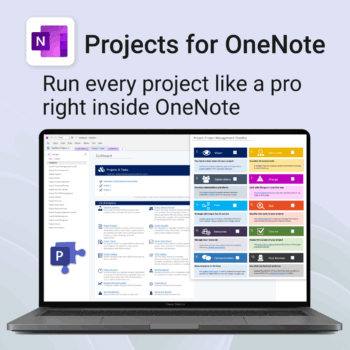
Run every project like a pro — right inside OneNote.
- Plan, track & deliver: A complete project notebook for Microsoft 365.
- Ready-made pages: Overview, Scope, Tasks, Timeline, Meetings, Risks & Assets.
- Works where you work: OneNote on Windows, Mac & Web — perfect with Teams or SharePoint.
- Instant setup: One-click notebook + quick-start guide included.
Perfect for solo operators and teams who live in Microsoft 365.
Trusted by 10,000+ professionals worldwide to stay organised and deliver on time.
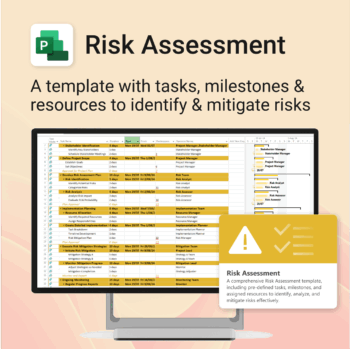
Master risk management — from early identification to confident mitigation.
-
- Eliminates guesswork — structured for real-world risk planning.
- Built to work perfectly in MS Project — no learning curve.
- Easy to update — keep your risk register live and relevant.
- Ideal for teams managing safety, compliance, or project uncertainty.
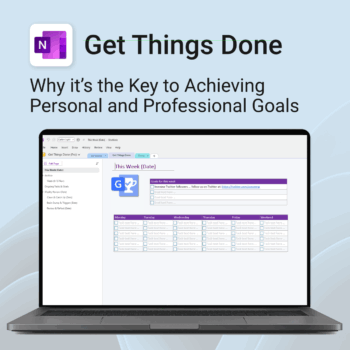
Get Things Done — right inside OneNote. Capture, organise and review with a clear weekly rhythm.
- GTD in OneNote: Inboxes, Projects, Next Actions, and a Weekly Review that sticks.
- Structured yet flexible: Brain dump & triggers, project pages, and “This Week” focus.
- Fast setup: One-click notebook + quick-start guide — be productive in minutes.
- Works where you work: OneNote on Windows, Mac & Web — great with Teams/SharePoint.
Perfect for personal and professional life — students, freelancers, and busy teams in Microsoft 365.
Join thousands of OneNote users who’ve built consistent weekly planning habits with GTD.
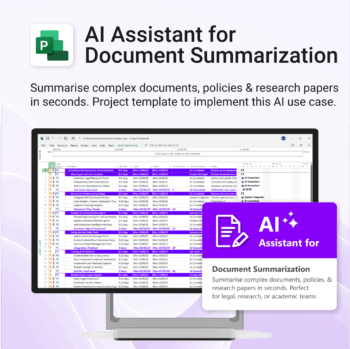
Plan and implement document AI with confidence and clarity.
-
- Purpose-built for AI summarisation rollouts in regulated or high-volume settings.
- Streamlines planning, testing, and integration phases.
- Includes roles, dependencies, and milestones out of the box.
- Works seamlessly with Microsoft Project — just import and go.
- Adaptable to any organisation size or document load.
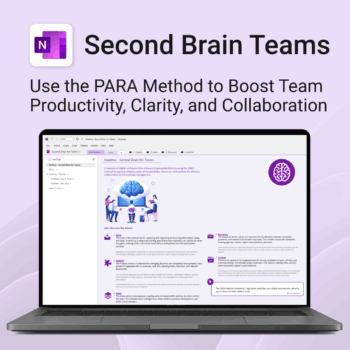
Boost productivity. Simplify collaboration.
-
- Capture tasks, notes & info instantly — no context switching
- Organize everything by PARA — Projects, Areas, Resources, Archive
- Get more done — shared workspaces drive team clarity
- Keep knowledge accessible — from onboarding to SOPs
- Work from anywhere — synced and secure inside OneNote
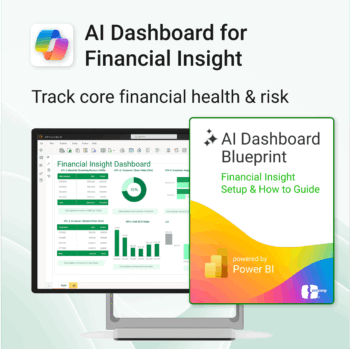
Transform financial data into actionable insights with Power BI & Copilot.
-
- Copilot-ready design with built-in AI forecasting.
- Visualise cash flow, revenue, and cost trends at a glance.
- Built for finance teams, consultants, and business owners.
- No coding needed – everything editable in Power BI Desktop.
- Built-in templates for recurring revenue, burn rate, and more.
Unlock every Auscomp Microsoft 365 Template — OnePass to hundreds of Copilot-ready tools for work, school & life.
- 100 + OneNote templates — structured systems Microsoft 365 Copilot can search & answer from.
- Security Kits for Microsoft 365 — 3 step-by-step kits (Personal, Solo & Small Business)
- MS 365 suite bonus: MS Project, Forms, Lists, Outlook & Excel tools included.
- AI resources built-in: Copilot & ChatGPT Playbooks + AI Dashboards & Agents.
- Always up to date: New templates & updates added all year — yours instantly.
Perfect for professionals, students & teams who live in Microsoft 365 and want structure Copilot can actually work with.
Join 8 000 + members who simplified their work & life with the All Access Pass — your 365 system for everything.
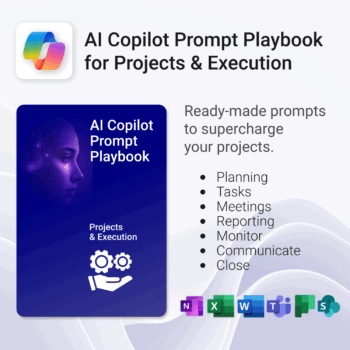
Get 30 proven Copilot prompts designed to supercharge your projects inside Microsoft 365.
-
- Covers daily planning, email, meetings, task tracking, productivity, and knowledge workflows.
- No guesswork — just copy, paste, and run inside Copilot.
- Includes example outputs and app-specific usage tips.
- Perfect for individuals, teams, and managers.
- Based on real-world Microsoft 365 use cases.