
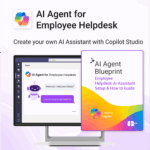


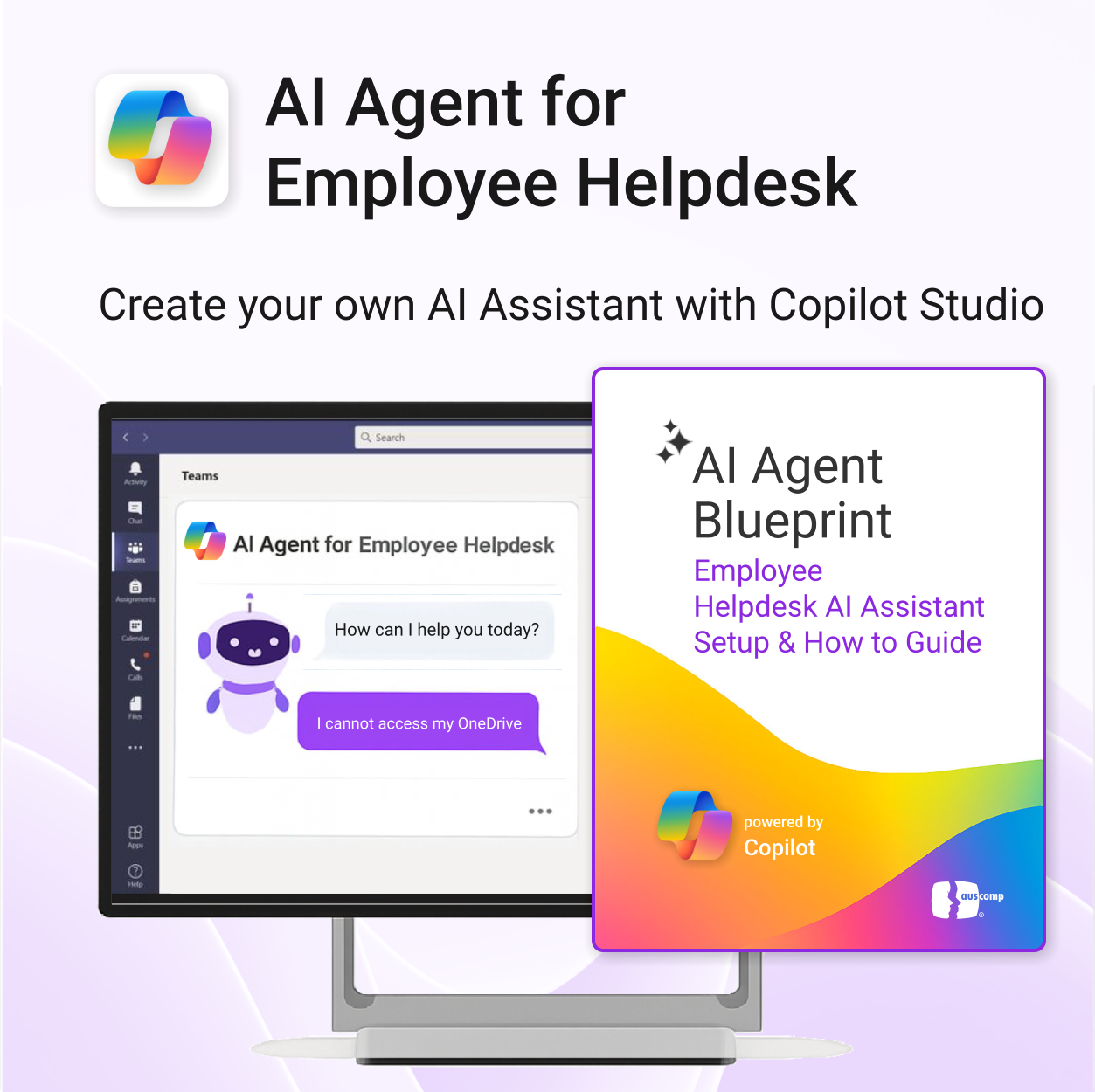
AI Agent for Employee Helpdesk powered by Copilot
$39.95
Launch your own AI-powered employee assistant in Microsoft Teams or SharePoint — no dev team required.
-
- Includes trigger/response templates for IT, HR, and general helpdesk support
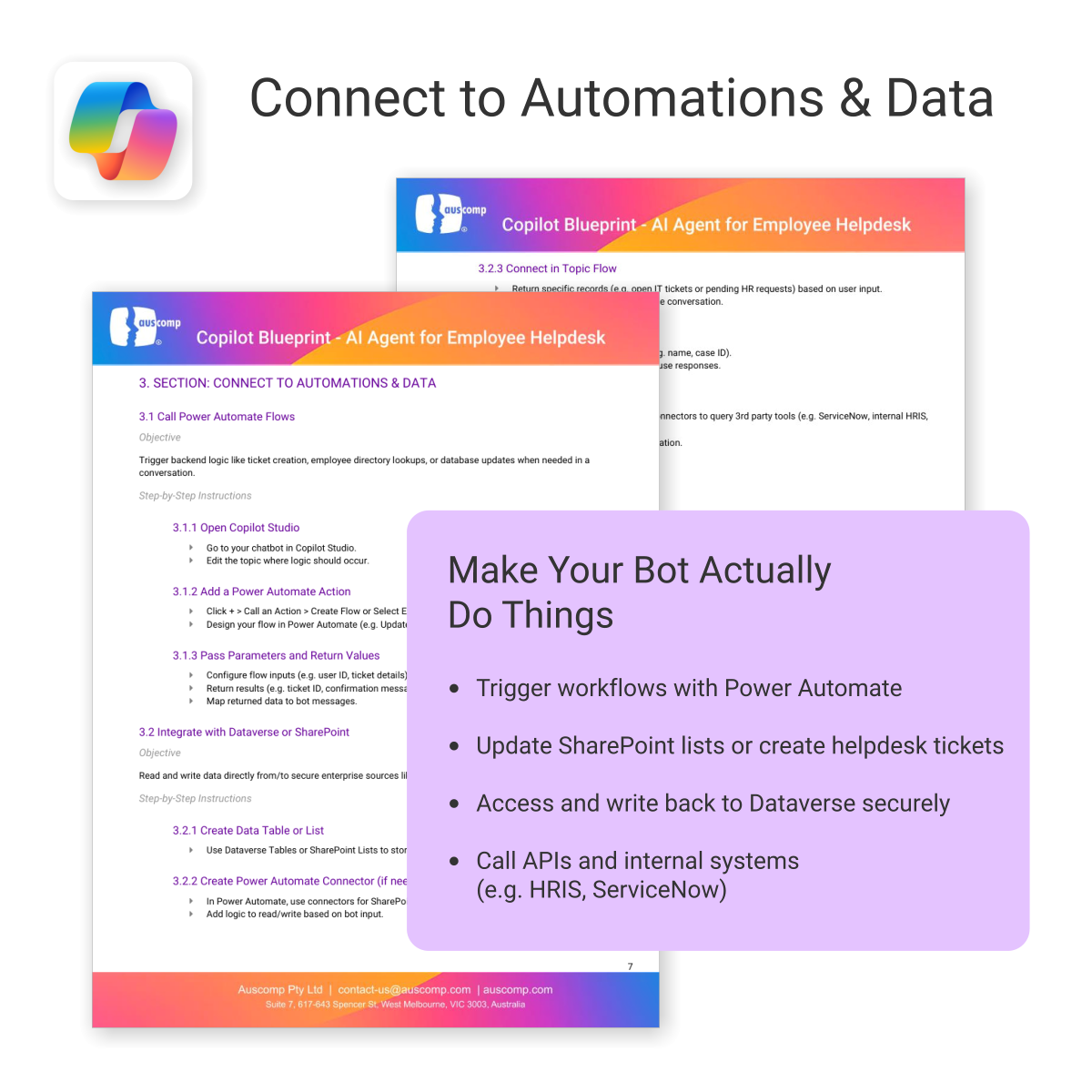
- Streamlines deployment with Power Automate & Copilot Studio
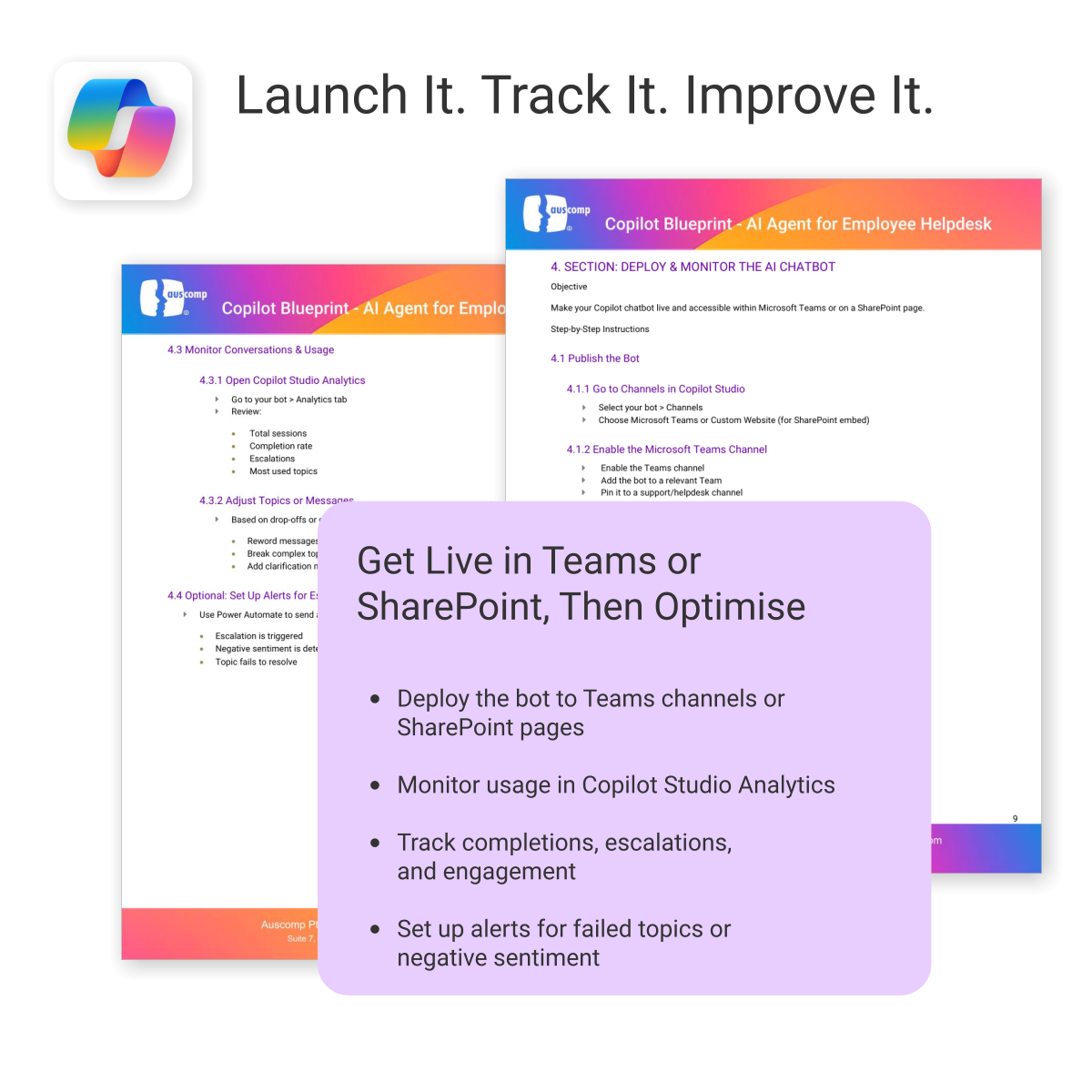
- Deployable internally in Microsoft Teams or embedded in SharePoint
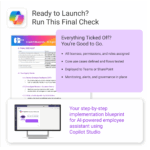
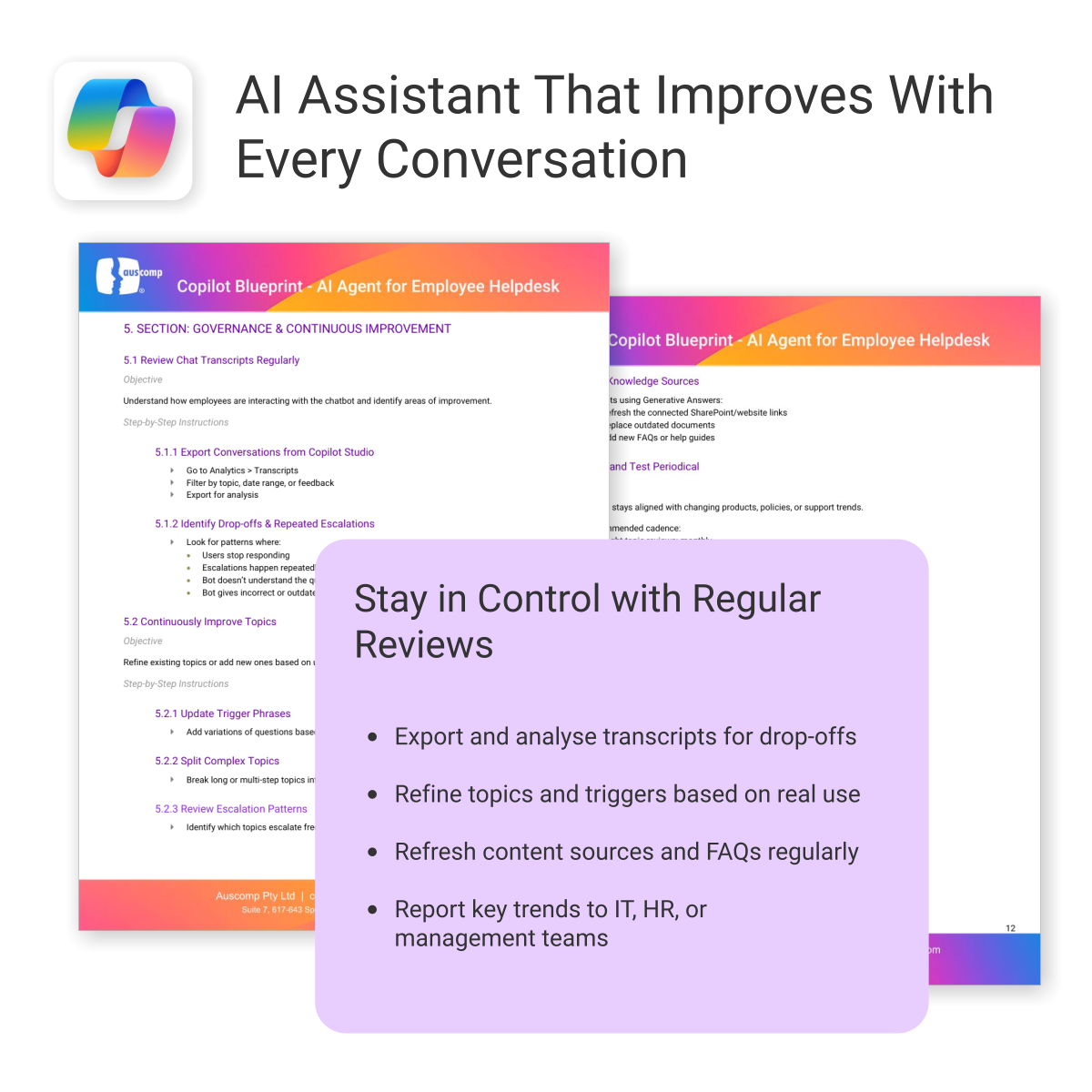
- Governance and monitoring framework included
- Created for operations, HR, IT and digital workplace teams
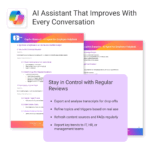
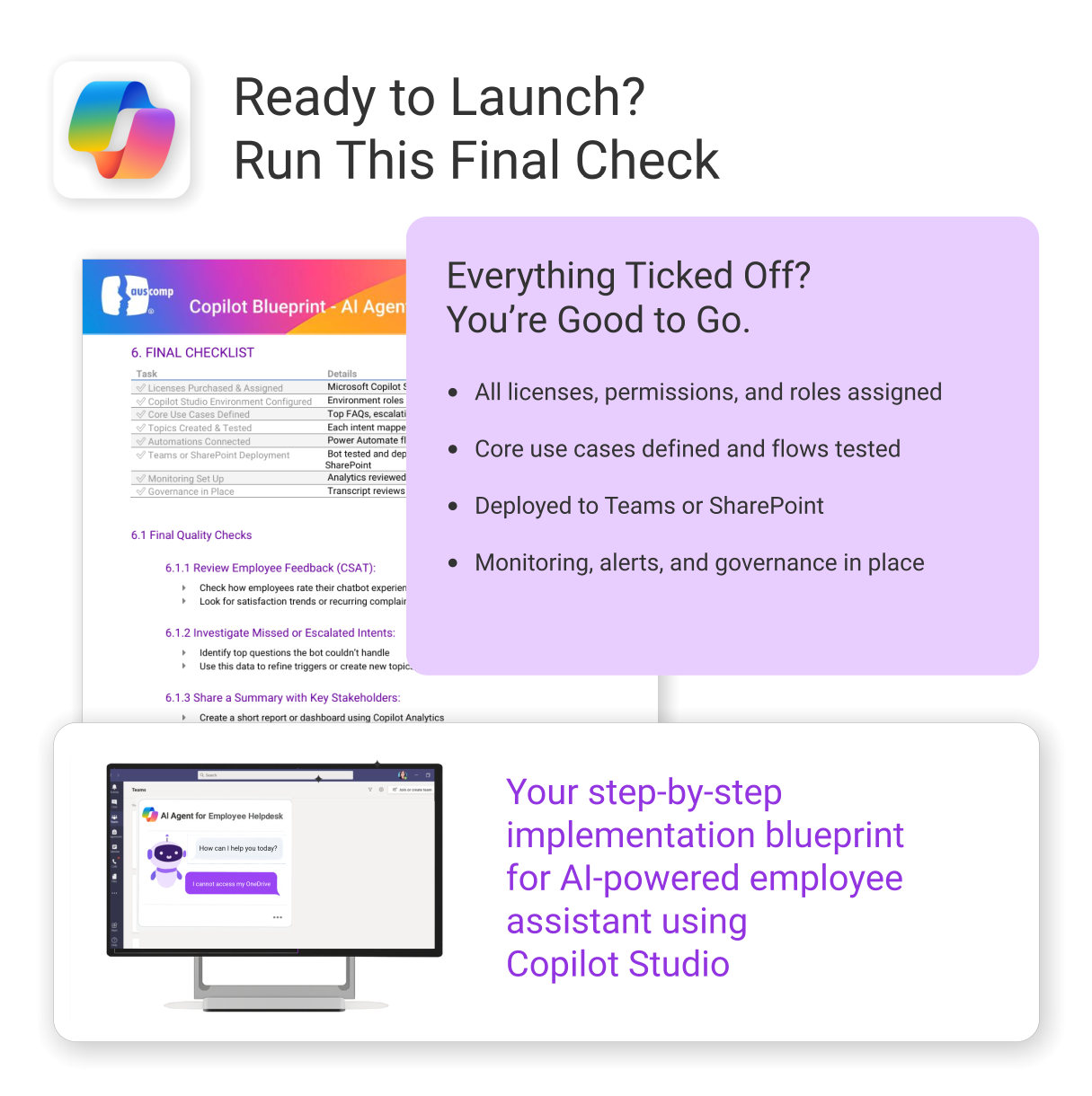
A complete implementation guide to launch your Employee Helpdesk AI Assistant
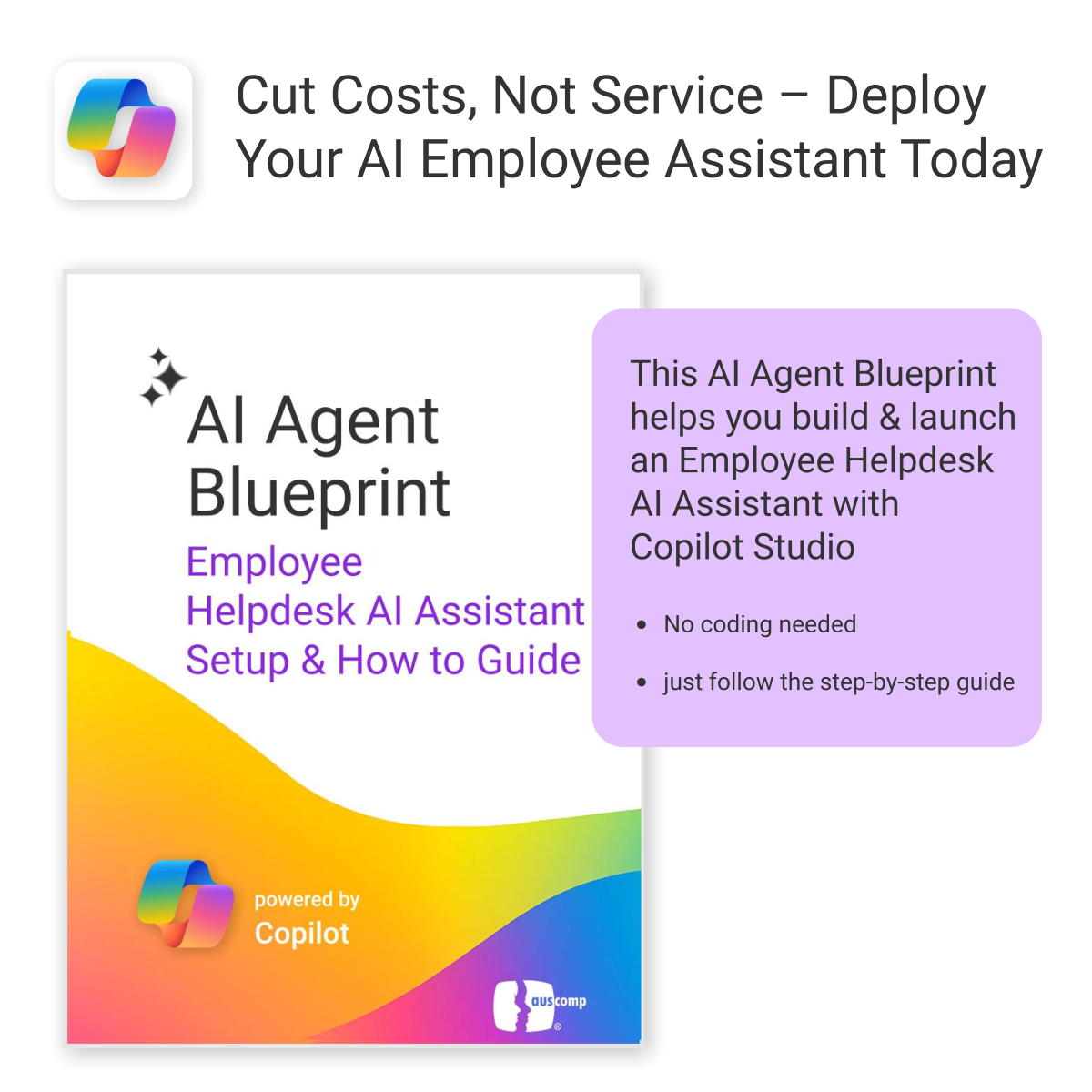
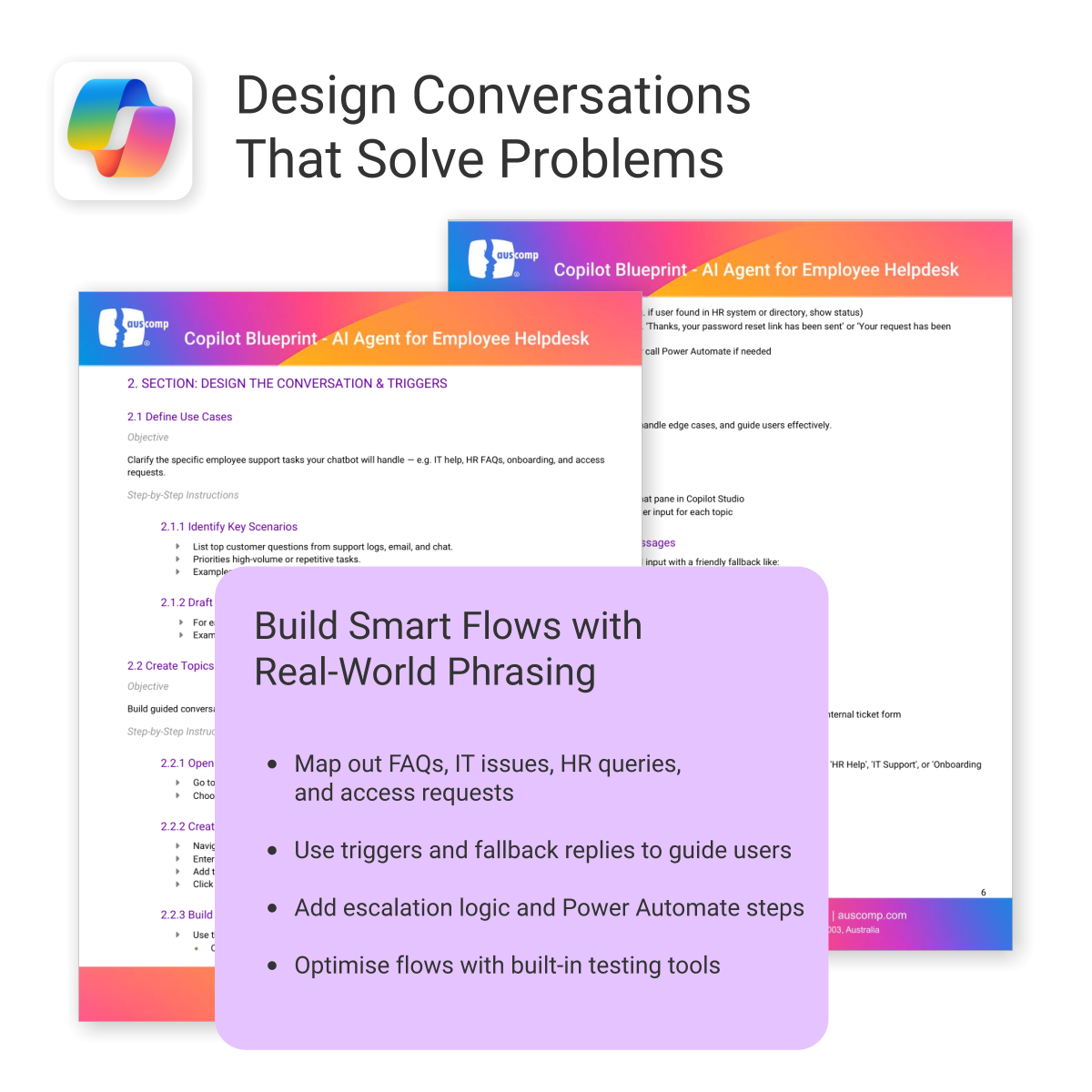
The AI Agent Blueprint for Employee Helpdesk shows you how to build, automate, and deploy an internal AI assistant using Microsoft Copilot Studio — no coding required.
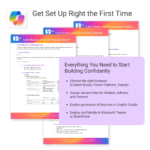
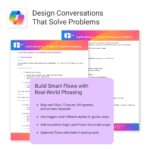
Everything you need, including:
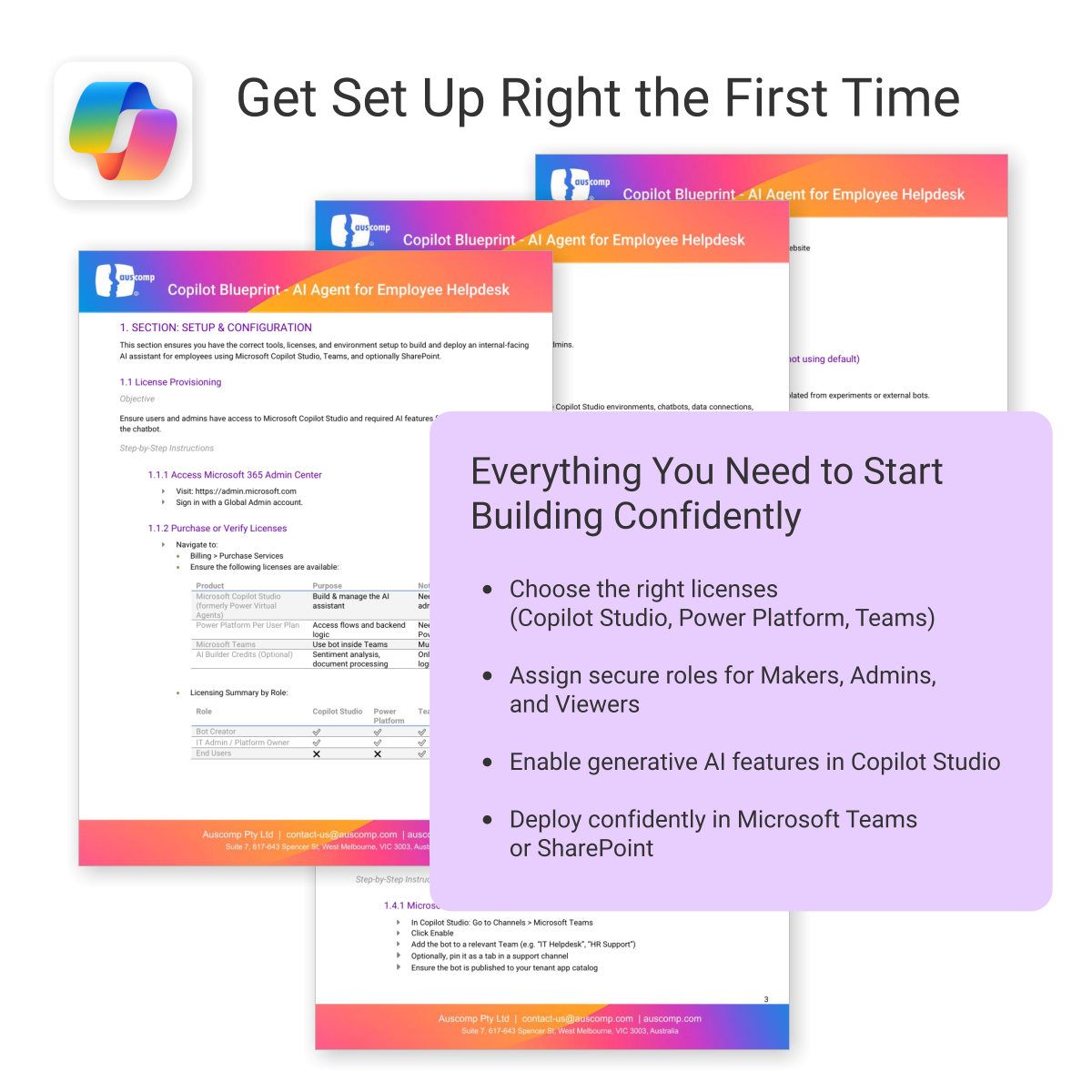
To build and deploy an AI Agent (customer chatbot or employee helpdesk assistant), the following Microsoft licenses are required. These ensure access to Copilot Studio, Power Platform, and secure deployment within Microsoft Teams or SharePoint.
Microsoft Licenses Needed
| License | Use | Notes |
|---|---|---|
| Microsoft 365 Copilot | Access generative AI features in Copilot Studio | Required for chatbot creators and AI features |
| Power Platform per user | Use Power Automate for workflow actions | Needed for integrations and automation |
| Dataverse or SharePoint (included in M365) | Store and retrieve internal data | Use existing Microsoft 365 storage or add-on |
| Teams License (Microsoft 365) | Deploy AI chatbot internally in Teams | Already included in most Microsoft 365 plans |
Licensing by User Role
For a quick overview, see licensing required by role:| User Role | Copilot | Power Platform | Teams | Dataverse / SharePoint |
|---|---|---|---|---|
| Bot Creator / Maker | ✅ | ✅ | ✅ | ✅ |
| IT / Automation Admin | Optional | ✅ | ✅ | ✅ |
| Employee / End User | ❌ | ❌ | ✅ | Optional |
To Purchase Microsoft Licenses
- Visit https://admin.microsoft.com
- Sign in with a Global Admin account
- Go to: Billing > Purchase services
 MS Project
 MS Forms
 MS Lists
 Outlook
 Excel
Excel Copilot
 MS Teams
 Power BI
Related Products
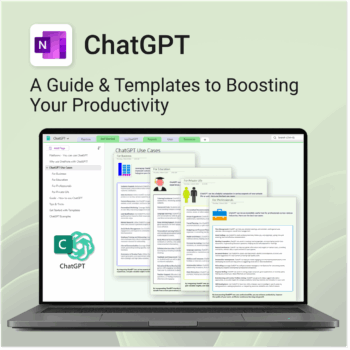
Be more productive. Save time & master AI.
-
- Master ChatGPT with structured use cases and tutorials.
- Get started faster using done-for-you templates and prompts.
- Track, log, and organize your ChatGPT ideas across projects.
- Save hours with reusable formats for every role and tone.
- Compatible with all devices — desktop, tablet & mobile.
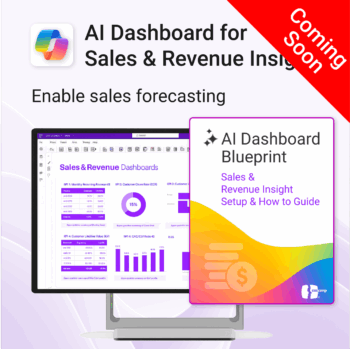
Drive predictable revenue with clear visibility into sales performance.
-
- Built for sales ops, revenue leads, and growth teams.
- AI-ready metrics for forecasting and deal analysis.
- Track trends in churn, CAC, MRR, and CLTV.
- Plug into Power BI Desktop – no dev work needed.
- Refine performance by pipeline stage, region, or rep.
Out of stock
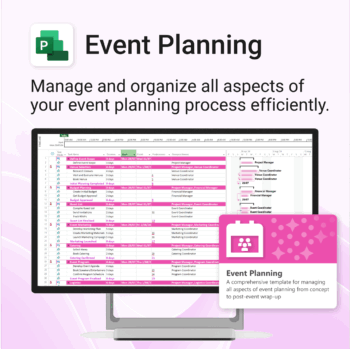
Manage &organize all aspects of your event planning.
-
- Crystal-clear timelines — no clutter, no chaos.
- Built for MS Project — plan every detail with ease.
- Drag, drop, done — effortless task tracking.
- Syncs anywhere — stay on top from any device.
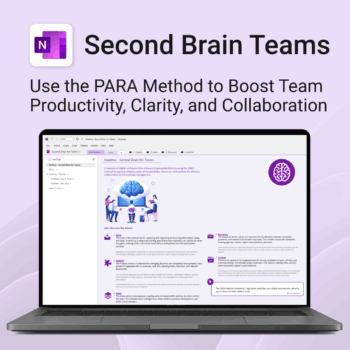
Boost productivity. Simplify collaboration.
-
- Capture tasks, notes & info instantly — no context switching
- Organize everything by PARA — Projects, Areas, Resources, Archive
- Get more done — shared workspaces drive team clarity
- Keep knowledge accessible — from onboarding to SOPs
- Work from anywhere — synced and secure inside OneNote
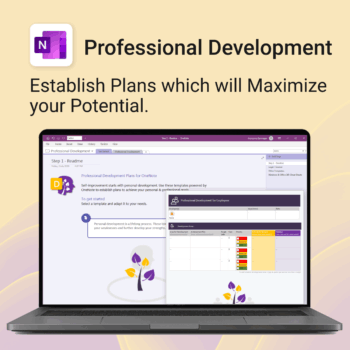
Grow with confidence. Track your progress. Achieve your goals.
- Start fast with guided templates and expert structure
- Track skills, goals, and leadership development in one place
- Adaptable for individuals, teams, or HR managers
- Simple enough for beginners, powerful enough for pros
- Always accessible inside OneNote on any device
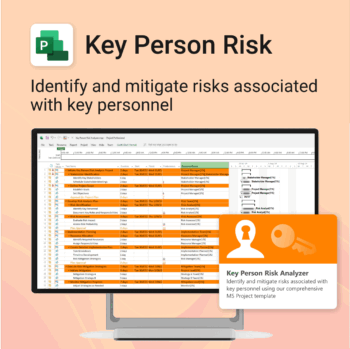
Ensure leadership continuity — plan for critical role coverage before it’s urgent.
-
- Pinpoints vulnerabilities linked to key personnel roles.
- Structured for real-world succession and risk planning.
- Works seamlessly with Microsoft Project — no tech overhead.
- Essential for HR, PMOs, and contingency planning teams.
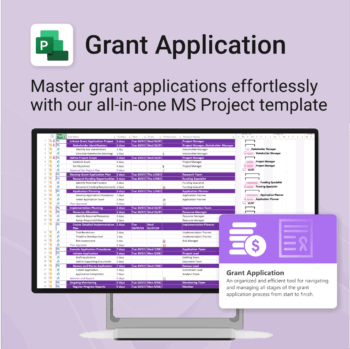
Simplify your grant writing — and improve your chances of success.
-
- Built for grant writers and project managers alike — no setup stress.
- Guides you through research, writing, budgeting, and submission.
- Keeps your grant team aligned and deadline-driven.
- Includes all milestones and tasks — fully editable in MS Project.
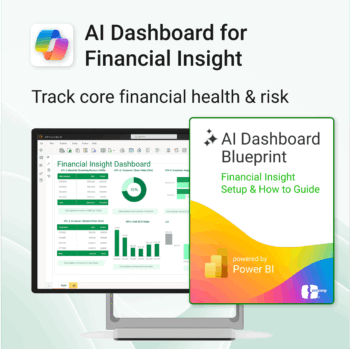
Transform financial data into actionable insights with Power BI & Copilot.
-
- Copilot-ready design with built-in AI forecasting.
- Visualise cash flow, revenue, and cost trends at a glance.
- Built for finance teams, consultants, and business owners.
- No coding needed – everything editable in Power BI Desktop.
- Built-in templates for recurring revenue, burn rate, and more.
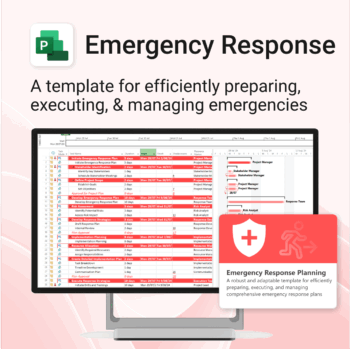
Be prepared when it matters most — structure your emergency response with confidence.
-
- Designed for real-world crisis response — not just planning theory.
- Built for MS Project — with zero setup hassle.
- Everything from scenarios to drills included in one place.
- Clear roles, resources, and timelines for stress-free execution.
Unlock every Auscomp Microsoft 365 Template — OnePass to hundreds of Copilot-ready tools for work, school & life.
- 100 + OneNote templates — structured systems Microsoft 365 Copilot can search & answer from.
- Security Kits for Microsoft 365 — 3 step-by-step kits (Personal, Solo & Small Business)
- MS 365 suite bonus: MS Project, Forms, Lists, Outlook & Excel tools included.
- AI resources built-in: Copilot & ChatGPT Playbooks + AI Dashboards & Agents.
- Always up to date: New templates & updates added all year — yours instantly.
Perfect for professionals, students & teams who live in Microsoft 365 and want structure Copilot can actually work with.
Join 8 000 + members who simplified their work & life with the All Access Pass — your 365 system for everything.
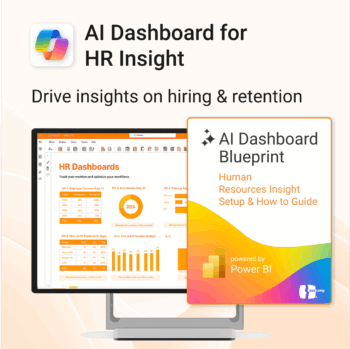
Build your HR AI dashboard with structure and clarity.
-
- Designed for HR, People & Culture, and Workforce teams.
- Streamlines onboarding, retention, and sentiment tracking.
- Works seamlessly in Power BI — no custom dev needed.
- Use in Teams, SharePoint, or export to PDF.
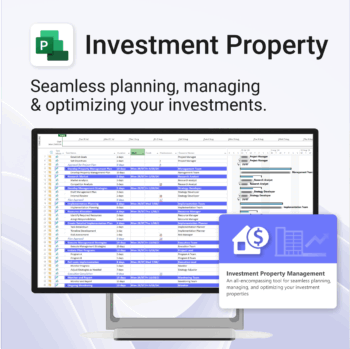
Own your investment journey — from first search to ongoing property success.
-
- Built to simplify complex property workflows — no more guesswork.
- Perfect for investors, renovators, and property managers.
- Fully compatible with MS Project — no learning curve.
- Clear milestones and budgets keep everything on track.