
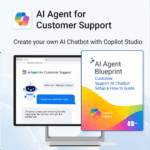

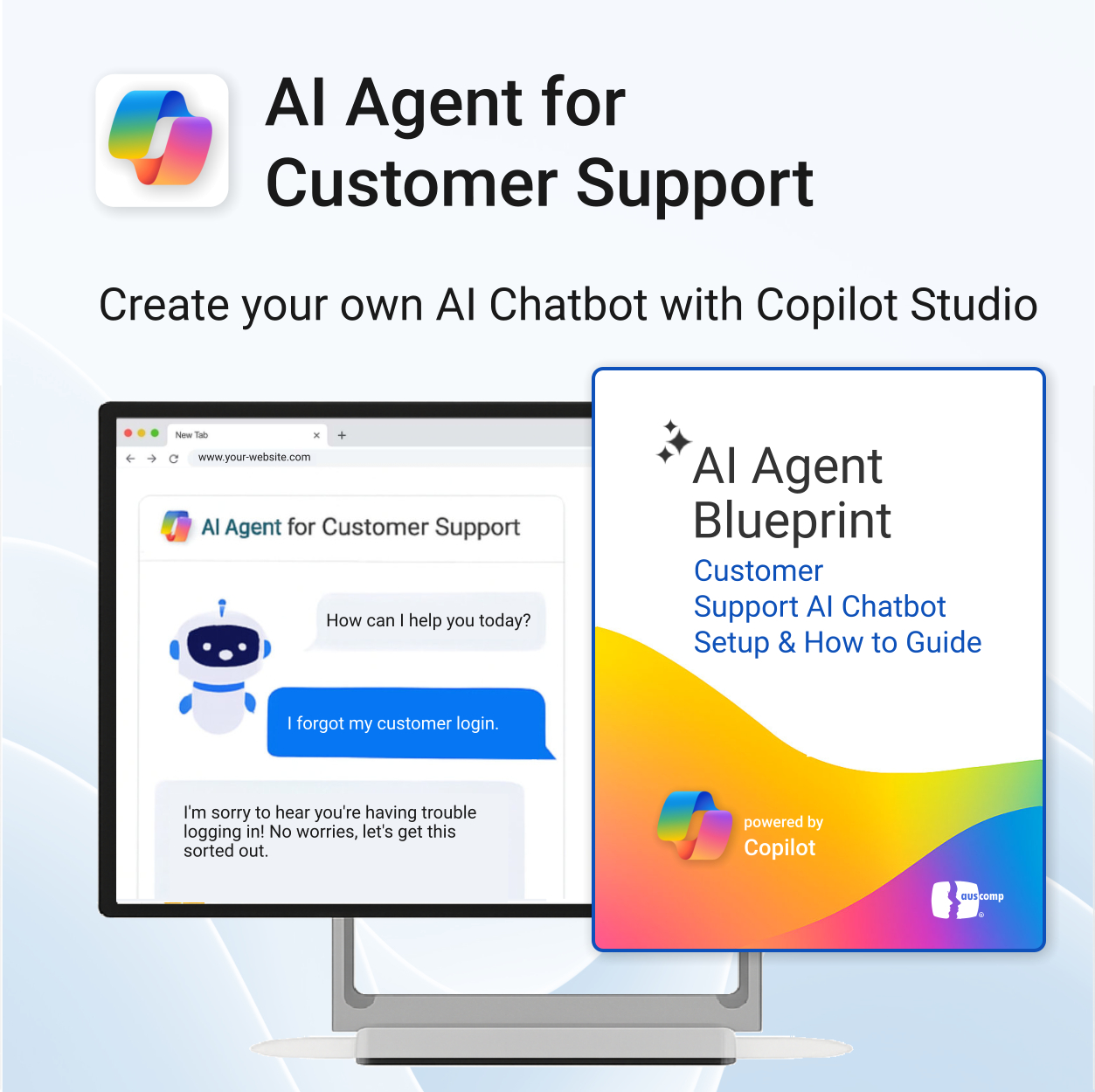
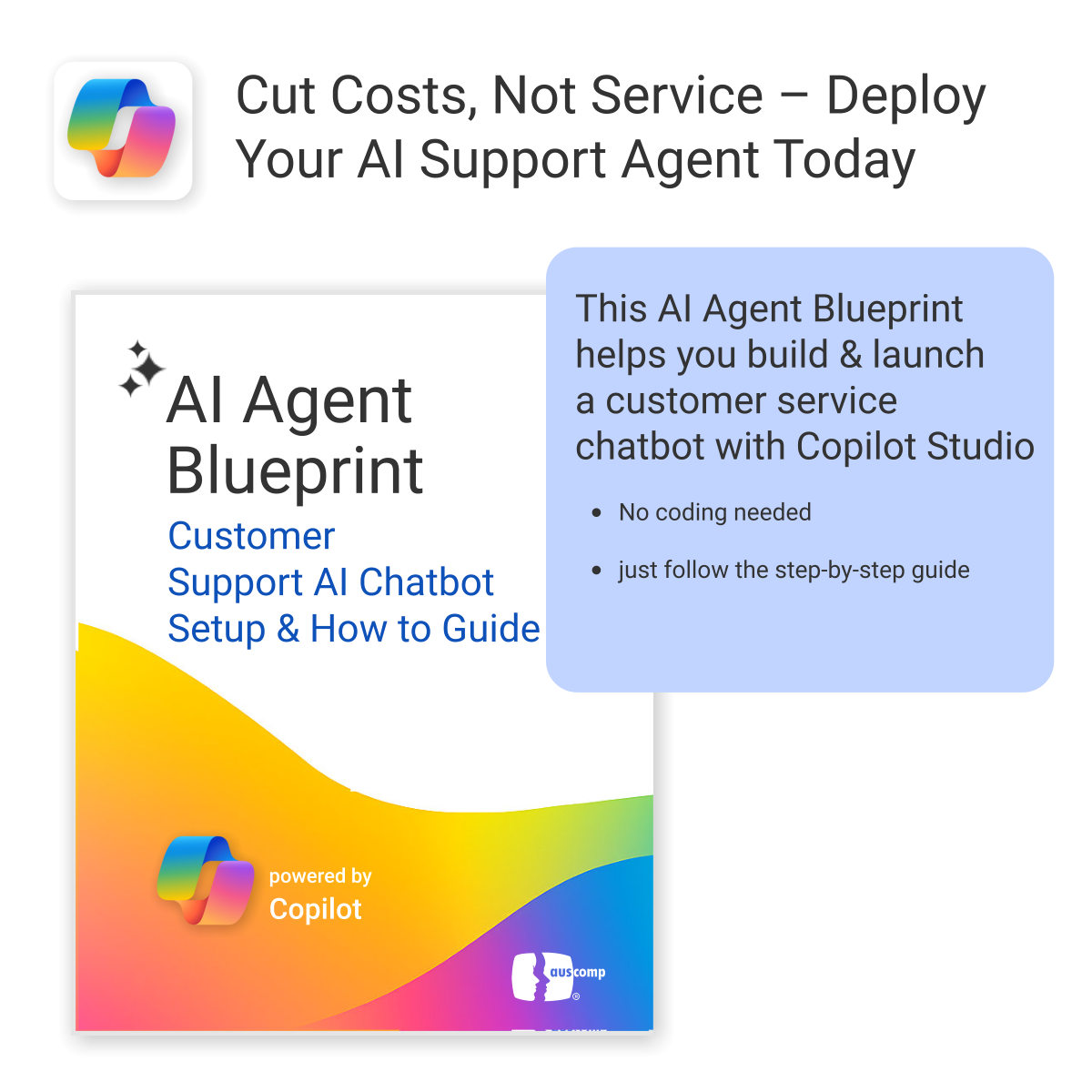
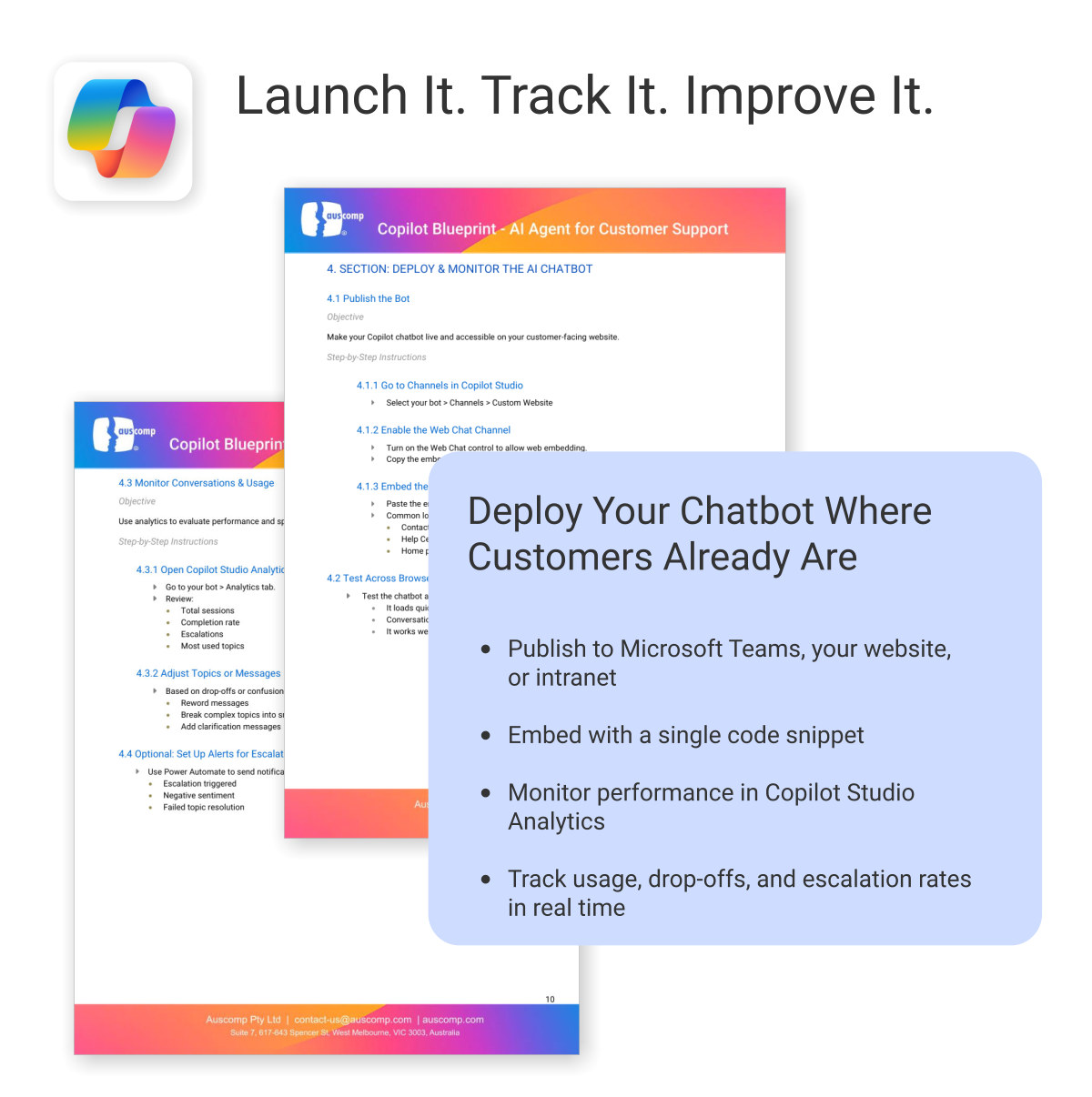
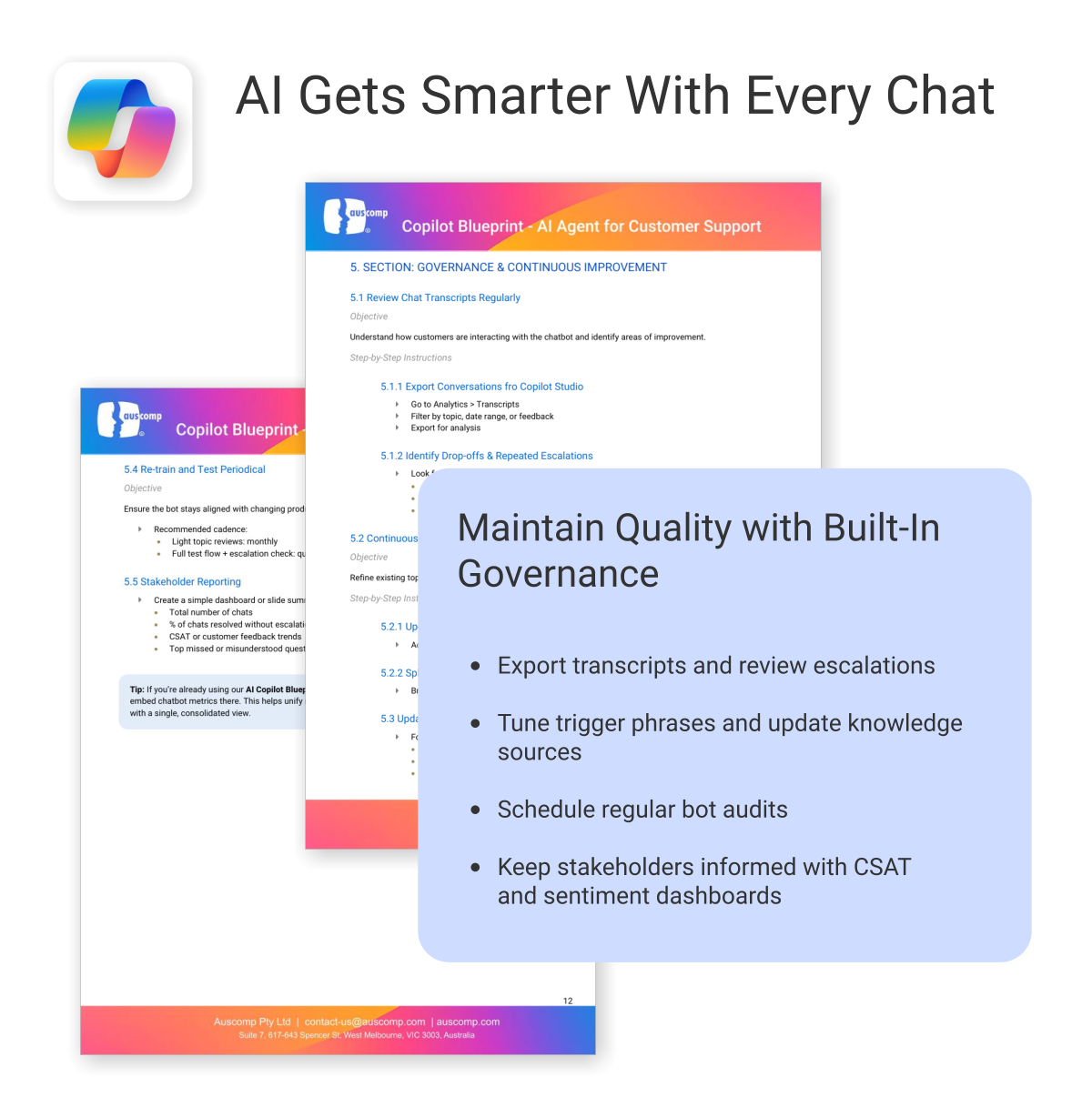
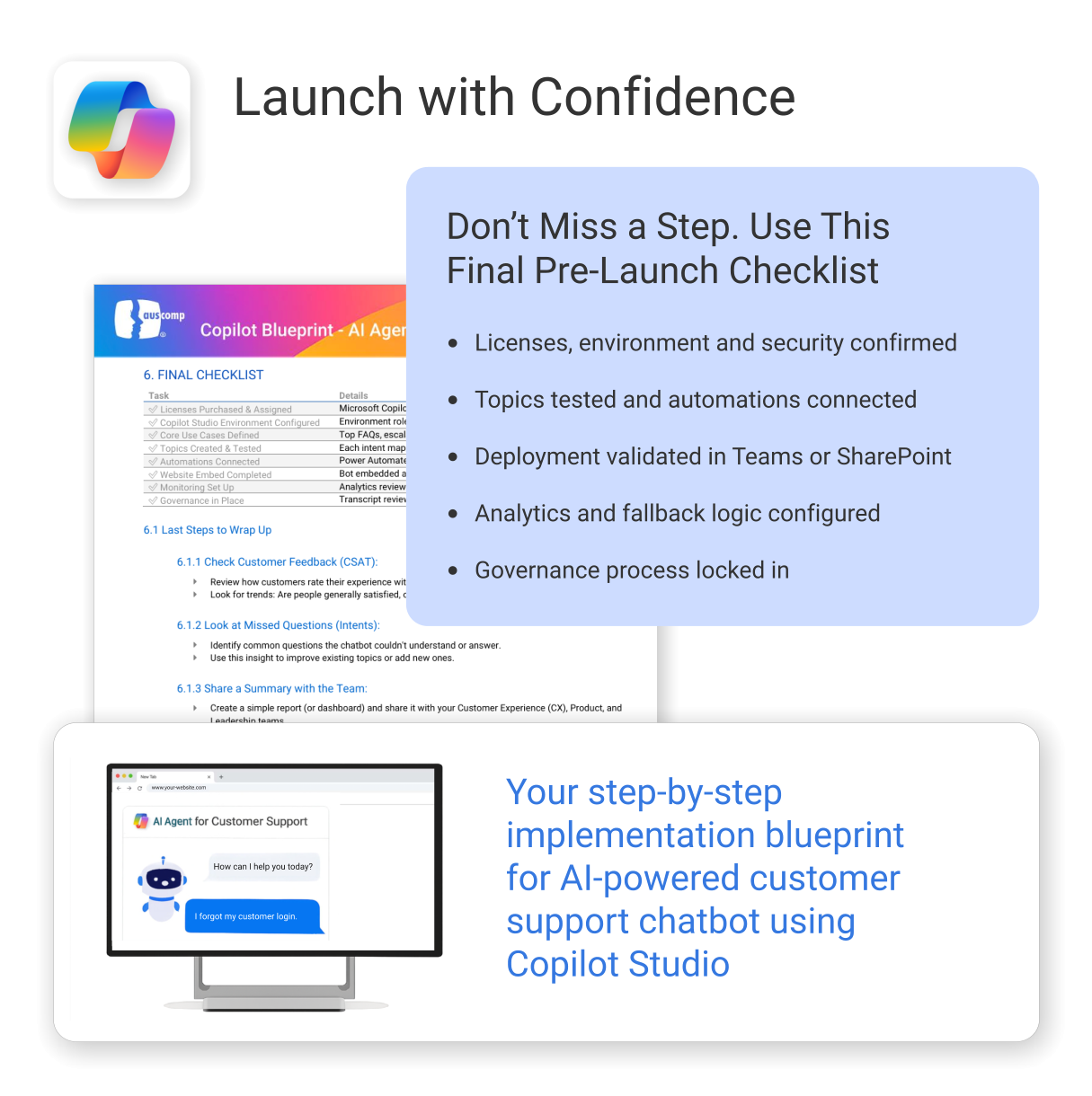
AI Agent for Customer Support powered by Copilot
$39.95
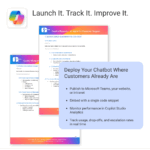
Build and launch a Copilot-powered customer support chatbot — without the guesswork.
-
- Includes conversation templates and flow examples for support scenarios
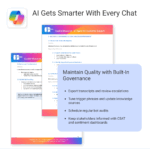
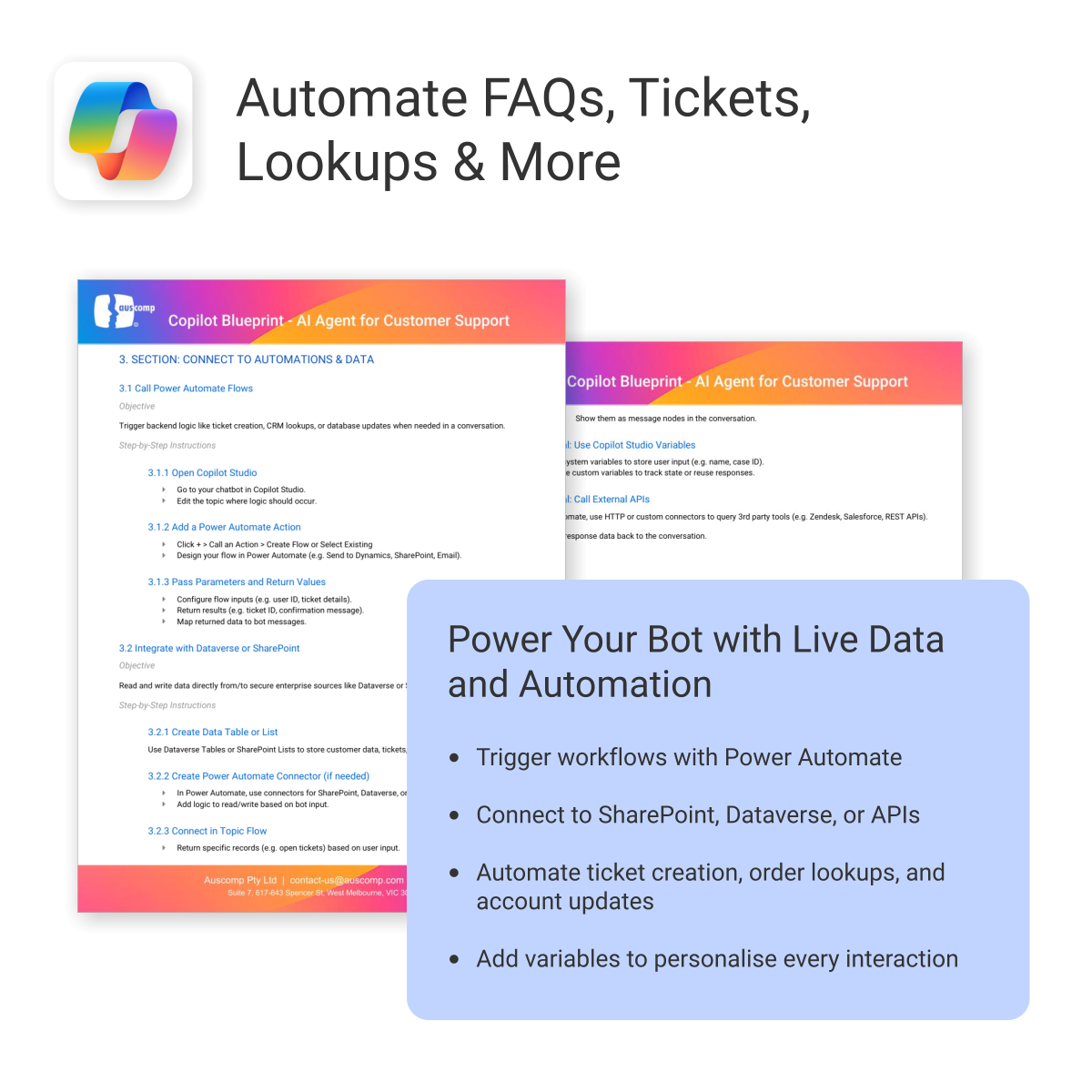
- Reduces support tickets through automation and self-service
- Works natively with Microsoft 365, Copilot Studio & Power Platform
- Deployable on your website — no coding required
- Built-in best practices to minimize setup time and maximize value
A practical and easy-to-follow blueprint for building your own customer support AI chatbot
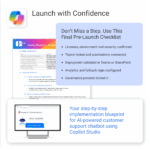
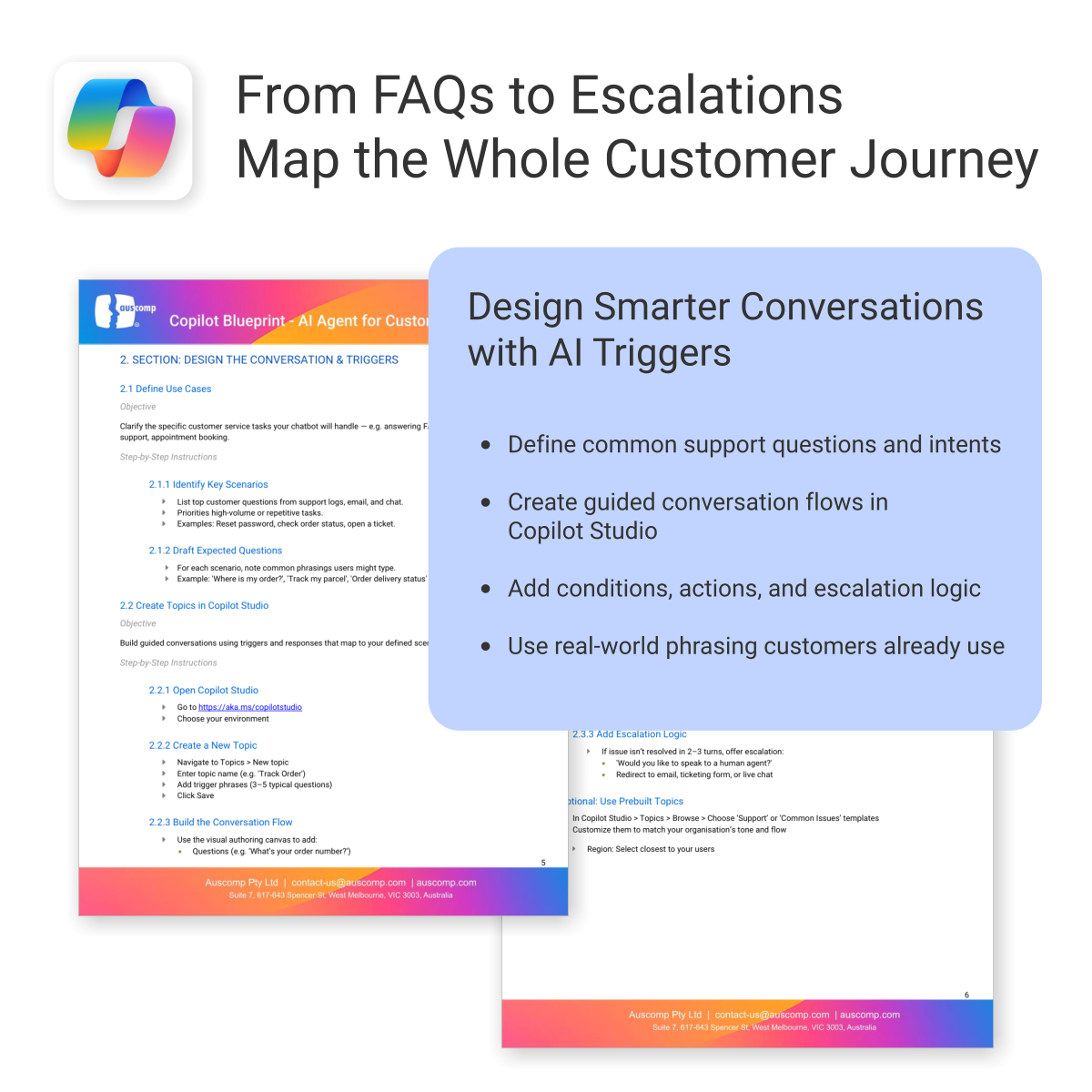
The AI Agent Blueprint for Customer Support shows you how to plan, build, and deploy an AI-powered Copilot chatbot — including conversation design, automation, and deployment on your website.
Easy to follow and includes the following:
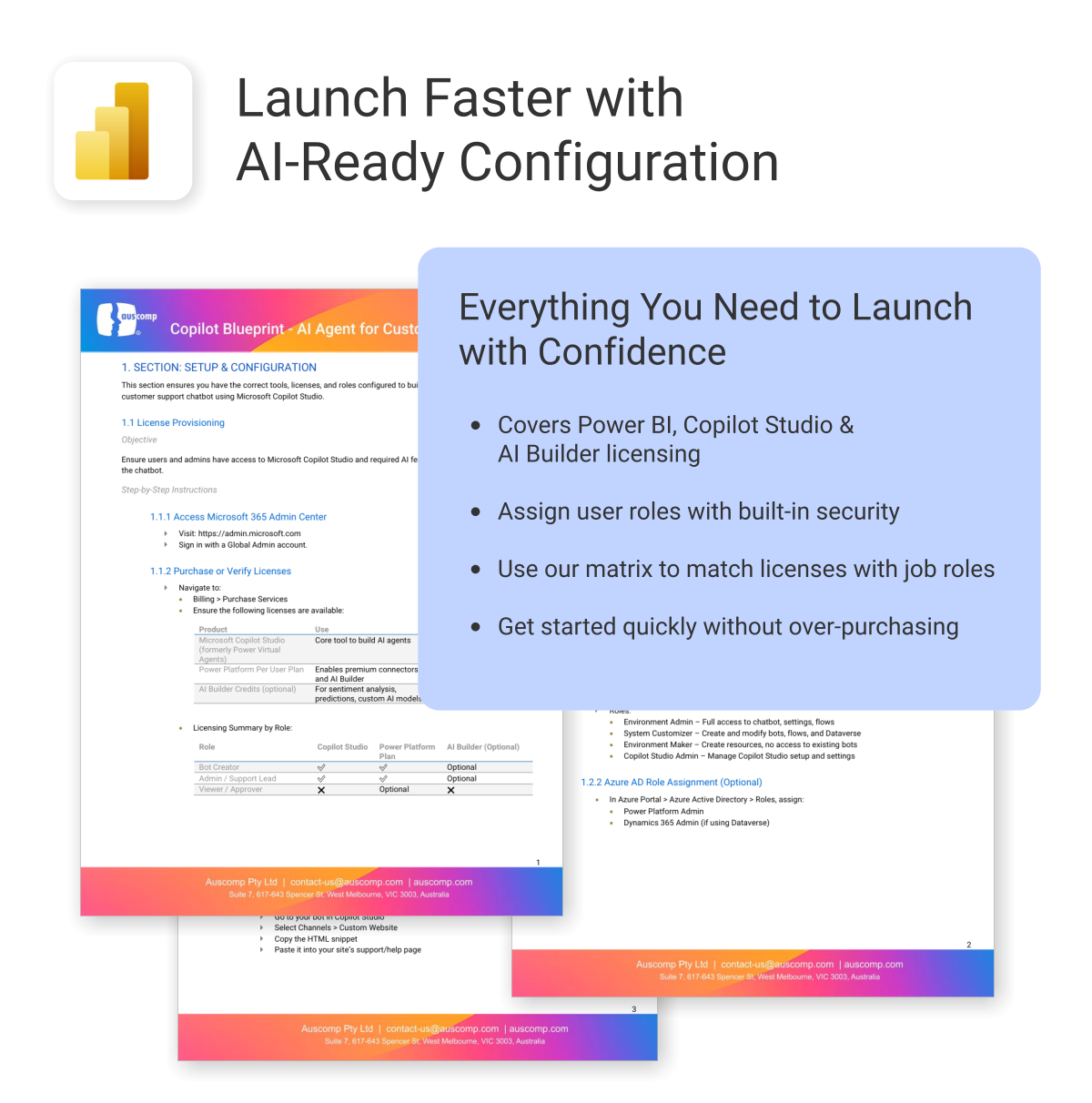
To build and deploy an AI Agent (customer chatbot or employee helpdesk assistant), the following Microsoft licenses are required. These ensure access to Copilot Studio, Power Platform, and secure deployment within Microsoft Teams or SharePoint.
Microsoft Licenses Needed
| License | Use | Notes |
|---|---|---|
| Microsoft 365 Copilot | Access generative AI features in Copilot Studio | Required for chatbot creators and AI features |
| Power Platform per user | Use Power Automate for workflow actions | Needed for integrations and automation |
| Dataverse or SharePoint (included in M365) | Store and retrieve internal data | Use existing Microsoft 365 storage or add-on |
| Teams License (Microsoft 365) | Deploy AI chatbot internally in Teams | Already included in most Microsoft 365 plans |
Licensing by User Role
For a quick overview, see licensing required by role:| User Role | Copilot | Power Platform | Teams | Dataverse / SharePoint |
|---|---|---|---|---|
| Bot Creator / Maker | ✅ | ✅ | ✅ | ✅ |
| IT / Automation Admin | Optional | ✅ | ✅ | ✅ |
| Employee / End User | ❌ | ❌ | ✅ | Optional |
To Purchase Microsoft Licenses
- Visit https://admin.microsoft.com
- Sign in with a Global Admin account
- Go to: Billing > Purchase services
 MS Project
 MS Forms
 MS Lists
 Outlook
 Excel
Excel Copilot
 MS Teams
 Power BI
Related Products
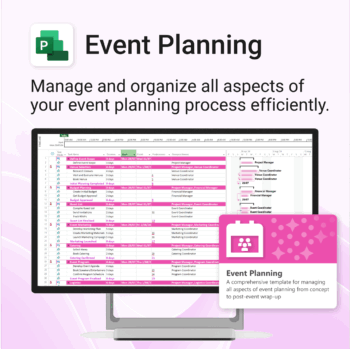
Manage &organize all aspects of your event planning.
-
- Crystal-clear timelines — no clutter, no chaos.
- Built for MS Project — plan every detail with ease.
- Drag, drop, done — effortless task tracking.
- Syncs anywhere — stay on top from any device.
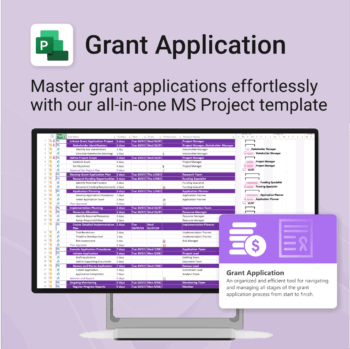
Simplify your grant writing — and improve your chances of success.
-
- Built for grant writers and project managers alike — no setup stress.
- Guides you through research, writing, budgeting, and submission.
- Keeps your grant team aligned and deadline-driven.
- Includes all milestones and tasks — fully editable in MS Project.
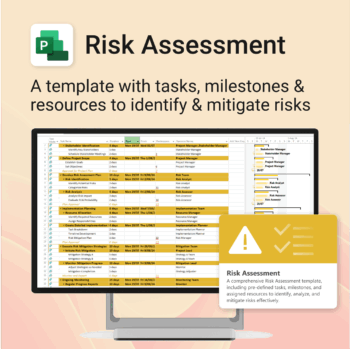
Master risk management — from early identification to confident mitigation.
-
- Eliminates guesswork — structured for real-world risk planning.
- Built to work perfectly in MS Project — no learning curve.
- Easy to update — keep your risk register live and relevant.
- Ideal for teams managing safety, compliance, or project uncertainty.
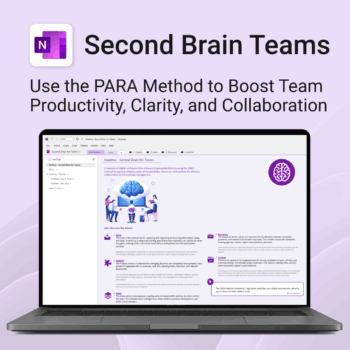
Boost productivity. Simplify collaboration.
-
- Capture tasks, notes & info instantly — no context switching
- Organize everything by PARA — Projects, Areas, Resources, Archive
- Get more done — shared workspaces drive team clarity
- Keep knowledge accessible — from onboarding to SOPs
- Work from anywhere — synced and secure inside OneNote
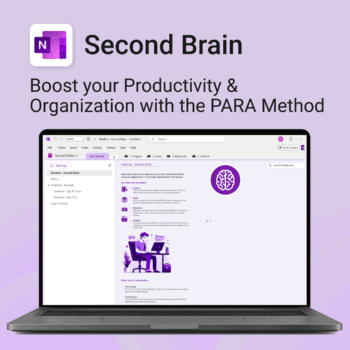
Master your life with OneNote + PARA — Projects, Areas, Resources & Archive in one trusted system.
- One system in OneNote: Capture, organise and execute tasks, notes and goals with the PARA method.
- Ready-to-use templates: Projects, Areas, Resources & Archive with trackers, planners and guides.
- Fast setup: One-click notebook + quick-start guide — get productive in minutes.
- Works where you work: OneNote on Windows, Mac & Web — great with Teams/SharePoint.
Perfect for individuals who live in Microsoft 365 and want clarity, control and focus.
Trusted by 10,000+ professionals worldwide to stay organised and deliver on time.
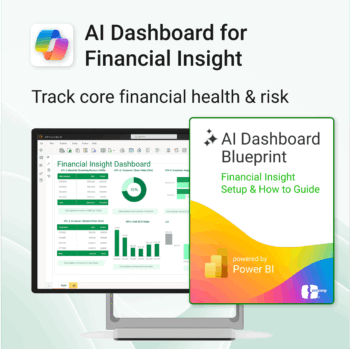
Transform financial data into actionable insights with Power BI & Copilot.
-
- Copilot-ready design with built-in AI forecasting.
- Visualise cash flow, revenue, and cost trends at a glance.
- Built for finance teams, consultants, and business owners.
- No coding needed – everything editable in Power BI Desktop.
- Built-in templates for recurring revenue, burn rate, and more.
Renovate with confidence — built for project managers, homeowners, and builders alike.
-
- Manage budgets, teams, tasks, and timelines all in MS Project.
- Built-in flow from design to demolition to final inspection.
- Perfect for homeowners, contractors, and renovation planners.
- Customizable for any property type or scope.
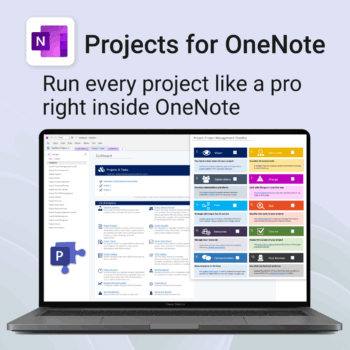
Run every project like a pro — right inside OneNote.
- Plan, track & deliver: A complete project notebook for Microsoft 365.
- Ready-made pages: Overview, Scope, Tasks, Timeline, Meetings, Risks & Assets.
- Works where you work: OneNote on Windows, Mac & Web — perfect with Teams or SharePoint.
- Instant setup: One-click notebook + quick-start guide included.
Perfect for solo operators and teams who live in Microsoft 365.
Trusted by 10,000+ professionals worldwide to stay organised and deliver on time.
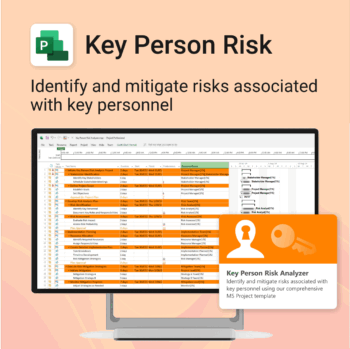
Ensure leadership continuity — plan for critical role coverage before it’s urgent.
-
- Pinpoints vulnerabilities linked to key personnel roles.
- Structured for real-world succession and risk planning.
- Works seamlessly with Microsoft Project — no tech overhead.
- Essential for HR, PMOs, and contingency planning teams.
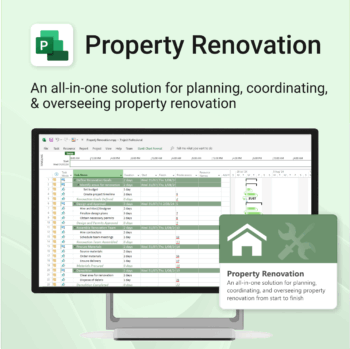
Renovate with confidence — built for project managers, homeowners, and builders alike.
-
- Manage budgets, teams, tasks, and timelines all in MS Project.
- Built-in flow from design to demolition to final inspection.
- Perfect for homeowners, contractors, and renovation planners.
- Customizable for any property type or scope.
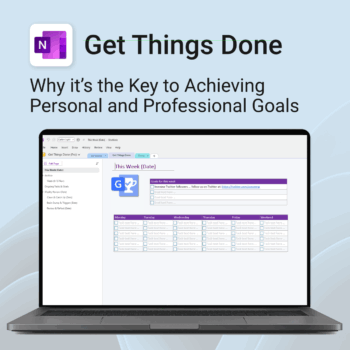
Get Things Done — right inside OneNote. Capture, organise and review with a clear weekly rhythm.
- GTD in OneNote: Inboxes, Projects, Next Actions, and a Weekly Review that sticks.
- Structured yet flexible: Brain dump & triggers, project pages, and “This Week” focus.
- Fast setup: One-click notebook + quick-start guide — be productive in minutes.
- Works where you work: OneNote on Windows, Mac & Web — great with Teams/SharePoint.
Perfect for personal and professional life — students, freelancers, and busy teams in Microsoft 365.
Join thousands of OneNote users who’ve built consistent weekly planning habits with GTD.
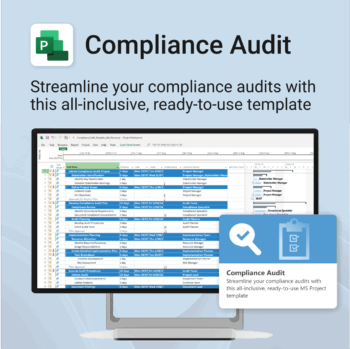
Make audit readiness part of your project workflow — not a last-minute scramble.
-
- Everything structured — from audit scope to implementation follow-up.
- Built for Microsoft Project — no steep learning curve.
- Ensures clear documentation and accountability across your audit team.
- Perfect for internal, external, and compliance-driven audits.