
Free Legal for OneNote
$0.00
Why you’ll love it
-
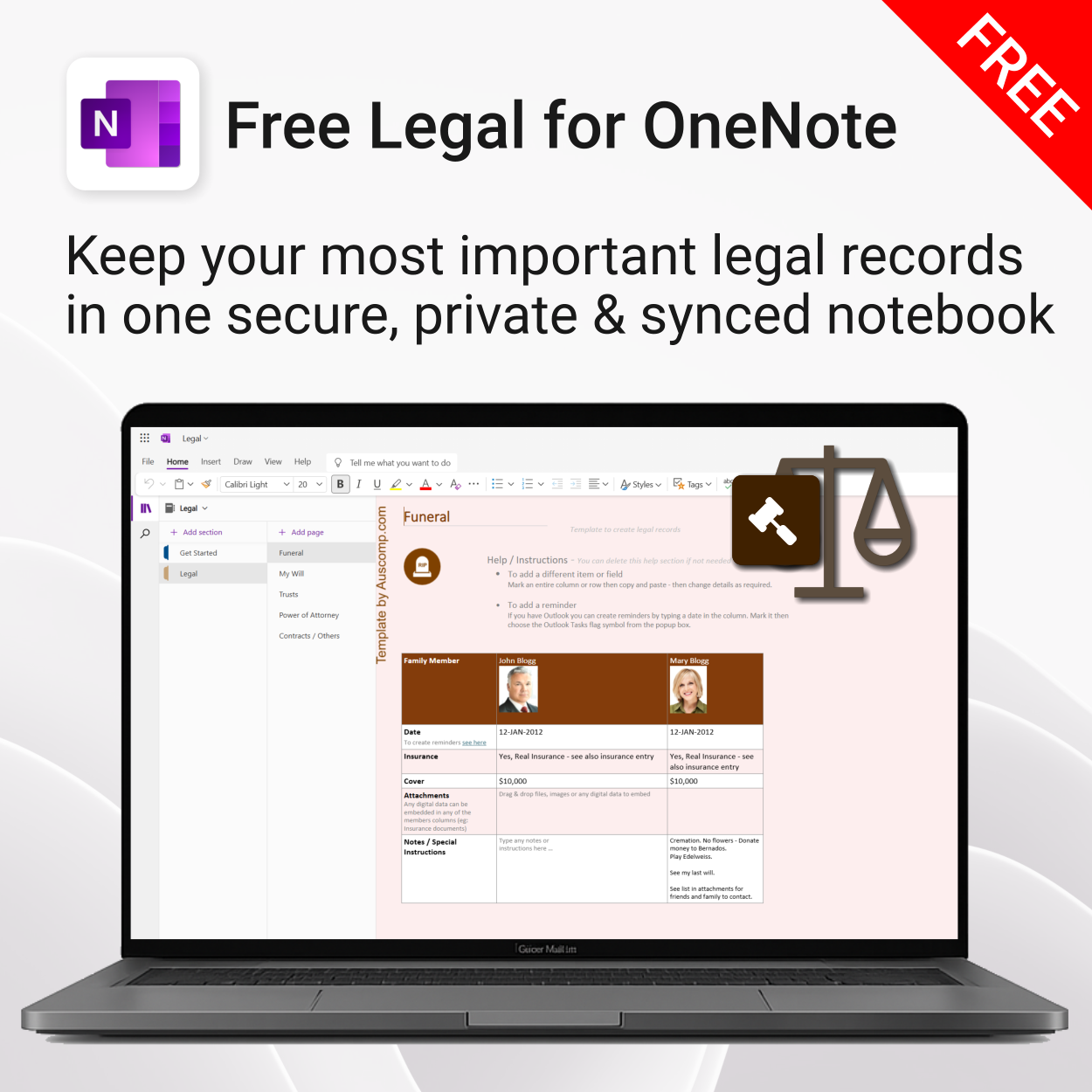
- Organise wills, trusts, and legal records in one secure OneNote notebook.
- Attach scanned documents and legal files directly to each page.
- Use Outlook reminders to keep insurance and renewals up to date.
- Customisable for any family or business legal structure.
- Free download delivered instantly to your email.
Free Legal for OneNote
Keep your most important legal records, wills, and documents organised and secure with this Legal Template for OneNote. Manage everything from funeral instructions to contracts, trusts, and power of attorney — all in one private, synced notebook.
What’s inside
 ChatGPT
 OneNote
 FREE
FREE MS Project
 MS Forms
 MS Lists
 Outlook
 Excel
Excel Bonus
Bonus Copilot
 MS Teams
 Power BI
Related Products

Essential Microsoft 365 templates for teachers & students — plan smarter, teach better, and track progress with ease.
- All-in-one bundle: 8 ready-to-use education tools for planning, tracking & classroom management.
- Includes: Teacher & Student Planners, LifeMap, Budget & Habit Trackers, Projects, Training & Observation templates.
- Perfect for: educators, students, and schools using Microsoft 365, OneNote, Excel & Forms.
- Easy setup: plug-and-play templates with step-by-step guides.
- Get 8 tools for the price of 5 — built to simplify teaching and learning.
Trusted by teachers and students worldwide to stay organized, motivated, and ahead of schedule.
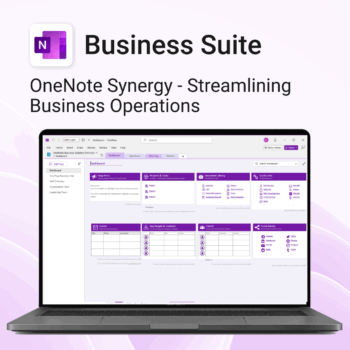
Run your business from OneNote — clients, projects, teams, HR, sales & documents in one organised workspace.
- One central hub: Plan work, manage people and store docs with ready-made templates.
- Built for Microsoft 365: Works great with Teams/SharePoint — no new logins or tools.
- Secure & searchable: Keep SOPs, HR and client files in OneNote for instant context.
- Fast setup: One-click notebook + quick-start guide — scale as your business grows.
Perfect for SMBs, agencies and remote teams who live in Microsoft 365.
Trusted by 1,000+ professionals worldwide to stay organized and deliver on time.
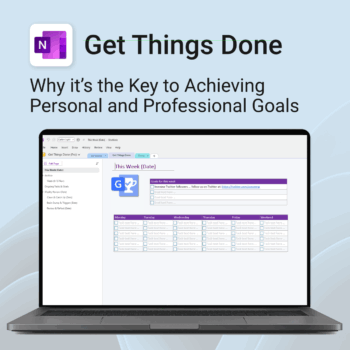
Get Things Done — right inside OneNote. Capture, organise and review with a clear weekly rhythm.
- GTD in OneNote: Inboxes, Projects, Next Actions, and a Weekly Review that sticks.
- Structured yet flexible: Brain dump & triggers, project pages, and “This Week” focus.
- Fast setup: One-click notebook + quick-start guide — be productive in minutes.
- Works where you work: OneNote on Windows, Mac & Web — great with Teams/SharePoint.
Perfect for personal and professional life — students, freelancers, and busy teams in Microsoft 365.
Join thousands of OneNote users who’ve built consistent weekly planning habits with GTD.
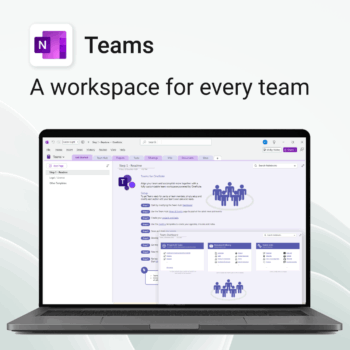
Empower collaboration. Simplify execution.
-
- Everything in one place — wiki, projects, docs & tasks
- Templates for every key workflow from meetings to retrospectives
- Fast onboarding with intuitive layouts
- Improves team visibility and alignment
- Secure, searchable & fully integrated with Microsoft 365
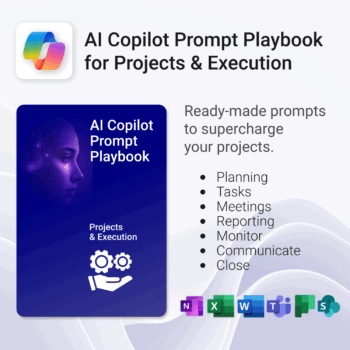
Get 30 proven Copilot prompts designed to supercharge your projects inside Microsoft 365.
-
- Covers daily planning, email, meetings, task tracking, productivity, and knowledge workflows.
- No guesswork — just copy, paste, and run inside Copilot.
- Includes example outputs and app-specific usage tips.
- Perfect for individuals, teams, and managers.
- Based on real-world Microsoft 365 use cases.
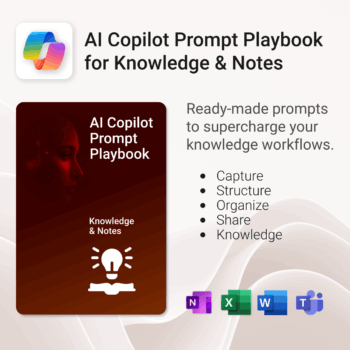
Get 30 proven Copilot prompts designed to supercharge your knowledge workflows inside Microsoft 365.
-
- Covers knowledge capture, SOPs, research summaries, collaboration, and organisation.
- No guesswork — just copy, paste, and run inside Copilot.
- Includes example outputs and app-specific usage tips.
- Perfect for individuals, teams, and knowledge managers.
- Based on real-world Microsoft 365 use cases.
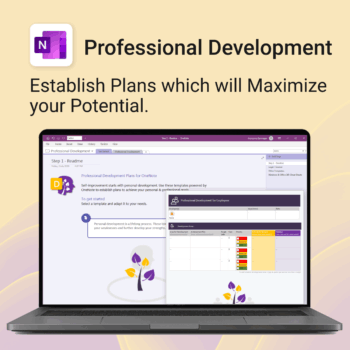
Grow with confidence. Track your progress. Achieve your goals.
- Start fast with guided templates and expert structure
- Track skills, goals, and leadership development in one place
- Adaptable for individuals, teams, or HR managers
- Simple enough for beginners, powerful enough for pros
- Always accessible inside OneNote on any device
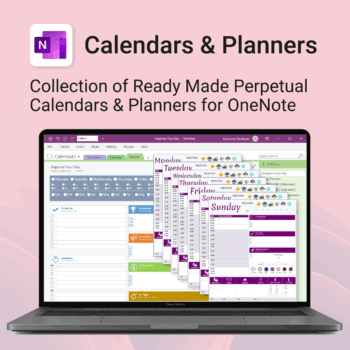
Stay organised all year — daily, weekly & monthly planners right inside OneNote.
- All in OneNote: Dated & undated calendars plus flexible daily/weekly planners.
- Ready to use: 13 calendars, 7 daily planners, 7 “One Day at a Time”, 4 weekly planners & more.
- Fast setup: One-click notebook + quick-start guide — start planning in minutes.
- No subscriptions: Yours forever. Works on Windows, Mac & Web (great with Teams/SharePoint).
Perfect for home, work and family life — anyone who loves OneNote and wants structure.
Used by thousands to plan days, weeks and months with less stress and more clarity.
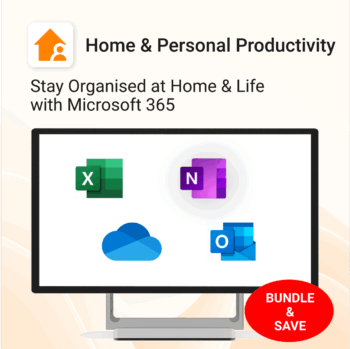
Stay organized at home, work & life with 8 powerful Microsoft 365 templates for planning, habits & personal growth.
- All-in-one bundle: planners, calendars, and habit trackers for OneNote, Excel, and OneDrive.
- Bring order to your day: plan your life, manage time, track habits & stay on top of goals.
- Includes: Productivity Maximizer, Calendars, Vacation Organizer, Habit Tracker, Budget Planner, LifeMap & more.
- Fully compatible: works seamlessly across Windows, Mac, and mobile Microsoft 365 apps.
- Get all 8 templates for one bundle price — the ultimate home & life organizer kit.
Trusted by families and professionals worldwide to simplify life, boost focus, and make every day more productive.
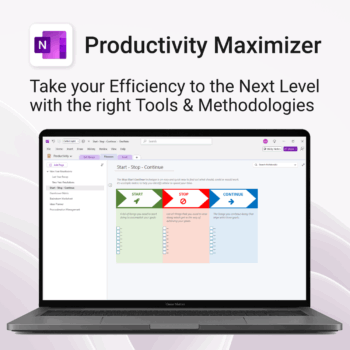
Boost clarity. Break through mental clutter.
-
- Structure your goals and eliminate procrastination
- All-in-one toolkit inside OneNote
- Designed for both personal and professional growth
- Use powerful planners and templates to stay focused
- Works across devices – always accessible
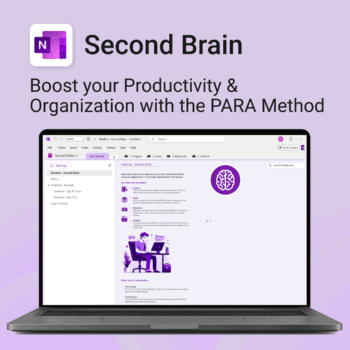
Master your life with OneNote + PARA — Projects, Areas, Resources & Archive in one trusted system.
- One system in OneNote: Capture, organise and execute tasks, notes and goals with the PARA method.
- Ready-to-use templates: Projects, Areas, Resources & Archive with trackers, planners and guides.
- Fast setup: One-click notebook + quick-start guide — get productive in minutes.
- Works where you work: OneNote on Windows, Mac & Web — great with Teams/SharePoint.
Perfect for individuals who live in Microsoft 365 and want clarity, control and focus.
Trusted by 10,000+ professionals worldwide to stay organised and deliver on time.
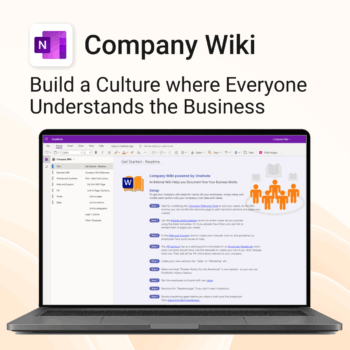
Bring clarity and consistency to your team’s internal documentation.
-
- One central place to manage company knowledge.
- No extra tools – works right inside Microsoft OneNote.
- Professional templates for SOPs, policies, manuals and more.
- Secure and private with Office 365 cloud integration.
- Fast onboarding, training, and ongoing updates made simple.