
KanBan Task Board for OneNote


$19.95
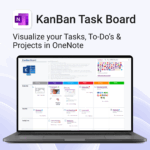
Visualise your Tasks, To-Do’s & Projects — right inside OneNote.
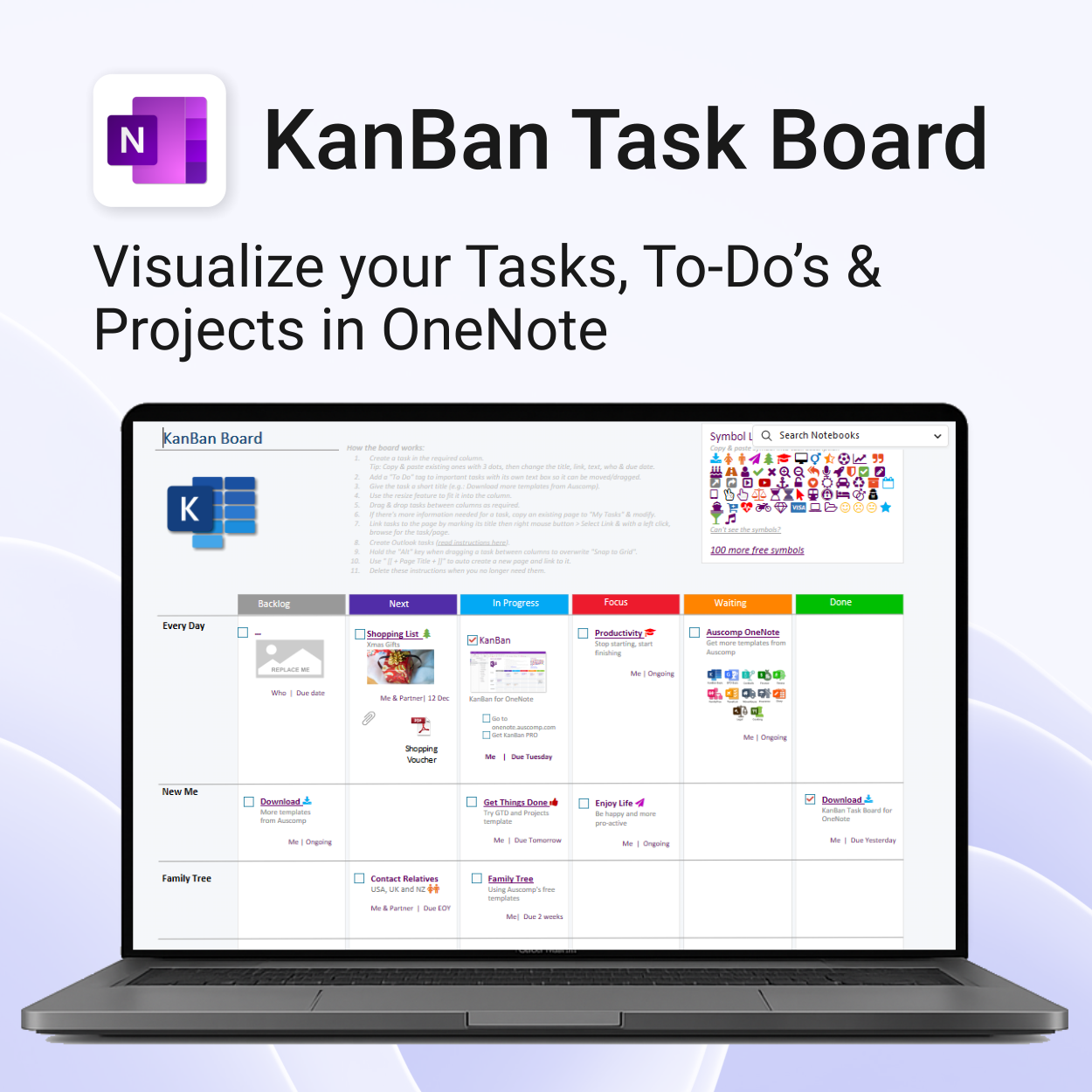
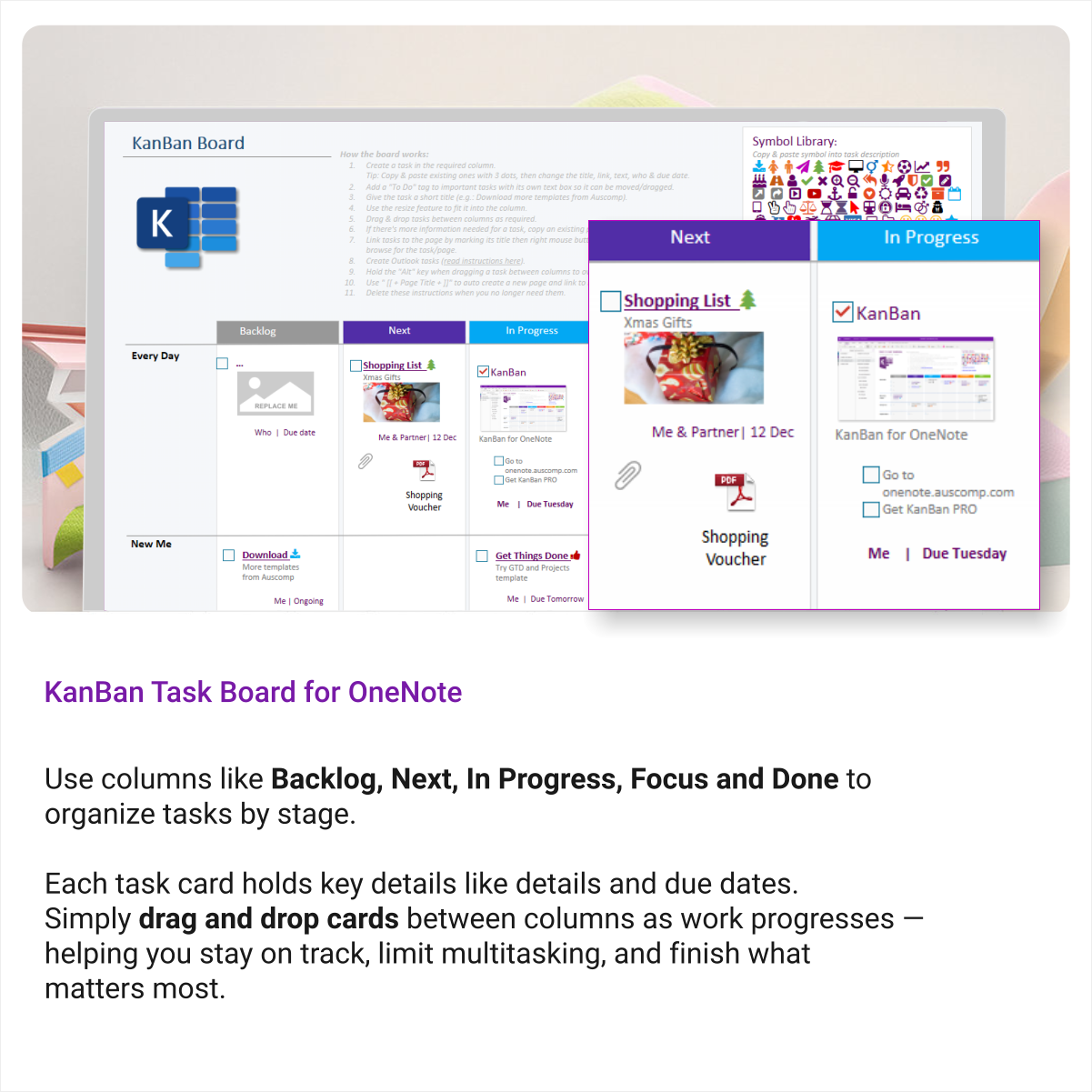
- Kanban in OneNote: Boards with columns and ready-made task cards for a clear, visual workflow.
- Built-in templates: Smart Cards, symbols, swimlanes & multiple board types to fit any team.
- Fast setup: One-click notebook + quick-start guide — start tracking in minutes.
- Works where you work: OneNote on Windows, Mac & Web — great with Teams/SharePoint.
Perfect for individuals and teams who live in Microsoft 365.
Trusted by 10,000+ professionals worldwide to stay organised and deliver on time.
OneNote KanBan Board — Visualise your Tasks, To-Do’s & Projects in OneNote
Auscomp’s KanBan for OneNote is a visual workflow system adapted for OneNote — enabling you to optimise the flow of your work without leaving Microsoft 365.
What’s included
Quick to install and ready to use:
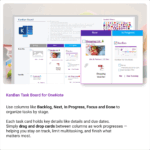
- Kanban Task Board (default) — columns for Backlog, Doing, Done & more.
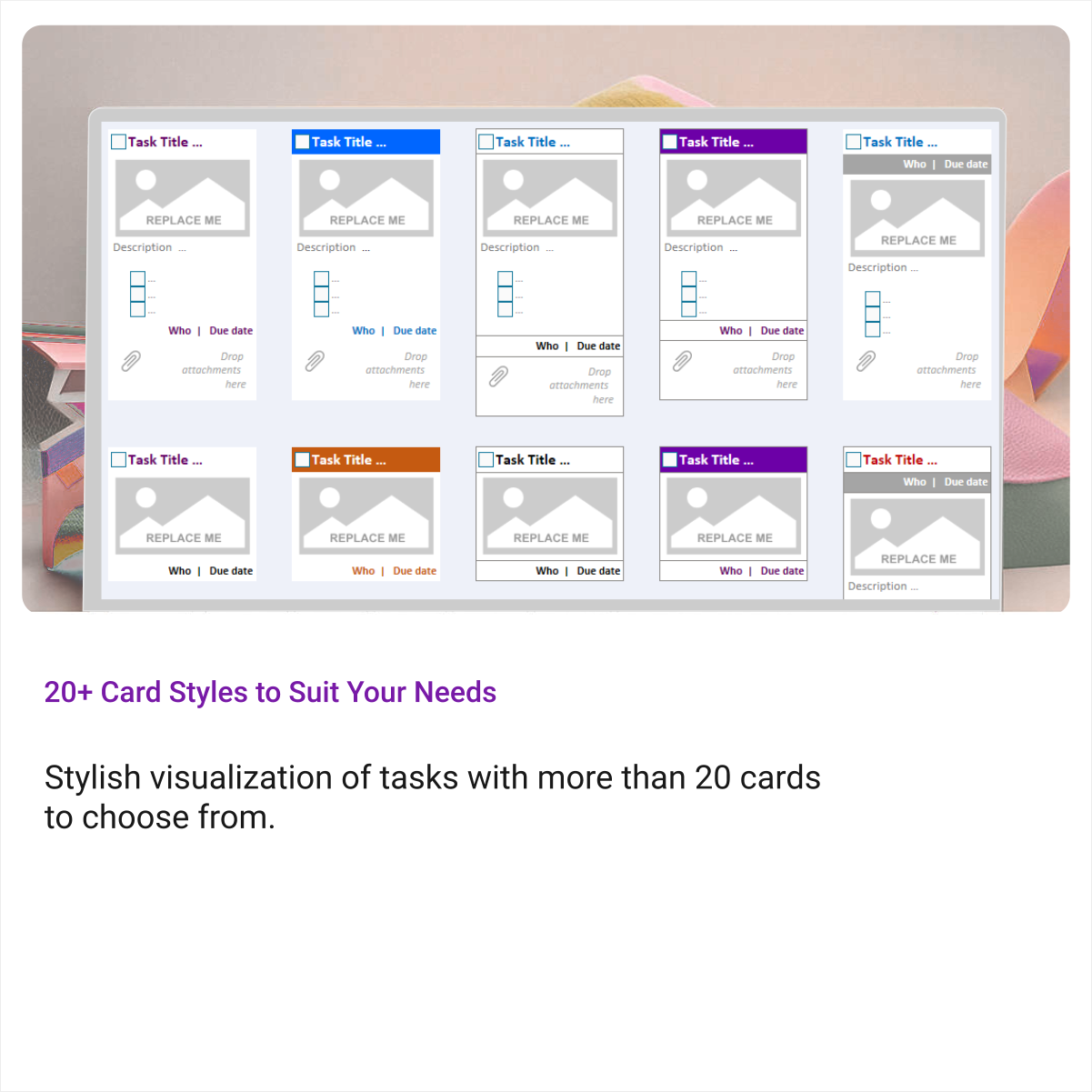
- Smart Cards — task templates with title, owner, due, priority & notes.
- 20+ Symbols & icons — quick visual cues for status and priority.
- Sample board & demo content — learn by example.
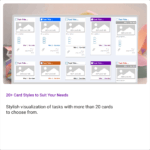
- Extra Card Styles — variants for bugs, features, ideas, reviews.
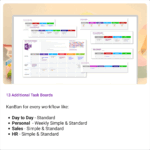
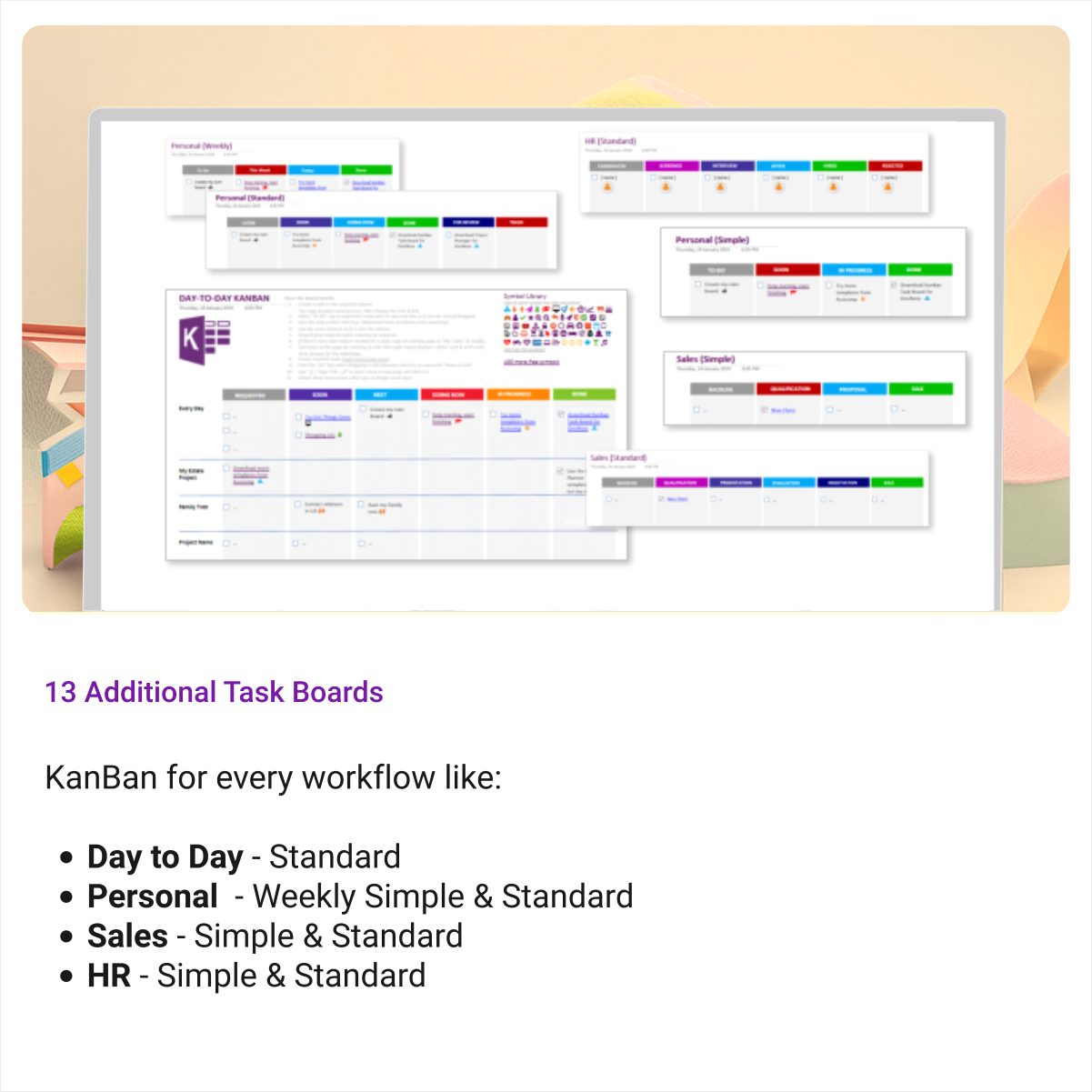
- 10 Board Types — from simple personal boards to team/project boards.
- 300+ Images — labels, markers and banners to customise your boards.
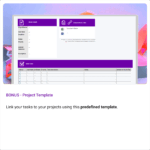
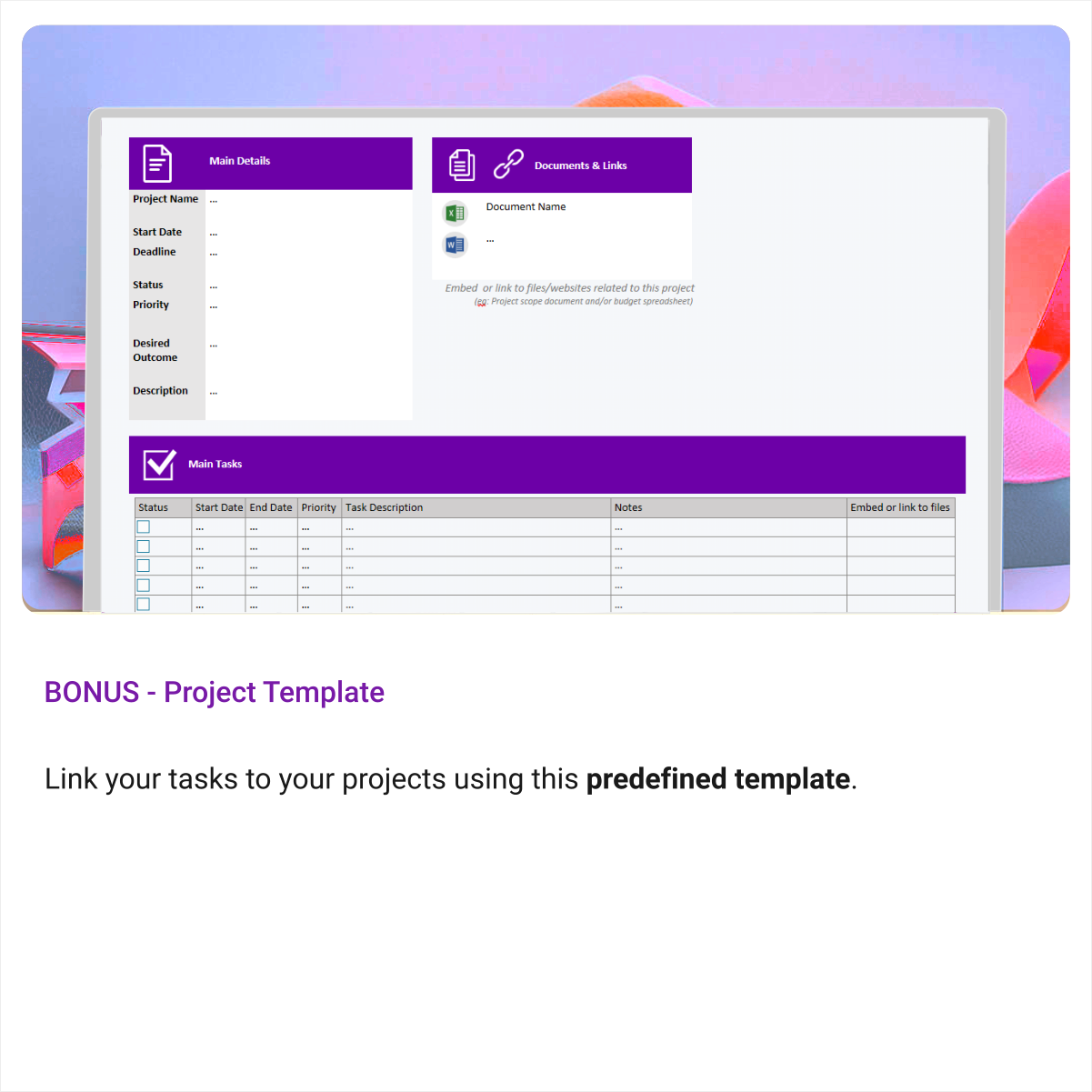
- Project Template — link your tasks to projects using the provided template.
What you get
- One-click OneNote notebook package (.onepkg/.zip)
- Quick-start guide
- Reusable for unlimited boards & projects
- Commercial use under Auscomp licence
Compatibility
- OneNote for Windows, Mac & Web
- Works great with Teams/SharePoint notebooks
- Microsoft 365 accounts and personal Microsoft accounts
What customers say
Love that I don’t need to learn a new app — it’s already in OneNote where I work daily.
The included templates made it quick to get started. Didn’t need a tutorial.
Board types for personal and team workflows are super handy — we switched in a day.
Smart Cards keep priorities, owners and due dates obvious — fewer status meetings.
FAQs
How do I install it?
Download the package and follow the step-by-step guide on our installation page. You’ll be set up in minutes.
Can I make multiple boards?
Yes — duplicate the board section or the whole notebook to create as many boards as you need.
Does it work with Teams?
Yes. Add the notebook to a Microsoft Team and use the OneNote tab for shared access.
Can I customise columns and card styles?
Absolutely. Rename columns, add swimlanes, and use the included card style variants or create your own.
 ChatGPT
 OneNote
 FREE
FREE MS Project
 MS Forms
 MS Lists
 Outlook
 Excel
Excel Bonus
Bonus Copilot
 MS Teams
 Power BI
Related Products
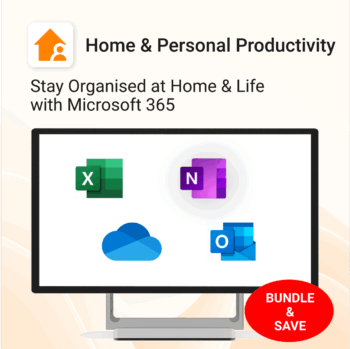
Stay organized at home, work & life with 8 powerful Microsoft 365 templates for planning, habits & personal growth.
- All-in-one bundle: planners, calendars, and habit trackers for OneNote, Excel, and OneDrive.
- Bring order to your day: plan your life, manage time, track habits & stay on top of goals.
- Includes: Productivity Maximizer, Calendars, Vacation Organizer, Habit Tracker, Budget Planner, LifeMap & more.
- Fully compatible: works seamlessly across Windows, Mac, and mobile Microsoft 365 apps.
- Get all 8 templates for one bundle price — the ultimate home & life organizer kit.
Trusted by families and professionals worldwide to simplify life, boost focus, and make every day more productive.
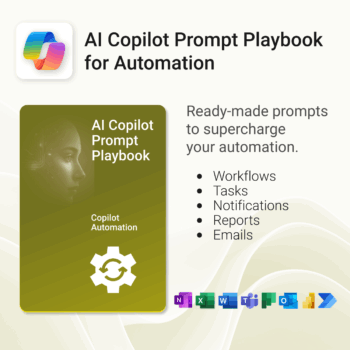
Get 30 proven Copilot prompts designed to supercharge your automation inside Microsoft 365.
-
- Covers workflow automation, email handling, task management, reporting, and approvals.
- No guesswork — just copy, paste, and run inside Copilot.
- Includes example outputs and app-specific usage tips.
- Perfect for individuals, managers, and operations teams.
- Based on real-world Microsoft 365 and Power Automate use cases.
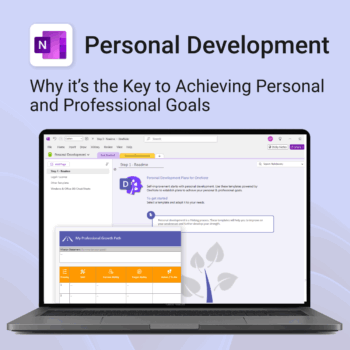
Unlock your full potential — with less friction and more focus.
-
- Structure your goals with proven development frameworks
- Track your progress over time with outcome-based templates
- Access your growth plan anywhere with OneNote sync
- Use it for career, personal, or skills-based development
- Reflect, adapt, and evolve continuously — all in one place
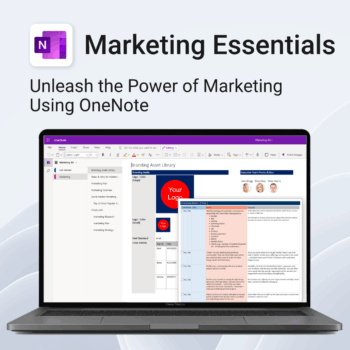
Be more strategic. Stay organized. Grow faster.
-
- Centralize your branding & strategy in one place
- Plan & execute campaigns with ready-made checklists
- Visualize your marketing schedule across platforms
- Perfect for solopreneurs, startups & small teams
- No new apps — just OneNote
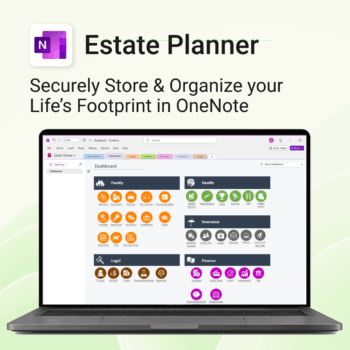
Stay organized. Protect your legacy.
-
- Centralize all your vital family records and legal documents
- Easy to update and access — no special tools needed
- Secure sensitive information using OneNote’s password protection
- Designed for simplicity with visual clarity in every section
- Share with loved ones or advisors when needed — easily and safely
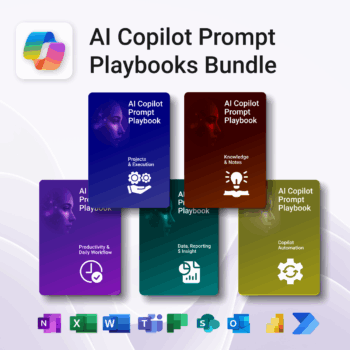
Turn Microsoft 365 into your AI co-pilot — with 150+ ready-to-use prompts across 5 expert playbooks.
- Built for Copilot: Works inside Word, Excel, PowerPoint, Outlook, Teams & OneNote.
- Do real work faster: reporting & insights, documentation, automation, projects, and daily workflow.
- Field-tested frameworks: structured prompts that deliver consistent, high-quality results.
- Copy, paste & adapt: start producing better output in minutes — no guesswork.
- Bundle value: all 5 playbooks for one price — you save 30%.
Trusted by professionals and teams using Microsoft 365 to plan, analyze, automate, and communicate with clarity.
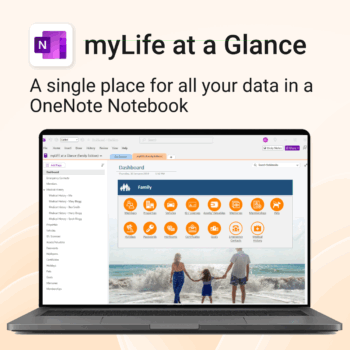
Take control of your family’s information. Stay prepared and organized.
-
- All-in-one family dashboard — know where everything is
- Be emergency ready — from medical history to contacts
- Perfect for travel, school, caregiving & estate planning
- Private & secure — powered by Microsoft OneNote
- No subscription needed — lifetime value
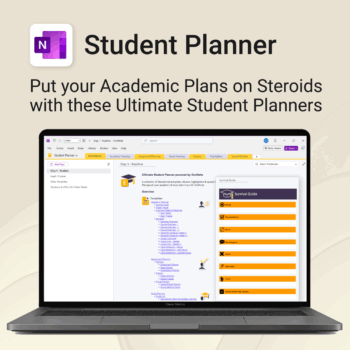
Stay ahead, reduce stress & plan smarter.
-
- Everything in one digital place — no paper clutter
- Boost focus and grades with structured planning
- Perfect for school, college, or university
- Adaptable for any subject or semester
- Instantly accessible across all your devices
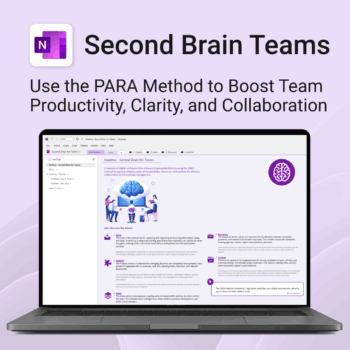
Boost productivity. Simplify collaboration.
-
- Capture tasks, notes & info instantly — no context switching
- Organize everything by PARA — Projects, Areas, Resources, Archive
- Get more done — shared workspaces drive team clarity
- Keep knowledge accessible — from onboarding to SOPs
- Work from anywhere — synced and secure inside OneNote
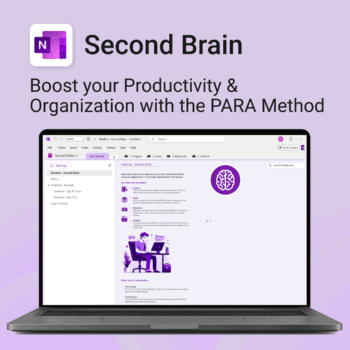
Master your life with OneNote + PARA — Projects, Areas, Resources & Archive in one trusted system.
- One system in OneNote: Capture, organise and execute tasks, notes and goals with the PARA method.
- Ready-to-use templates: Projects, Areas, Resources & Archive with trackers, planners and guides.
- Fast setup: One-click notebook + quick-start guide — get productive in minutes.
- Works where you work: OneNote on Windows, Mac & Web — great with Teams/SharePoint.
Perfect for individuals who live in Microsoft 365 and want clarity, control and focus.
Trusted by 10,000+ professionals worldwide to stay organised and deliver on time.
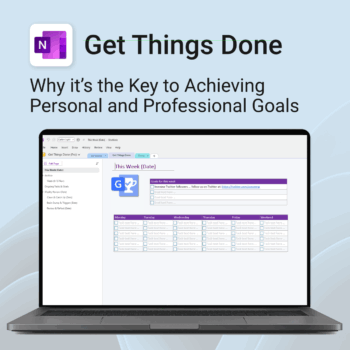
Get Things Done — right inside OneNote. Capture, organise and review with a clear weekly rhythm.
- GTD in OneNote: Inboxes, Projects, Next Actions, and a Weekly Review that sticks.
- Structured yet flexible: Brain dump & triggers, project pages, and “This Week” focus.
- Fast setup: One-click notebook + quick-start guide — be productive in minutes.
- Works where you work: OneNote on Windows, Mac & Web — great with Teams/SharePoint.
Perfect for personal and professional life — students, freelancers, and busy teams in Microsoft 365.
Join thousands of OneNote users who’ve built consistent weekly planning habits with GTD.
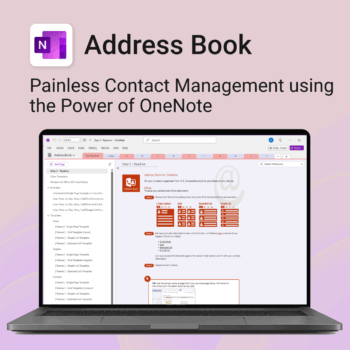
Be more organized. Keep every contact close at hand.
-
- Search contacts instantly — by name, email, phone or notes
- Color-coded layouts for faster scanning
- No new apps — use inside OneNote
- Sort and group with A-Z index tabs
- Flexible layouts that match your needs