
Project Management Collection for MS Lists
$59.95
Work Smarter. Lead Better. Finish Projects Faster.
-
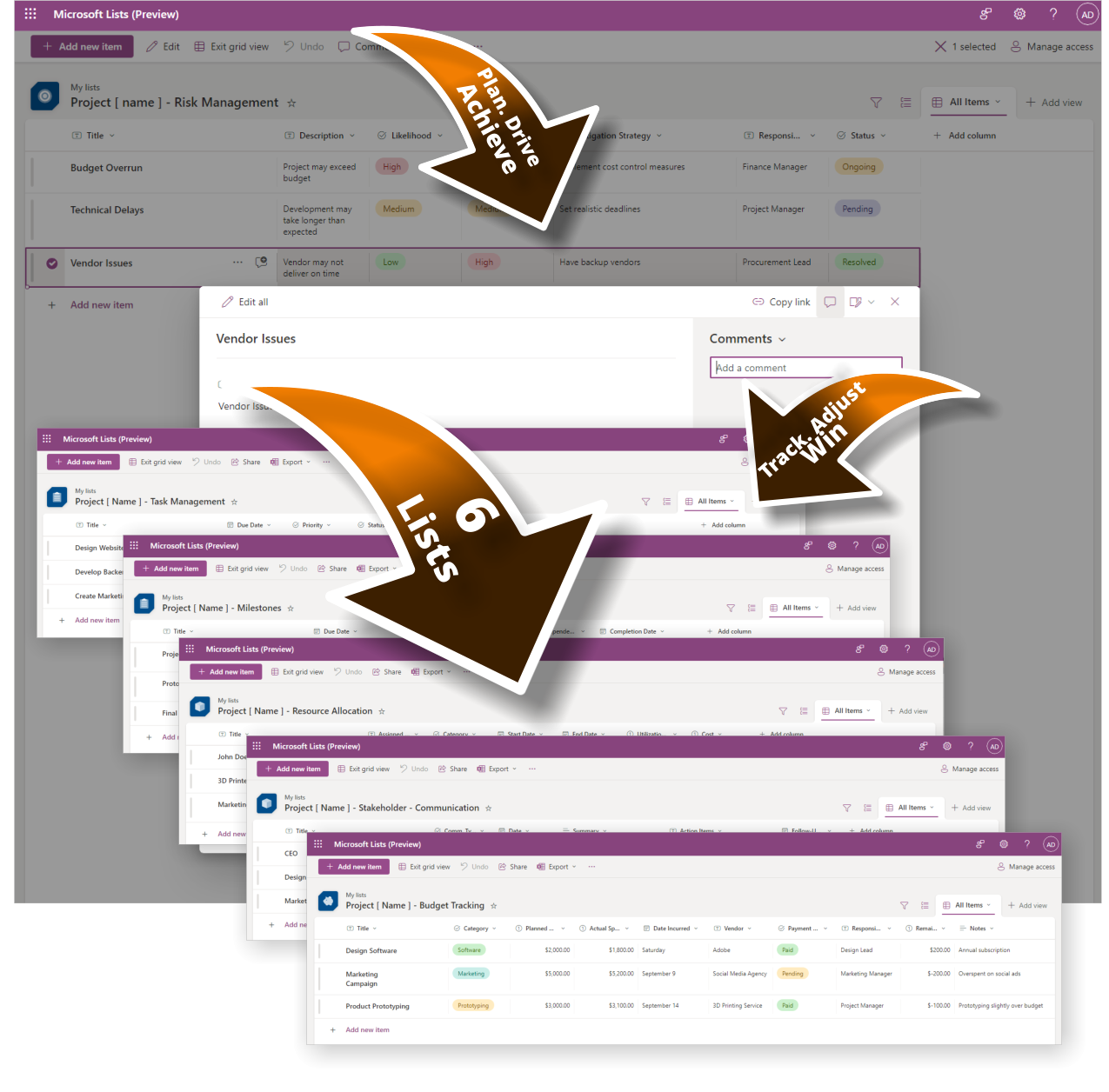
- Track milestones, risks, and tasks with pre-built MS Lists
- Centralized structure—everything in one spot, no extra tools
- Professionally formatted and ready to deploy instantly
- Collaborate seamlessly in Microsoft Teams and Planner
- Perfect for project managers, consultants, and team leads
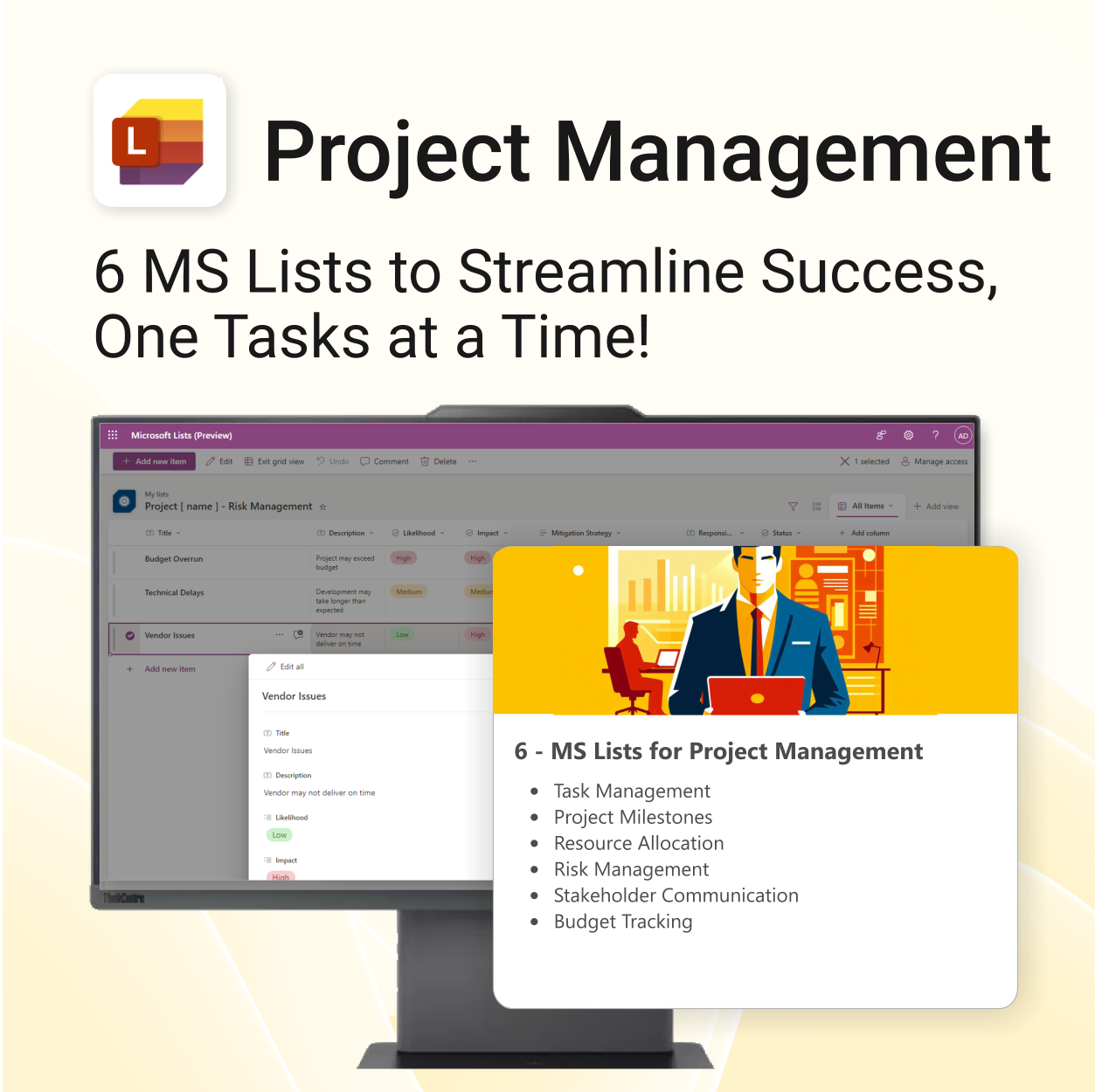
Project Management Collection – Streamline Success with MS Lists
Achieve Project Success, One Task at a Time! This MS Lists template bundle helps you stay organized, focused, and on track—without switching apps or tools.
Project Management MS Lists is easy to use and includes the following:
| License Type | Professional /Freelancer (1 User), Team (Up to 5 Users), Team (Up to 10 Users), Business (Up to 25 Users) |
|---|
 MS Project
 MS Forms
 MS Lists
 Outlook
 Excel
Excel Copilot
 MS Teams
 Power BI
Related Products
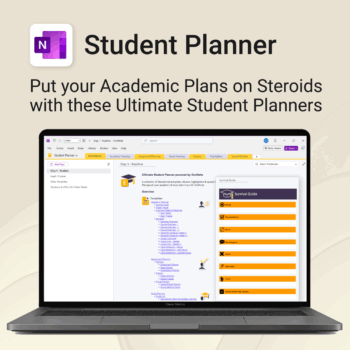
Stay ahead, reduce stress & plan smarter.
-
- Everything in one digital place — no paper clutter
- Boost focus and grades with structured planning
- Perfect for school, college, or university
- Adaptable for any subject or semester
- Instantly accessible across all your devices
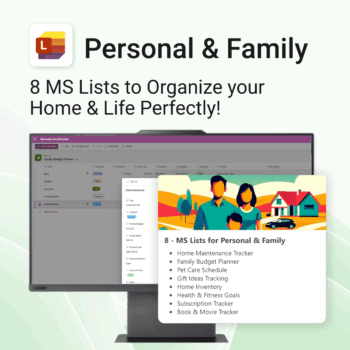
Be more organized. Save time & reduce stress.
-
- All-in-one solution for everyday family admin
- Instantly ready-to-use with Microsoft Lists
- No extra apps or learning curves
- Flexible and customizable for your home needs
- Organize everything from finances to fitness
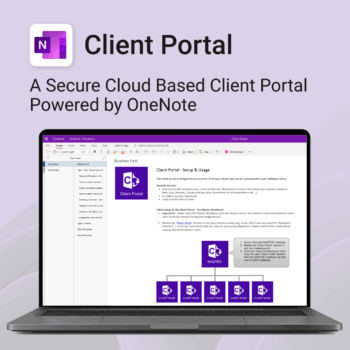
Be more efficient. Strengthen client trust.
-
- Securely deliver documents, invoices, and quotes
- Centralized space for all client communication
- Easy onboarding and professional presentation
- One portal per client with customizable info
- No logins or confusing apps — just OneNote
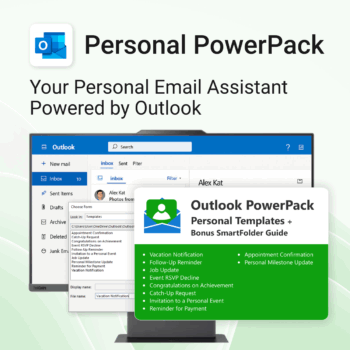
Take control of your inbox. Save time & stress less.
-
- Save time with ready-to-send templates
- Automate tasks using Quick Steps
- Stay organized with Smart Folders
- Consistent, polished communication
- Perfect for Outlook users at home or work
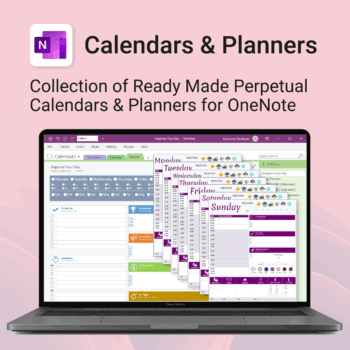
Stay organised all year — daily, weekly & monthly planners right inside OneNote.
- All in OneNote: Dated & undated calendars plus flexible daily/weekly planners.
- Ready to use: 13 calendars, 7 daily planners, 7 “One Day at a Time”, 4 weekly planners & more.
- Fast setup: One-click notebook + quick-start guide — start planning in minutes.
- No subscriptions: Yours forever. Works on Windows, Mac & Web (great with Teams/SharePoint).
Perfect for home, work and family life — anyone who loves OneNote and wants structure.
Used by thousands to plan days, weeks and months with less stress and more clarity.
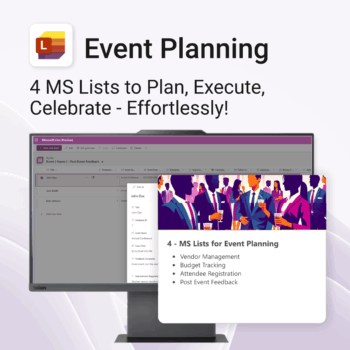
Be more organized. Save time & ensure smooth events.
-
- Track vendors, budgets, and guests in one place
- Automate follow-ups and feedback collection
- Professional design—no setup headaches
- Easy to share and collaborate with your team
- Works seamlessly in Microsoft Lists on any device
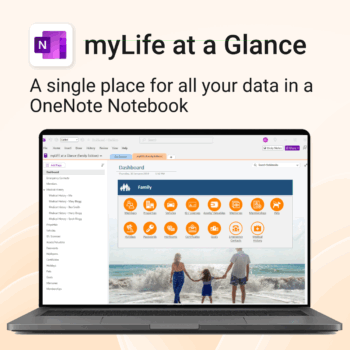
Take control of your family’s information. Stay prepared and organized.
-
- All-in-one family dashboard — know where everything is
- Be emergency ready — from medical history to contacts
- Perfect for travel, school, caregiving & estate planning
- Private & secure — powered by Microsoft OneNote
- No subscription needed — lifetime value
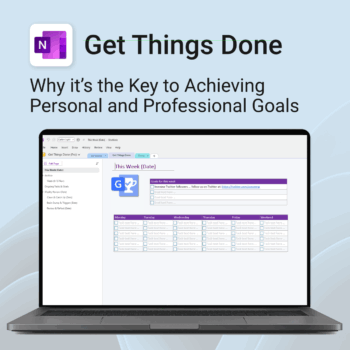
Get Things Done — right inside OneNote. Capture, organise and review with a clear weekly rhythm.
- GTD in OneNote: Inboxes, Projects, Next Actions, and a Weekly Review that sticks.
- Structured yet flexible: Brain dump & triggers, project pages, and “This Week” focus.
- Fast setup: One-click notebook + quick-start guide — be productive in minutes.
- Works where you work: OneNote on Windows, Mac & Web — great with Teams/SharePoint.
Perfect for personal and professional life — students, freelancers, and busy teams in Microsoft 365.
Join thousands of OneNote users who’ve built consistent weekly planning habits with GTD.
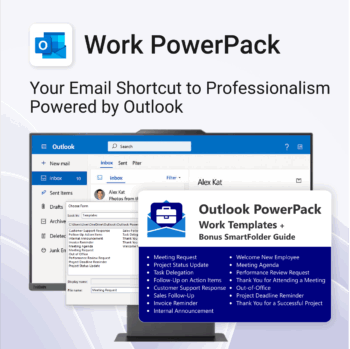
Be more productive. Save time & communicate professionally.
-
- Instant import—get started in minutes
- Fully compatible with Outlook
- Smart Folder Guide included
- Boost team communication with pre-written responses
- Perfect for internal comms, client updates, and task assignments
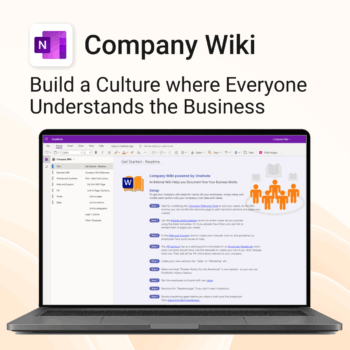
Bring clarity and consistency to your team’s internal documentation.
-
- One central place to manage company knowledge.
- No extra tools – works right inside Microsoft OneNote.
- Professional templates for SOPs, policies, manuals and more.
- Secure and private with Office 365 cloud integration.
- Fast onboarding, training, and ongoing updates made simple.
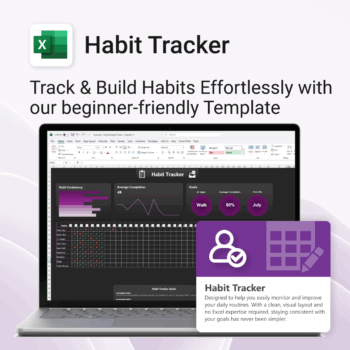
Take control of your routines. Stay consistent. Feel better.
-
- Visual progress charts make tracking satisfying
- Customizable habits and layout
- One-page simplicity — no switching tabs
- Beginner-friendly Excel format (with light + dark mode)
- Build consistency — one checkmark at a time
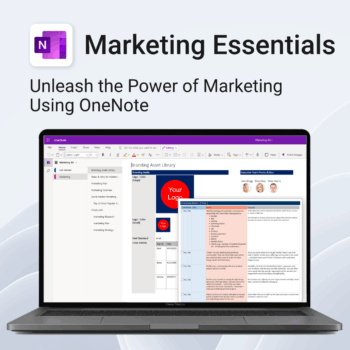
Be more strategic. Stay organized. Grow faster.
-
- Centralize your branding & strategy in one place
- Plan & execute campaigns with ready-made checklists
- Visualize your marketing schedule across platforms
- Perfect for solopreneurs, startups & small teams
- No new apps — just OneNote