
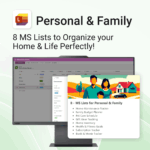
Personal & Family Collection for MS Lists

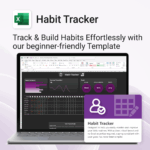
$29.95
Be more organized. Save time & reduce stress.
-
- All-in-one solution for everyday family admin
- Instantly ready-to-use with Microsoft Lists
- No extra apps or learning curves
- Flexible and customizable for your home needs
- Organize everything from finances to fitness
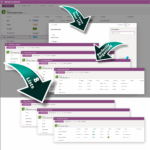
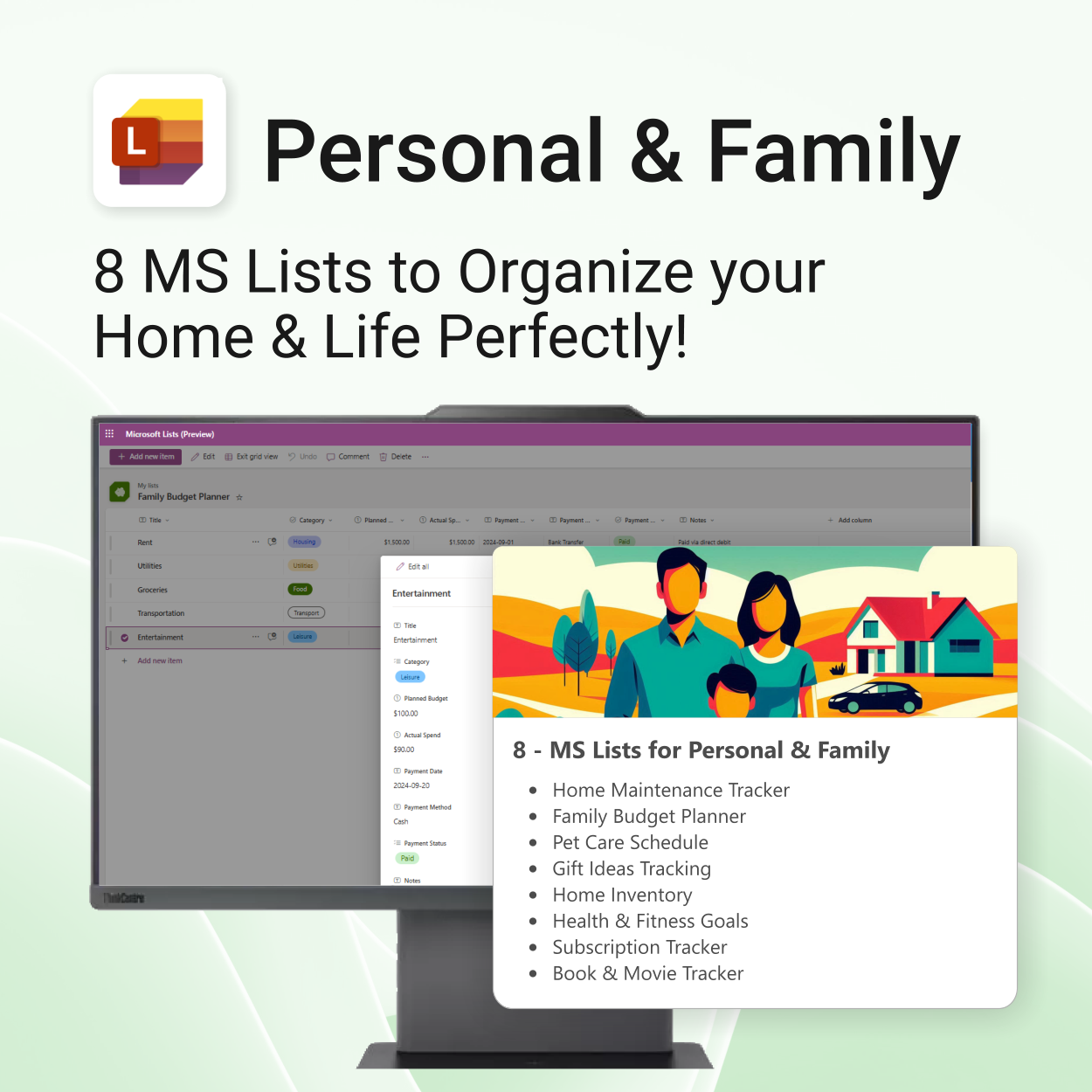
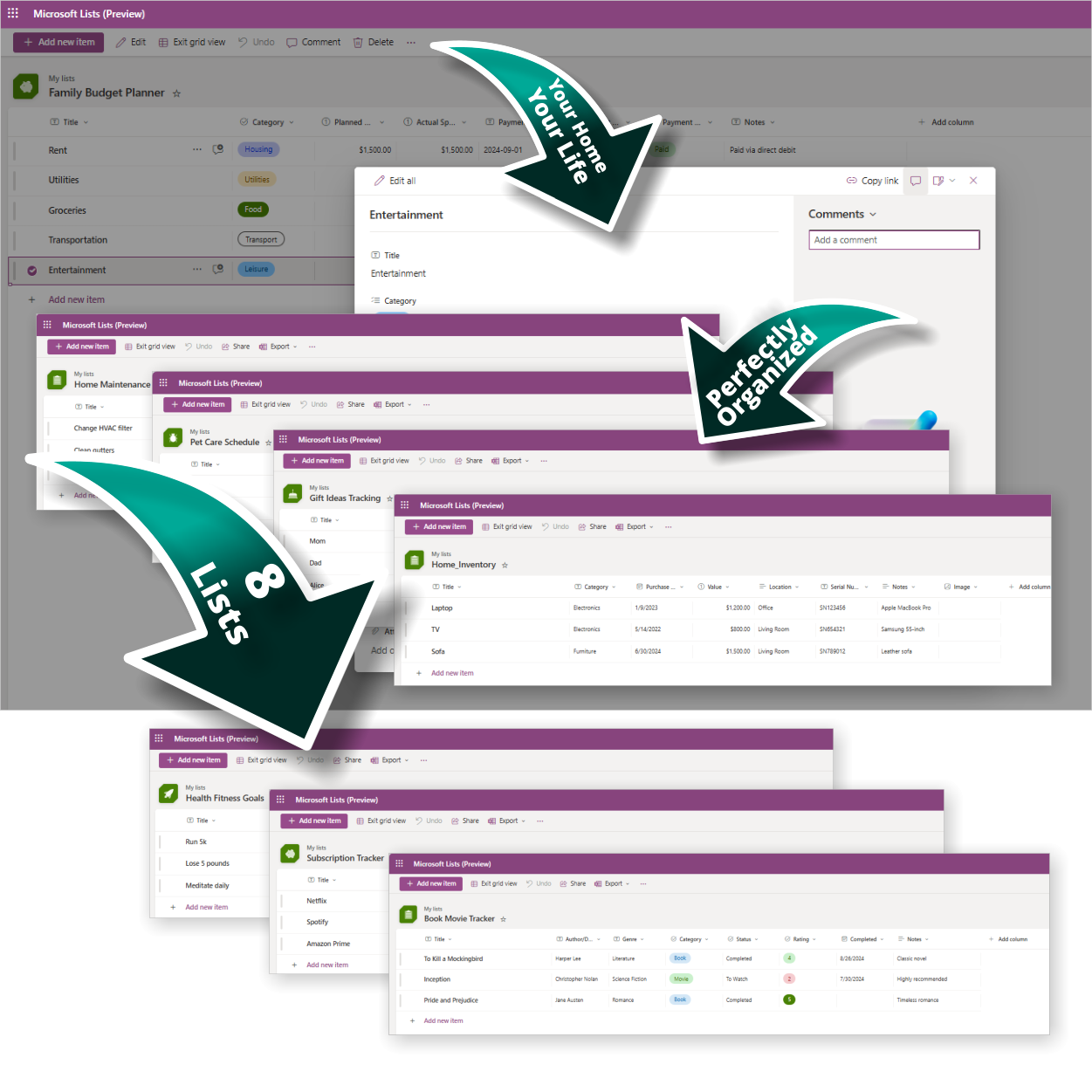
Personal & Family Collection – 8 Ready-to-Use Lists for Microsoft Lists
Your Home, Your Life—Perfectly Organized!
This MS Lists collection helps you take control of family life and household planning with:
| License Type | Personal (1 User), Family (Up to 6 Members) |
|---|
 MS Project
 MS Forms
 MS Lists
 Outlook
 Excel
Excel Copilot
 MS Teams
 Power BI
Related Products
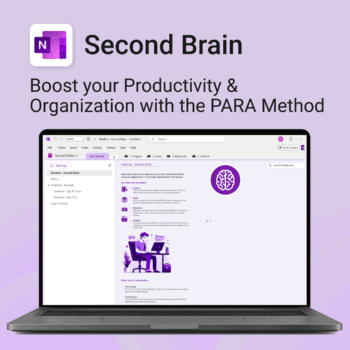
Master your life with OneNote + PARA — Projects, Areas, Resources & Archive in one trusted system.
- One system in OneNote: Capture, organise and execute tasks, notes and goals with the PARA method.
- Ready-to-use templates: Projects, Areas, Resources & Archive with trackers, planners and guides.
- Fast setup: One-click notebook + quick-start guide — get productive in minutes.
- Works where you work: OneNote on Windows, Mac & Web — great with Teams/SharePoint.
Perfect for individuals who live in Microsoft 365 and want clarity, control and focus.
Trusted by 10,000+ professionals worldwide to stay organised and deliver on time.
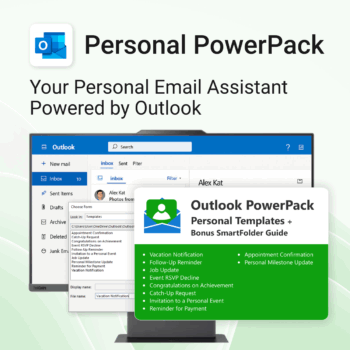
Take control of your inbox. Save time & stress less.
-
- Save time with ready-to-send templates
- Automate tasks using Quick Steps
- Stay organized with Smart Folders
- Consistent, polished communication
- Perfect for Outlook users at home or work
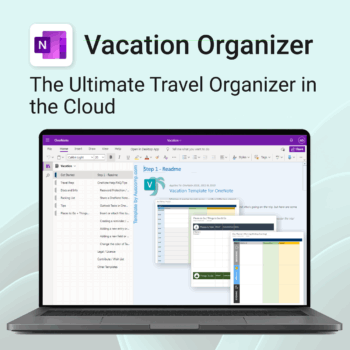
Make travel planning effortless. Stress less & enjoy more.
-
- All-in-one place to plan, pack, and prepare
- Customizable for solo, family, or group travel
- Use on any device with OneNote
- Keep documents, notes & itineraries together
- Get organized early and travel with confidence
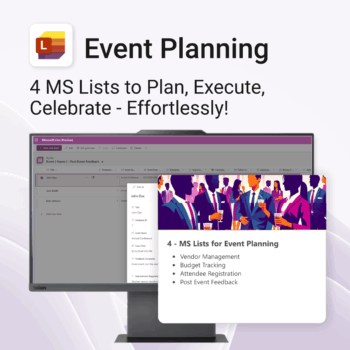
Be more organized. Save time & ensure smooth events.
-
- Track vendors, budgets, and guests in one place
- Automate follow-ups and feedback collection
- Professional design—no setup headaches
- Easy to share and collaborate with your team
- Works seamlessly in Microsoft Lists on any device
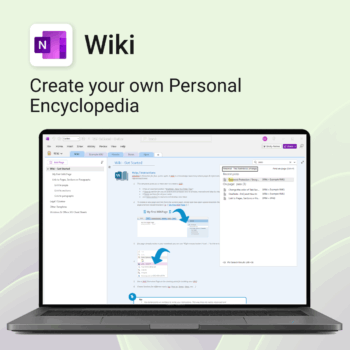
Create your own knowledge hub — organise SOPs, FAQs, guides & notes right inside OneNote.
- OneNote Wiki system: Capture and link knowledge, manuals, and FAQs in a searchable format.
- Fast setup: One-click notebook + examples ready to customise for your team.
- Secure & private: Built on Microsoft 365 — share internally or use solo.
- Find anything instantly: Full-text embedded search across your pages and topics.
Perfect for teams, consultants, or anyone who needs an organised place for notes and documentation.
Used by professionals and teams worldwide to centralise knowledge and make information searchable in OneNote.
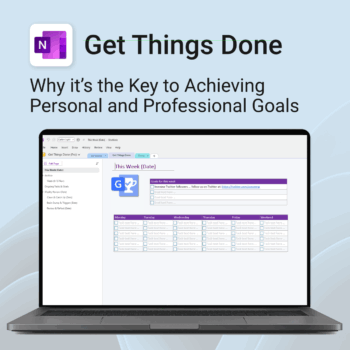
Get Things Done — right inside OneNote. Capture, organise and review with a clear weekly rhythm.
- GTD in OneNote: Inboxes, Projects, Next Actions, and a Weekly Review that sticks.
- Structured yet flexible: Brain dump & triggers, project pages, and “This Week” focus.
- Fast setup: One-click notebook + quick-start guide — be productive in minutes.
- Works where you work: OneNote on Windows, Mac & Web — great with Teams/SharePoint.
Perfect for personal and professional life — students, freelancers, and busy teams in Microsoft 365.
Join thousands of OneNote users who’ve built consistent weekly planning habits with GTD.
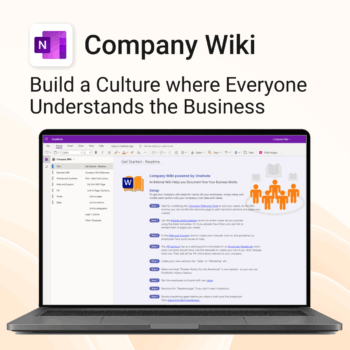
Bring clarity and consistency to your team’s internal documentation.
-
- One central place to manage company knowledge.
- No extra tools – works right inside Microsoft OneNote.
- Professional templates for SOPs, policies, manuals and more.
- Secure and private with Office 365 cloud integration.
- Fast onboarding, training, and ongoing updates made simple.
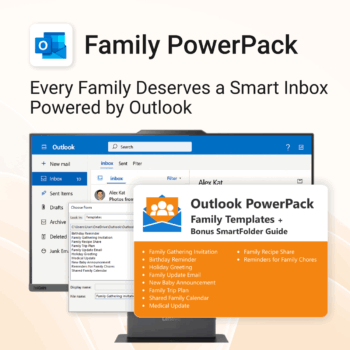
Make family communication easier than ever.
-
- Send thoughtful emails in seconds with pre-written templates.
- Never forget a birthday or family event again.
- Keep everyone in sync with shared calendars & updates.
- Instant download with step-by-step instructions included.
- 100% Outlook-compatible and easy to customize.
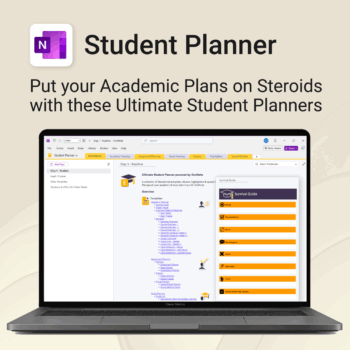
Stay ahead, reduce stress & plan smarter.
-
- Everything in one digital place — no paper clutter
- Boost focus and grades with structured planning
- Perfect for school, college, or university
- Adaptable for any subject or semester
- Instantly accessible across all your devices
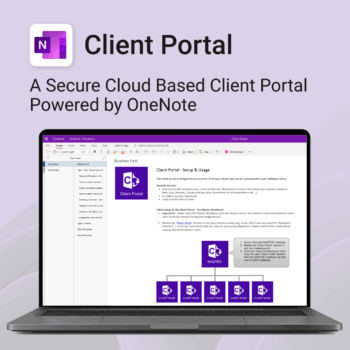
Be more efficient. Strengthen client trust.
-
- Securely deliver documents, invoices, and quotes
- Centralized space for all client communication
- Easy onboarding and professional presentation
- One portal per client with customizable info
- No logins or confusing apps — just OneNote
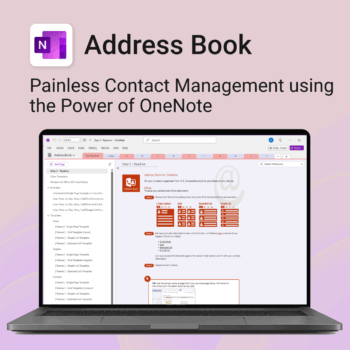
Be more organized. Keep every contact close at hand.
-
- Search contacts instantly — by name, email, phone or notes
- Color-coded layouts for faster scanning
- No new apps — use inside OneNote
- Sort and group with A-Z index tabs
- Flexible layouts that match your needs
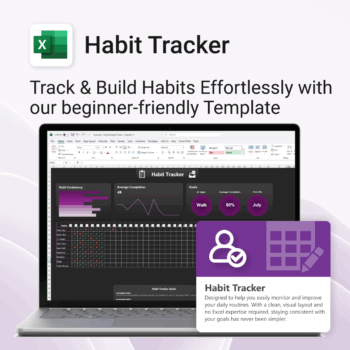
Take control of your routines. Stay consistent. Feel better.
-
- Visual progress charts make tracking satisfying
- Customizable habits and layout
- One-page simplicity — no switching tabs
- Beginner-friendly Excel format (with light + dark mode)
- Build consistency — one checkmark at a time