


AI Powered Customer Support Setup for MS Project

$49.95
Set up AI-powered customer support workflows confidently, from day one.
-
- Built for real-world AI customer service use cases.
- No custom setup required — ready to import and run.
- Includes KPIs, task dependencies, and role assignments.
- Supports agile and structured team formats.
- Clear visual dashboards help drive alignment fast.
A complete project framework to roll out AI-powered customer support
AI Powered Customer Support Setup for MS Project helps teams implement, track, and manage intelligent support systems efficiently — from planning to go-live and optimisation.
A ready-to-import MS Project template that includes:
Our MS Project templates can be imported into the following versions:
- Microsoft Project 2010
- Microsoft Project 2013
- Microsoft Project 2016
- Microsoft Project 2019
- Microsoft Project 2021
- Microsoft Project for Microsoft 365
 MS Project
 MS Forms
 MS Lists
 Outlook
 Excel
Excel Copilot
 MS Teams
 Power BI
Related Products
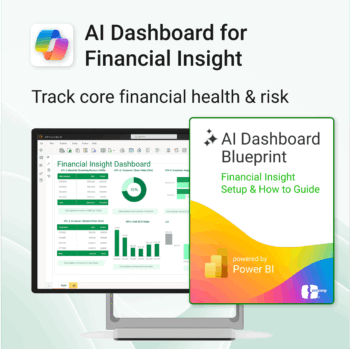
Transform financial data into actionable insights with Power BI & Copilot.
-
- Copilot-ready design with built-in AI forecasting.
- Visualise cash flow, revenue, and cost trends at a glance.
- Built for finance teams, consultants, and business owners.
- No coding needed – everything editable in Power BI Desktop.
- Built-in templates for recurring revenue, burn rate, and more.
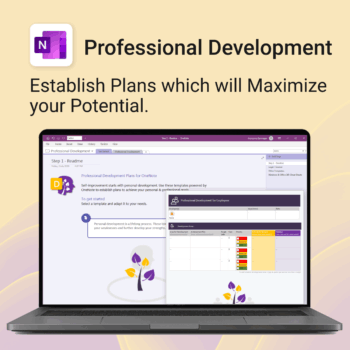
Grow with confidence. Track your progress. Achieve your goals.
- Start fast with guided templates and expert structure
- Track skills, goals, and leadership development in one place
- Adaptable for individuals, teams, or HR managers
- Simple enough for beginners, powerful enough for pros
- Always accessible inside OneNote on any device
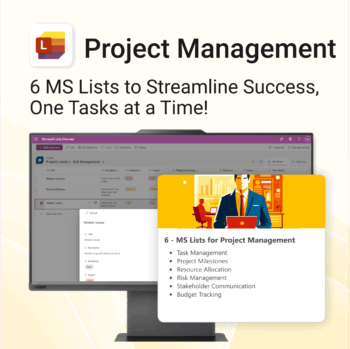
Work Smarter. Lead Better. Finish Projects Faster.
-
- Track milestones, risks, and tasks with pre-built MS Lists
- Centralized structure—everything in one spot, no extra tools
- Professionally formatted and ready to deploy instantly
- Collaborate seamlessly in Microsoft Teams and Planner
- Perfect for project managers, consultants, and team leads
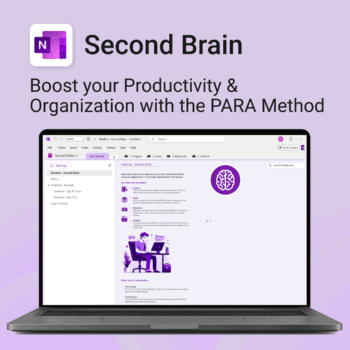
Master your life with OneNote + PARA — Projects, Areas, Resources & Archive in one trusted system.
- One system in OneNote: Capture, organise and execute tasks, notes and goals with the PARA method.
- Ready-to-use templates: Projects, Areas, Resources & Archive with trackers, planners and guides.
- Fast setup: One-click notebook + quick-start guide — get productive in minutes.
- Works where you work: OneNote on Windows, Mac & Web — great with Teams/SharePoint.
Perfect for individuals who live in Microsoft 365 and want clarity, control and focus.
Trusted by 10,000+ professionals worldwide to stay organised and deliver on time.
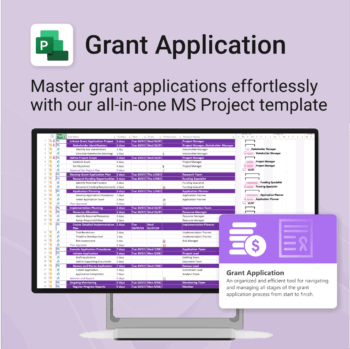
Simplify your grant writing — and improve your chances of success.
-
- Built for grant writers and project managers alike — no setup stress.
- Guides you through research, writing, budgeting, and submission.
- Keeps your grant team aligned and deadline-driven.
- Includes all milestones and tasks — fully editable in MS Project.
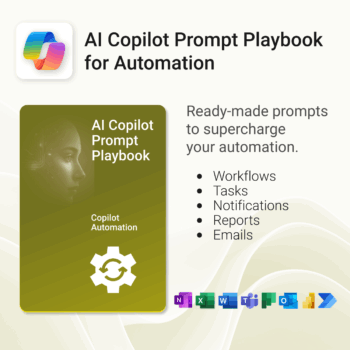
Get 30 proven Copilot prompts designed to supercharge your automation inside Microsoft 365.
-
- Covers workflow automation, email handling, task management, reporting, and approvals.
- No guesswork — just copy, paste, and run inside Copilot.
- Includes example outputs and app-specific usage tips.
- Perfect for individuals, managers, and operations teams.
- Based on real-world Microsoft 365 and Power Automate use cases.
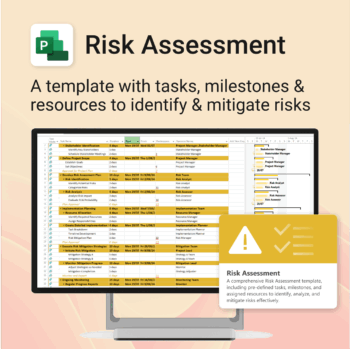
Master risk management — from early identification to confident mitigation.
-
- Eliminates guesswork — structured for real-world risk planning.
- Built to work perfectly in MS Project — no learning curve.
- Easy to update — keep your risk register live and relevant.
- Ideal for teams managing safety, compliance, or project uncertainty.
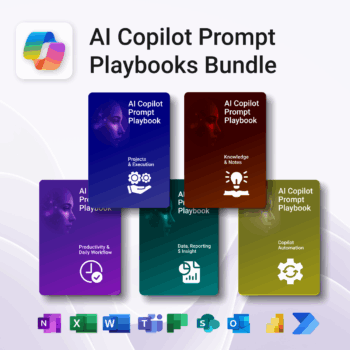
Turn Microsoft 365 into your AI co-pilot — with 150+ ready-to-use prompts across 5 expert playbooks.
- Built for Copilot: Works inside Word, Excel, PowerPoint, Outlook, Teams & OneNote.
- Do real work faster: reporting & insights, documentation, automation, projects, and daily workflow.
- Field-tested frameworks: structured prompts that deliver consistent, high-quality results.
- Copy, paste & adapt: start producing better output in minutes — no guesswork.
- Bundle value: all 5 playbooks for one price — you save 30%.
Trusted by professionals and teams using Microsoft 365 to plan, analyze, automate, and communicate with clarity.
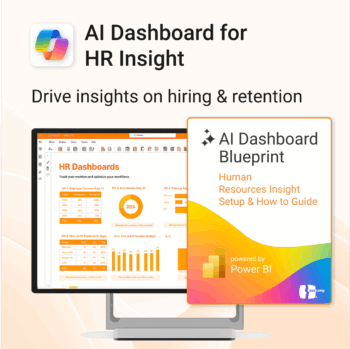
Build your HR AI dashboard with structure and clarity.
-
- Designed for HR, People & Culture, and Workforce teams.
- Streamlines onboarding, retention, and sentiment tracking.
- Works seamlessly in Power BI — no custom dev needed.
- Use in Teams, SharePoint, or export to PDF.
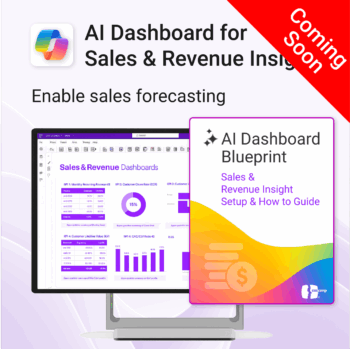
Drive predictable revenue with clear visibility into sales performance.
-
- Built for sales ops, revenue leads, and growth teams.
- AI-ready metrics for forecasting and deal analysis.
- Track trends in churn, CAC, MRR, and CLTV.
- Plug into Power BI Desktop – no dev work needed.
- Refine performance by pipeline stage, region, or rep.
Out of stock
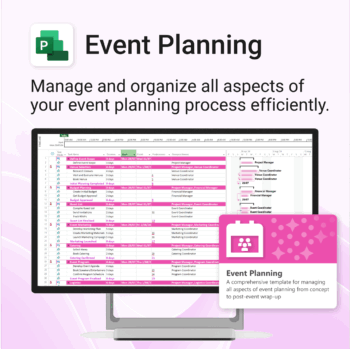
Manage &organize all aspects of your event planning.
-
- Crystal-clear timelines — no clutter, no chaos.
- Built for MS Project — plan every detail with ease.
- Drag, drop, done — effortless task tracking.
- Syncs anywhere — stay on top from any device.
Unlock every Auscomp Microsoft 365 Template — OnePass to hundreds of Copilot-ready tools for work, school & life.
- 100 + OneNote templates — structured systems Microsoft 365 Copilot can search & answer from.
- Security Kits for Microsoft 365 — 3 step-by-step kits (Personal, Solo & Small Business)
- MS 365 suite bonus: MS Project, Forms, Lists, Outlook & Excel tools included.
- AI resources built-in: Copilot & ChatGPT Playbooks + AI Dashboards & Agents.
- Always up to date: New templates & updates added all year — yours instantly.
Perfect for professionals, students & teams who live in Microsoft 365 and want structure Copilot can actually work with.
Join 8 000 + members who simplified their work & life with the All Access Pass — your 365 system for everything.