
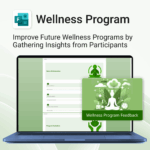
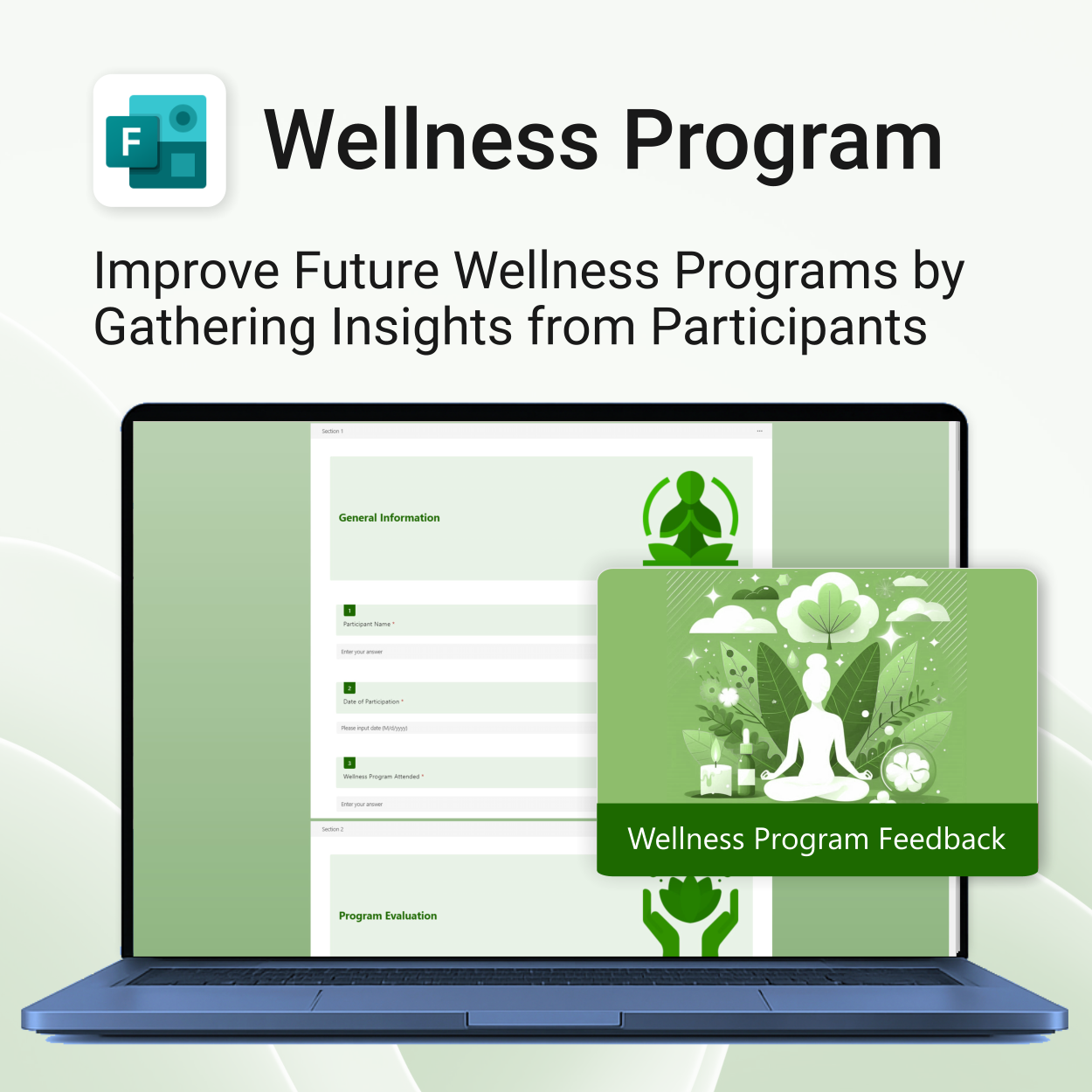
Wellness Program for MS Forms
$29.95
Boost your wellness outcomes with better feedback.
-
- Professional MS Forms template – ready to deploy
- Instant insights from participants
- Better structure = better feedback
- Easy to use, no learning curve
- Improve your wellness sessions with data-backed results
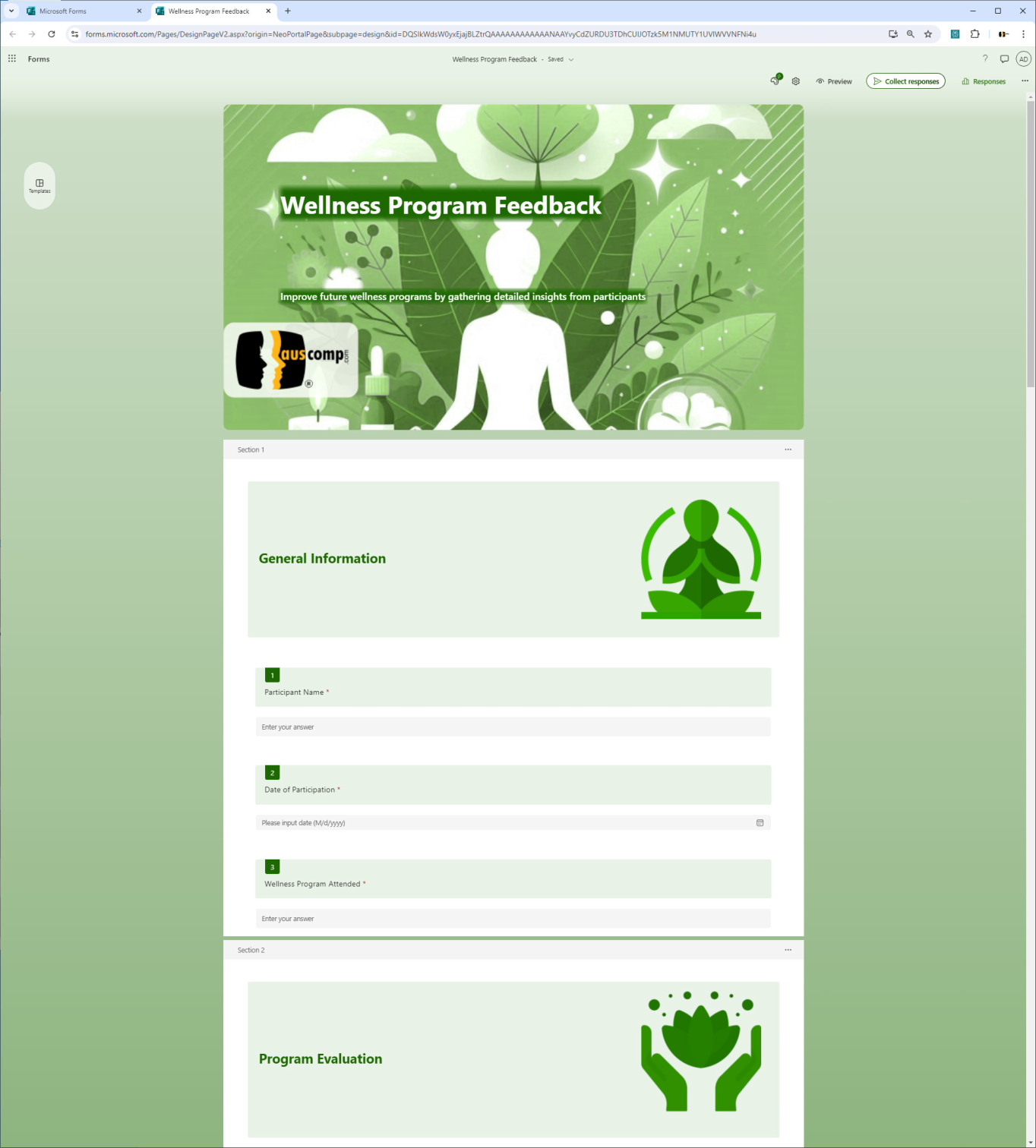
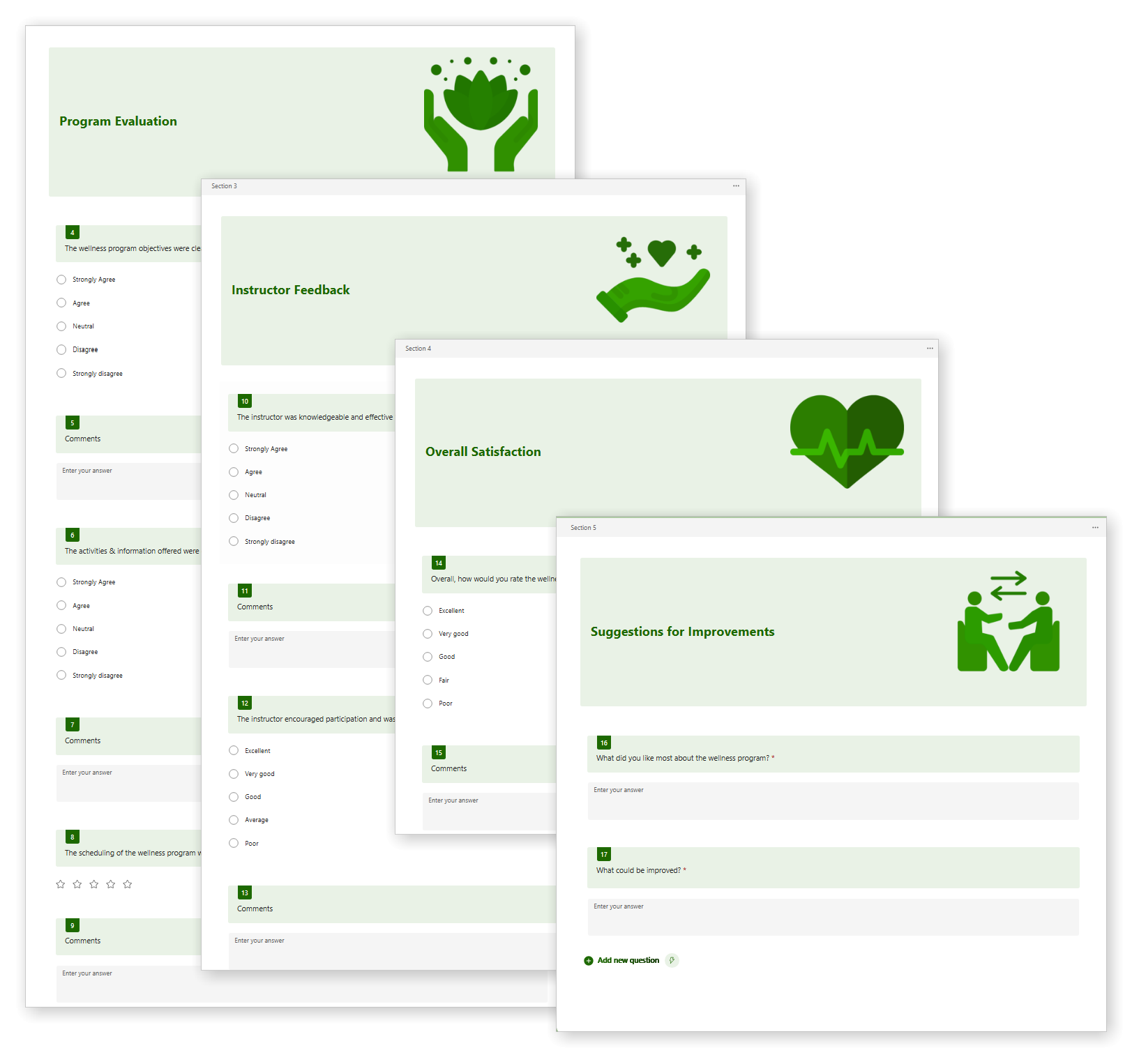
Wellness Program – MS Forms Feedback Template
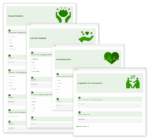
Gather valuable insights from participants to improve future wellness programs. This MS Forms template is designed to streamline feedback collection and deliver professional, structured evaluations effortlessly.
The Wellness Program Feedback Template is easy to import and includes the following:
| License Type | Professional/Freelancer (1 User), Business (Up to 25 Users) |
|---|
 MS Project
 MS Forms
 MS Lists
 Outlook
 Excel
Excel Copilot
 MS Teams
 Power BI
Related Products
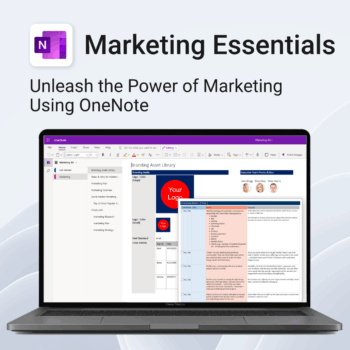
Be more strategic. Stay organized. Grow faster.
-
- Centralize your branding & strategy in one place
- Plan & execute campaigns with ready-made checklists
- Visualize your marketing schedule across platforms
- Perfect for solopreneurs, startups & small teams
- No new apps — just OneNote
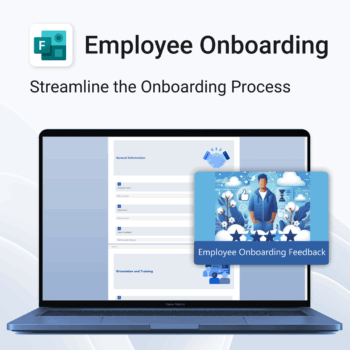
Set new hires up for success.
-
- Get structured feedback from day one
- Identify onboarding gaps with ease
- Boost retention with better training insights
- Empower HR teams with real-time data
- No logins or tech setup needed — it just works
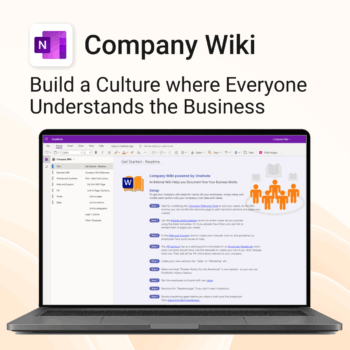
Bring clarity and consistency to your team’s internal documentation.
-
- One central place to manage company knowledge.
- No extra tools – works right inside Microsoft OneNote.
- Professional templates for SOPs, policies, manuals and more.
- Secure and private with Office 365 cloud integration.
- Fast onboarding, training, and ongoing updates made simple.
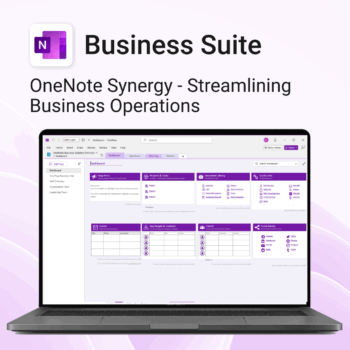
Run your business from OneNote — clients, projects, teams, HR, sales & documents in one organised workspace.
- One central hub: Plan work, manage people and store docs with ready-made templates.
- Built for Microsoft 365: Works great with Teams/SharePoint — no new logins or tools.
- Secure & searchable: Keep SOPs, HR and client files in OneNote for instant context.
- Fast setup: One-click notebook + quick-start guide — scale as your business grows.
Perfect for SMBs, agencies and remote teams who live in Microsoft 365.
Trusted by 1,000+ professionals worldwide to stay organized and deliver on time.
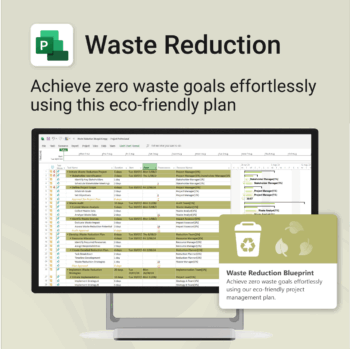
Turn sustainability from a goal into a system — built in MS Project.
-
- Designed for eco-focused teams and initiatives.
- Visualizes every phase of your waste reduction plan.
- Fully editable in MS Project — no need to start from scratch.
- Perfect for compliance, green certifications, and internal audits.
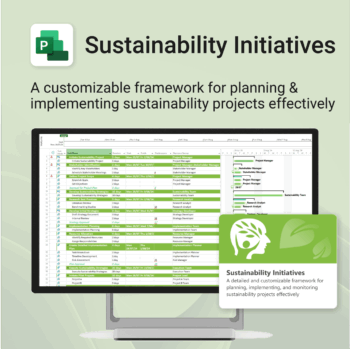
Plan and execute sustainability projects with clarity and structure.
-
- Aligned with real-world ESG needs and frameworks.
- Streamlines planning and reporting — no extra tools needed.
- Works seamlessly in MS Project — no extra setup.
- Adapts to small teams or large-scale initiatives.
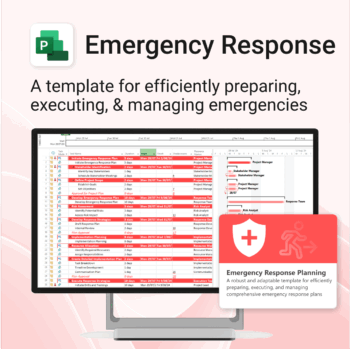
Be prepared when it matters most — structure your emergency response with confidence.
-
- Designed for real-world crisis response — not just planning theory.
- Built for MS Project — with zero setup hassle.
- Everything from scenarios to drills included in one place.
- Clear roles, resources, and timelines for stress-free execution.
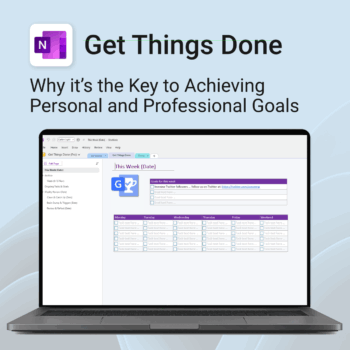
Get Things Done — right inside OneNote. Capture, organise and review with a clear weekly rhythm.
- GTD in OneNote: Inboxes, Projects, Next Actions, and a Weekly Review that sticks.
- Structured yet flexible: Brain dump & triggers, project pages, and “This Week” focus.
- Fast setup: One-click notebook + quick-start guide — be productive in minutes.
- Works where you work: OneNote on Windows, Mac & Web — great with Teams/SharePoint.
Perfect for personal and professional life — students, freelancers, and busy teams in Microsoft 365.
Join thousands of OneNote users who’ve built consistent weekly planning habits with GTD.
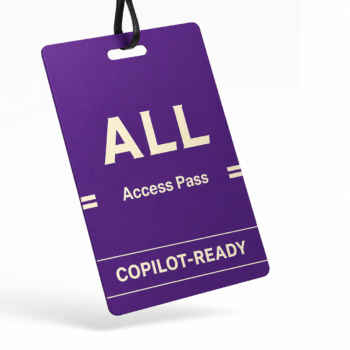
Unlock every Auscomp Microsoft 365 Template — OnePass to hundreds of Copilot-ready tools for work, school & life.
- 100 + OneNote templates — structured systems Microsoft 365 Copilot can search & answer from.
- Security Kits for Microsoft 365 — 3 step-by-step kits (Personal, Solo & Small Business)
- MS 365 suite bonus: MS Project, Forms, Lists, Outlook & Excel tools included.
- AI resources built-in: Copilot & ChatGPT Playbooks + AI Dashboards & Agents.
- Always up to date: New templates & updates added all year — yours instantly.
Perfect for professionals, students & teams who live in Microsoft 365 and want structure Copilot can actually work with.
Join 8 000 + members who simplified their work & life with the All Access Pass — your 365 system for everything.
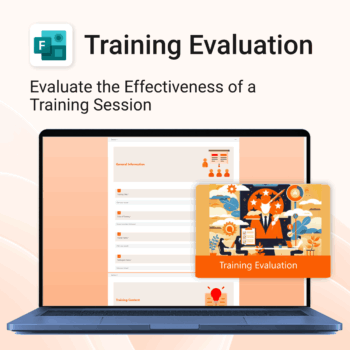
Top 5 Benefits:
- Instant 1-click MS Forms import
- Track trainer performance and content quality
- Collect overall satisfaction and improvement ideas
- Polished layout for professional delivery
- Re-usable for ongoing internal training programs
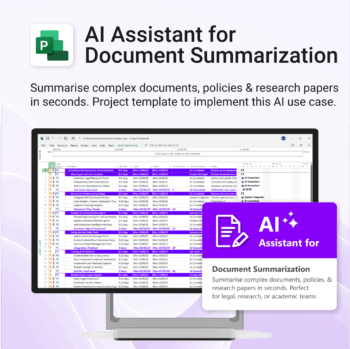
Plan and implement document AI with confidence and clarity.
-
- Purpose-built for AI summarisation rollouts in regulated or high-volume settings.
- Streamlines planning, testing, and integration phases.
- Includes roles, dependencies, and milestones out of the box.
- Works seamlessly with Microsoft Project — just import and go.
- Adaptable to any organisation size or document load.
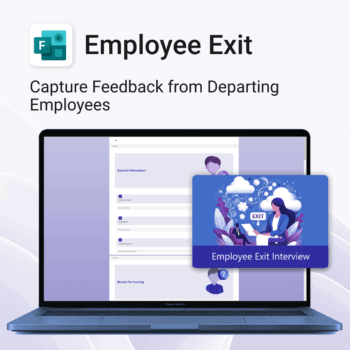
Be informed. Improve offboarding with actionable data.
-
- Capture consistent and meaningful exit feedback
- Identify reasons for attrition and patterns
- Use real data to improve employee experience
- Support leadership with clear offboarding insights
- Quick to implement and easy to use