
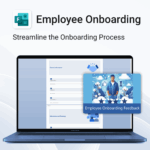
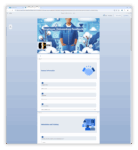
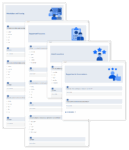
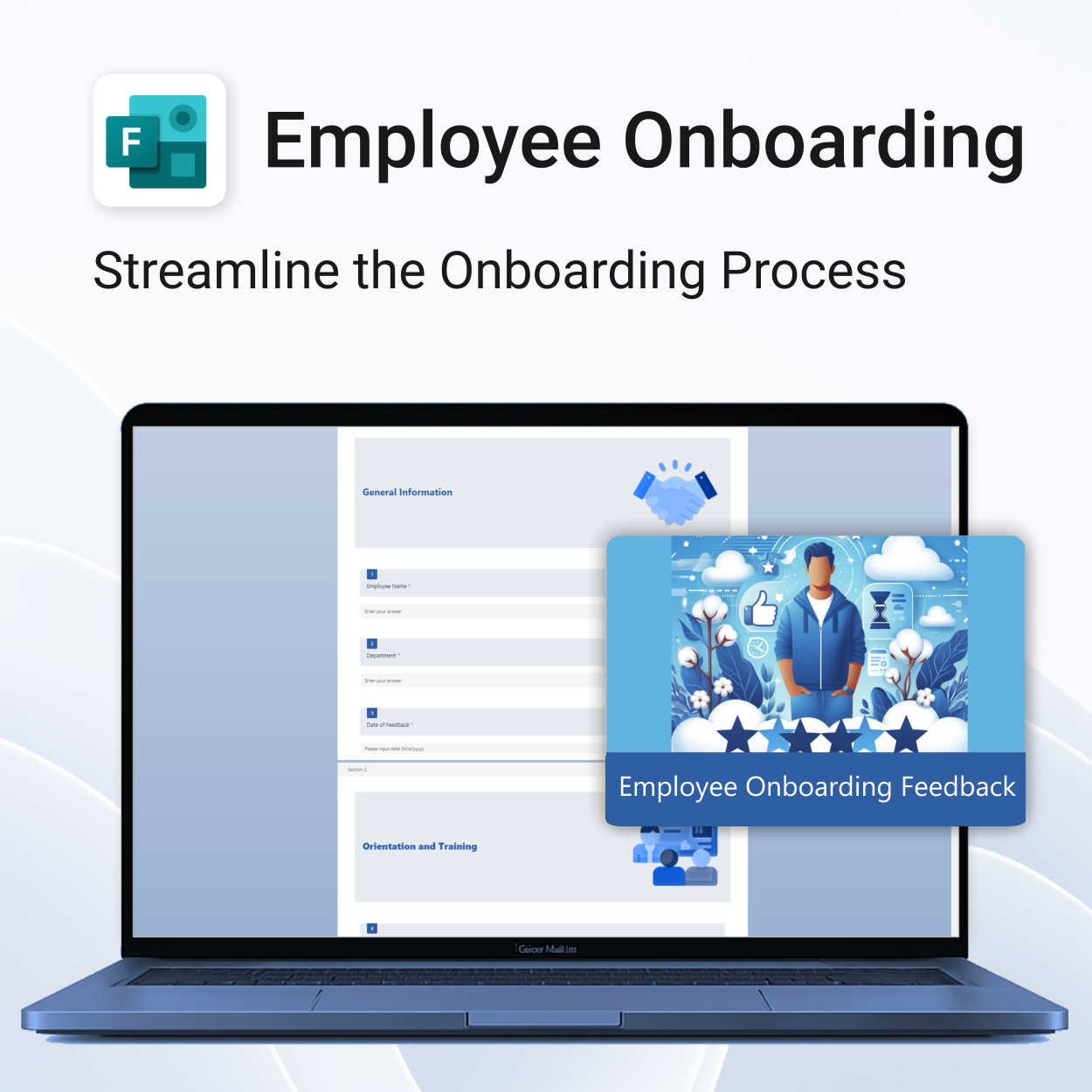
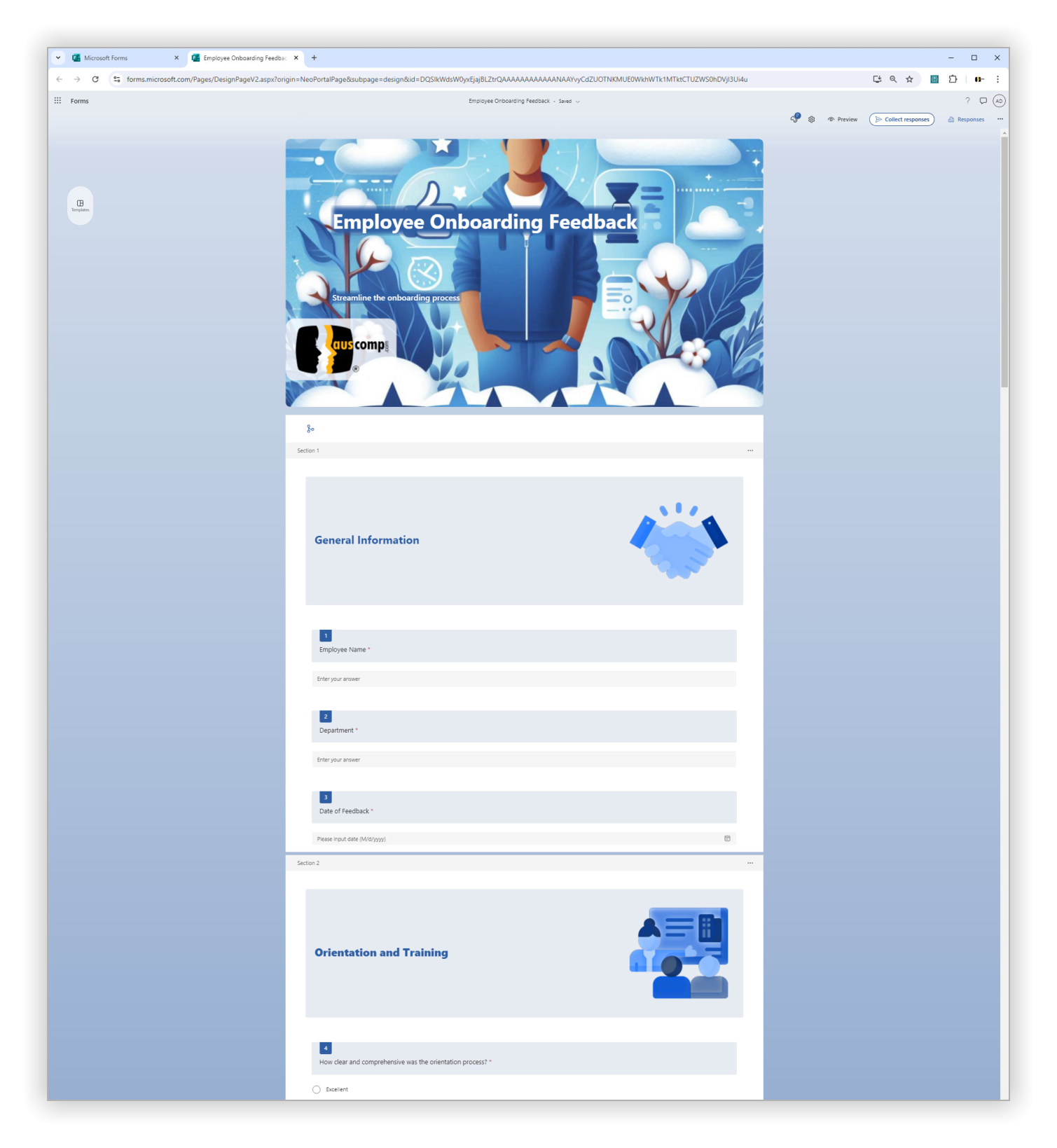
Employee Onboarding Feedback for MS Forms
$29.95
Set new hires up for success.
-
- Get structured feedback from day one
- Identify onboarding gaps with ease
- Boost retention with better training insights
- Empower HR teams with real-time data
- No logins or tech setup needed — it just works
Employee Onboarding Feedback – Streamline New Hire Success with MS Forms
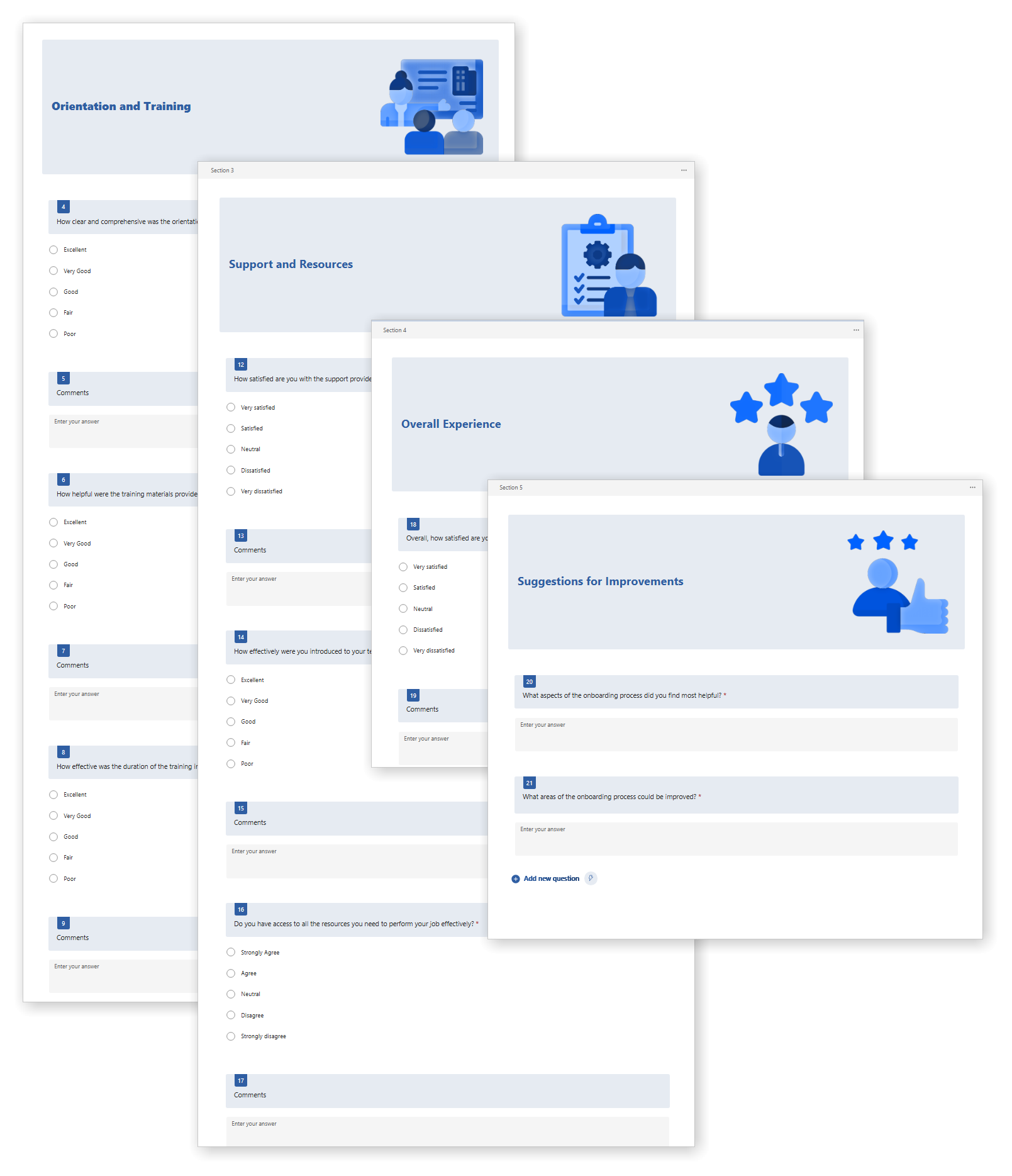
Our Employee Onboarding Feedback Template for MS Forms helps you collect structured insights from new hires—ensuring they get the support, training, and resources they need to thrive.
Employee Onboarding Feedback Template is easy to install and includes the following:
| License Type | Professional/Freelancer (1 User), Business (Up to 25 Users) |
|---|
 MS Project
 MS Forms
 MS Lists
 Outlook
 Excel
Excel Copilot
 MS Teams
 Power BI
Related Products
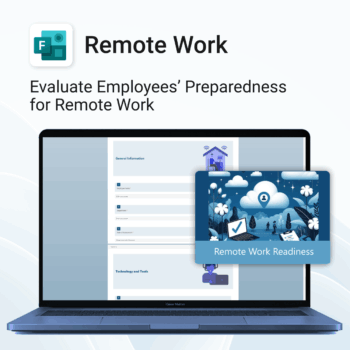
Top Benefits
-
- Instant rollout — easy 1-click form import.
- Identify support needs early.
- Standardize remote work evaluations.
- Improve communication and collaboration remotely.
- Save time with ready-made structure and format.
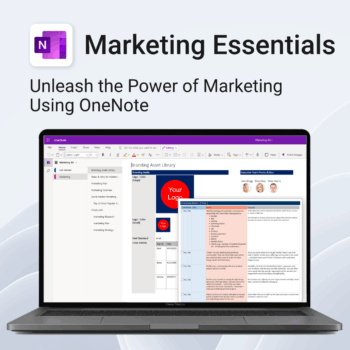
Be more strategic. Stay organized. Grow faster.
-
- Centralize your branding & strategy in one place
- Plan & execute campaigns with ready-made checklists
- Visualize your marketing schedule across platforms
- Perfect for solopreneurs, startups & small teams
- No new apps — just OneNote
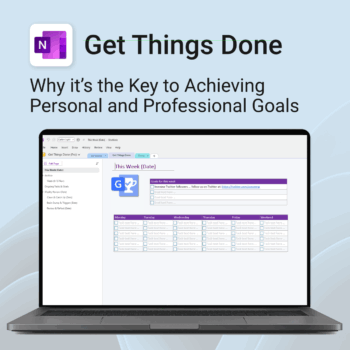
Get Things Done — right inside OneNote. Capture, organise and review with a clear weekly rhythm.
- GTD in OneNote: Inboxes, Projects, Next Actions, and a Weekly Review that sticks.
- Structured yet flexible: Brain dump & triggers, project pages, and “This Week” focus.
- Fast setup: One-click notebook + quick-start guide — be productive in minutes.
- Works where you work: OneNote on Windows, Mac & Web — great with Teams/SharePoint.
Perfect for personal and professional life — students, freelancers, and busy teams in Microsoft 365.
Join thousands of OneNote users who’ve built consistent weekly planning habits with GTD.
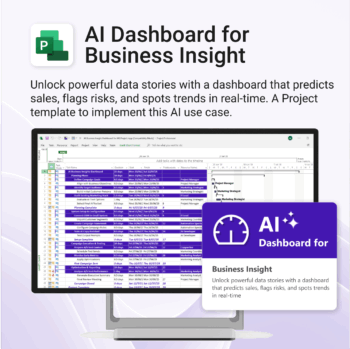
Bring AI-level visibility to your business operations.
-
- Designed for AI project use-cases and performance dashboards.
- Works instantly with Microsoft Project — no setup or tools required.
- Uncovers trends, risks, and gaps in real time.
- Includes pre-linked dashboards and task structure.
- Great for strategic planning, reporting, and stakeholder buy-in.
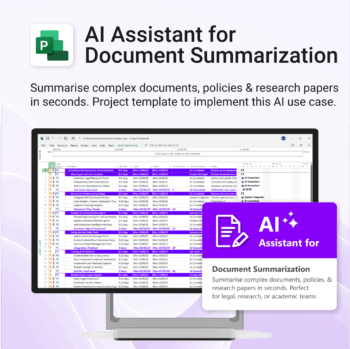
Plan and implement document AI with confidence and clarity.
-
- Purpose-built for AI summarisation rollouts in regulated or high-volume settings.
- Streamlines planning, testing, and integration phases.
- Includes roles, dependencies, and milestones out of the box.
- Works seamlessly with Microsoft Project — just import and go.
- Adaptable to any organisation size or document load.
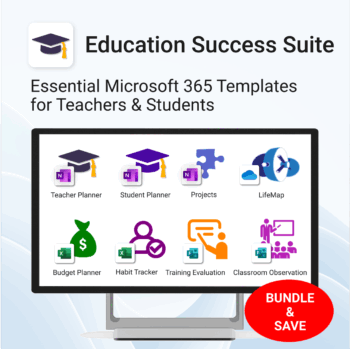
Essential Microsoft 365 templates for teachers & students — plan smarter, teach better, and track progress with ease.
- All-in-one bundle: 8 ready-to-use education tools for planning, tracking & classroom management.
- Includes: Teacher & Student Planners, LifeMap, Budget & Habit Trackers, Projects, Training & Observation templates.
- Perfect for: educators, students, and schools using Microsoft 365, OneNote, Excel & Forms.
- Easy setup: plug-and-play templates with step-by-step guides.
- Get 8 tools for the price of 5 — built to simplify teaching and learning.
Trusted by teachers and students worldwide to stay organized, motivated, and ahead of schedule.
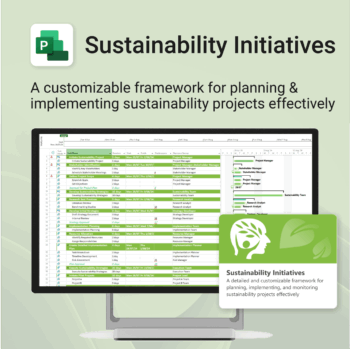
Plan and execute sustainability projects with clarity and structure.
-
- Aligned with real-world ESG needs and frameworks.
- Streamlines planning and reporting — no extra tools needed.
- Works seamlessly in MS Project — no extra setup.
- Adapts to small teams or large-scale initiatives.
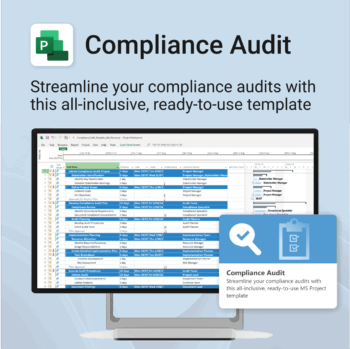
Make audit readiness part of your project workflow — not a last-minute scramble.
-
- Everything structured — from audit scope to implementation follow-up.
- Built for Microsoft Project — no steep learning curve.
- Ensures clear documentation and accountability across your audit team.
- Perfect for internal, external, and compliance-driven audits.
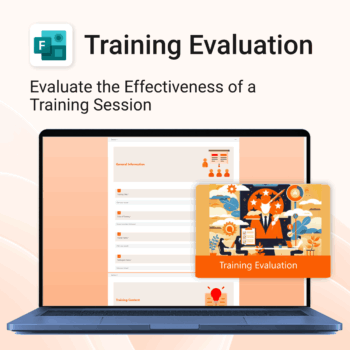
Top 5 Benefits:
- Instant 1-click MS Forms import
- Track trainer performance and content quality
- Collect overall satisfaction and improvement ideas
- Polished layout for professional delivery
- Re-usable for ongoing internal training programs
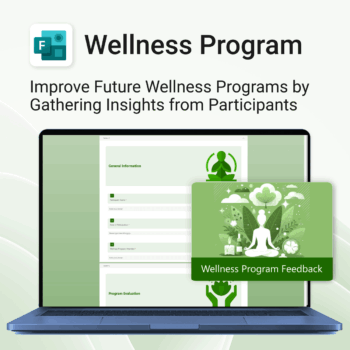
Boost your wellness outcomes with better feedback.
-
- Professional MS Forms template – ready to deploy
- Instant insights from participants
- Better structure = better feedback
- Easy to use, no learning curve
- Improve your wellness sessions with data-backed results
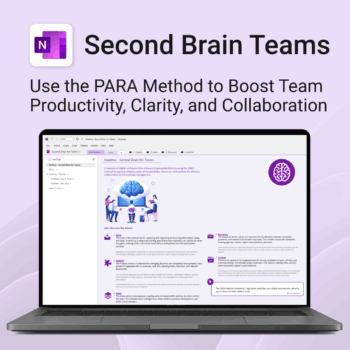
Boost productivity. Simplify collaboration.
-
- Capture tasks, notes & info instantly — no context switching
- Organize everything by PARA — Projects, Areas, Resources, Archive
- Get more done — shared workspaces drive team clarity
- Keep knowledge accessible — from onboarding to SOPs
- Work from anywhere — synced and secure inside OneNote
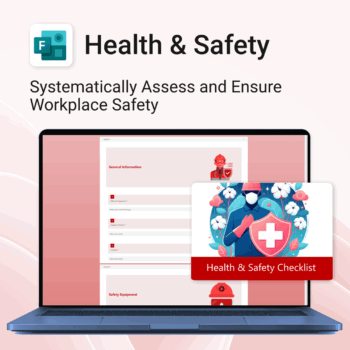
Renovate with confidence — built for project managers, homeowners, and builders alike.
-
- Manage budgets, teams, tasks, and timelines all in MS Project.
- Built-in flow from design to demolition to final inspection.
- Perfect for homeowners, contractors, and renovation planners.
- Customizable for any property type or scope.