
Event Planning for MS Project
$49.95
Manage &organize all aspects of your event planning.
-
- Crystal-clear timelines — no clutter, no chaos.
- Built for MS Project — plan every detail with ease.
- Drag, drop, done — effortless task tracking.
- Syncs anywhere — stay on top from any device.
Manage and organize all aspects of your event planning process efficiently
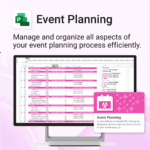
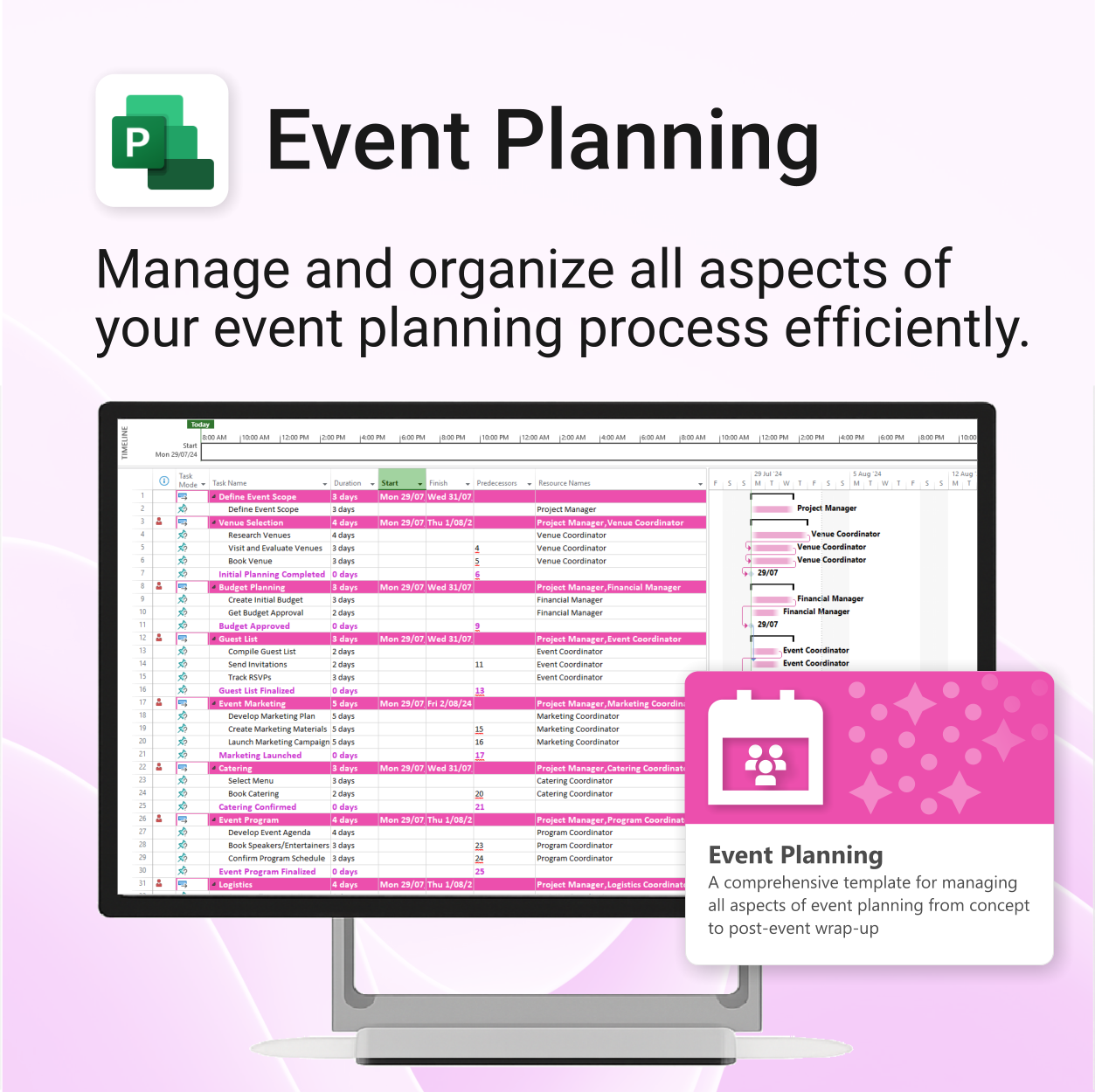
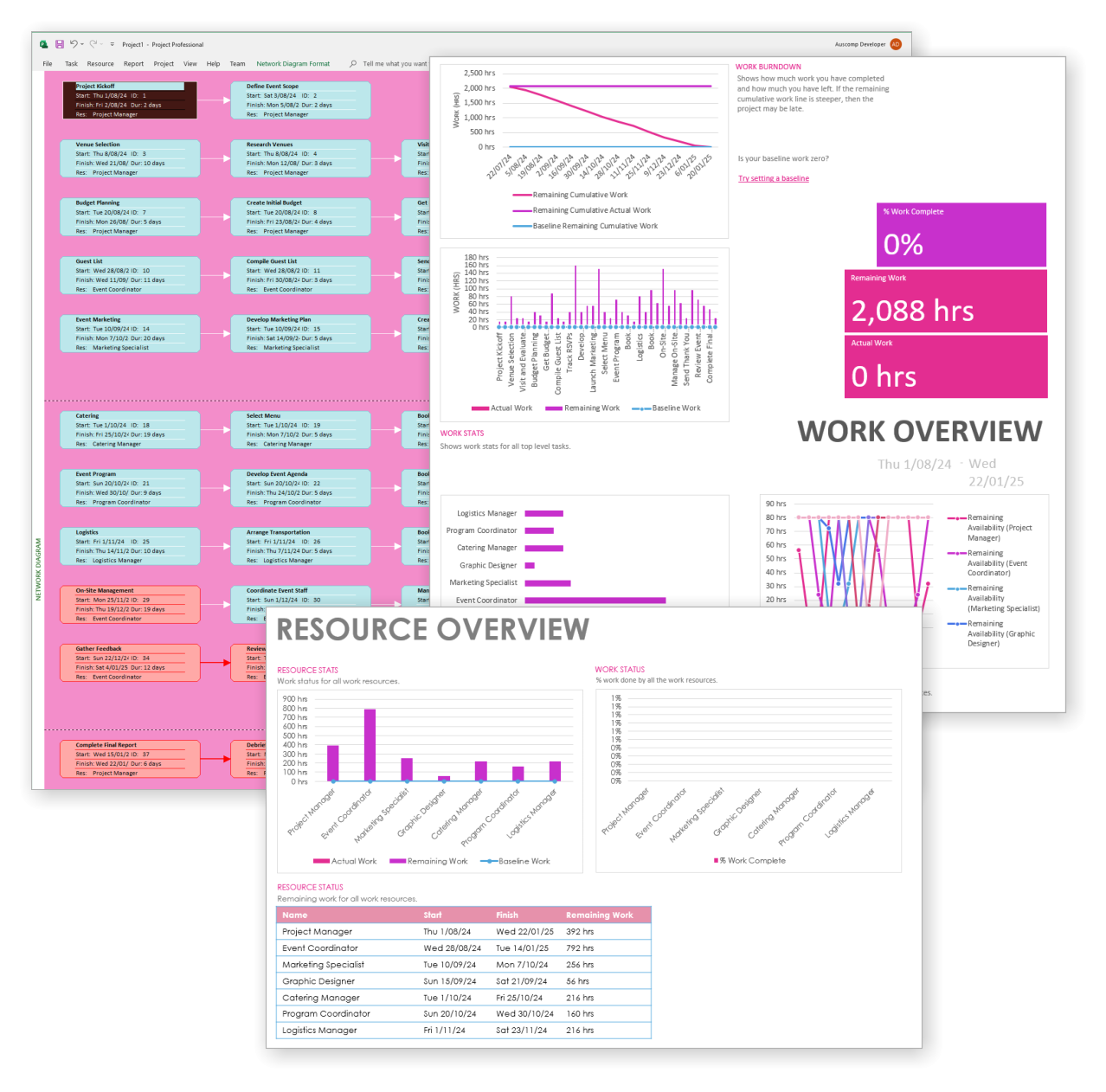
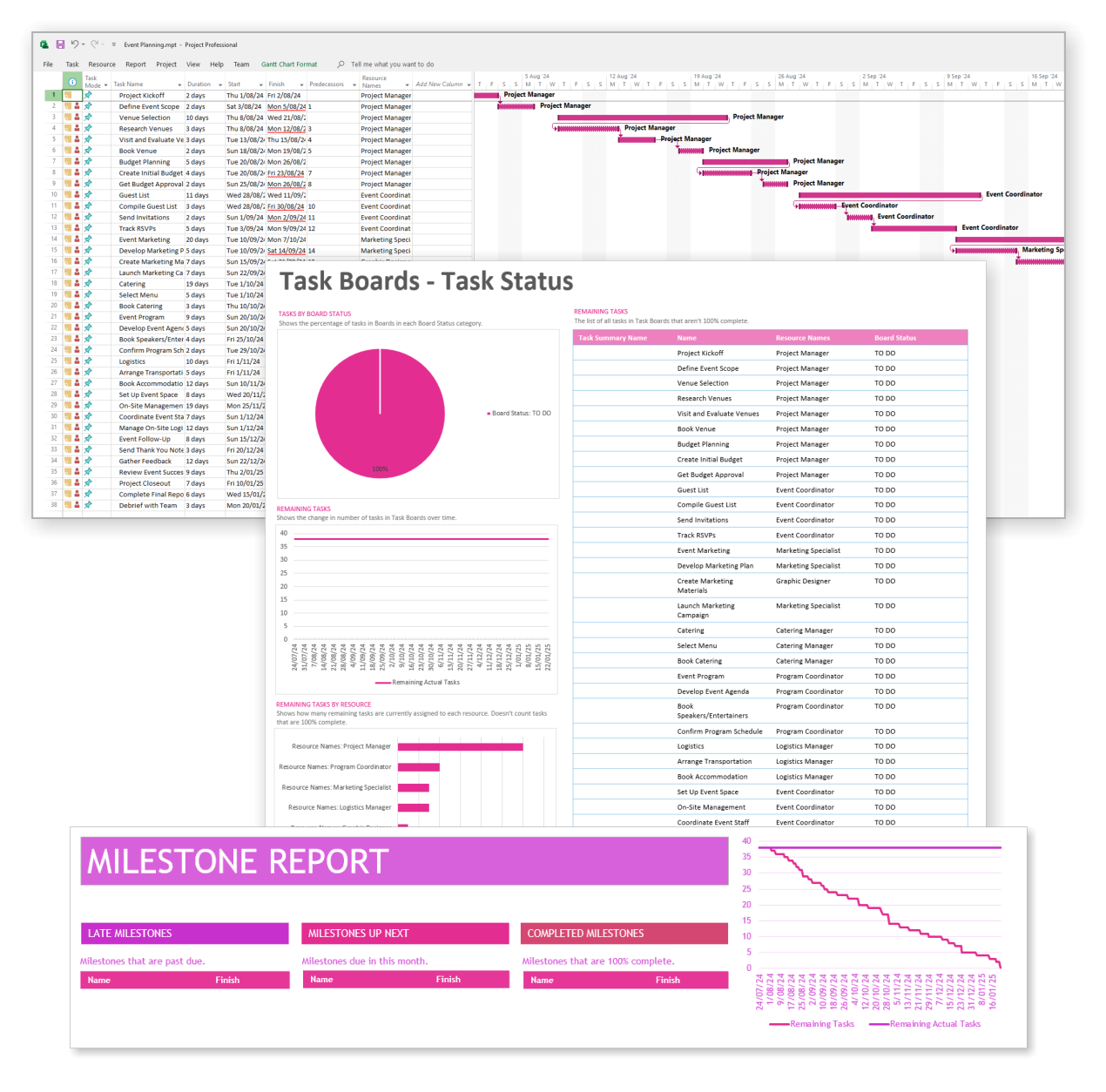
Event Planning for MS Project is a comprehensive template for managing all aspects of event planning from concept to post-event wrap-up.
Easy to import and includes the following:
Our MS Project templates can be imported into the following versions:
- Microsoft Project 2010
- Microsoft Project 2013
- Microsoft Project 2016
- Microsoft Project 2019
- Microsoft Project 2021
- Microsoft Project for Microsoft 365
 MS Project
 MS Forms
 MS Lists
 Outlook
 Excel
Excel Copilot
 MS Teams
 Power BI
Related Products
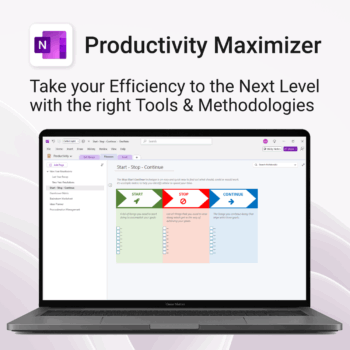
Boost clarity. Break through mental clutter.
-
- Structure your goals and eliminate procrastination
- All-in-one toolkit inside OneNote
- Designed for both personal and professional growth
- Use powerful planners and templates to stay focused
- Works across devices – always accessible
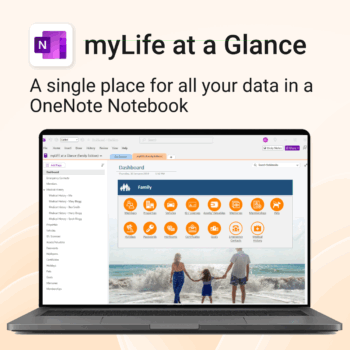
Take control of your family’s information. Stay prepared and organized.
-
- All-in-one family dashboard — know where everything is
- Be emergency ready — from medical history to contacts
- Perfect for travel, school, caregiving & estate planning
- Private & secure — powered by Microsoft OneNote
- No subscription needed — lifetime value
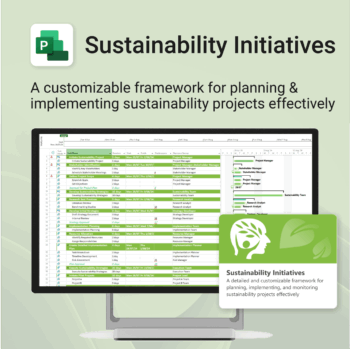
Plan and execute sustainability projects with clarity and structure.
-
- Aligned with real-world ESG needs and frameworks.
- Streamlines planning and reporting — no extra tools needed.
- Works seamlessly in MS Project — no extra setup.
- Adapts to small teams or large-scale initiatives.
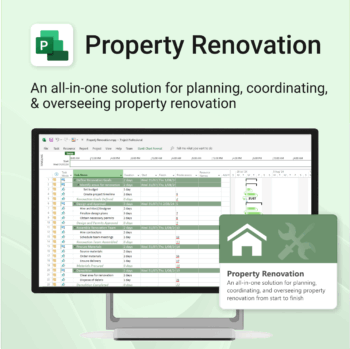
Renovate with confidence — built for project managers, homeowners, and builders alike.
-
- Manage budgets, teams, tasks, and timelines all in MS Project.
- Built-in flow from design to demolition to final inspection.
- Perfect for homeowners, contractors, and renovation planners.
- Customizable for any property type or scope.
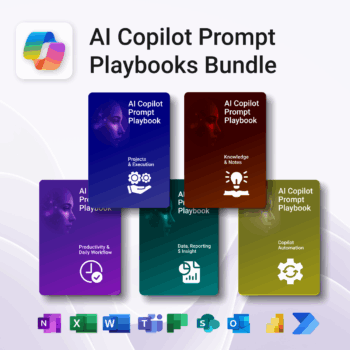
Turn Microsoft 365 into your AI co-pilot — with 150+ ready-to-use prompts across 5 expert playbooks.
- Built for Copilot: Works inside Word, Excel, PowerPoint, Outlook, Teams & OneNote.
- Do real work faster: reporting & insights, documentation, automation, projects, and daily workflow.
- Field-tested frameworks: structured prompts that deliver consistent, high-quality results.
- Copy, paste & adapt: start producing better output in minutes — no guesswork.
- Bundle value: all 5 playbooks for one price — you save 30%.
Trusted by professionals and teams using Microsoft 365 to plan, analyze, automate, and communicate with clarity.
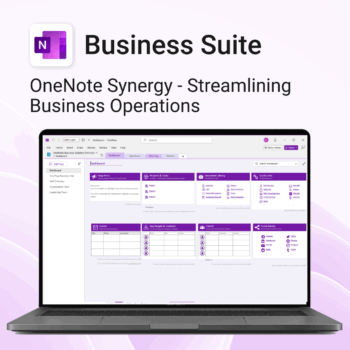
Run your business from OneNote — clients, projects, teams, HR, sales & documents in one organised workspace.
- One central hub: Plan work, manage people and store docs with ready-made templates.
- Built for Microsoft 365: Works great with Teams/SharePoint — no new logins or tools.
- Secure & searchable: Keep SOPs, HR and client files in OneNote for instant context.
- Fast setup: One-click notebook + quick-start guide — scale as your business grows.
Perfect for SMBs, agencies and remote teams who live in Microsoft 365.
Trusted by 1,000+ professionals worldwide to stay organized and deliver on time.
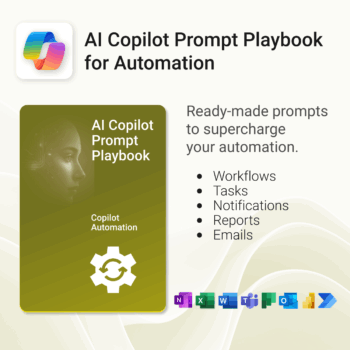
Get 30 proven Copilot prompts designed to supercharge your automation inside Microsoft 365.
-
- Covers workflow automation, email handling, task management, reporting, and approvals.
- No guesswork — just copy, paste, and run inside Copilot.
- Includes example outputs and app-specific usage tips.
- Perfect for individuals, managers, and operations teams.
- Based on real-world Microsoft 365 and Power Automate use cases.
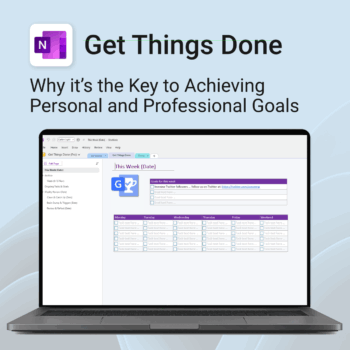
Get Things Done — right inside OneNote. Capture, organise and review with a clear weekly rhythm.
- GTD in OneNote: Inboxes, Projects, Next Actions, and a Weekly Review that sticks.
- Structured yet flexible: Brain dump & triggers, project pages, and “This Week” focus.
- Fast setup: One-click notebook + quick-start guide — be productive in minutes.
- Works where you work: OneNote on Windows, Mac & Web — great with Teams/SharePoint.
Perfect for personal and professional life — students, freelancers, and busy teams in Microsoft 365.
Join thousands of OneNote users who’ve built consistent weekly planning habits with GTD.
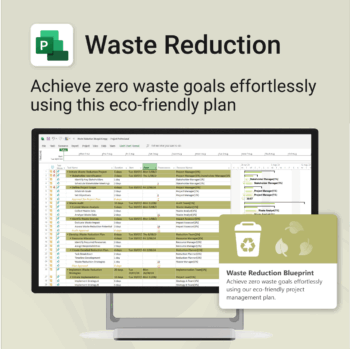
Turn sustainability from a goal into a system — built in MS Project.
-
- Designed for eco-focused teams and initiatives.
- Visualizes every phase of your waste reduction plan.
- Fully editable in MS Project — no need to start from scratch.
- Perfect for compliance, green certifications, and internal audits.
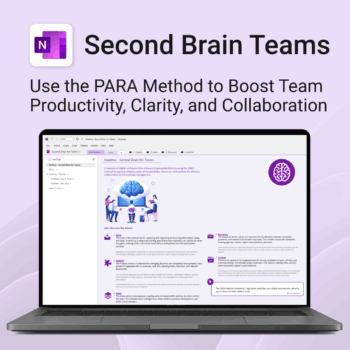
Boost productivity. Simplify collaboration.
-
- Capture tasks, notes & info instantly — no context switching
- Organize everything by PARA — Projects, Areas, Resources, Archive
- Get more done — shared workspaces drive team clarity
- Keep knowledge accessible — from onboarding to SOPs
- Work from anywhere — synced and secure inside OneNote
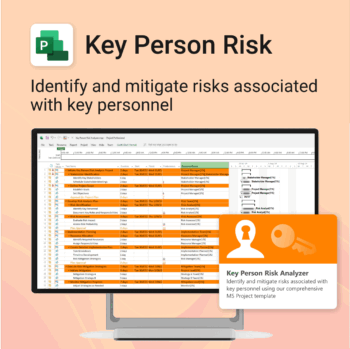
Ensure leadership continuity — plan for critical role coverage before it’s urgent.
-
- Pinpoints vulnerabilities linked to key personnel roles.
- Structured for real-world succession and risk planning.
- Works seamlessly with Microsoft Project — no tech overhead.
- Essential for HR, PMOs, and contingency planning teams.
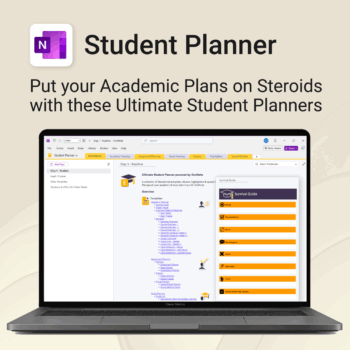
Stay ahead, reduce stress & plan smarter.
-
- Everything in one digital place — no paper clutter
- Boost focus and grades with structured planning
- Perfect for school, college, or university
- Adaptable for any subject or semester
- Instantly accessible across all your devices