
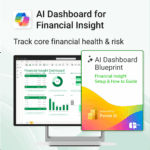
AI Dashboard for Financial Insight powered by Power BI & Copilot
$39.95
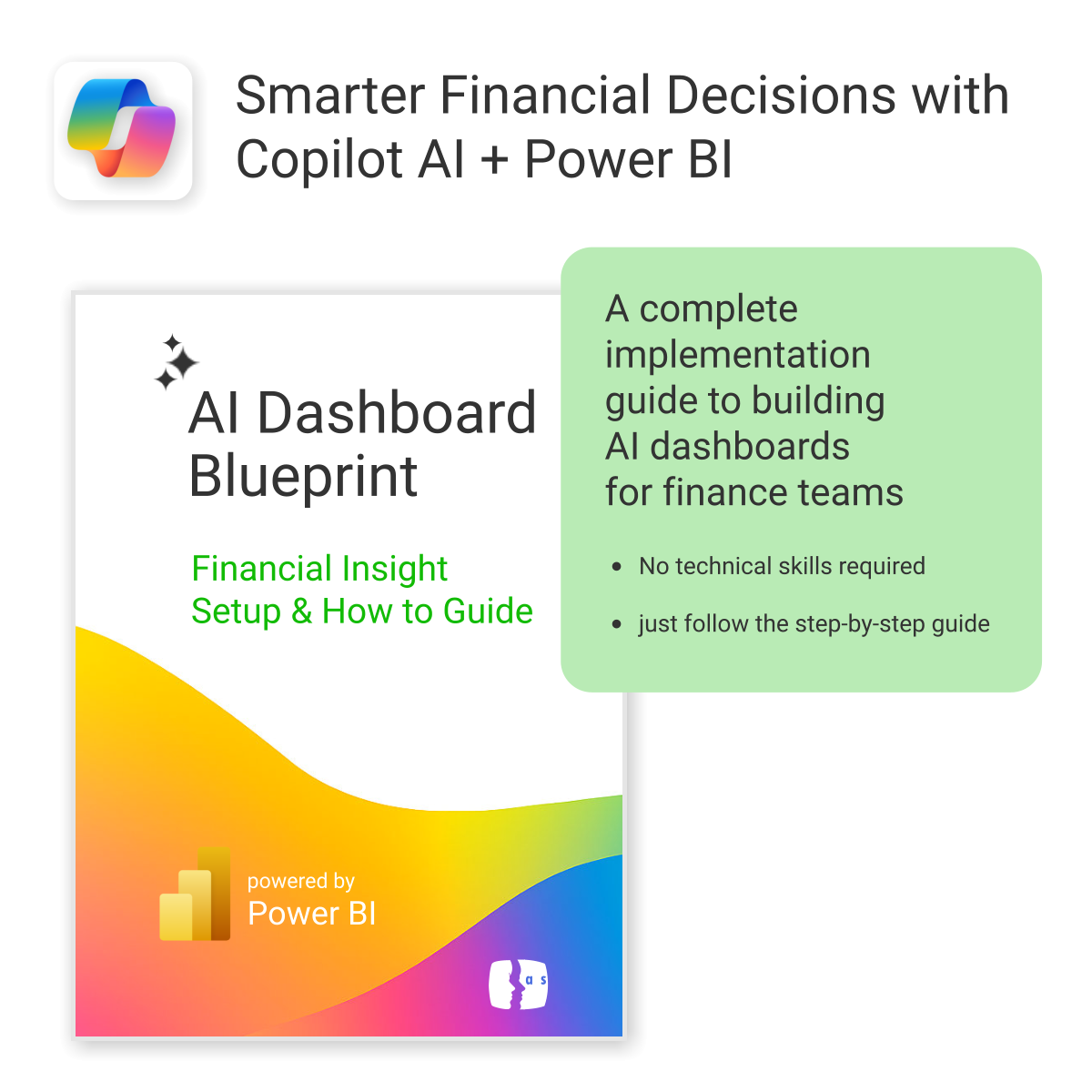
Transform financial data into actionable insights with Power BI & Copilot.
-
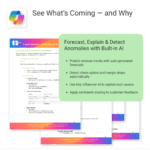
- Copilot-ready design with built-in AI forecasting.
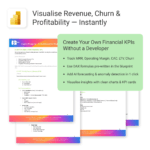
- Visualise cash flow, revenue, and cost trends at a glance.
- Built for finance teams, consultants, and business owners.
- No coding needed – everything editable in Power BI Desktop.
- Built-in templates for recurring revenue, burn rate, and more.
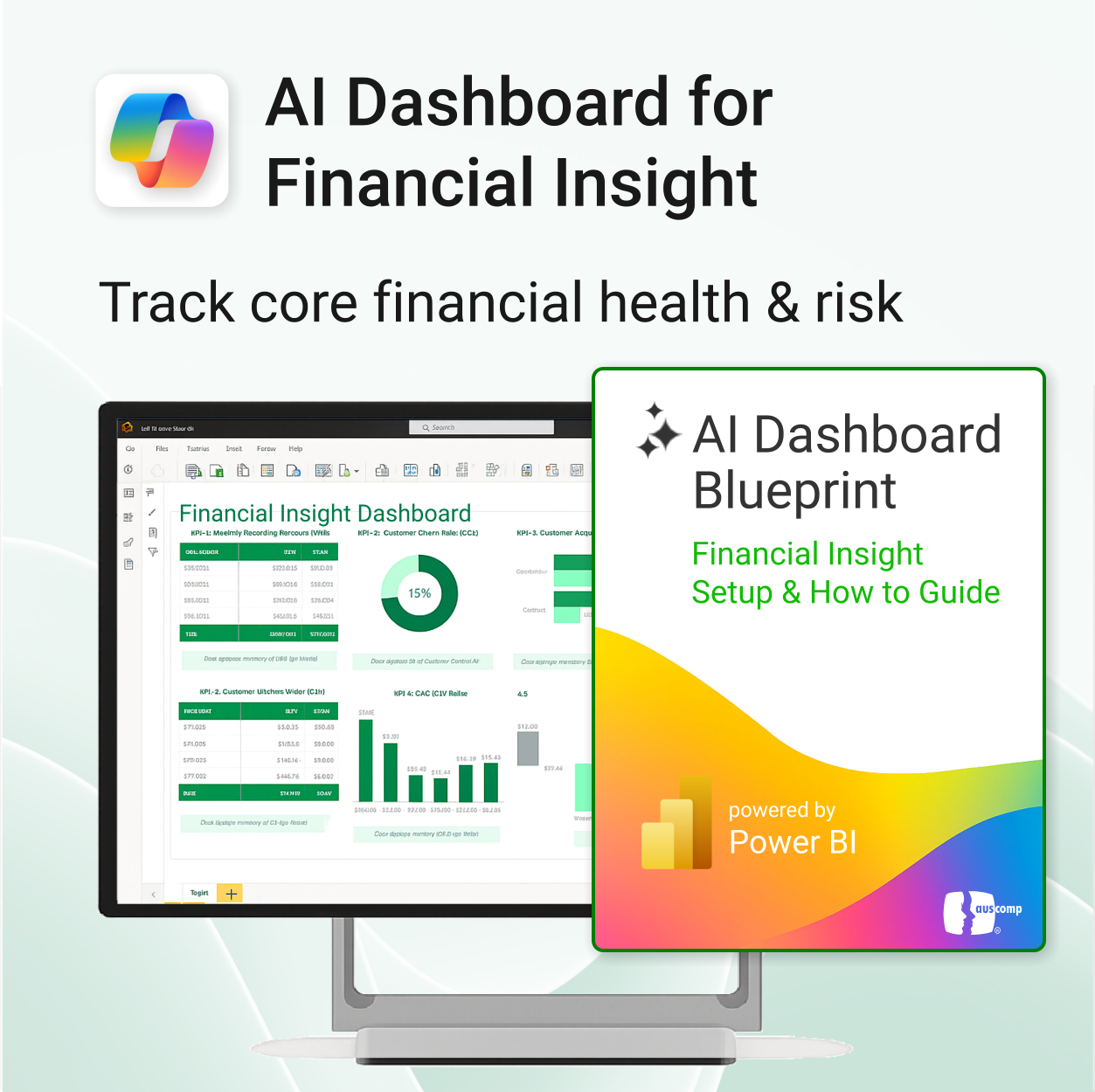
AI Dashboard for Financial Insight
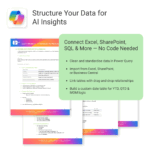
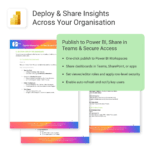
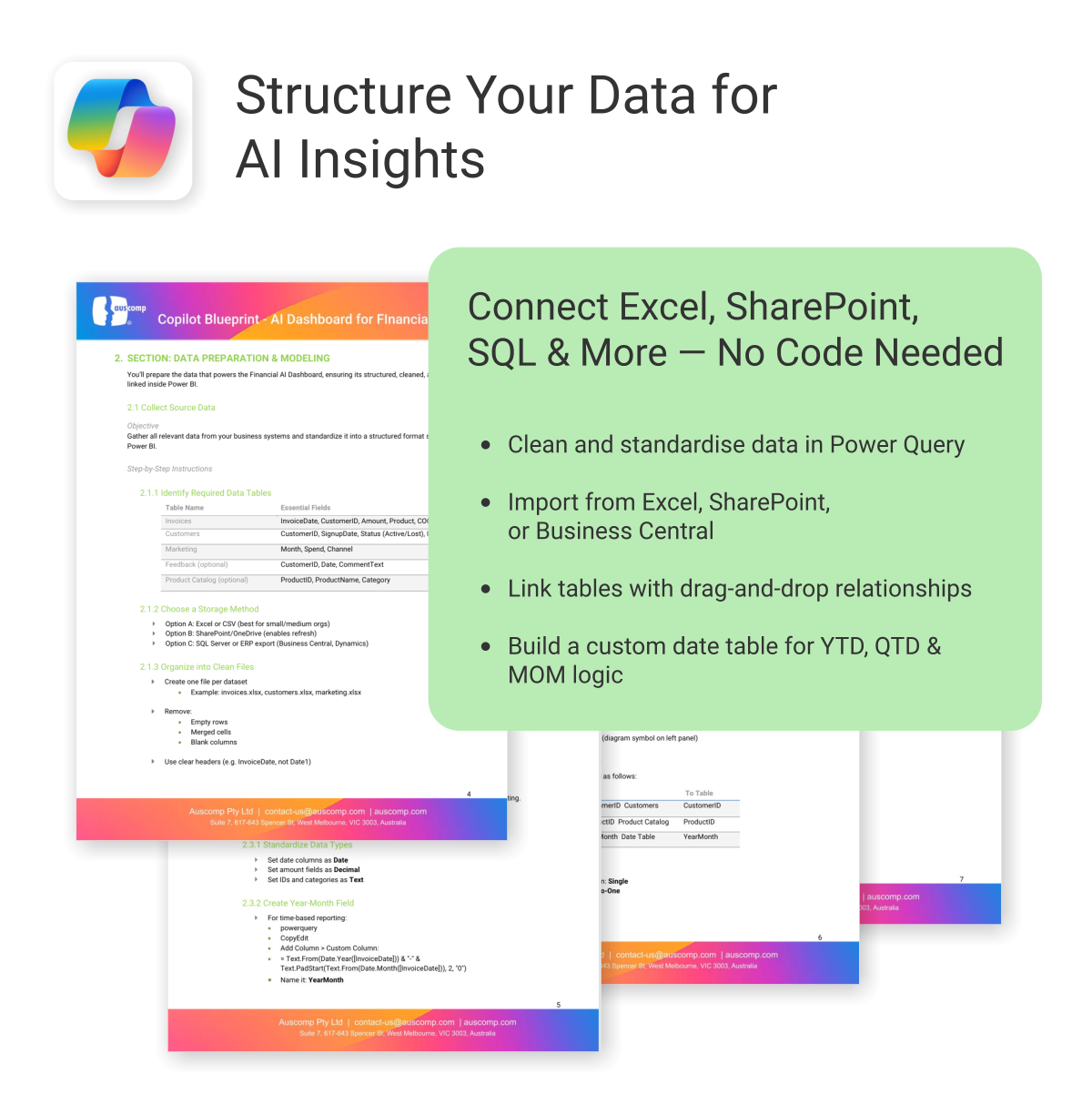
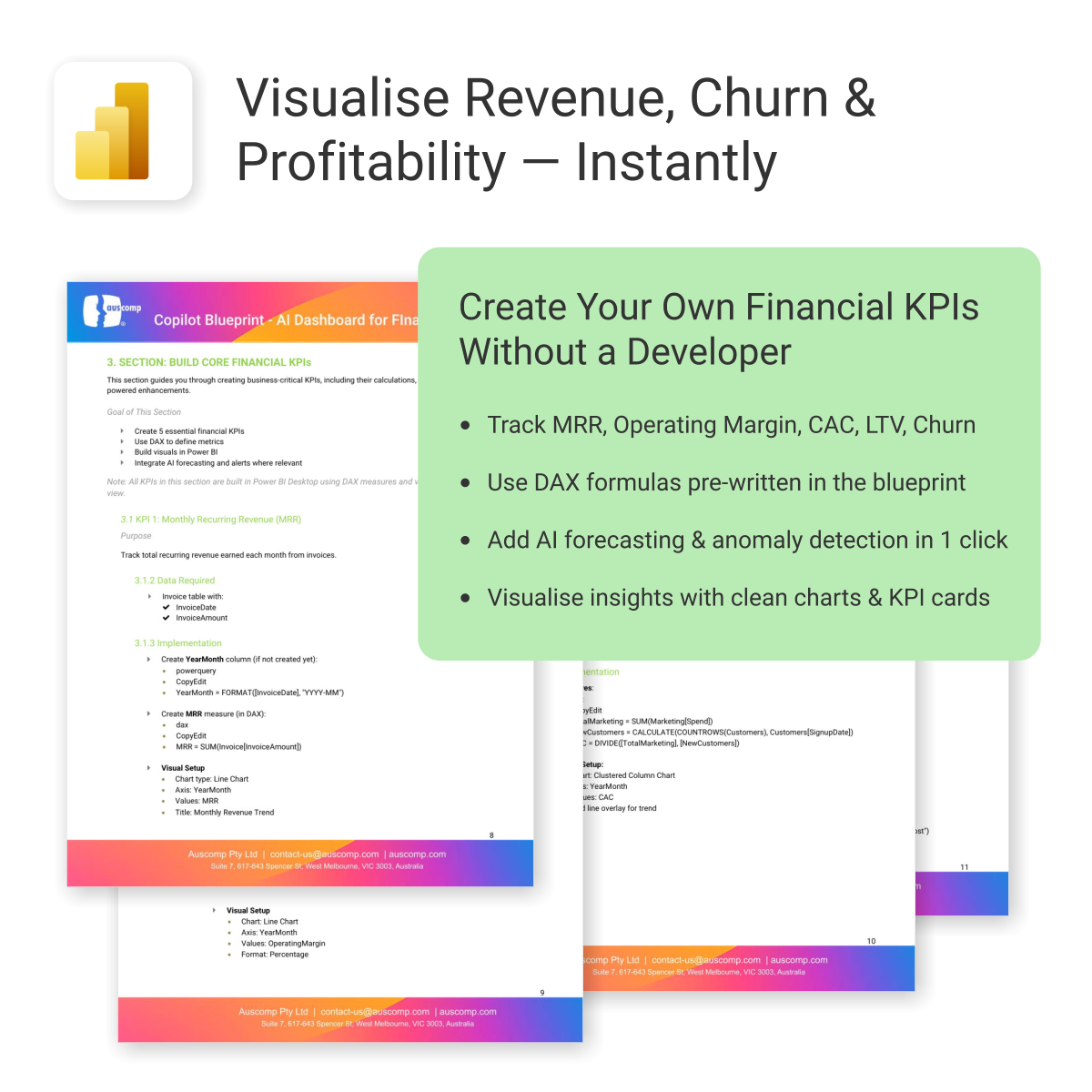
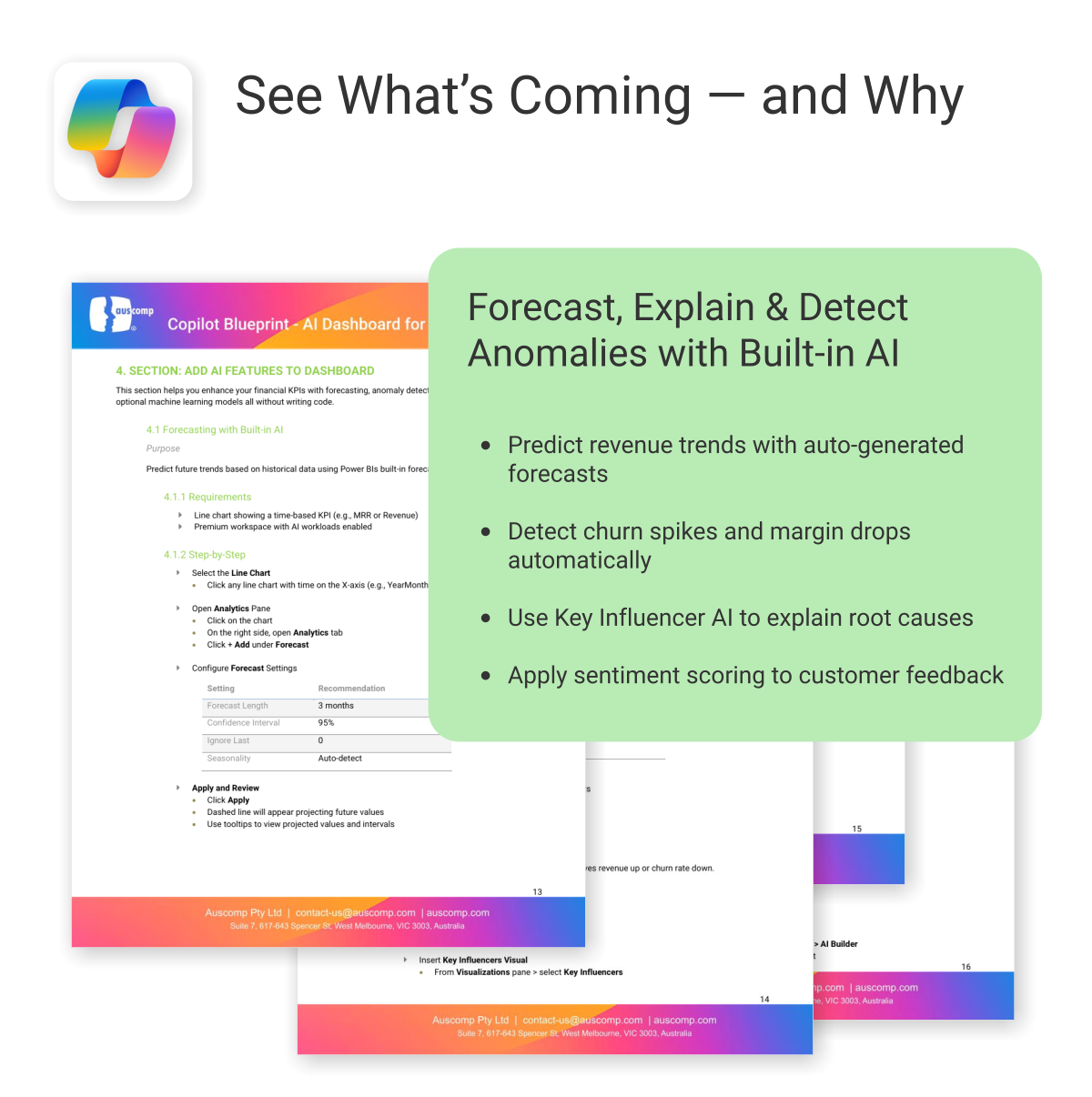
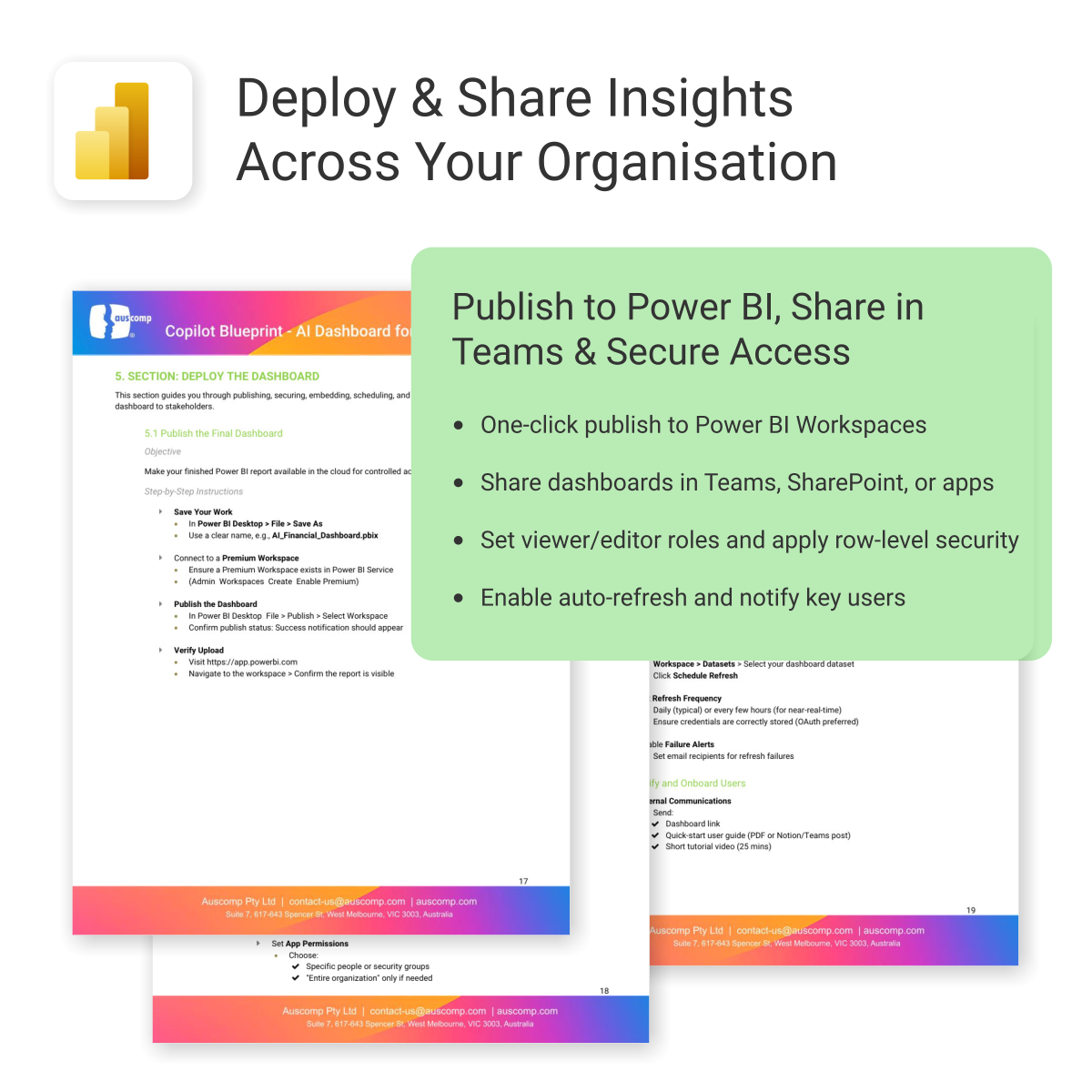
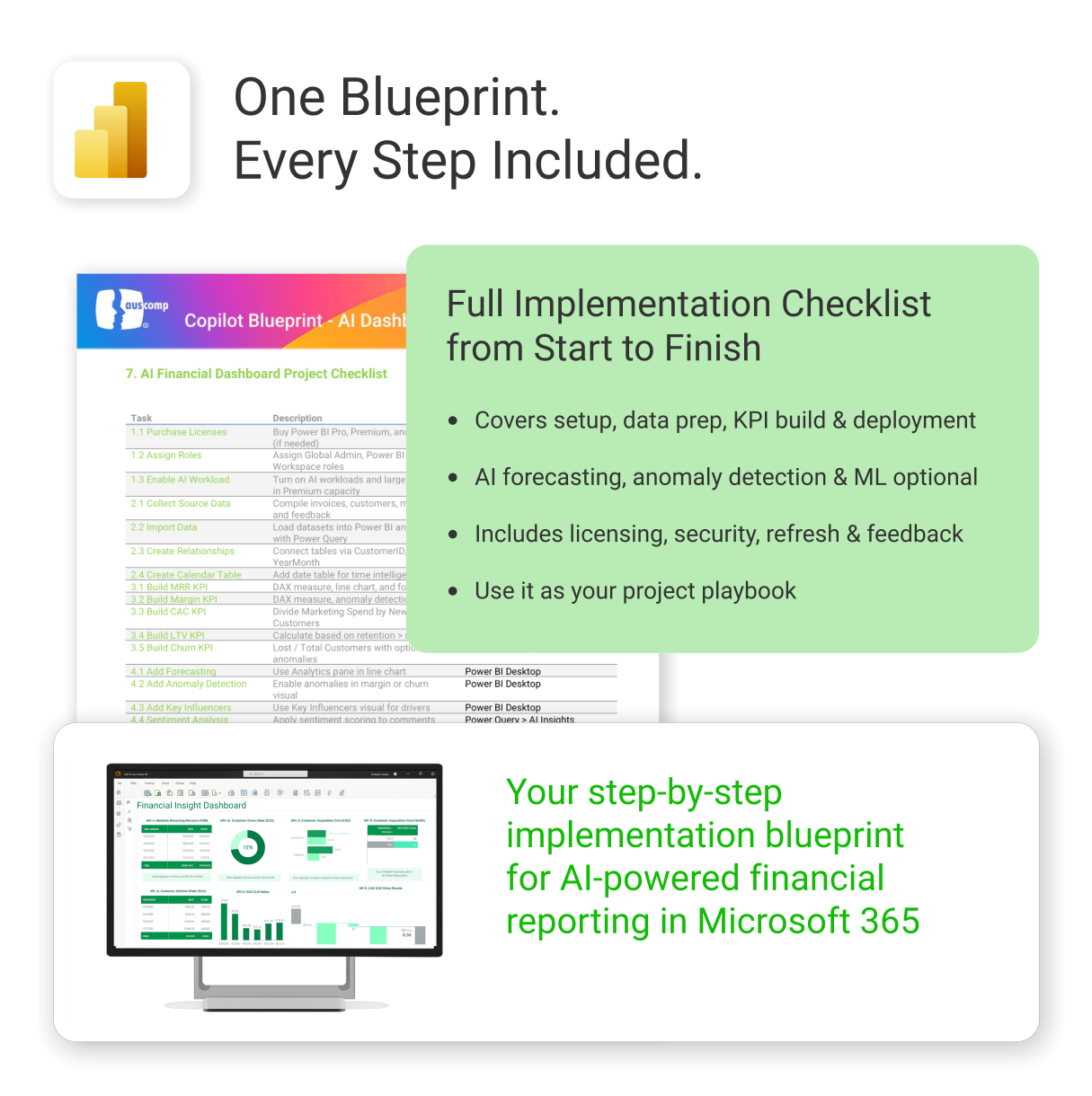
Build a complete AI-powered business dashboard using Power BI and Microsoft Copilot — track revenue, forecast churn, and explain key trends without writing a single line of code.
Easy to import and includes the following:
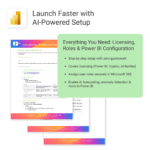
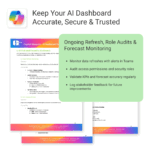
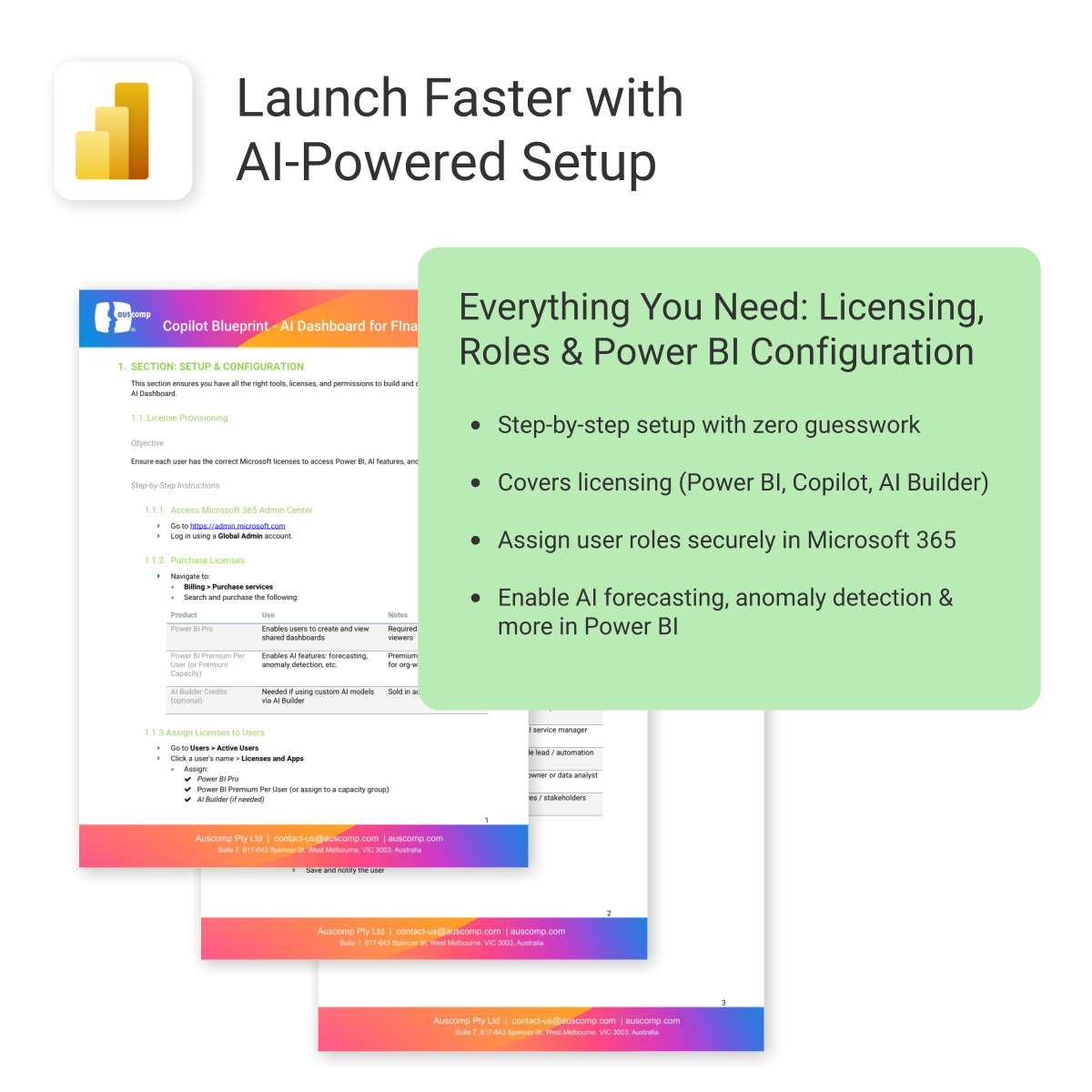
To create and use the AI Copilot Dashboards, the following Microsoft licenses are required. These ensure users can build, view, and enhance Power BI dashboards with AI features, Copilot, and automation tools.
Microsoft Licenses Needed
| License | Use | Notes |
|---|---|---|
| Power BI Pro | Enables users to create and view shared dashboards | Required for all creators and viewers |
| Power BI Premium Per User (or Premium Capacity) |
Enables AI features: forecasting, anomaly detection, etc. | Premium Capacity is better for org-wide rollouts |
| AI Builder Credits (optional) | Needed if using custom AI models via AI Builder | Sold in add-on packs |
Licensing by User Role
For a quick summary of licensing by user role, see the matrix below:| User Role | Power BI Pro | Power BI Premium Per User | Microsoft 365 Copilot | AI Builder Credits (Optional) |
|---|---|---|---|---|
| Analyst / Dashboard Creator | ✅ | ✅ | ✅ | Optional |
| Executive / Viewer | ✅ | ✅ | ✅ | ❌ |
| Admin / IT Lead | ✅ | ✅ | ❌ | Optional |
To Purchase Microsoft Licenses
- Visit https://admin.microsoft.com
- Log in using a Global Admin
- Navigate to: Billing > Purchase services
 MS Project
 MS Forms
 MS Lists
 Outlook
 Excel
Excel Copilot
 MS Teams
 Power BI
Related Products
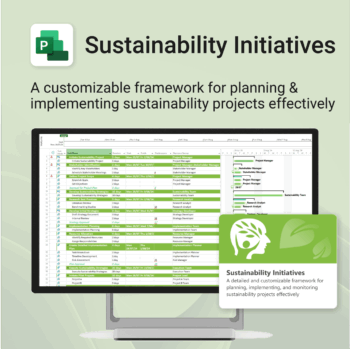
Plan and execute sustainability projects with clarity and structure.
-
- Aligned with real-world ESG needs and frameworks.
- Streamlines planning and reporting — no extra tools needed.
- Works seamlessly in MS Project — no extra setup.
- Adapts to small teams or large-scale initiatives.
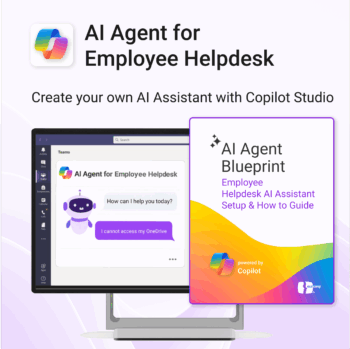
Launch your own AI-powered employee assistant in Microsoft Teams or SharePoint — no dev team required.
-
- Includes trigger/response templates for IT, HR, and general helpdesk support
- Streamlines deployment with Power Automate & Copilot Studio
- Deployable internally in Microsoft Teams or embedded in SharePoint
- Governance and monitoring framework included
- Created for operations, HR, IT and digital workplace teams
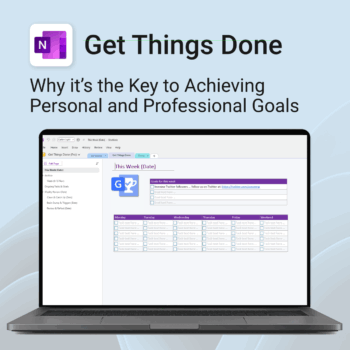
Get Things Done — right inside OneNote. Capture, organise and review with a clear weekly rhythm.
- GTD in OneNote: Inboxes, Projects, Next Actions, and a Weekly Review that sticks.
- Structured yet flexible: Brain dump & triggers, project pages, and “This Week” focus.
- Fast setup: One-click notebook + quick-start guide — be productive in minutes.
- Works where you work: OneNote on Windows, Mac & Web — great with Teams/SharePoint.
Perfect for personal and professional life — students, freelancers, and busy teams in Microsoft 365.
Join thousands of OneNote users who’ve built consistent weekly planning habits with GTD.
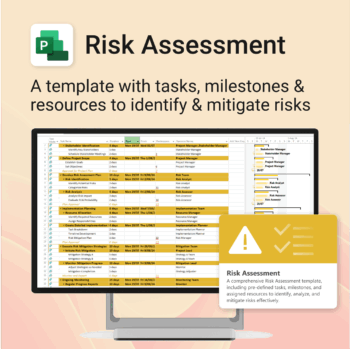
Master risk management — from early identification to confident mitigation.
-
- Eliminates guesswork — structured for real-world risk planning.
- Built to work perfectly in MS Project — no learning curve.
- Easy to update — keep your risk register live and relevant.
- Ideal for teams managing safety, compliance, or project uncertainty.
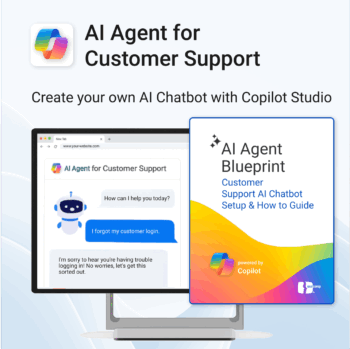
Build and launch a Copilot-powered customer support chatbot — without the guesswork.
-
- Includes conversation templates and flow examples for support scenarios
- Reduces support tickets through automation and self-service
- Works natively with Microsoft 365, Copilot Studio & Power Platform
- Deployable on your website — no coding required
- Built-in best practices to minimize setup time and maximize value
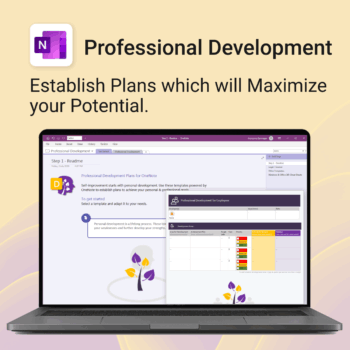
Grow with confidence. Track your progress. Achieve your goals.
- Start fast with guided templates and expert structure
- Track skills, goals, and leadership development in one place
- Adaptable for individuals, teams, or HR managers
- Simple enough for beginners, powerful enough for pros
- Always accessible inside OneNote on any device
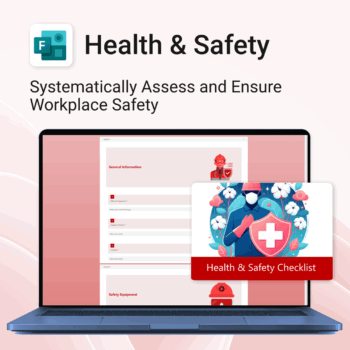
Renovate with confidence — built for project managers, homeowners, and builders alike.
-
- Manage budgets, teams, tasks, and timelines all in MS Project.
- Built-in flow from design to demolition to final inspection.
- Perfect for homeowners, contractors, and renovation planners.
- Customizable for any property type or scope.
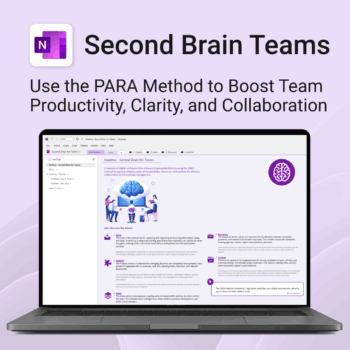
Boost productivity. Simplify collaboration.
-
- Capture tasks, notes & info instantly — no context switching
- Organize everything by PARA — Projects, Areas, Resources, Archive
- Get more done — shared workspaces drive team clarity
- Keep knowledge accessible — from onboarding to SOPs
- Work from anywhere — synced and secure inside OneNote
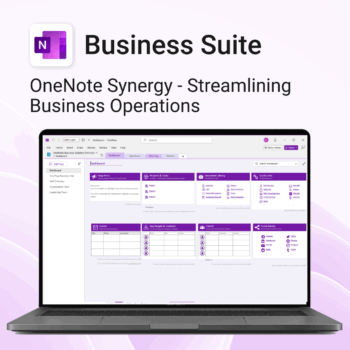
Run your business from OneNote — clients, projects, teams, HR, sales & documents in one organised workspace.
- One central hub: Plan work, manage people and store docs with ready-made templates.
- Built for Microsoft 365: Works great with Teams/SharePoint — no new logins or tools.
- Secure & searchable: Keep SOPs, HR and client files in OneNote for instant context.
- Fast setup: One-click notebook + quick-start guide — scale as your business grows.
Perfect for SMBs, agencies and remote teams who live in Microsoft 365.
Trusted by 1,000+ professionals worldwide to stay organized and deliver on time.
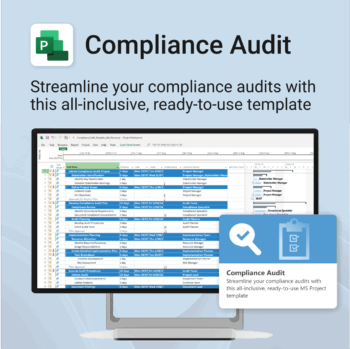
Make audit readiness part of your project workflow — not a last-minute scramble.
-
- Everything structured — from audit scope to implementation follow-up.
- Built for Microsoft Project — no steep learning curve.
- Ensures clear documentation and accountability across your audit team.
- Perfect for internal, external, and compliance-driven audits.
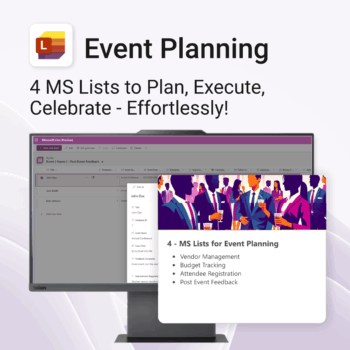
Be more organized. Save time & ensure smooth events.
-
- Track vendors, budgets, and guests in one place
- Automate follow-ups and feedback collection
- Professional design—no setup headaches
- Easy to share and collaborate with your team
- Works seamlessly in Microsoft Lists on any device
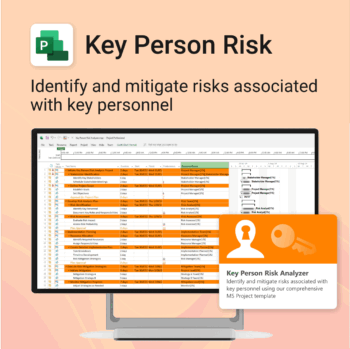
Ensure leadership continuity — plan for critical role coverage before it’s urgent.
-
- Pinpoints vulnerabilities linked to key personnel roles.
- Structured for real-world succession and risk planning.
- Works seamlessly with Microsoft Project — no tech overhead.
- Essential for HR, PMOs, and contingency planning teams.