


Small Business Security Kit for Microsoft 365
Original price was: $199.95.$99.95Current price is: $99.95.
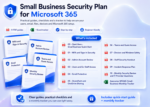
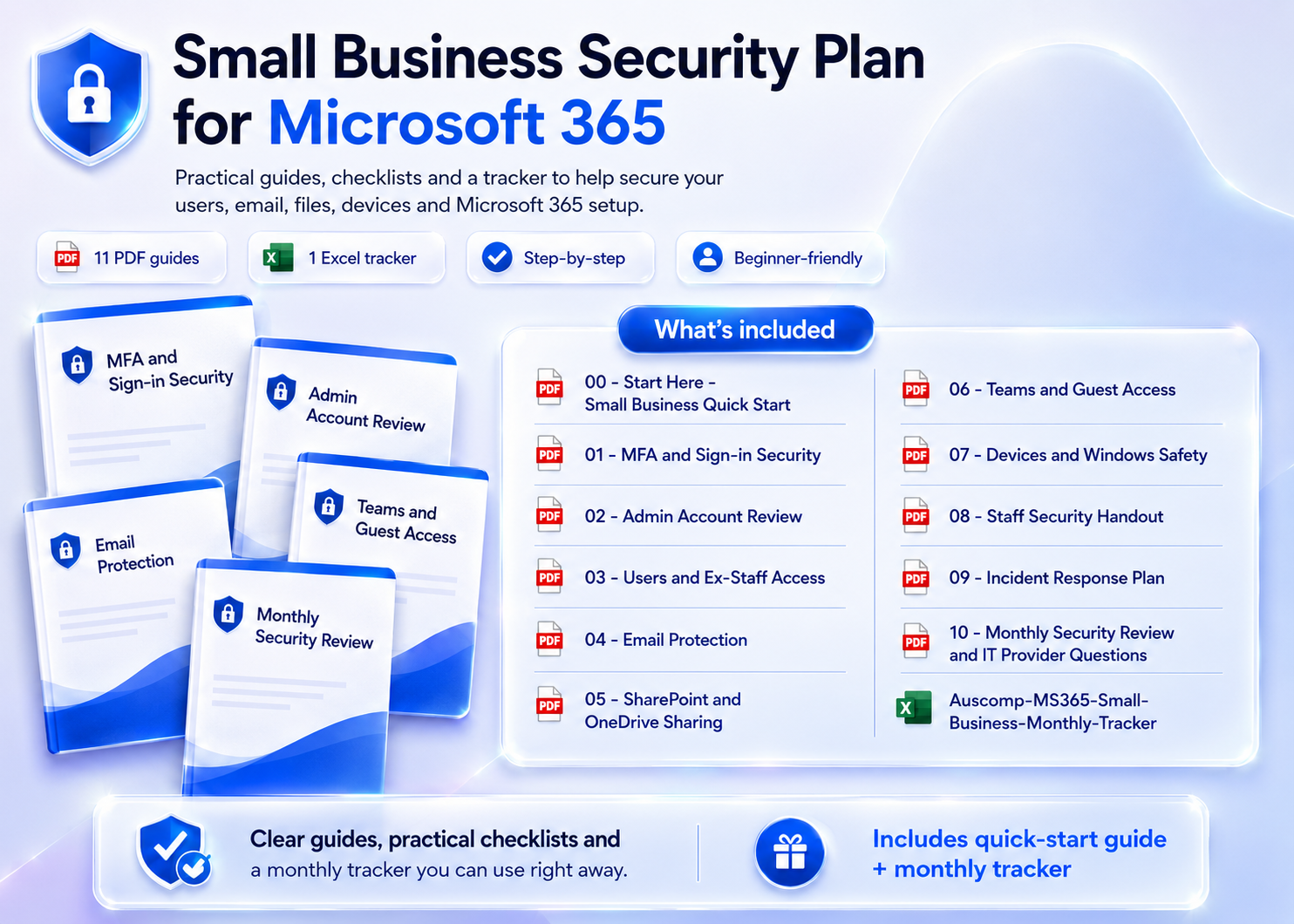
Secure your whole business on Microsoft 365 — 11 step-by-step guides covering sign-ins, staff access, email, files, Teams and devices.
- No IT department needed: 11 plain-English guides — locked down in a weekend.
- All-in-one kit: includes MFA Rollout, Admin & Ex-Staff Access Review, Email Protection, Teams Guest Access & Incident Response.
- Team-ready: printable PDFs, editable Word versions and a Staff Security Handout to distribute.
- Save 50%: get the complete kit for one discounted price.
Trusted by owners and office managers who’d rather prevent a breach than explain one.
Small Business Security Kit for Microsoft 365 — 11 Step-by-Step Safety Guides in One Kit
Your team runs on Microsoft 365 — but who checked the admin accounts, the ex-staff logins, the guest access in Teams? This kit gives busy owners and office managers plain-English guides to lock down the whole business, no IT department required. Secure it in a weekend, then keep it tight with a monthly review.
What’s inside
- Quick Start & Sign-in Security – Small business quick start plus MFA and sign-in security for every account.
- Admin & Staff Access – Review admin accounts, user permissions and — critically — access still held by ex-staff.
- Email Protection – Protect the inboxes your business lives in against phishing, spoofing and fraud.
- SharePoint, OneDrive & Teams – Clean up file sharing and rein in Teams guest access before it becomes a leak.
- Devices & Staff Awareness – Secure Windows devices, plus a ready-to-share Staff Security Handout for your whole team.
- Incident Response & Monthly Review – A step-by-step incident response plan, monthly security review with tracker spreadsheet, and the right questions to ask your IT provider.
Why it works
- ✅ Plain-English, step-by-step checklists — written for owners and office managers, not sysadmins.
- ✅ Covers the gaps that actually hurt small businesses: ex-staff access, open sharing, weak MFA.
- ✅ 11 guides as printable PDFs plus editable Word versions — including a staff handout you can distribute as-is — with a monthly tracker in Excel.
Not sure where you’re exposed? Take the free 2-minute Microsoft 365 Risk Scorecard first — this kit contains the fixes.
What customers say
The ex-staff access guide found two former employees who could still open our client files. Enough said.
We rolled out MFA to all 12 staff in one afternoon following the guide. Zero pushback, zero confusion.
The Staff Security Handout is gold — printed it, handed it out, done. Our team finally knows the basics.
Teams guest access was a mess from old projects. The checklist cleaned it up in an hour.
As office manager, I’m the accidental IT person. This kit made me look like I knew exactly what I was doing.
Our insurer asked about security measures at renewal. We sent the monthly review checklist. Approved.
The incident response plan turned “what do we do?!” into a page we keep printed by the server cabinet.
Ran the free risk check first, then bought this. Every gap had a matching fix, step by step.
 ChatGPT
 OneNote
 MS Project
 MS Forms
 MS Lists
 Outlook
 Excel
Excel Bonus
Bonus Copilot
 MS Teams
 Power BI
Related Products
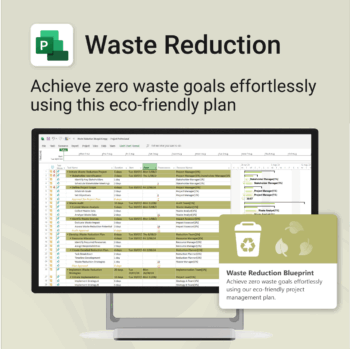
Turn sustainability from a goal into a system — built in MS Project.
-
- Designed for eco-focused teams and initiatives.
- Visualizes every phase of your waste reduction plan.
- Fully editable in MS Project — no need to start from scratch.
- Perfect for compliance, green certifications, and internal audits.
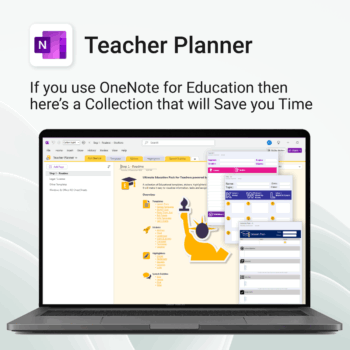
Be more prepared. Reduce planning stress. Make teaching more impactful.
-
- Everything in one digital hub — no paper clutter.
- Ready-to-use templates save you hours each week.
- Visual and structured tools for all learning styles.
- Empower students with structured reflection tools.
- Use across all subjects and year levels.
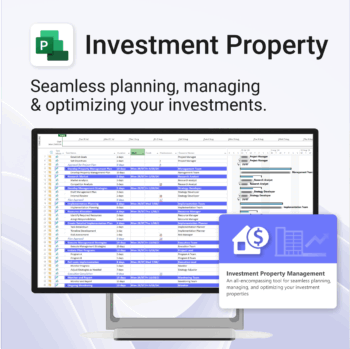
Own your investment journey — from first search to ongoing property success.
-
- Built to simplify complex property workflows — no more guesswork.
- Perfect for investors, renovators, and property managers.
- Fully compatible with MS Project — no learning curve.
- Clear milestones and budgets keep everything on track.
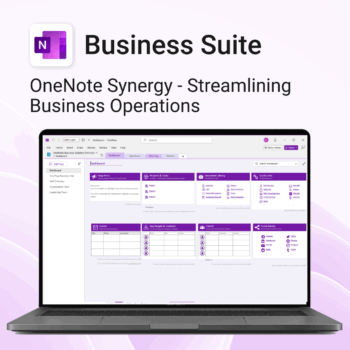
Run your business from OneNote — clients, projects, teams, HR, sales & documents in one organised workspace.
- One central hub: Plan work, manage people and store docs with ready-made templates.
- Built for Microsoft 365: Works great with Teams/SharePoint — no new logins or tools.
- Secure & searchable: Keep SOPs, HR and client files in OneNote for instant context.
- Fast setup: One-click notebook + quick-start guide — scale as your business grows.
Perfect for SMBs, agencies and remote teams who live in Microsoft 365.
Trusted by 1,000+ professionals worldwide to stay organized and deliver on time.
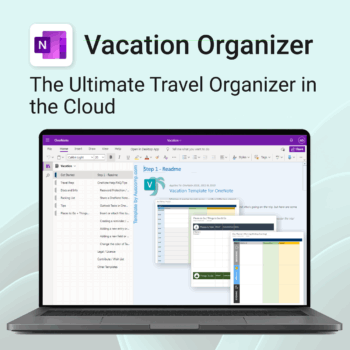
Make travel planning effortless. Stress less & enjoy more.
-
- All-in-one place to plan, pack, and prepare
- Customizable for solo, family, or group travel
- Use on any device with OneNote
- Keep documents, notes & itineraries together
- Get organized early and travel with confidence
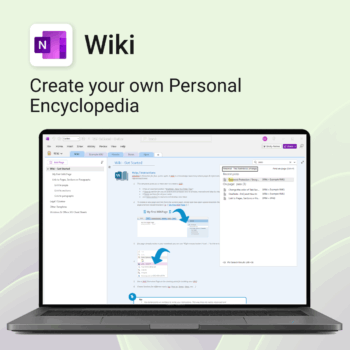
Create your own knowledge hub — organise SOPs, FAQs, guides & notes right inside OneNote.
- OneNote Wiki system: Capture and link knowledge, manuals, and FAQs in a searchable format.
- Fast setup: One-click notebook + examples ready to customise for your team.
- Secure & private: Built on Microsoft 365 — share internally or use solo.
- Find anything instantly: Full-text embedded search across your pages and topics.
Perfect for teams, consultants, or anyone who needs an organised place for notes and documentation.
Used by professionals and teams worldwide to centralise knowledge and make information searchable in OneNote.
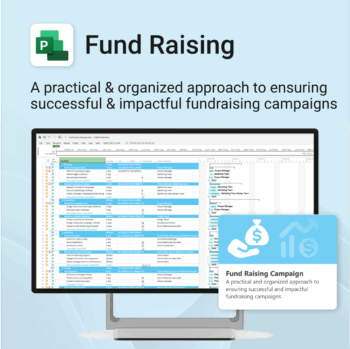
Build momentum, raise funds, and keep your campaign on track — all in MS Project.
-
- Plan, launch, and manage every aspect of your fundraising campaign.
- Built-in timelines, templates, and workflows for maximum efficiency.
- Fully editable in MS Project — no steep learning curve.
- Perfect for nonprofits, schools, causes, and community initiatives.
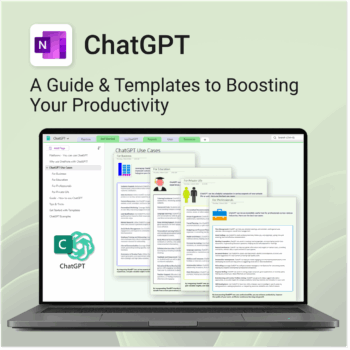
Be more productive. Save time & master AI.
-
- Master ChatGPT with structured use cases and tutorials.
- Get started faster using done-for-you templates and prompts.
- Track, log, and organize your ChatGPT ideas across projects.
- Save hours with reusable formats for every role and tone.
- Compatible with all devices — desktop, tablet & mobile.
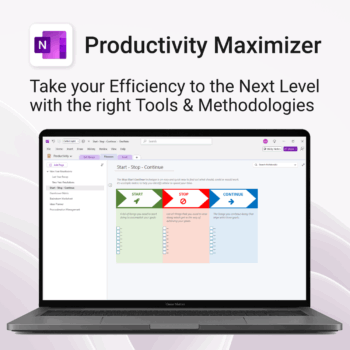
Boost clarity. Break through mental clutter.
-
- Structure your goals and eliminate procrastination
- All-in-one toolkit inside OneNote
- Designed for both personal and professional growth
- Use powerful planners and templates to stay focused
- Works across devices – always accessible
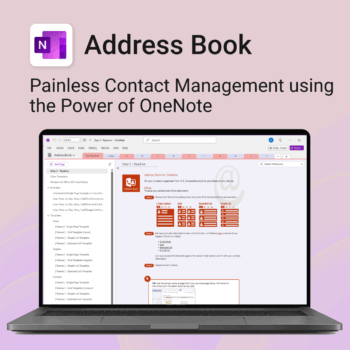
Be more organized. Keep every contact close at hand.
-
- Search contacts instantly — by name, email, phone or notes
- Color-coded layouts for faster scanning
- No new apps — use inside OneNote
- Sort and group with A-Z index tabs
- Flexible layouts that match your needs
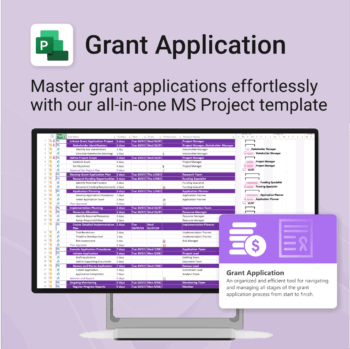
Simplify your grant writing — and improve your chances of success.
-
- Built for grant writers and project managers alike — no setup stress.
- Guides you through research, writing, budgeting, and submission.
- Keeps your grant team aligned and deadline-driven.
- Includes all milestones and tasks — fully editable in MS Project.
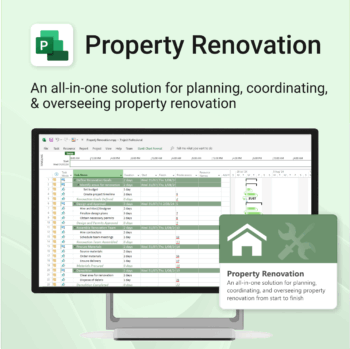
Renovate with confidence — built for project managers, homeowners, and builders alike.
-
- Manage budgets, teams, tasks, and timelines all in MS Project.
- Built-in flow from design to demolition to final inspection.
- Perfect for homeowners, contractors, and renovation planners.
- Customizable for any property type or scope.