Your files are almost certainly not deleted. Windows moved them, and it did not make that obvious. Here is what happened, and the one part of it that has a deadline attached.
What Windows did
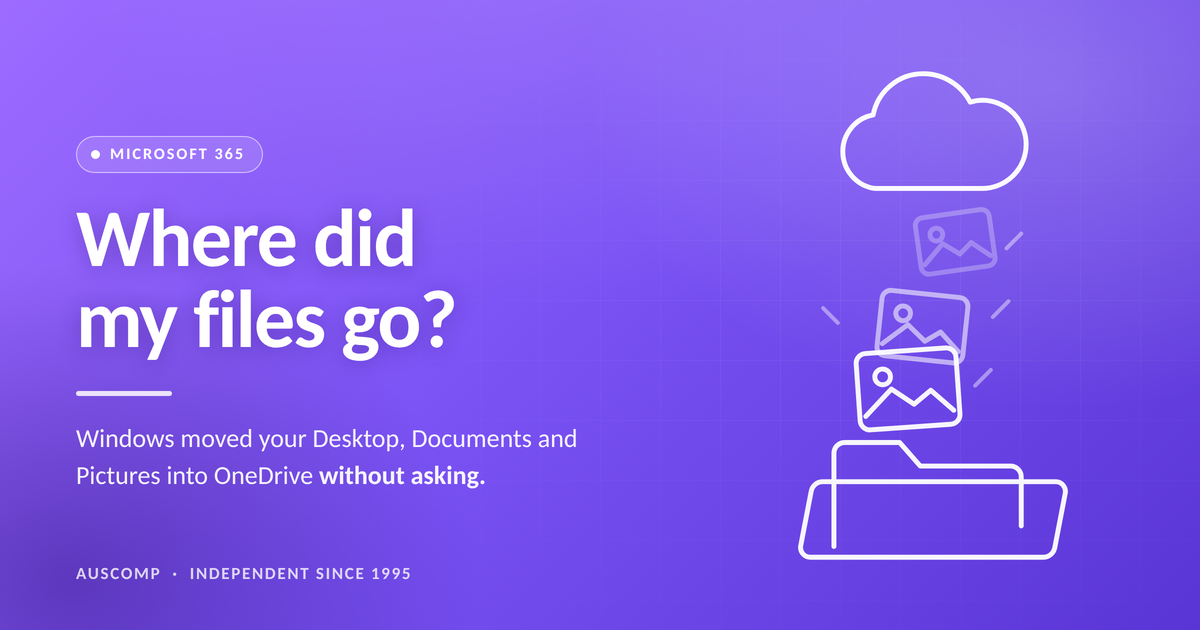
Since the Windows 11 update that shipped on 30 September 2025, OneDrive Backup is switched on by default when you sign in to a PC with a Microsoft account. It moves three folders into the cloud automatically: Desktop, Documents and Pictures.
During the initial setup there is no option to say no. You are shown a single line saying your files will be backed up to keep them safe, and the move happens.
The result is that your Desktop looks emptier than it was, or a folder you have used for years appears to have lost its contents. Nothing was thrown away. The files now live in your OneDrive, and the computer is showing you a window onto the cloud rather than onto your own hard drive.
Why this matters more than it sounds
While you are paying for Microsoft 365, none of this hurts. You have 1 TB of OneDrive space and everything fits.
The moment you stop paying, that allowance drops to 5 GB. Not the files — the space. And most people are carrying far more than 5 GB of photos.
So the files that Windows quietly moved to the cloud on your behalf are now the files sitting above a limit you no longer have. Microsoft’s own guidance sets out what follows.
This is not a scare story and it is not Auscomp’s opinion. It is Microsoft’s published position on what happens to a OneDrive that is over its storage limit, and on what happens to a Microsoft 365 subscription that ends. The deleted-files stage is the one worth taking seriously, because it is the only step in the sequence that cannot be undone.
What to do about it
One thing, and it takes an evening rather than a weekend: get your own copy, on something you own. An external drive is enough. Not a second cloud account, not a sync, not a shortcut — an actual copy of your photos and documents that sits in your house and does not care whether a subscription is current.
Do that once and everything above stops being a threat. Your photos are yours again, the cloud becomes a convenience rather than a hostage situation, and — this is the part most people miss — you are finally free to make a decision about the bill on its own merits.
Which raises the obvious question. Once your files are safe, are you still paying Microsoft the right amount? There is a cheaper plan without Copilot that Microsoft does not put in front of you, and most households and small businesses are on the wrong one without knowing it.
Auscomp — independent Microsoft 365 specialists since 1995. Not affiliated with Microsoft; Microsoft 365, OneDrive, Windows and Copilot are trademarks of Microsoft.