
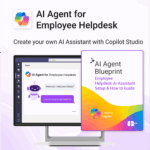


AI Agent for Employee Helpdesk powered by Copilot
$39.95
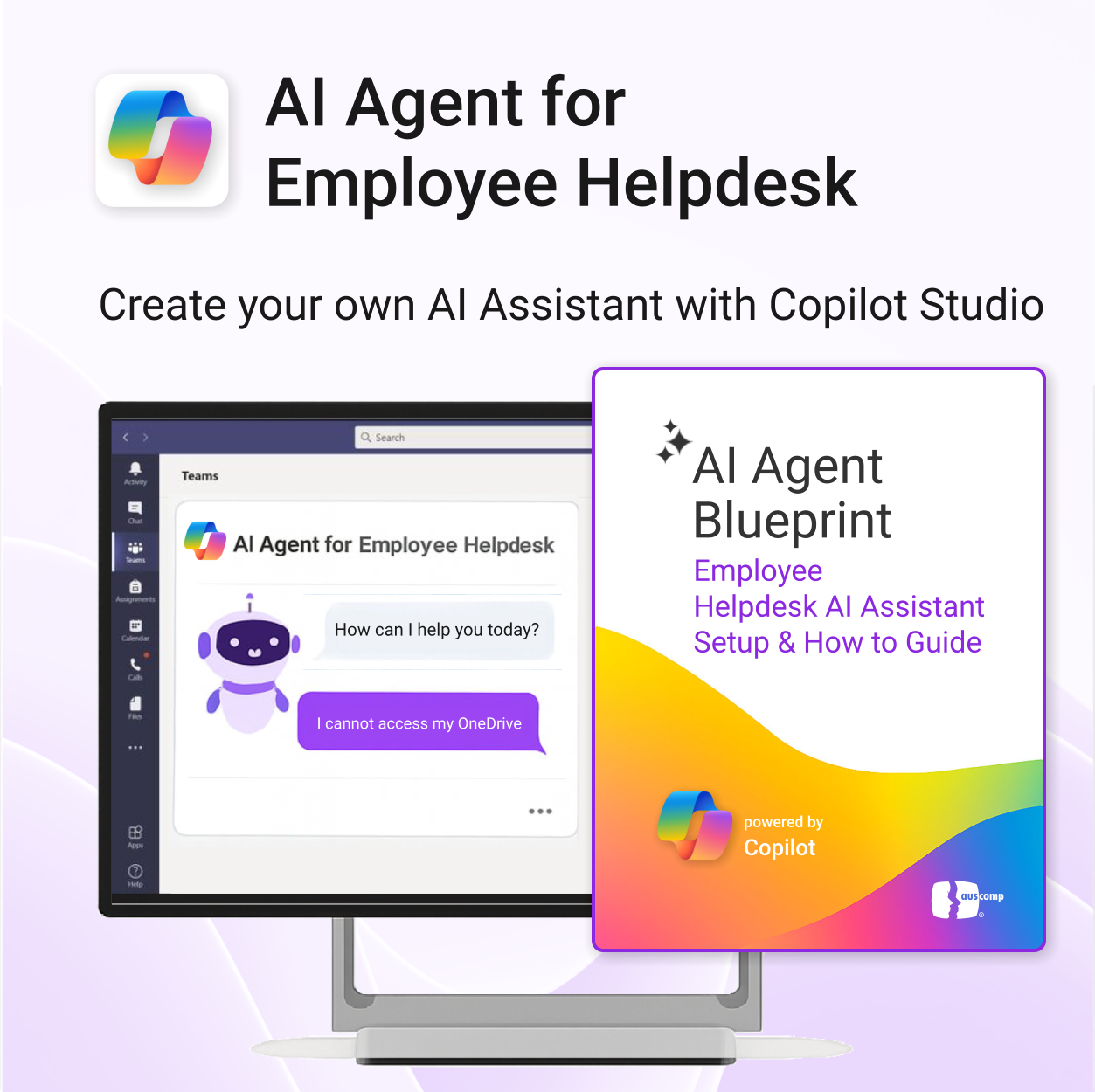
Launch your own AI-powered employee assistant in Microsoft Teams or SharePoint — no dev team required.
-
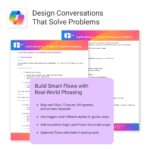
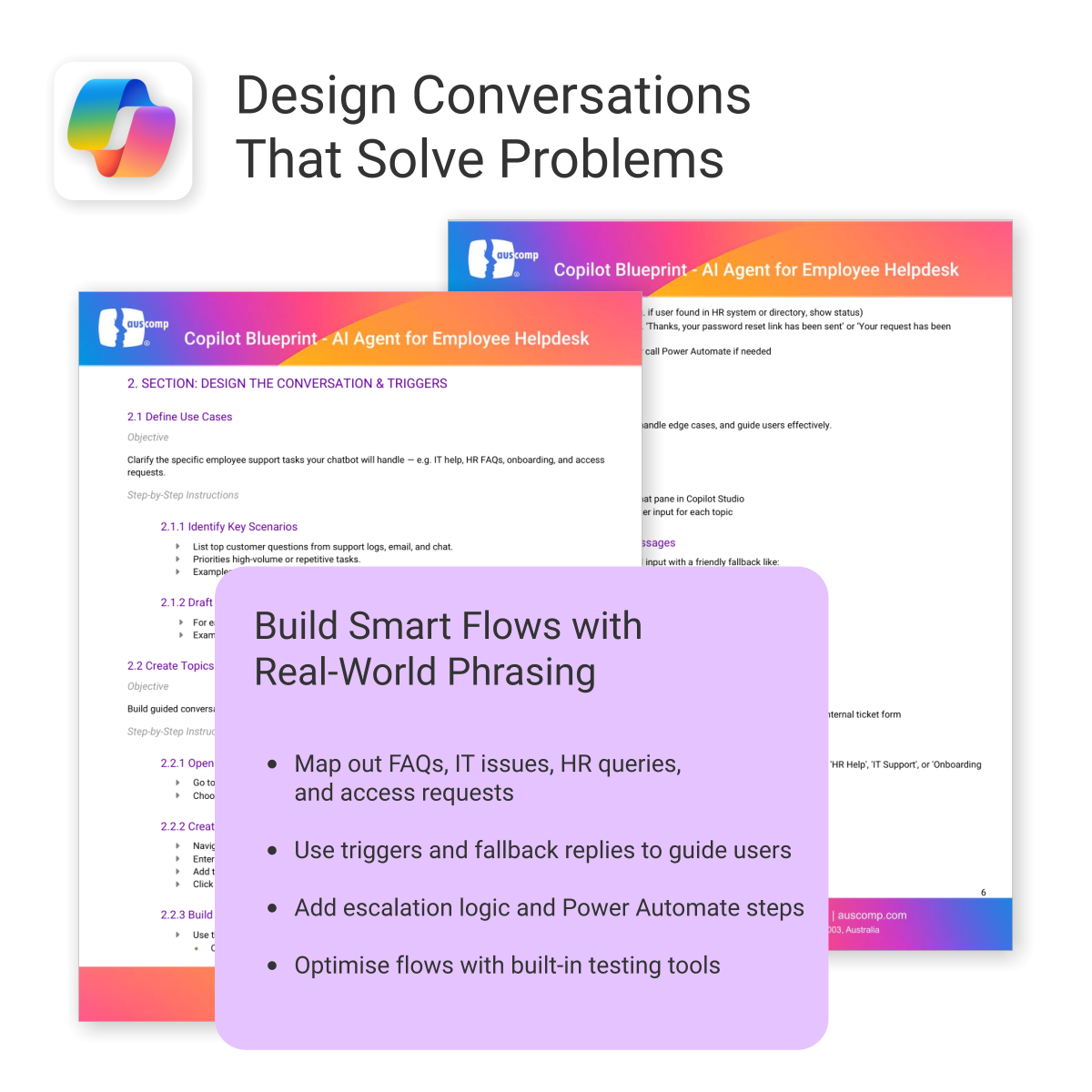
- Includes trigger/response templates for IT, HR, and general helpdesk support
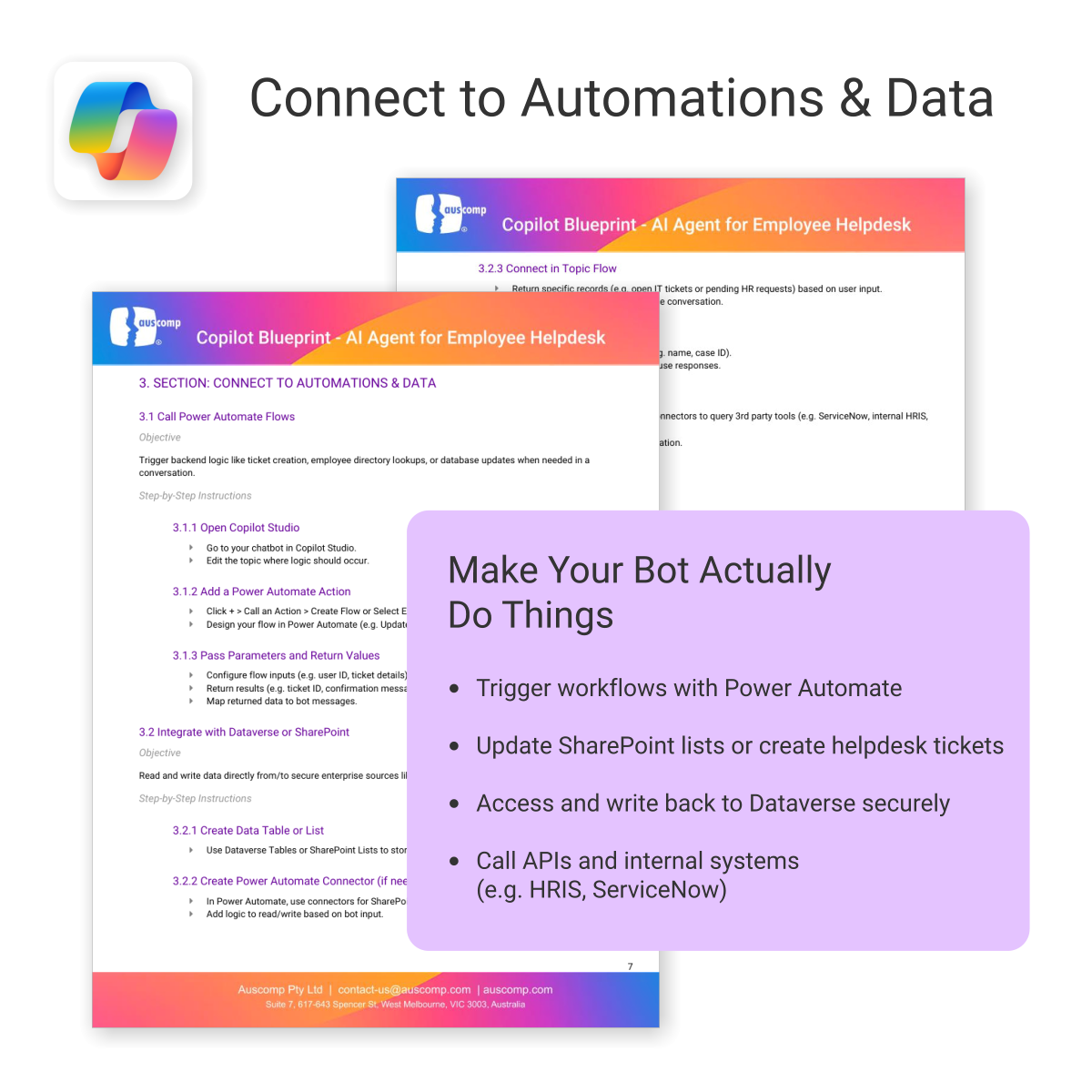
- Streamlines deployment with Power Automate & Copilot Studio
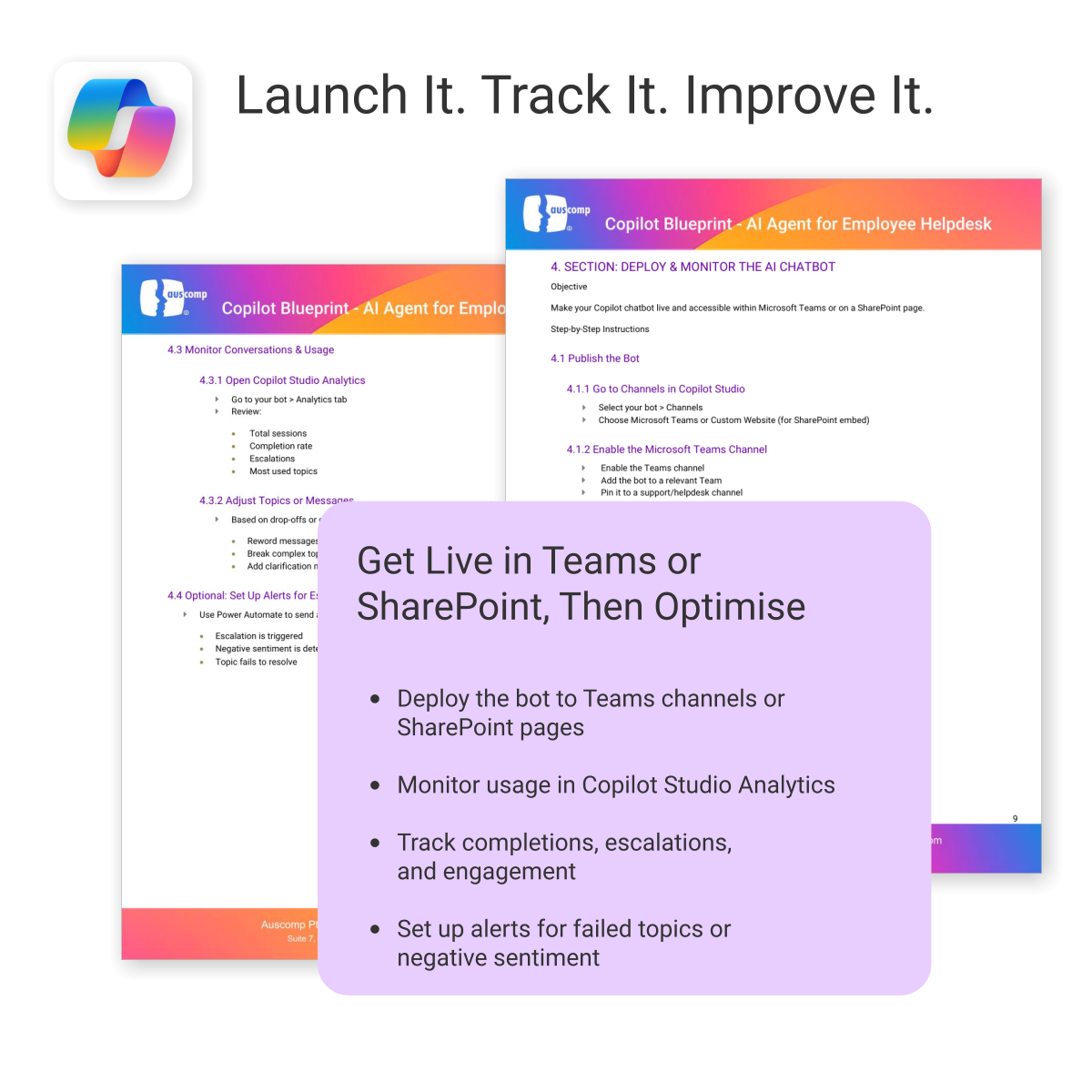
- Deployable internally in Microsoft Teams or embedded in SharePoint
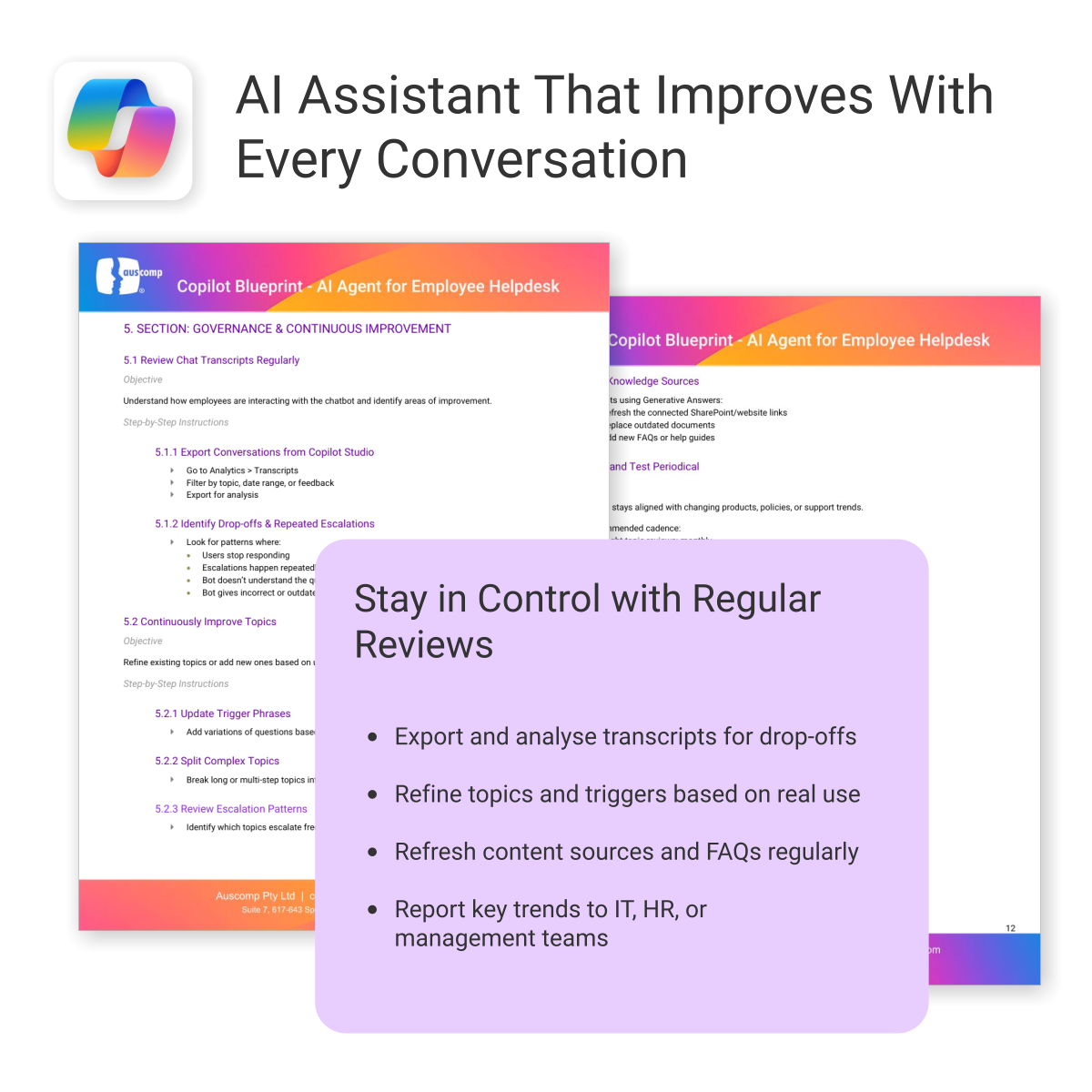
- Governance and monitoring framework included
- Created for operations, HR, IT and digital workplace teams
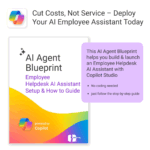
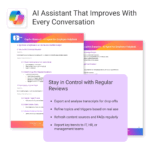
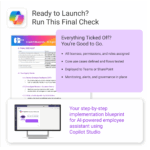
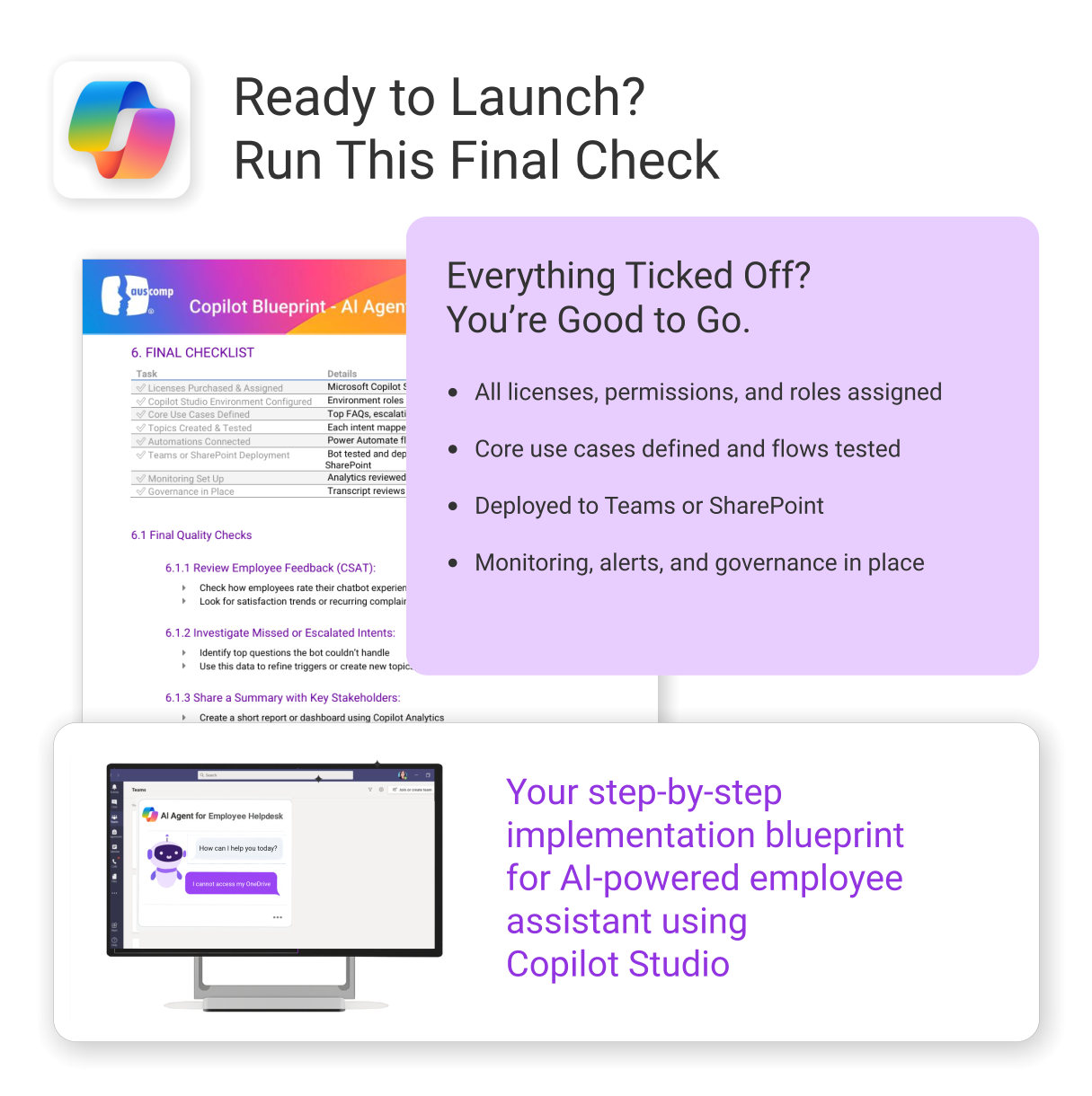
A complete implementation guide to launch your Employee Helpdesk AI Assistant
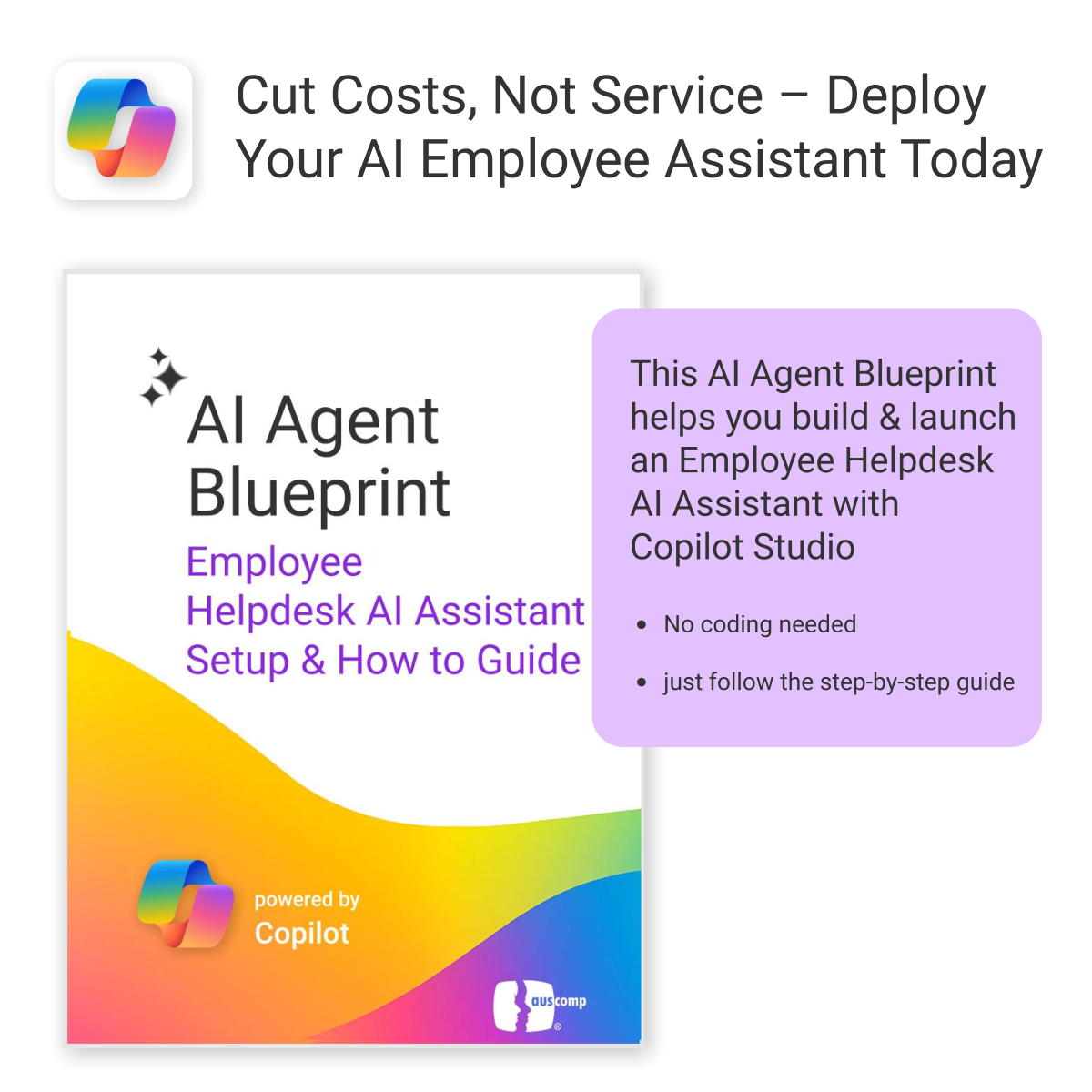
The AI Agent Blueprint for Employee Helpdesk shows you how to build, automate, and deploy an internal AI assistant using Microsoft Copilot Studio — no coding required.
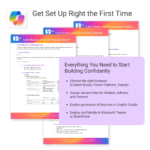
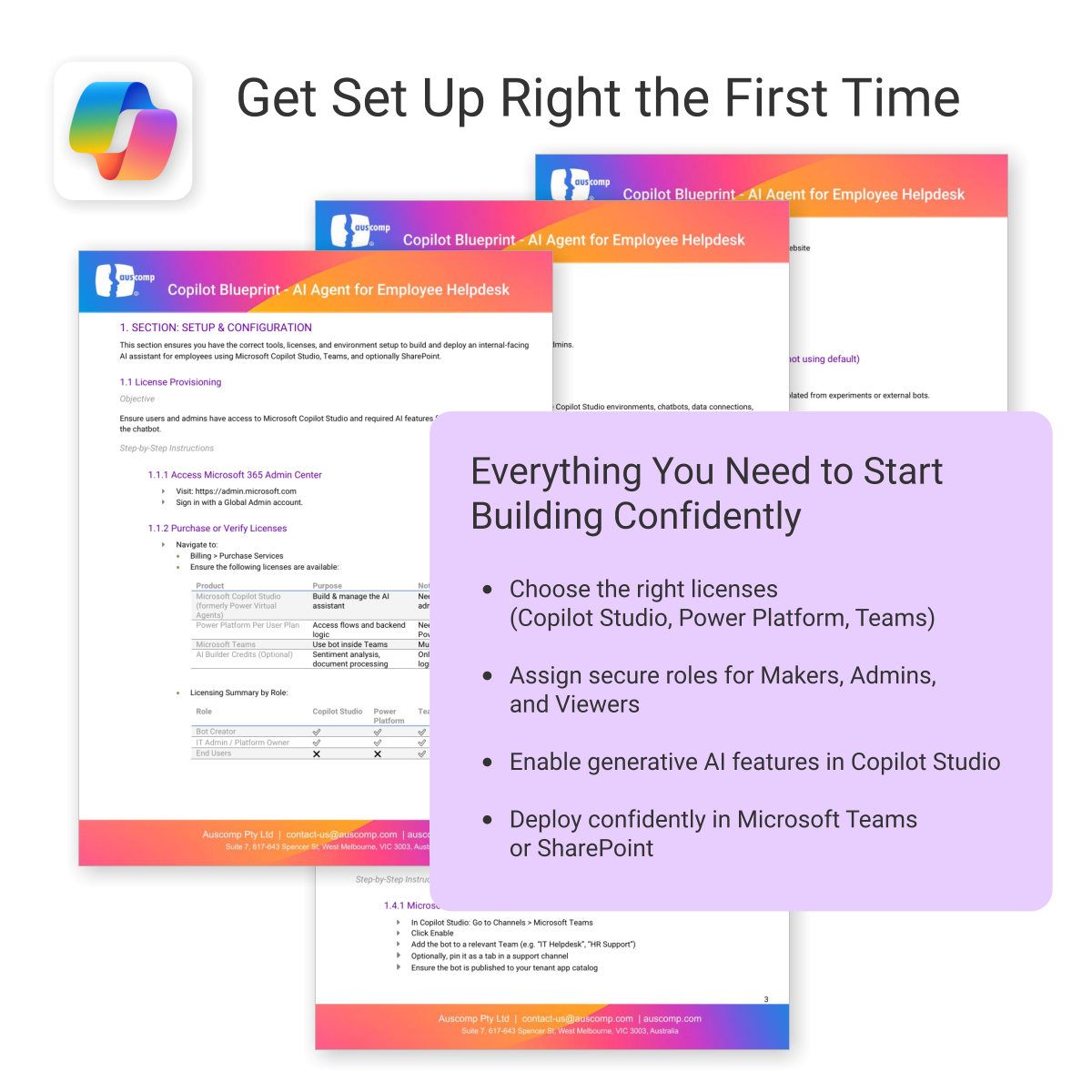
Everything you need, including:
| License Type | Professional/Freelancer (1 User), Team (Up to 10 Users), Business (Up to 25 Users), Enterprise/Government Dep. (up to 100 Users) |
|---|
To build and deploy an AI Agent (customer chatbot or employee helpdesk assistant), the following Microsoft licenses are required. These ensure access to Copilot Studio, Power Platform, and secure deployment within Microsoft Teams or SharePoint.
Microsoft Licenses Needed
| License | Use | Notes |
|---|---|---|
| Microsoft 365 Copilot | Access generative AI features in Copilot Studio | Required for chatbot creators and AI features |
| Power Platform per user | Use Power Automate for workflow actions | Needed for integrations and automation |
| Dataverse or SharePoint (included in M365) | Store and retrieve internal data | Use existing Microsoft 365 storage or add-on |
| Teams License (Microsoft 365) | Deploy AI chatbot internally in Teams | Already included in most Microsoft 365 plans |
Licensing by User Role
For a quick overview, see licensing required by role:| User Role | Copilot | Power Platform | Teams | Dataverse / SharePoint |
|---|---|---|---|---|
| Bot Creator / Maker | ✅ | ✅ | ✅ | ✅ |
| IT / Automation Admin | Optional | ✅ | ✅ | ✅ |
| Employee / End User | ❌ | ❌ | ✅ | Optional |
To Purchase Microsoft Licenses
- Visit https://admin.microsoft.com
- Sign in with a Global Admin account
- Go to: Billing > Purchase services
 ChatGPT
 OneNote
 FREE
FREE MS Project
 MS Forms
 MS Lists
 Outlook
 Excel
Excel Bonus
Bonus Copilot
 MS Teams
 Power BI
Related Products
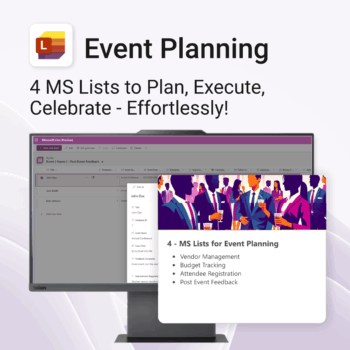
Be more organized. Save time & ensure smooth events.
-
- Track vendors, budgets, and guests in one place
- Automate follow-ups and feedback collection
- Professional design—no setup headaches
- Easy to share and collaborate with your team
- Works seamlessly in Microsoft Lists on any device
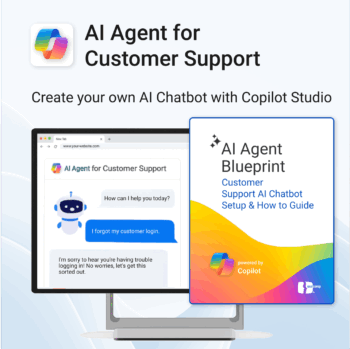
Build and launch a Copilot-powered customer support chatbot — without the guesswork.
-
- Includes conversation templates and flow examples for support scenarios
- Reduces support tickets through automation and self-service
- Works natively with Microsoft 365, Copilot Studio & Power Platform
- Deployable on your website — no coding required
- Built-in best practices to minimize setup time and maximize value

Track and optimize the full customer journey with AI-powered insight.
-
- No technical skills needed — 100% Power BI + Copilot ready
- All KPIs, visuals and logic pre-built with customisation options
- Built-in forecasting, key influencers and anomaly detection
- Includes setup, DAX formulas, publishing & access security
- Designed for business, marketing and support teams
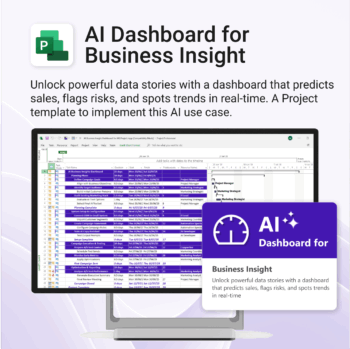
Bring AI-level visibility to your business operations.
-
- Designed for AI project use-cases and performance dashboards.
- Works instantly with Microsoft Project — no setup or tools required.
- Uncovers trends, risks, and gaps in real time.
- Includes pre-linked dashboards and task structure.
- Great for strategic planning, reporting, and stakeholder buy-in.
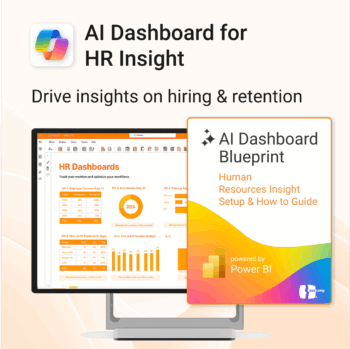
Build your HR AI dashboard with structure and clarity.
-
- Designed for HR, People & Culture, and Workforce teams.
- Streamlines onboarding, retention, and sentiment tracking.
- Works seamlessly in Power BI — no custom dev needed.
- Use in Teams, SharePoint, or export to PDF.
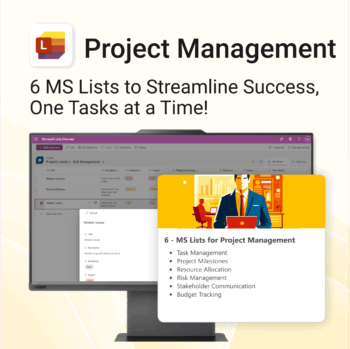
Work Smarter. Lead Better. Finish Projects Faster.
-
- Track milestones, risks, and tasks with pre-built MS Lists
- Centralized structure—everything in one spot, no extra tools
- Professionally formatted and ready to deploy instantly
- Collaborate seamlessly in Microsoft Teams and Planner
- Perfect for project managers, consultants, and team leads
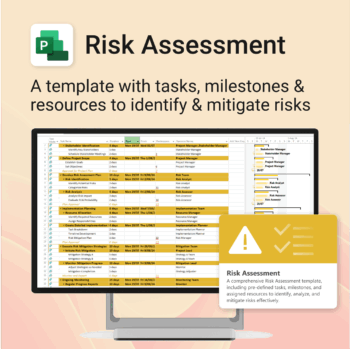
Master risk management — from early identification to confident mitigation.
-
- Eliminates guesswork — structured for real-world risk planning.
- Built to work perfectly in MS Project — no learning curve.
- Easy to update — keep your risk register live and relevant.
- Ideal for teams managing safety, compliance, or project uncertainty.
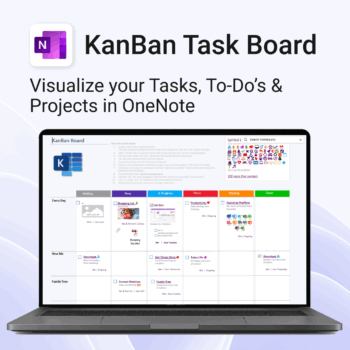
Visualise your Tasks, To-Do’s & Projects — right inside OneNote.
- Kanban in OneNote: Boards with columns and ready-made task cards for a clear, visual workflow.
- Built-in templates: Smart Cards, symbols, swimlanes & multiple board types to fit any team.
- Fast setup: One-click notebook + quick-start guide — start tracking in minutes.
- Works where you work: OneNote on Windows, Mac & Web — great with Teams/SharePoint.
Perfect for individuals and teams who live in Microsoft 365.
Trusted by 10,000+ professionals worldwide to stay organised and deliver on time.
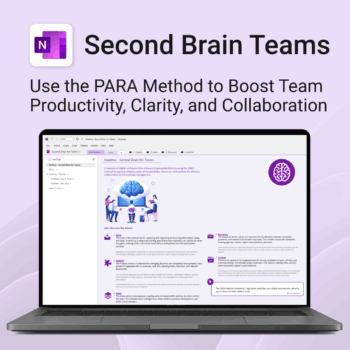
Boost productivity. Simplify collaboration.
-
- Capture tasks, notes & info instantly — no context switching
- Organize everything by PARA — Projects, Areas, Resources, Archive
- Get more done — shared workspaces drive team clarity
- Keep knowledge accessible — from onboarding to SOPs
- Work from anywhere — synced and secure inside OneNote
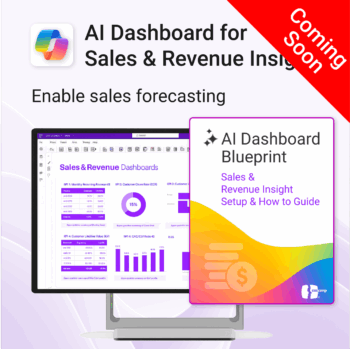
Drive predictable revenue with clear visibility into sales performance.
-
- Built for sales ops, revenue leads, and growth teams.
- AI-ready metrics for forecasting and deal analysis.
- Track trends in churn, CAC, MRR, and CLTV.
- Plug into Power BI Desktop – no dev work needed.
- Refine performance by pipeline stage, region, or rep.
Out of stock
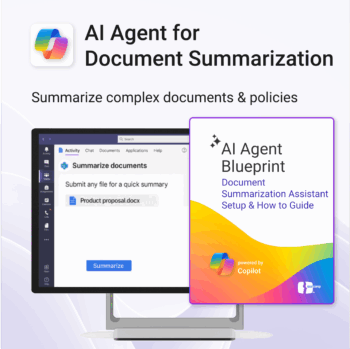
Build your own document summarization assistant using Microsoft 365 and Copilot Studio.
-
- Works across Teams, SharePoint, Outlook, and internal docs.
- No coding or AI experience needed — fully guided process.
- Based on real-world Copilot Studio use cases.
- Ready to customize for any department or team.
- Includes examples, flows, prompts, and escalation logic.
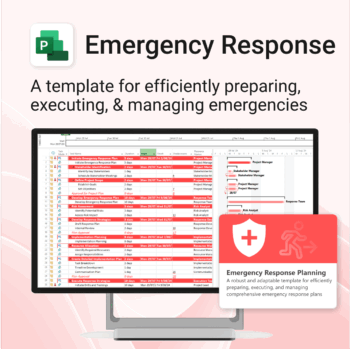


Be prepared when it matters most — structure your emergency response with confidence.
-
- Designed for real-world crisis response — not just planning theory.
- Built for MS Project — with zero setup hassle.
- Everything from scenarios to drills included in one place.
- Clear roles, resources, and timelines for stress-free execution.