

AI ChatGPT Prompt Playbook Projects & Execution


$19.95
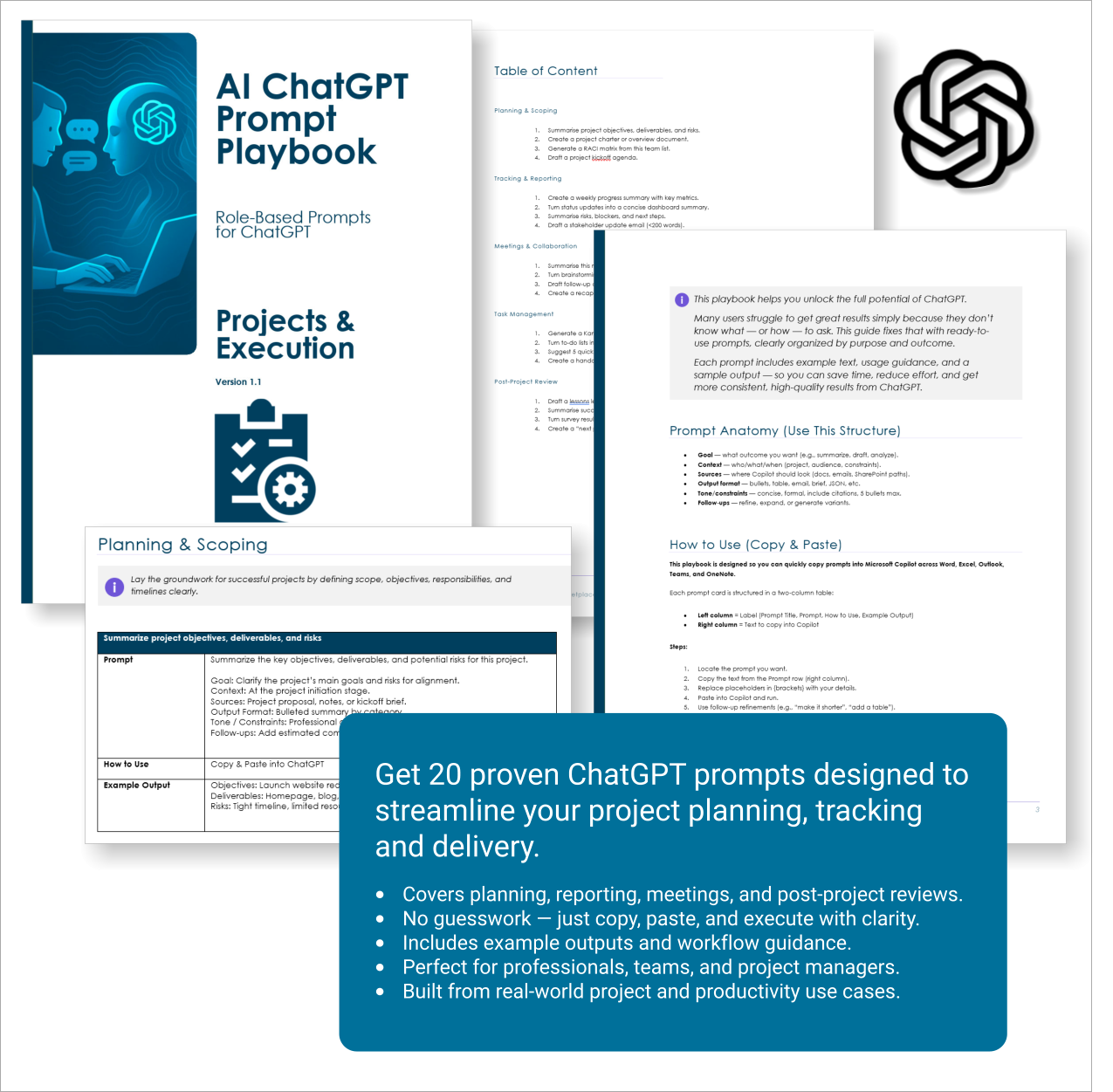
Get 20 proven ChatGPT prompts designed to streamline your projects inside Microsoft 365.
-
- Covers planning & scoping, tracking & reporting, meetings & collaboration, task management, and post-project review.
- No guesswork — just copy, paste, and run with ChatGPT.
- Includes example outputs and usage tips.
- Perfect for professionals, teams, and project managers.
- Based on real-world project delivery and PMO workflows.
Your complete PDF playbook of ready-to-use ChatGPT prompts for Projects & Execution
The ChatGPT Prompt Playbook for Projects & Execution (delivered as a downloadable PDF) gives you 20 proven prompts across 5 categories — helping you plan scope, track progress, run effective meetings, manage tasks, and deliver post-project reviews with clarity.
Easy to follow and includes the following:
 MS Project
 MS Forms
 MS Lists
 Outlook
 Excel
Excel Copilot
 MS Teams
 Power BI
Related Products
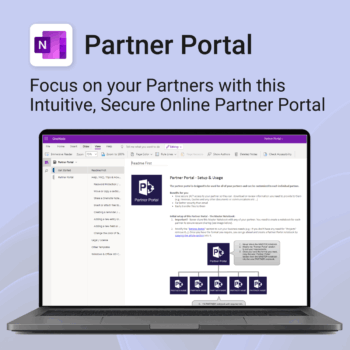
Boost efficiency. Strengthen partner relationships.
-
- Keep all communications and files in one secure place
- Ensure brand consistency with shared marketing materials
- Collaborate with partners on shared projects easily
- Streamline support using built-in FAQ and messaging
- Customize per partner without starting from scratch
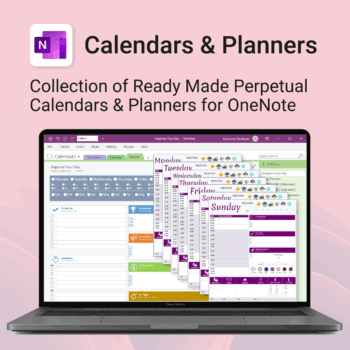
Stay organised all year — daily, weekly & monthly planners right inside OneNote.
- All in OneNote: Dated & undated calendars plus flexible daily/weekly planners.
- Ready to use: 13 calendars, 7 daily planners, 7 “One Day at a Time”, 4 weekly planners & more.
- Fast setup: One-click notebook + quick-start guide — start planning in minutes.
- No subscriptions: Yours forever. Works on Windows, Mac & Web (great with Teams/SharePoint).
Perfect for home, work and family life — anyone who loves OneNote and wants structure.
Used by thousands to plan days, weeks and months with less stress and more clarity.

Essential Microsoft 365 templates for teachers & students — plan smarter, teach better, and track progress with ease.
- All-in-one bundle: 8 ready-to-use education tools for planning, tracking & classroom management.
- Includes: Teacher & Student Planners, LifeMap, Budget & Habit Trackers, Projects, Training & Observation templates.
- Perfect for: educators, students, and schools using Microsoft 365, OneNote, Excel & Forms.
- Easy setup: plug-and-play templates with step-by-step guides.
- Get 8 tools for the price of 5 — built to simplify teaching and learning.
Trusted by teachers and students worldwide to stay organized, motivated, and ahead of schedule.
Get 30 proven Copilot prompts designed to supercharge your knowledge workflows inside Microsoft 365.
-
- Covers knowledge capture, SOPs, research summaries, collaboration, and organisation.
- No guesswork — just copy, paste, and run inside Copilot.
- Includes example outputs and app-specific usage tips.
- Perfect for individuals, teams, and knowledge managers.
- Based on real-world Microsoft 365 use cases.
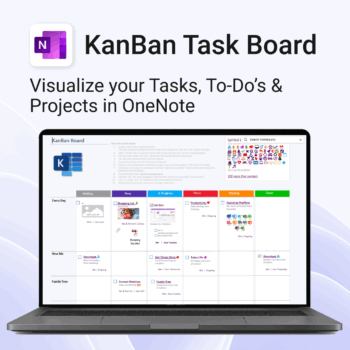
Visualise your Tasks, To-Do’s & Projects — right inside OneNote.
- Kanban in OneNote: Boards with columns and ready-made task cards for a clear, visual workflow.
- Built-in templates: Smart Cards, symbols, swimlanes & multiple board types to fit any team.
- Fast setup: One-click notebook + quick-start guide — start tracking in minutes.
- Works where you work: OneNote on Windows, Mac & Web — great with Teams/SharePoint.
Perfect for individuals and teams who live in Microsoft 365.
Trusted by 10,000+ professionals worldwide to stay organised and deliver on time.
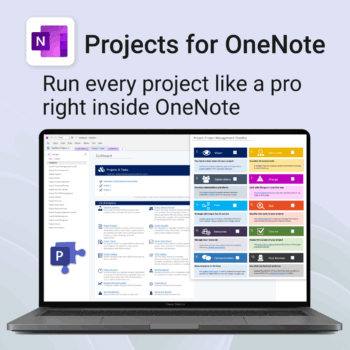
Run every project like a pro — right inside OneNote.
- Plan, track & deliver: A complete project notebook for Microsoft 365.
- Ready-made pages: Overview, Scope, Tasks, Timeline, Meetings, Risks & Assets.
- Works where you work: OneNote on Windows, Mac & Web — perfect with Teams or SharePoint.
- Instant setup: One-click notebook + quick-start guide included.
Perfect for solo operators and teams who live in Microsoft 365.
Trusted by 10,000+ professionals worldwide to stay organised and deliver on time.
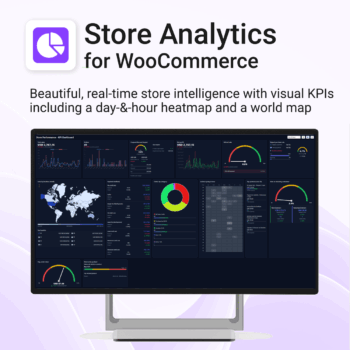
Your store, measured in 14 ways — heatmap, world map, KPIs & trends. 100% private.
-
- KPIs All 14 KPIs including Heatmap, World map, Payment methods, Top products, New vs returning, Repeat purchase rate, Coupon/discount impact, Returns by product
- Fast, state-of-the-art dashboard with compact trends and deltas
- Light/Dark themes, drag-and-drop card layout, per-card sizing
- Runs locally in your browser inside WordPress — no cloud, no tracking
Includes Support & All upgrades for the period of your subscription.
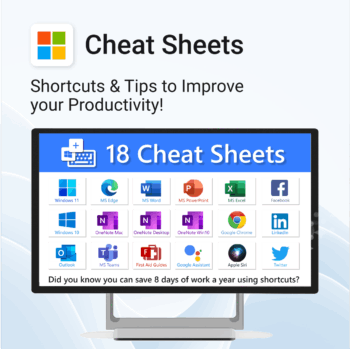
Save time. Reduce friction. Get more done.
-
- Master keyboard shortcuts across platforms
- Works offline – just print and go
- Updated tips for ChatGPT, Alexa, Siri and more
- Perfect for quick onboarding and training
- Organised by tool – no searching needed
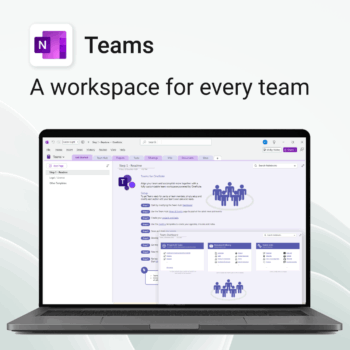
Empower collaboration. Simplify execution.
-
- Everything in one place — wiki, projects, docs & tasks
- Templates for every key workflow from meetings to retrospectives
- Fast onboarding with intuitive layouts
- Improves team visibility and alignment
- Secure, searchable & fully integrated with Microsoft 365
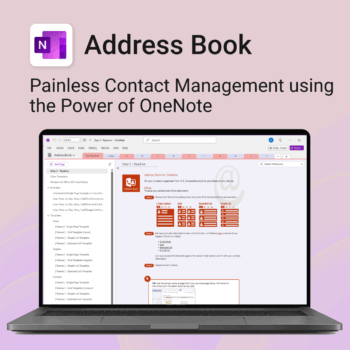
Be more organized. Keep every contact close at hand.
-
- Search contacts instantly — by name, email, phone or notes
- Color-coded layouts for faster scanning
- No new apps — use inside OneNote
- Sort and group with A-Z index tabs
- Flexible layouts that match your needs
Get 30 proven Copilot prompts designed to supercharge your automation inside Microsoft 365.
-
- Covers workflow automation, email handling, task management, reporting, and approvals.
- No guesswork — just copy, paste, and run inside Copilot.
- Includes example outputs and app-specific usage tips.
- Perfect for individuals, managers, and operations teams.
- Based on real-world Microsoft 365 and Power Automate use cases.
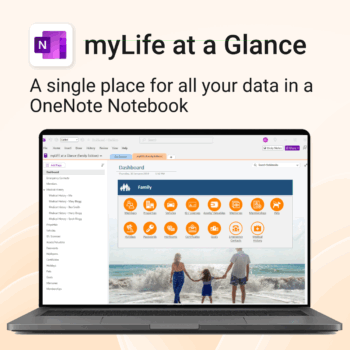
Take control of your family’s information. Stay prepared and organized.
-
- All-in-one family dashboard — know where everything is
- Be emergency ready — from medical history to contacts
- Perfect for travel, school, caregiving & estate planning
- Private & secure — powered by Microsoft OneNote
- No subscription needed — lifetime value