
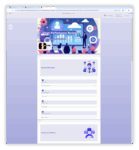
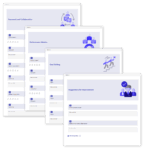
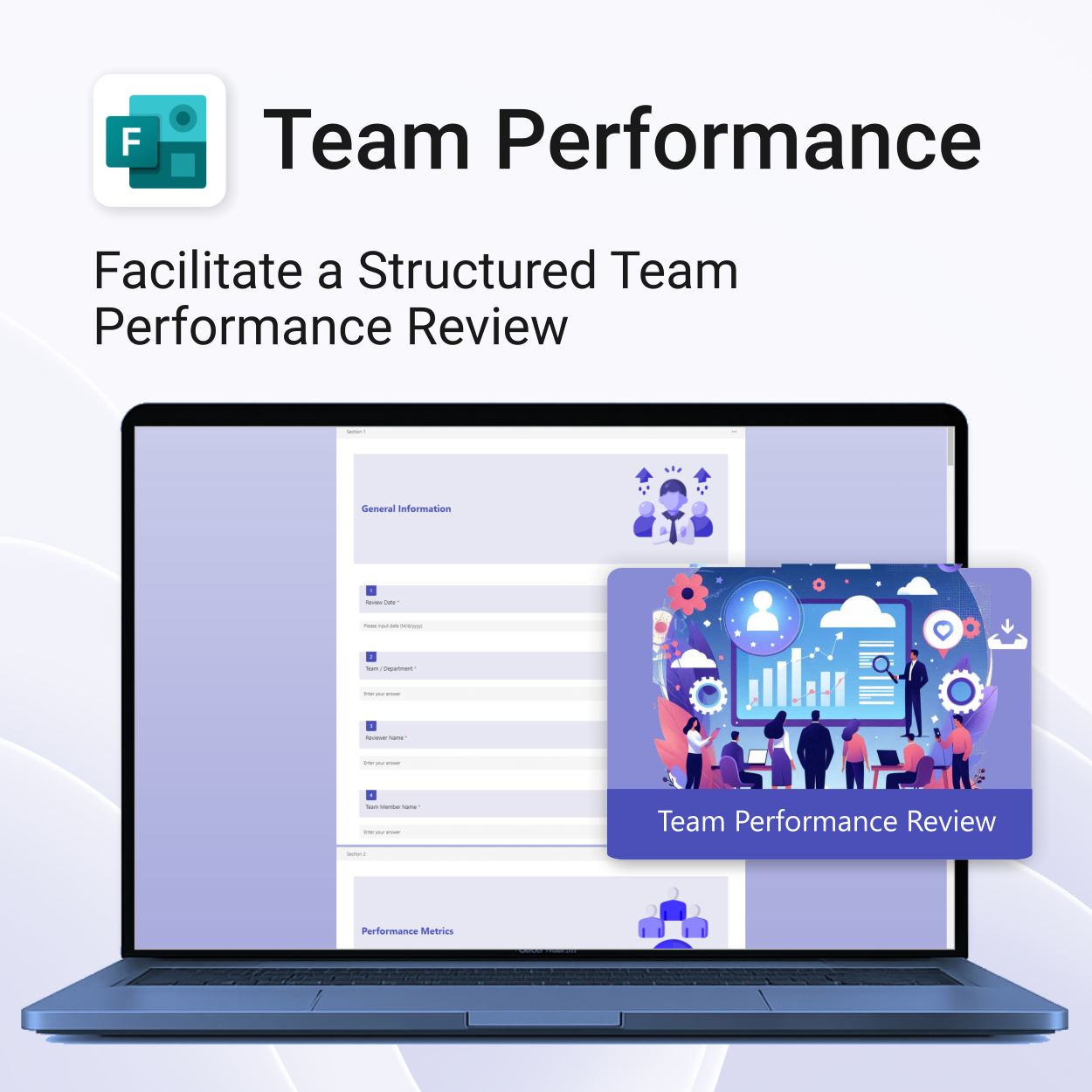
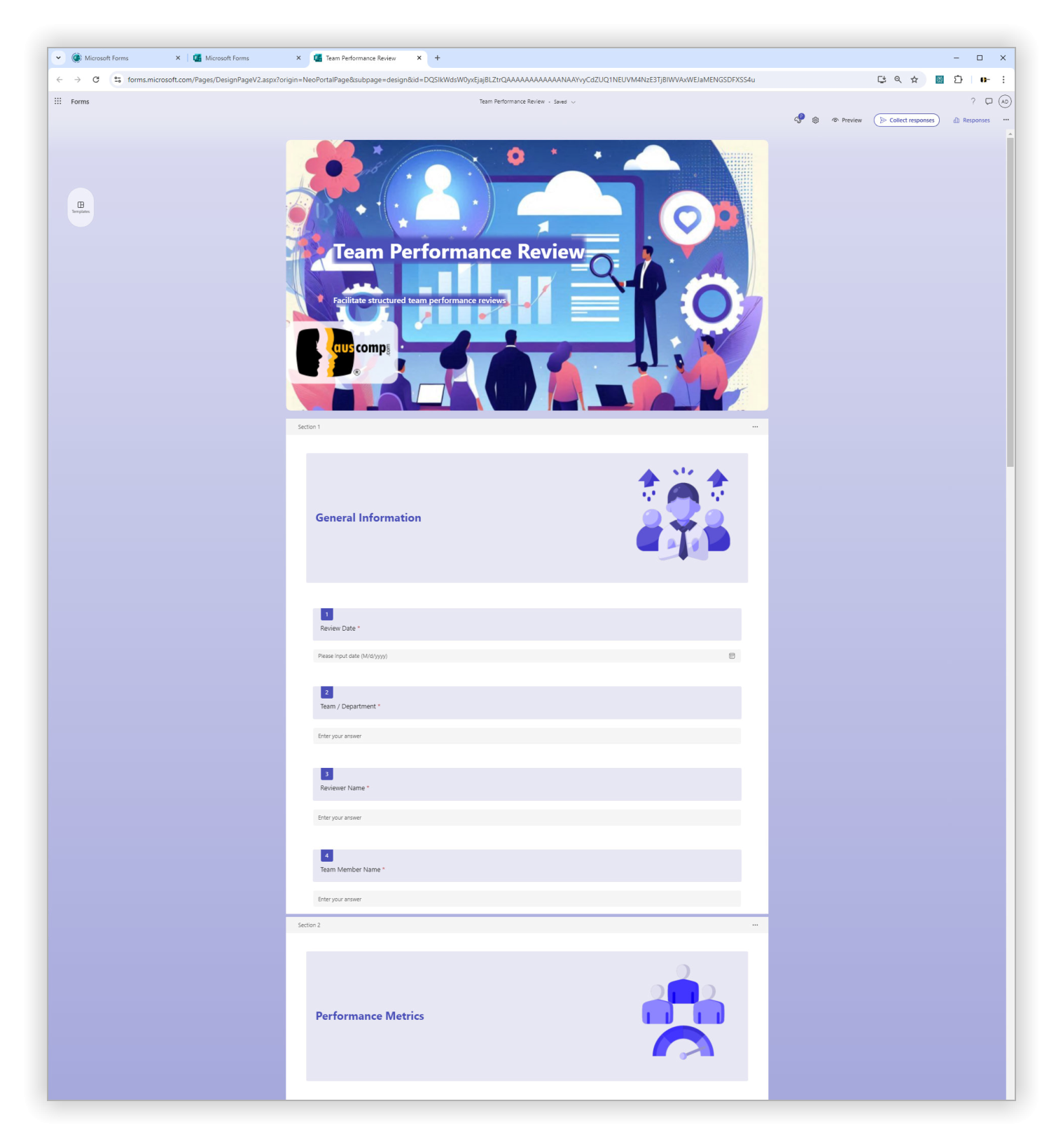
Team Performance Review for MS Forms

$29.95
Unlock team potential. Save time & boost outcomes.
-
- Standardized reviews across departments and roles
- Empowers clear feedback and goal-setting
- No more spreadsheets—run reviews from MS Forms
- Designed for clarity, efficiency, and remote collaboration
- Easy to roll out across large or small teams
Team Performance Review – Structure Better Evaluations with MS Forms
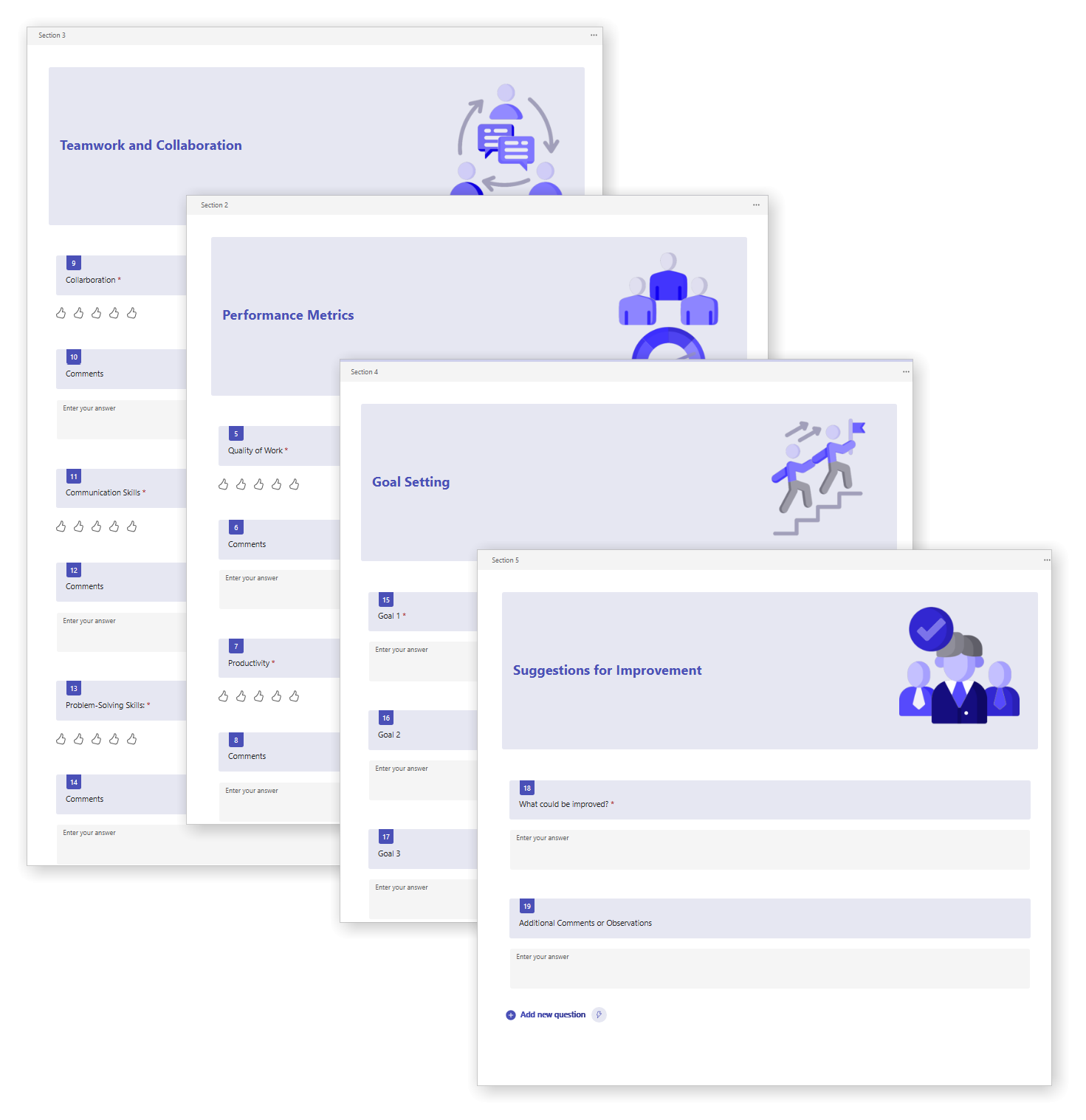
Streamline your team’s performance evaluations with our professionally designed MS Forms template. Capture valuable insights, track development goals, and drive better results across the board.
Team Performance Review for MS Forms is easy to import and includes the following:
| License Type | Professional/Freelancer (1 User), Business (Up to 25 Users) |
|---|
 MS Project
 MS Forms
 MS Lists
 Outlook
 Excel
Excel Copilot
 MS Teams
 Power BI
Related Products
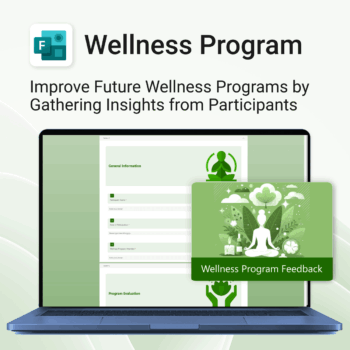
Boost your wellness outcomes with better feedback.
-
- Professional MS Forms template – ready to deploy
- Instant insights from participants
- Better structure = better feedback
- Easy to use, no learning curve
- Improve your wellness sessions with data-backed results
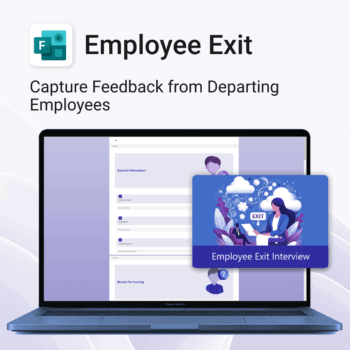
Be informed. Improve offboarding with actionable data.
-
- Capture consistent and meaningful exit feedback
- Identify reasons for attrition and patterns
- Use real data to improve employee experience
- Support leadership with clear offboarding insights
- Quick to implement and easy to use
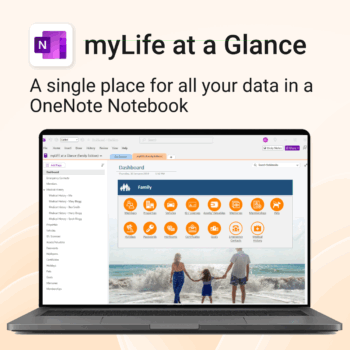
Take control of your family’s information. Stay prepared and organized.
-
- All-in-one family dashboard — know where everything is
- Be emergency ready — from medical history to contacts
- Perfect for travel, school, caregiving & estate planning
- Private & secure — powered by Microsoft OneNote
- No subscription needed — lifetime value
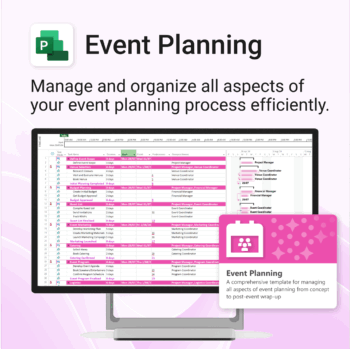
Manage &organize all aspects of your event planning.
-
- Crystal-clear timelines — no clutter, no chaos.
- Built for MS Project — plan every detail with ease.
- Drag, drop, done — effortless task tracking.
- Syncs anywhere — stay on top from any device.
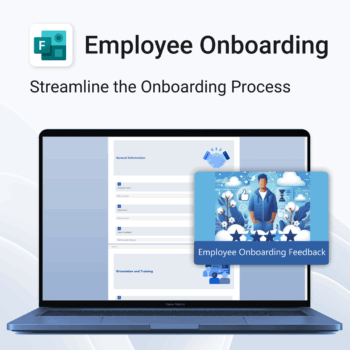
Set new hires up for success.
-
- Get structured feedback from day one
- Identify onboarding gaps with ease
- Boost retention with better training insights
- Empower HR teams with real-time data
- No logins or tech setup needed — it just works
Top 5 Benefits:
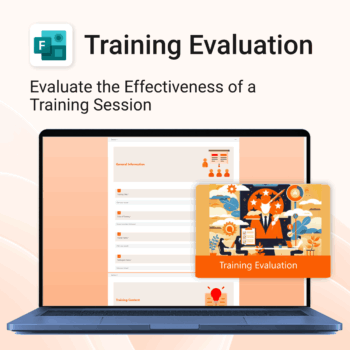
- Instant 1-click MS Forms import
- Track trainer performance and content quality
- Collect overall satisfaction and improvement ideas
- Polished layout for professional delivery
- Re-usable for ongoing internal training programs
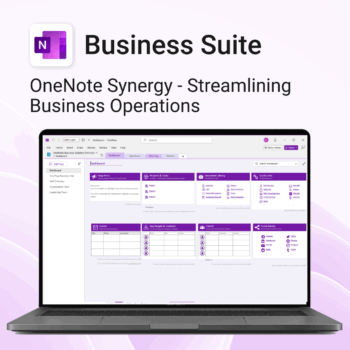
Run your business from OneNote — clients, projects, teams, HR, sales & documents in one organised workspace.
- One central hub: Plan work, manage people and store docs with ready-made templates.
- Built for Microsoft 365: Works great with Teams/SharePoint — no new logins or tools.
- Secure & searchable: Keep SOPs, HR and client files in OneNote for instant context.
- Fast setup: One-click notebook + quick-start guide — scale as your business grows.
Perfect for SMBs, agencies and remote teams who live in Microsoft 365.
Trusted by 1,000+ professionals worldwide to stay organized and deliver on time.
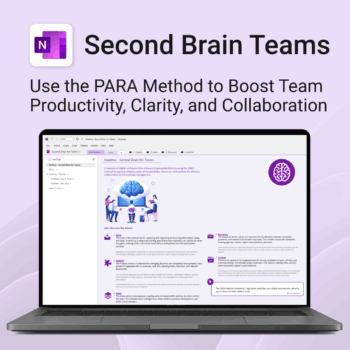
Boost productivity. Simplify collaboration.
-
- Capture tasks, notes & info instantly — no context switching
- Organize everything by PARA — Projects, Areas, Resources, Archive
- Get more done — shared workspaces drive team clarity
- Keep knowledge accessible — from onboarding to SOPs
- Work from anywhere — synced and secure inside OneNote
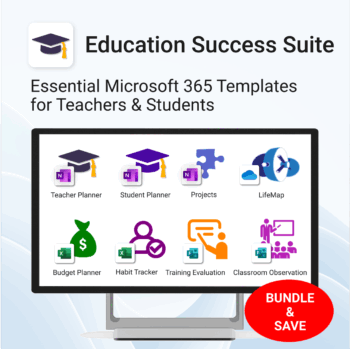
Essential Microsoft 365 templates for teachers & students — plan smarter, teach better, and track progress with ease.
- All-in-one bundle: 8 ready-to-use education tools for planning, tracking & classroom management.
- Includes: Teacher & Student Planners, LifeMap, Budget & Habit Trackers, Projects, Training & Observation templates.
- Perfect for: educators, students, and schools using Microsoft 365, OneNote, Excel & Forms.
- Easy setup: plug-and-play templates with step-by-step guides.
- Get 8 tools for the price of 5 — built to simplify teaching and learning.
Trusted by teachers and students worldwide to stay organized, motivated, and ahead of schedule.
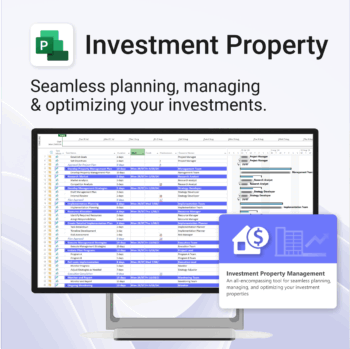
Own your investment journey — from first search to ongoing property success.
-
- Built to simplify complex property workflows — no more guesswork.
- Perfect for investors, renovators, and property managers.
- Fully compatible with MS Project — no learning curve.
- Clear milestones and budgets keep everything on track.

Empower teaching excellence. Save time & improve classroom insights.
-
- 1-click setup and deploy for school-wide use
- Structured evaluation sections for consistency
- Capture feedback across classroom behavior, engagement & teaching style
- Designed to meet both compliance and growth goals
- Beautifully presented feedback reports
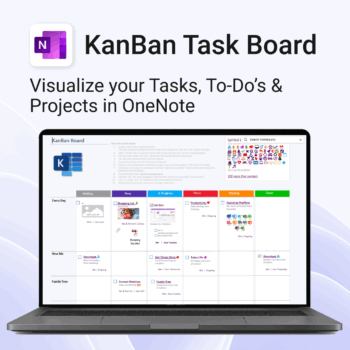
Visualise your Tasks, To-Do’s & Projects — right inside OneNote.
- Kanban in OneNote: Boards with columns and ready-made task cards for a clear, visual workflow.
- Built-in templates: Smart Cards, symbols, swimlanes & multiple board types to fit any team.
- Fast setup: One-click notebook + quick-start guide — start tracking in minutes.
- Works where you work: OneNote on Windows, Mac & Web — great with Teams/SharePoint.
Perfect for individuals and teams who live in Microsoft 365.
Trusted by 10,000+ professionals worldwide to stay organised and deliver on time.