
Free Family Tree for OneNote
$0.00
Why you’ll love it
-
- Start instantly — no setup required, just open in OneNote.
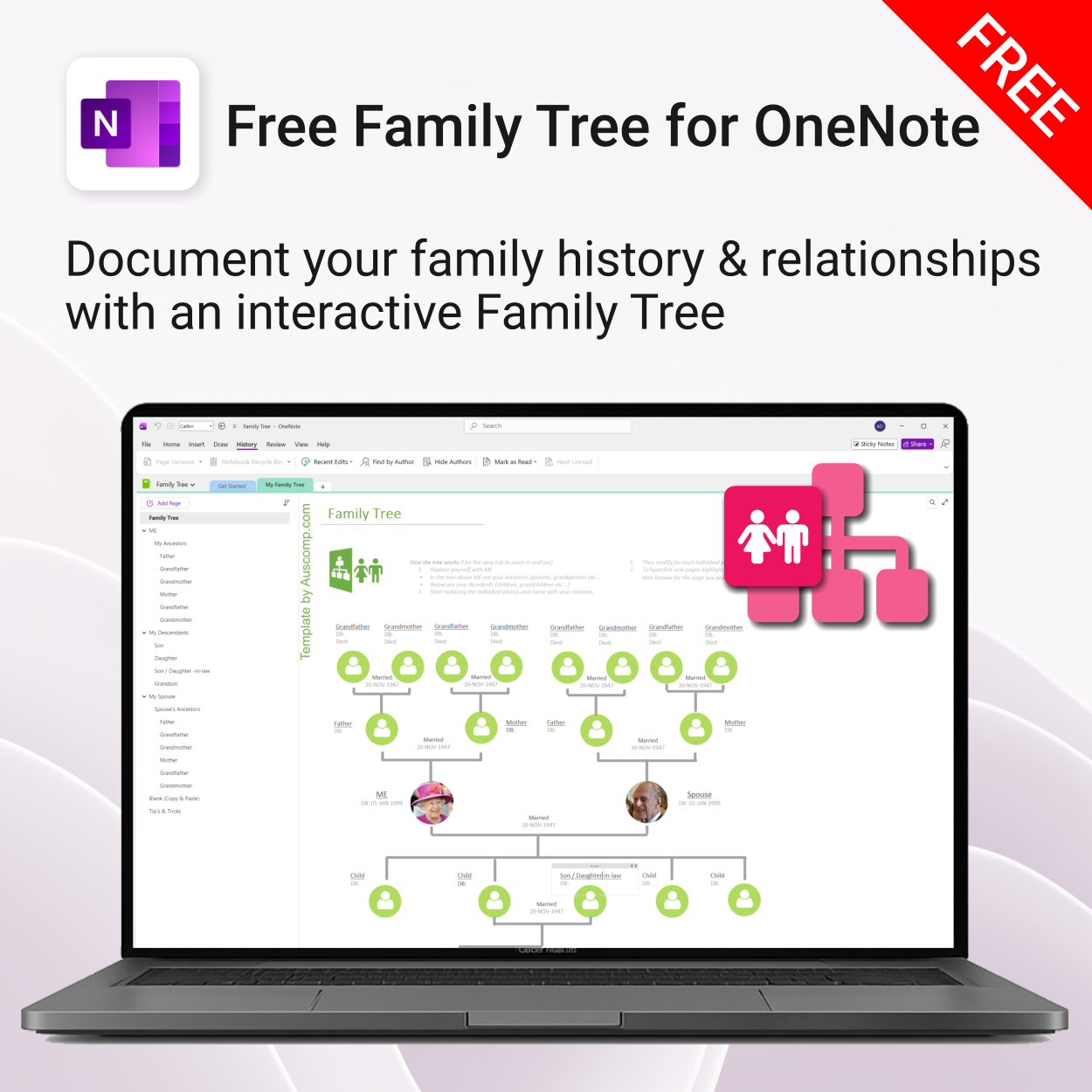
- Replace placeholders with your family’s photos, names, and dates.
- Link individual pages for each ancestor and descendant with OneNote hyperlinks.
- Keep everything private and synced across your devices.
- Free download delivered by email so you can access it anytime.
Free Family Tree for OneNote
Document your family history and relationships with an interactive Family Tree designed for OneNote. Easily map ancestors, descendants, and relatives — complete with photos, marriage links, and notes.
What’s inside
Why you’ll love it
-
- Start instantly — no setup required, just open in OneNote.
- Replace placeholders with your family’s photos, names, and dates.
- Link individual pages for each ancestor and descendant with OneNote hyperlinks.
- Keep everything private and synced across your devices.
- Free download delivered by email so you can access it anytime.
 ChatGPT
 OneNote
 FREE
FREE MS Project
 MS Forms
 MS Lists
 Outlook
 Excel
Excel Bonus
Bonus Copilot
 MS Teams
 Power BI
Related Products
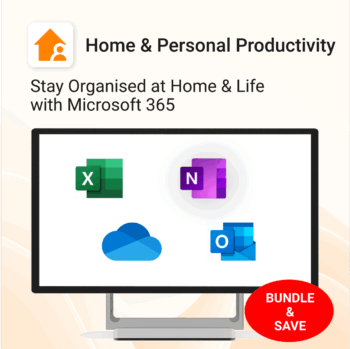
Stay organized at home, work & life with 8 powerful Microsoft 365 templates for planning, habits & personal growth.
- All-in-one bundle: planners, calendars, and habit trackers for OneNote, Excel, and OneDrive.
- Bring order to your day: plan your life, manage time, track habits & stay on top of goals.
- Includes: Productivity Maximizer, Calendars, Vacation Organizer, Habit Tracker, Budget Planner, LifeMap & more.
- Fully compatible: works seamlessly across Windows, Mac, and mobile Microsoft 365 apps.
- Get all 8 templates for one bundle price — the ultimate home & life organizer kit.
Trusted by families and professionals worldwide to simplify life, boost focus, and make every day more productive.
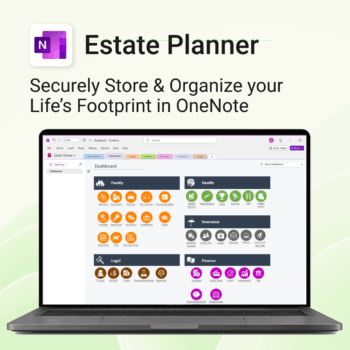
Stay organized. Protect your legacy.
-
- Centralize all your vital family records and legal documents
- Easy to update and access — no special tools needed
- Secure sensitive information using OneNote’s password protection
- Designed for simplicity with visual clarity in every section
- Share with loved ones or advisors when needed — easily and safely
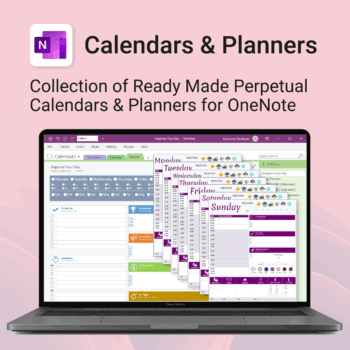
Stay organised all year — daily, weekly & monthly planners right inside OneNote.
- All in OneNote: Dated & undated calendars plus flexible daily/weekly planners.
- Ready to use: 13 calendars, 7 daily planners, 7 “One Day at a Time”, 4 weekly planners & more.
- Fast setup: One-click notebook + quick-start guide — start planning in minutes.
- No subscriptions: Yours forever. Works on Windows, Mac & Web (great with Teams/SharePoint).
Perfect for home, work and family life — anyone who loves OneNote and wants structure.
Used by thousands to plan days, weeks and months with less stress and more clarity.
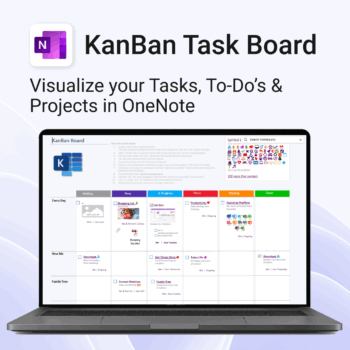
Visualise your Tasks, To-Do’s & Projects — right inside OneNote.
- Kanban in OneNote: Boards with columns and ready-made task cards for a clear, visual workflow.
- Built-in templates: Smart Cards, symbols, swimlanes & multiple board types to fit any team.
- Fast setup: One-click notebook + quick-start guide — start tracking in minutes.
- Works where you work: OneNote on Windows, Mac & Web — great with Teams/SharePoint.
Perfect for individuals and teams who live in Microsoft 365.
Trusted by 10,000+ professionals worldwide to stay organised and deliver on time.
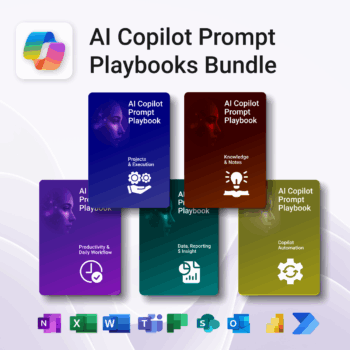
Turn Microsoft 365 into your AI co-pilot — with 150+ ready-to-use prompts across 5 expert playbooks.
- Built for Copilot: Works inside Word, Excel, PowerPoint, Outlook, Teams & OneNote.
- Do real work faster: reporting & insights, documentation, automation, projects, and daily workflow.
- Field-tested frameworks: structured prompts that deliver consistent, high-quality results.
- Copy, paste & adapt: start producing better output in minutes — no guesswork.
- Bundle value: all 5 playbooks for one price — you save 30%.
Trusted by professionals and teams using Microsoft 365 to plan, analyze, automate, and communicate with clarity.
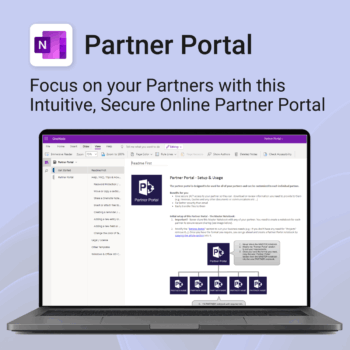
Boost efficiency. Strengthen partner relationships.
-
- Keep all communications and files in one secure place
- Ensure brand consistency with shared marketing materials
- Collaborate with partners on shared projects easily
- Streamline support using built-in FAQ and messaging
- Customize per partner without starting from scratch

Essential Microsoft 365 templates for teachers & students — plan smarter, teach better, and track progress with ease.
- All-in-one bundle: 8 ready-to-use education tools for planning, tracking & classroom management.
- Includes: Teacher & Student Planners, LifeMap, Budget & Habit Trackers, Projects, Training & Observation templates.
- Perfect for: educators, students, and schools using Microsoft 365, OneNote, Excel & Forms.
- Easy setup: plug-and-play templates with step-by-step guides.
- Get 8 tools for the price of 5 — built to simplify teaching and learning.
Trusted by teachers and students worldwide to stay organized, motivated, and ahead of schedule.
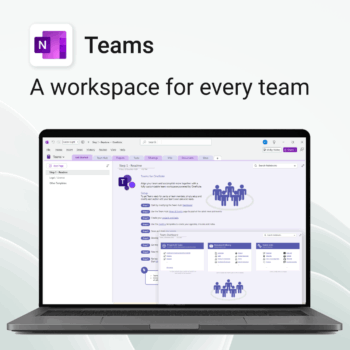
Empower collaboration. Simplify execution.
-
- Everything in one place — wiki, projects, docs & tasks
- Templates for every key workflow from meetings to retrospectives
- Fast onboarding with intuitive layouts
- Improves team visibility and alignment
- Secure, searchable & fully integrated with Microsoft 365
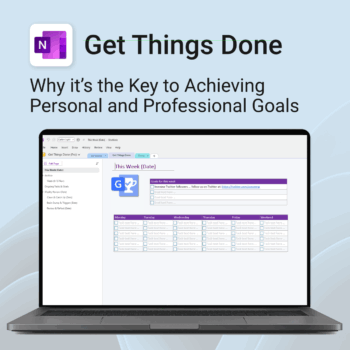
Get Things Done — right inside OneNote. Capture, organise and review with a clear weekly rhythm.
- GTD in OneNote: Inboxes, Projects, Next Actions, and a Weekly Review that sticks.
- Structured yet flexible: Brain dump & triggers, project pages, and “This Week” focus.
- Fast setup: One-click notebook + quick-start guide — be productive in minutes.
- Works where you work: OneNote on Windows, Mac & Web — great with Teams/SharePoint.
Perfect for personal and professional life — students, freelancers, and busy teams in Microsoft 365.
Join thousands of OneNote users who’ve built consistent weekly planning habits with GTD.
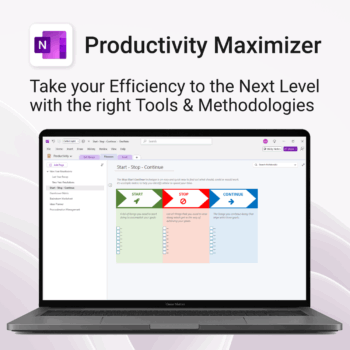
Boost clarity. Break through mental clutter.
-
- Structure your goals and eliminate procrastination
- All-in-one toolkit inside OneNote
- Designed for both personal and professional growth
- Use powerful planners and templates to stay focused
- Works across devices – always accessible
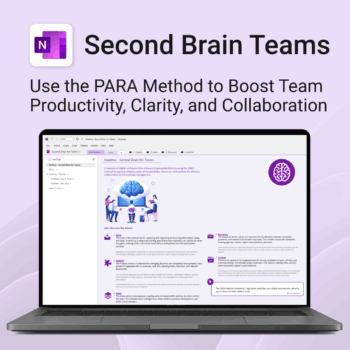
Boost productivity. Simplify collaboration.
-
- Capture tasks, notes & info instantly — no context switching
- Organize everything by PARA — Projects, Areas, Resources, Archive
- Get more done — shared workspaces drive team clarity
- Keep knowledge accessible — from onboarding to SOPs
- Work from anywhere — synced and secure inside OneNote
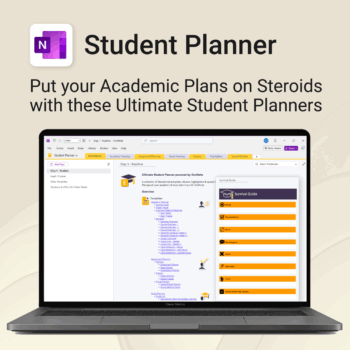


Stay ahead, reduce stress & plan smarter.
-
- Everything in one digital place — no paper clutter
- Boost focus and grades with structured planning
- Perfect for school, college, or university
- Adaptable for any subject or semester
- Instantly accessible across all your devices