
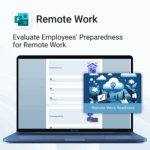
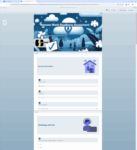
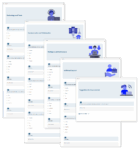
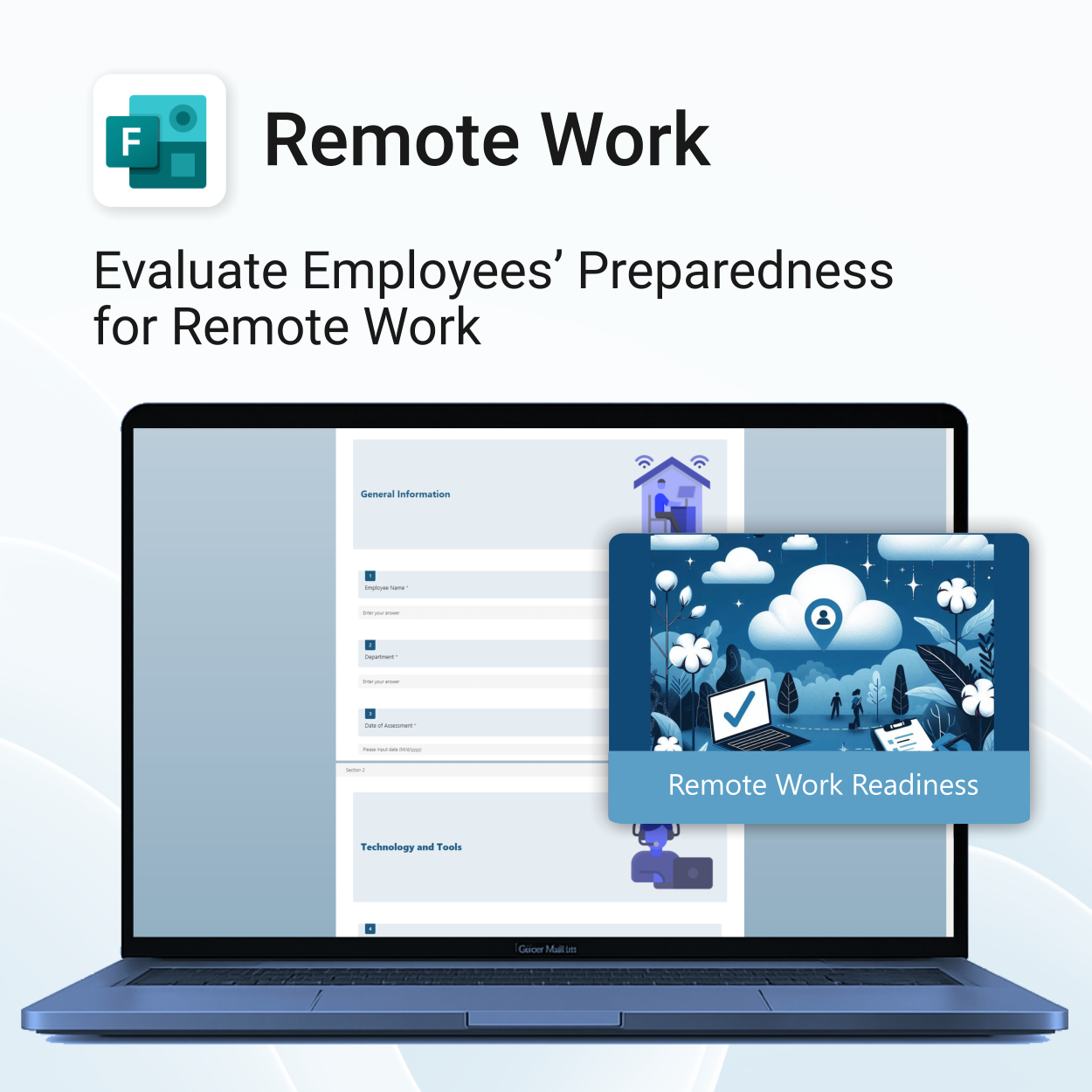
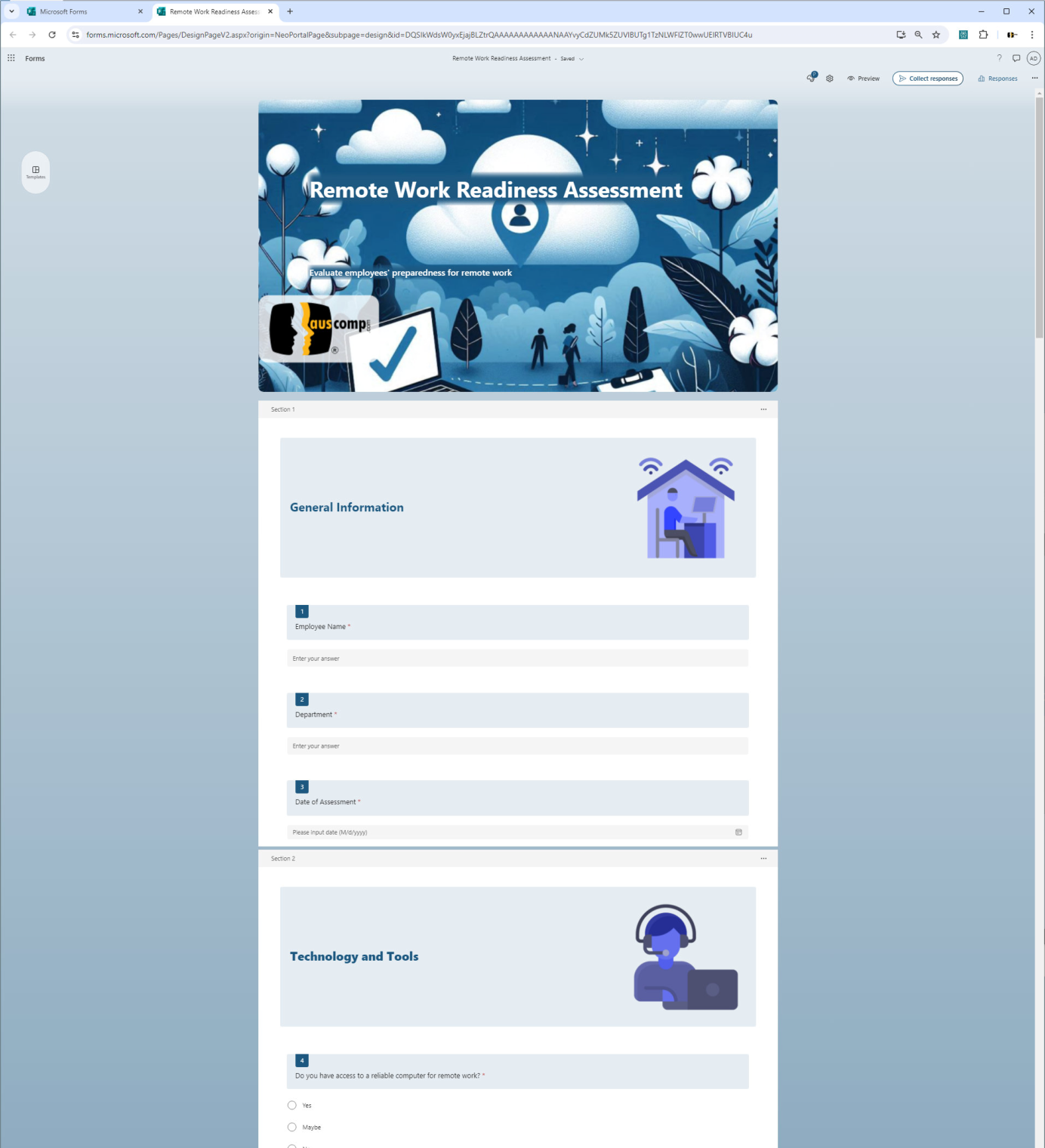
Remote Work Readiness for MS Forms
$29.95
Top Benefits
-
- Instant rollout — easy 1-click form import.
- Identify support needs early.
- Standardize remote work evaluations.
- Improve communication and collaboration remotely.
- Save time with ready-made structure and format.
Remote Work Readiness – Assess Employee Preparedness with MS Forms
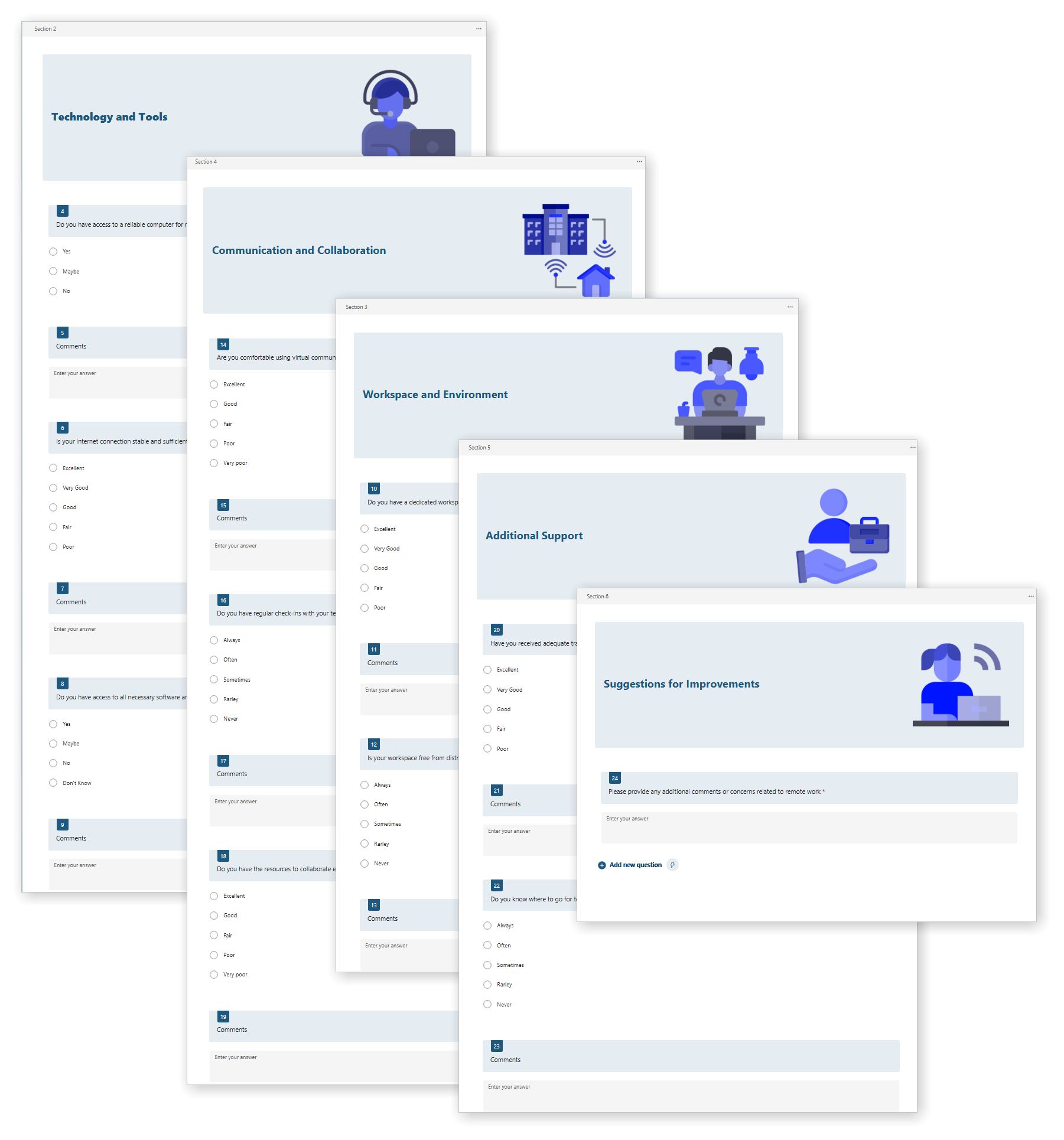
Ensure your team thrives remotely by evaluating their access to tools, communication readiness, and home work environment. This MS Forms template helps you quickly identify gaps and provide support where it’s needed most.
Remote Work Readiness Form is easy to use and includes the following:
| License Type | Professional/Freelancer (1 User), Business (Up to 25 Users) |
|---|
 MS Project
 MS Forms
 MS Lists
 Outlook
 Excel
Excel Copilot
 MS Teams
 Power BI
Related Products
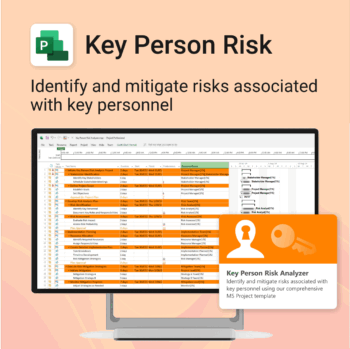
Ensure leadership continuity — plan for critical role coverage before it’s urgent.
-
- Pinpoints vulnerabilities linked to key personnel roles.
- Structured for real-world succession and risk planning.
- Works seamlessly with Microsoft Project — no tech overhead.
- Essential for HR, PMOs, and contingency planning teams.
Renovate with confidence — built for project managers, homeowners, and builders alike.
-
- Manage budgets, teams, tasks, and timelines all in MS Project.
- Built-in flow from design to demolition to final inspection.
- Perfect for homeowners, contractors, and renovation planners.
- Customizable for any property type or scope.
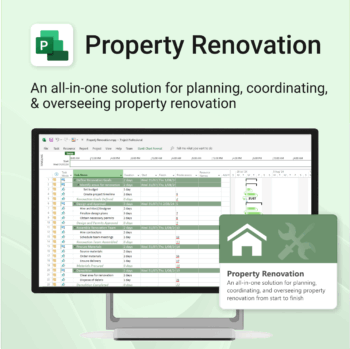
Renovate with confidence — built for project managers, homeowners, and builders alike.
-
- Manage budgets, teams, tasks, and timelines all in MS Project.
- Built-in flow from design to demolition to final inspection.
- Perfect for homeowners, contractors, and renovation planners.
- Customizable for any property type or scope.
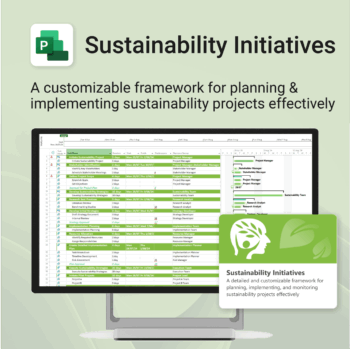
Plan and execute sustainability projects with clarity and structure.
-
- Aligned with real-world ESG needs and frameworks.
- Streamlines planning and reporting — no extra tools needed.
- Works seamlessly in MS Project — no extra setup.
- Adapts to small teams or large-scale initiatives.
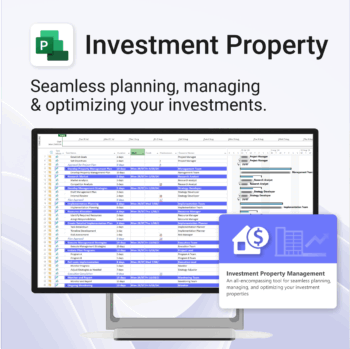
Own your investment journey — from first search to ongoing property success.
-
- Built to simplify complex property workflows — no more guesswork.
- Perfect for investors, renovators, and property managers.
- Fully compatible with MS Project — no learning curve.
- Clear milestones and budgets keep everything on track.
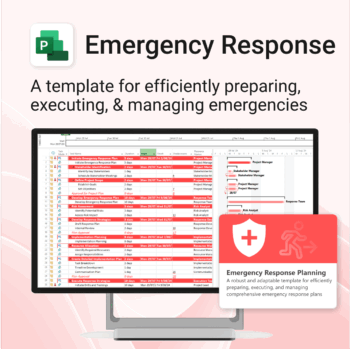
Be prepared when it matters most — structure your emergency response with confidence.
-
- Designed for real-world crisis response — not just planning theory.
- Built for MS Project — with zero setup hassle.
- Everything from scenarios to drills included in one place.
- Clear roles, resources, and timelines for stress-free execution.
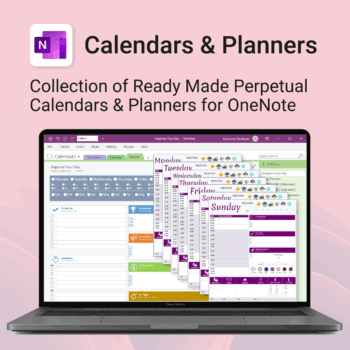
Stay organised all year — daily, weekly & monthly planners right inside OneNote.
- All in OneNote: Dated & undated calendars plus flexible daily/weekly planners.
- Ready to use: 13 calendars, 7 daily planners, 7 “One Day at a Time”, 4 weekly planners & more.
- Fast setup: One-click notebook + quick-start guide — start planning in minutes.
- No subscriptions: Yours forever. Works on Windows, Mac & Web (great with Teams/SharePoint).
Perfect for home, work and family life — anyone who loves OneNote and wants structure.
Used by thousands to plan days, weeks and months with less stress and more clarity.
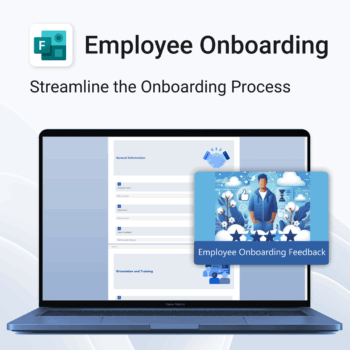
Set new hires up for success.
-
- Get structured feedback from day one
- Identify onboarding gaps with ease
- Boost retention with better training insights
- Empower HR teams with real-time data
- No logins or tech setup needed — it just works
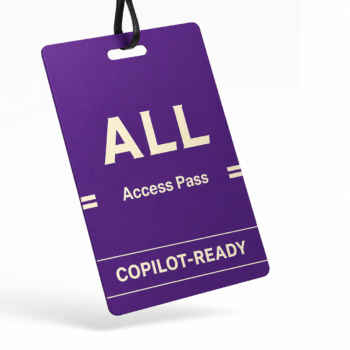
Unlock every Auscomp Microsoft 365 Template — OnePass to hundreds of Copilot-ready tools for work, school & life.
- 100 + OneNote templates — structured systems Microsoft 365 Copilot can search & answer from.
- Security Kits for Microsoft 365 — 3 step-by-step kits (Personal, Solo & Small Business)
- MS 365 suite bonus: MS Project, Forms, Lists, Outlook & Excel tools included.
- AI resources built-in: Copilot & ChatGPT Playbooks + AI Dashboards & Agents.
- Always up to date: New templates & updates added all year — yours instantly.
Perfect for professionals, students & teams who live in Microsoft 365 and want structure Copilot can actually work with.
Join 8 000 + members who simplified their work & life with the All Access Pass — your 365 system for everything.
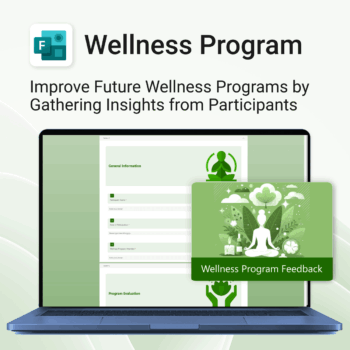
Boost your wellness outcomes with better feedback.
-
- Professional MS Forms template – ready to deploy
- Instant insights from participants
- Better structure = better feedback
- Easy to use, no learning curve
- Improve your wellness sessions with data-backed results
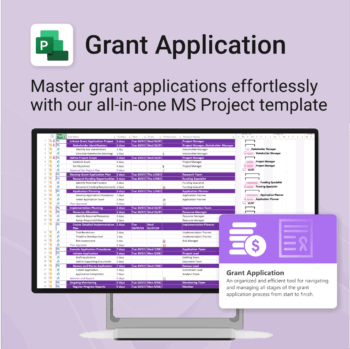
Simplify your grant writing — and improve your chances of success.
-
- Built for grant writers and project managers alike — no setup stress.
- Guides you through research, writing, budgeting, and submission.
- Keeps your grant team aligned and deadline-driven.
- Includes all milestones and tasks — fully editable in MS Project.
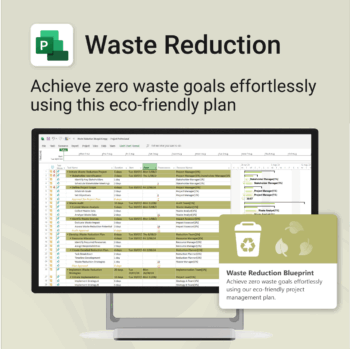
Turn sustainability from a goal into a system — built in MS Project.
-
- Designed for eco-focused teams and initiatives.
- Visualizes every phase of your waste reduction plan.
- Fully editable in MS Project — no need to start from scratch.
- Perfect for compliance, green certifications, and internal audits.