
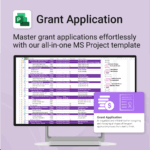
Grant Application for MS Project
$49.95
Simplify your grant writing — and improve your chances of success.
-
- Built for grant writers and project managers alike — no setup stress.
- Guides you through research, writing, budgeting, and submission.
- Keeps your grant team aligned and deadline-driven.
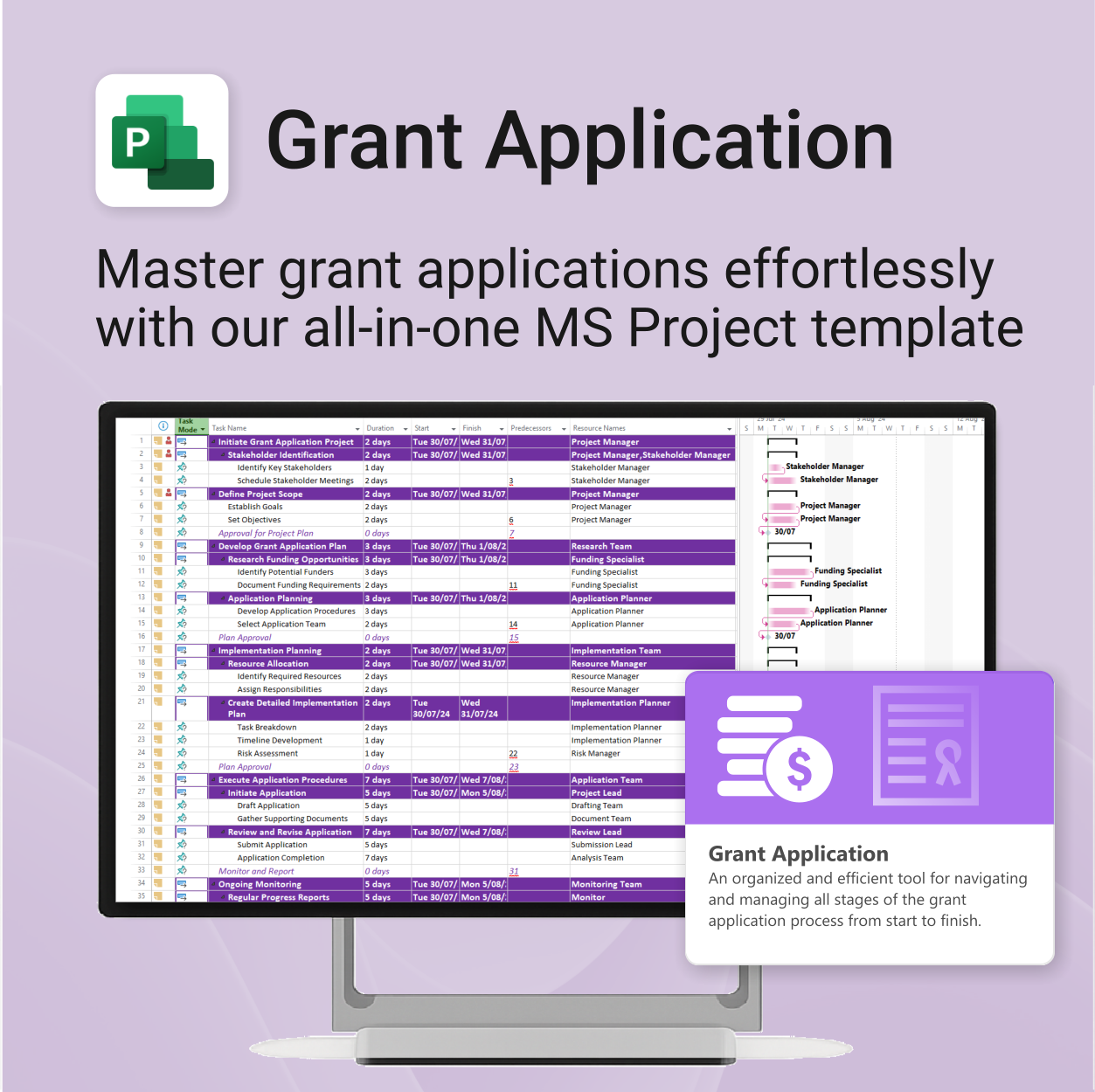
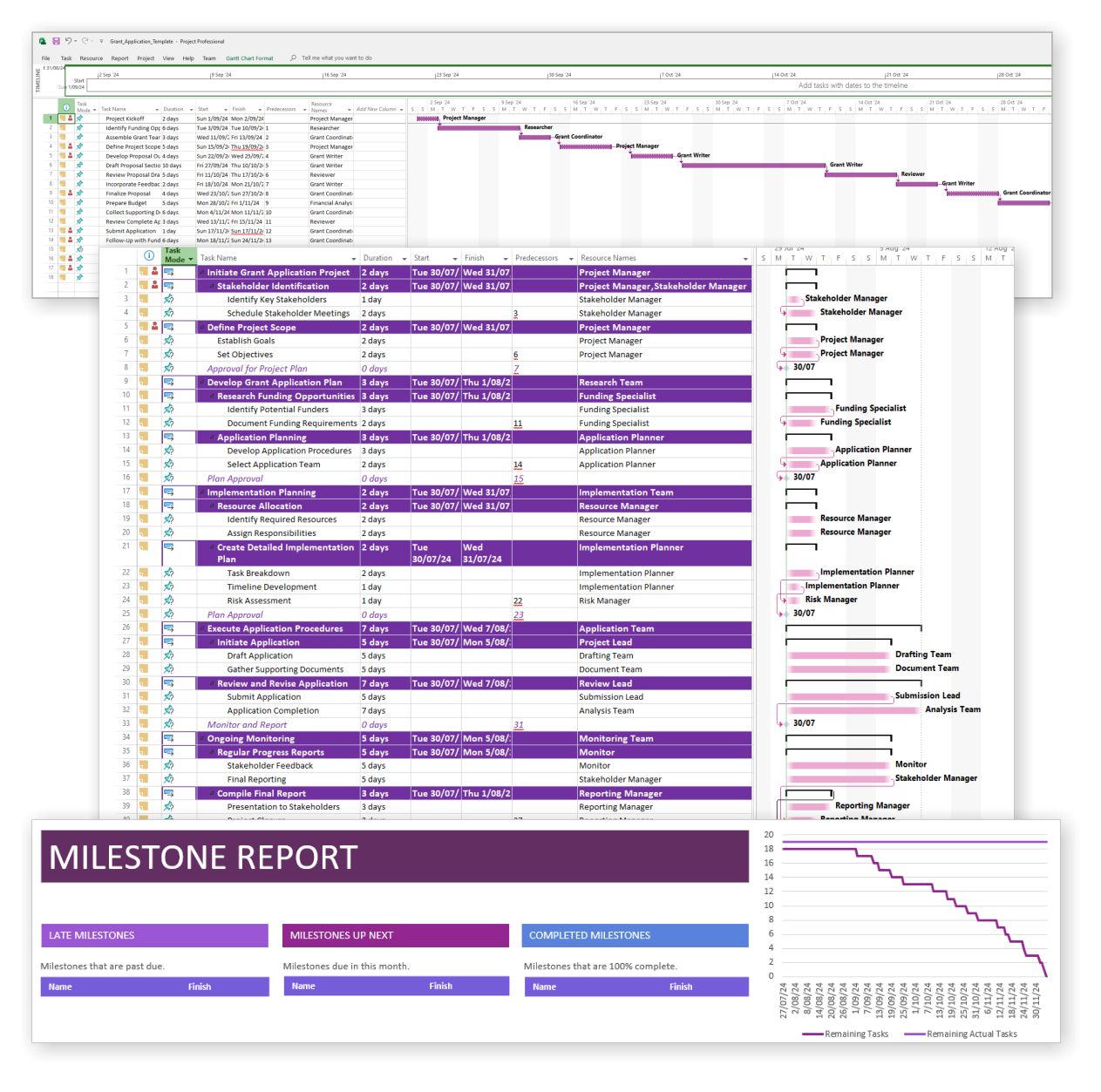
- Includes all milestones and tasks — fully editable in MS Project.
Master grant applications from proposal to funding success
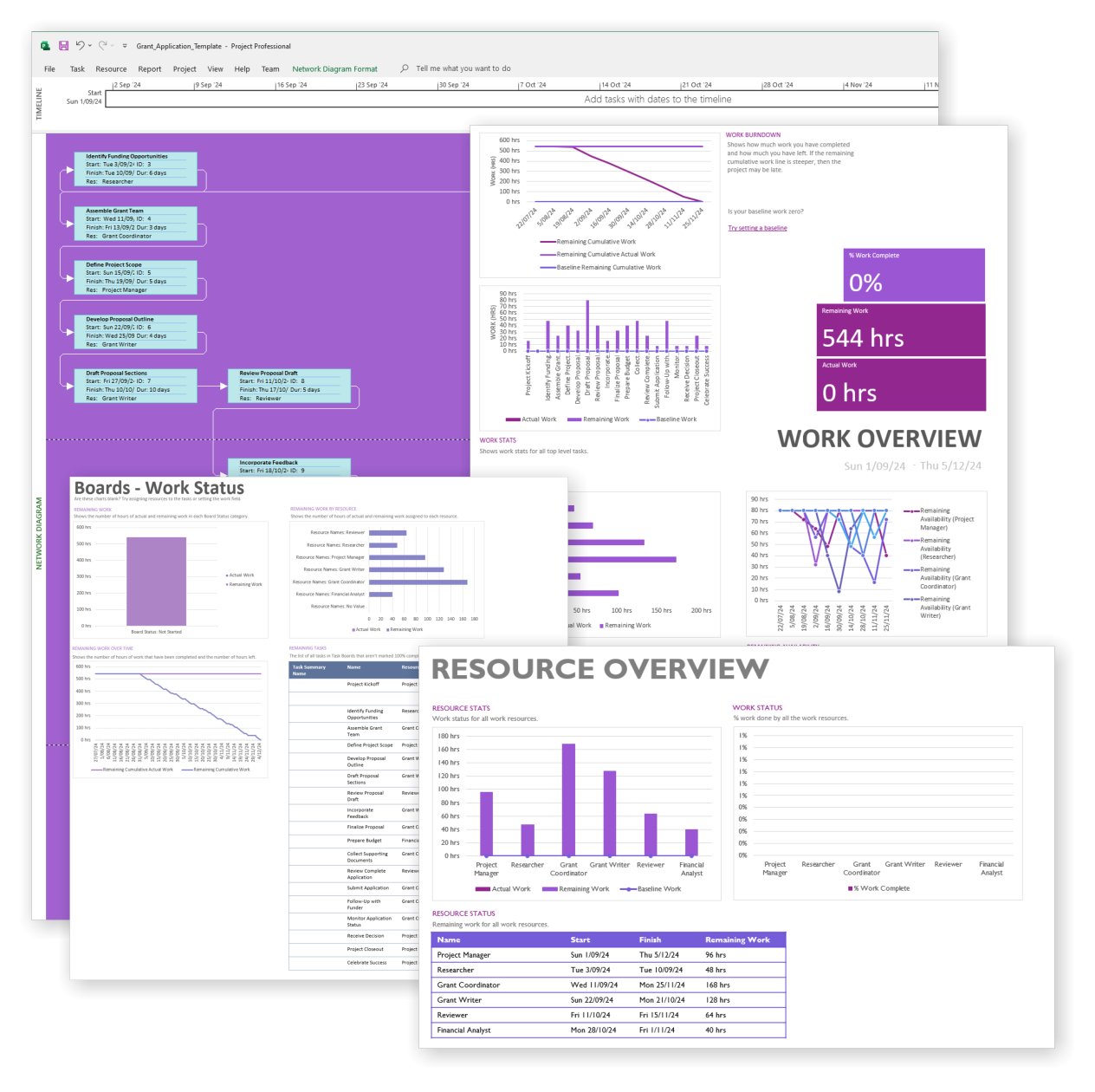
Grant Application for MS Project is an all-in-one, ready-to-use template to help you efficiently plan, structure, and manage the full grant application process from research to outcome tracking.
Easy to import and includes the following:
Our MS Project templates can be imported into the following versions:
- Microsoft Project 2010
- Microsoft Project 2013
- Microsoft Project 2016
- Microsoft Project 2019
- Microsoft Project 2021
- Microsoft Project for Microsoft 365
 MS Project
 MS Forms
 MS Lists
 Outlook
 Excel
Excel Copilot
 MS Teams
 Power BI
Related Products
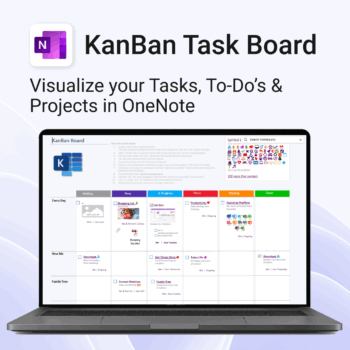
Visualise your Tasks, To-Do’s & Projects — right inside OneNote.
- Kanban in OneNote: Boards with columns and ready-made task cards for a clear, visual workflow.
- Built-in templates: Smart Cards, symbols, swimlanes & multiple board types to fit any team.
- Fast setup: One-click notebook + quick-start guide — start tracking in minutes.
- Works where you work: OneNote on Windows, Mac & Web — great with Teams/SharePoint.
Perfect for individuals and teams who live in Microsoft 365.
Trusted by 10,000+ professionals worldwide to stay organised and deliver on time.
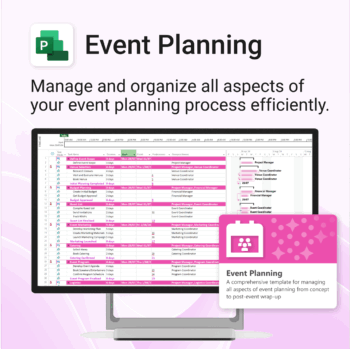
Manage &organize all aspects of your event planning.
-
- Crystal-clear timelines — no clutter, no chaos.
- Built for MS Project — plan every detail with ease.
- Drag, drop, done — effortless task tracking.
- Syncs anywhere — stay on top from any device.
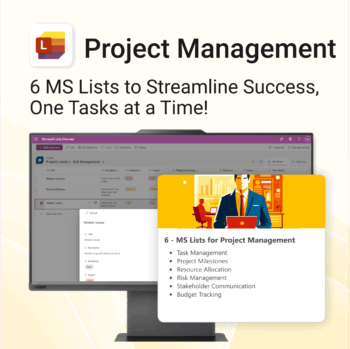
Work Smarter. Lead Better. Finish Projects Faster.
-
- Track milestones, risks, and tasks with pre-built MS Lists
- Centralized structure—everything in one spot, no extra tools
- Professionally formatted and ready to deploy instantly
- Collaborate seamlessly in Microsoft Teams and Planner
- Perfect for project managers, consultants, and team leads
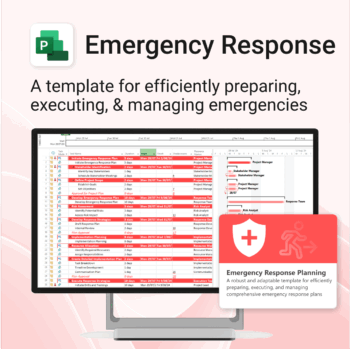
Be prepared when it matters most — structure your emergency response with confidence.
-
- Designed for real-world crisis response — not just planning theory.
- Built for MS Project — with zero setup hassle.
- Everything from scenarios to drills included in one place.
- Clear roles, resources, and timelines for stress-free execution.
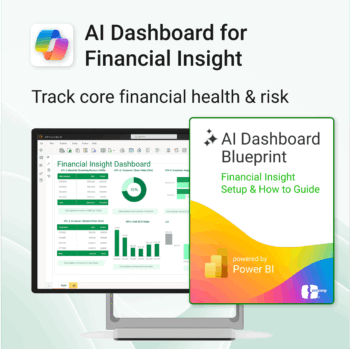
Transform financial data into actionable insights with Power BI & Copilot.
-
- Copilot-ready design with built-in AI forecasting.
- Visualise cash flow, revenue, and cost trends at a glance.
- Built for finance teams, consultants, and business owners.
- No coding needed – everything editable in Power BI Desktop.
- Built-in templates for recurring revenue, burn rate, and more.
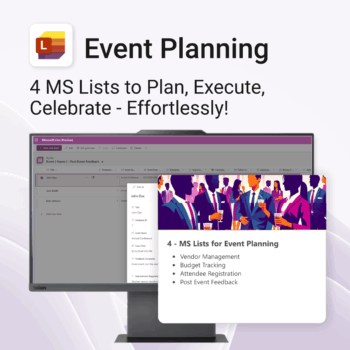
Be more organized. Save time & ensure smooth events.
-
- Track vendors, budgets, and guests in one place
- Automate follow-ups and feedback collection
- Professional design—no setup headaches
- Easy to share and collaborate with your team
- Works seamlessly in Microsoft Lists on any device
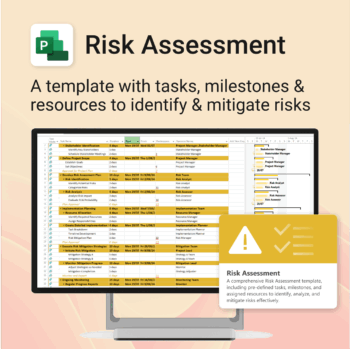
Master risk management — from early identification to confident mitigation.
-
- Eliminates guesswork — structured for real-world risk planning.
- Built to work perfectly in MS Project — no learning curve.
- Easy to update — keep your risk register live and relevant.
- Ideal for teams managing safety, compliance, or project uncertainty.
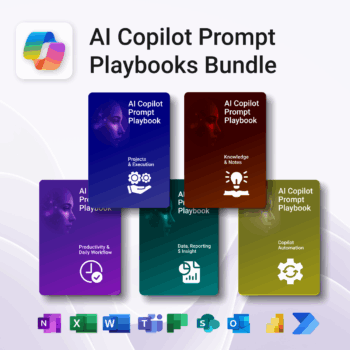
Turn Microsoft 365 into your AI co-pilot — with 150+ ready-to-use prompts across 5 expert playbooks.
- Built for Copilot: Works inside Word, Excel, PowerPoint, Outlook, Teams & OneNote.
- Do real work faster: reporting & insights, documentation, automation, projects, and daily workflow.
- Field-tested frameworks: structured prompts that deliver consistent, high-quality results.
- Copy, paste & adapt: start producing better output in minutes — no guesswork.
- Bundle value: all 5 playbooks for one price — you save 30%.
Trusted by professionals and teams using Microsoft 365 to plan, analyze, automate, and communicate with clarity.
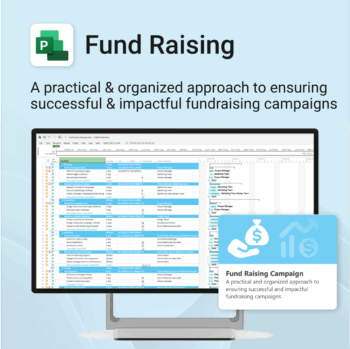
Build momentum, raise funds, and keep your campaign on track — all in MS Project.
-
- Plan, launch, and manage every aspect of your fundraising campaign.
- Built-in timelines, templates, and workflows for maximum efficiency.
- Fully editable in MS Project — no steep learning curve.
- Perfect for nonprofits, schools, causes, and community initiatives.
Unlock every Auscomp Microsoft 365 Template — OnePass to hundreds of Copilot-ready tools for work, school & life.
- 100 + OneNote templates — structured systems Microsoft 365 Copilot can search & answer from.
- Security Kits for Microsoft 365 — 3 step-by-step kits (Personal, Solo & Small Business)
- MS 365 suite bonus: MS Project, Forms, Lists, Outlook & Excel tools included.
- AI resources built-in: Copilot & ChatGPT Playbooks + AI Dashboards & Agents.
- Always up to date: New templates & updates added all year — yours instantly.
Perfect for professionals, students & teams who live in Microsoft 365 and want structure Copilot can actually work with.
Join 8 000 + members who simplified their work & life with the All Access Pass — your 365 system for everything.
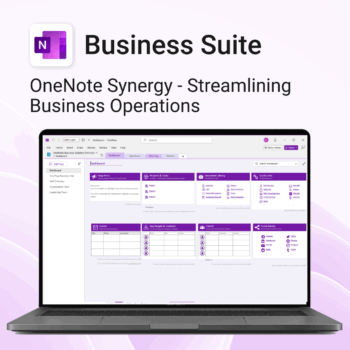
Run your business from OneNote — clients, projects, teams, HR, sales & documents in one organised workspace.
- One central hub: Plan work, manage people and store docs with ready-made templates.
- Built for Microsoft 365: Works great with Teams/SharePoint — no new logins or tools.
- Secure & searchable: Keep SOPs, HR and client files in OneNote for instant context.
- Fast setup: One-click notebook + quick-start guide — scale as your business grows.
Perfect for SMBs, agencies and remote teams who live in Microsoft 365.
Trusted by 1,000+ professionals worldwide to stay organized and deliver on time.
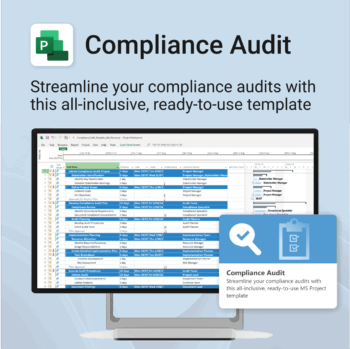
Make audit readiness part of your project workflow — not a last-minute scramble.
-
- Everything structured — from audit scope to implementation follow-up.
- Built for Microsoft Project — no steep learning curve.
- Ensures clear documentation and accountability across your audit team.
- Perfect for internal, external, and compliance-driven audits.