

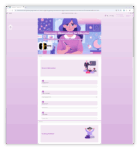
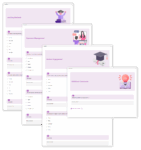

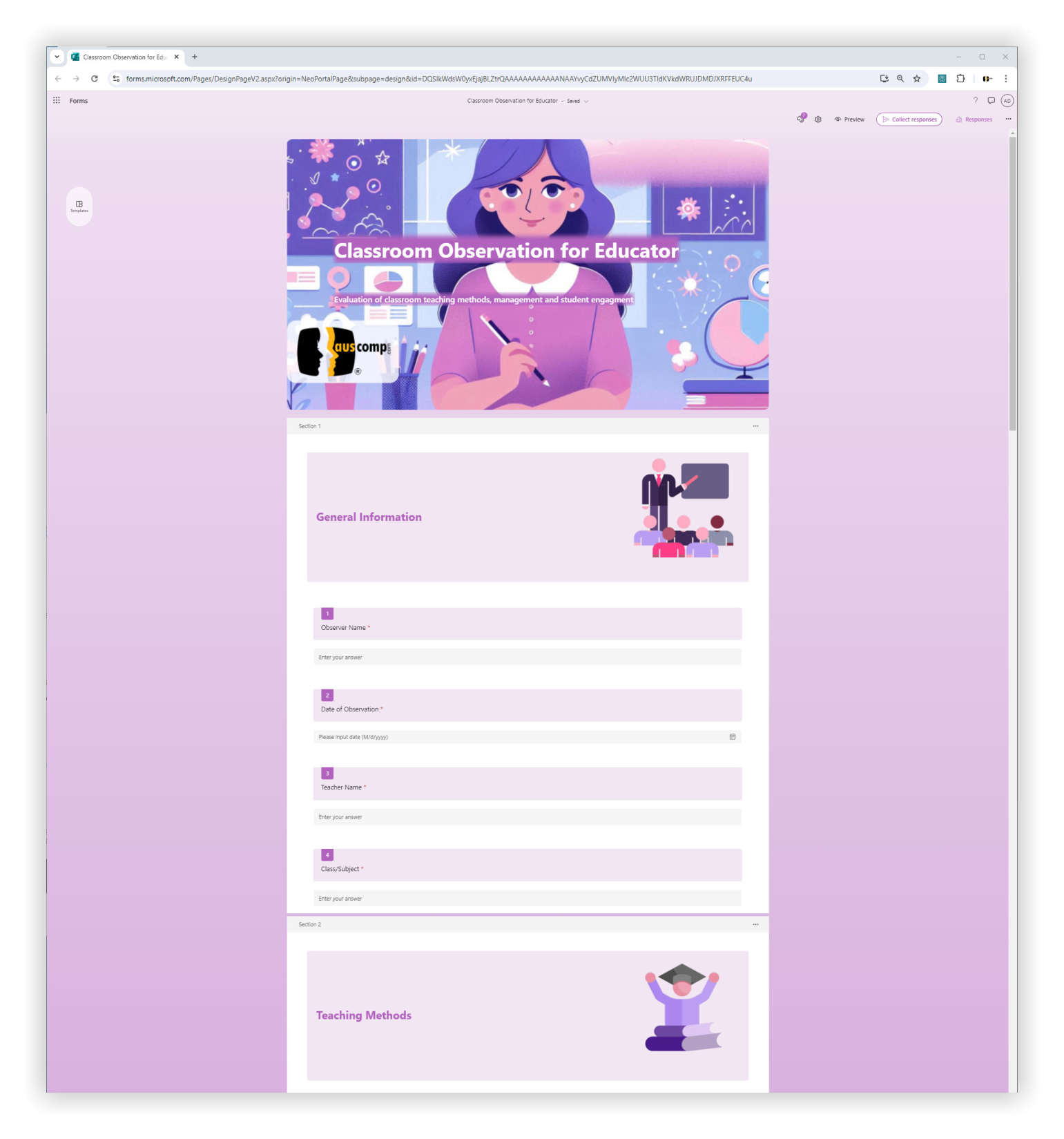
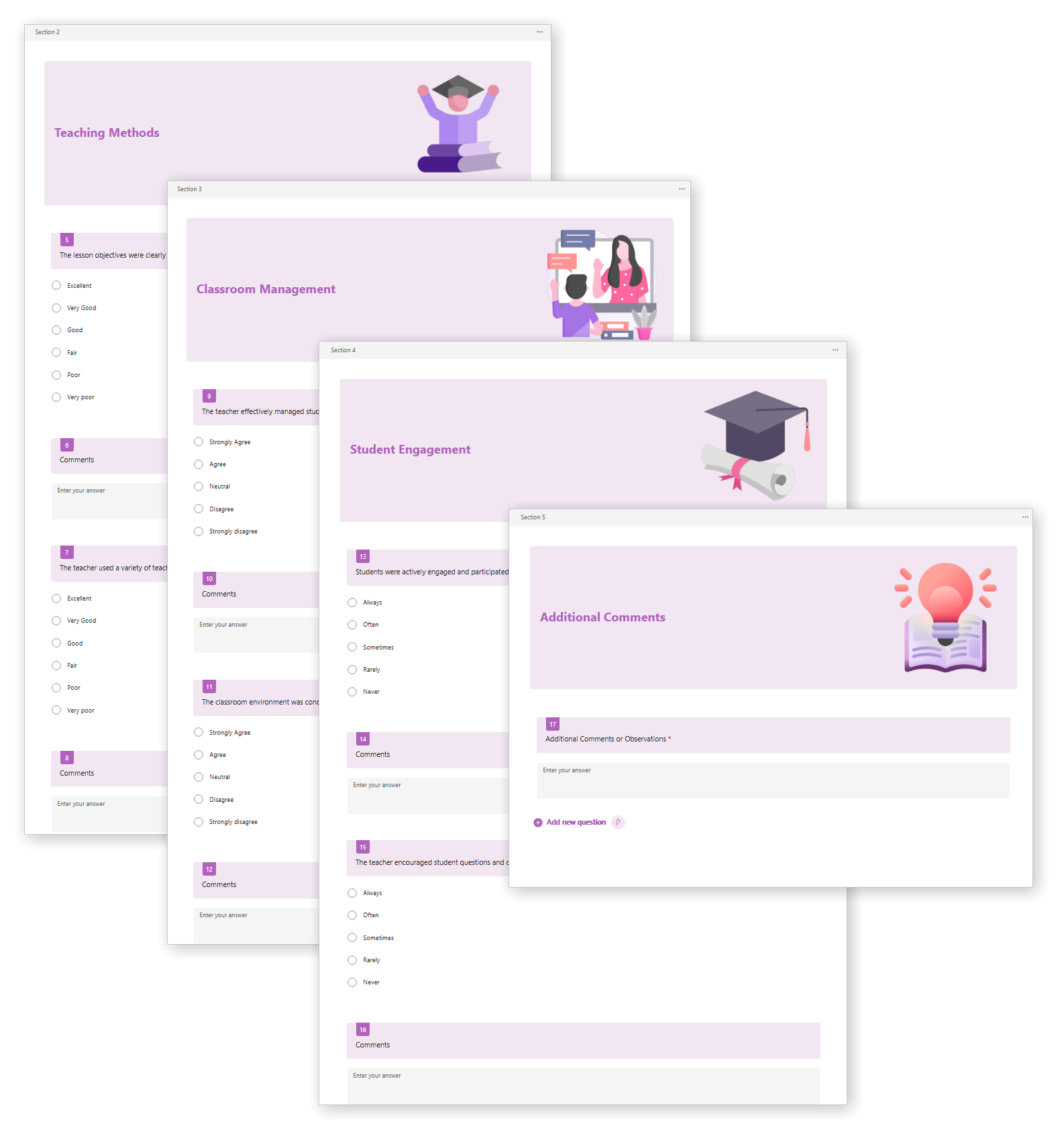
Classroom Observation for MS Forms

$29.95
Empower teaching excellence. Save time & improve classroom insights.
-
- 1-click setup and deploy for school-wide use
- Structured evaluation sections for consistency
- Capture feedback across classroom behavior, engagement & teaching style
- Designed to meet both compliance and growth goals
- Beautifully presented feedback reports
Classroom Observation – Evaluate Teaching & Engagement Effectively
Our MS Forms Classroom Observation template provides a structured way to review and enhance teaching methods, classroom management, and student engagement—all within Microsoft Forms.
Classroom Observation for MS Forms is easy to use and includes the following:
| License Type | Teacher/Educator (1 User), School/College, University |
|---|
 MS Project
 MS Forms
 MS Lists
 Outlook
 Excel
Excel Copilot
 MS Teams
 Power BI
Related Products
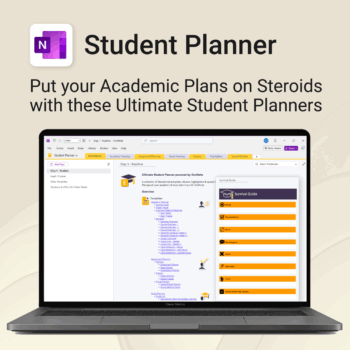
Stay ahead, reduce stress & plan smarter.
-
- Everything in one digital place — no paper clutter
- Boost focus and grades with structured planning
- Perfect for school, college, or university
- Adaptable for any subject or semester
- Instantly accessible across all your devices

Boost your wellness outcomes with better feedback.
-
- Professional MS Forms template – ready to deploy
- Instant insights from participants
- Better structure = better feedback
- Easy to use, no learning curve
- Improve your wellness sessions with data-backed results
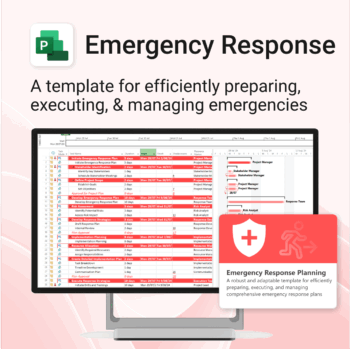
Be prepared when it matters most — structure your emergency response with confidence.
-
- Designed for real-world crisis response — not just planning theory.
- Built for MS Project — with zero setup hassle.
- Everything from scenarios to drills included in one place.
- Clear roles, resources, and timelines for stress-free execution.
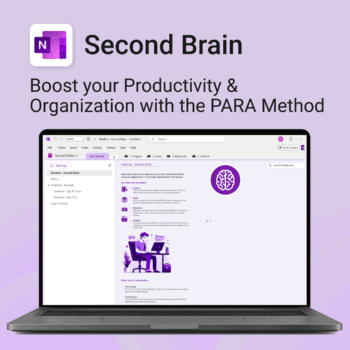
Master your life with OneNote + PARA — Projects, Areas, Resources & Archive in one trusted system.
- One system in OneNote: Capture, organise and execute tasks, notes and goals with the PARA method.
- Ready-to-use templates: Projects, Areas, Resources & Archive with trackers, planners and guides.
- Fast setup: One-click notebook + quick-start guide — get productive in minutes.
- Works where you work: OneNote on Windows, Mac & Web — great with Teams/SharePoint.
Perfect for individuals who live in Microsoft 365 and want clarity, control and focus.
Trusted by 10,000+ professionals worldwide to stay organised and deliver on time.
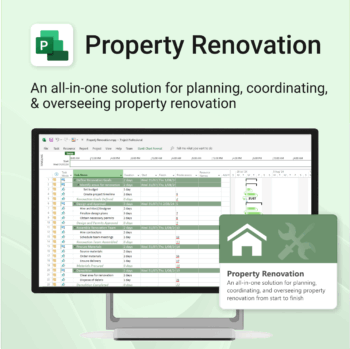
Renovate with confidence — built for project managers, homeowners, and builders alike.
-
- Manage budgets, teams, tasks, and timelines all in MS Project.
- Built-in flow from design to demolition to final inspection.
- Perfect for homeowners, contractors, and renovation planners.
- Customizable for any property type or scope.
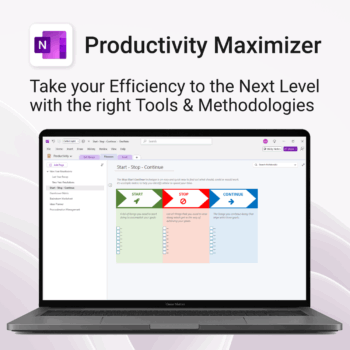
Boost clarity. Break through mental clutter.
-
- Structure your goals and eliminate procrastination
- All-in-one toolkit inside OneNote
- Designed for both personal and professional growth
- Use powerful planners and templates to stay focused
- Works across devices – always accessible
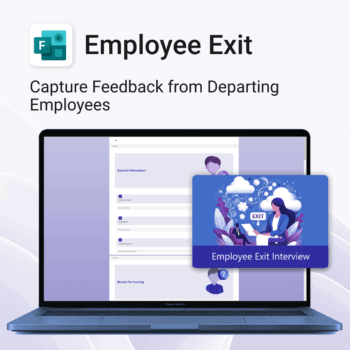
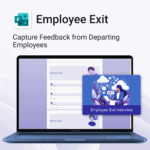
Be informed. Improve offboarding with actionable data.
-
- Capture consistent and meaningful exit feedback
- Identify reasons for attrition and patterns
- Use real data to improve employee experience
- Support leadership with clear offboarding insights
- Quick to implement and easy to use
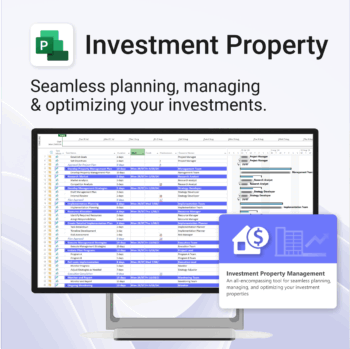
Own your investment journey — from first search to ongoing property success.
-
- Built to simplify complex property workflows — no more guesswork.
- Perfect for investors, renovators, and property managers.
- Fully compatible with MS Project — no learning curve.
- Clear milestones and budgets keep everything on track.
Renovate with confidence — built for project managers, homeowners, and builders alike.
-
- Manage budgets, teams, tasks, and timelines all in MS Project.
- Built-in flow from design to demolition to final inspection.
- Perfect for homeowners, contractors, and renovation planners.
- Customizable for any property type or scope.
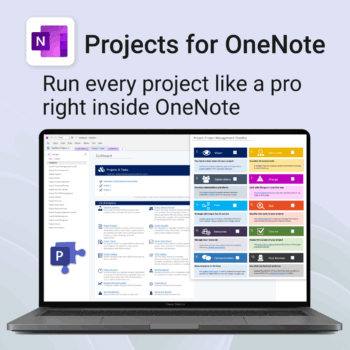
Run every project like a pro — right inside OneNote.
- Plan, track & deliver: A complete project notebook for Microsoft 365.
- Ready-made pages: Overview, Scope, Tasks, Timeline, Meetings, Risks & Assets.
- Works where you work: OneNote on Windows, Mac & Web — perfect with Teams or SharePoint.
- Instant setup: One-click notebook + quick-start guide included.
Perfect for solo operators and teams who live in Microsoft 365.
Trusted by 10,000+ professionals worldwide to stay organised and deliver on time.
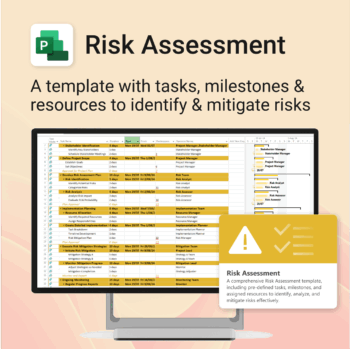
Master risk management — from early identification to confident mitigation.
-
- Eliminates guesswork — structured for real-world risk planning.
- Built to work perfectly in MS Project — no learning curve.
- Easy to update — keep your risk register live and relevant.
- Ideal for teams managing safety, compliance, or project uncertainty.
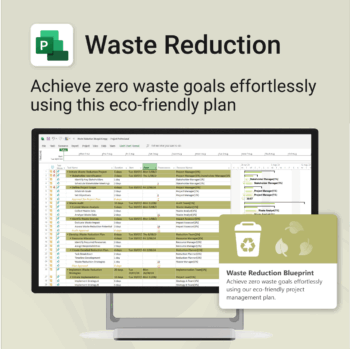
Turn sustainability from a goal into a system — built in MS Project.
-
- Designed for eco-focused teams and initiatives.
- Visualizes every phase of your waste reduction plan.
- Fully editable in MS Project — no need to start from scratch.
- Perfect for compliance, green certifications, and internal audits.