


Solo Business Security Kit for Microsoft 365
Original price was: $99.95.$59.95Current price is: $59.95.
Secure your solo business on Microsoft 365 — 11 step-by-step guides that protect your sign-in, client emails, files and devices.
- Be your own IT department: 11 plain-English guides — locked down in a weekend.
- All-in-one kit: includes Business Sign-in, Client Email Safety, File Sharing, Data Protection & Incident Plan.
- PDF + editable Word: print the checklists or adapt them to your workflow.
- Save 40%: get the complete kit for one discounted price.
Trusted by freelancers, consultants and solo operators who can’t afford a client-data mishap.
Solo Business Security Kit for Microsoft 365 — 11 Step-by-Step Safety Guides in One Kit
You’re the CEO, the sales team — and the IT department. This kit protects your business sign-in, client emails, files and devices with plain-English guides built for freelancers, consultants and solo operators. Lock it down in a weekend, then keep it safe with a 10-minute monthly review.
What’s inside
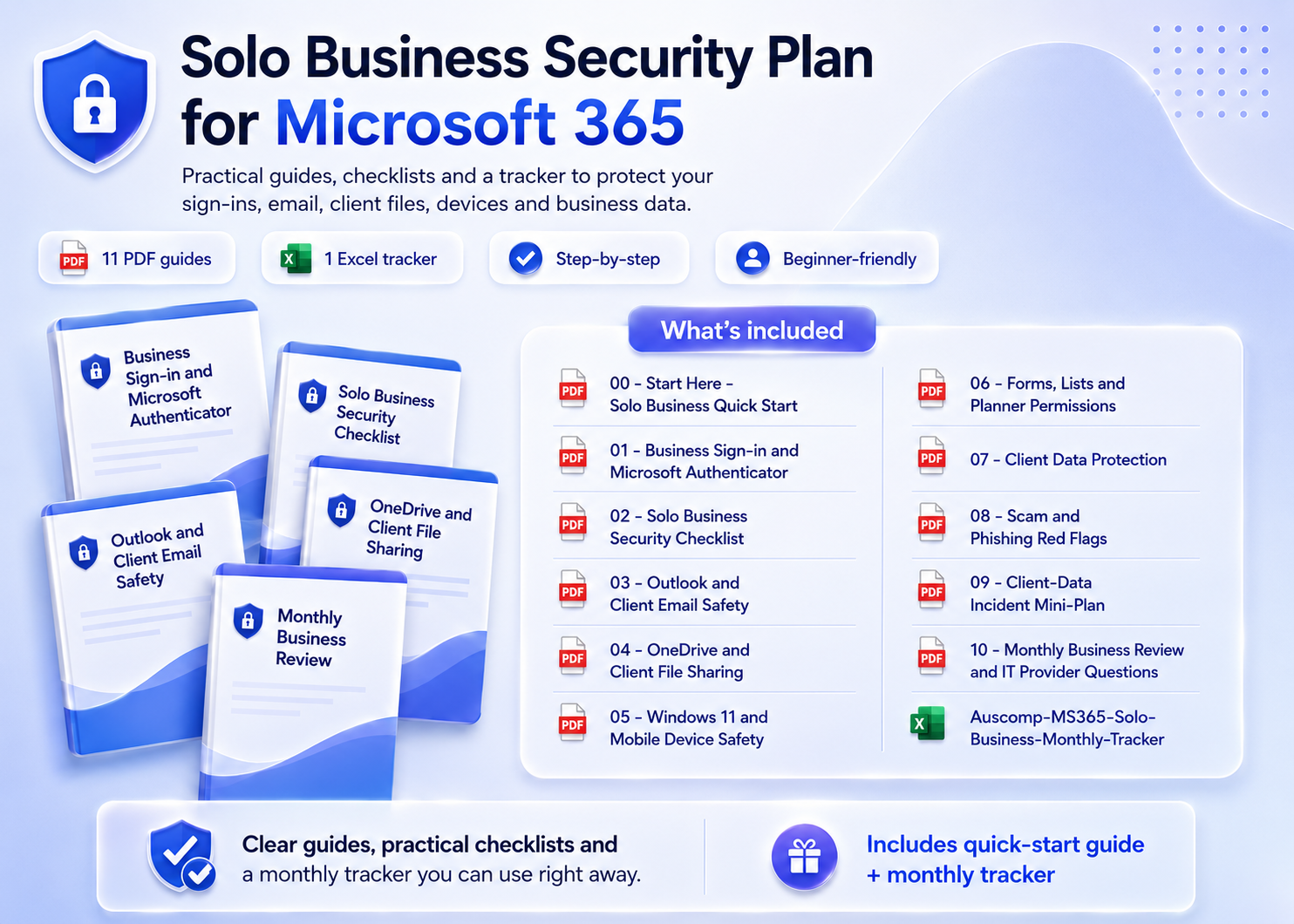
- Quick Start & Security Checklist – Solo business quick start plus a complete security checklist for your Microsoft 365 setup.
- Business Sign-in & Authenticator – Secure your business account with Microsoft Authenticator, step by step.
- Client Email & Scam Protection – Outlook and client email safety, plus scam and phishing red flags aimed at small operators.
- Client Files & Data Protection – OneDrive and client file sharing done safely, with a client data protection guide.
- Devices & App Permissions – Secure Windows 11 and mobile, and review permissions across Forms, Lists and Planner.
- Incident Plan & Monthly Review – A client-data incident mini-plan, monthly business review with tracker spreadsheet, and the right questions to ask an IT provider.
Why it works
- ✅ Plain-English, step-by-step checklists — built for business owners, not IT admins.
- ✅ Protects what clients care about: their emails, their files, their data.
- ✅ 11 guides as printable PDFs plus editable Word versions, with a monthly tracker in Excel.
Not sure where you’re exposed? Take the free 2-minute Microsoft 365 Risk Scorecard first — this kit contains the fixes.
What customers say
I run my consultancy alone — this kit is the IT department I never had. Done in two evenings.
The client file sharing guide found three links I’d left open to “anyone”. That could have cost me a contract.
A client actually asked about my data security — I walked them through my checklist. Instant credibility.
The incident mini-plan is worth the price alone. I know exactly what to do if client data ever leaks.
Phishing guide is brutally practical. Spotted a fake invoice email the same week I read it.
Finally sorted Authenticator on my business account properly. The steps just work.
The monthly review takes me ten minutes with the tracker. Security is finally a habit, not a worry.
Bought it after the free risk check. Every gap it found had a fix in this kit, step by step.
 ChatGPT
 OneNote
 MS Project
 MS Forms
 MS Lists
 Outlook
 Excel
Excel Bonus
Bonus Copilot
 MS Teams
 Power BI
Related Products
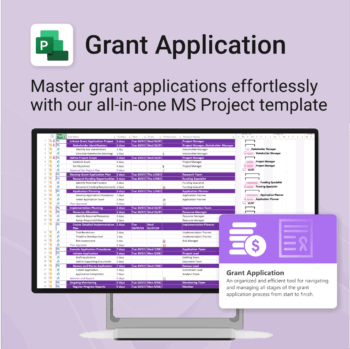
Simplify your grant writing — and improve your chances of success.
-
- Built for grant writers and project managers alike — no setup stress.
- Guides you through research, writing, budgeting, and submission.
- Keeps your grant team aligned and deadline-driven.
- Includes all milestones and tasks — fully editable in MS Project.
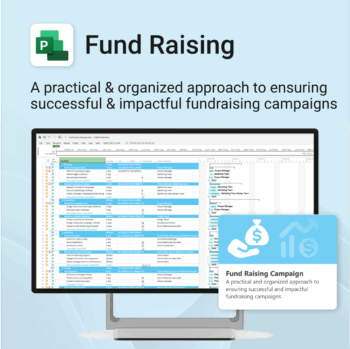
Build momentum, raise funds, and keep your campaign on track — all in MS Project.
-
- Plan, launch, and manage every aspect of your fundraising campaign.
- Built-in timelines, templates, and workflows for maximum efficiency.
- Fully editable in MS Project — no steep learning curve.
- Perfect for nonprofits, schools, causes, and community initiatives.
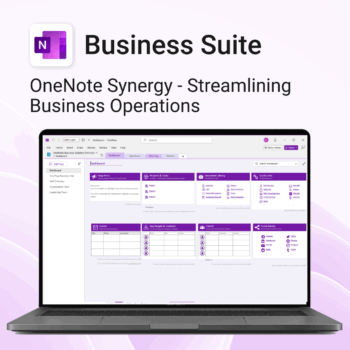
Run your business from OneNote — clients, projects, teams, HR, sales & documents in one organised workspace.
- One central hub: Plan work, manage people and store docs with ready-made templates.
- Built for Microsoft 365: Works great with Teams/SharePoint — no new logins or tools.
- Secure & searchable: Keep SOPs, HR and client files in OneNote for instant context.
- Fast setup: One-click notebook + quick-start guide — scale as your business grows.
Perfect for SMBs, agencies and remote teams who live in Microsoft 365.
Trusted by 1,000+ professionals worldwide to stay organized and deliver on time.
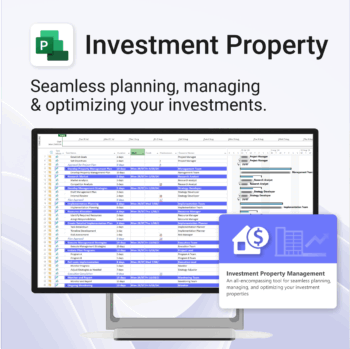
Own your investment journey — from first search to ongoing property success.
-
- Built to simplify complex property workflows — no more guesswork.
- Perfect for investors, renovators, and property managers.
- Fully compatible with MS Project — no learning curve.
- Clear milestones and budgets keep everything on track.
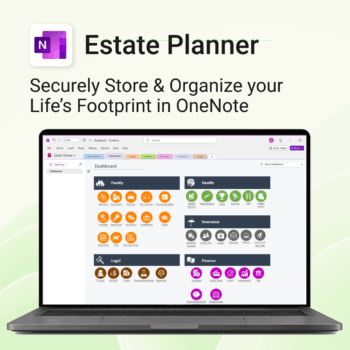
Stay organized. Protect your legacy.
-
- Centralize all your vital family records and legal documents
- Easy to update and access — no special tools needed
- Secure sensitive information using OneNote’s password protection
- Designed for simplicity with visual clarity in every section
- Share with loved ones or advisors when needed — easily and safely
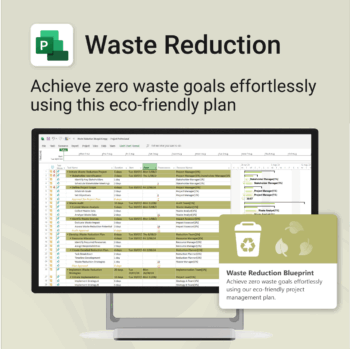
Turn sustainability from a goal into a system — built in MS Project.
-
- Designed for eco-focused teams and initiatives.
- Visualizes every phase of your waste reduction plan.
- Fully editable in MS Project — no need to start from scratch.
- Perfect for compliance, green certifications, and internal audits.
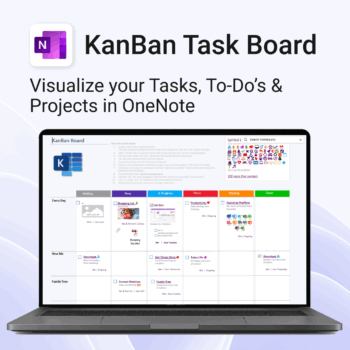
Visualise your Tasks, To-Do’s & Projects — right inside OneNote.
- Kanban in OneNote: Boards with columns and ready-made task cards for a clear, visual workflow.
- Built-in templates: Smart Cards, symbols, swimlanes & multiple board types to fit any team.
- Fast setup: One-click notebook + quick-start guide — start tracking in minutes.
- Works where you work: OneNote on Windows, Mac & Web — great with Teams/SharePoint.
Perfect for individuals and teams who live in Microsoft 365.
Trusted by 10,000+ professionals worldwide to stay organised and deliver on time.
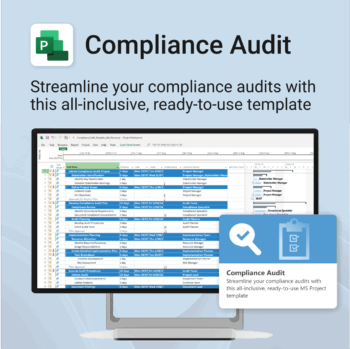
Make audit readiness part of your project workflow — not a last-minute scramble.
-
- Everything structured — from audit scope to implementation follow-up.
- Built for Microsoft Project — no steep learning curve.
- Ensures clear documentation and accountability across your audit team.
- Perfect for internal, external, and compliance-driven audits.
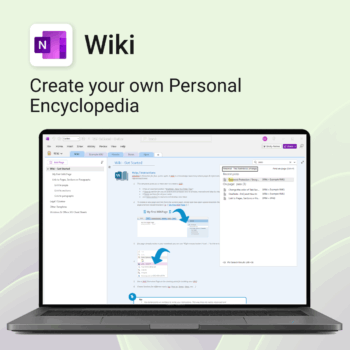
Create your own knowledge hub — organise SOPs, FAQs, guides & notes right inside OneNote.
- OneNote Wiki system: Capture and link knowledge, manuals, and FAQs in a searchable format.
- Fast setup: One-click notebook + examples ready to customise for your team.
- Secure & private: Built on Microsoft 365 — share internally or use solo.
- Find anything instantly: Full-text embedded search across your pages and topics.
Perfect for teams, consultants, or anyone who needs an organised place for notes and documentation.
Used by professionals and teams worldwide to centralise knowledge and make information searchable in OneNote.
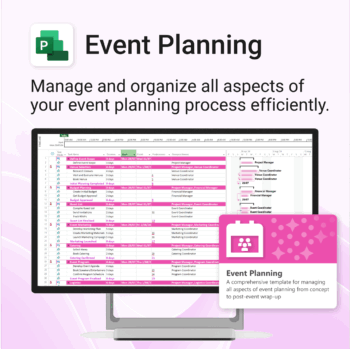
Manage &organize all aspects of your event planning.
-
- Crystal-clear timelines — no clutter, no chaos.
- Built for MS Project — plan every detail with ease.
- Drag, drop, done — effortless task tracking.
- Syncs anywhere — stay on top from any device.
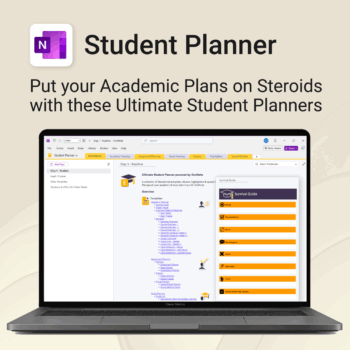
Stay ahead, reduce stress & plan smarter.
-
- Everything in one digital place — no paper clutter
- Boost focus and grades with structured planning
- Perfect for school, college, or university
- Adaptable for any subject or semester
- Instantly accessible across all your devices
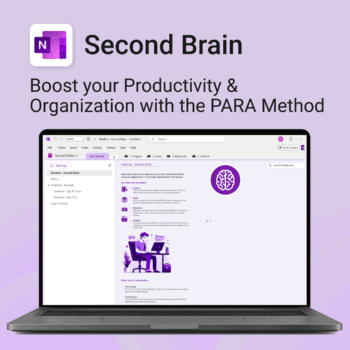
Master your life with OneNote + PARA — Projects, Areas, Resources & Archive in one trusted system.
- One system in OneNote: Capture, organise and execute tasks, notes and goals with the PARA method.
- Ready-to-use templates: Projects, Areas, Resources & Archive with trackers, planners and guides.
- Fast setup: One-click notebook + quick-start guide — get productive in minutes.
- Works where you work: OneNote on Windows, Mac & Web — great with Teams/SharePoint.
Perfect for individuals who live in Microsoft 365 and want clarity, control and focus.
Trusted by 10,000+ professionals worldwide to stay organised and deliver on time.