
Copilot Business Pass

$299.00 / year
Six Copilot Agents that know how your company works. A guided wizard sets them up for you — then everyone in your organisation has them.
- The wizard does the work — answer questions in plain language and it writes the Agent as you go.
- Six Agents included — onboarding, employee help, customer support, IT help desk, policies, project review.
- One organisation licence — not a charge per person. Set up once, shared with everybody.
- No Copilot licence needed — runs in the Copilot Chat already included with business Microsoft 365.
- Nothing installed — no plugin, no admin request, and nothing you type leaves your computer.
Copilot Business Agent Pass
Six Copilot Agents that know how your company works — who to ask about what, where things live, and what never to guess at. Set up once by one person, then shared with everybody.
The easy part
The wizard does the work
You will not be writing prompts or editing anything technical. Open the guided setup wizard, answer questions in plain language about how your organisation runs, and watch the Agent write itself as you type. When you are done it walks you through Copilot step by step, hands you each piece at the moment you need it, checks the Agent behaves, and writes the message announcing it to your team.
The six Agents
All six included. Every new one added while your Pass is active.
Gives every new starter the same first week, and gives their manager a pack built from how your company actually works.
One place for everyone to ask how the company works — expenses, leave policy, working from home, who approves what.
Gives the people who answer customers a support specialist that follows your rules and knows when to escalate.
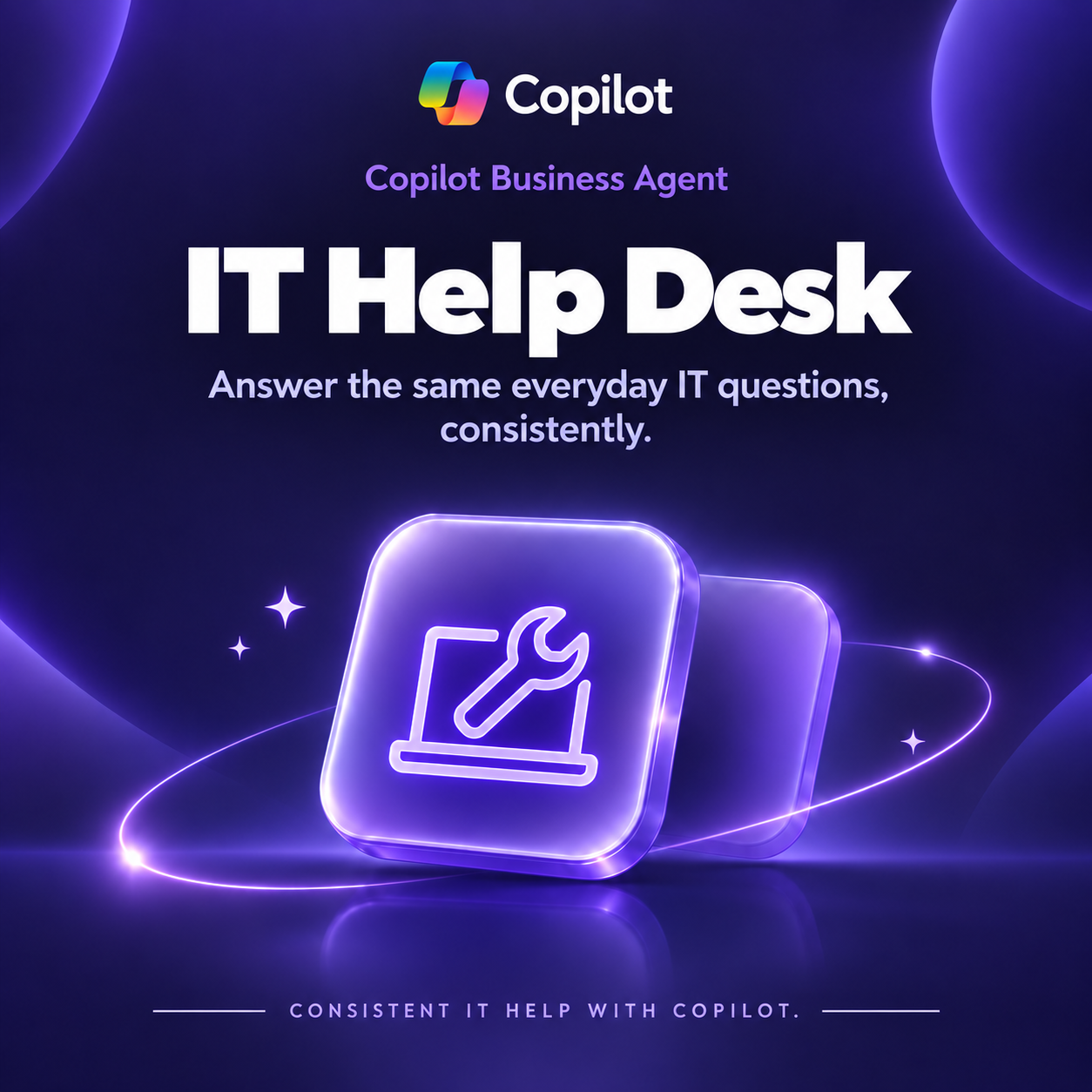
Answers the same twenty IT questions consistently, and routes the real ones straight to a person.
The same answer to the same question every time, with the policy and its version named.
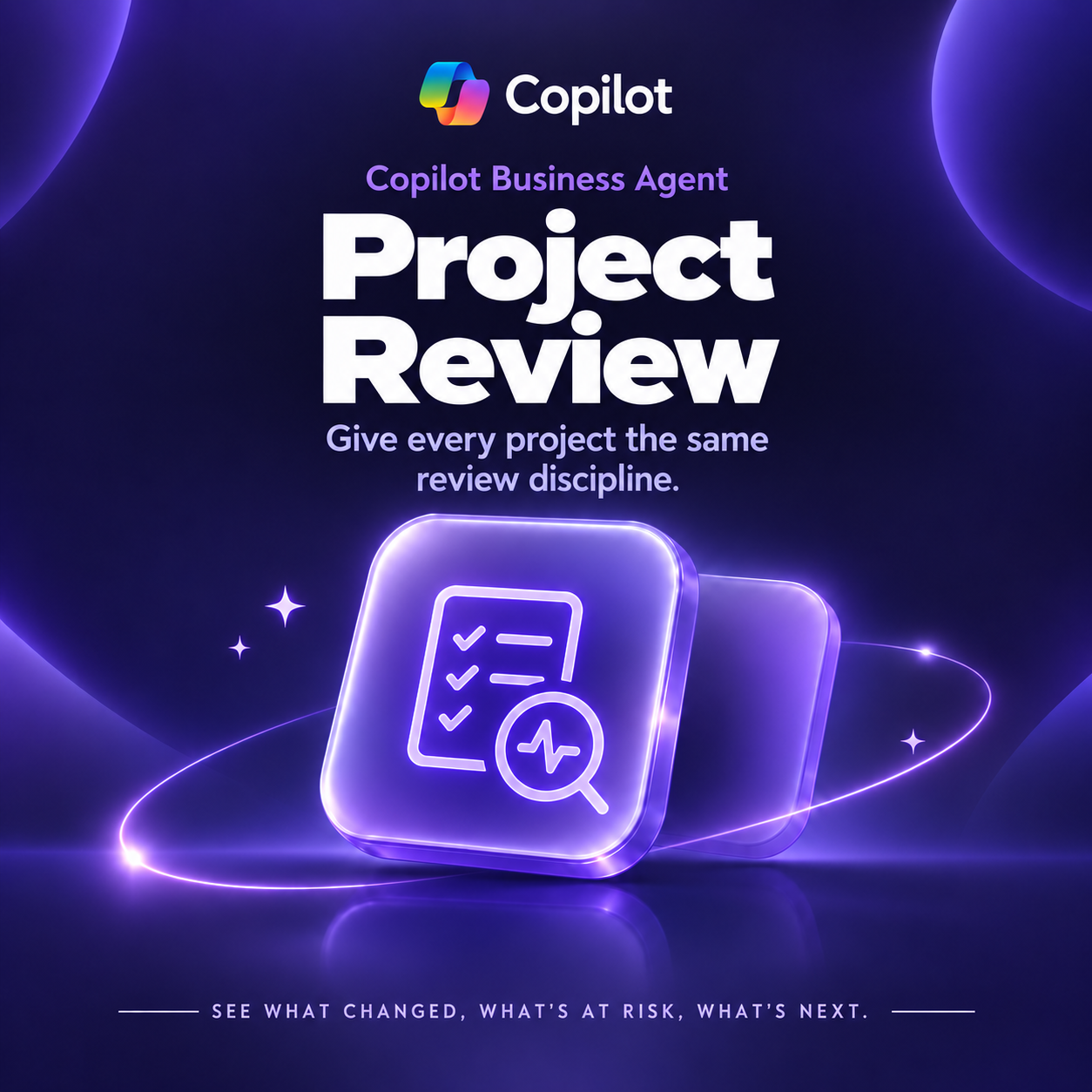
The same review discipline on every project: what changed, what is at risk, what still needs a decision.
You add your company knowledge. Auscomp supplies the method.
An Agent cannot read your files, and that is the point — nothing has to leave your tenant for it to work. You tell it what your organisation knows. We supply the part that is hard: how to answer, what never to guess at, and when to send somebody to a human instead.
What it always does
- Answers from what your organisation actually told it
- Names the right person when it does not know something
- Quotes the policy or document it is answering from
- Says plainly when a question needs a human
What it never does
- State anyone’s pay, leave or contract terms
- Invent a policy, a system or a process
- Guess at who reports to whom
- Promise a customer anything outside your written terms
What’s included
- All six Business Agents, plus every new one while your Pass is active
- Updates as Copilot changes — Microsoft moves quickly and we keep pace
- A guided setup wizard for each Agent
- A message for your team, written from your own answers
- One organisation licence, shared with everyone your Pass covers
- Plain-text instructions if you would ever rather edit them directly
What you need
Microsoft 365 Copilot Chat, included with business Microsoft 365 plans. No Copilot licence, no Cowork, no administrator request.
Permission to create and share an agent in your tenant, which most people already have.
Ten minutes, and somebody who knows how your organisation works.
Not available on Microsoft 365 Personal, Family or Premium.
Questions
- Is this hard to set up?
- No, and that is what the wizard is for. You answer questions about your own company in plain language and it does everything else, showing you each step as you reach it. Most people are finished inside fifteen minutes.
- Do we need a Microsoft 365 Copilot licence?
- No. Business Agents run in Copilot Chat, which is included with business Microsoft 365 plans at no extra cost, and an instruction-only agent like these does not consume metered usage.
- Can the Agent read our files and email?
- No, and that is deliberate. It knows only what you tell it, so nothing has to leave your tenant — which also means it can never quote a document at somebody who should not see it.
- How many people does our Pass cover?
- Whatever you choose at checkout — up to 25, up to 100, or more than 100. Your receipt records it, and that is your licence.
- What happens when we renew?
- Renewing keeps you current: new Agents as they ship, new versions of the ones you have, and updates as Microsoft changes Copilot. Agents you have already set up keep working regardless — we cannot and would not switch them off.
- Is this the same as the All Access Pass?
- No. The All Access Pass is licensed to one person and covers our Microsoft 365 templates and Copilot Cowork Skills. This one is licensed to an organisation and covers the Agents.
- Can we change an Agent later?
- As often as you like. The part about your organisation is yours — a new team lead, a new tool, a new process. One edit updates it for everybody.
Auscomp has built Microsoft 365 systems since 1995. Auscomp is independent and not affiliated with, sponsored by or endorsed by Microsoft. Copilot and Microsoft 365 are trademarks of the Microsoft group of companies.
“`
| Users | Up to 25 People, Up to 100 People, More than 100 People |
|---|
 OneNote
 MS Project
 MS Forms
 MS Lists
 Outlook
 Excel
Excel Copilot
 MS Teams
 Power BI
Related Products
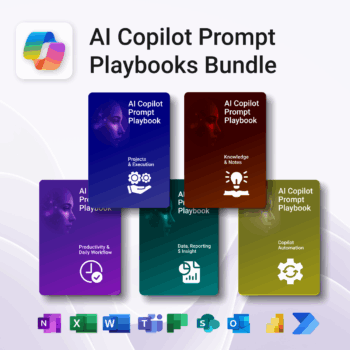
Turn Microsoft 365 into your AI co-pilot — with 150+ ready-to-use prompts across 5 expert playbooks.
- Built for Copilot: Works inside Word, Excel, PowerPoint, Outlook, Teams & OneNote.
- Do real work faster: reporting & insights, documentation, automation, projects, and daily workflow.
- Field-tested frameworks: structured prompts that deliver consistent, high-quality results.
- Copy, paste & adapt: start producing better output in minutes — no guesswork.
- Bundle value: all 5 playbooks for one price — you save 30%.
Trusted by professionals and teams using Microsoft 365 to plan, analyze, automate, and communicate with clarity.

Track and optimize the full customer journey with AI-powered insight.
-
- No technical skills needed — 100% Power BI + Copilot ready
- All KPIs, visuals and logic pre-built with customisation options
- Built-in forecasting, key influencers and anomaly detection
- Includes setup, DAX formulas, publishing & access security
- Designed for business, marketing and support teams
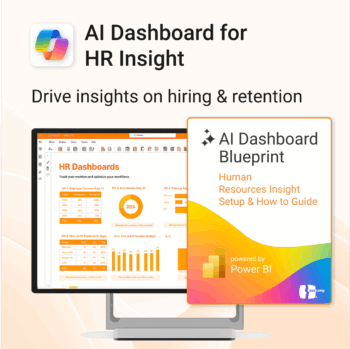
Build your HR AI dashboard with structure and clarity.
-
- Designed for HR, People & Culture, and Workforce teams.
- Streamlines onboarding, retention, and sentiment tracking.
- Works seamlessly in Power BI — no custom dev needed.
- Use in Teams, SharePoint, or export to PDF.
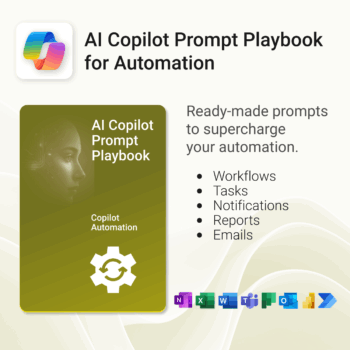
Get 30 proven Copilot prompts designed to supercharge your automation inside Microsoft 365.
-
- Covers workflow automation, email handling, task management, reporting, and approvals.
- No guesswork — just copy, paste, and run inside Copilot.
- Includes example outputs and app-specific usage tips.
- Perfect for individuals, managers, and operations teams.
- Based on real-world Microsoft 365 and Power Automate use cases.
Unlock every Auscomp Microsoft 365 Template — OnePass to hundreds of Copilot-ready tools for work, school & life.
- 100 + OneNote templates — structured systems Microsoft 365 Copilot can search & answer from.
- Security Kits for Microsoft 365 — 3 step-by-step kits (Personal, Solo & Small Business)
- MS 365 suite bonus: MS Project, Forms, Lists, Outlook & Excel tools included.
- AI resources built-in: Copilot & ChatGPT Playbooks + AI Dashboards & Agents.
- Always up to date: New templates & updates added all year — yours instantly.
Perfect for professionals, students & teams who live in Microsoft 365 and want structure Copilot can actually work with.
Join 8 000 + members who simplified their work & life with the All Access Pass — your 365 system for everything.
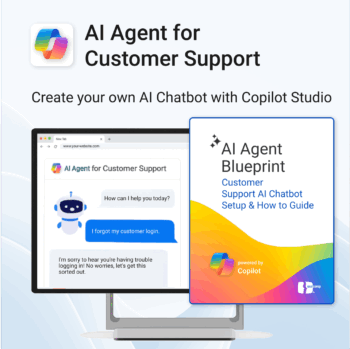
Build and launch a Copilot-powered customer support chatbot — without the guesswork.
-
- Includes conversation templates and flow examples for support scenarios
- Reduces support tickets through automation and self-service
- Works natively with Microsoft 365, Copilot Studio & Power Platform
- Deployable on your website — no coding required
- Built-in best practices to minimize setup time and maximize value
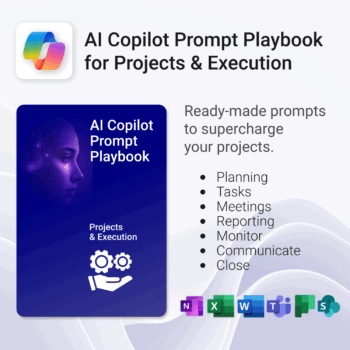
Get 30 proven Copilot prompts designed to supercharge your projects inside Microsoft 365.
-
- Covers daily planning, email, meetings, task tracking, productivity, and knowledge workflows.
- No guesswork — just copy, paste, and run inside Copilot.
- Includes example outputs and app-specific usage tips.
- Perfect for individuals, teams, and managers.
- Based on real-world Microsoft 365 use cases.
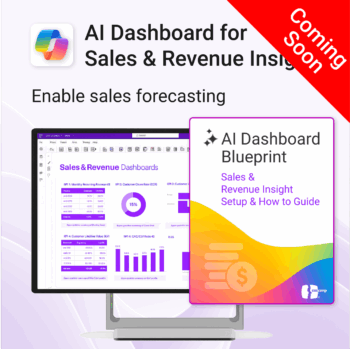
Drive predictable revenue with clear visibility into sales performance.
-
- Built for sales ops, revenue leads, and growth teams.
- AI-ready metrics for forecasting and deal analysis.
- Track trends in churn, CAC, MRR, and CLTV.
- Plug into Power BI Desktop – no dev work needed.
- Refine performance by pipeline stage, region, or rep.
Out of stock
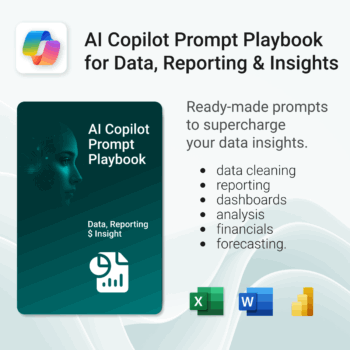
Get 30 proven Copilot prompts designed to supercharge your data, reporting, and insights inside Microsoft 365.
-
- Covers data cleaning, reporting, dashboards, analysis, financials, and forecasting.
- No guesswork — just copy, paste, and run inside Copilot.
- Includes example outputs and app-specific usage tips.
- Perfect for analysts, finance teams, and managers.
- Based on real-world Microsoft 365 and Power BI use cases.
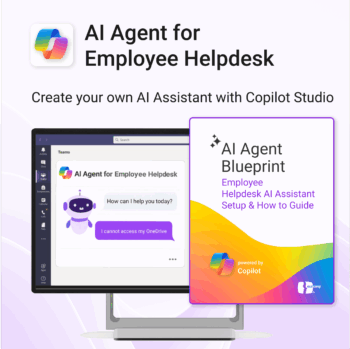
Launch your own AI-powered employee assistant in Microsoft Teams or SharePoint — no dev team required.
-
- Includes trigger/response templates for IT, HR, and general helpdesk support
- Streamlines deployment with Power Automate & Copilot Studio
- Deployable internally in Microsoft Teams or embedded in SharePoint
- Governance and monitoring framework included
- Created for operations, HR, IT and digital workplace teams
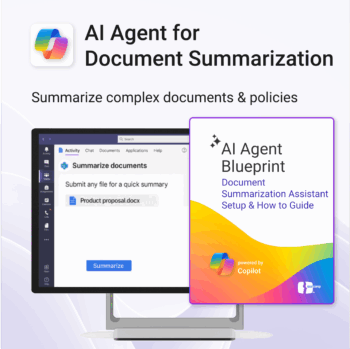
Build your own document summarization assistant using Microsoft 365 and Copilot Studio.
-
- Works across Teams, SharePoint, Outlook, and internal docs.
- No coding or AI experience needed — fully guided process.
- Based on real-world Copilot Studio use cases.
- Ready to customize for any department or team.
- Includes examples, flows, prompts, and escalation logic.
Get 30 proven Copilot prompts designed to supercharge your knowledge workflows inside Microsoft 365.
-
- Covers knowledge capture, SOPs, research summaries, collaboration, and organisation.
- No guesswork — just copy, paste, and run inside Copilot.
- Includes example outputs and app-specific usage tips.
- Perfect for individuals, teams, and knowledge managers.
- Based on real-world Microsoft 365 use cases.