
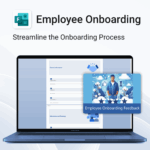
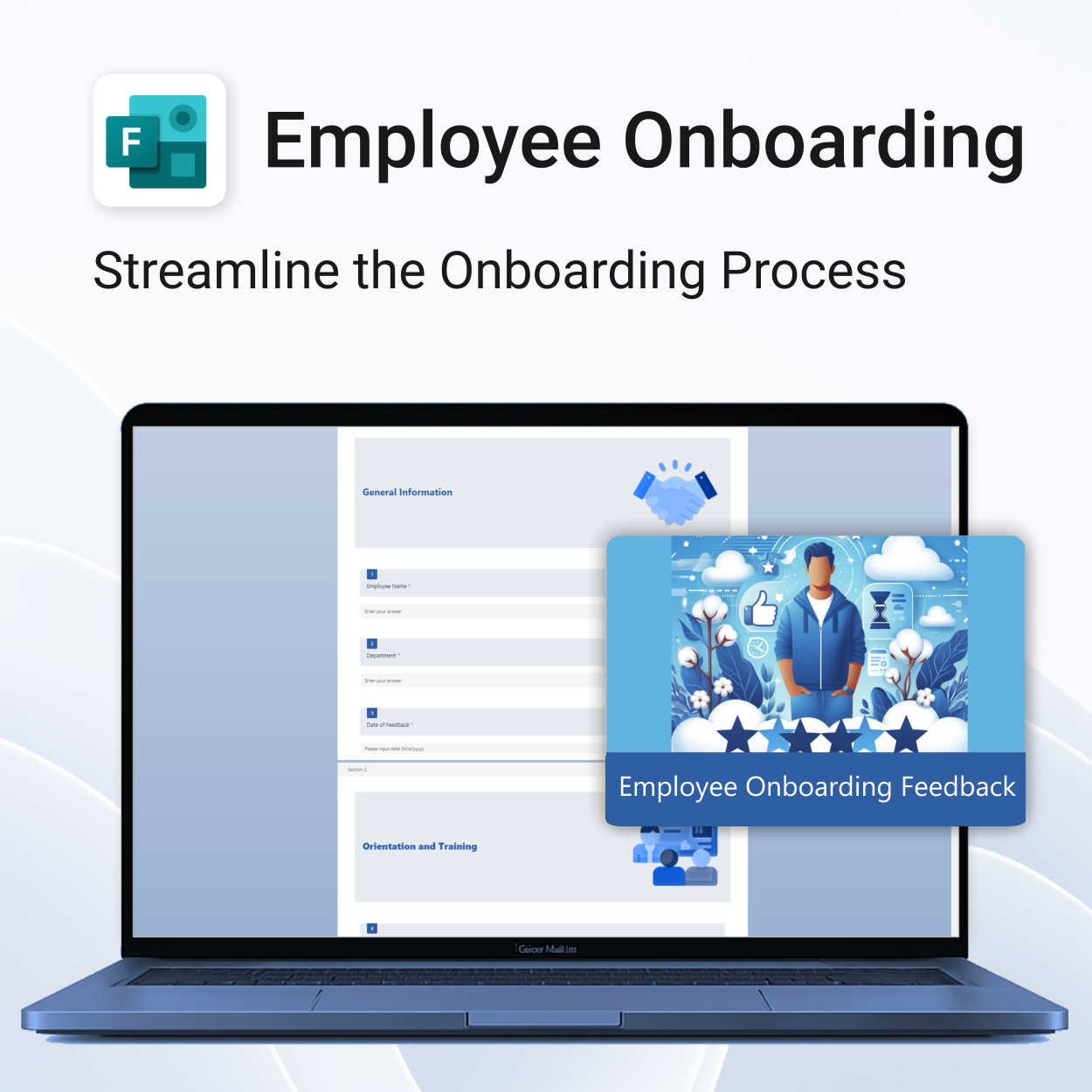
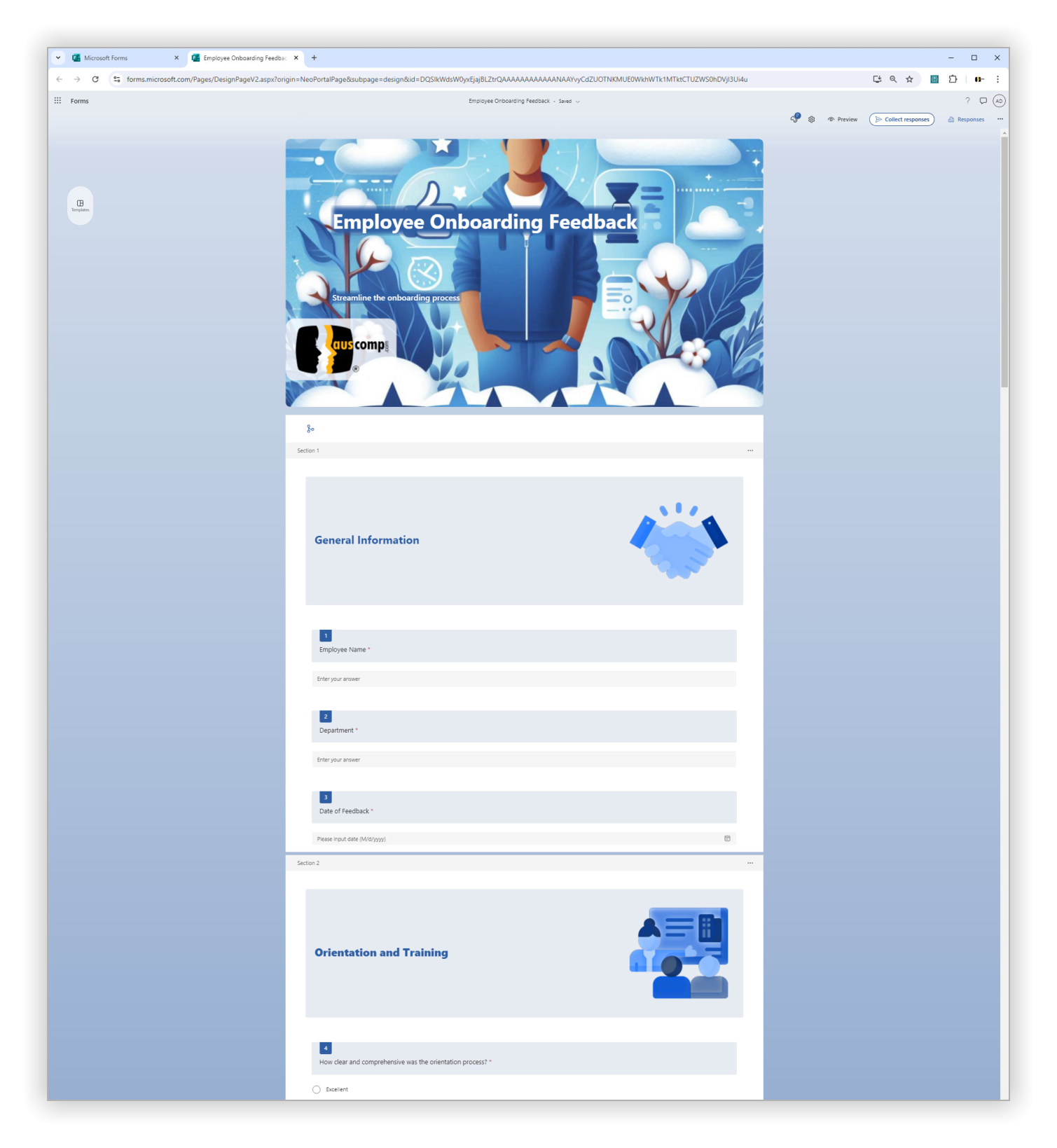
Employee Onboarding Feedback for MS Forms

$29.95
Set new hires up for success.
-
- Get structured feedback from day one
- Identify onboarding gaps with ease
- Boost retention with better training insights
- Empower HR teams with real-time data
- No logins or tech setup needed — it just works
Employee Onboarding Feedback – Streamline New Hire Success with MS Forms
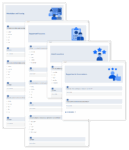
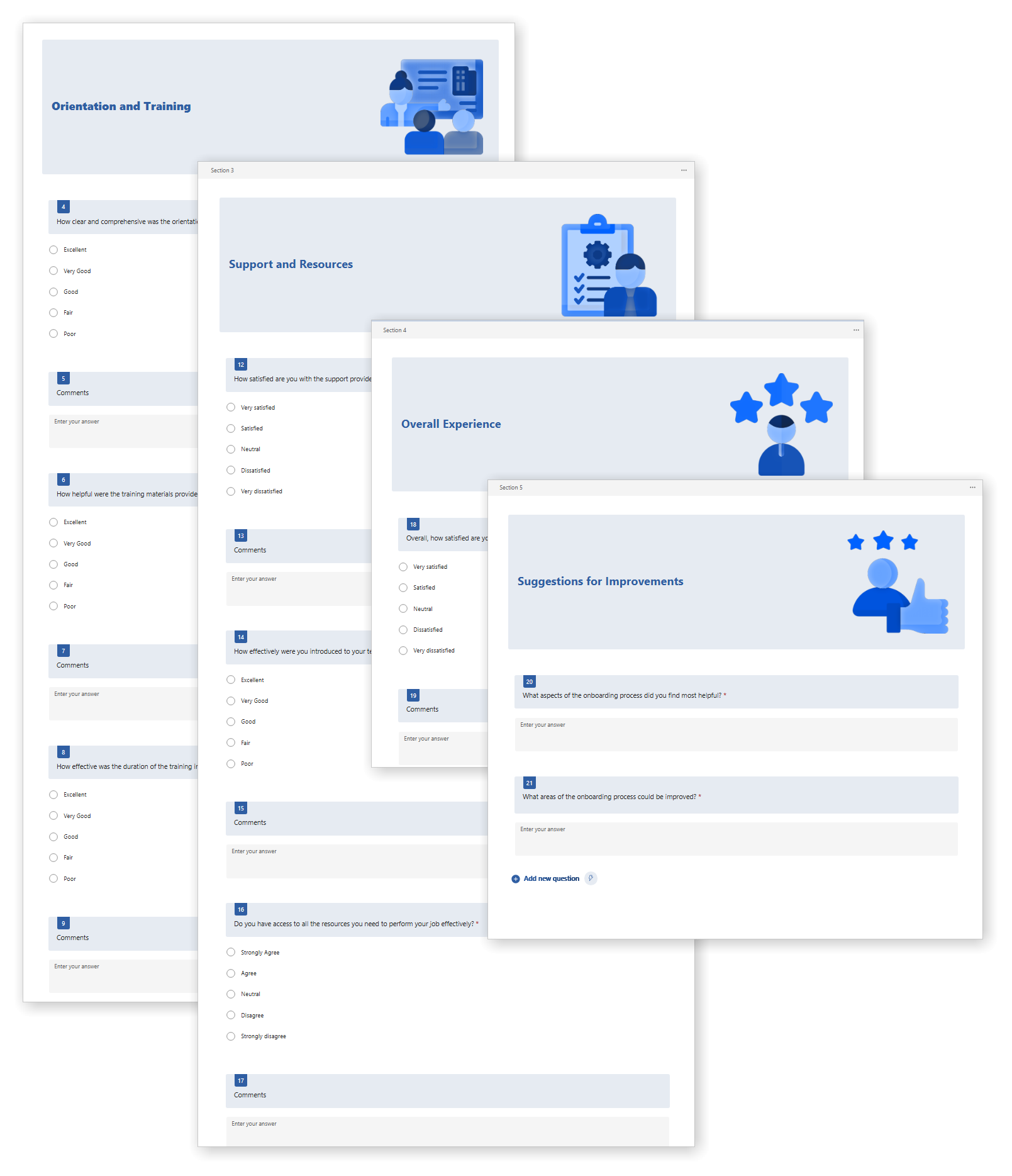
Our Employee Onboarding Feedback Template for MS Forms helps you collect structured insights from new hires—ensuring they get the support, training, and resources they need to thrive.
Employee Onboarding Feedback Template is easy to install and includes the following:
| License Type | Professional/Freelancer (1 User), Business (Up to 25 Users) |
|---|
 ChatGPT
 OneNote
 FREE
FREE MS Project
 MS Forms
 MS Lists
 Outlook
 Excel
Excel Bonus
Bonus Copilot
 MS Teams
 Power BI
Related Products
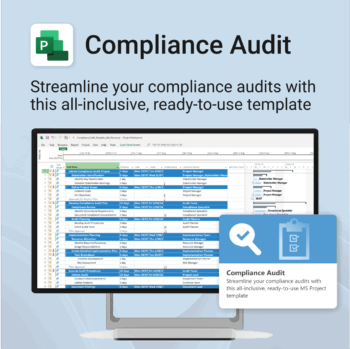
Make audit readiness part of your project workflow — not a last-minute scramble.
-
- Everything structured — from audit scope to implementation follow-up.
- Built for Microsoft Project — no steep learning curve.
- Ensures clear documentation and accountability across your audit team.
- Perfect for internal, external, and compliance-driven audits.
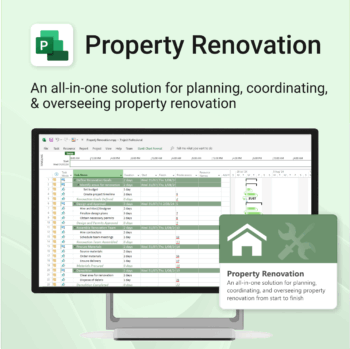
Renovate with confidence — built for project managers, homeowners, and builders alike.
-
- Manage budgets, teams, tasks, and timelines all in MS Project.
- Built-in flow from design to demolition to final inspection.
- Perfect for homeowners, contractors, and renovation planners.
- Customizable for any property type or scope.
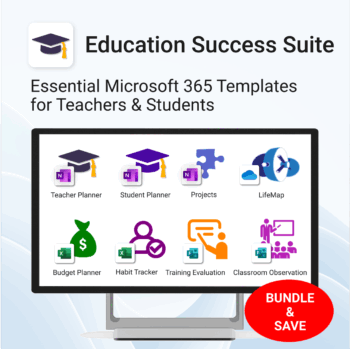
Essential Microsoft 365 templates for teachers & students — plan smarter, teach better, and track progress with ease.
- All-in-one bundle: 8 ready-to-use education tools for planning, tracking & classroom management.
- Includes: Teacher & Student Planners, LifeMap, Budget & Habit Trackers, Projects, Training & Observation templates.
- Perfect for: educators, students, and schools using Microsoft 365, OneNote, Excel & Forms.
- Easy setup: plug-and-play templates with step-by-step guides.
- Get 8 tools for the price of 5 — built to simplify teaching and learning.
Trusted by teachers and students worldwide to stay organized, motivated, and ahead of schedule.
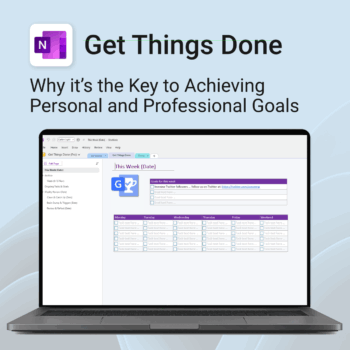
Get Things Done — right inside OneNote. Capture, organise and review with a clear weekly rhythm.
- GTD in OneNote: Inboxes, Projects, Next Actions, and a Weekly Review that sticks.
- Structured yet flexible: Brain dump & triggers, project pages, and “This Week” focus.
- Fast setup: One-click notebook + quick-start guide — be productive in minutes.
- Works where you work: OneNote on Windows, Mac & Web — great with Teams/SharePoint.
Perfect for personal and professional life — students, freelancers, and busy teams in Microsoft 365.
Join thousands of OneNote users who’ve built consistent weekly planning habits with GTD.
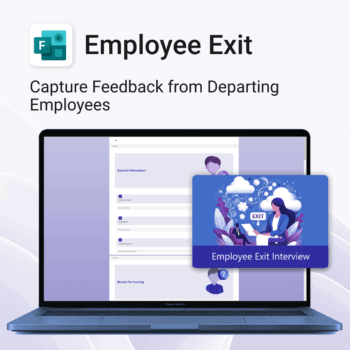
Be informed. Improve offboarding with actionable data.
-
- Capture consistent and meaningful exit feedback
- Identify reasons for attrition and patterns
- Use real data to improve employee experience
- Support leadership with clear offboarding insights
- Quick to implement and easy to use
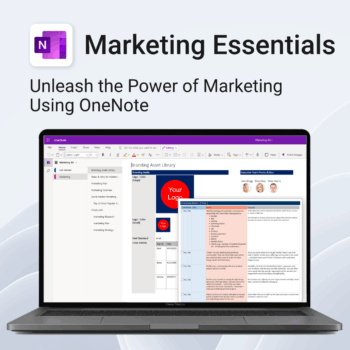
Be more strategic. Stay organized. Grow faster.
-
- Centralize your branding & strategy in one place
- Plan & execute campaigns with ready-made checklists
- Visualize your marketing schedule across platforms
- Perfect for solopreneurs, startups & small teams
- No new apps — just OneNote
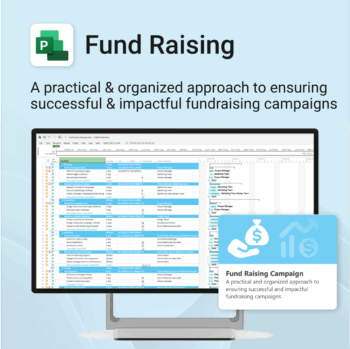
Build momentum, raise funds, and keep your campaign on track — all in MS Project.
-
- Plan, launch, and manage every aspect of your fundraising campaign.
- Built-in timelines, templates, and workflows for maximum efficiency.
- Fully editable in MS Project — no steep learning curve.
- Perfect for nonprofits, schools, causes, and community initiatives.
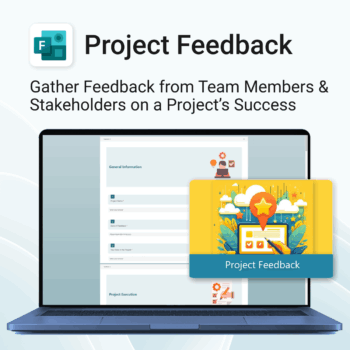
Get actionable insights. Improve every project.
-
- Instant setup with 1-click import
- Tailored feedback from all project participants
- Structured sections for easy analysis
- Open-ended suggestions for continuous improvement
- Professional layout ready for internal and client use
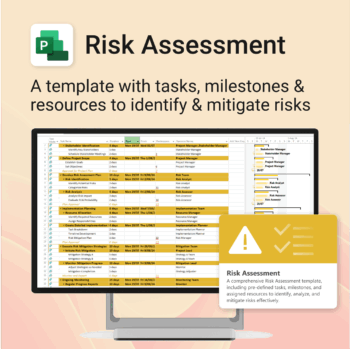
Master risk management — from early identification to confident mitigation.
-
- Eliminates guesswork — structured for real-world risk planning.
- Built to work perfectly in MS Project — no learning curve.
- Easy to update — keep your risk register live and relevant.
- Ideal for teams managing safety, compliance, or project uncertainty.
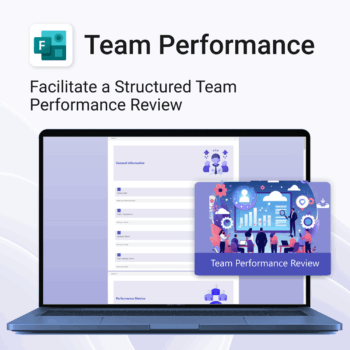
Unlock team potential. Save time & boost outcomes.
-
- Standardized reviews across departments and roles
- Empowers clear feedback and goal-setting
- No more spreadsheets—run reviews from MS Forms
- Designed for clarity, efficiency, and remote collaboration
- Easy to roll out across large or small teams
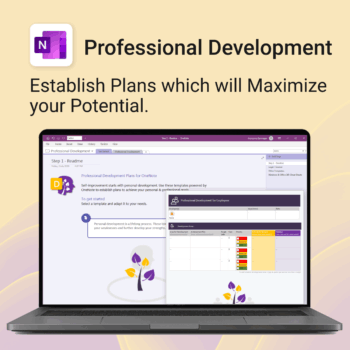
Grow with confidence. Track your progress. Achieve your goals.
- Start fast with guided templates and expert structure
- Track skills, goals, and leadership development in one place
- Adaptable for individuals, teams, or HR managers
- Simple enough for beginners, powerful enough for pros
- Always accessible inside OneNote on any device
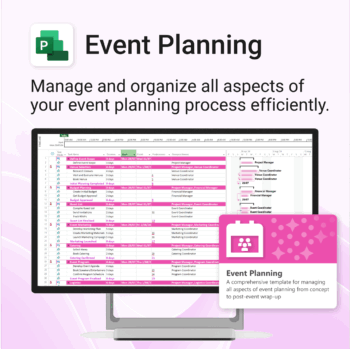


Manage &organize all aspects of your event planning.
-
- Crystal-clear timelines — no clutter, no chaos.
- Built for MS Project — plan every detail with ease.
- Drag, drop, done — effortless task tracking.
- Syncs anywhere — stay on top from any device.